
Creality Otter 3D scanner button replacement
Print Profile(1)
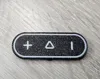
Description
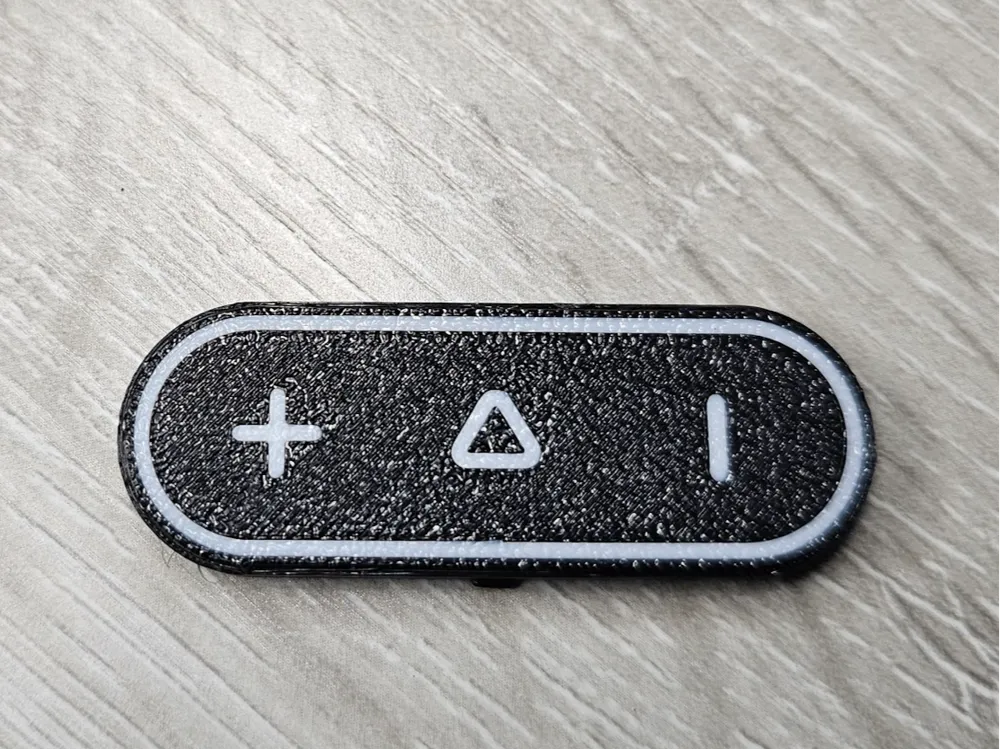
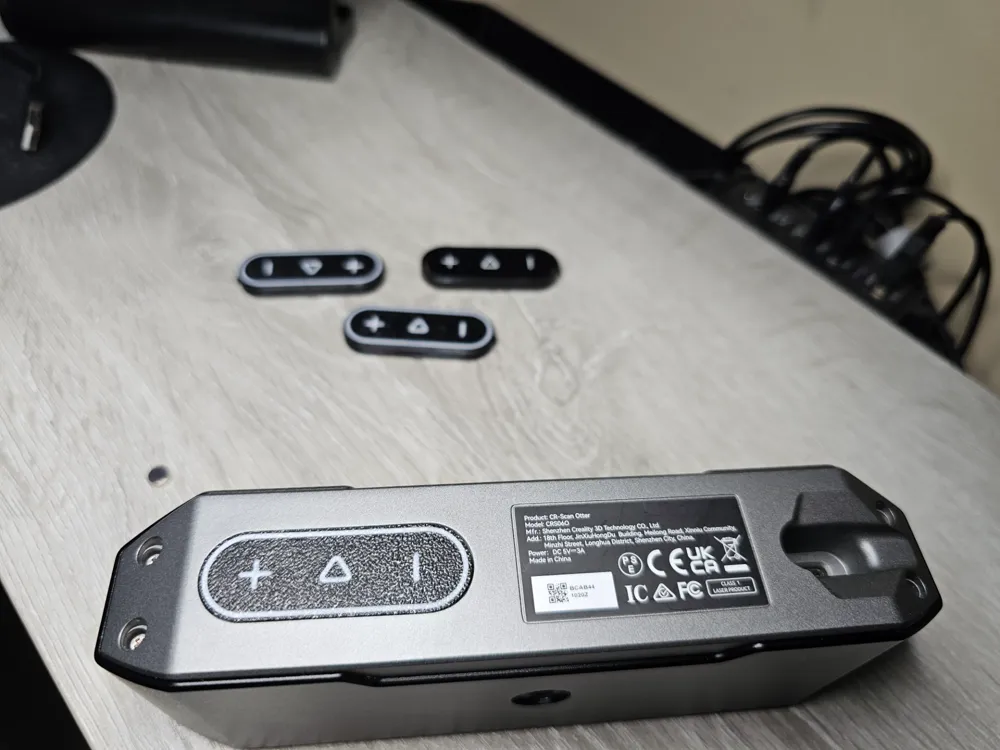
So the Creality Scan Otter is a great scanner, but it has horrible capacitive touch button to start/stop the scanner. I've had two units and both were not responsive and did not work when I needed them to. Soo I took the unit apart to investigate and found no obvious issues. I decided the reverse engineer the button housing but with thinner plastic over the button touch area, and like magic they now work perfectly!
Video of unit function with new button housing
https://photos.app.goo.gl/b8MkHE79eD7FkX1e6
Disclaimer! I'm not posting a DIY here for opening your unit. Open at your own risk as it voids the warranty! Be careful when opening the unit not to rip the ribbon cable! The original button housing is held onto the PCB with adhesive tape so gently pry the button PCB up around the edges to remove the housing and replace with mine.
License



Comment & Rating (14)