
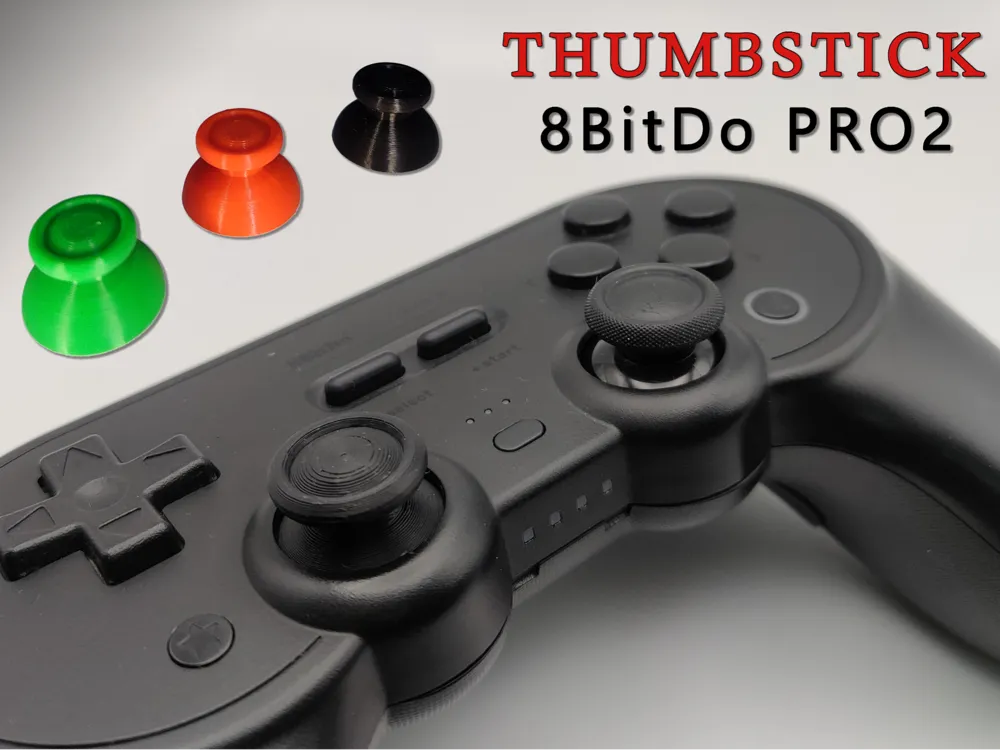
Thumbstick 8BitDo Pro2
Print Profile(4)



Description
Boost Me (for free)
A little Boost is always welcome: it gives a boost to new projects! But if you can't even just a Like, or better yet a Follow, really makes a difference. Thank you so much for your support!
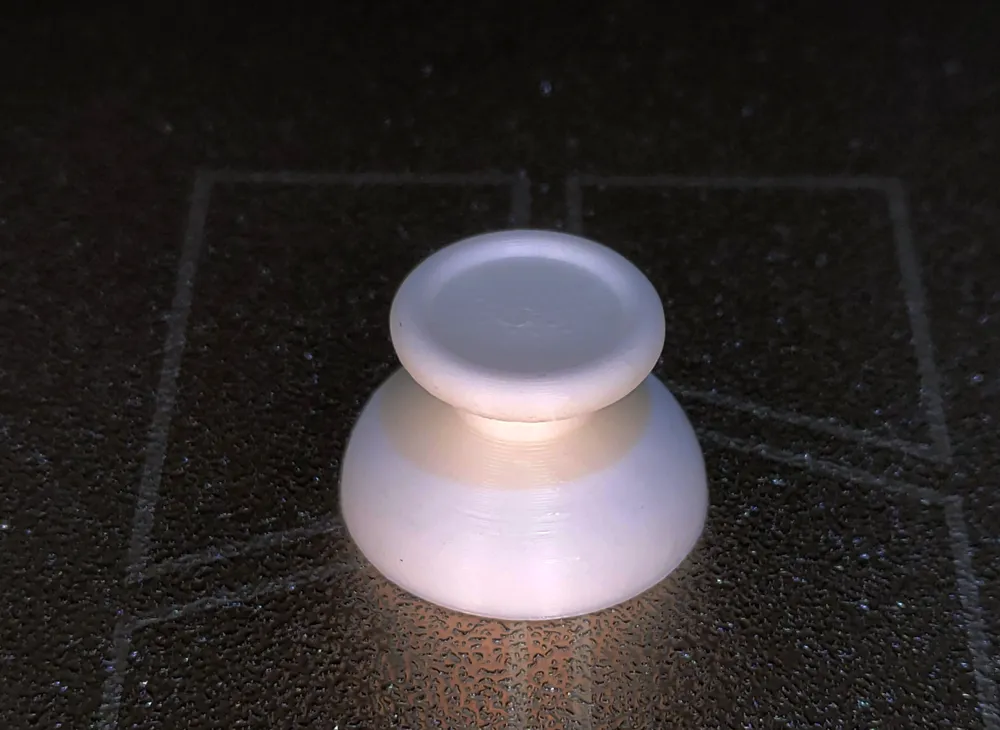
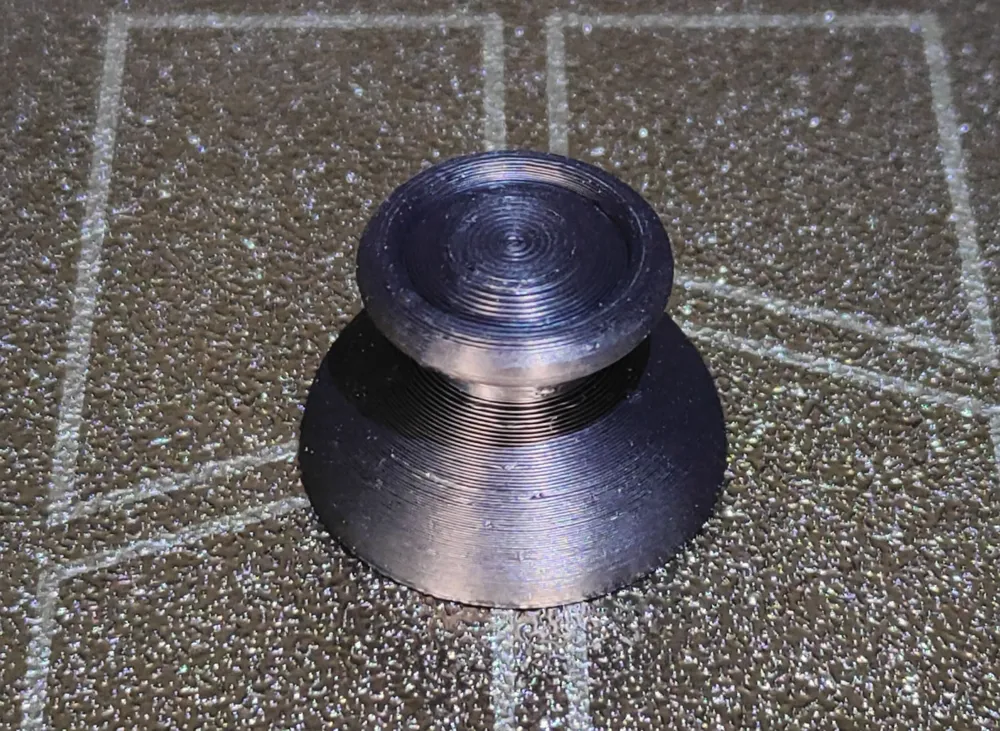
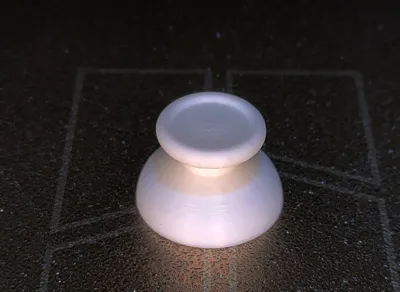
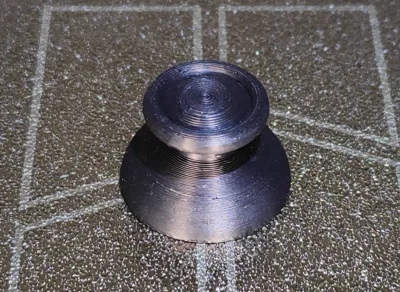
Created out of necessity after my son smashed the original one. I took the opportunity to make two models; one similar to the original and another with a concave base. They are adapted for the 8BitDo PRO2 gamepad but I think it will also work for other gamepad models.
Gamepad disassembly instructions:
- Open the battery door on the bottom of the gamepad;
- Remove the battery (snap-on);
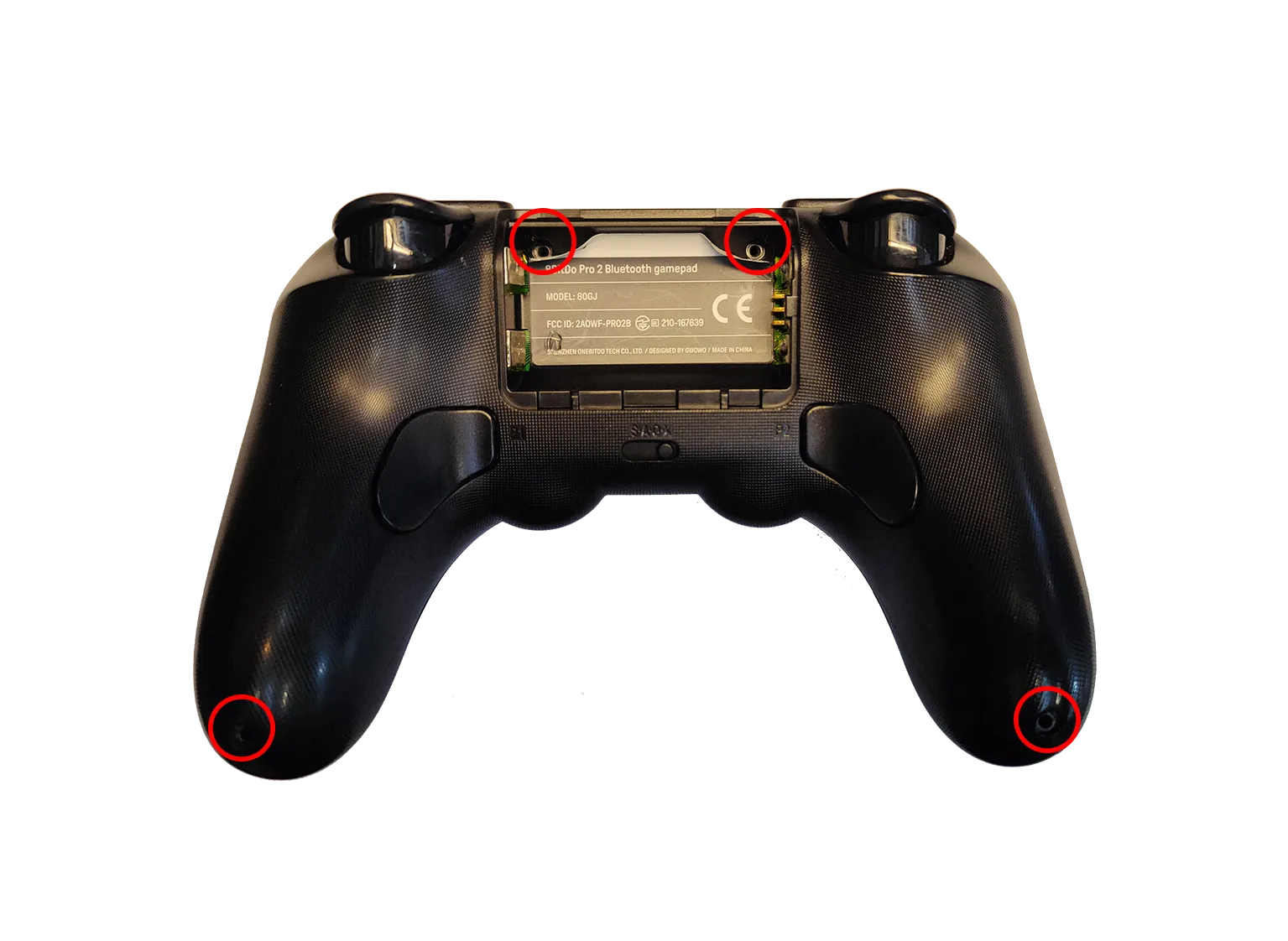
- Unscrew the 4 Torx screws as shown in the photo;
- Unlock the top cover from the bottom cover with an iFixit-type tool.
To replace the thumbsticks you do not need to disconnect any connectors.
License

You shall not share, sub-license, sell, rent, host, transfer, or distribute in any way the digital or 3D printed versions of this object, nor any other derivative work of this object in its digital or physical format (including - but not limited to - remixes of this object, and hosting on other digital platforms). The objects may not be used without permission in any way whatsoever in which you charge money, or collect fees.


Comment & Rating (25)