
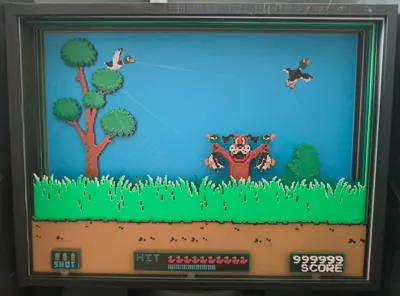
Duck Hunt Shadowbox

Print Profile(3)

![[A1 Mini profile] 0.08mm layer, 2 walls, 15% infill](https://makerworld.bblmw.com/makerworld/model/USa420ae6a630545/120024891/instance/2024-09-05_9bdb5c35b49e1.jpg?x-oss-process=image%2Fresize%2Cw_100%2Fformat%2Cwebp)
Description
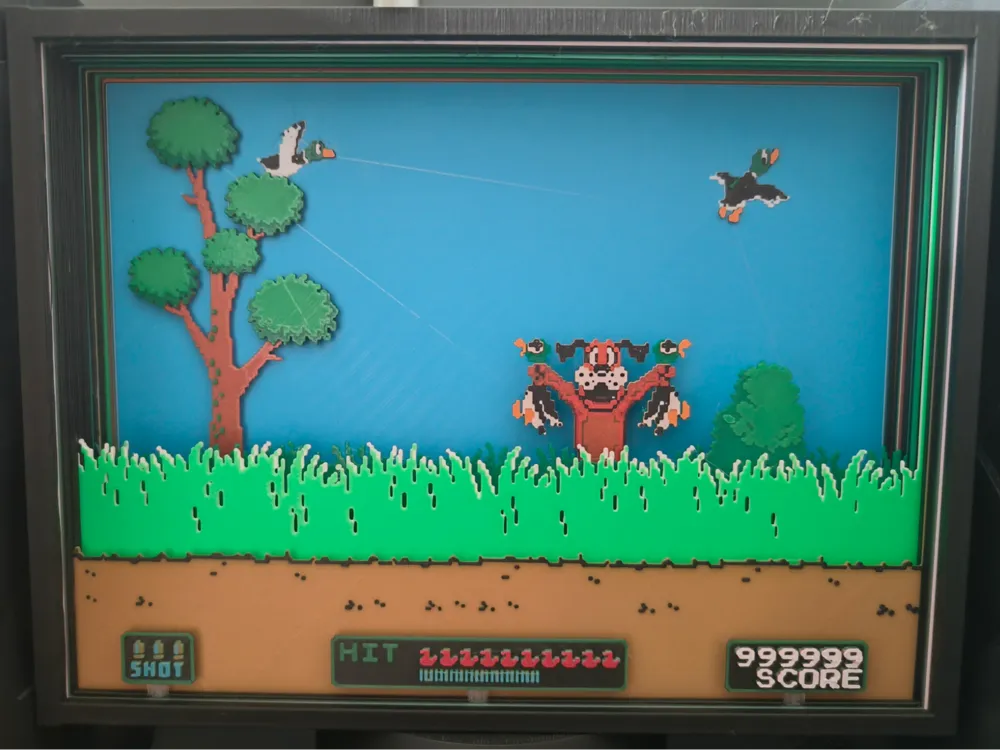
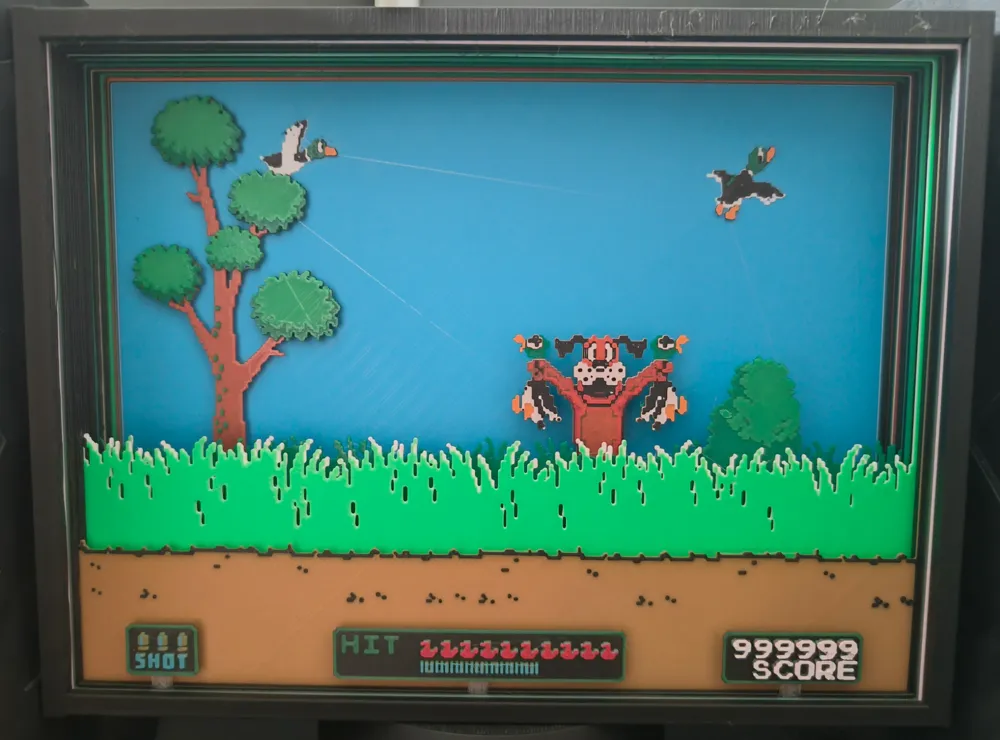
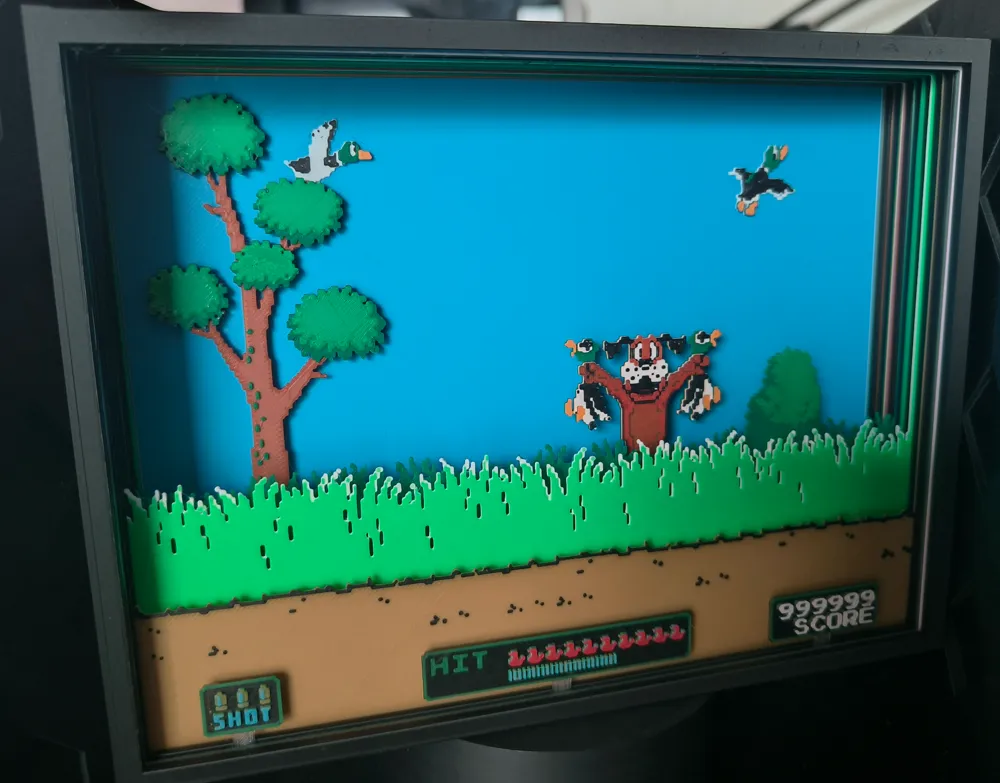
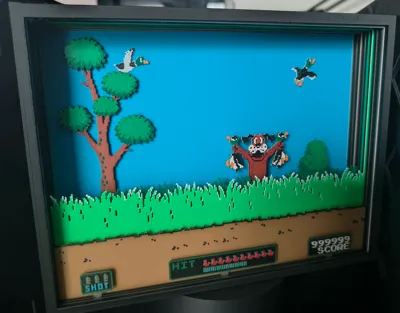
Hello, here is a shadowbox of the famous video game “Duck Hunt”!
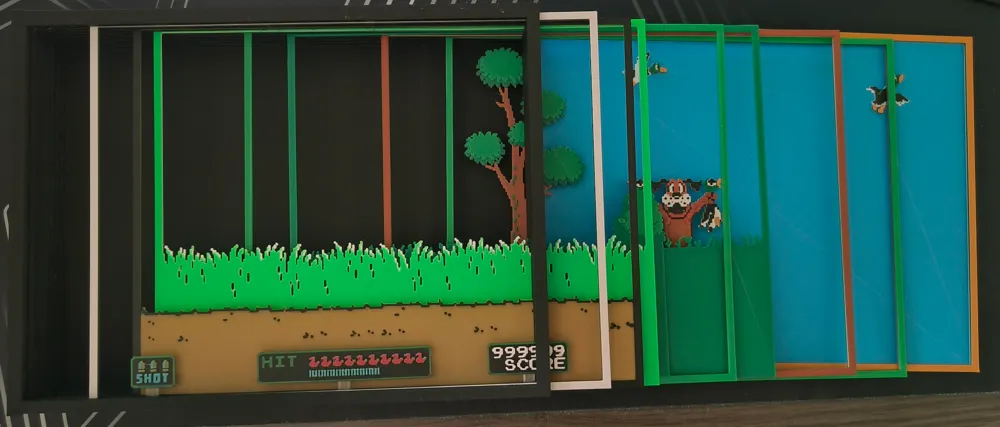
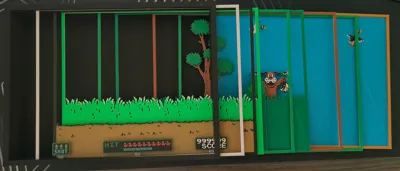
It is composed of 8 layers, to be inserted in a case from the right side.
Each layer was created in HueForge.
/!\ The magenta filament in the .3mf file is supposed to be transparent PLA, like "PLA PolyLite Natural ".
It is used to hold the UI elements on the Slide0. You may replace it with the filament used for Slide1 or any other transparent filament.
05/09/24 : I uploaded raw files meant for A1 mini if you want to give it a give, using the same instructions as below.
Here are the filaments used to create this :
PLA BambuLab Matte Ivory White Transmission Distance: 3.4
PLA BambuLab Basic BambuLab Green Transmission Distance: 2.1
PLA BambuLab Matte Charcoal Transmission Distance: 0.1
PLA BambuLab Basic Cyan Transmission Distance: 1.7
PLA BambuLab Basic Brown Transmission Distance: 1.4
PLA BambuLab Basic Mistletoe Green Transmission Distance: 5
PLA BambuLab Basic Orange Transmission Distance: 5.4
PLA BambuLab Matte Mandarin Orange Transmission Distance: 2.9
PLA PolyTerra Army Red Transmission Distance: 0.3
PLA PolyLite Natural Transmission Distance: 21
PLA Forshape Coffee Transmission Distance: 2.7
If you want manual configuration instead of using the print profile/3mf, here are the info :
Global instructions :
Print at 100% infill with a layer height of 0.08mm with a base layer of 0.16mm
You may print at higher layer heights below the Min Depth of 0.64mm
Slide0:
Start with Coffee
At layer #8 (0.72mm) swap to Charcoal for the rest.
Slide1:
Start with Natural
At layer #8 (0.72mm) swap to Charcoal
At layer #9 (0.8mm) swap to BambuLab Green
At layer #12 (1.04mm) swap to Coffee
At layer #16 (1.36mm) swap to Cyan
At layer #19 (1.6mm) swap to Army Red
At layer #20 (1.68mm) swap to Ivory White for the rest.
Slide2:
Start with Ivory White
At layer #8 (0.72mm) swap to BambuLab Green for the rest.
Slide3:
Start with Mistletoe Green
At layer #8 (0.72mm) swap to BambuLab Green for the rest.
Slide4:
Start with Mistletoe Green
Slide5:
Start with Mistletoe Green
At layer #8 (0.72mm) swap to Mandarin Orange
At layer #12 (1.04mm) swap to Ivory White
At layer #17 (1.44mm) swap to Charcoal
At layer #18 (1.52mm) swap to Army Red
At layer #19 (1.6mm) swap to Orange for the rest.
Slide6:
Start with Army Red
At layer #8 (0.72mm) swap to Mistletoe Green
At layer #15 (1.28mm) swap to BambuLab Green for the rest.
Slide7:
Start with Cyan
At layer #8 (0.72mm) swap to Ivory White
At layer #13 (1.12mm) swap to Charcoal
At layer #14 (1.2mm) swap to Mistletoe Green
At layer #21 (1.76mm) swap to Mandarin Orange for the rest.
Happy printing !
License

You shall not share, sub-license, sell, rent, host, transfer, or distribute in any way the digital or 3D printed versions of this object, nor any other derivative work of this object in its digital or physical format (including - but not limited to - remixes of this object, and hosting on other digital platforms). The objects may not be used without permission in any way whatsoever in which you charge money, or collect fees.


Comment & Rating (23)