
Name Tag - Gatorade Sports Bottle

Print Profile(5)


Description
July 7, 2026 UPDATE: NEW Version alowing more adjustments and presets for different bottles
https://makerworld.com/en/models/3024905-parametric-sports-bottle-name-tag#profileId-3399046
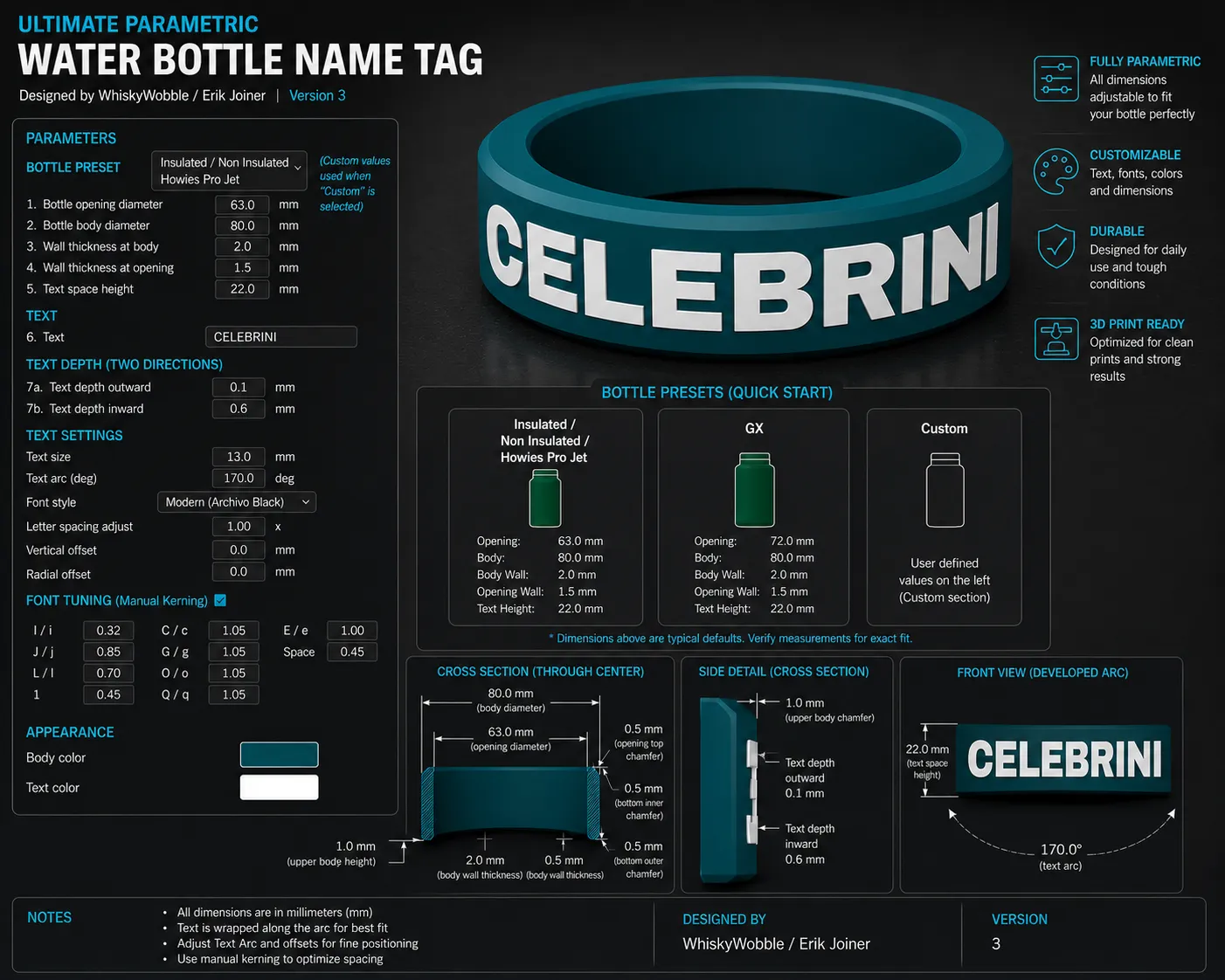
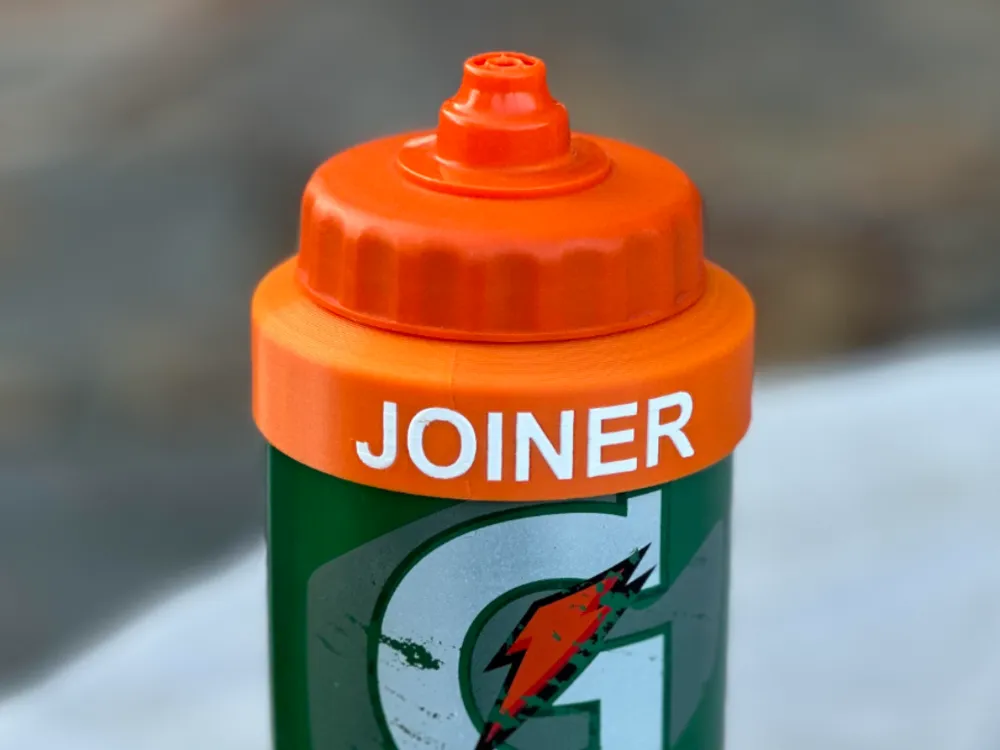
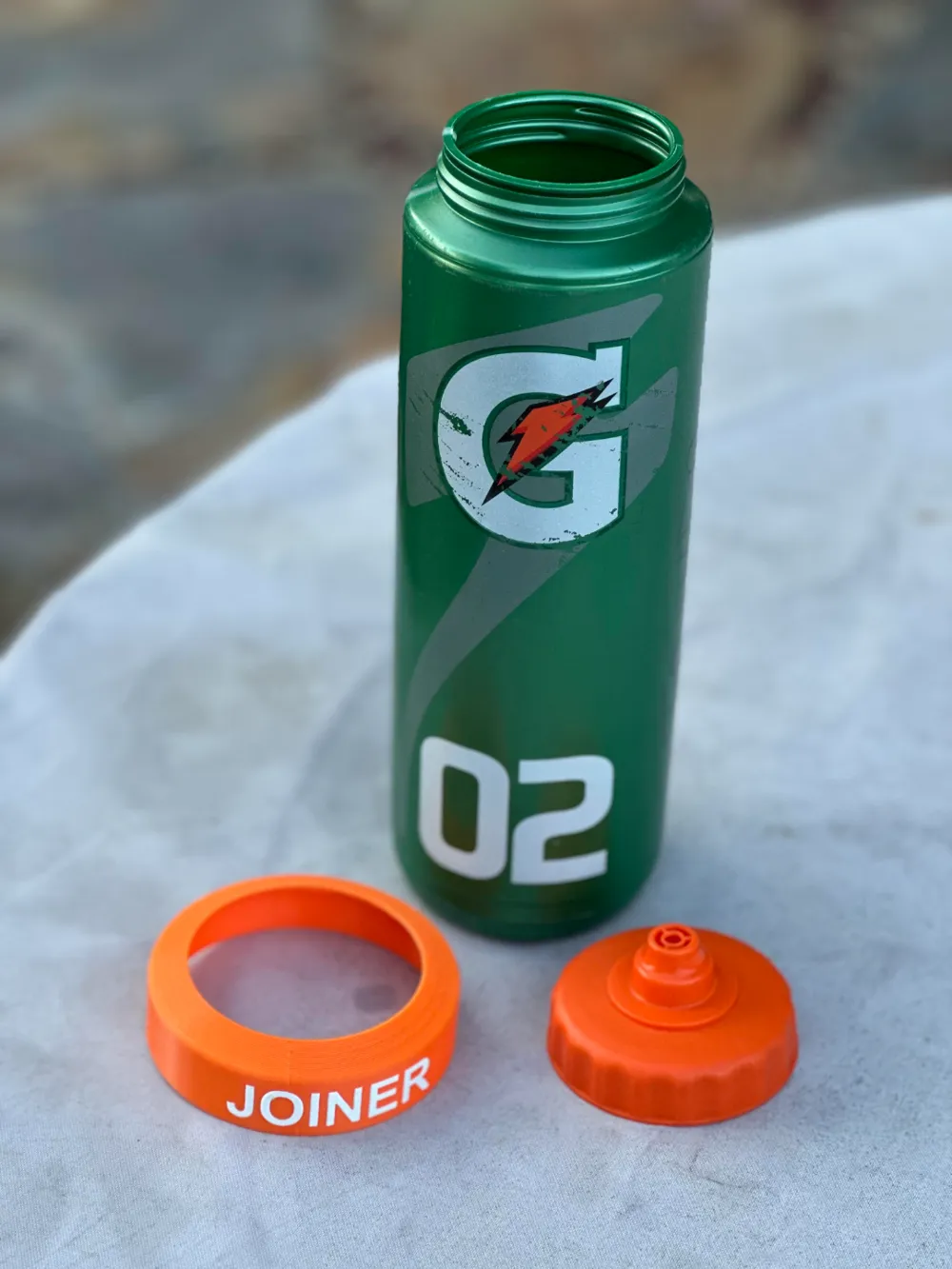
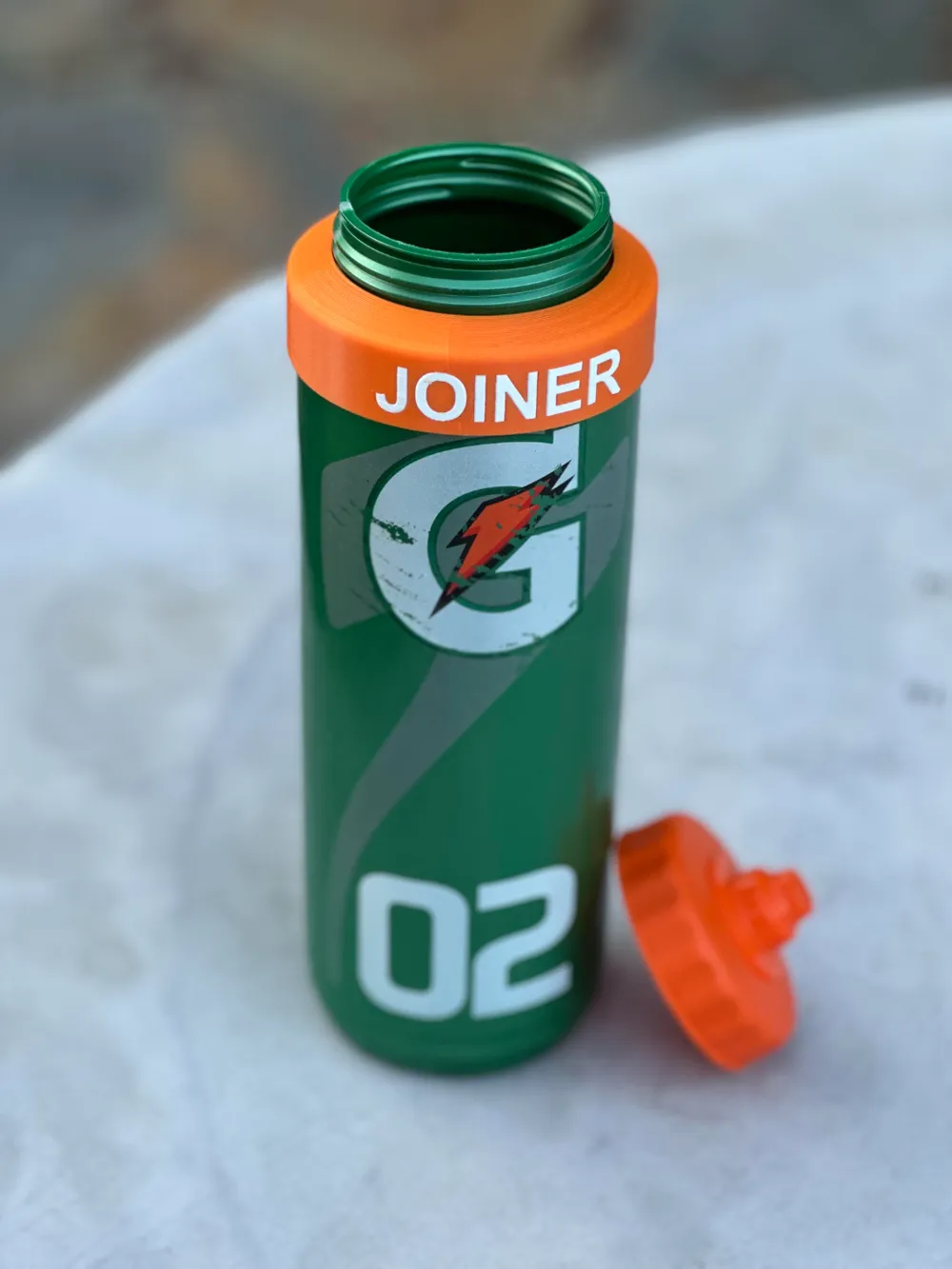
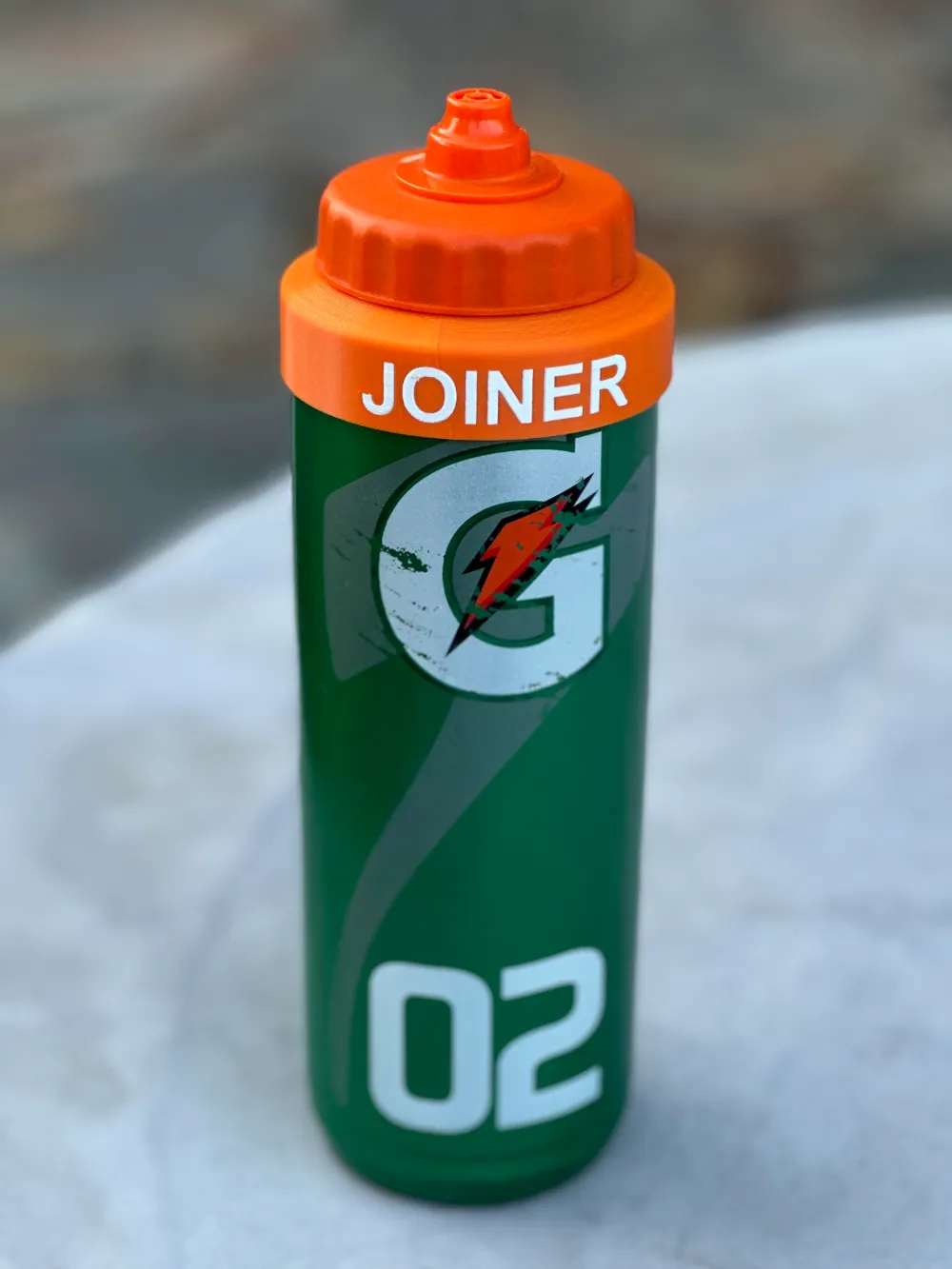
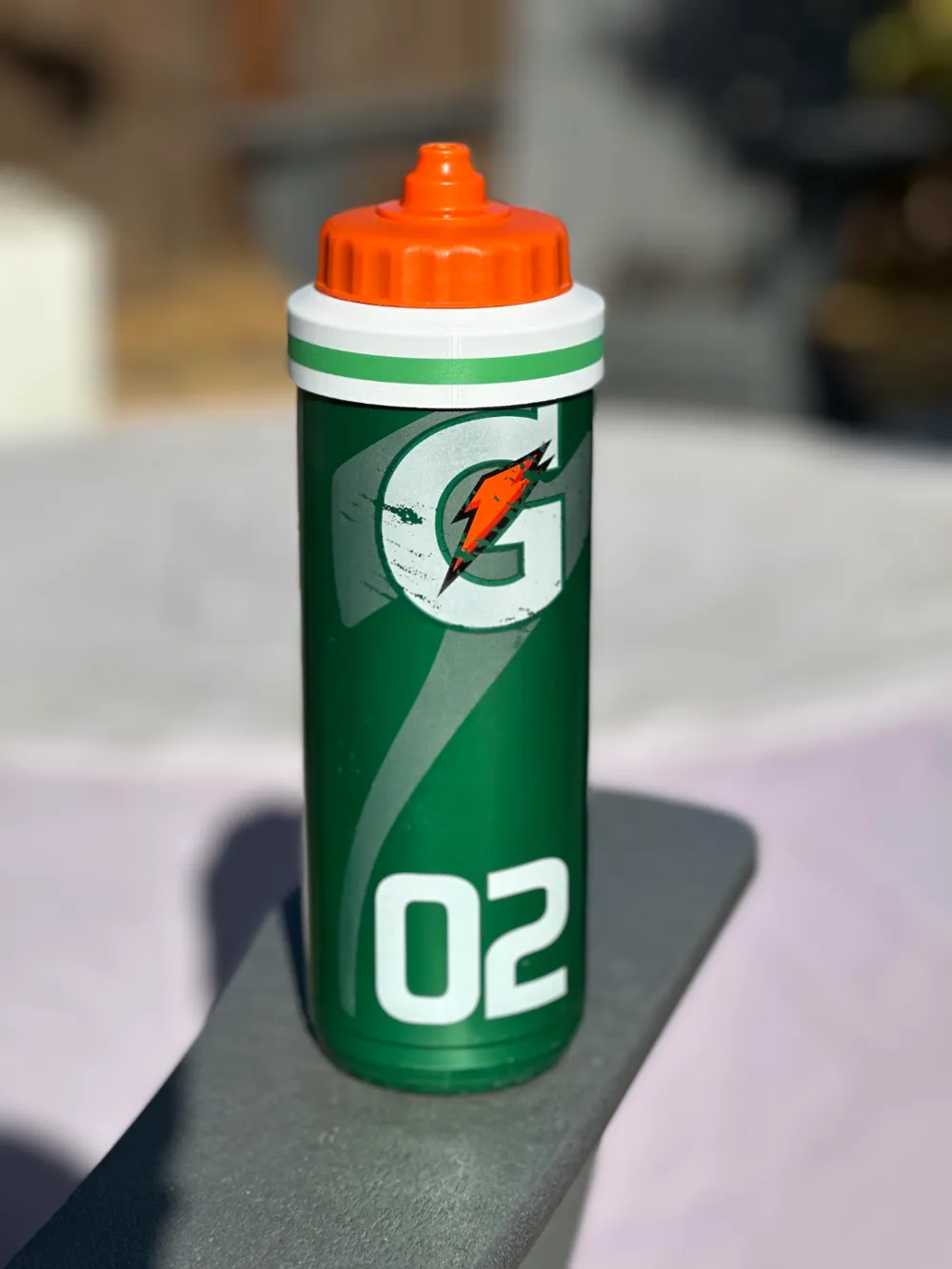
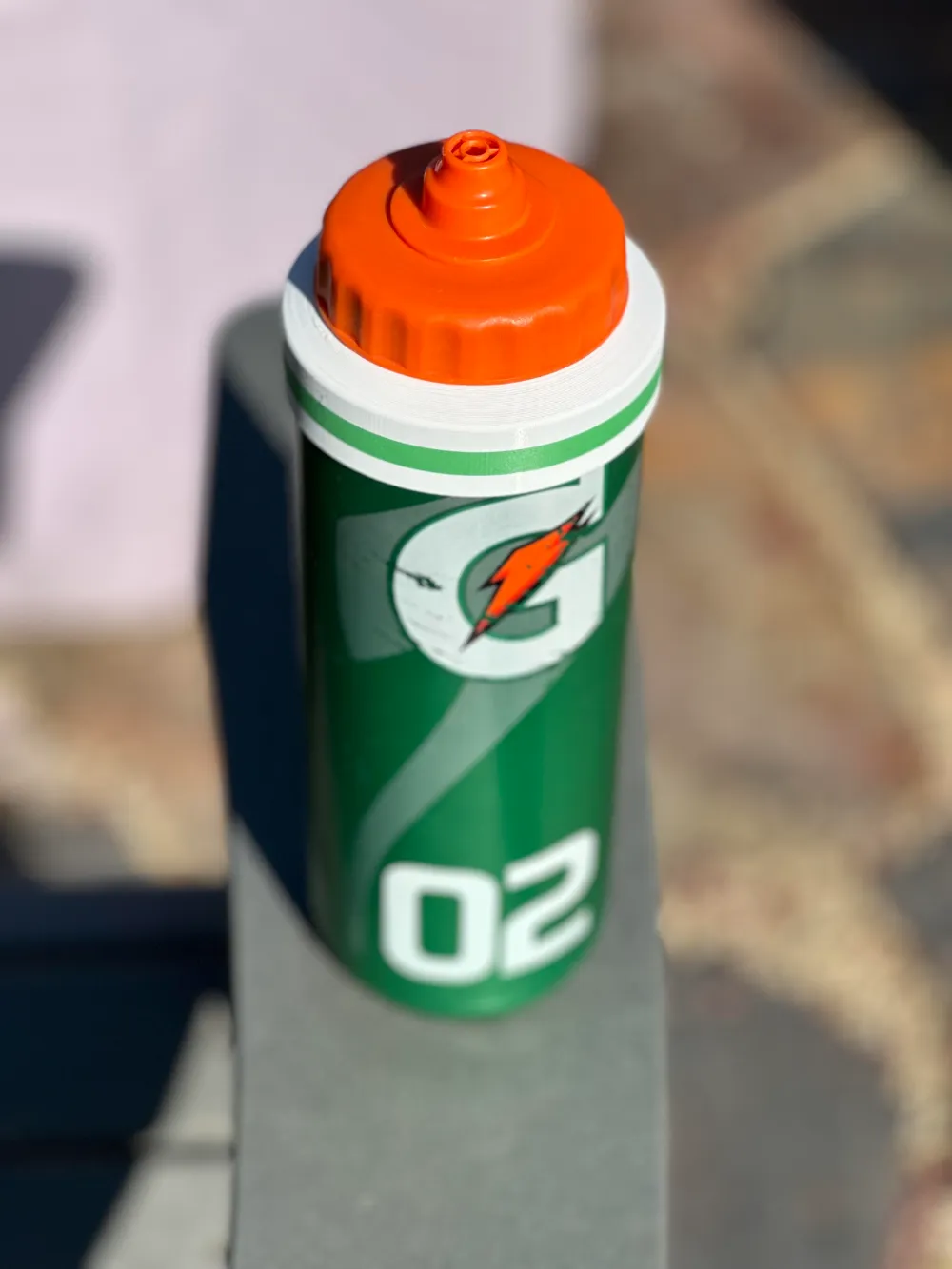
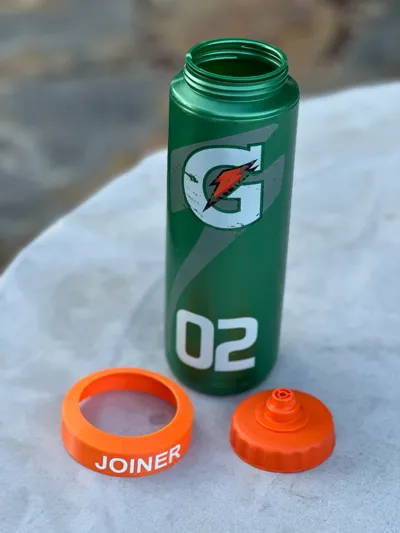
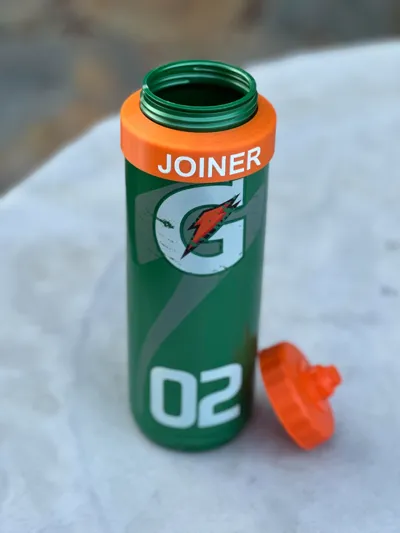
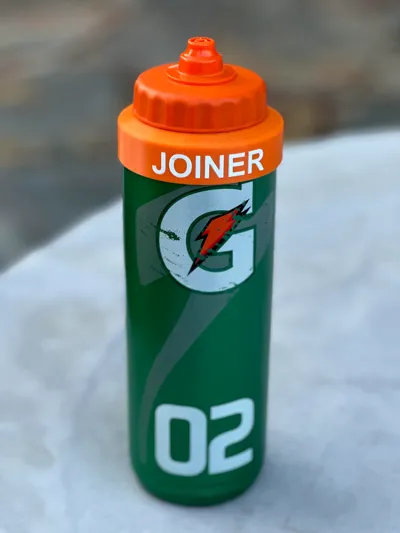
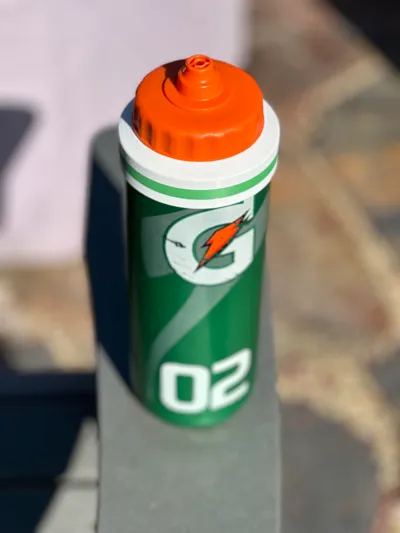
If you have ever played hockey and had your water bottle on the bench with five others that look the exact same, you want to make sure your water easily identifiable. I created this because sharpie's wear off too quickly and wanted something that would be identifiable but not in the way and be taken off when I wash the bottle.
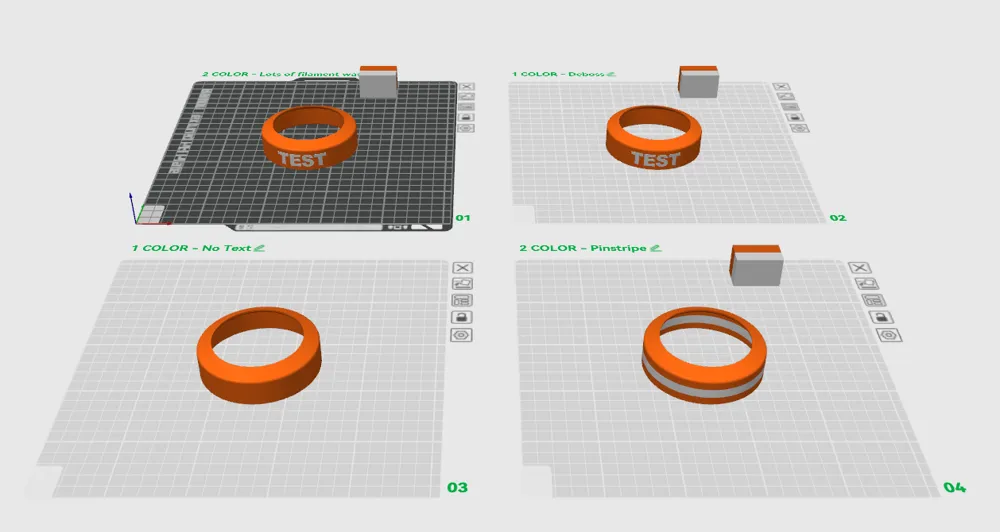
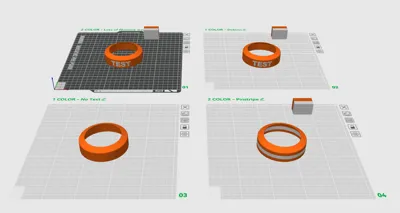
There are 4 files dependent on how you like to print.
- 2 Color - Love the look of this BUT wastes a ton of filament
- 1 Color - Debossed you have to do a bit more work to this one but its pretty easy
- 1 Color - No text just easy simple one-color print
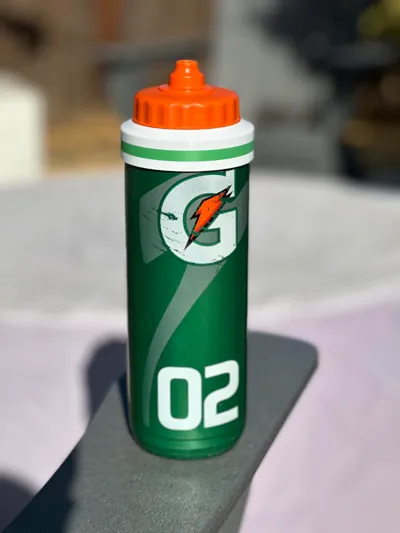
- 2 Color - Has a pinstripe of color down the middle to add a little flare or incorporate the team colors
HOW to Edit the TEXT?
- Right Click on “change text here” global layer
- Select “Edit Text”
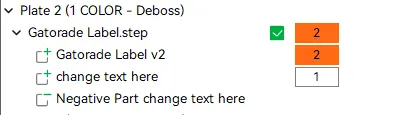
How to EDIT the Deboss Plate?
- Start by deleting the layer called “negative part change text here”
- Edit the text same as above
- Once text is final copy that layer by selecting it and CTRL-C (copy) then CTRL-V (paste)
then right click the new layer just created and select “Change Type” then a box will come up and select “Negative Part”
EDIT May 26, 2025 --------------------------------------------------------------------------------------------------------------------------
Added 2 new print profiles. Both print upside-down so no supports needed.
- New GX bottle
- New Insulated and Curvy Green Gatorade Bottles
EDIT October 4, 2025 ------------------------------------------------------------------------------------------------------------------------
On the original file the text editing feature broke withing the newest version of BambuLabs Studio so I updated the file to ensure it works properly.
License

You shall not share, sub-license, sell, rent, host, transfer, or distribute in any way the digital or 3D printed versions of this object, nor any other derivative work of this object in its digital or physical format (including - but not limited to - remixes of this object, and hosting on other digital platforms). The objects may not be used without permission in any way whatsoever in which you charge money, or collect fees.


Comment & Rating (123)