
mooncake clicker fidget - Mid-Autumn Mooncake Button Fidget
Print Profile(4)


Description
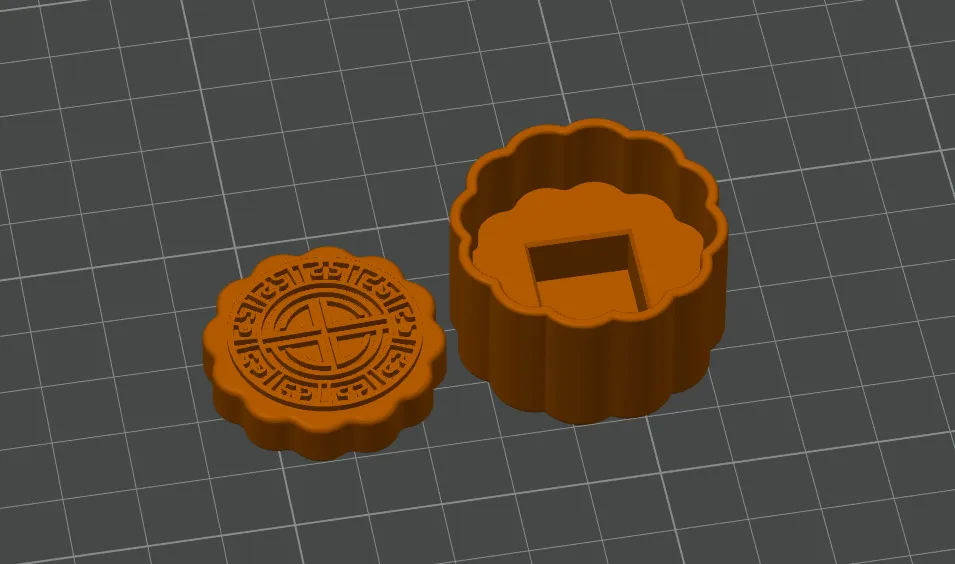
Mid-Autumn Mooncake Clicker Fidget - Stress-Relief Keyboard Button
I've always admired @MorphNest3D's clicker fidget designs (the frog, owl, and cat's paw, links1, links2), so I've long wanted to learn how to create my own. With the Mid-Autumn Festival approaching, I've designed some mooncakes for everyone. Wishing all my friends a Happy Mid-Autumn Festival!~

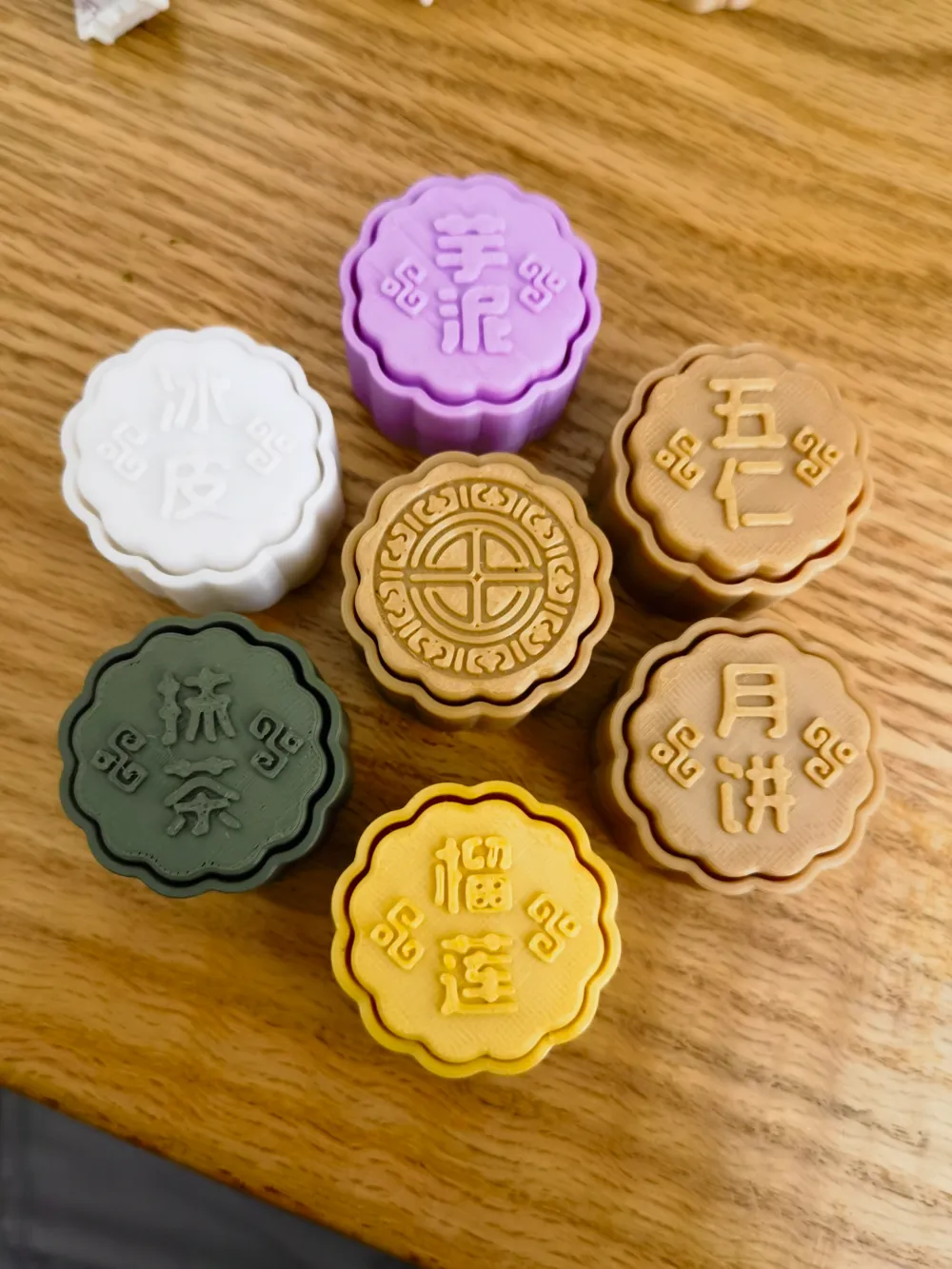
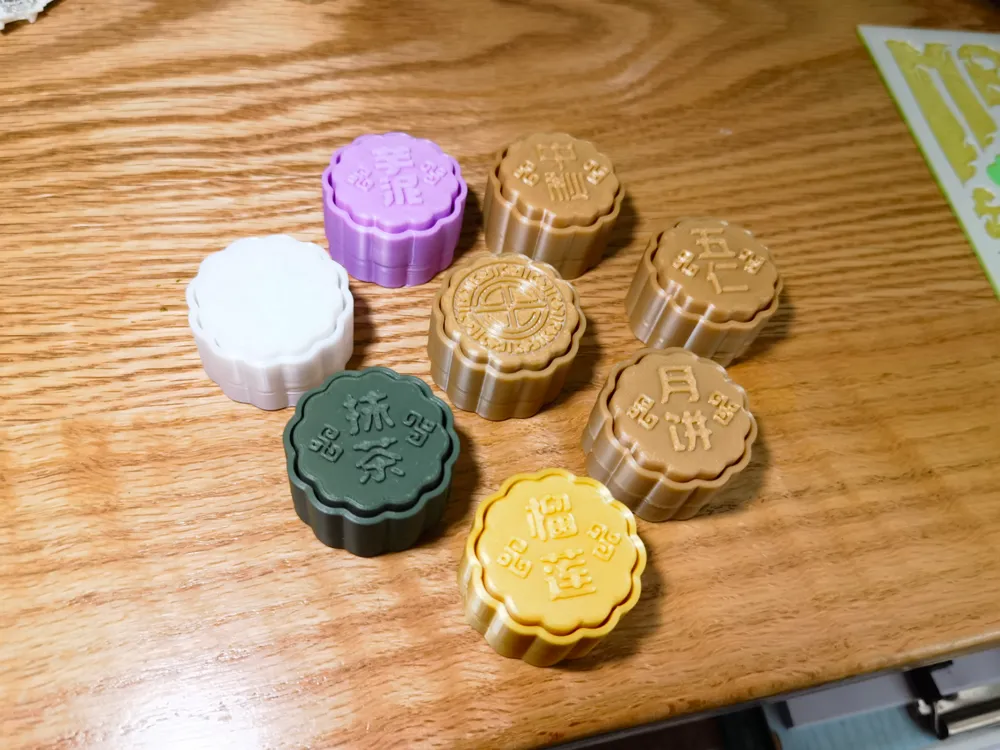
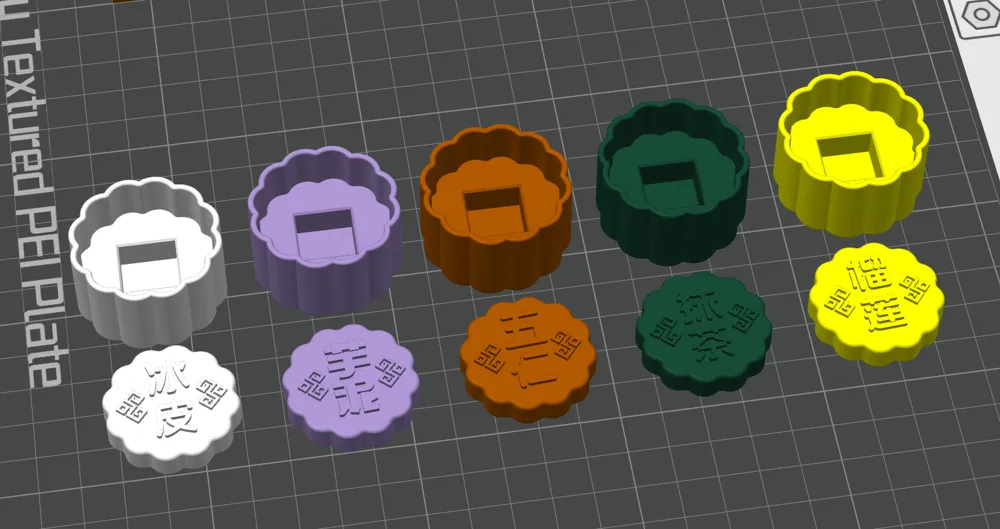
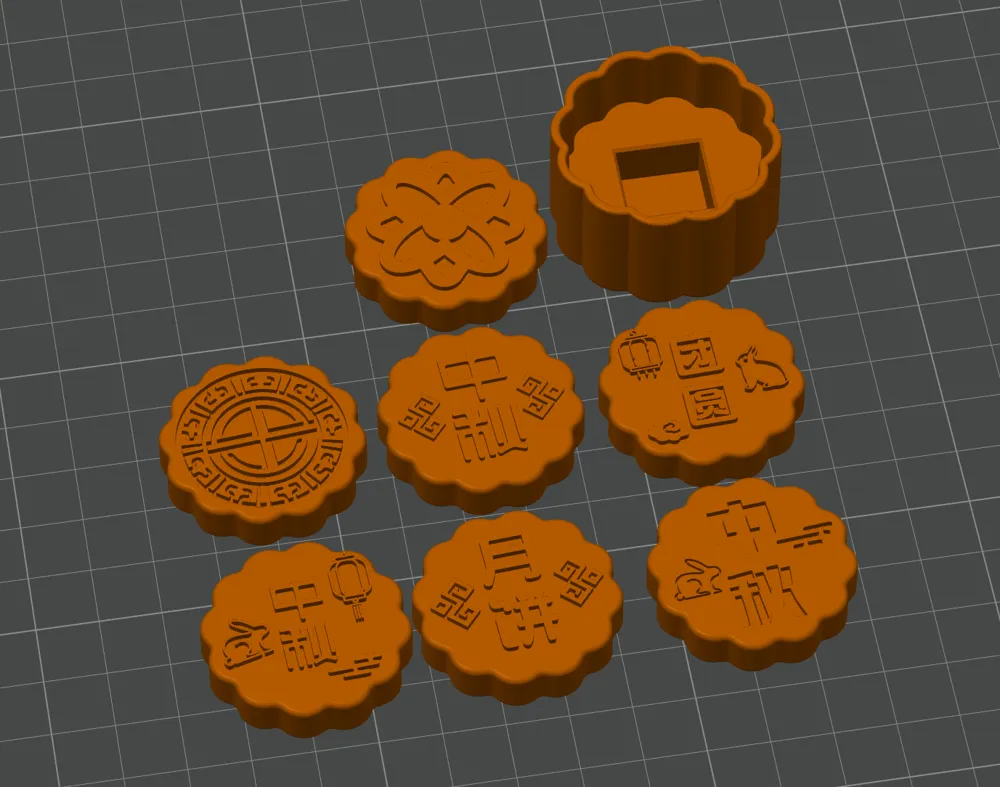
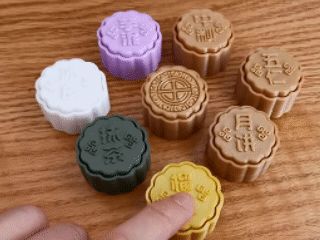
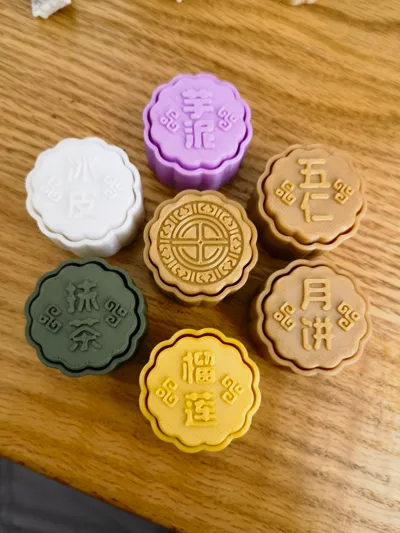
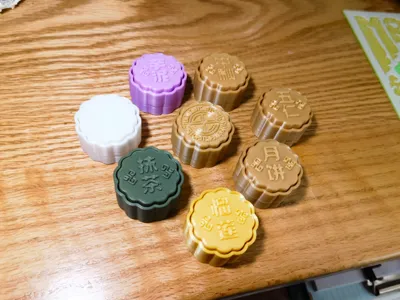
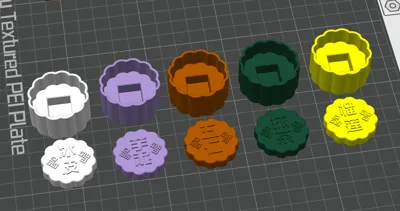
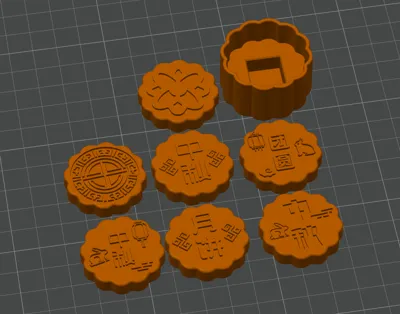
Each piece prints in just 30-40 minutes. Several designs for the top cover's patterns and text are available, along with various mooncake colors. For a classic, traditional mooncake look, brown, golden, or similar colors are recommended. Other options include green matcha, golden durian, white snow skin, and purple taro paste. They are small, cute, and provide stress relief when clicked. Printing some as small gifts for colleagues and family during the Mid-Autumn Festival would be wonderful. Feel free to like, favorite, download, print, or share your comments. Thanks for your support~
Switch Recommendations:
1. I've tested both clicky and silent switches, and both provide good sound effects (tactile or linear switches also work). I personally like both, so please choose according to your preference. If you prefer a crisp, bright sound, choose clicky tactile switches like blue switches. If you prefer a more subdued sound, opt for switches like black or red switches. You can find inexpensive ones on Taobao or Pinduoduo.
2. Please use regular cross-stem switches. Switches with dust-proof walls might be difficult to install or result in a less smooth click.
Please use MX mechanical switches
Installation suggestions:
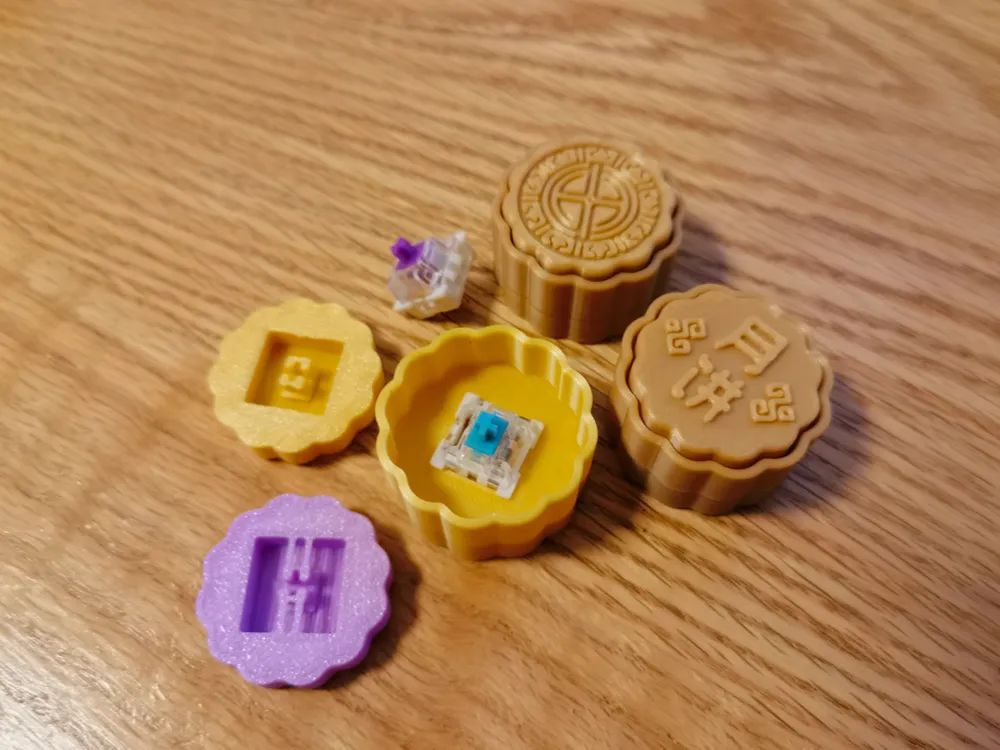
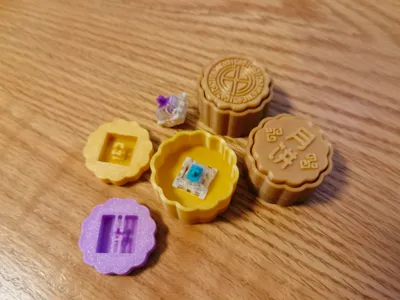
1. Please trim the four long protrusions inside the cap
2. Pay attention to the installation direction. The cross-shaped stem has one side that is longer, which should align with the longer side of the switch housing.
3. If the fit is slightly off, please adjust by enlarging or filling holes as needed. If the issue persists, consider modifying the compensation parameters in your slicer. Apologies for any inconvenience.
Parameter setting:
You can print directly using the provided model files, as the parameters are already set.
1.[Quality] : Wall generator: select [Arachne] (Enable this for clearer patterns on the top surface; otherwise, some patterns might be missing after slicing); Wall order: Select [Outer/Inner Walls] (This helps minimize the small seam in the middle transition of the base; otherwise, a noticeable protrusion might appear in that area)
2.[Strength] : Sparse infill density: default [15%]. You can also change it to 100% or other as needed. The higher the mass, the more stable the sound of the cavity; conversely, the lower the mass, the crisper the cavity sound.
Filament Selection:
I used PLA for print testing and did not test PETG. If you encounter issues with holes being too large or too small, please fine-tune the hole compensation.
Remix Suggestion:
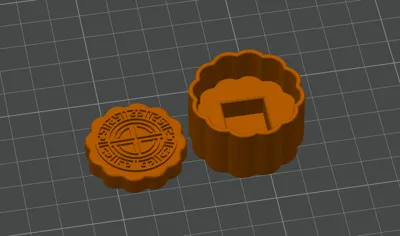
The model file includes a blank cap and base, inviting remixes. Feel free to use your slicer to modify them with your preferred patterns or text. You can import SVG files for merging, use negative parts to create concave designs, or opt for multi-color printing.
This is my 9th model since I learned modeling, using fusion360. my modeling technology is not well yet, if you have any problems in printing, I am very sorry for that, please forgive me, thank you, enjoy it~
License

You shall not share, sub-license, sell, rent, host, transfer, or distribute in any way the digital or 3D printed versions of this object, nor any other derivative work of this object in its digital or physical format (including - but not limited to - remixes of this object, and hosting on other digital platforms). The objects may not be used without permission in any way whatsoever in which you charge money, or collect fees.


Comment & Rating (39)