
Hollow Knight - 8-bit style magnets


Print Profile(2)


Description
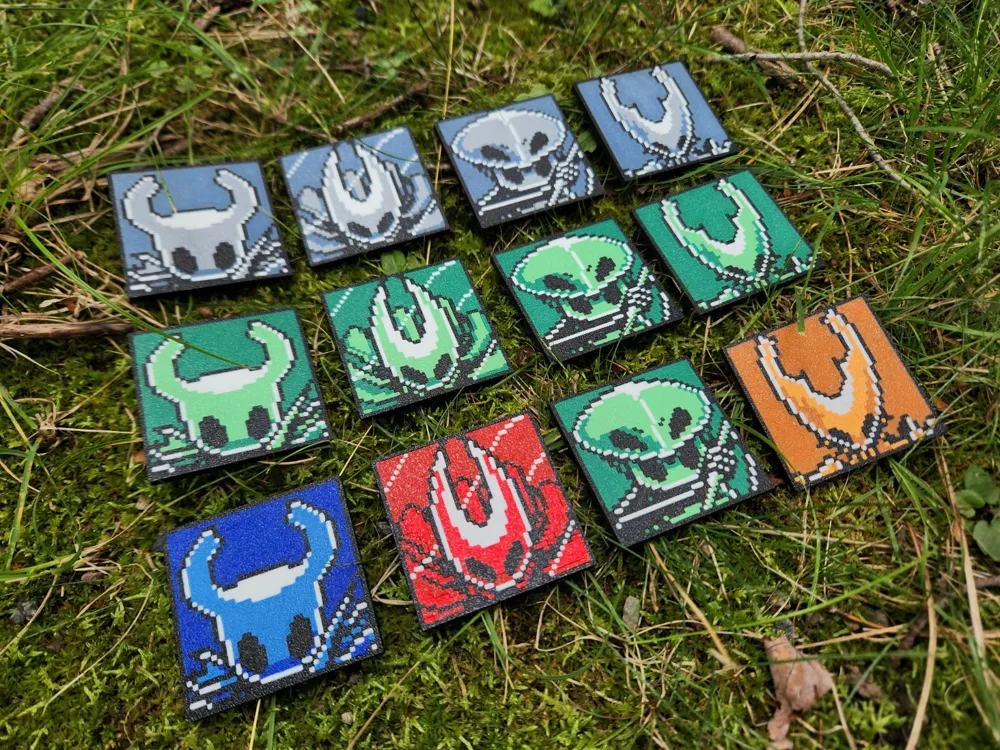
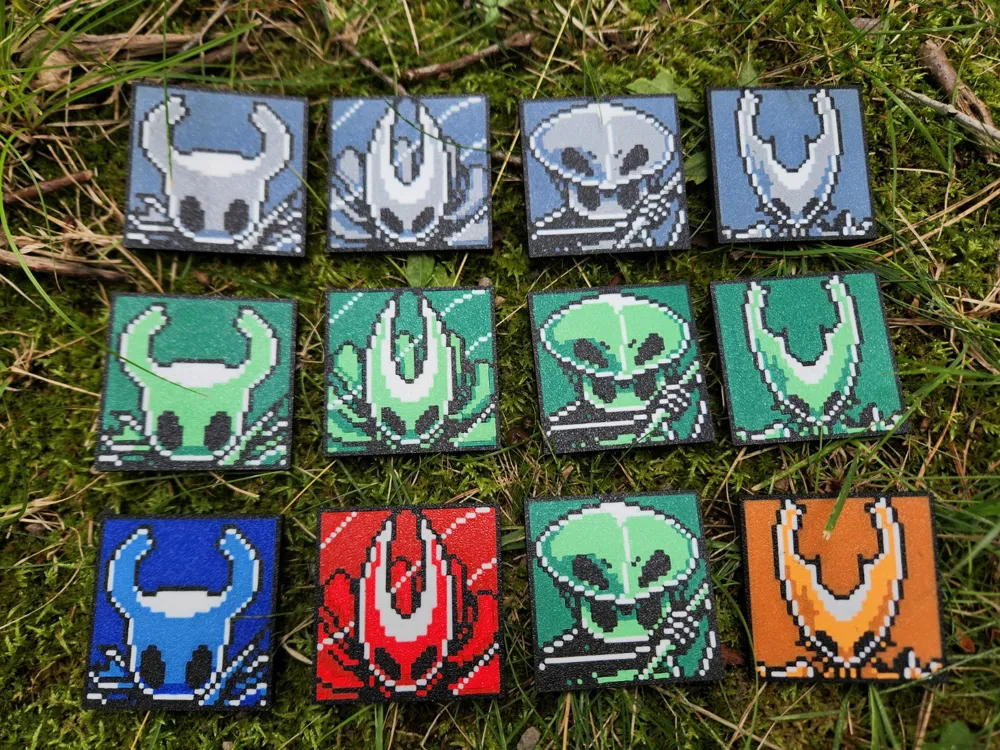
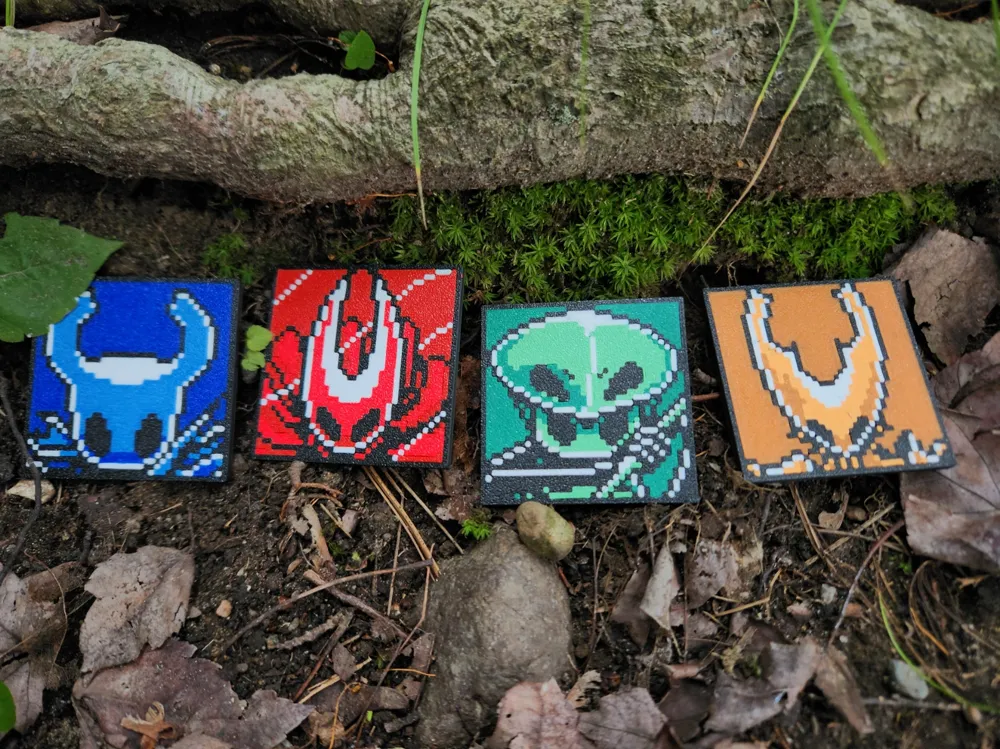
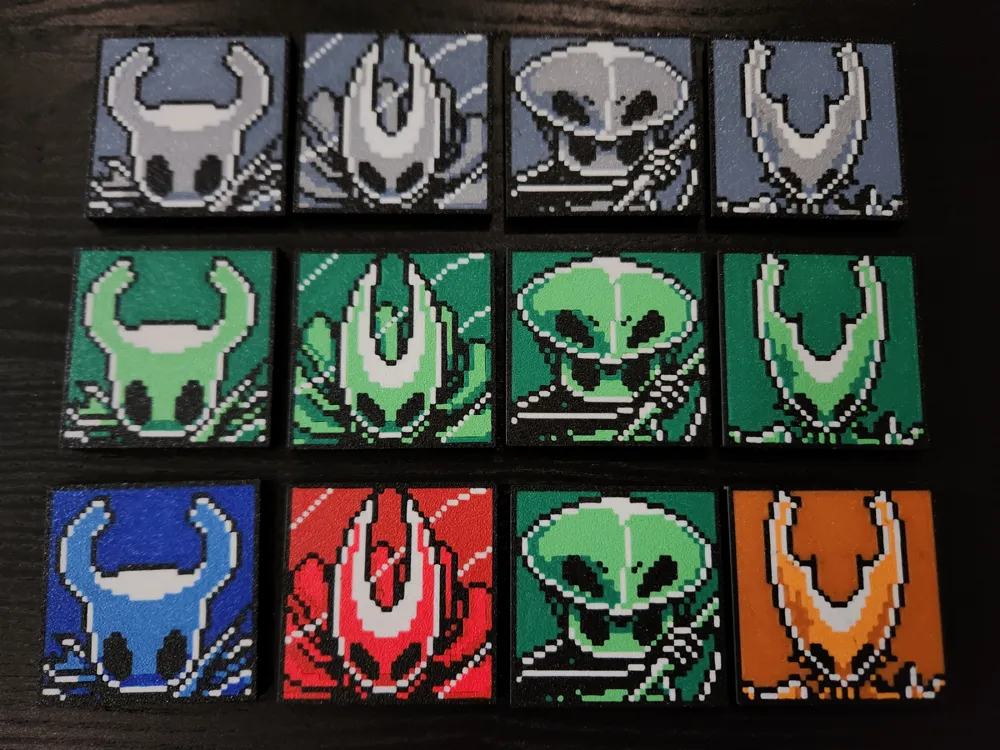
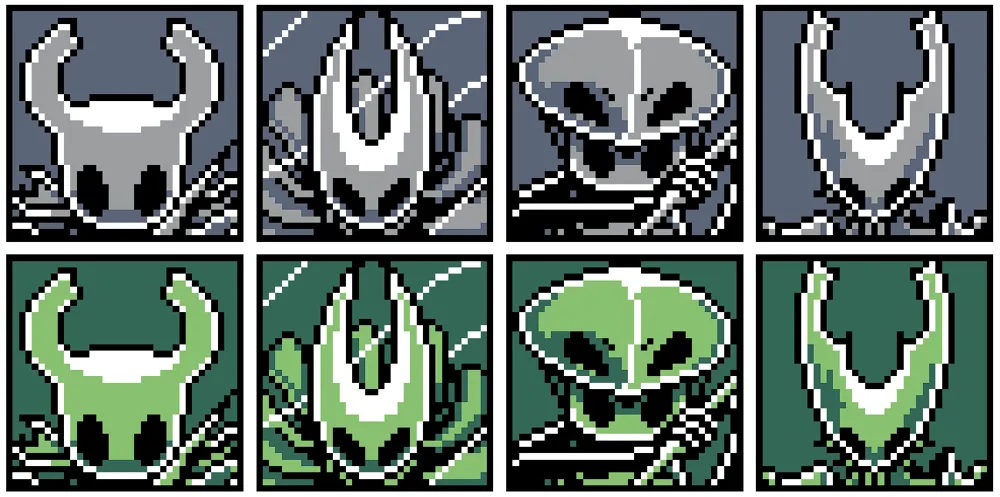
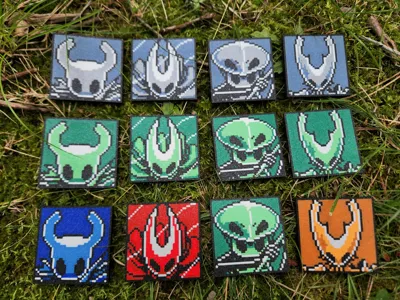
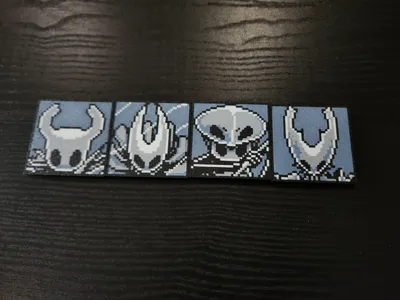
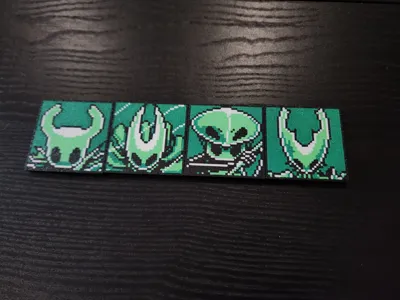
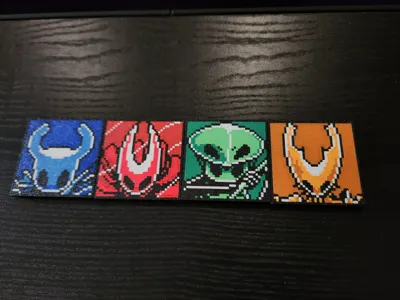
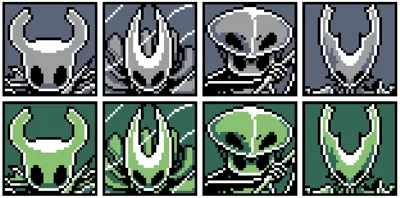
I recently started making pixel art, and so decided to try recreating some characters from the amazing game Hollow Knight!
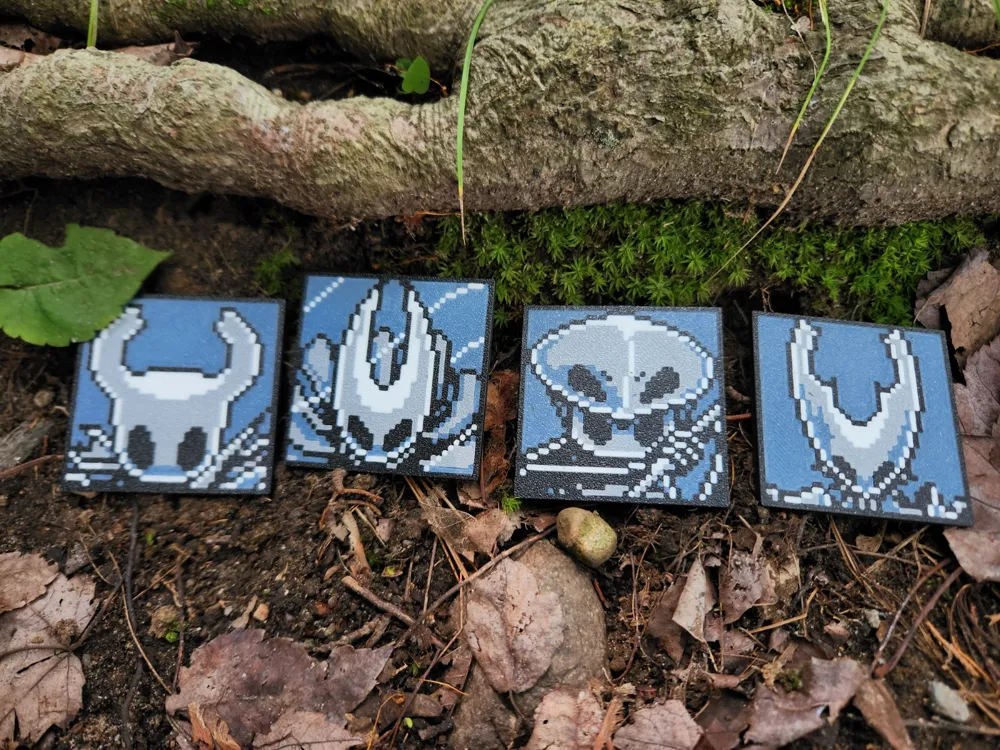
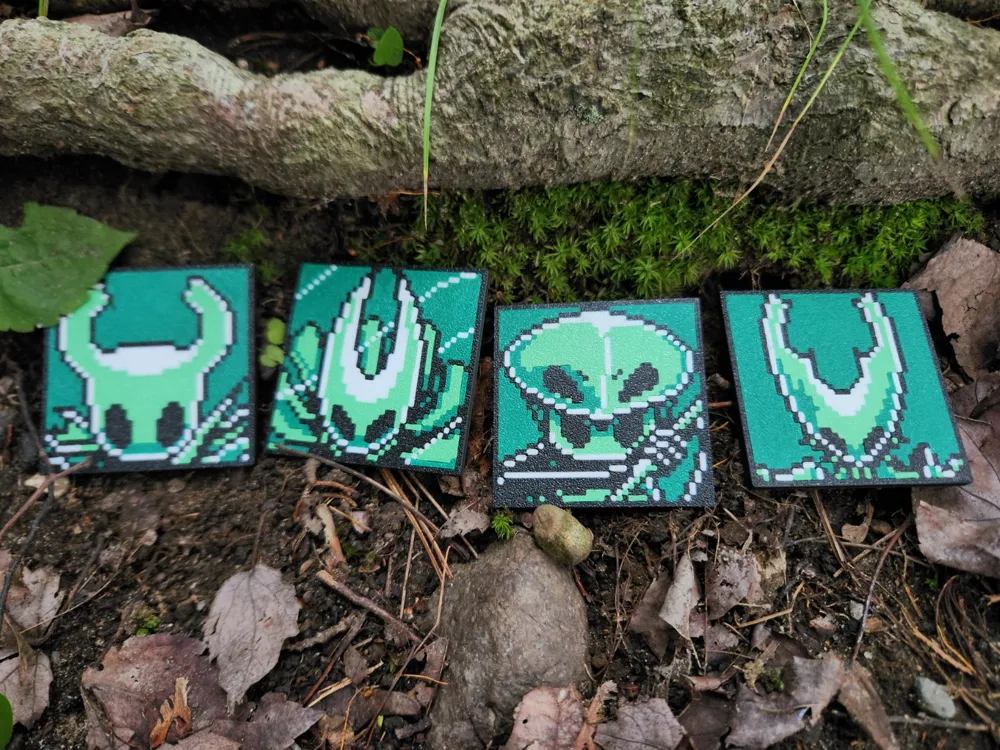
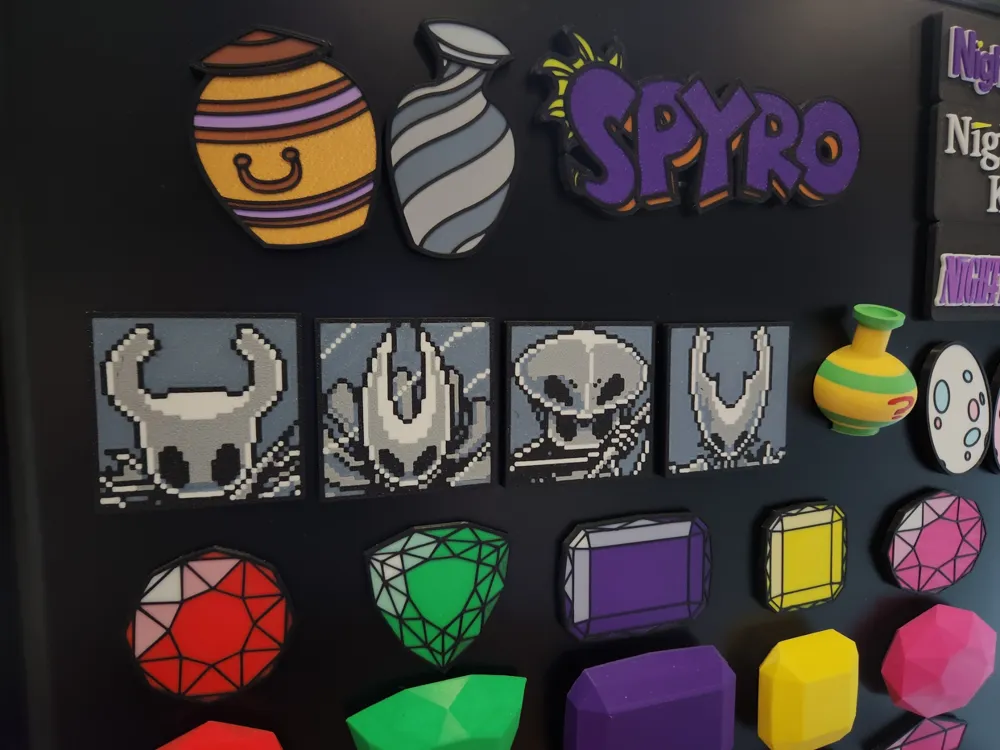
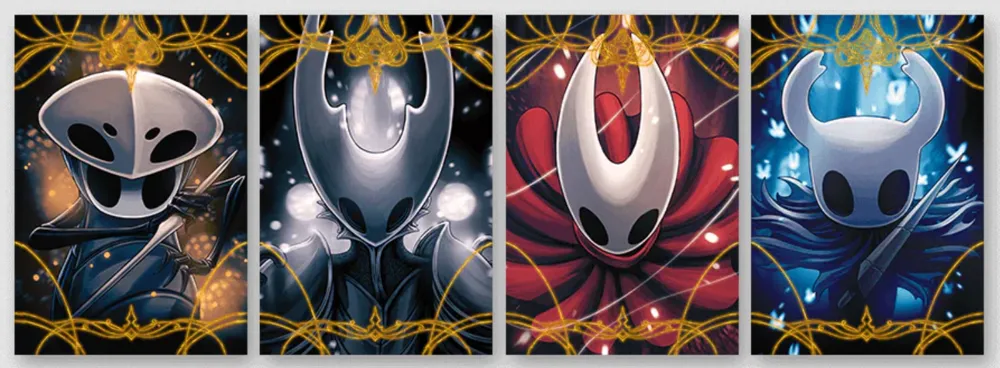
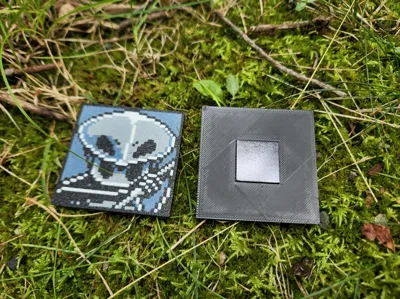
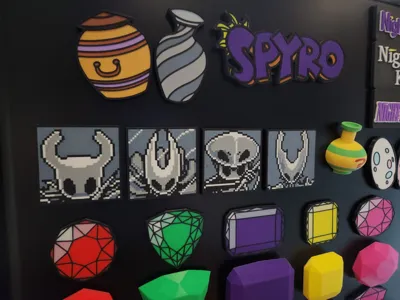
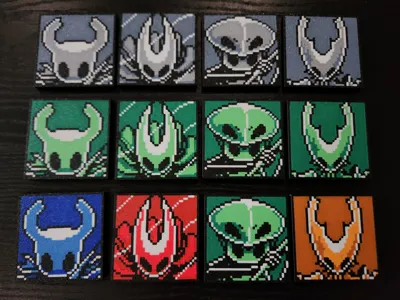
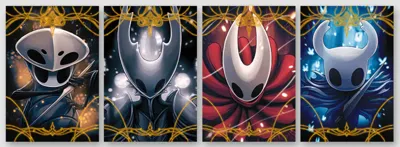
Here I've recreated 4 characters, as depicted in their art cards included in the Collector's Edition of the the game.
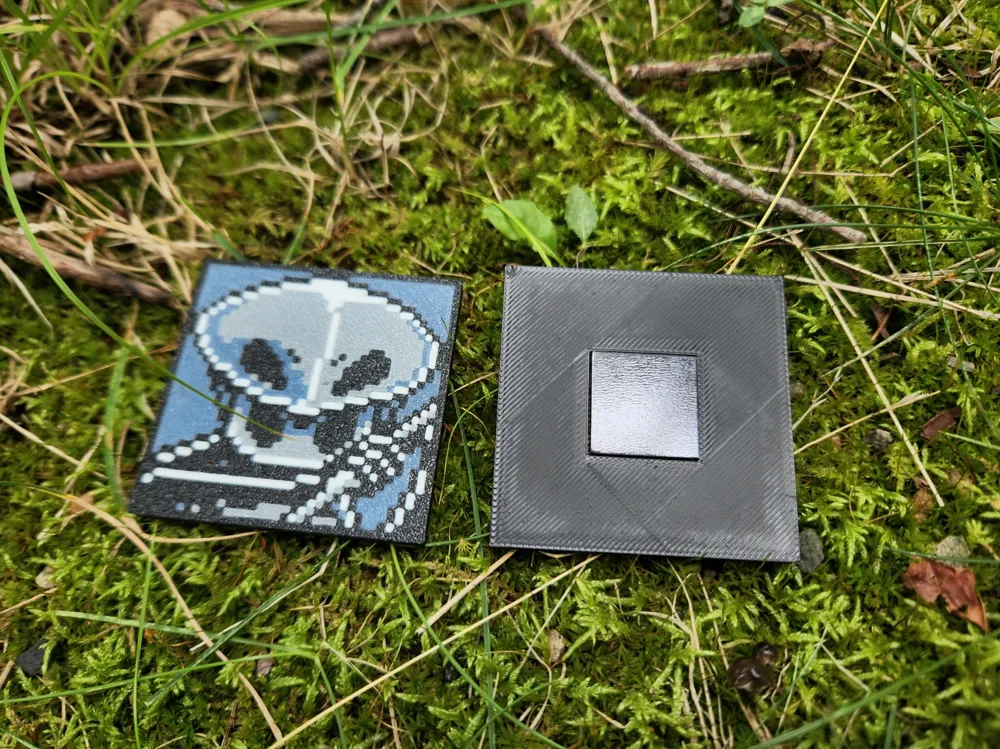
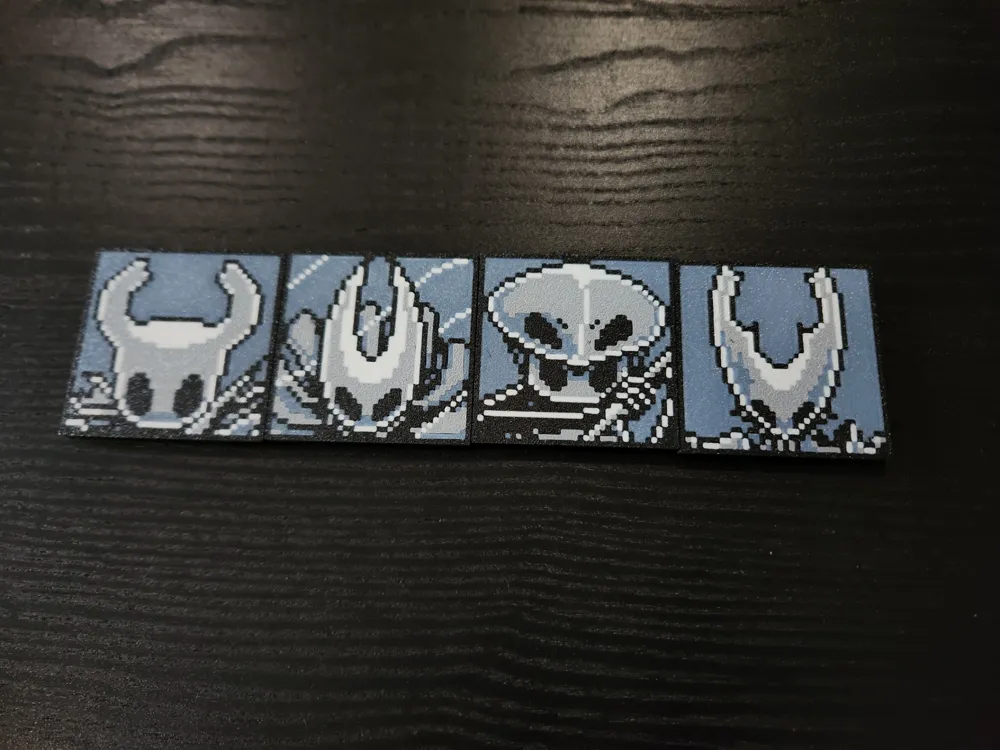
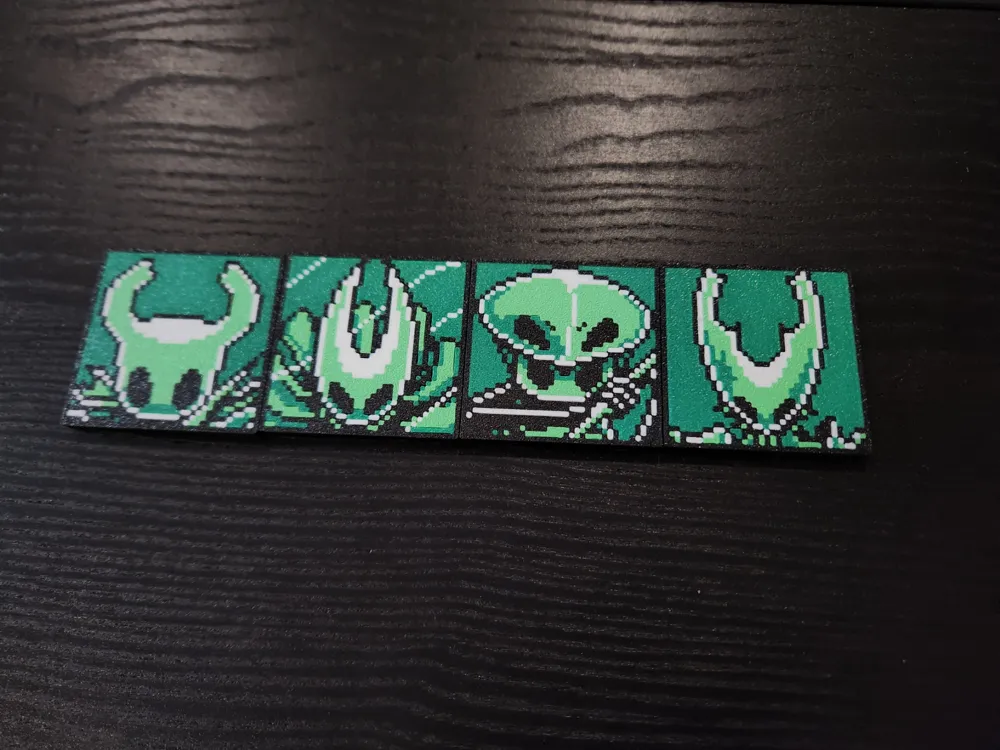
The 4-color limits of the AMS unit are perfect for making art resembling what you would find on the original Nintendo Game Boy (capable of 4 different shades). This was the style I was going for when translating the art cards into 35x35 pixel images.
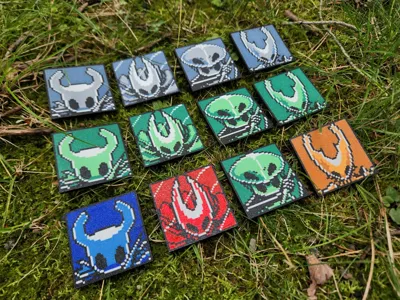
I've included 3 options to print the whole set:
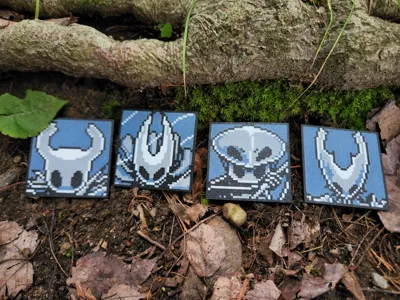
- Blue-Greyscale
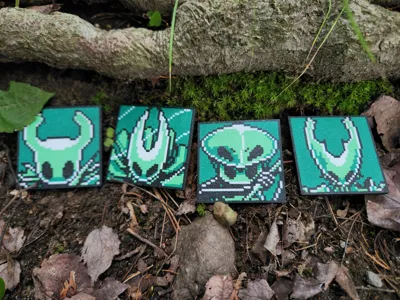
- Game Boy Green
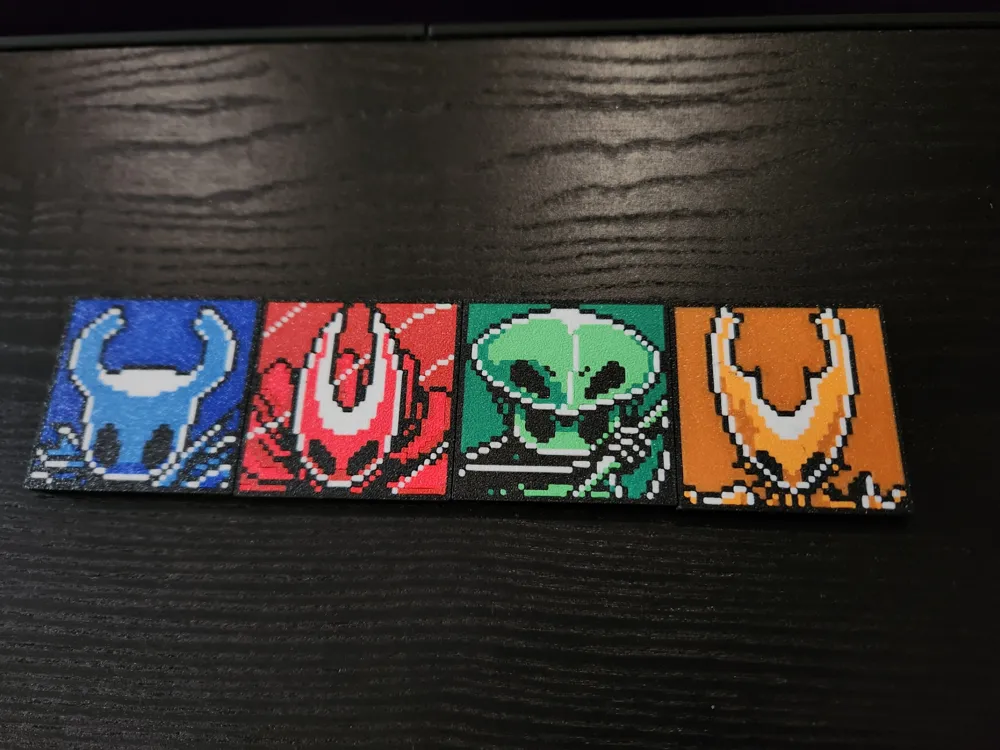
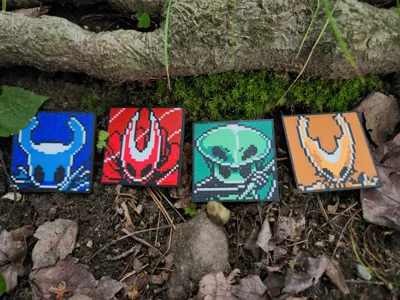
- Individual Color
Printed on Bambu Lab P1S on Textured PEI Plate with 0.4mm nozzle and AMS using the following filaments:
All:
Blue-Greyscale:
Game Boy Green:
Individual Color:
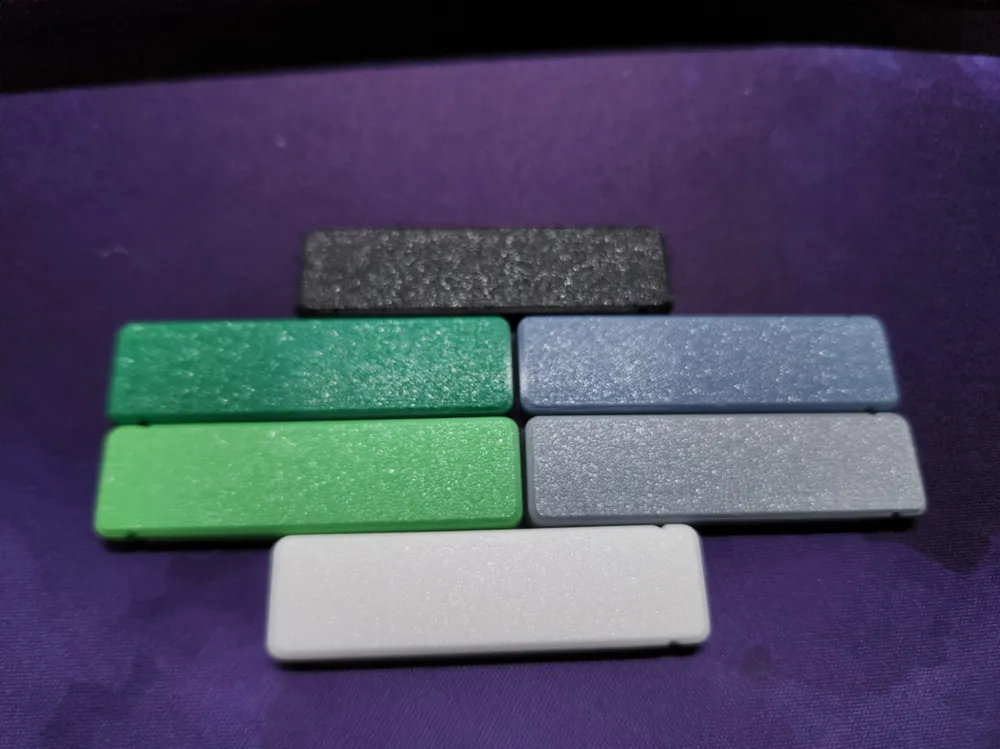
- Bambu PLA Basic (Blue)
- Bambu PLA Matte (Marine Blue)
- Bambu PLA Matte (Scarlet Red)
- Bambu PLA Matte (Dark Red)
- (Game Boy Green Colors)
- Bambu PLA Basic (Orange)
- Bambu PLA Matte (Mandarin Orange)
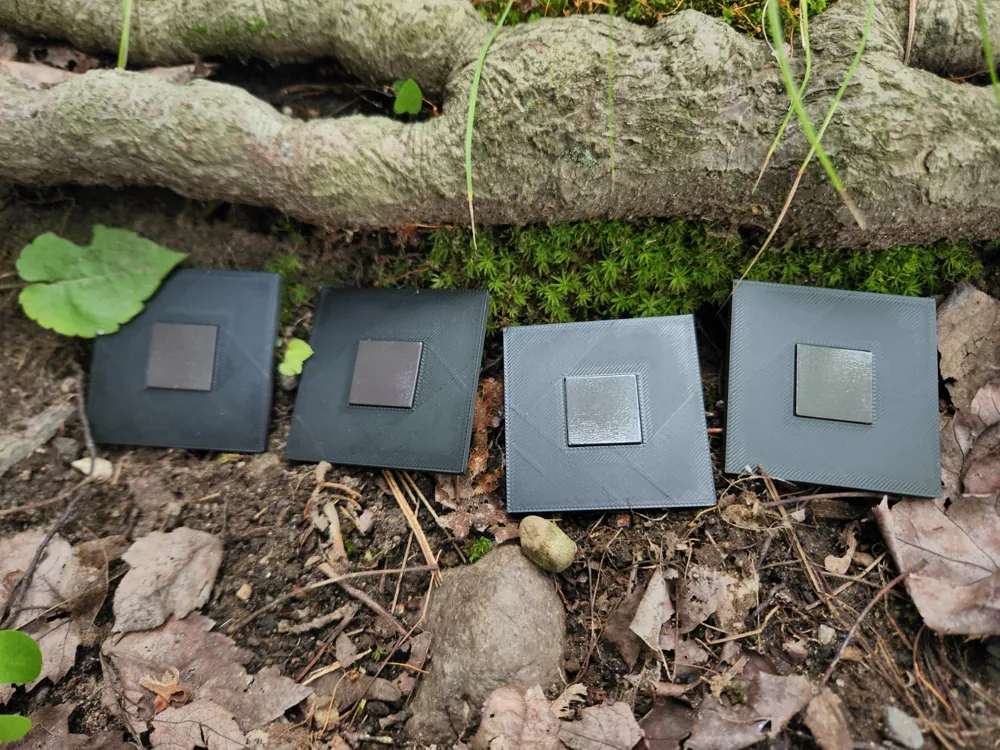
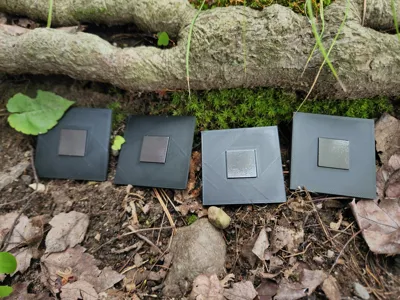
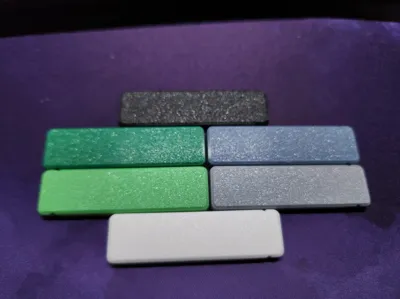
You will need to add your own slots for whatever size/format magnet you intend to use. The magnets I'm using are these square 20x20x2mm ones. I used 1 for each, adding negative parts in the slicer that were 20.5x20.5mm. Or you could cut holes the shape/size of whatever kind of magnets you intend to use.
Enjoy!
update 12/10/2024:
I've reuploaded both print profiles.
The only changes are:
- Set custom first layer color orders for each plate (from light to dark now).
- Reset the flushing volumes to Bambu's defaults.
This should help reduce likelihood of quality defects in the image!
Boost Me (for free)
If you liked this model, please consider showing your support!
License

You shall not share, sub-license, sell, rent, host, transfer, or distribute in any way the digital or 3D printed versions of this object, nor any other derivative work of this object in its digital or physical format (including - but not limited to - remixes of this object, and hosting on other digital platforms). The objects may not be used without permission in any way whatsoever in which you charge money, or collect fees.


Comment & Rating (2)