
Fillosophy Compact (no AMS) - Infill Showcase

Print Profile(2)


Description
Finally. No AMS needed - Yay!
IMPORTANT! READ BEFORE PRINTING!
I already experienced two prints where the slicer failed to insert the pause at the right layer. Am thinking it's a bug in BambuStudio, see here. At least I could save a print by observing it at the right moment and pausing it by hand. Only had to cut out three single bridge strands the printer already layed and I then could insert the samples as normal. I therefore advice you to OBSERVE YOUR PRINT AROUND LAYER 37 and to be ready to hit pause if necessary!
Important
You'll need to print the .3mf file. Only printing the .stl models won't work, as they are lacking information about when, where and how to print which infill.
Model
This model is for all those who want to print Fillosophy Compact but don't have an AMS or don't want to generate all that printer poop.
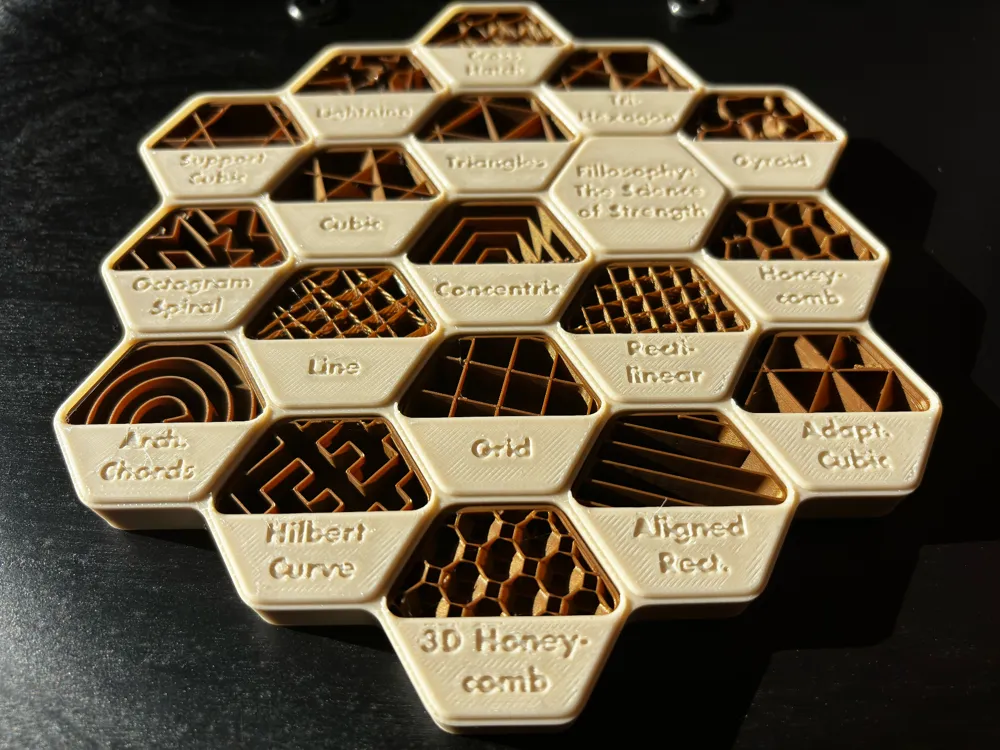
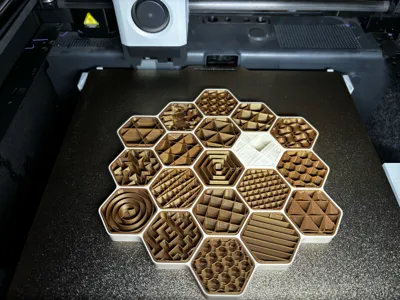
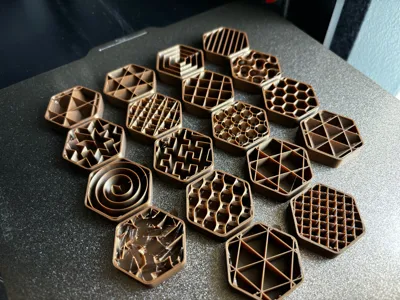
What is Fillosophy you ask? It's a comprehensive display of all the infill patterns available in BambuStudio. It offers a visually appealing way to compare and contrast the various infill options at a glance.
This model in the Fillosophy series features three main plates. One with the infill swatches, one with a base and raised lettering and one with the base and embossed lettering.
Key Features:
- Showcases all infill patterns supported by BambuStudio.
- Unique aesthetic approach to infill demonstration.
- Educational tool for understanding infill options.
- Multicolor, so the infills can really pop.
- Concentric patterns are centered within themselves.
Comparison to my original designs:
- Multicolor without an AMS
- The fastest print times yet
- Less filament due to no poop
This model serves as both a practical reference and an artistic representation of 3D printing infill techniques. Whether you're a beginner looking to understand different infill patterns or an experienced maker seeking a quick visual guide, this showcase provides valuable insights into BambuStudio's capabilities (I really learned a lot doing this). This model was created from scratch, driven by the desire to explore and present infill options in an aesthetically pleasing manner. In my research I of course found similar models, but decided to follow another aestethic. Go take a look at @SlowEvo's take on this for example, if you like 90° angles more!
How to print
- Use the .3mf file!
- Check your color composition with the test prints. Those follow the same steps as described below for the main plates. I recommend doing so to also make sure the swatches fit properly (your printer might differ from mine).
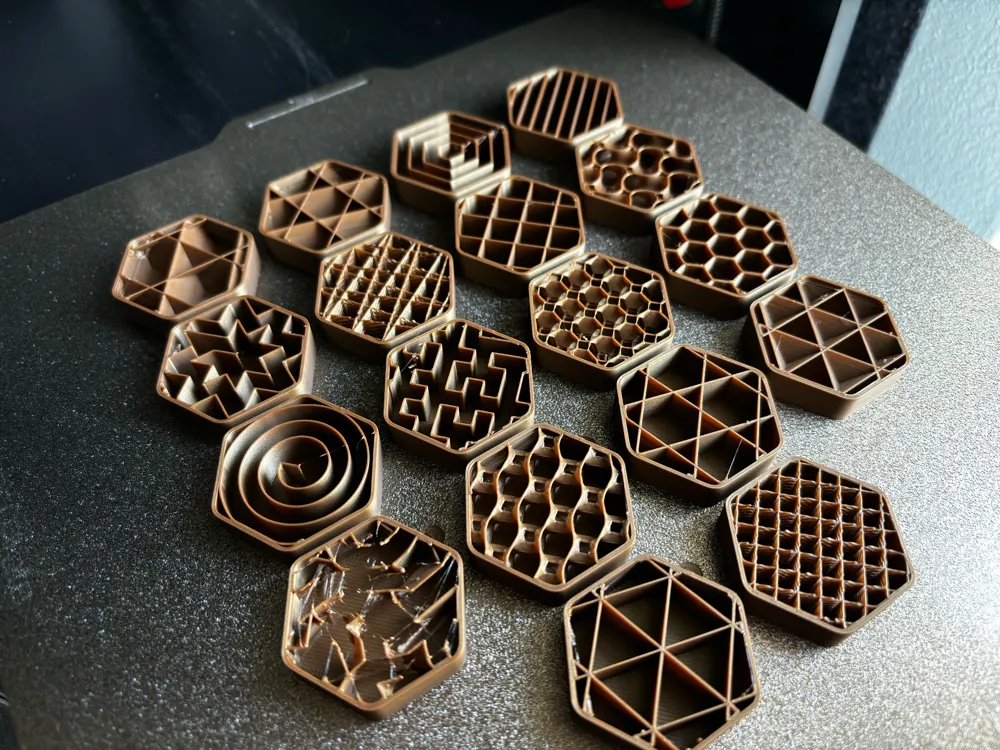
- Print the plate with the swatches first. Note, that the swatches are numbered from 1 to 18. Note that those swatches are slightly smaller in all directions to later better fit into the slots.
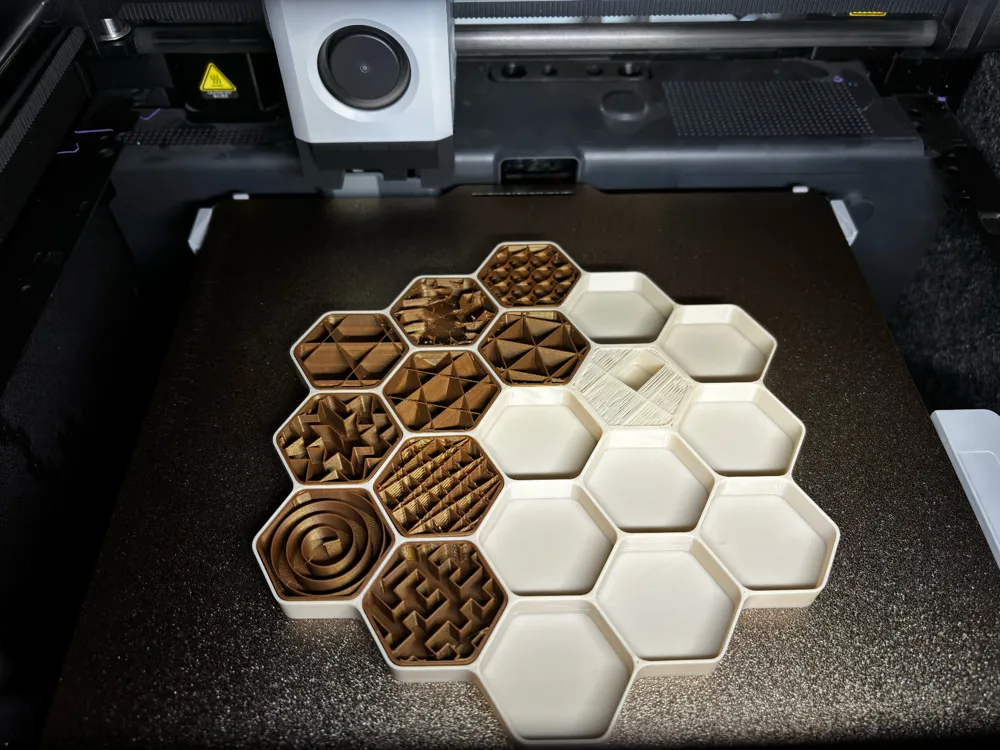
- Slice the choosen base plate and make sure the pause is set and to the right level (the red pause marker should sit right on the level 37, where the [blue] bridging begins). Note: The plate for the raised lettering has two pauses. The second one is for switching out the color for the letters. This is however not the pause I refer to here.
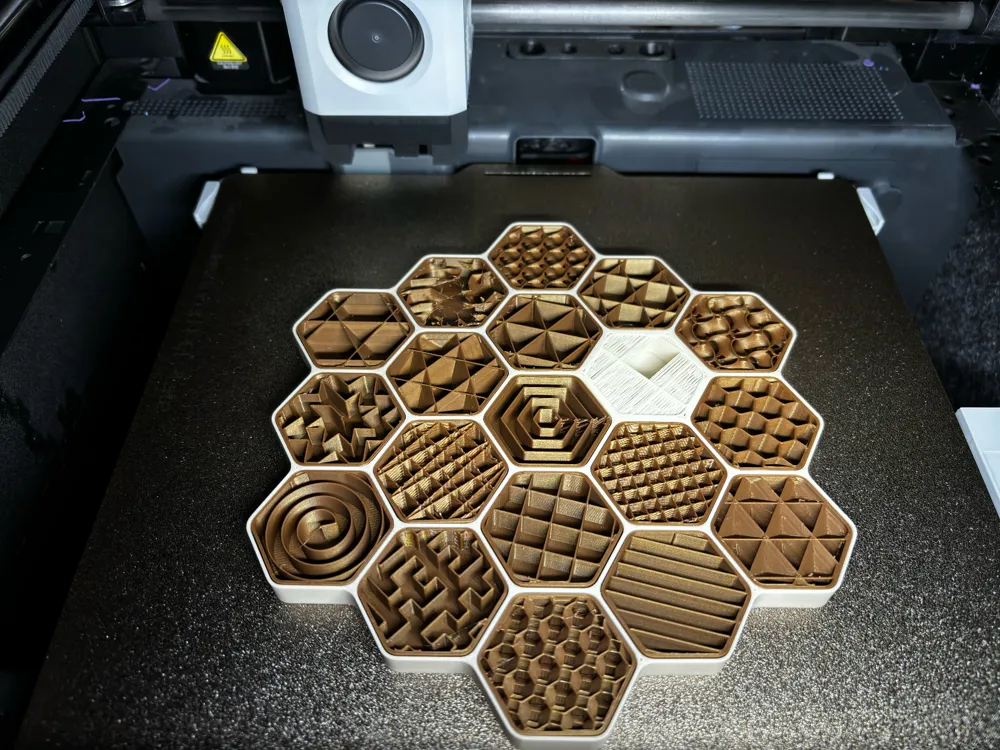
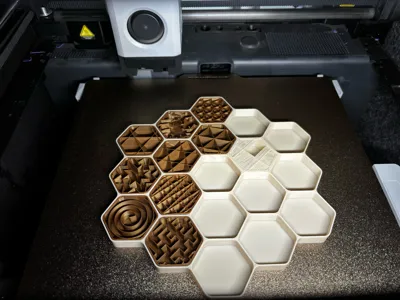
- When pausing place the swatches in their corresponding slots. Remove the labels by twisting them off. The #1 swatch is placed on the top left, #18 on the bottom right. Fill the columns from top to bottom, left to right. So #2 goes below #1, #4 to the top right of #1 …
- Continue printing.
- Only with the raised lettering: Switch filament in the second pause for colored lettering … or don't, your choice. :-)
- Continue printing
Have a look at my photos, where I have tried to capture the key moments of the printing process.
License

You shall not share, sub-license, sell, rent, host, transfer, or distribute in any way the digital or 3D printed versions of this object, nor any other derivative work of this object in its digital or physical format (including - but not limited to - remixes of this object, and hosting on other digital platforms). The objects may not be used without permission in any way whatsoever in which you charge money, or collect fees.


Comment & Rating (56)