
Toyota MR2 MRS spyder ZZW30 dash inserts various
Print Profile(1)
Description
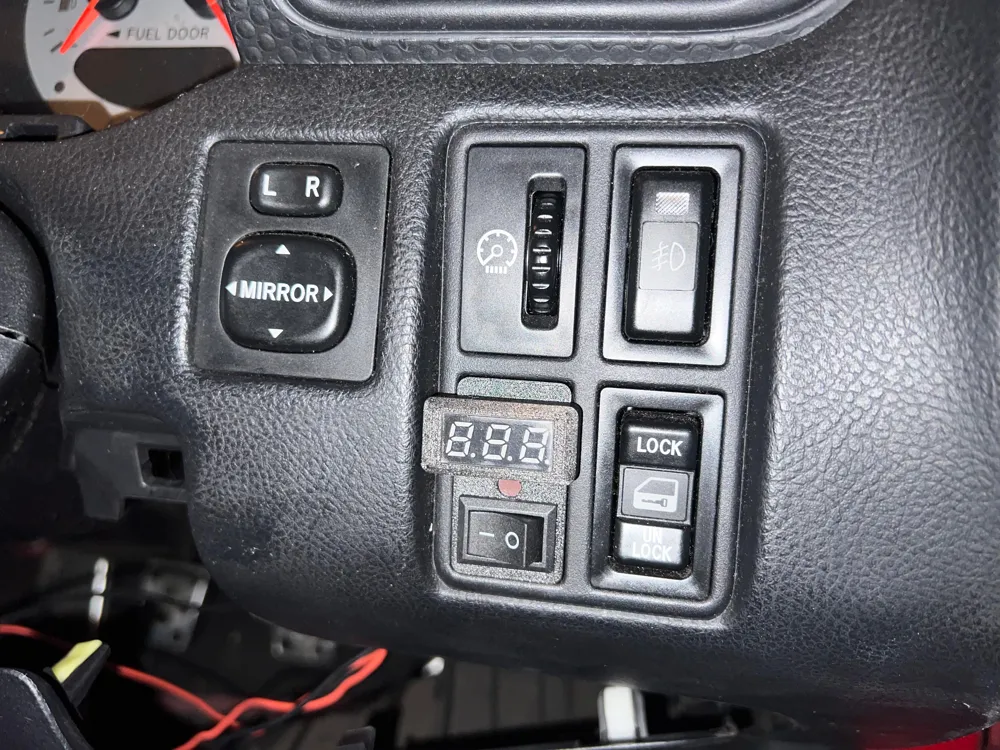
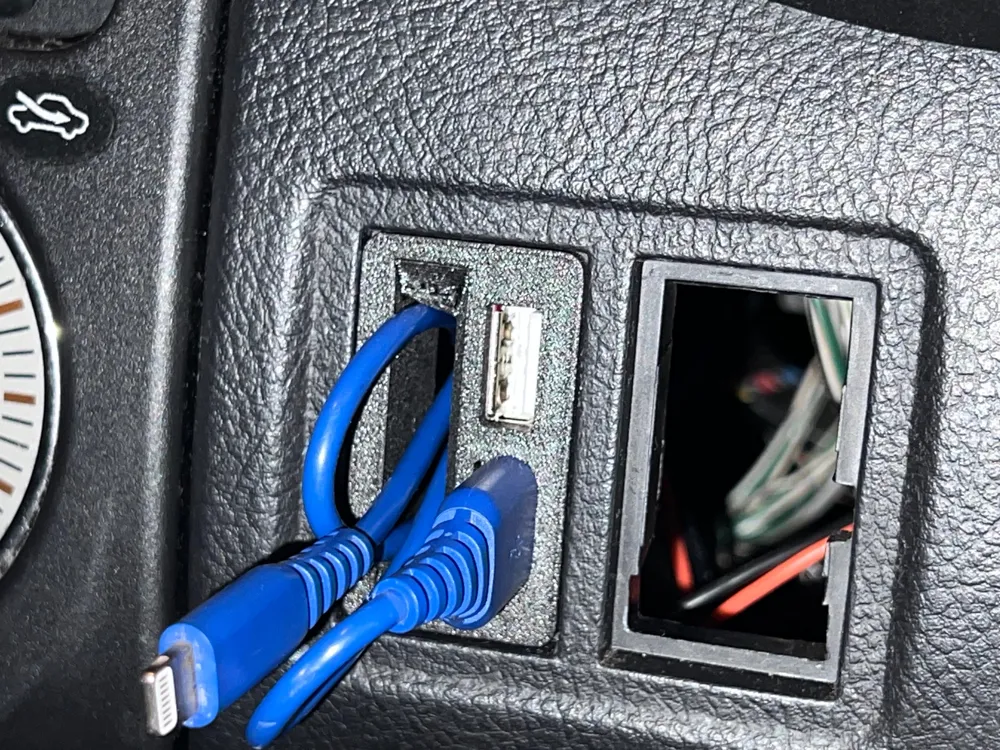
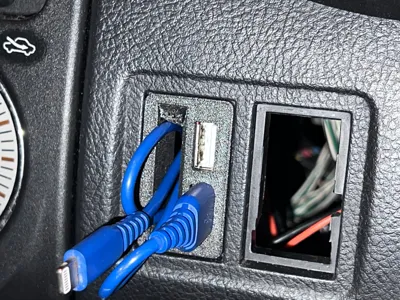
Made this for my Toyota MR2 (Toyota MRS / Toyota MR2 Spyder) because I don't want to use the typical cigarrette adapters because comes too hot and sometimes doesn't make good connection.
With this you can use an excelent buck converter with the LM2596S that can deliver 3A without problems.
Why use this converter ? because doesn't comes hot when operating. It's reliable, since I'm using to other projects (for example, Raspberry Pi 4 PSU).
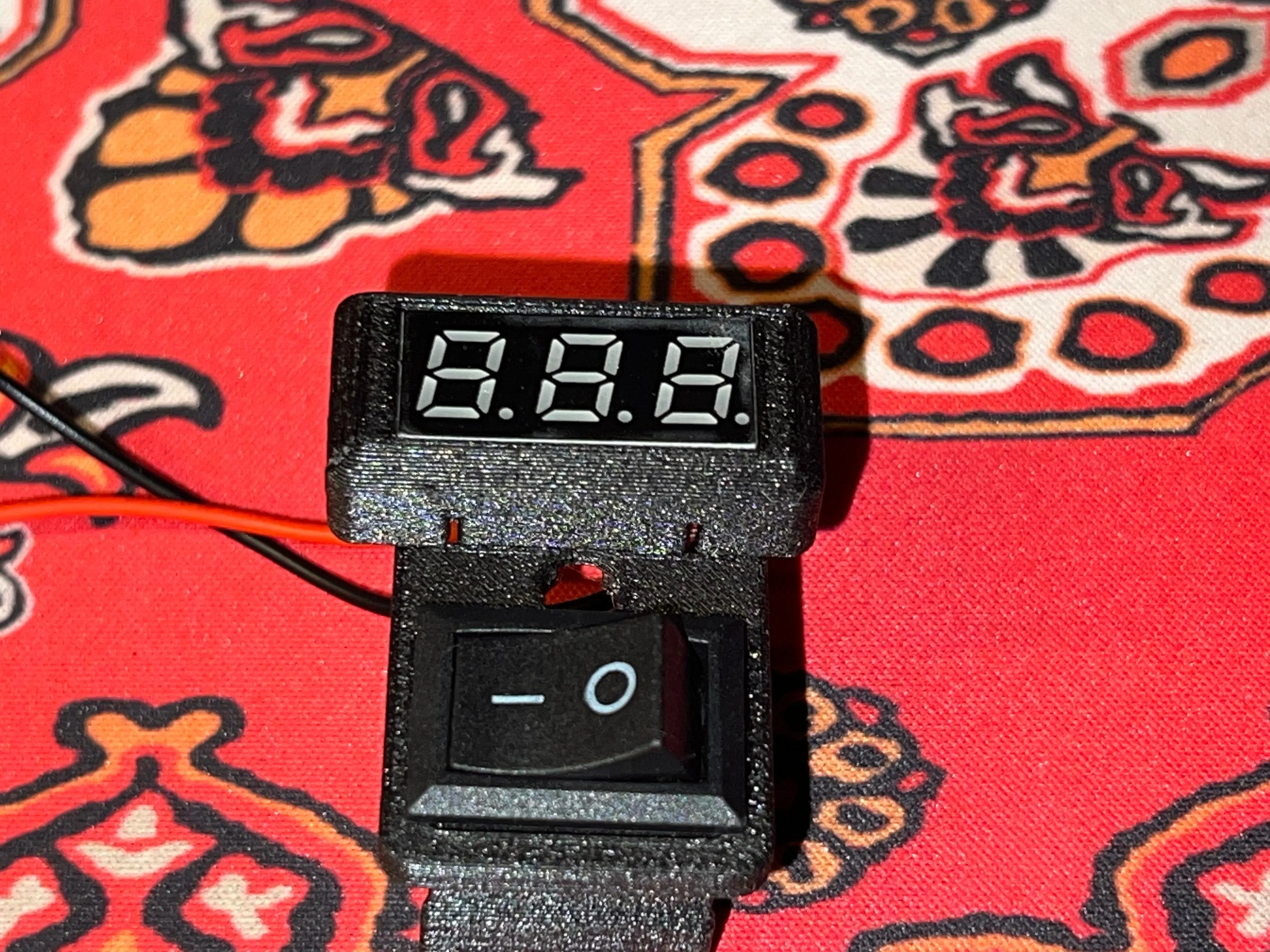
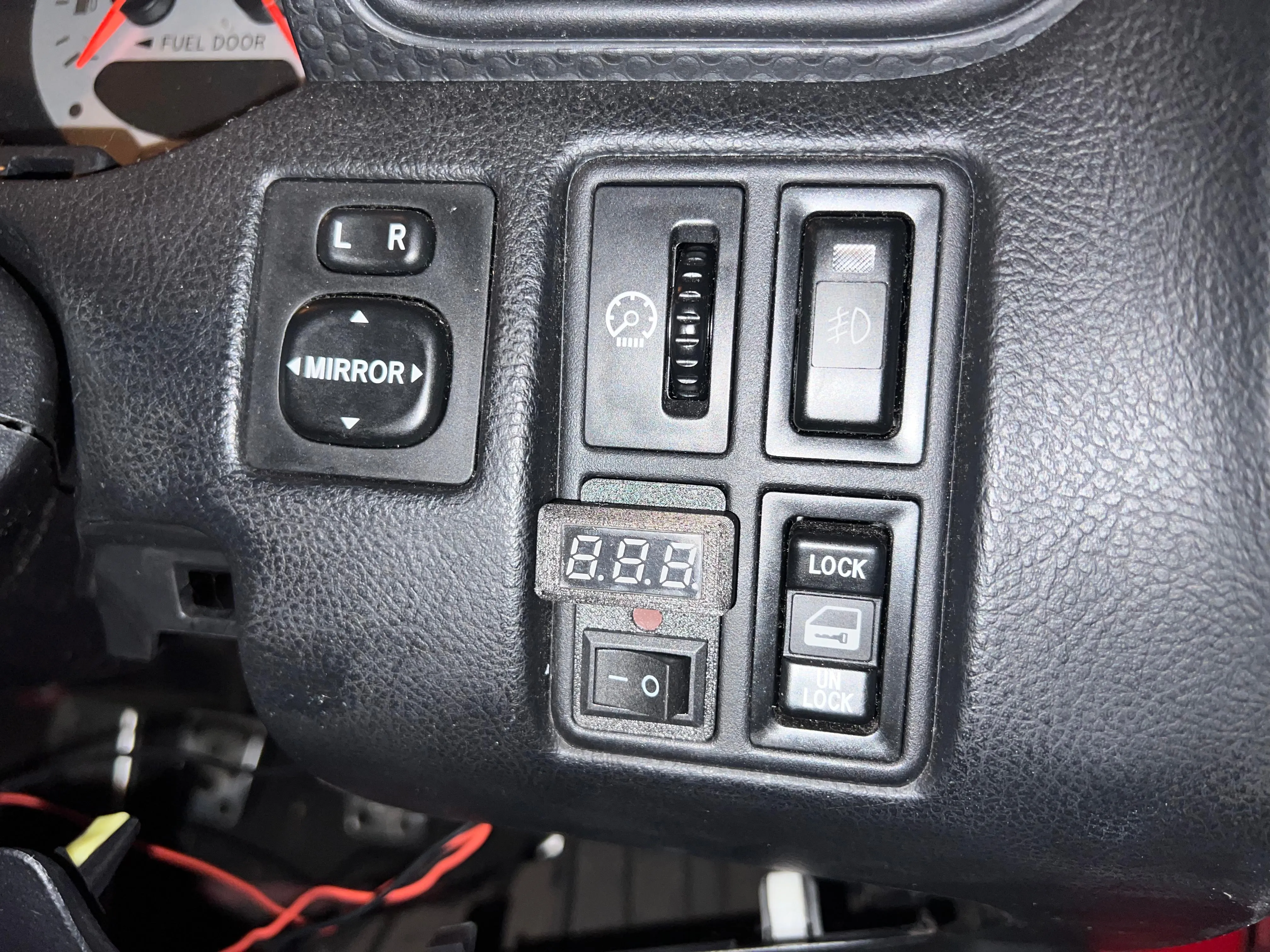
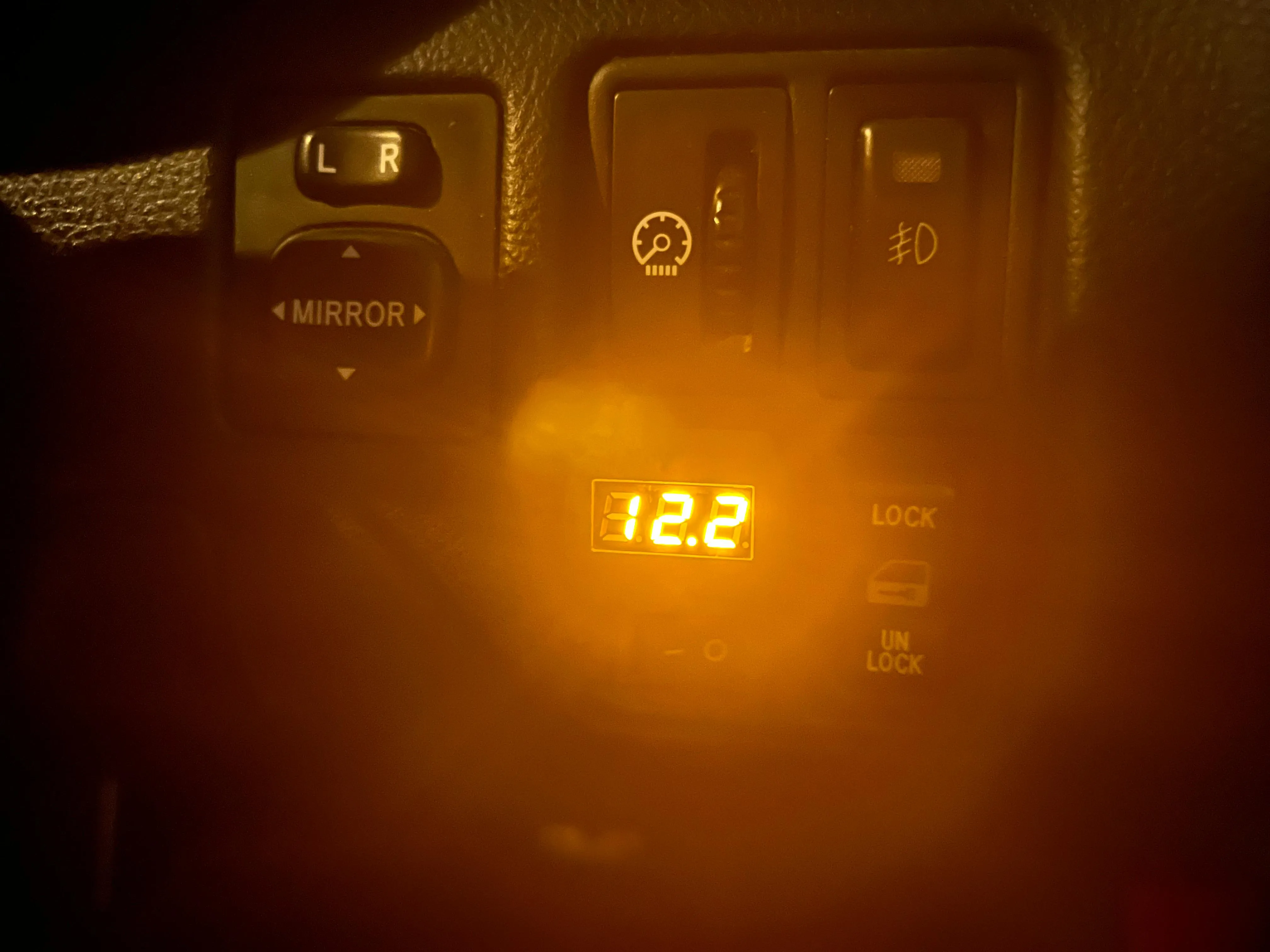
The voltmeter it's to check voltage if I'm with music to much time with the engine stopped, the switch it's to control the antenna without switch off the stereo.
Uploaded a blank template if you want to fit or design whatever you want.
Printing instructions
- Avoid PLA and standard petg, use at least PETG+CF or ABS/ASA, it need to withstand at least 70-75ºC degrees.
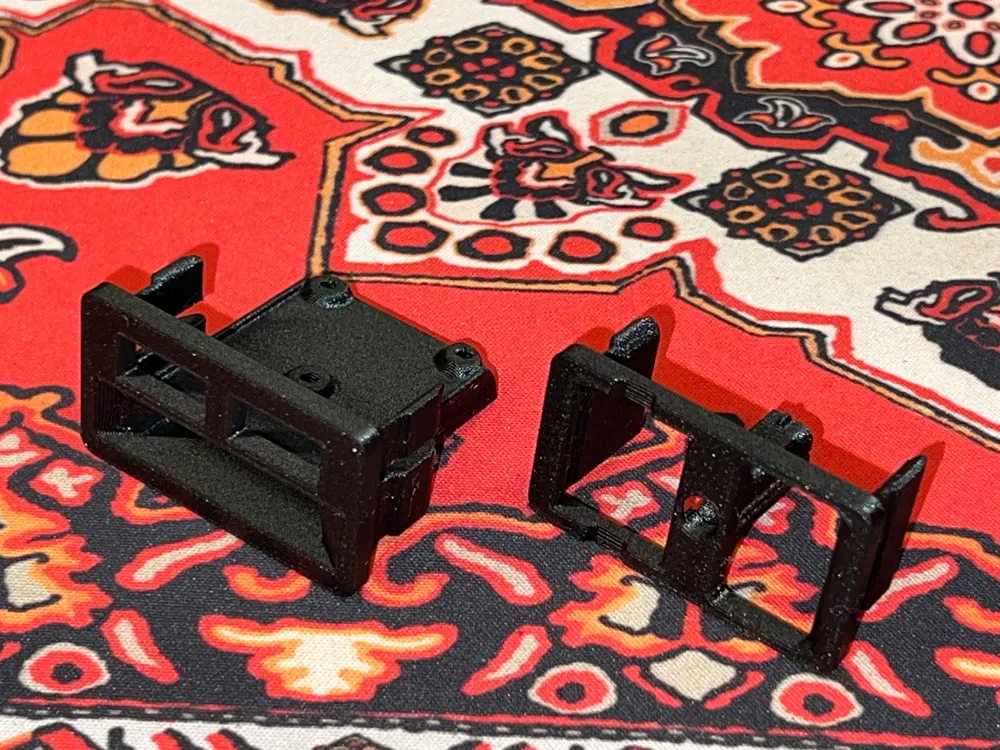
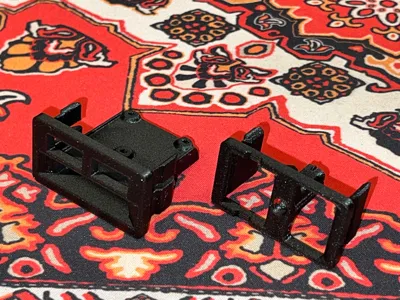
- 3 perimeters at least, check the photo to correct printing orientation
- Use perimeters only on LCD holder
BOM
- Voltmeter with screen 22,5x10mm. LINK
- 5V buck converter. LINK
- 2 pin 21x15mm Switch. LINK
- Small fuse adapter. LINK
- 3x M2x8mm screws
- 2x M2x5mm screws (you can trim with a pliers the 8mm ones to 5mm)
- Wiring and connectors (use that you have or want)
Assembly
USB PART
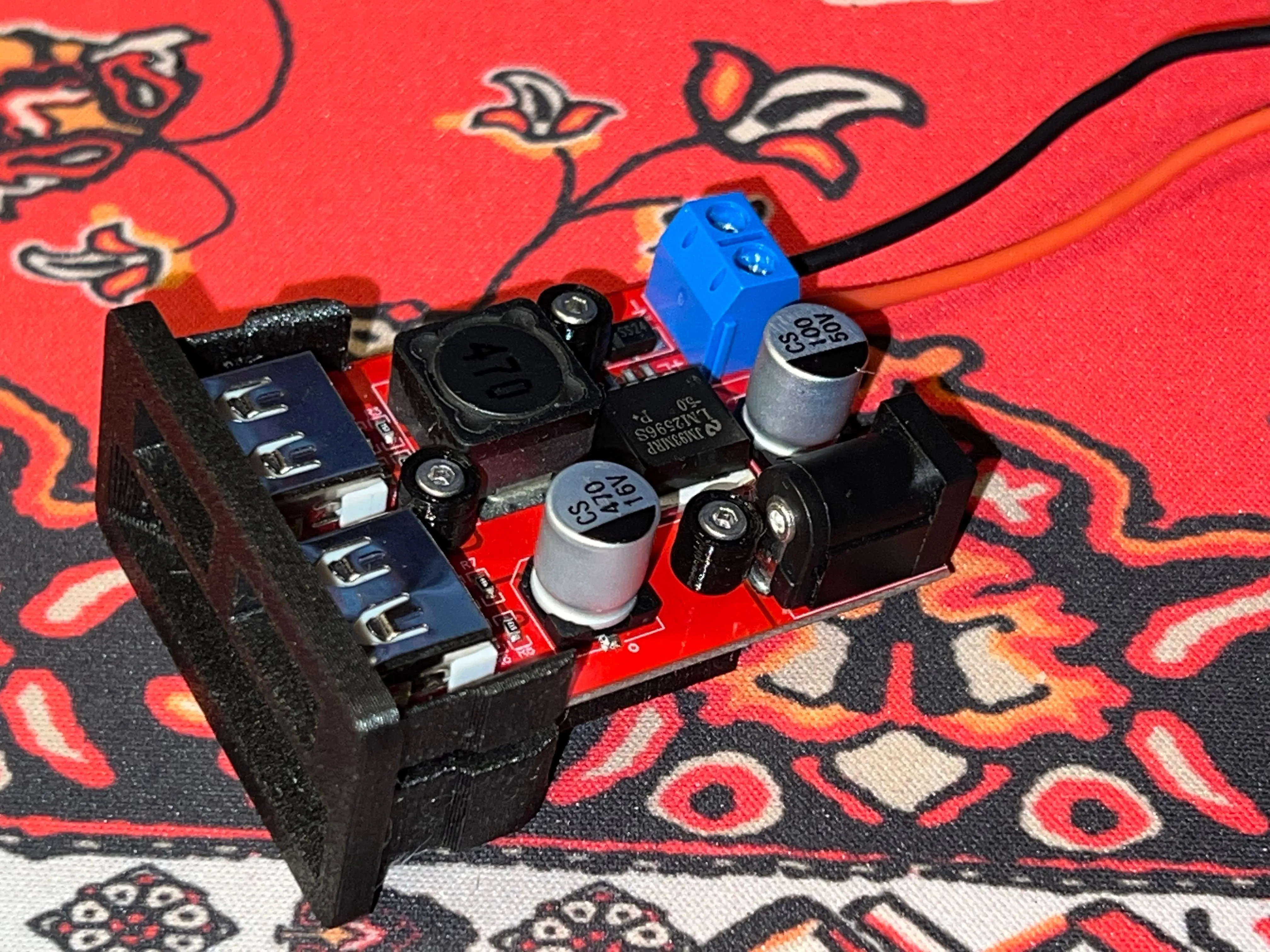
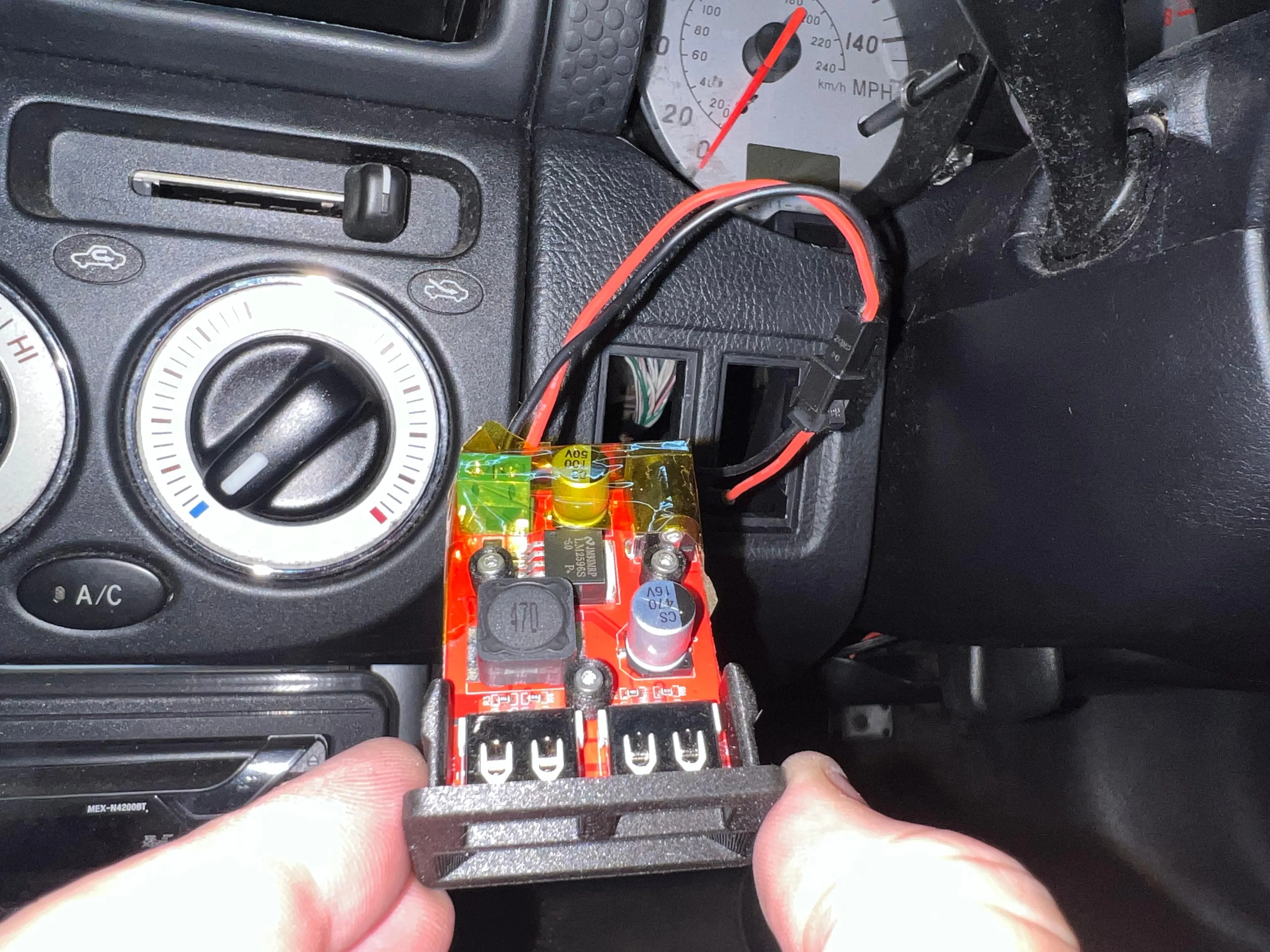
Screw the buck converter to the USB body using the M3x8mm screws with printed washers to avoid damage to the pcb.
LED/Switch part
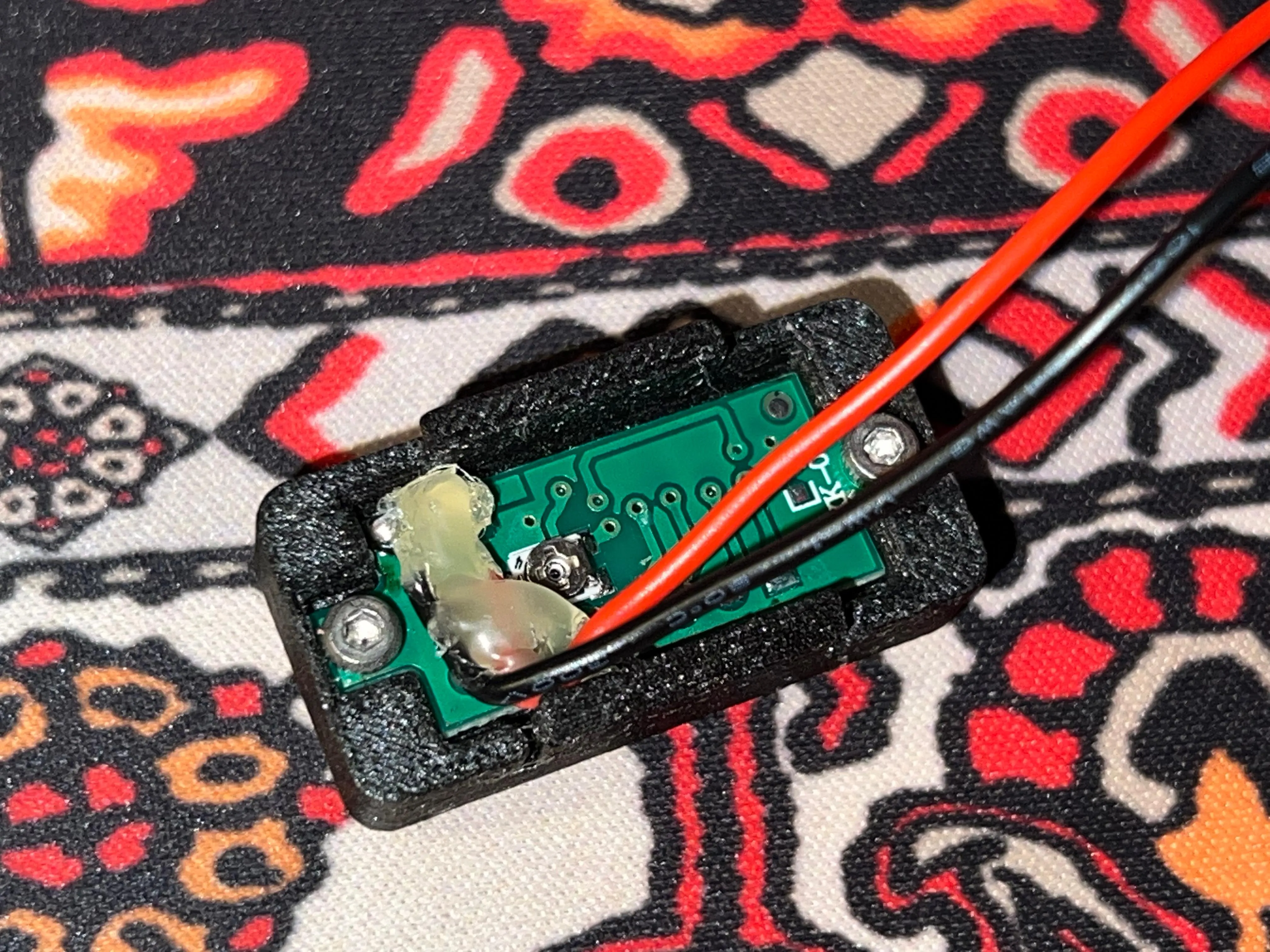
Put the voltimeter inside the LED holder
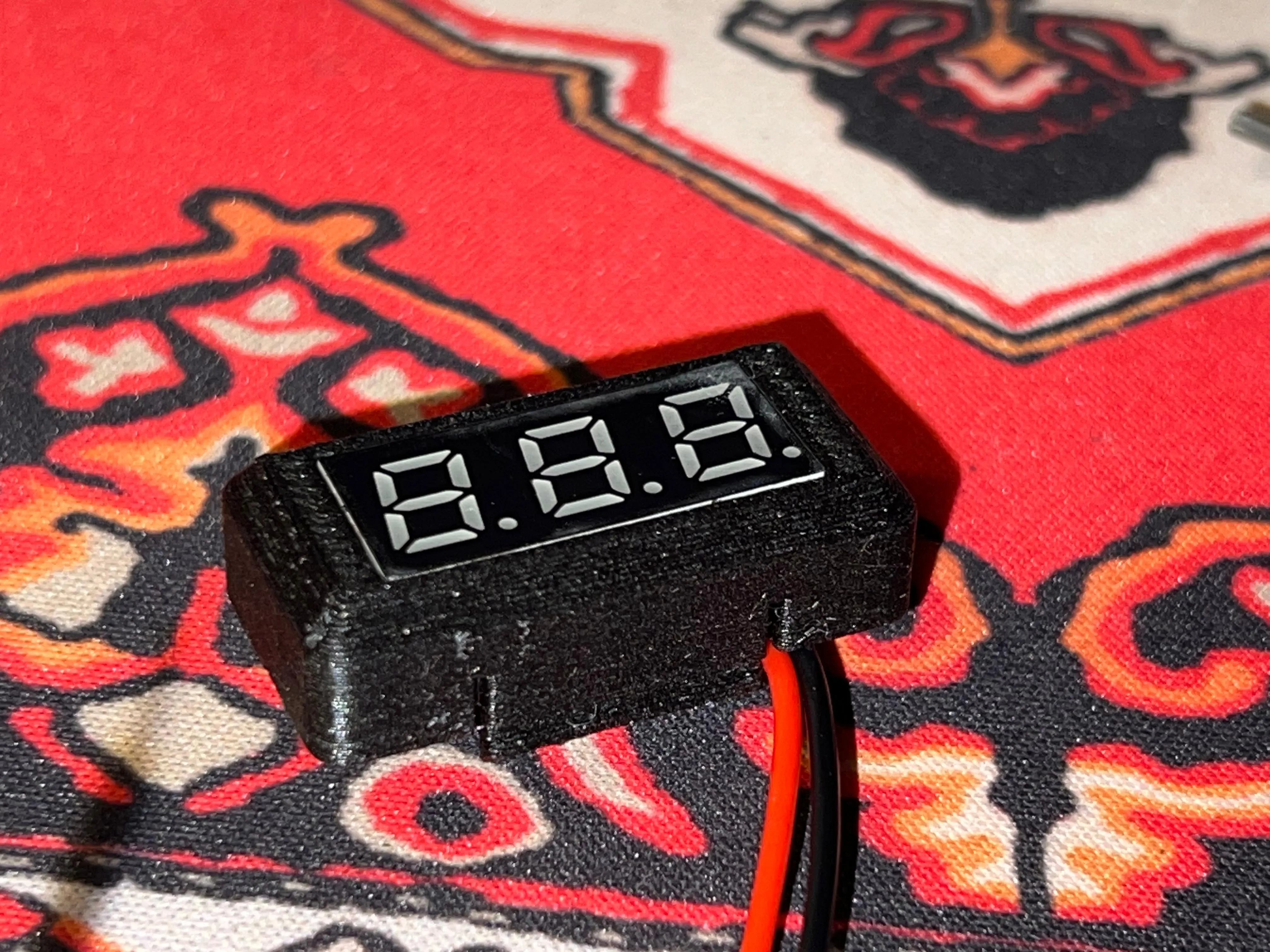
fit with M2x5mm screws.
Slide into LED body, check the orientation, first the top notch, second the mid notch. Slide the switch into the LED body.
Fitting into the car
This it's my method, not unique, use your method if it's better or preffer another. Don't fit without putting a fuse.
Use the fuse adapter on cigarrette fuse. (for example)
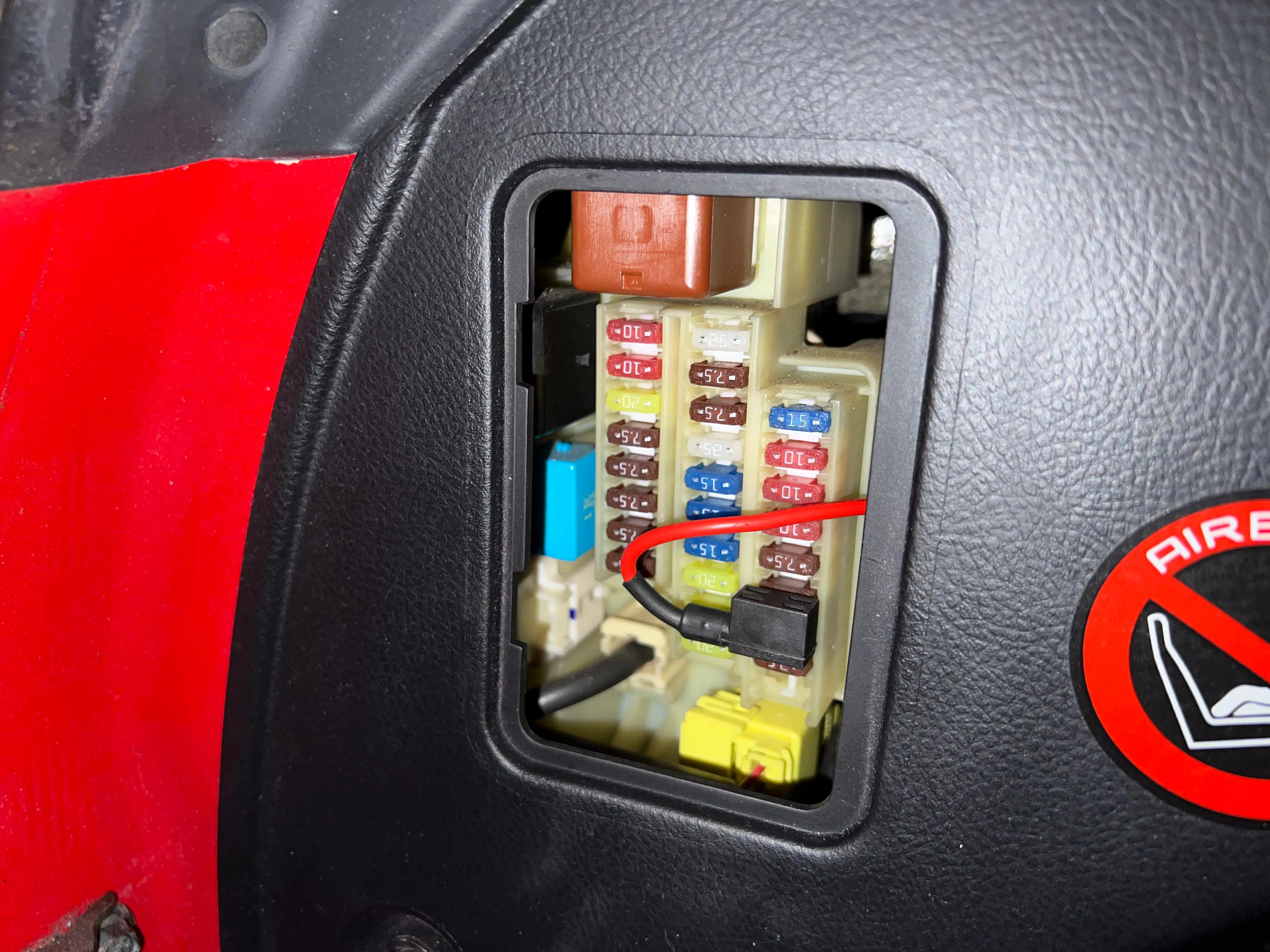
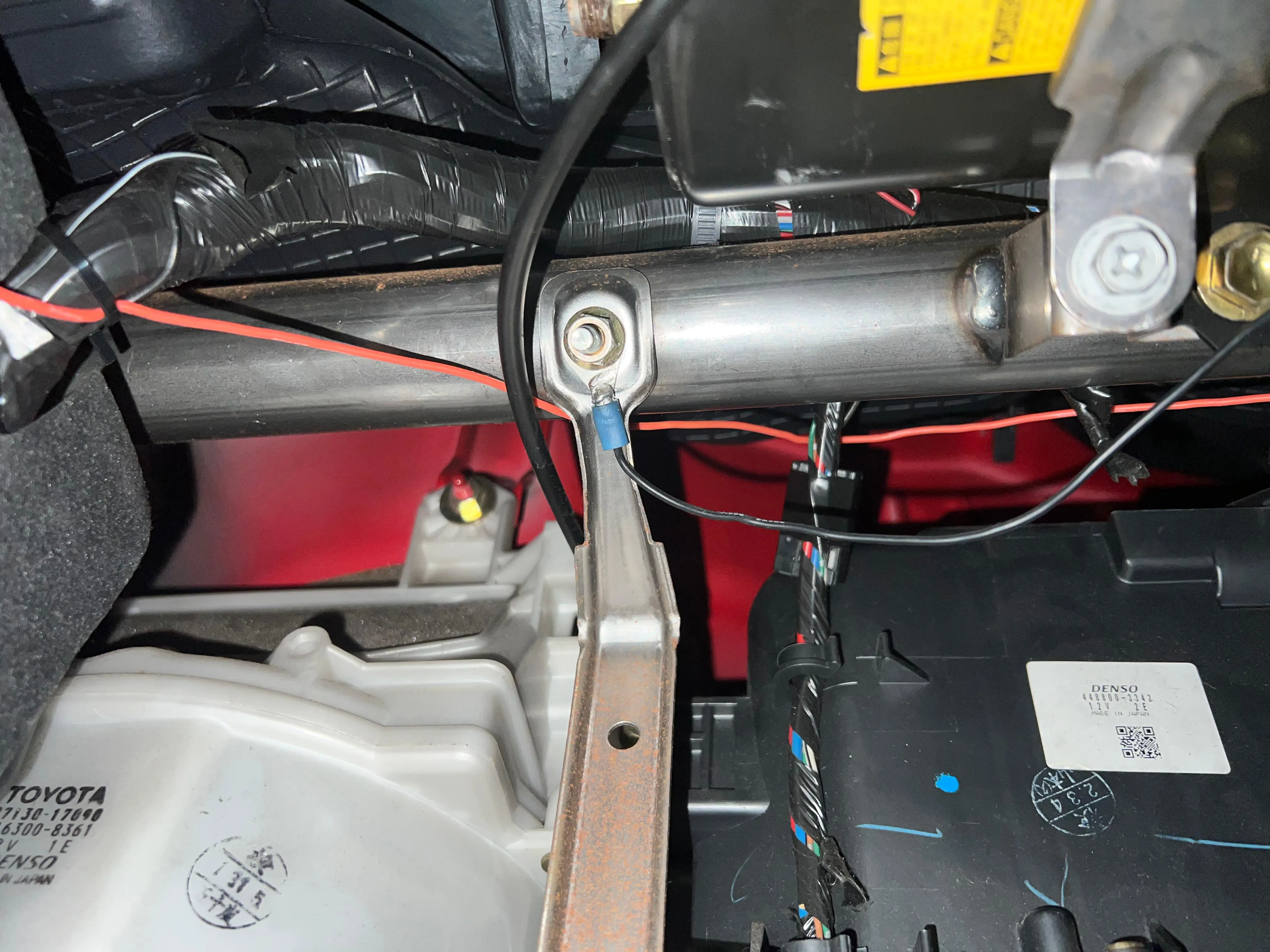
For grounding I use these nut near the fusebox.
Take care when sliding the buck converter, the caps are fragile.
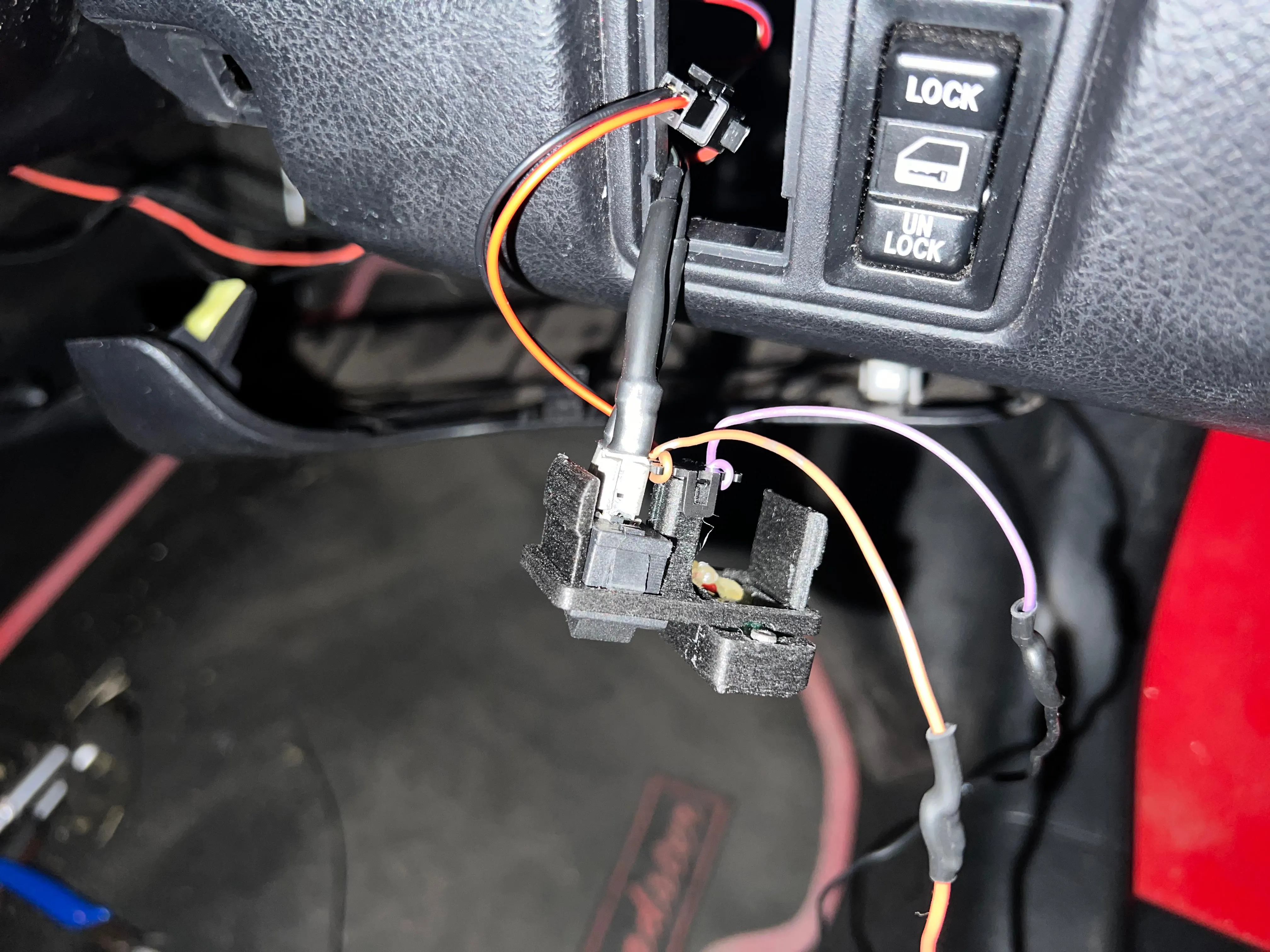
If you want to relocate the LED body, you need to lengthen the immobilizer LED wires.
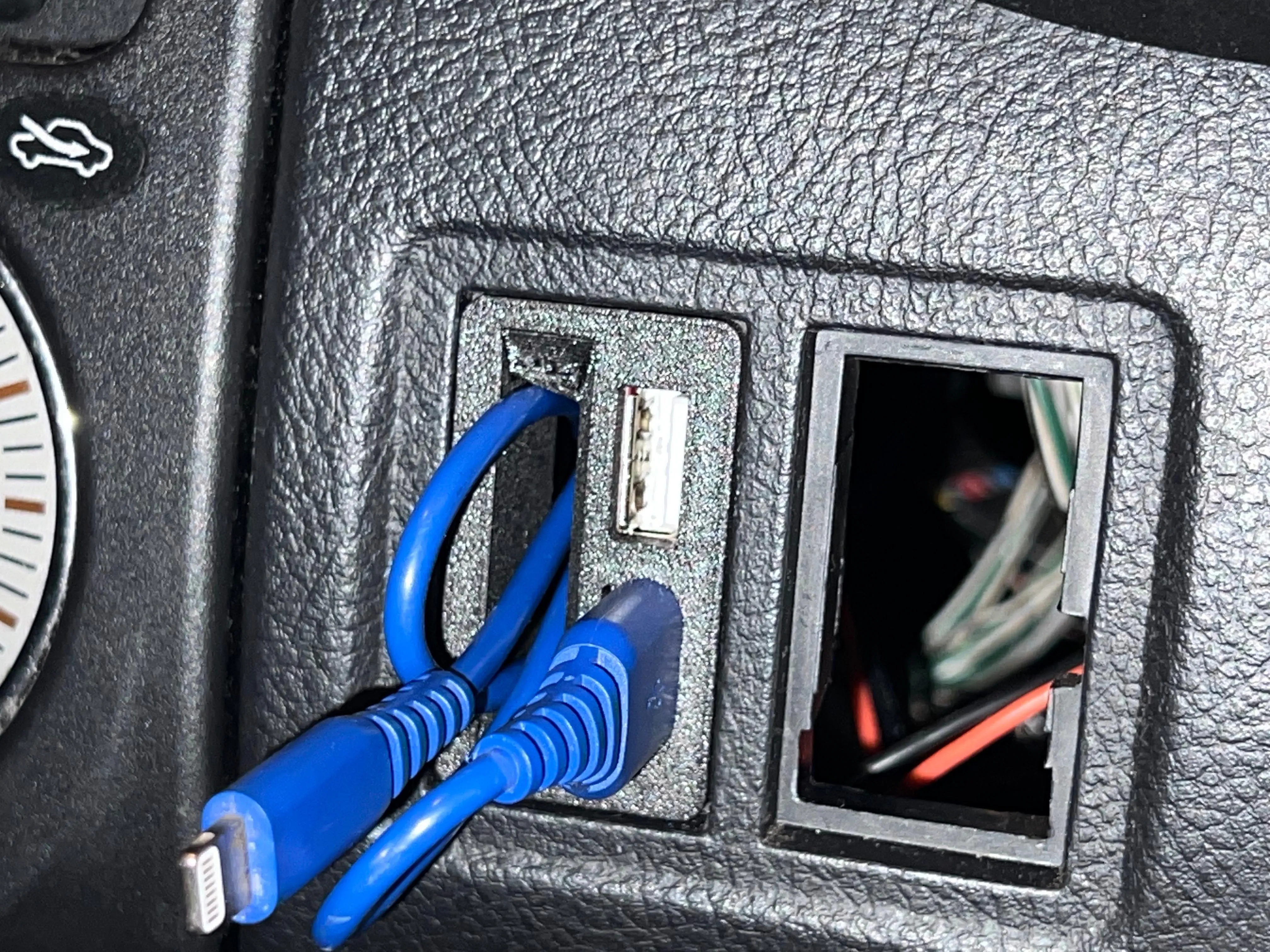
Work done, the small aberture it's intended to put the usb cable when not using.
License



Comment & Rating (0)