
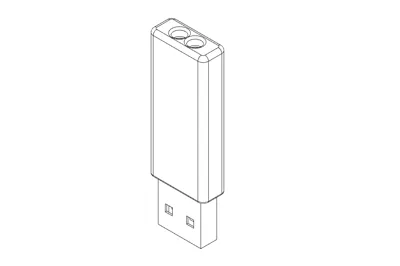
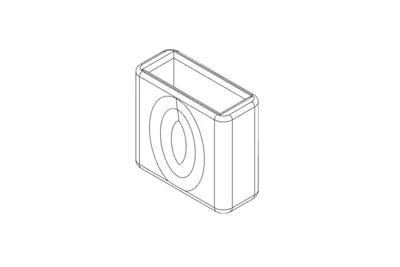
Print Profile(4)


Bill of Materials
- USB_Pendrive x 1: https://s.click.aliexpress.com/e/_c3rXVDm7
Description
Model
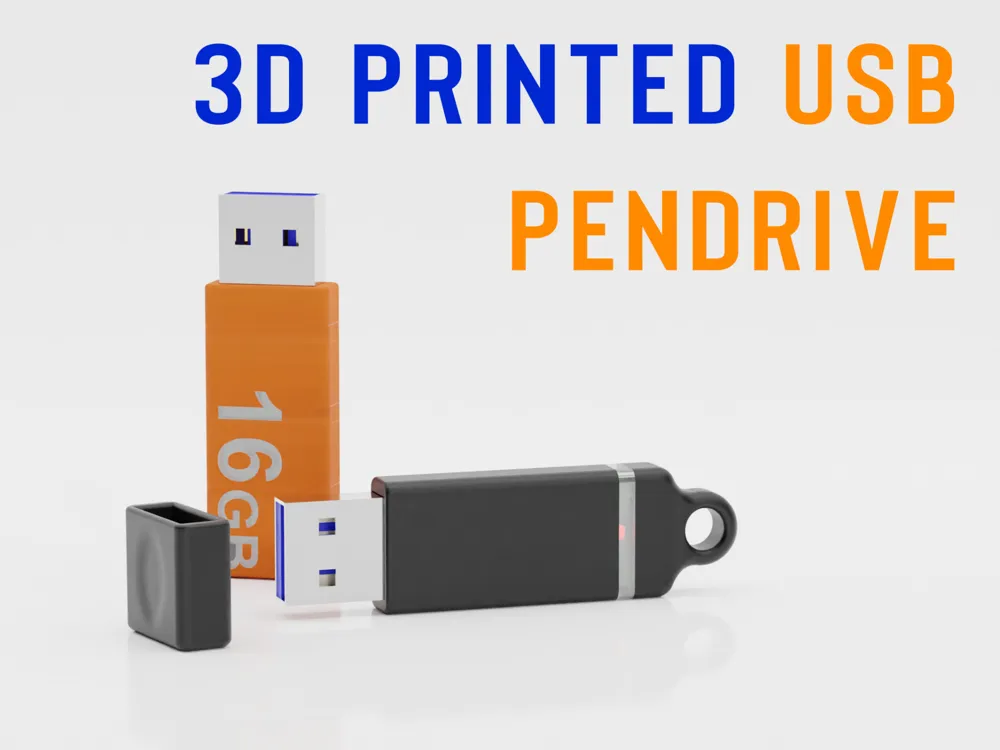
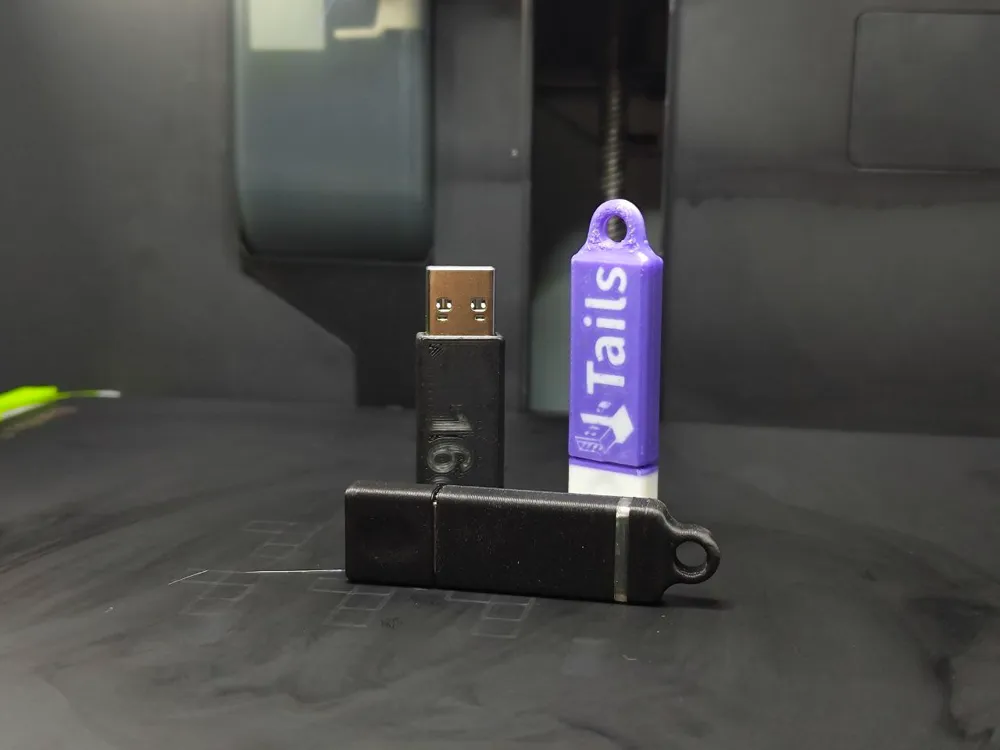
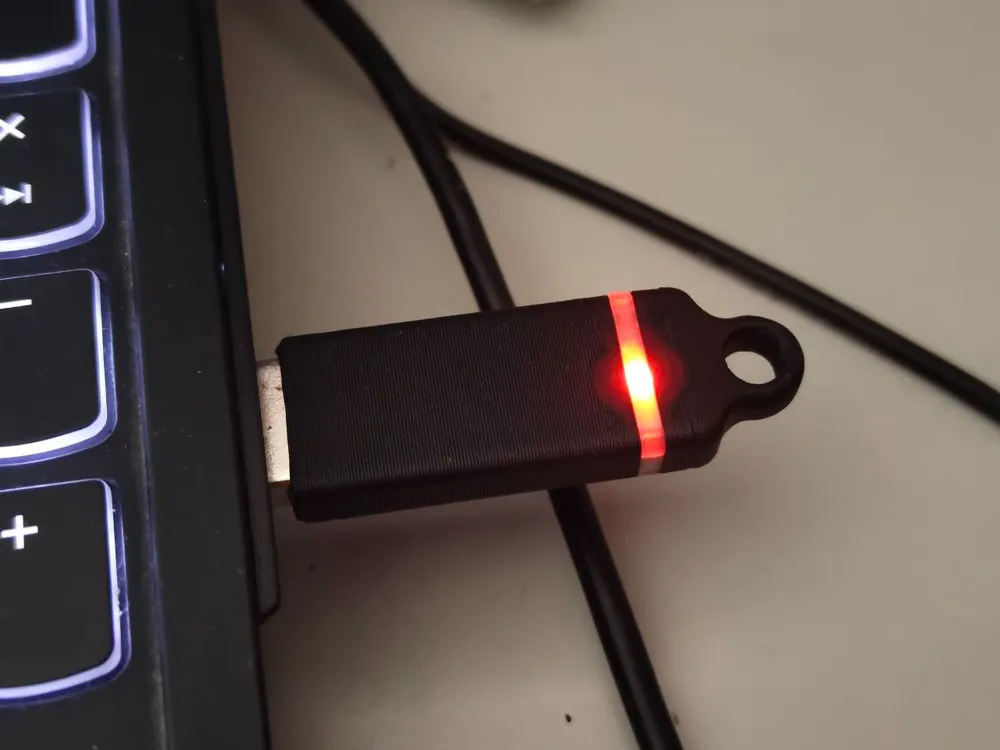
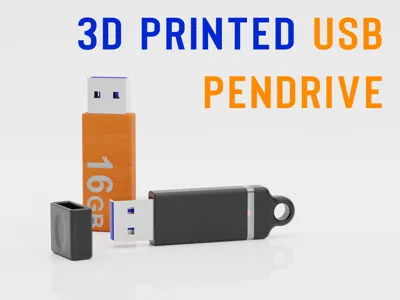
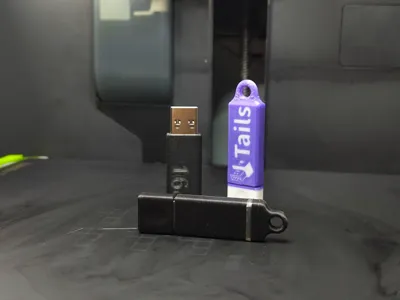
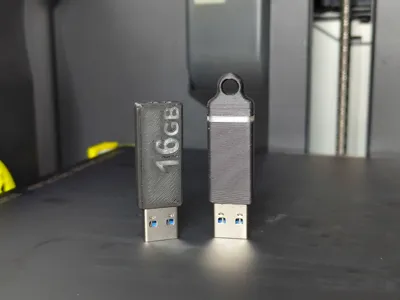
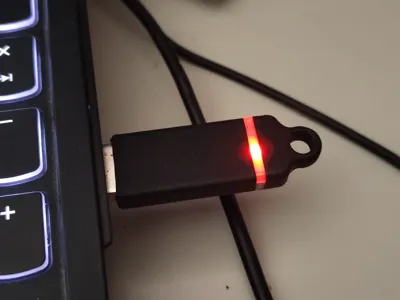
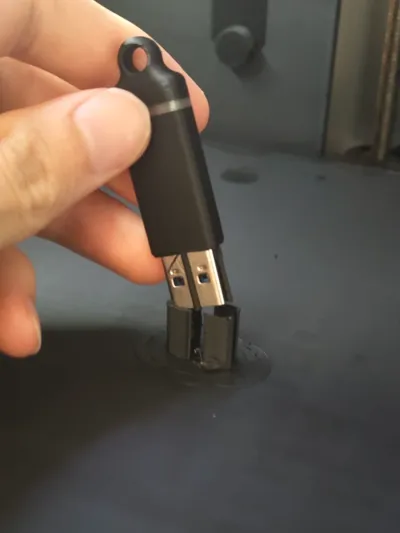
3D printed USB sticks allow you to repair damaged USB sticks or customize USB sticks with logos, colors, designs or writings. I personally managed to repair two USB sticks and create the case for new ones. Read below to see the models available.
The compatible model that i bought were those: Aliexpress - https://s.click.aliexpress.com/e/_c3rXVDm7
Printing
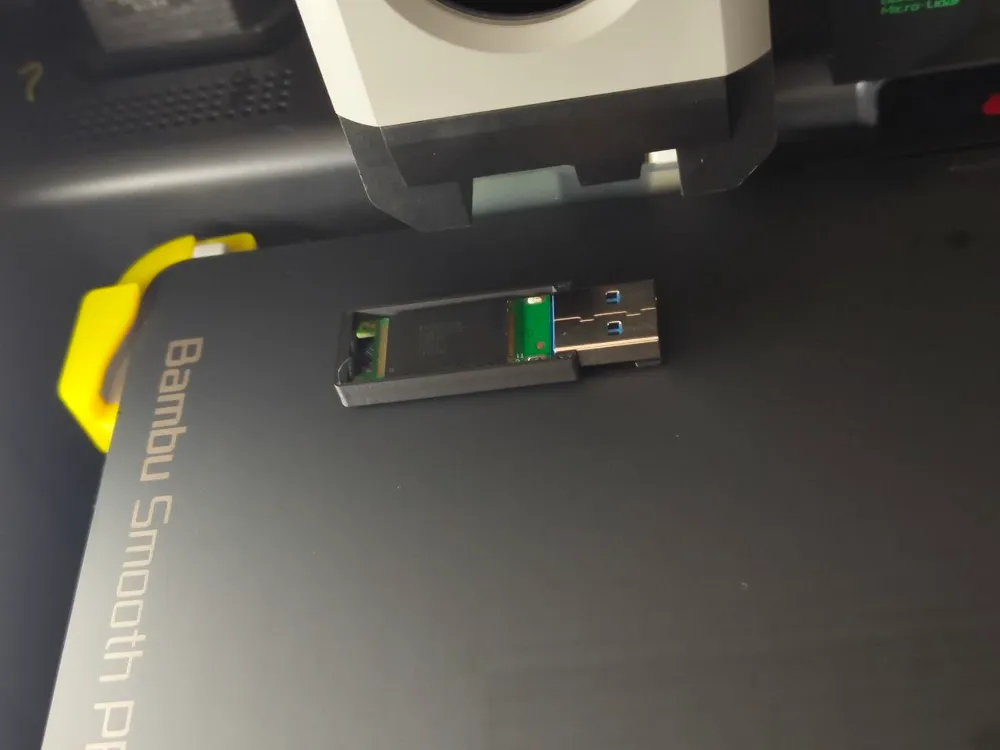
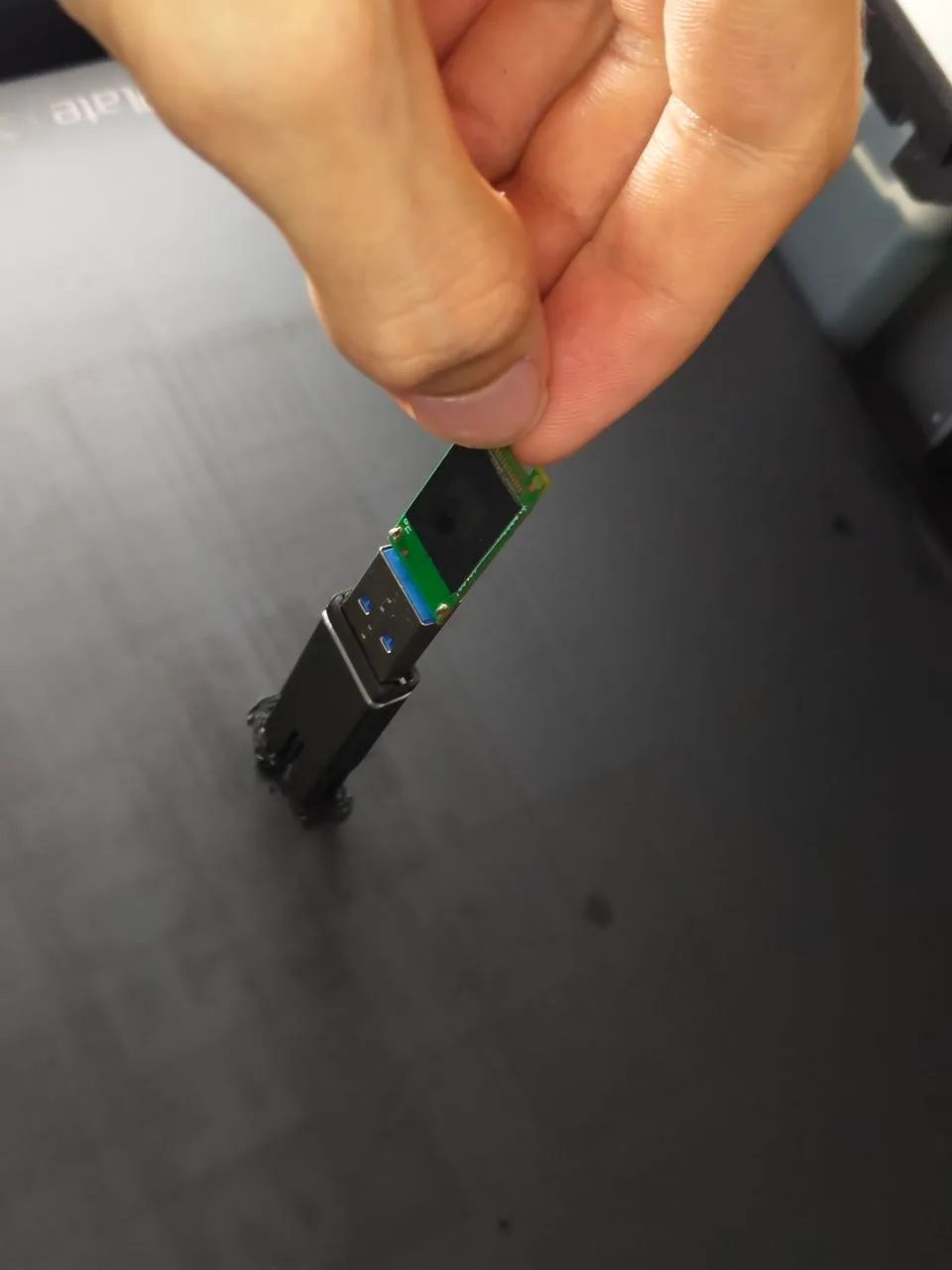
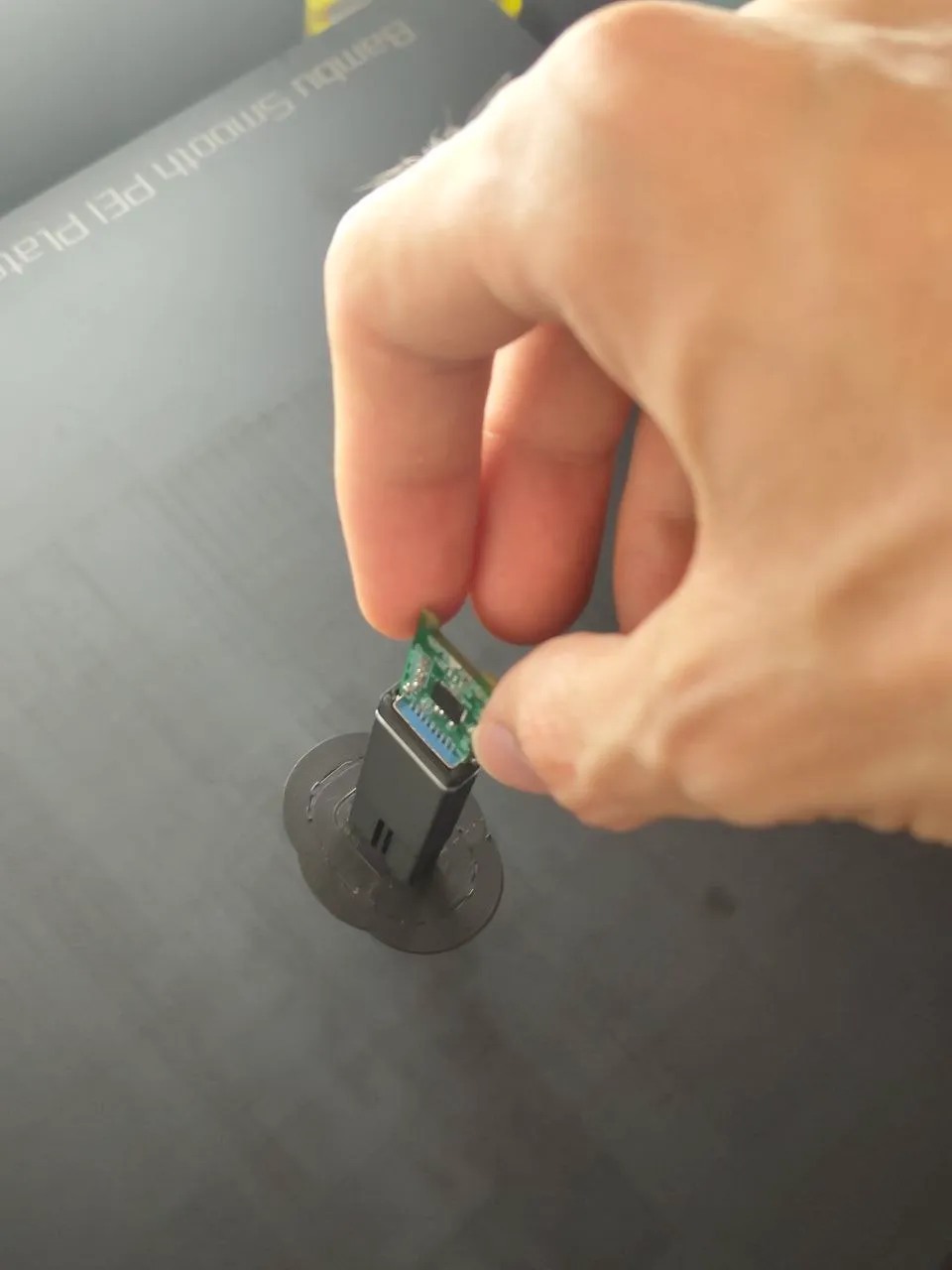
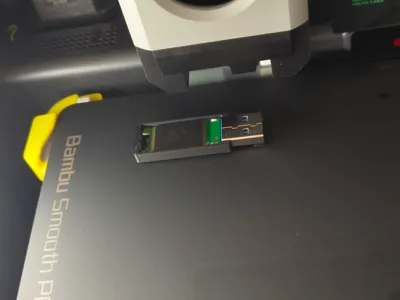
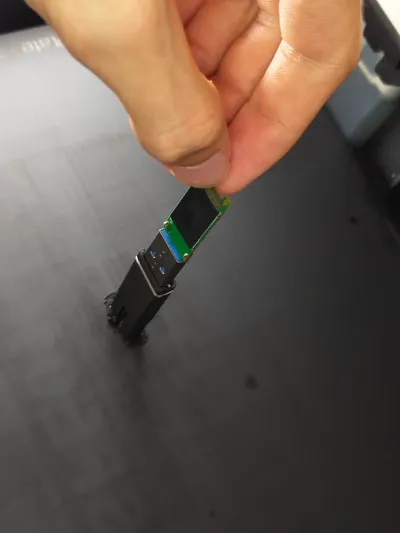
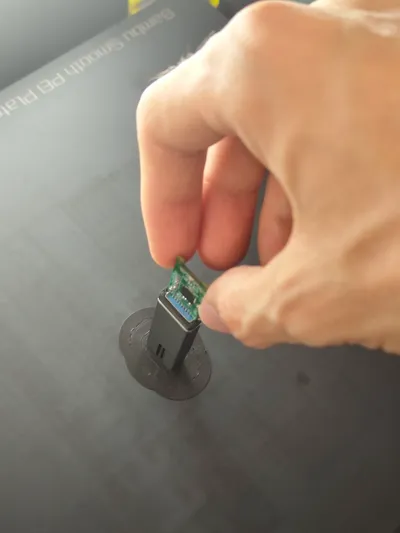
To allow an effective and safe closure, the USB stick PCB is embedded directly in the print. To do this, at a certain layer, the print will automatically pause, allowing the PCB to be inserted. The remaining supports attached to the print will then have to be removed. Some models (the ones with logos or texts) might be better printed with 0.2mm nozzle.
Plates and models
Below all the models available, for now… for the complete print you have to choose one between 1 and 5 then print that with the 6.
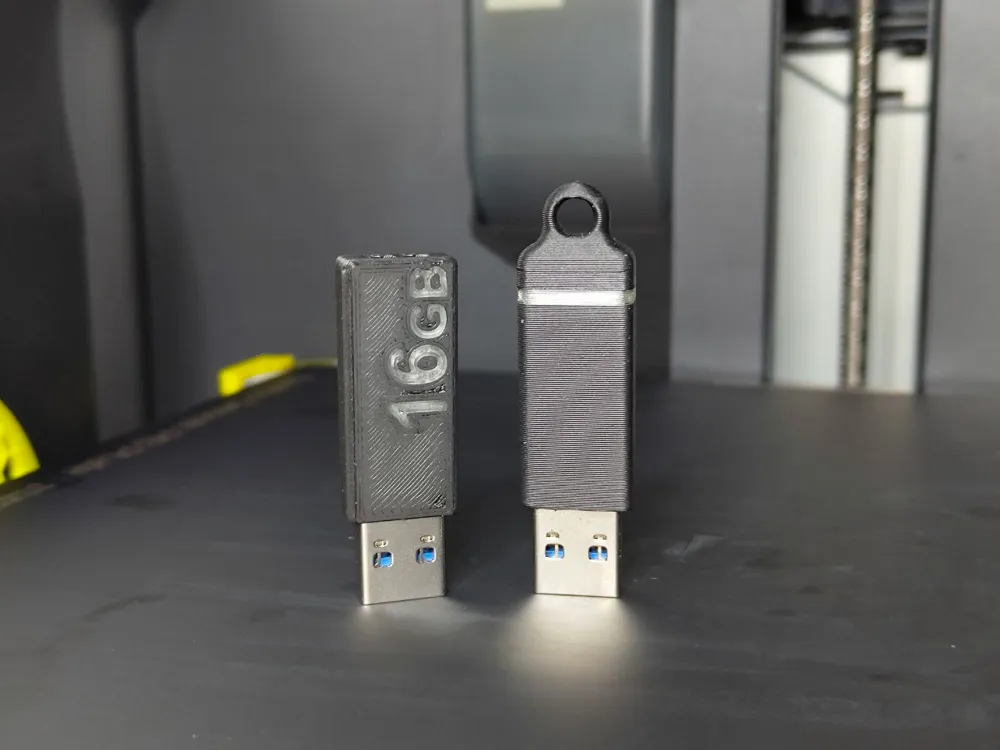
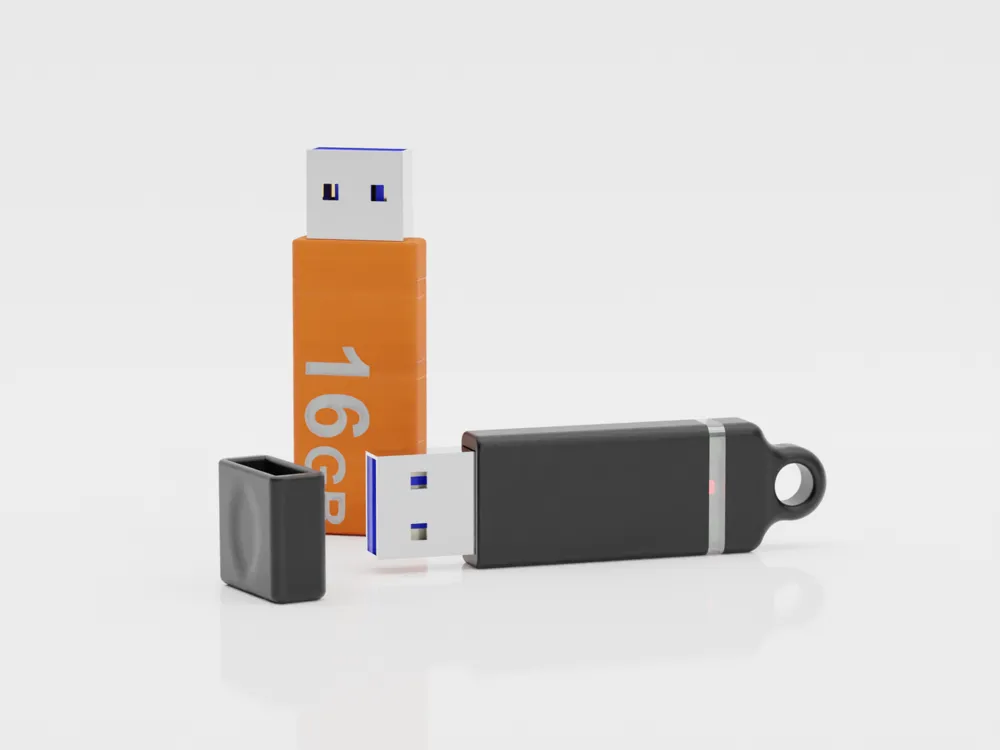
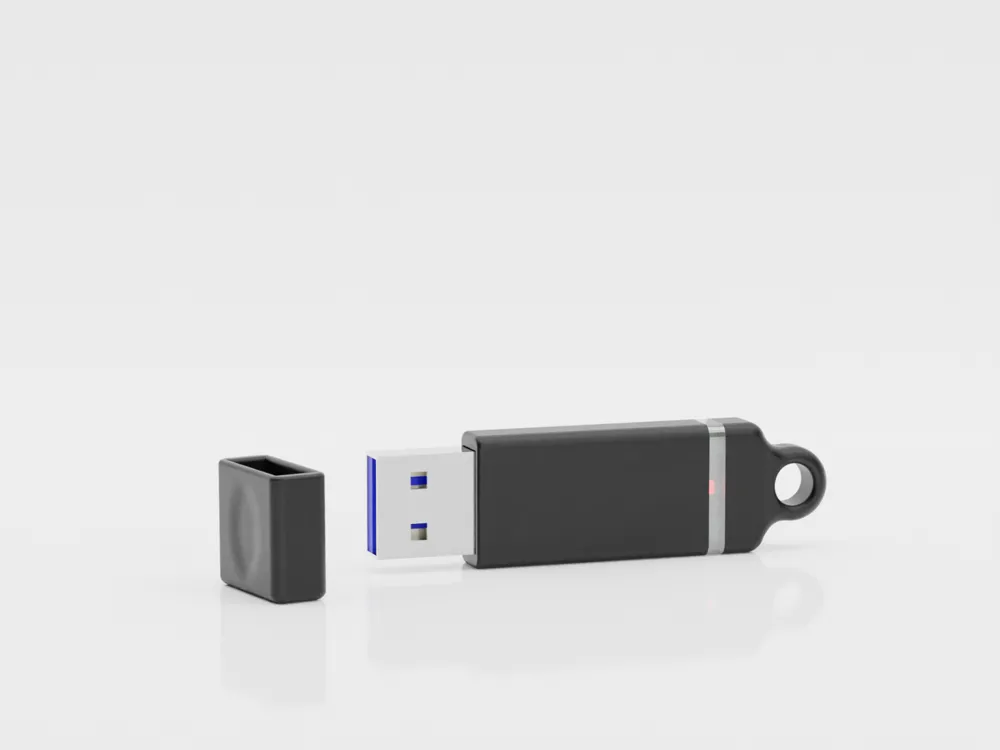
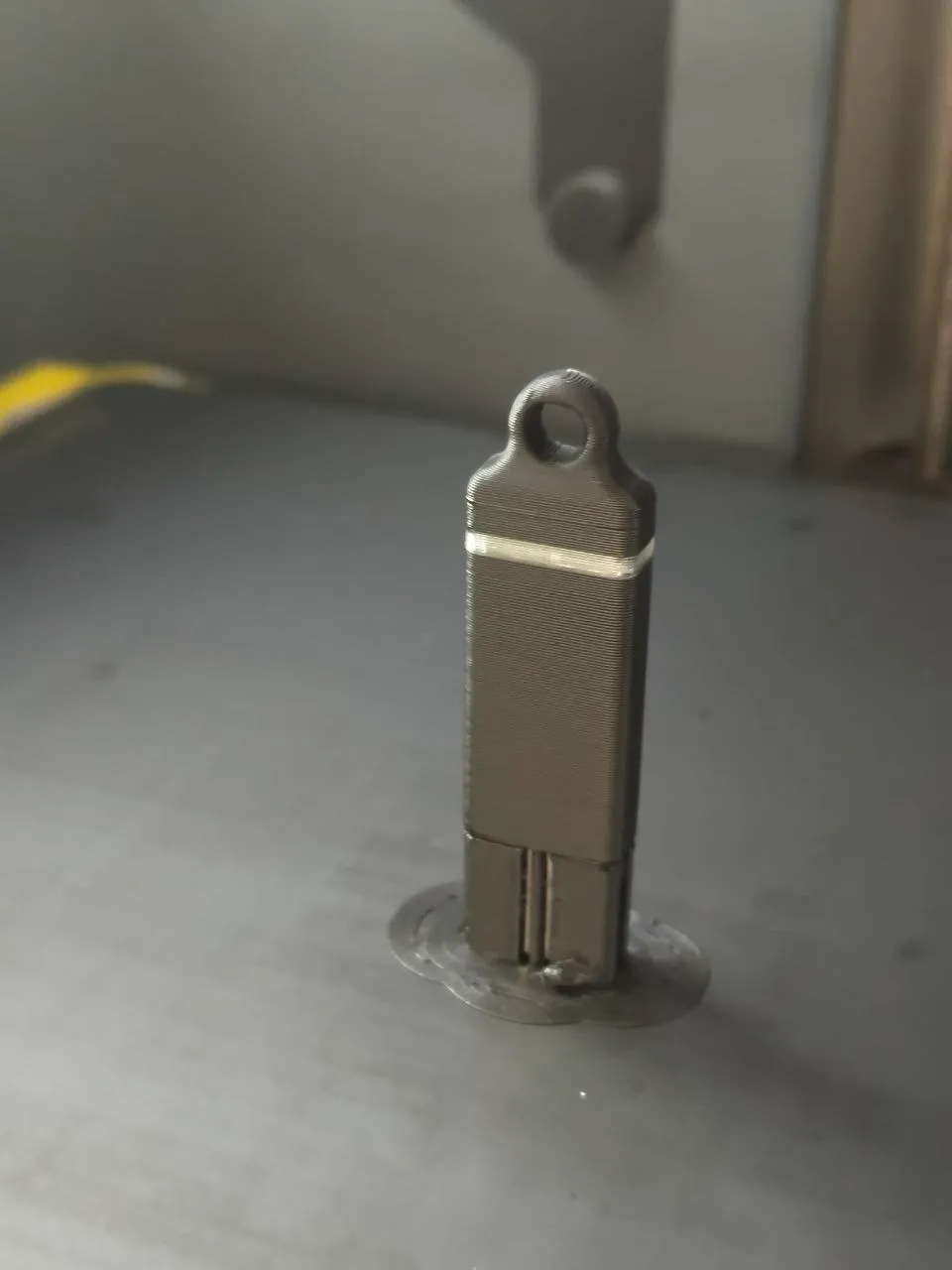
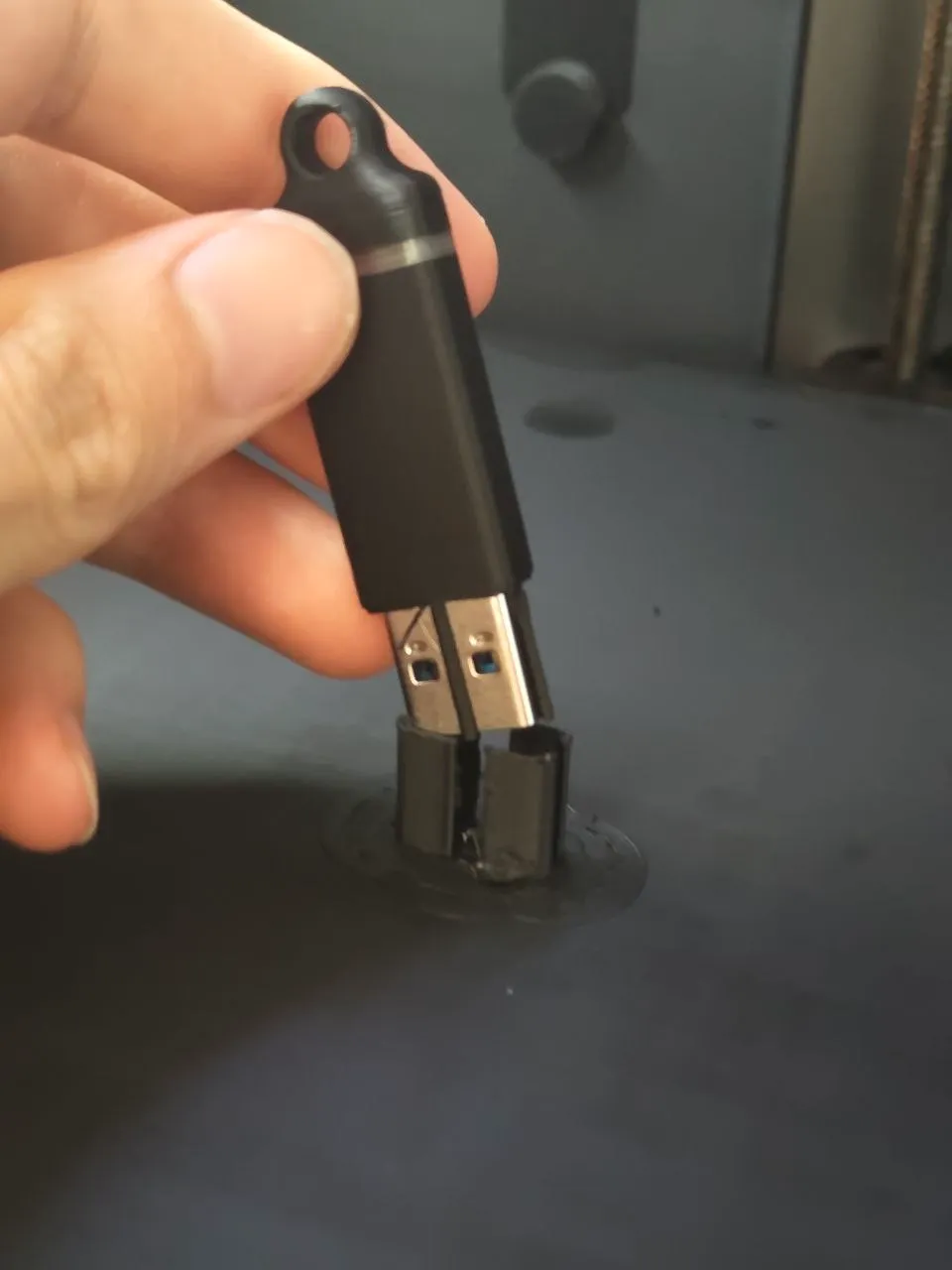
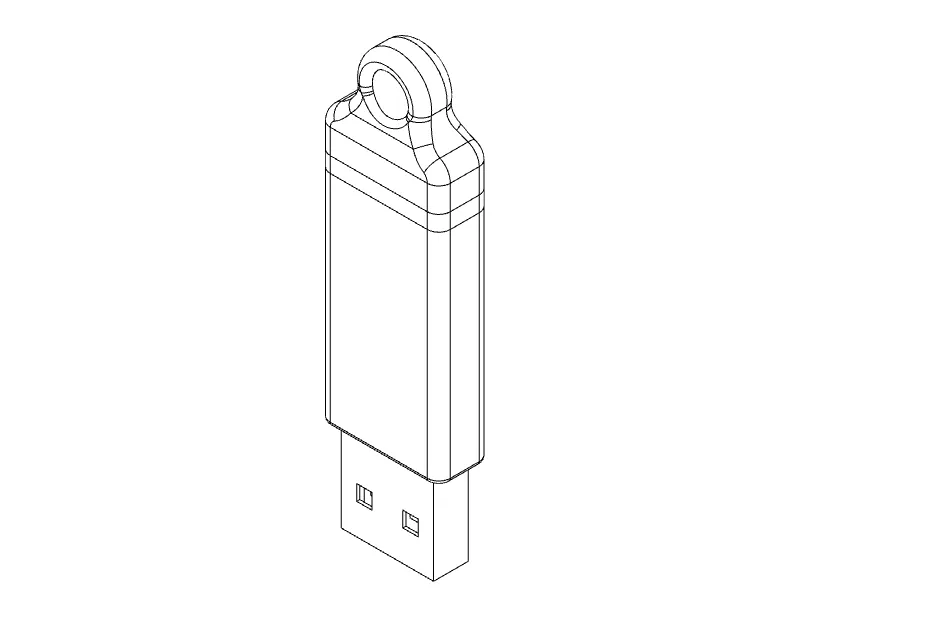
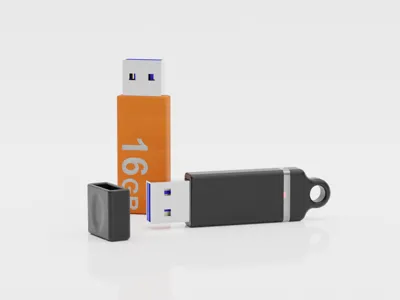
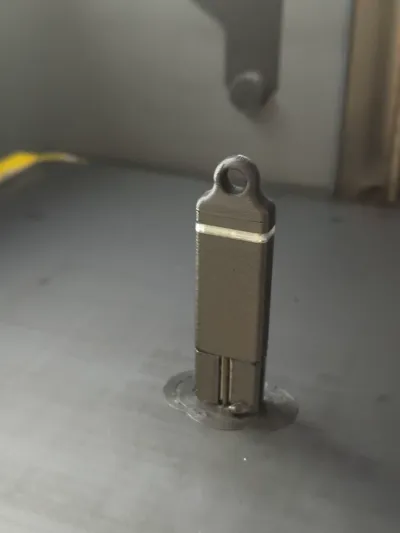
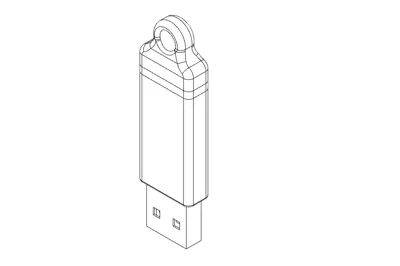
Plate 01 - USB pendrive with status transparent ring (to let the light be visible) and keychain ring, vertical print.
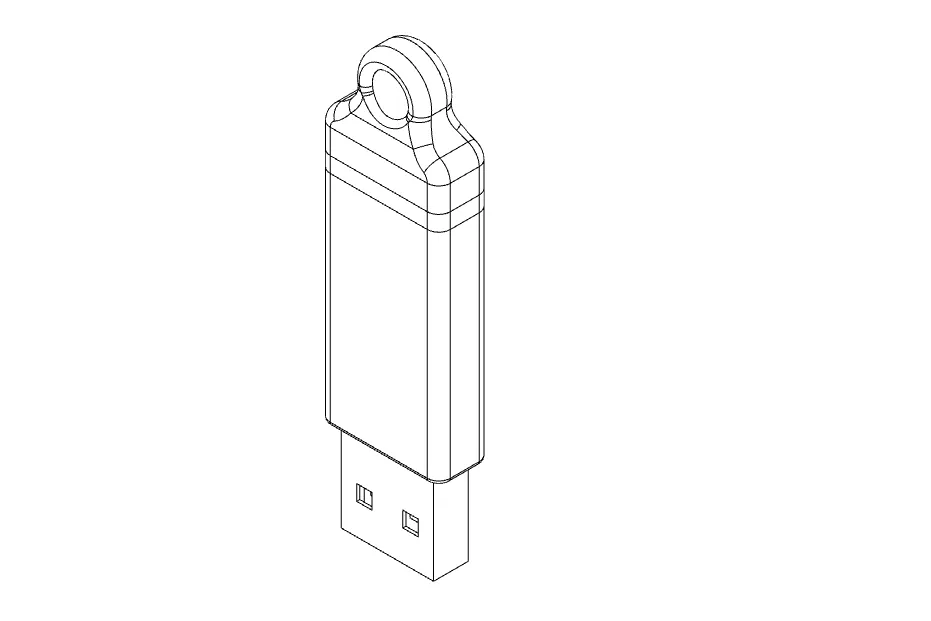
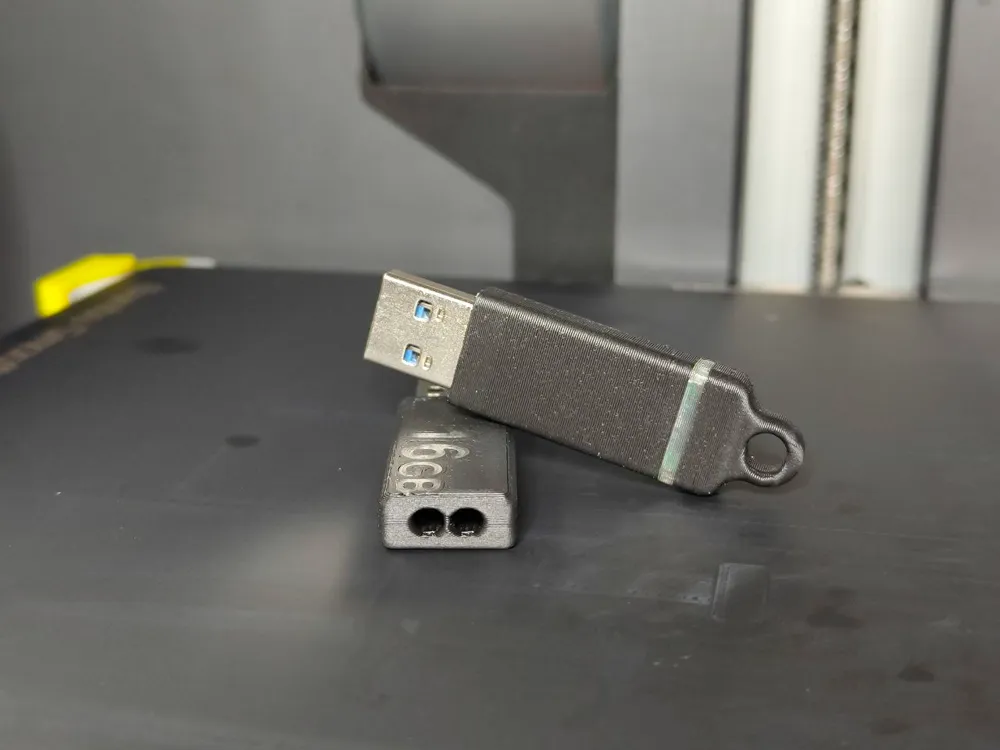
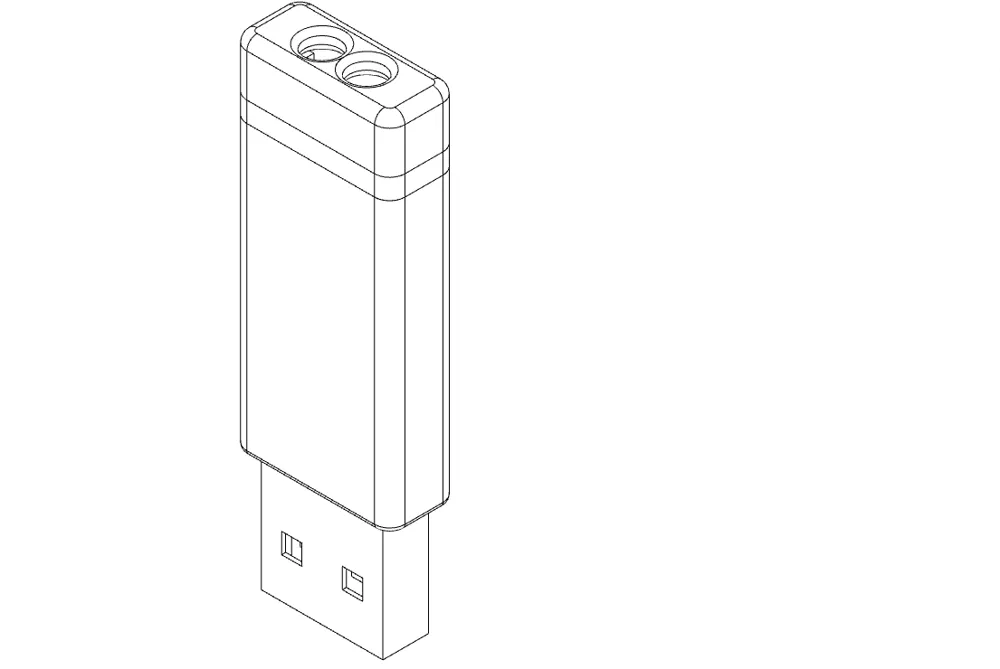
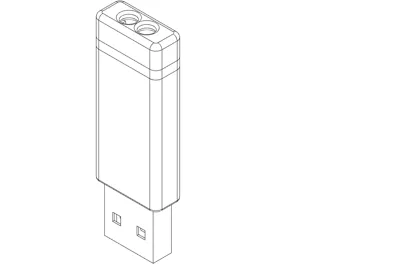
Plate 02 - Usb pendrive with status transparent ring, keychain holes on top, horizontal print.
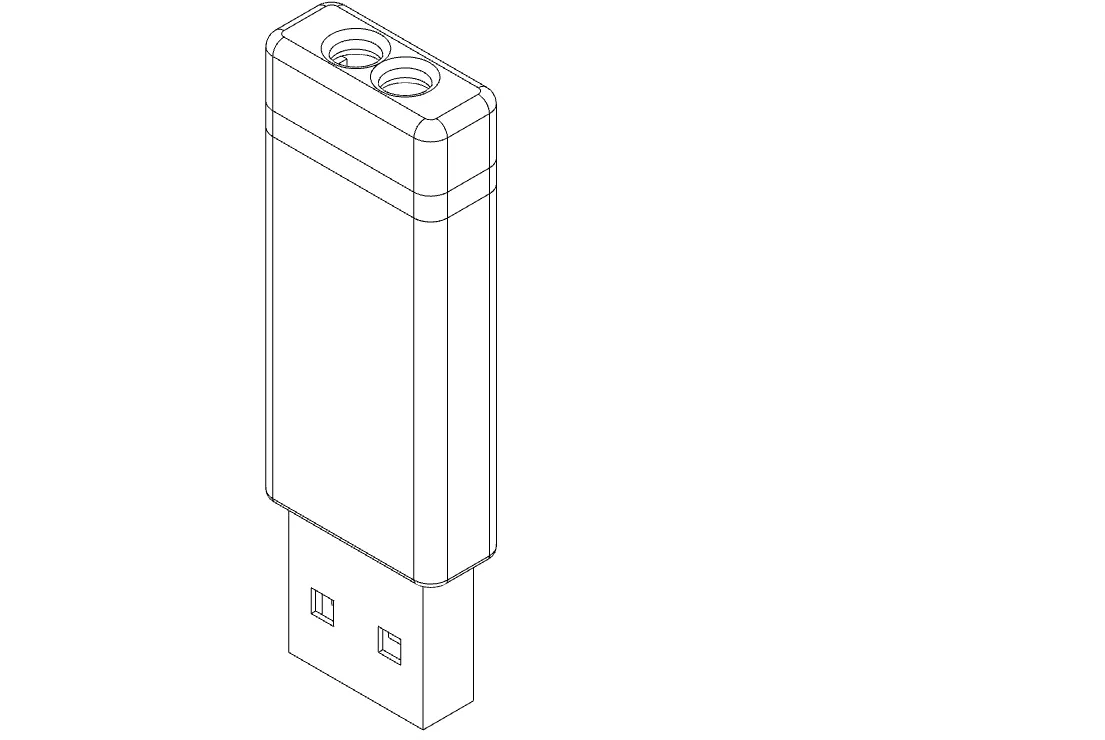
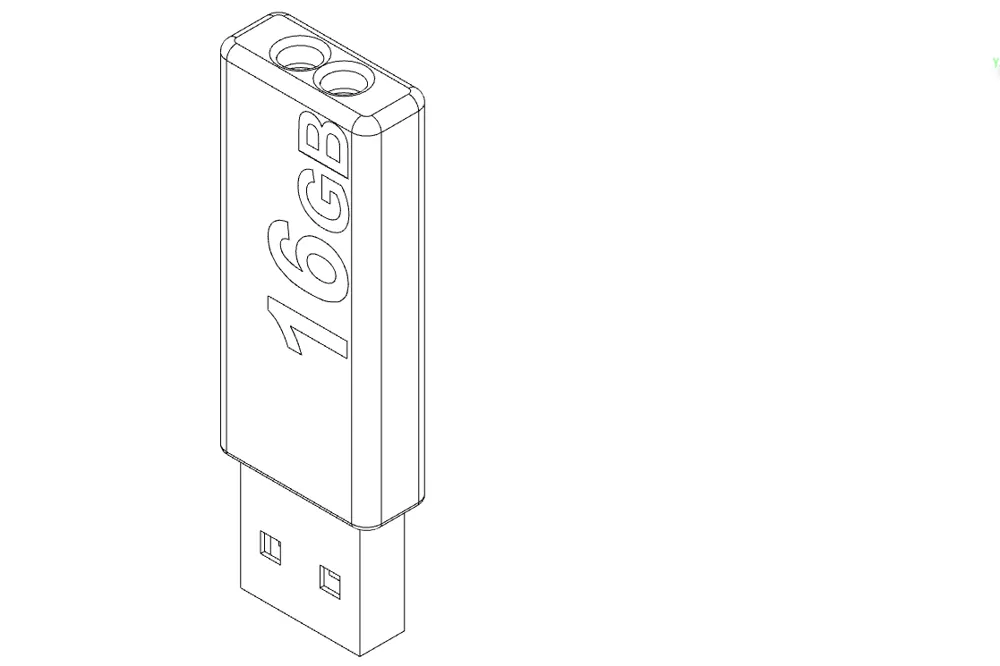
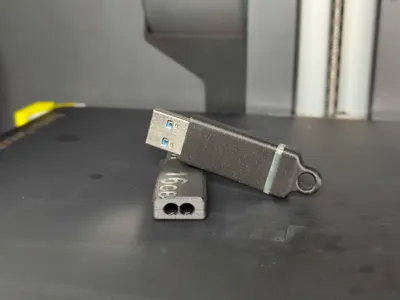
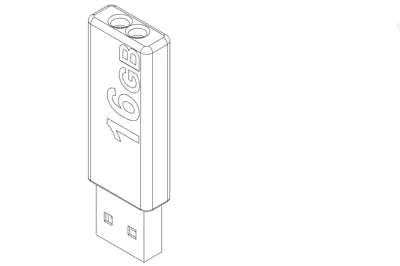
Plate 03 - Usb pendrive with status transparent “16GB” writing, Horizontal print.
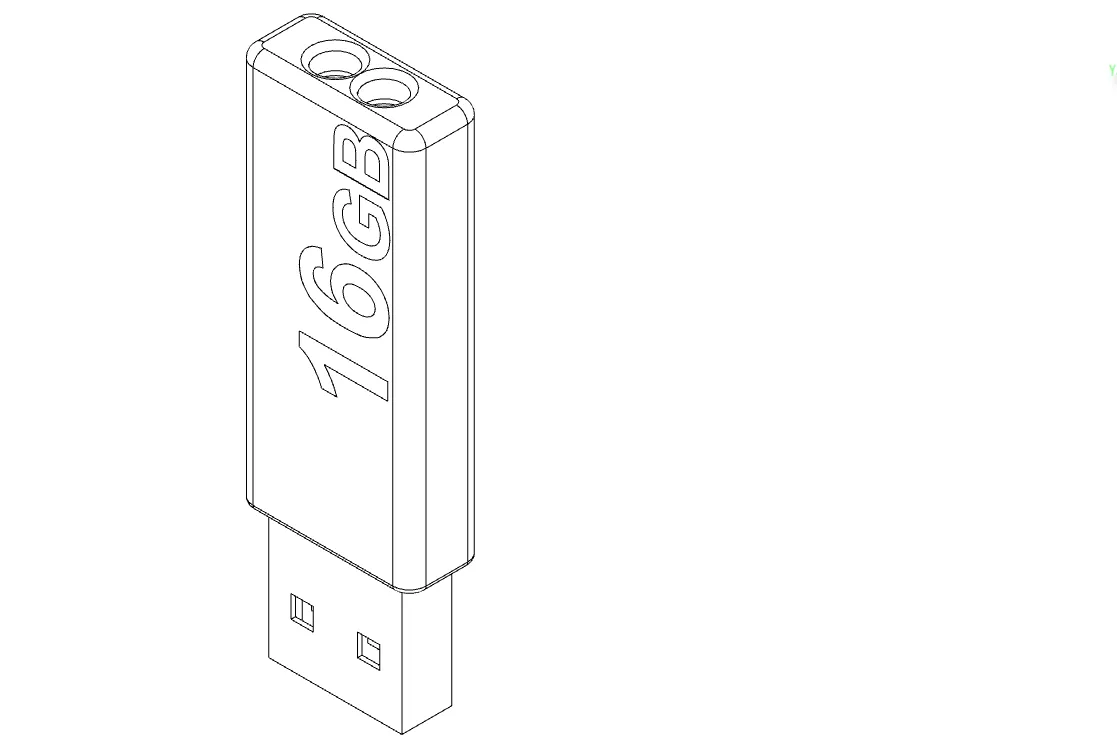
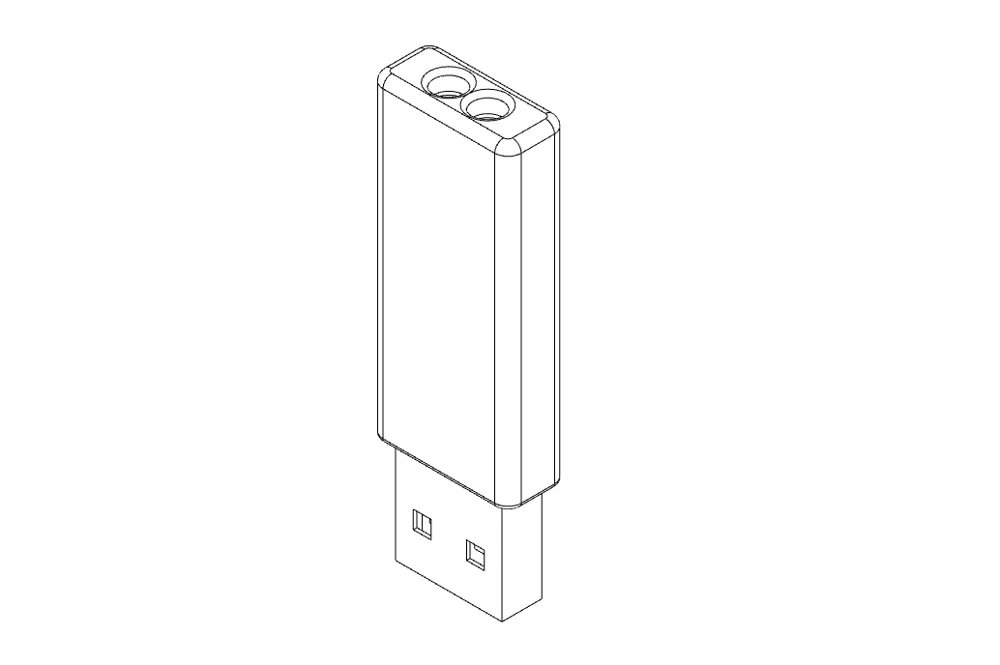
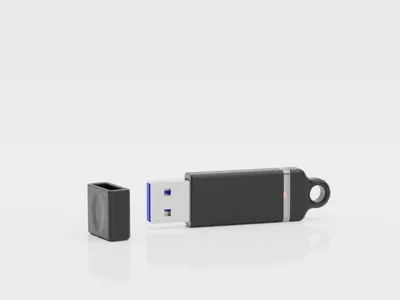
Plate 04 - Blank USB pendrive without any transparent status light, Horizontal print.
Plate 05 - Blank USB pendrive without any transparent status light, Vertical print.
Those are perfect for good customizations: drwings, writings and similar stuffs.
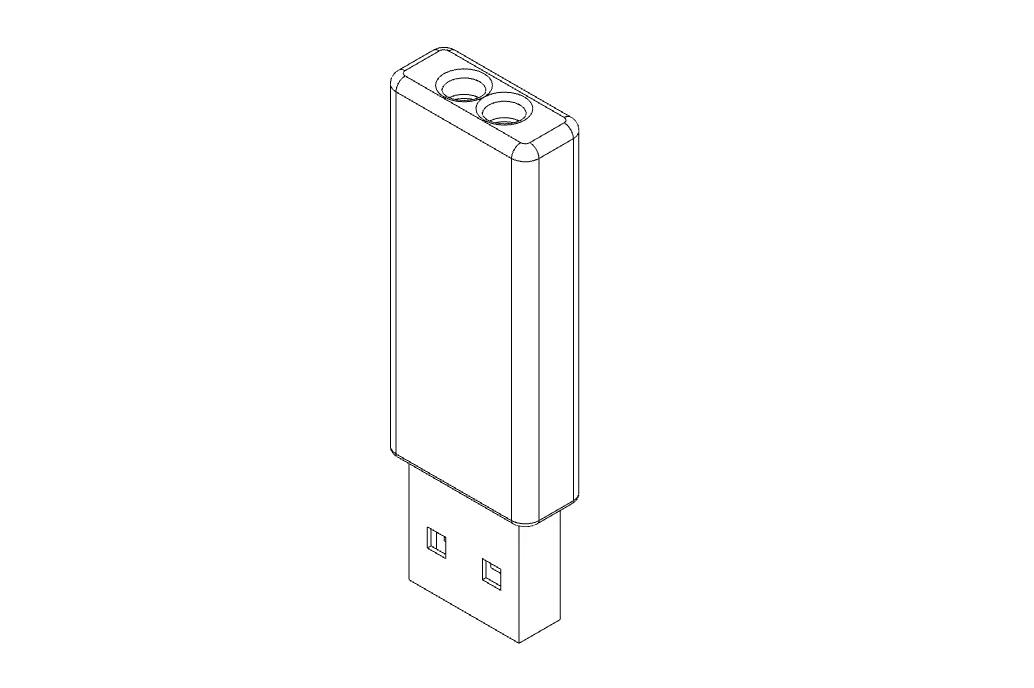
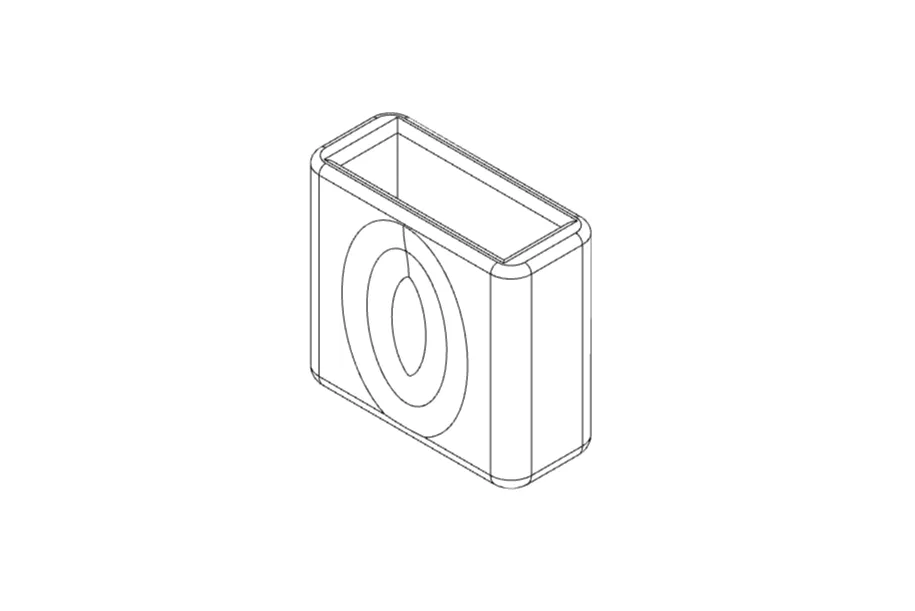
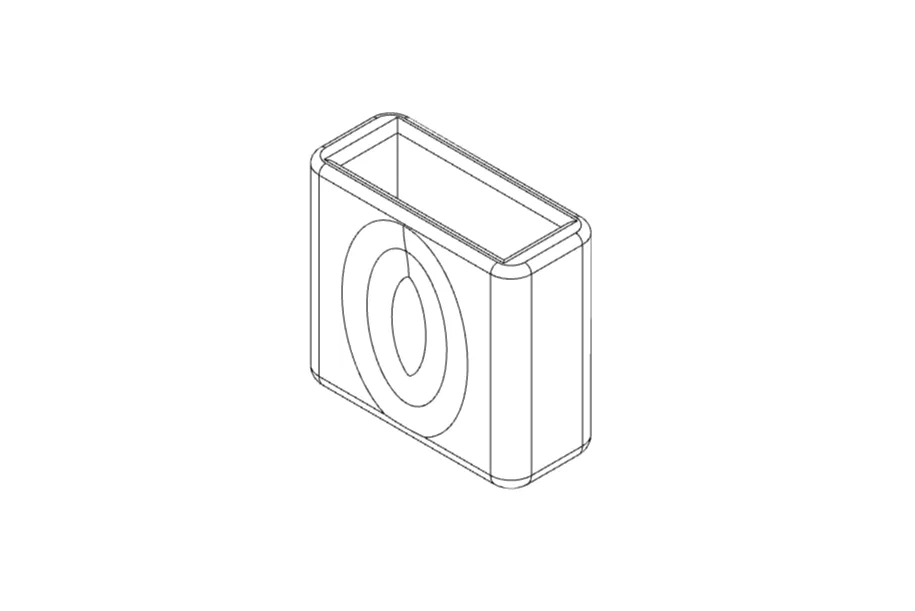
Plate 06 And other files - Usb cap for all the above prints, there are different caps thighter, neutral, loose.
I advice to use the neutral cap file but it depends by the usb stick and how much force do you want to use to open the usb stick ( the tight cap might be too tight for some usbs).
Conclusion
For me these worked and are working perfectly. If there is any problem with dimensions and print, its probably due to the PCB manufacturing or model, for me was good on three different models.
To solve this you can try to scale the models or then write me a direct message for the source file and to improve the model compatibility.
New designs, and shapes are coming soon
Boost Me (for free)
If you liked this model, support me and my work with a boost!
Boost Me (for free)
Thank you! If you liked this model, support me and my work with a boost!

Membership
Love this model? With my Commercial License tier, you can legally sell 3D prints of it! Join now to support me and my work. Start selling today! 🚀.
License



Comment & Rating (17)