Search models, users, collections, and posts

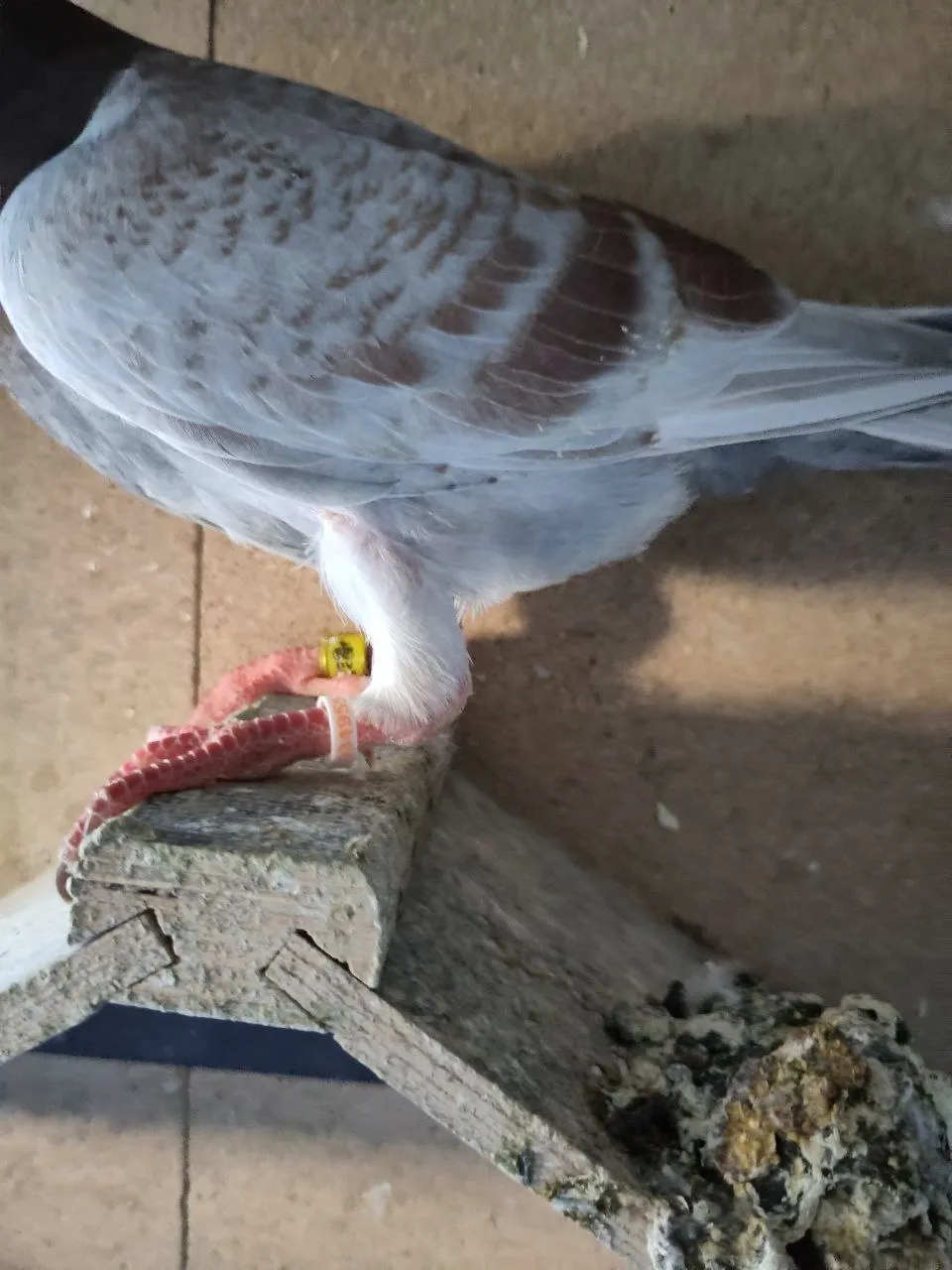
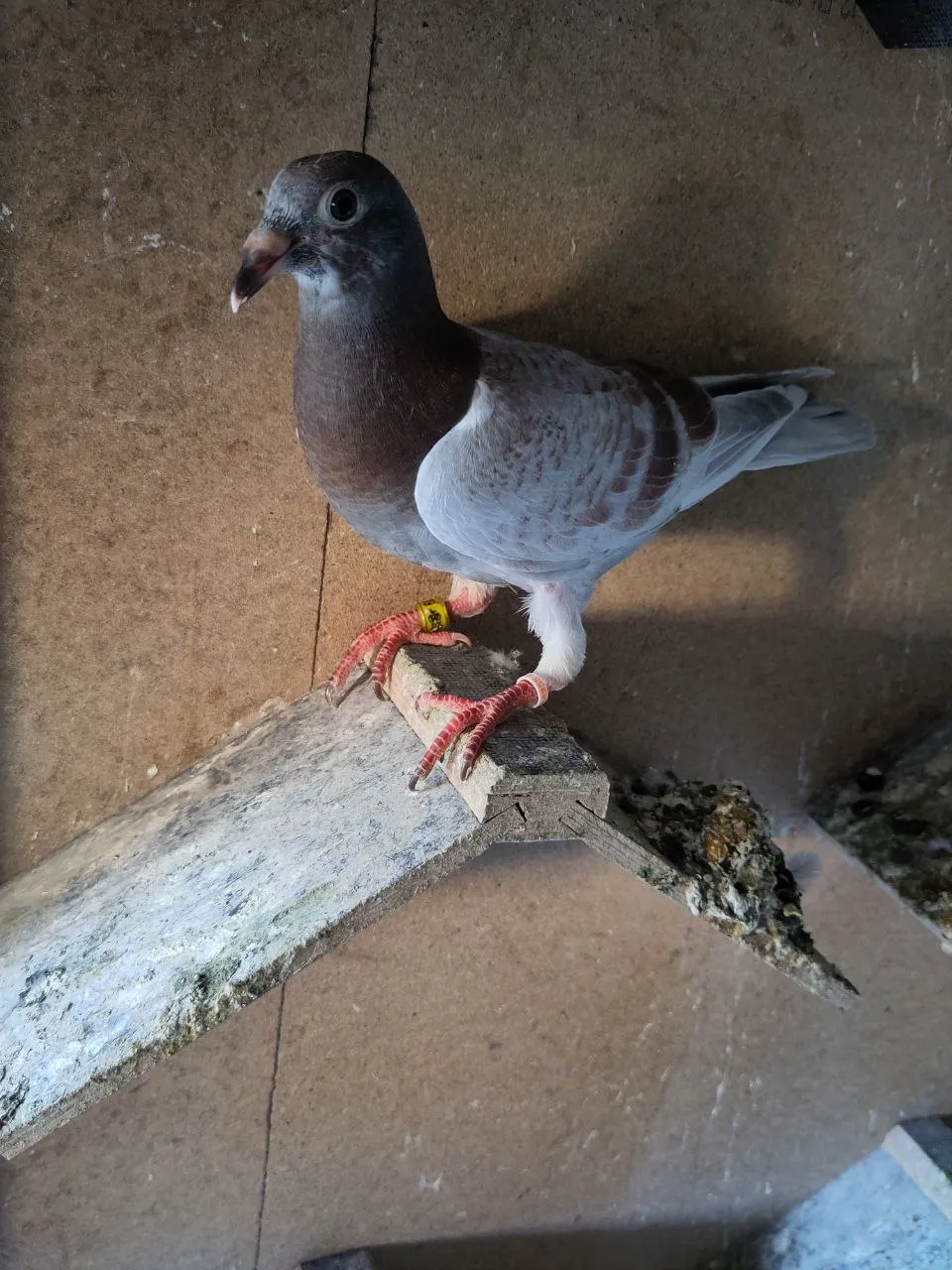
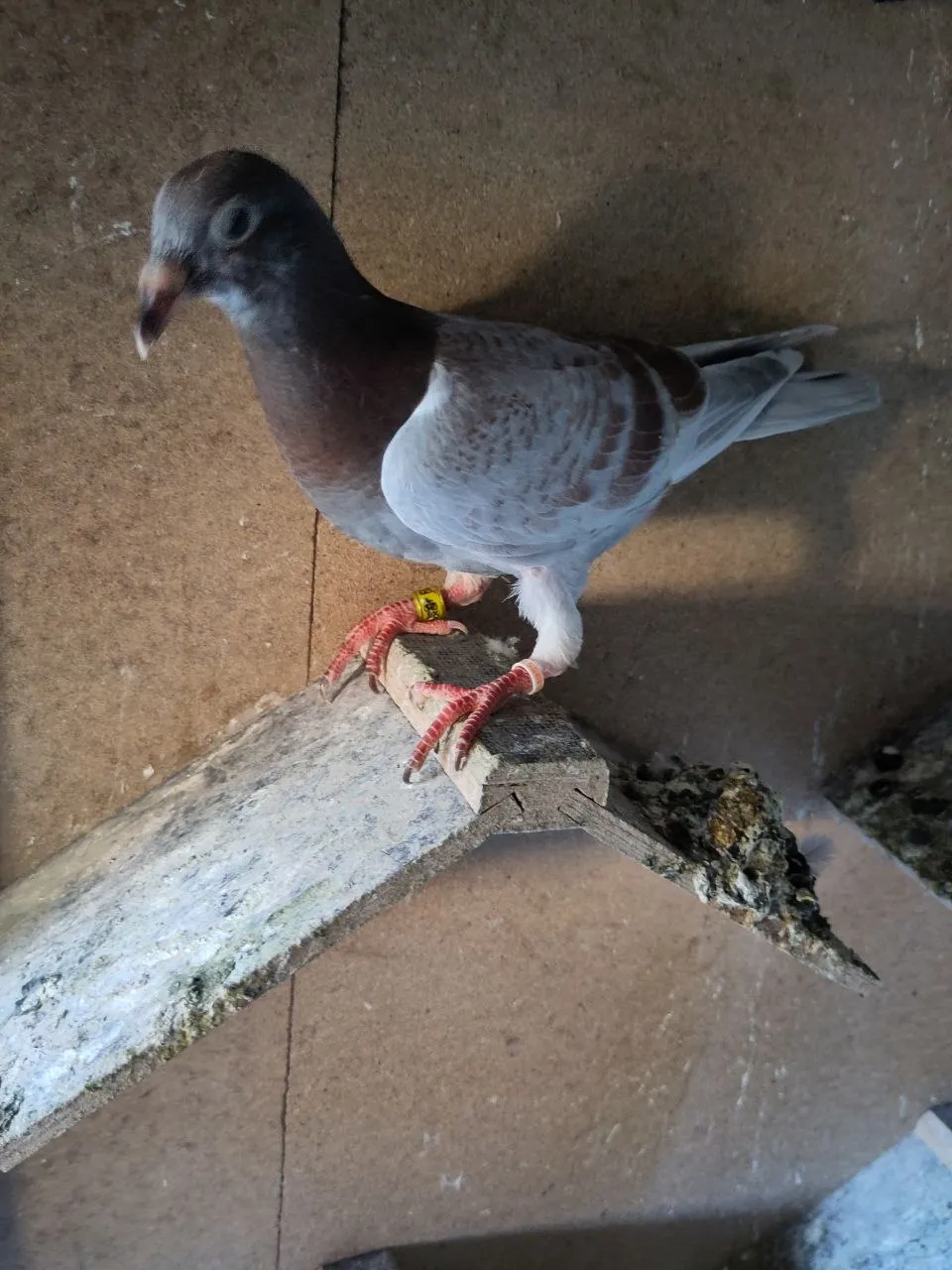
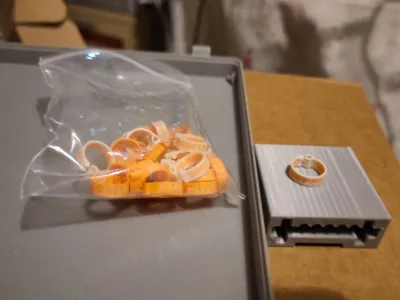
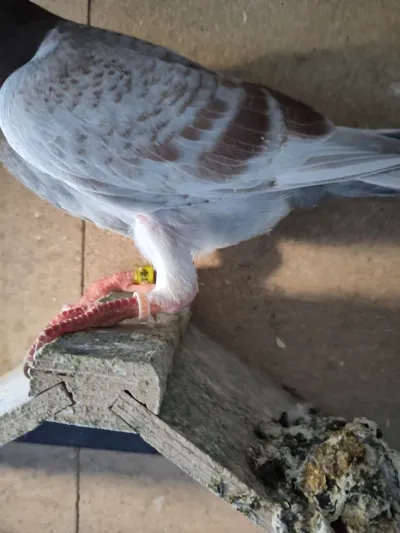
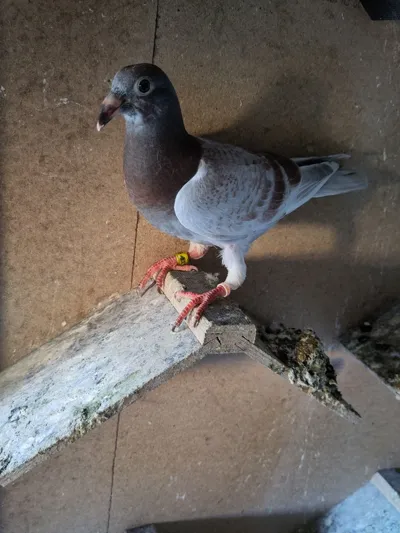
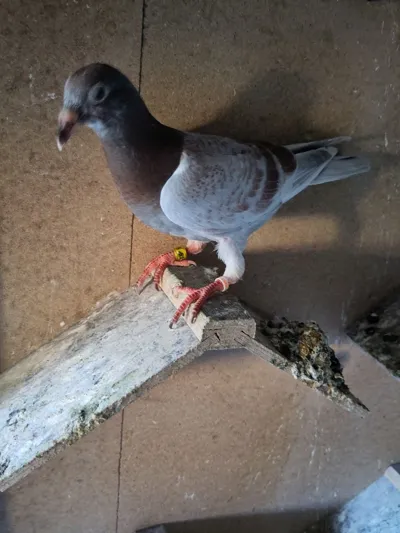
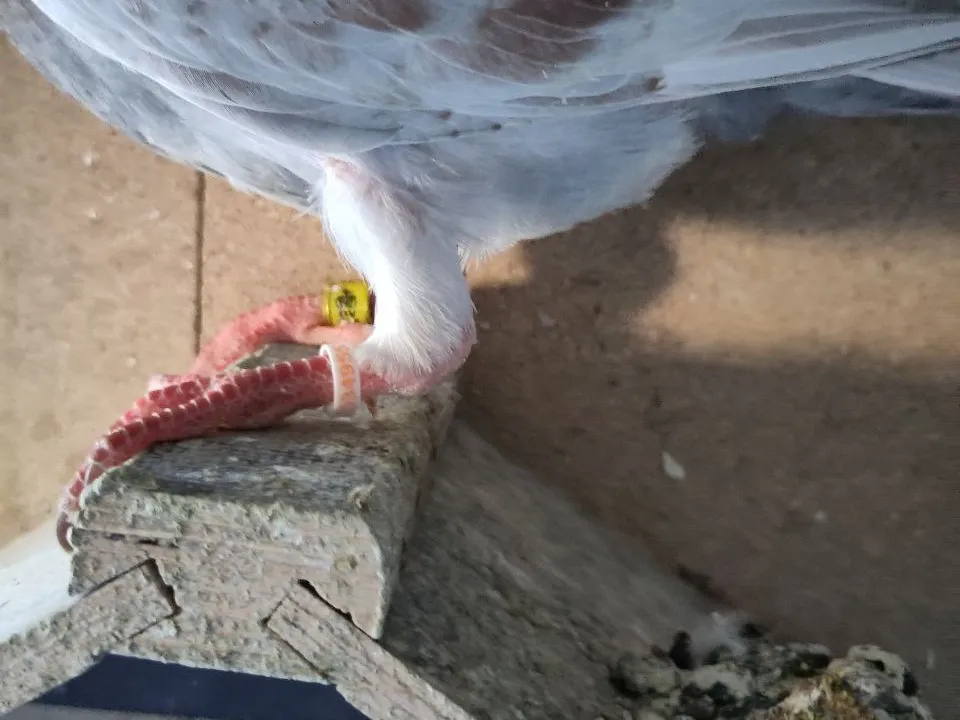
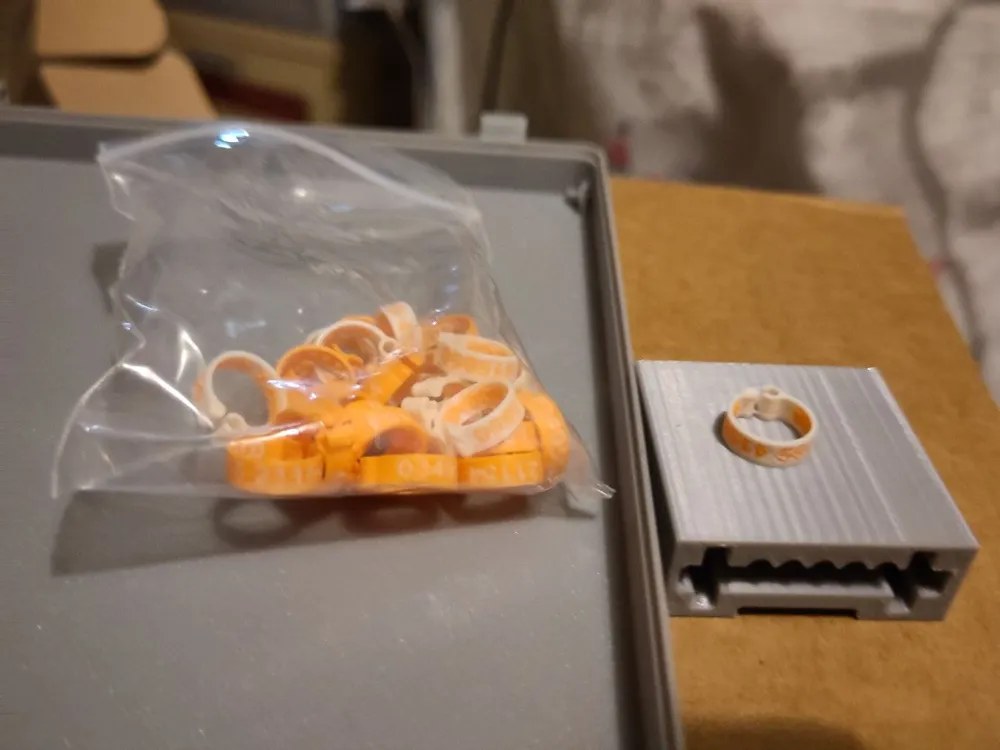
Pigeon (color) code ring with Tel. number
IP Report

Print Profile(2)

All
X1 Carbon
P1S
P1P
X1
X1E
A1
A1 mini
H2D
H2D Pro
H2S
P2S
H2C
X2D
A2L

0.2mm nozzle, 0.1mm layer, 4 walls, 90% infill
Designer
2.3 h
1 plate
5.0(5)

0.2mm nozzle, 0.1mm layer, 4 walls, 90% infill
Designer
5.7 h
1 plate

Open in Bambu Studio
Boost
59
110
12
7
236
83
Released 

Description

a simple color code ring with your telephone number for a pigeon just change the text to your number and duplicate the model you should print 10 or more in one go as the color changes need some filament and print it with a 0.2mm nozzle

Comment & Rating (12)

(0/1000)

How do I change my phone number?
The designer has replied
0
Reply
you go on objects select the text subobject and go to text in the Top menu there you can change the text
0
Reply
Replying to @user_1402460975 :
And then... How to save? Nowhere a save button to find to get the text inserted.
0
Reply
hello. I am trying to print this. any time I change the phone number it moves to the end of the ring where it clips together. how would I move the text to the centre? thanks
The designer has replied
0
Reply
sadly the slicer dose this sometimes you can simply drag the text with your mouse to an good position
0
Reply
a1 is No Problem i use the Mini Most of the time but the 0.4 is to big to get the Details of the font printed
0
Reply
can I use A1 and 0.4 ?
0
Reply
Print Profile
0.2mm nozzle, 0.1mm layer, 4 walls, 90% infill
Model ok :)
0
Reply
Print Profile
0.2mm nozzle, 0.1mm layer, 4 walls, 90% infill
0
Reply
Print Profile
0.2mm nozzle, 0.1mm layer, 4 walls, 90% infill
0
Reply
Print Profile
0.2mm nozzle, 0.1mm layer, 4 walls, 90% infill
0
Reply
Print Profile
0.2mm nozzle, 0.1mm layer, 4 walls, 90% infill
0
Reply
No more