
Wall to horizontal mount
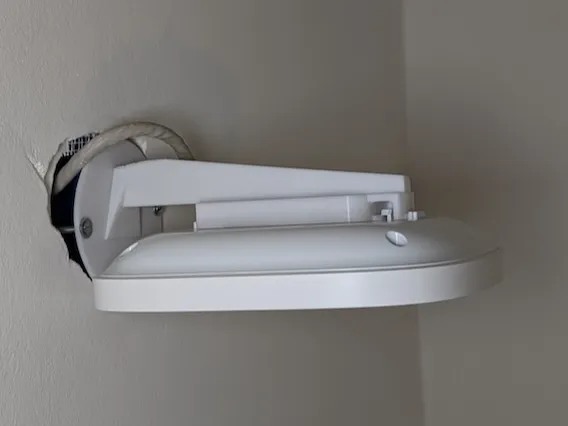
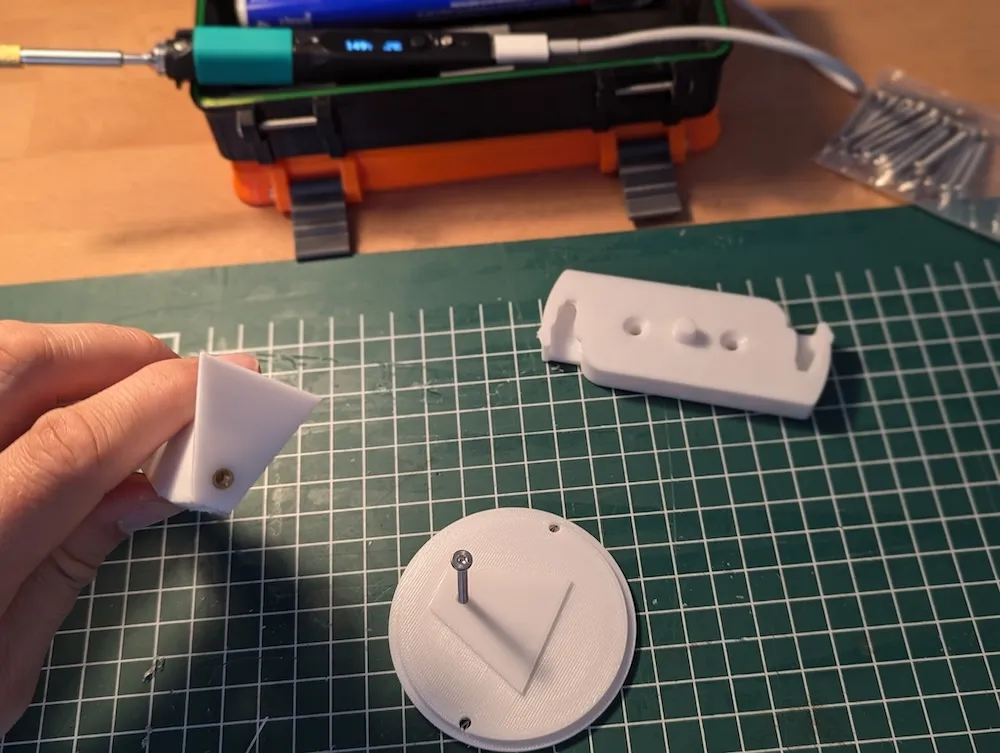
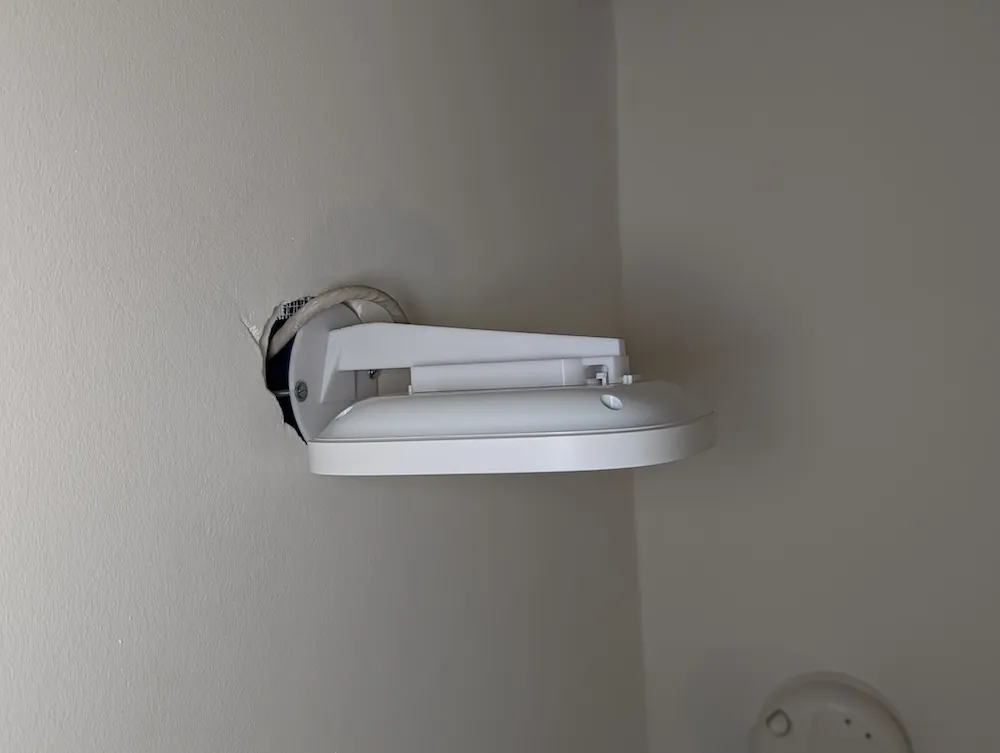
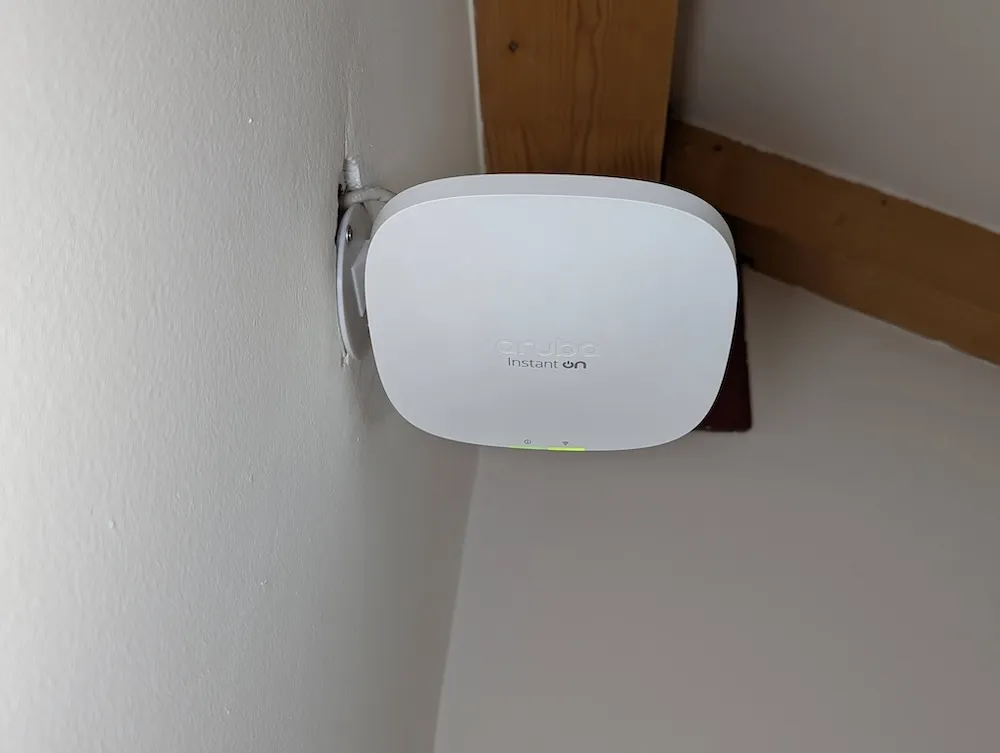
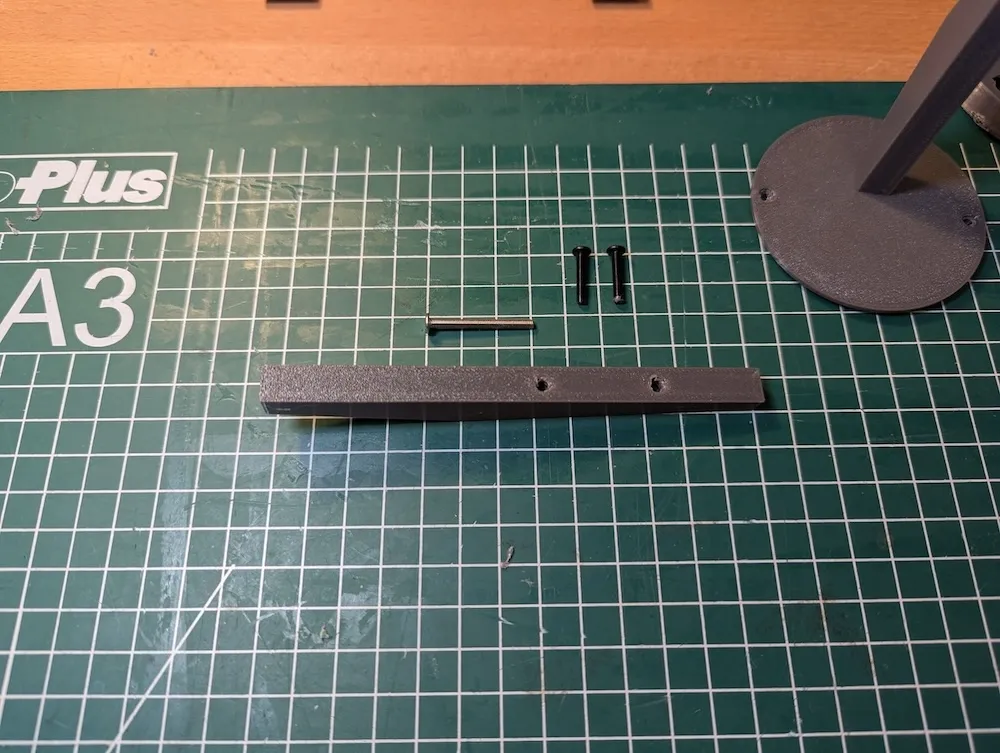
Print Profile(1)

Description
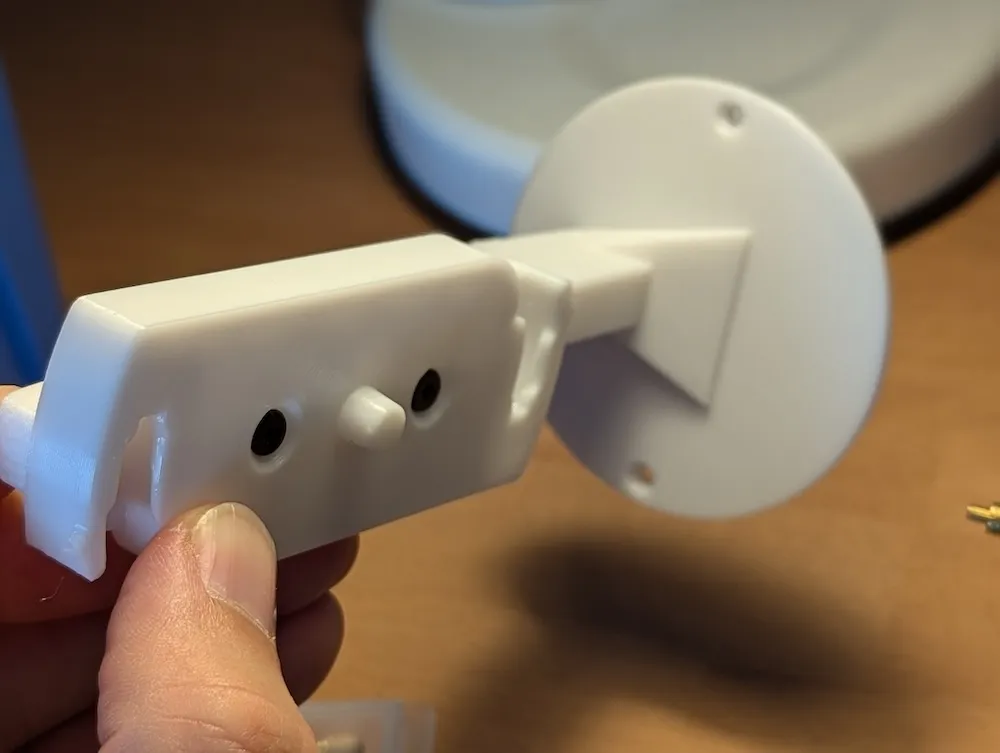
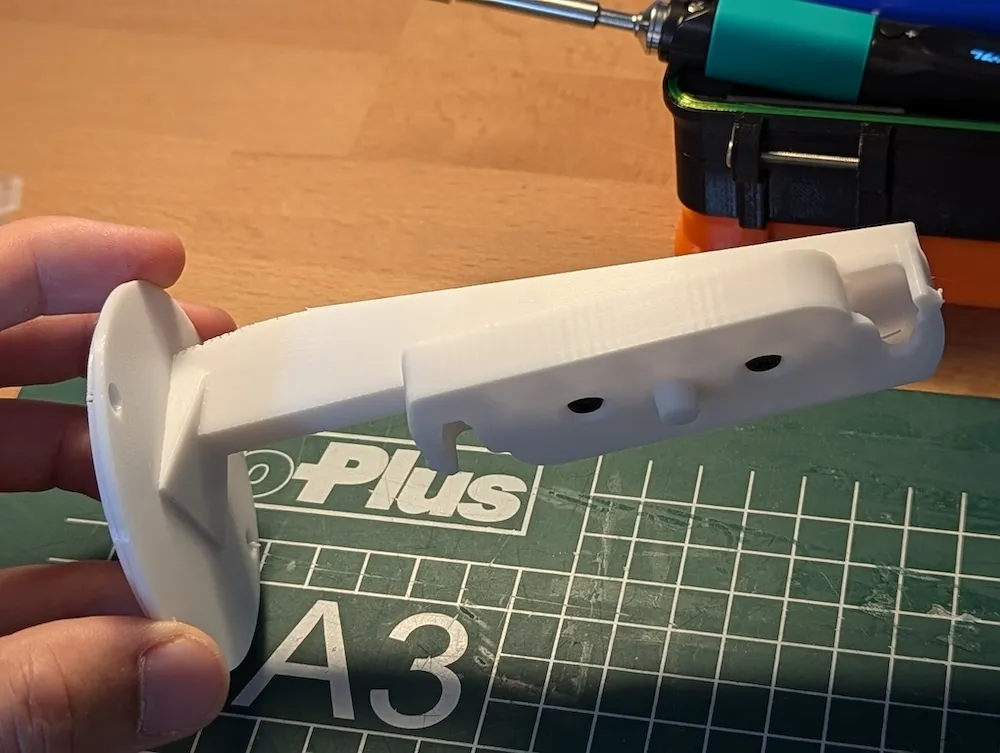
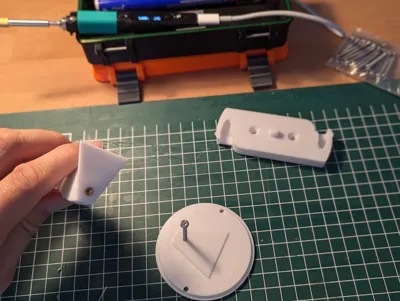
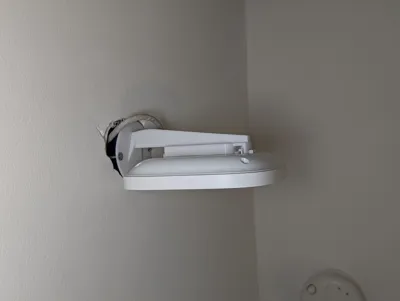
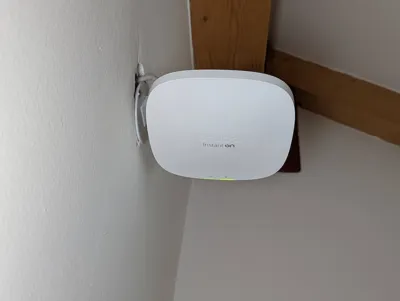
This wall mount is somewhat universal, except that this one is made to be used with the Aruba AP22 mount from vivap2p: https://www.thingiverse.com/thing:3365854.
Please note that the LICENSE applies to my work. The AP22 mount license can be found on: https://www.thingiverse.com/thing:3365854.
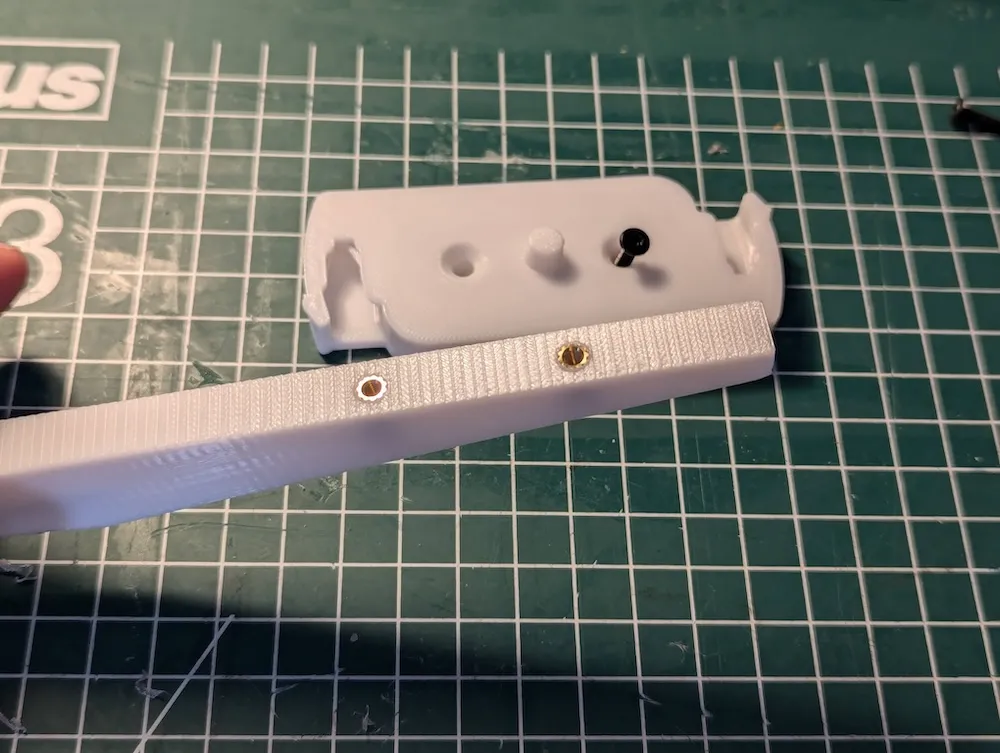
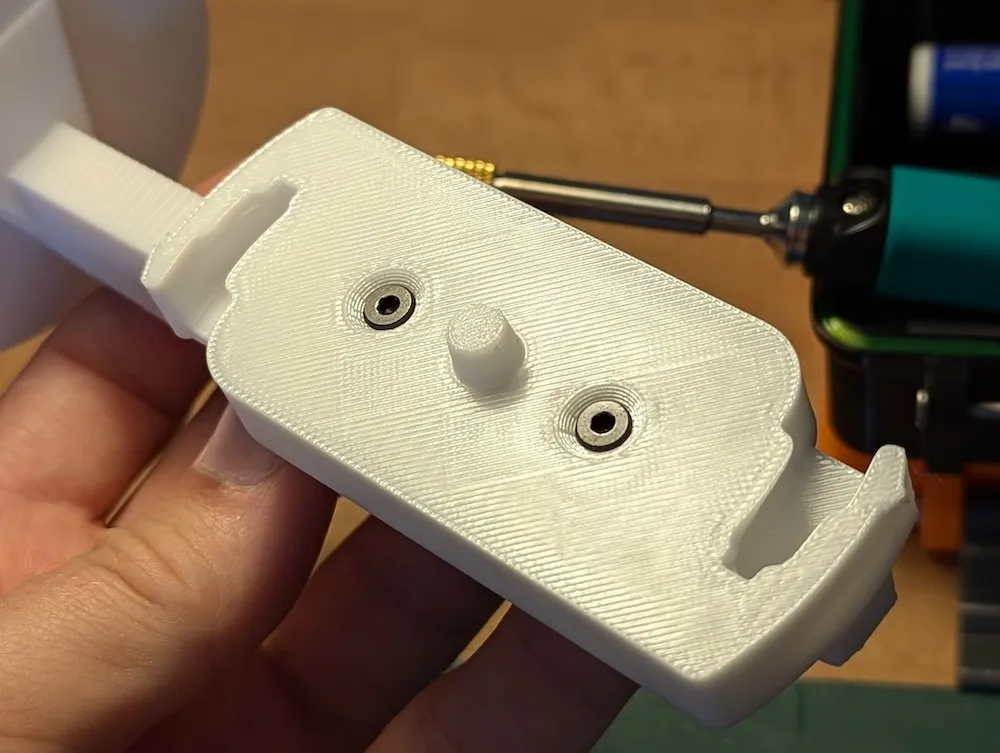
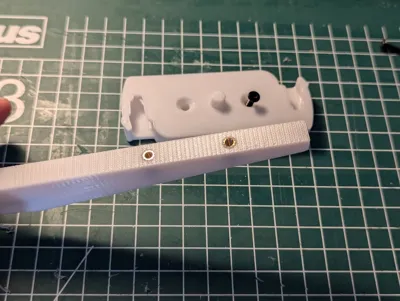
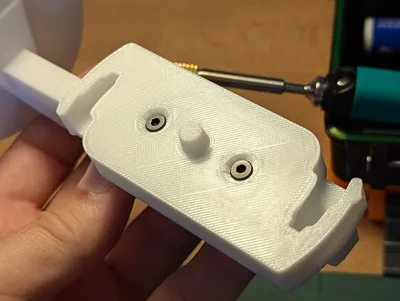
I've used heat-inserts (M3) for a bit of extra re-assurance, however if you use a bit of X/Y hole compensation you can make the holes a bit more snug and use that to fit your screws.
I've printed in PETG because access points can get pretty warm and that might be too warm to keep PLA rigid. The print profile should use a strong default with 3 or 4 walls to have a rigid mount.
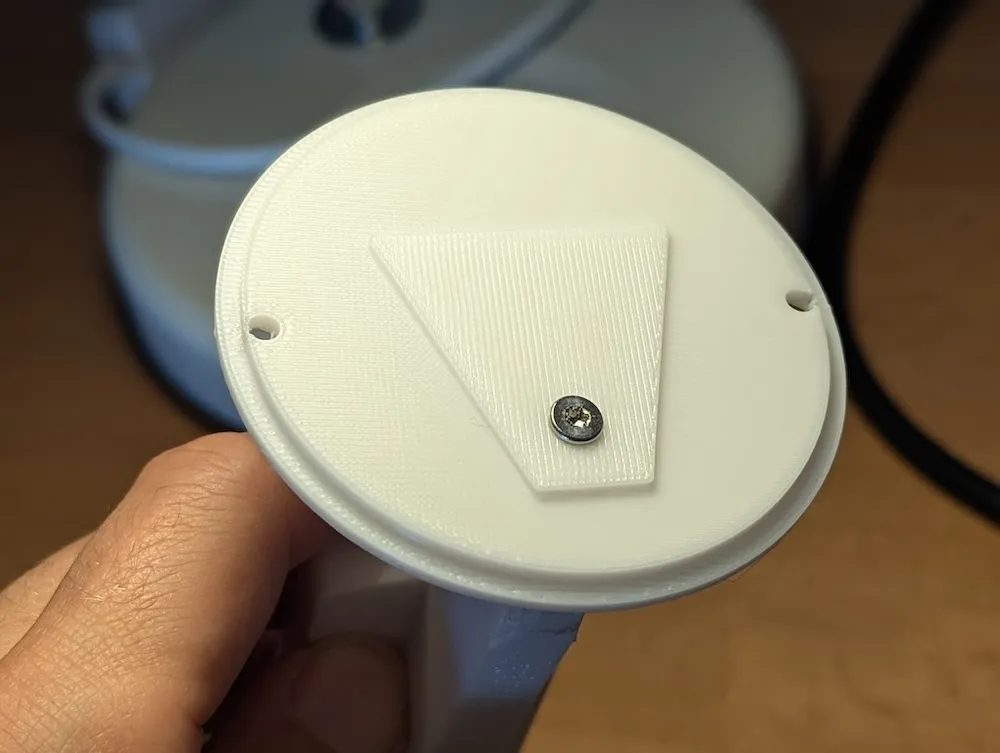
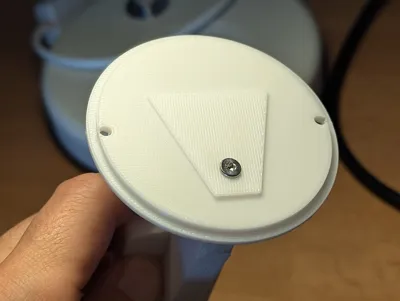
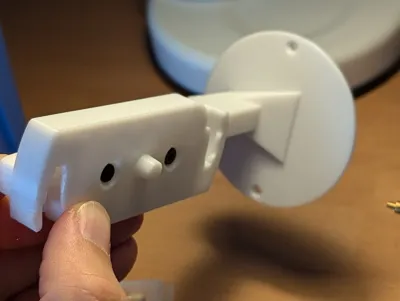
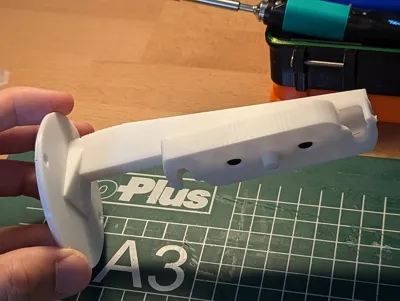
The wall-plate is a EU electrical installation mount. This way it fits as a replacement cover and requires no additional plating.
Note: There is no hole for UTP, you can easily make one in your slicer by using a negative primitive. I didn't need one because I can fit the UTP though the sides.
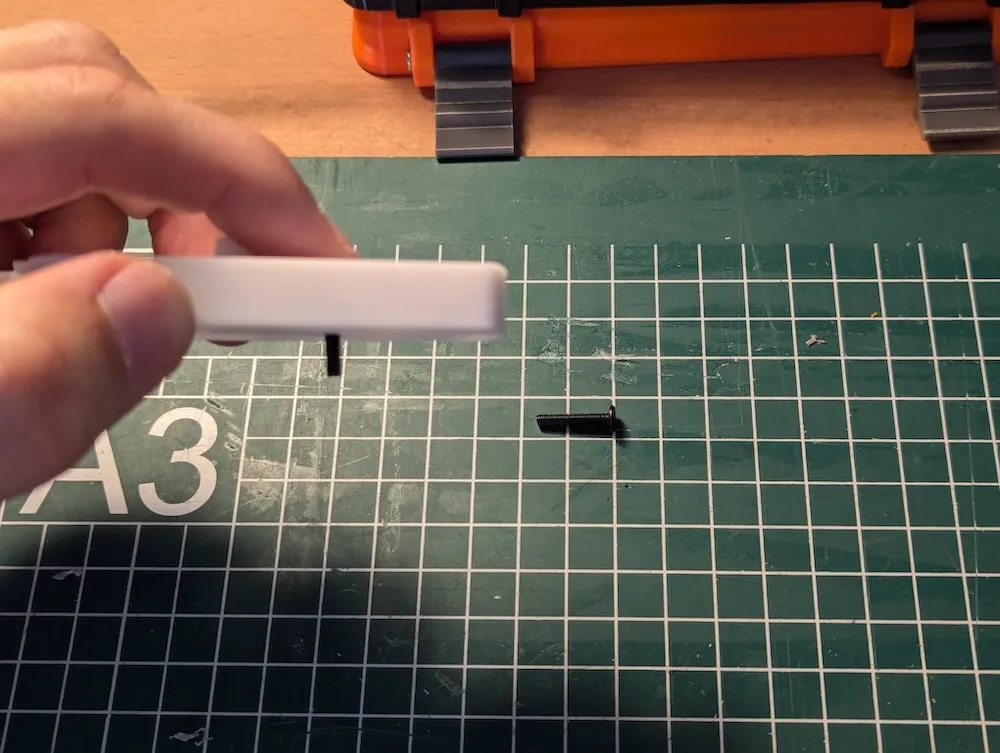
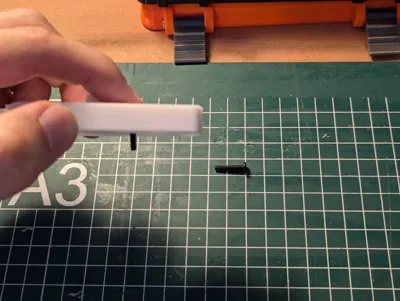
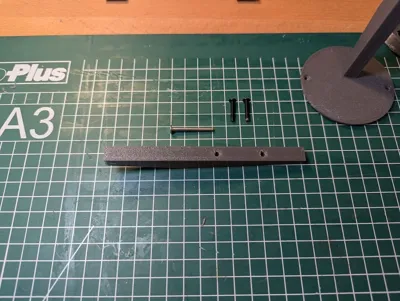
I've used two screws: M3x30 (to connect the wall-plate with the arm) and m3x15 (to vasten the AP mount to the arm). I recommend adding some glue to the wall-plate and arm connection as well, although the long screw makes it very rigid.
License



Comment & Rating (3)