
UMSS - Bambu Lab A1 Tools and Accessories

Print Profile(1)

Description
Boost Me (for free)
I usually don’t ask for this, but I’ve noticed that many creators actively encourage it on other platforms—and it makes sense, as it helps increase visibility. So, if you can follow me, it would make difference. It’s a great way to support my work and show appreciation. For more insight subscribe my blog at: https://designrepcom.com/ This design is freely available for the community, but if you enjoy my work and would like to show your support, you can boost this project. Thanks!
Description
Regarding the MMSS, I must say that in this one (UMSS) practically all the modules have been rebuilt, with special attention given to detail and functionality. They have been thoroughly tested, which involved several prototypes until they were perfected. That said, it is possible that Bambu Lab might change some of their parts at any given moment, and in such cases, it may be necessary to review or even create a new version of the module; this has happened before and I know it will happen again... Therefore, if you encounter any defects, I would be grateful if you could let me know before leaving a negative review. I appreciate your care and attention.
Introduction
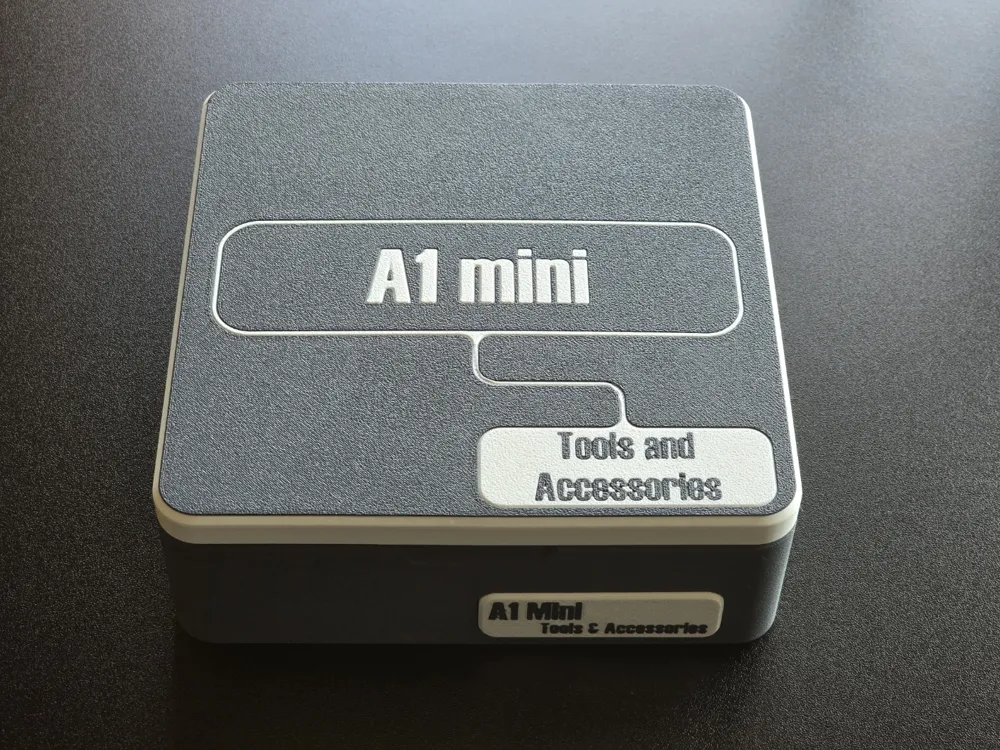
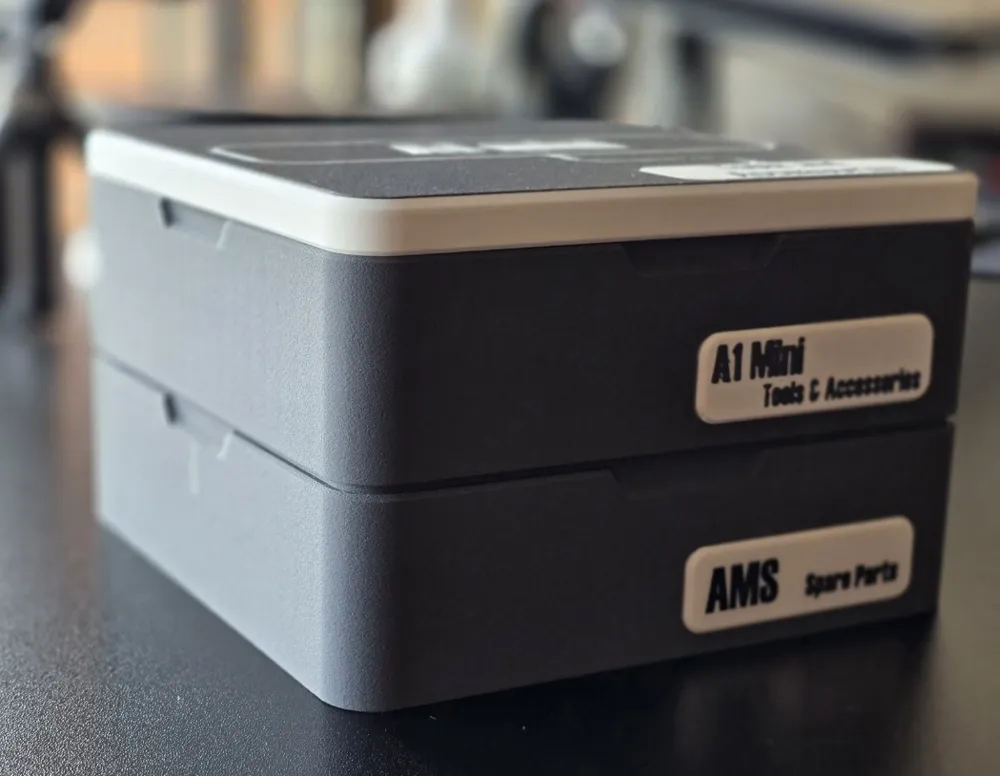
These modules are part of the UMSS project, so you'll want to start there. Begin by creating and integrating tiles, which will eventually lead to the creation of boxes and other items. These "containers" will hold the modules, serving various purposes. In this case, they are tools and accessories compatible with all printers.
First and foremost, it's important to clarify that the 150x150mm tile box you’ll find in the UMSS - Universal Modular Storage System is just an example. If you’re planning to make a case, the largest you can create on the Bambu Lab Mini is 150x150mm. The case itself can be larger.
You have the flexibility to use this system as you see fit. For example, you can use multiple 150x150mm boxes to store several modules, or opt for a larger box by using composite tiles like the 210x180mm tile, which allows you to maximize the space on your MK4, MK3, or MK2 series printer’s build plate.
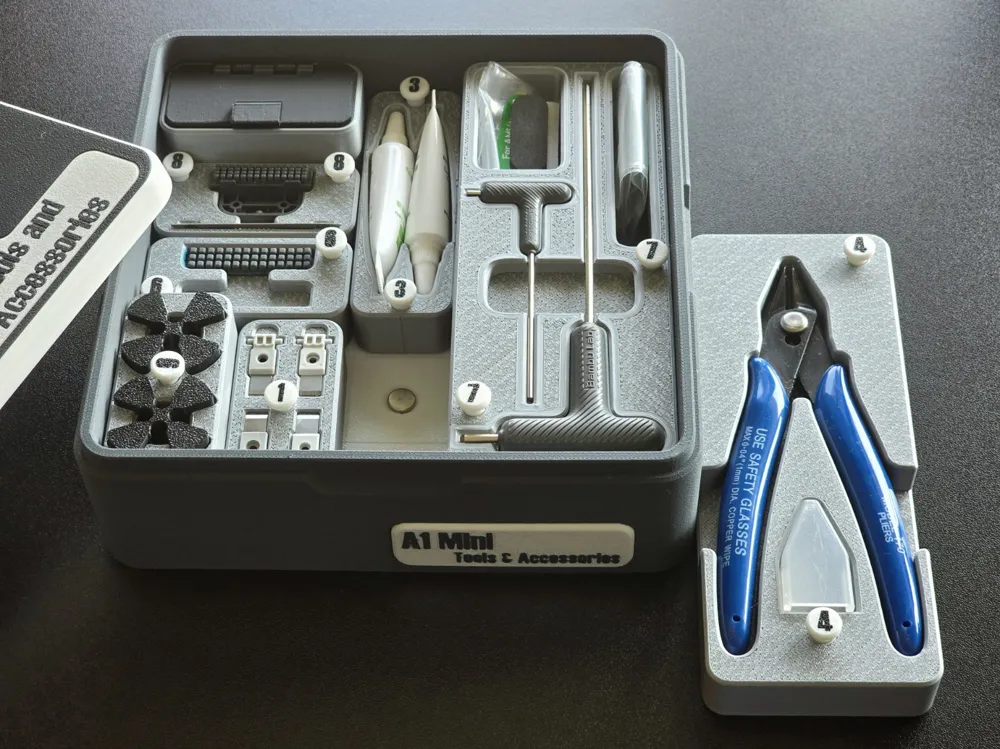
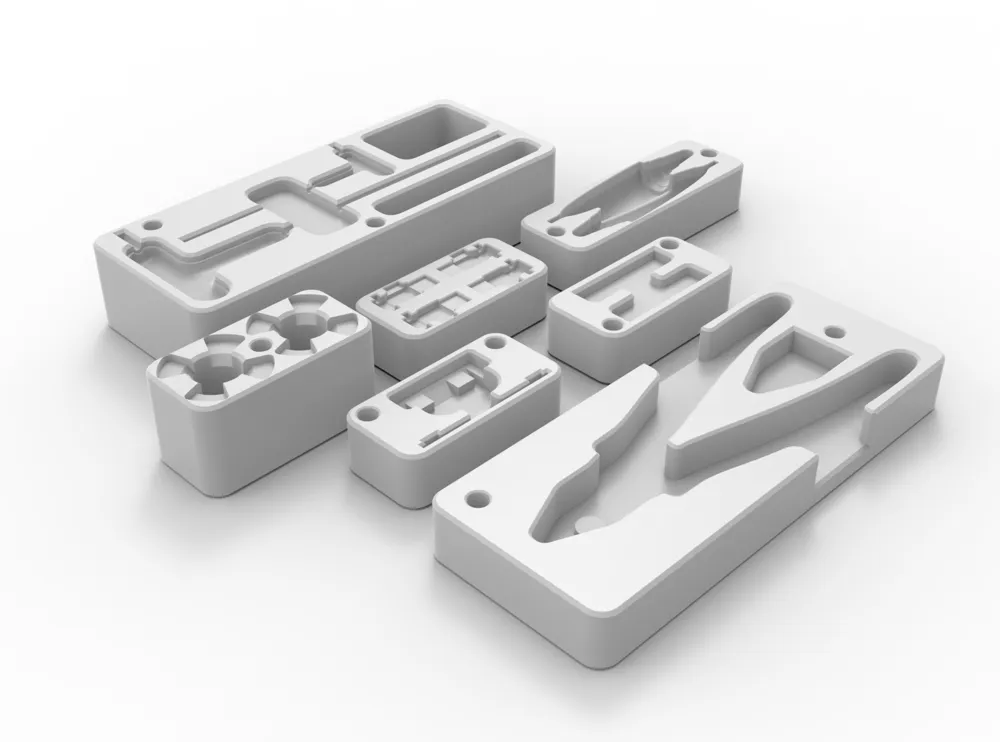
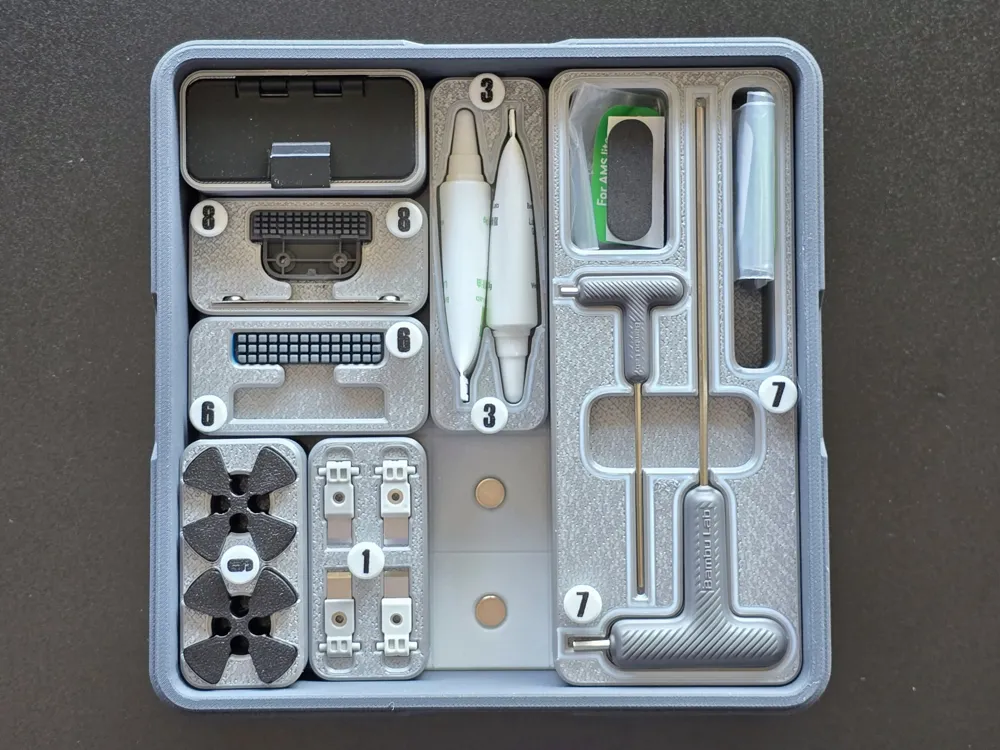
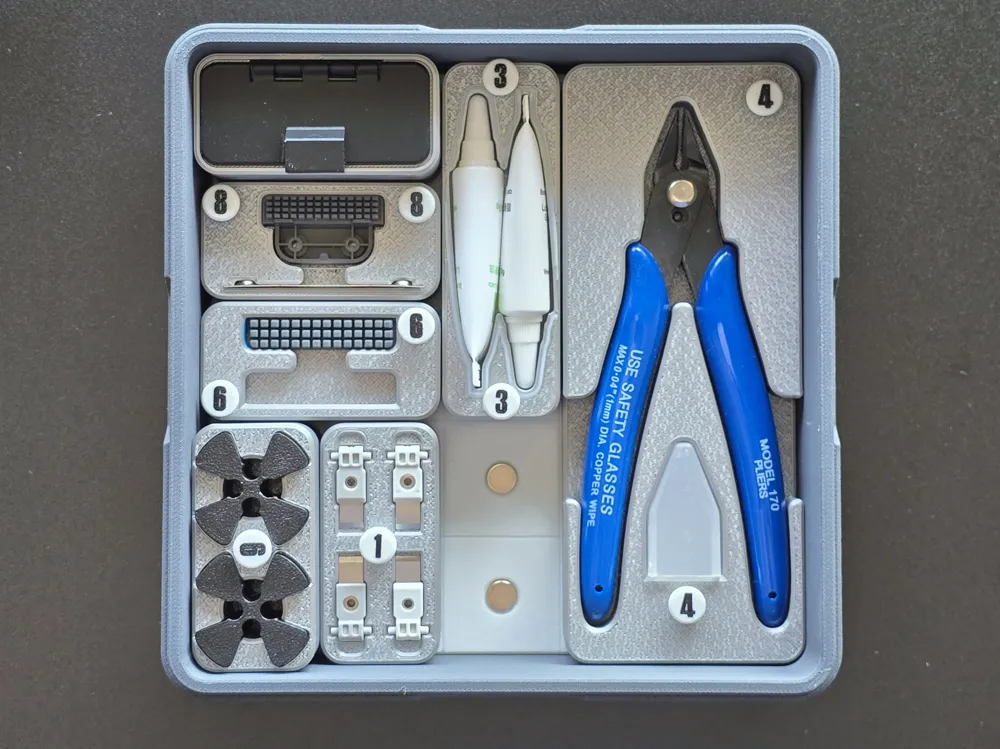
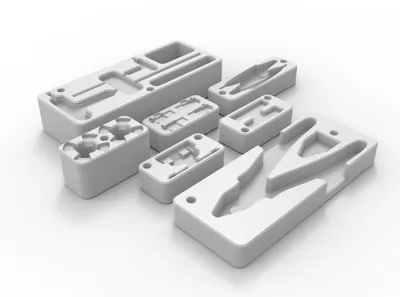
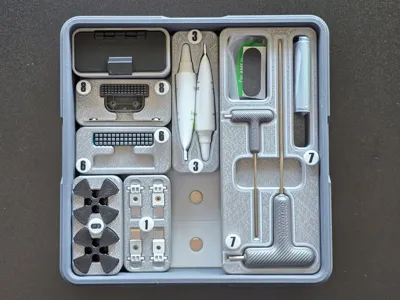
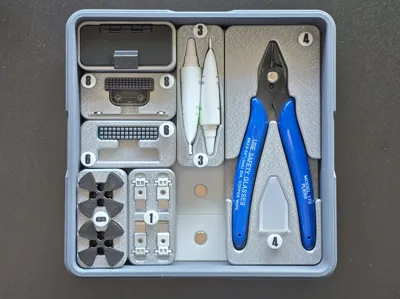
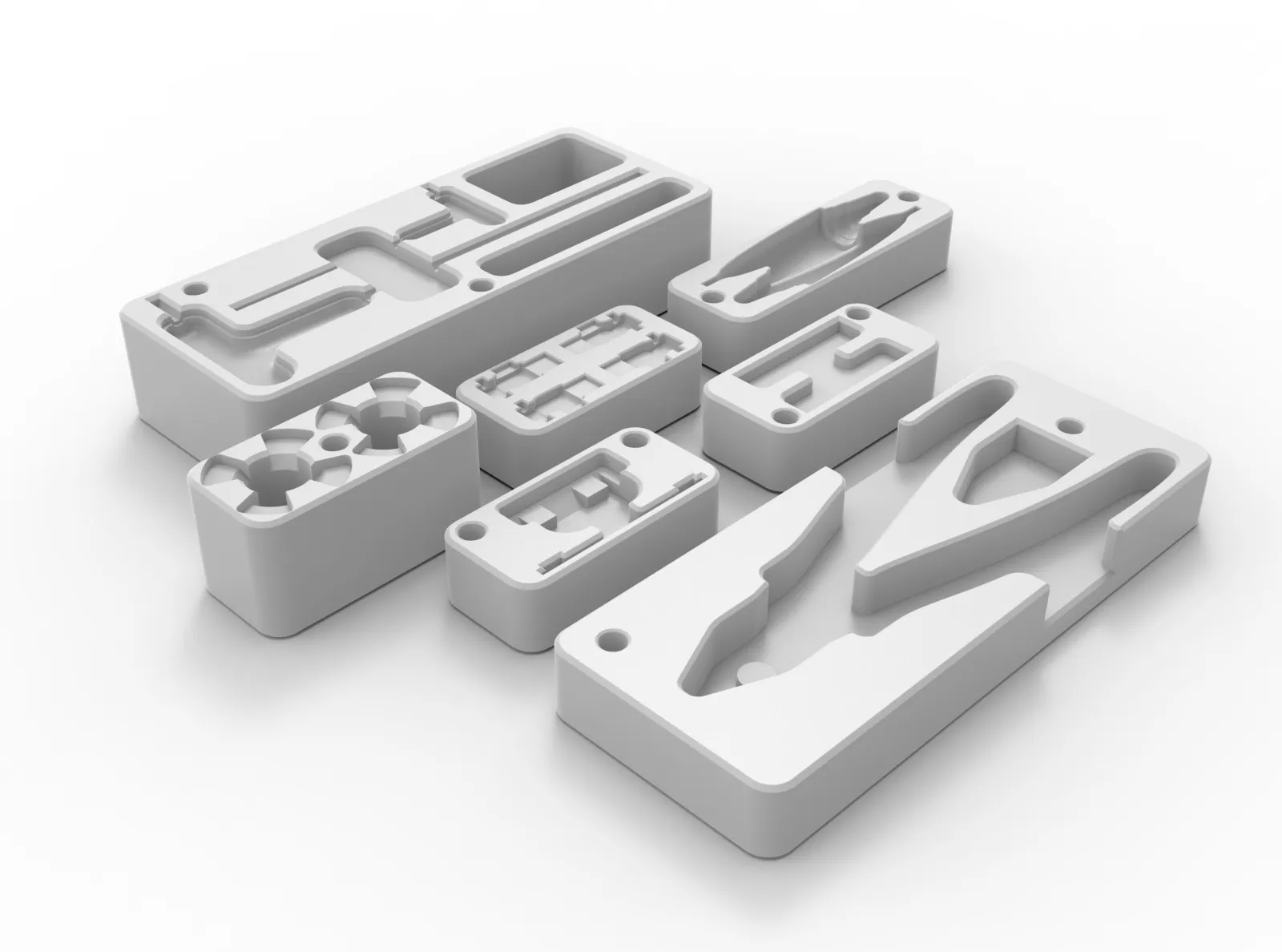
Here you will find:
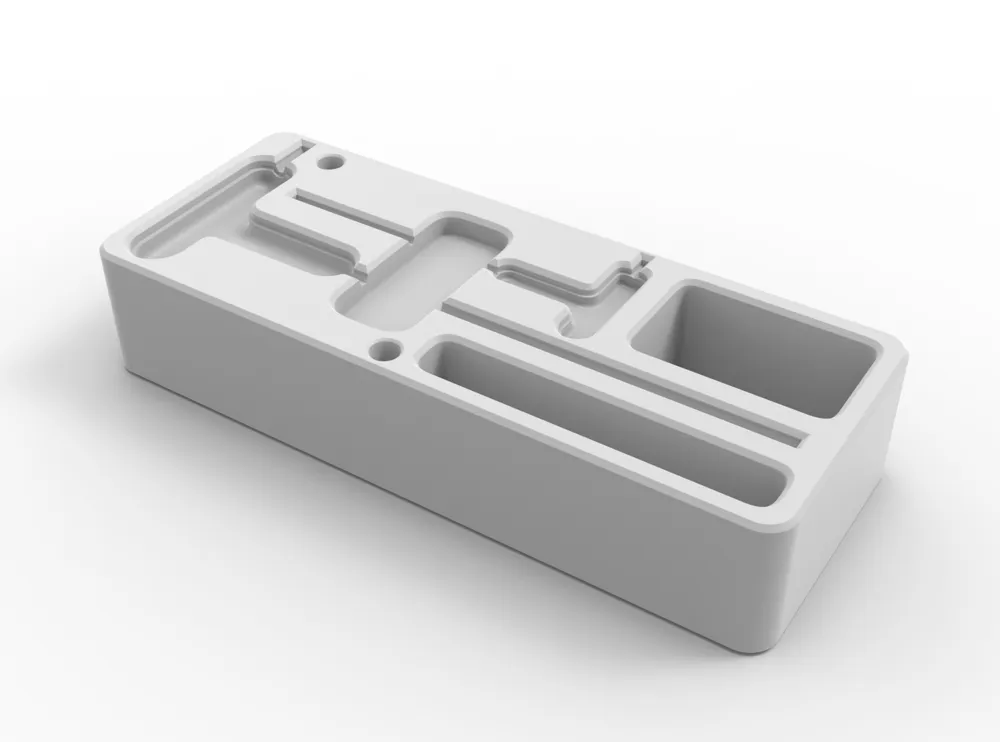
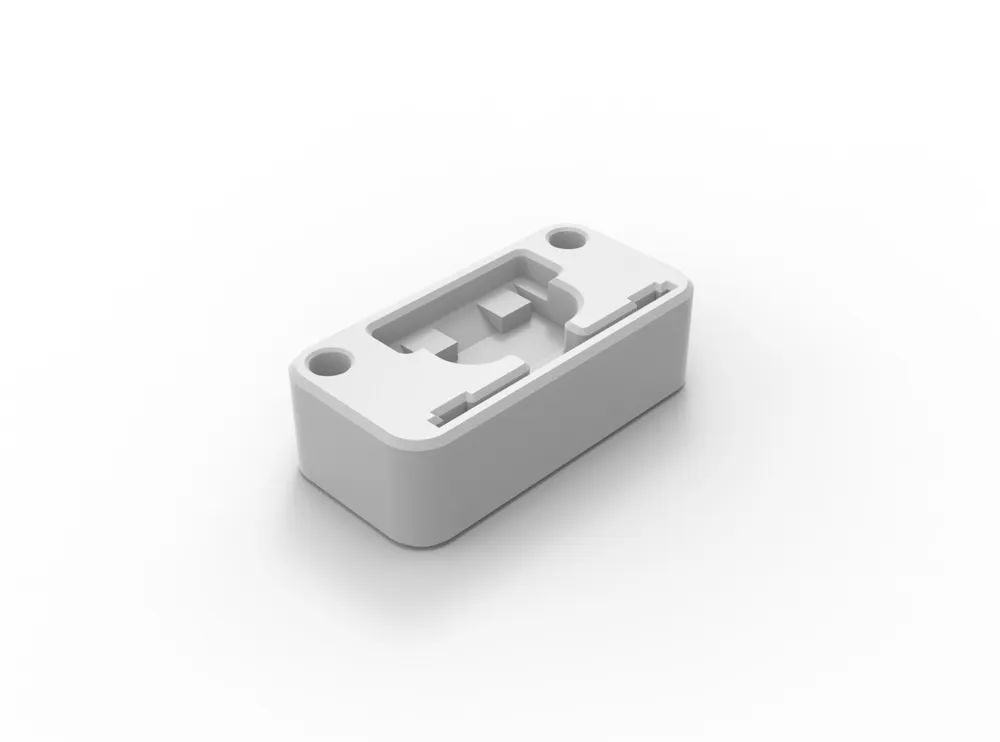
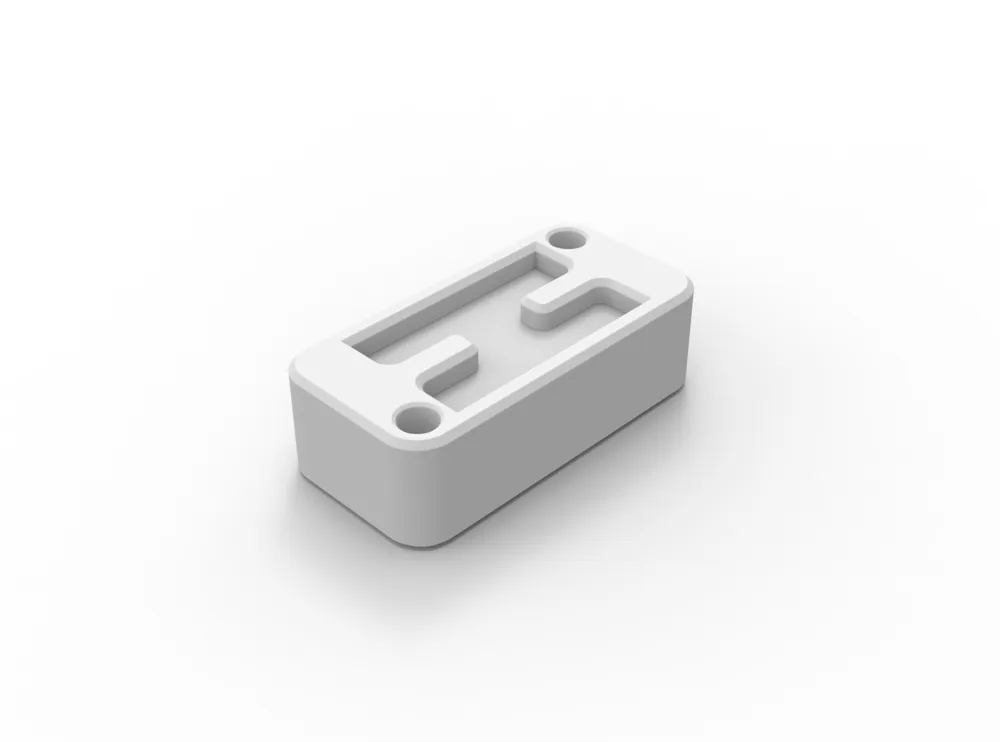
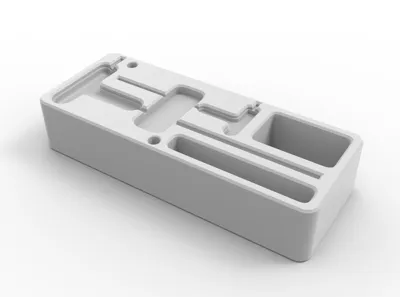
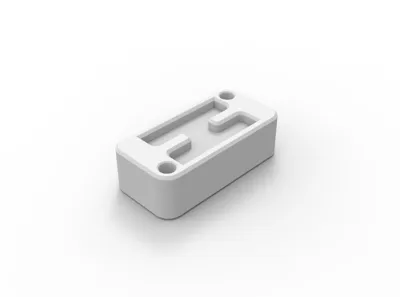
- 2x Hex Keys and pockets for original bambu lab spare bolts;
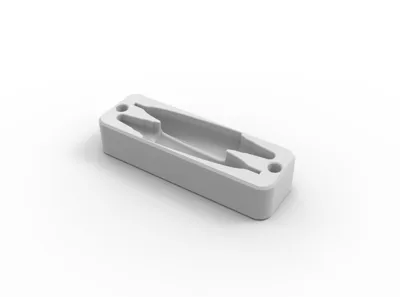
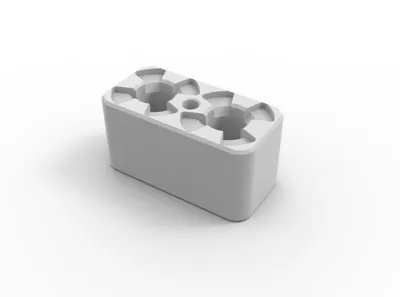
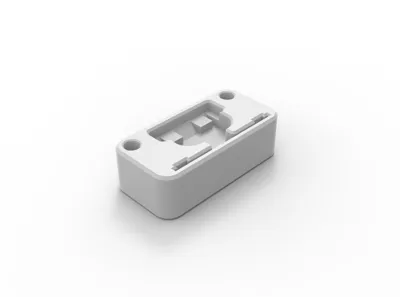
- 2x Lubrification tube - original bambu lab maintenance kit;
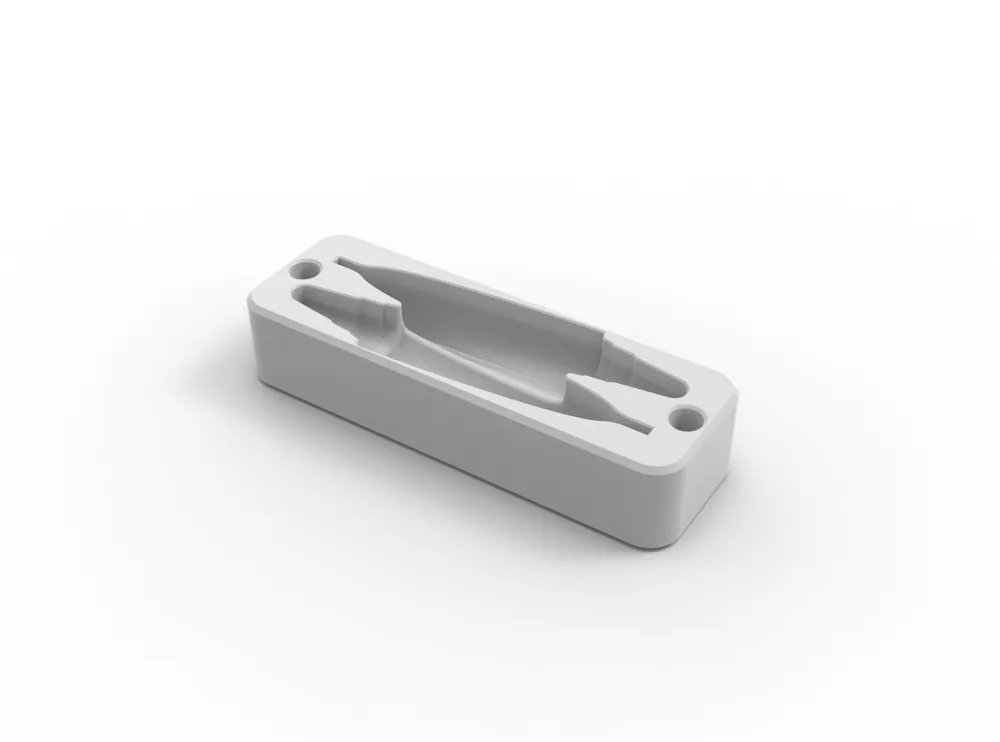
- 2x PTFE Tube removable tool, PTFE tubo remover for A1 printers series from Bambu Lab , this new tool is available on the 3mf file here and on the link above;
- 1x A1 mini - Nozzle cleaner with support base with Sheetmetal cleaner;
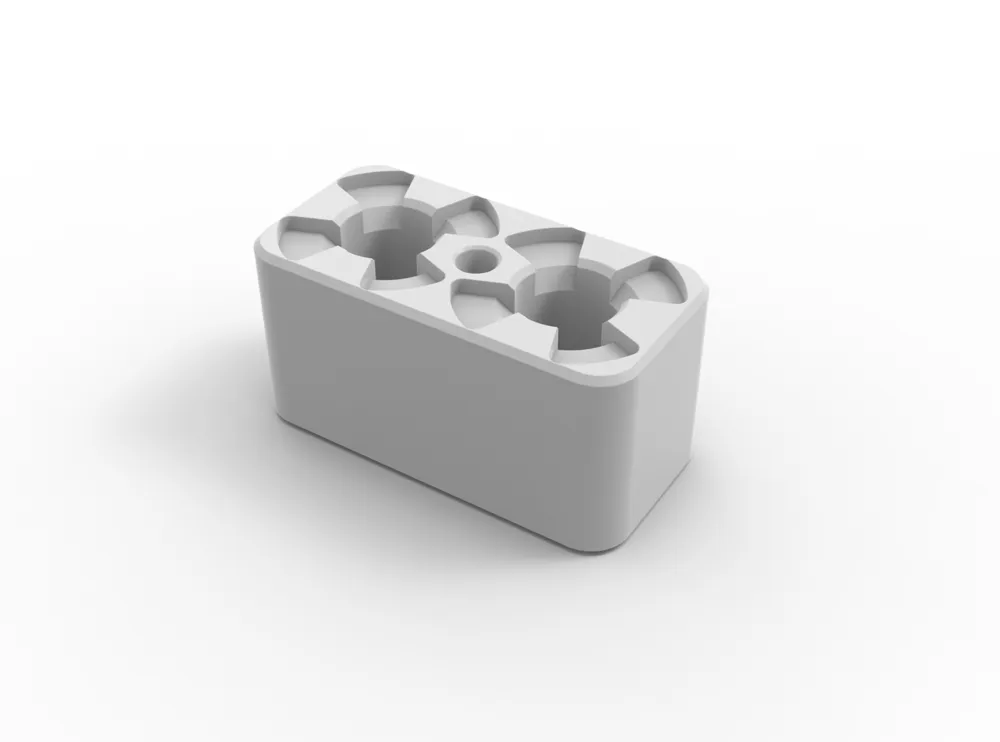
- 2x A1 Silicon nozzle cleaner;
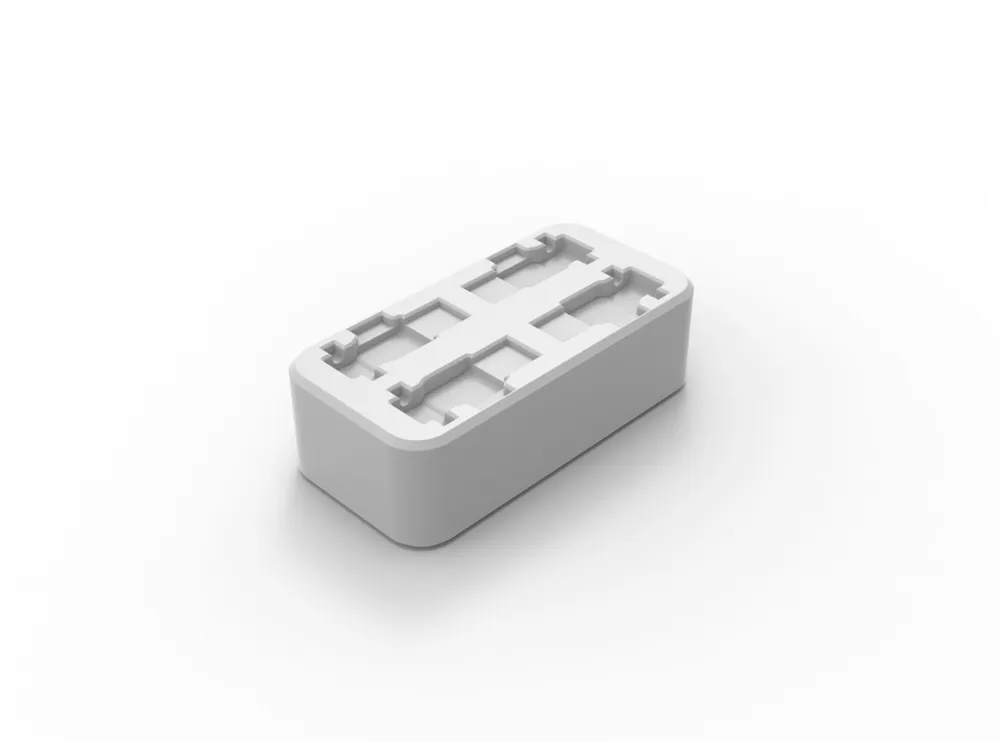
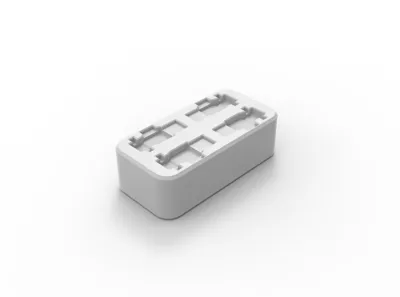
- 4x Filament cutter;
- more to come
The Cut Pliers can be found on this module pack with other tools.
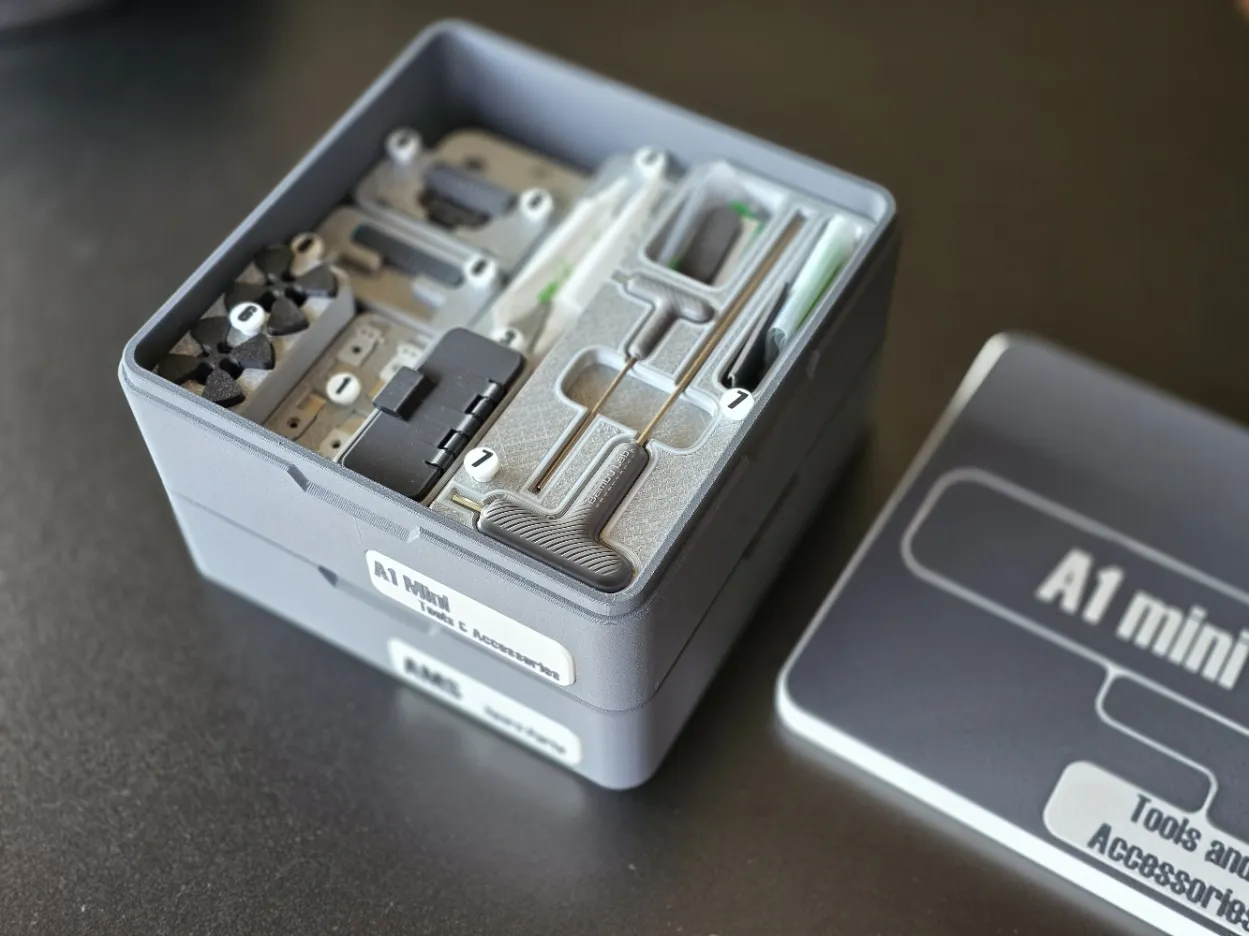
Printing
Regarding printing, everything is quite simple as everything is pre-configured. You will find modules with pockets for magnets of 6.1 and 6.2mm. Choose the dimension that best suits your needs, keeping in mind that various factors can cause the magnet to not fit properly or be too loose. The magnet should fit with some pressure and then should not come out; if it does, use a small amount of glue at the base of the pocket. For more information on this, please visit the main page of this project here: UMSS - Universal Modular Storage System.
Some parts may one pause, or more, during to print to insert a internal magnet. Be carful with the orientation, the objetive is for the magnet to attract the tool. Modules with pauses:
- Hex Keys and pockets for original bambu lab spare bolts - This helps on the fixation of the hexagonal keys
- 4x Filament cutter.
Printing
Tags
These tags serve two purposes:
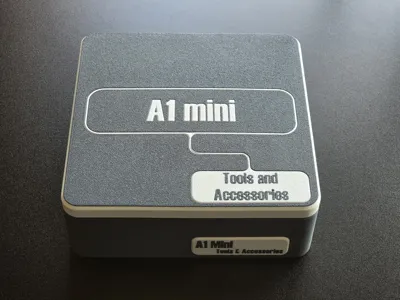
- the obvious one is to identify the pieces and relate them to a Bill of Materials (BOM) found on the back of the lid.
- Additionally, they allow you to lift the modules if needed, so think of them as handles.
For the best results when printing Tags and other small elements, a 0.2mm nozzle is recommended. This nozzle is a essential accessory of your printer and opens up many possibilities. I highly recommend it!
Additional modules
In addition to the modules presented here, you may add others, but they are available separately to keep everything organized. For members of the 'my club,' access is direct.
Boxes with lid
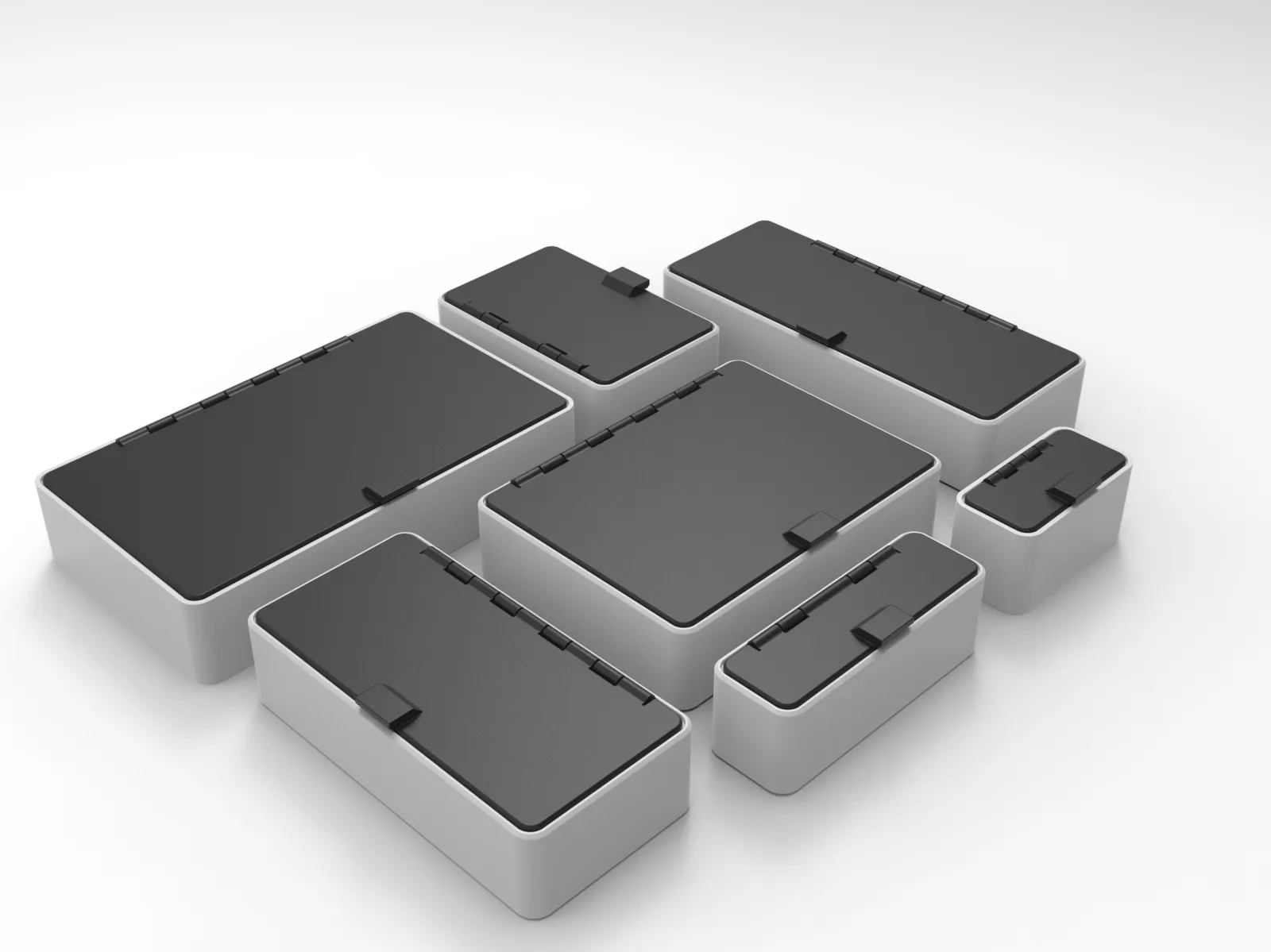
UMSS Box modules available:
- 5x3 Box - External dimensions approx. 150x90mm and approx. 144x83mm
- 5x2 Box - External dimensions approx. 150x60mm and approx. 144x53mm
- 4x3 Box - External dimensions approx. 120x90mm and approx. 114x83mm
- 4x2 Box - External dimensions approx. 120x60mm and approx. 114x53mm
- 3x2 Box - External dimensions approx. 90x60mm and approx. 84x53mm
- 3x1 Box - External dimensions approx. 90x30mm and approx. 84x23mm
- 2x1 Box - External dimensions approx. 60x30mm and approx. 54x23mm
- more to come soon…
You can get them here: UMSS - Boxes with Lid by Jorge
UMMS - X1 and P1 AMS spares kit
What can be found there:
- 4x PTFE Tube Fast Connector
- 1x First Stage Feeder
- 2x Active Extrusion Wheel
- 1x AMS Buffer
- 1x Driven Support Shaft Assembly
- 1x Active Support Shaft Assembly
- more soon…
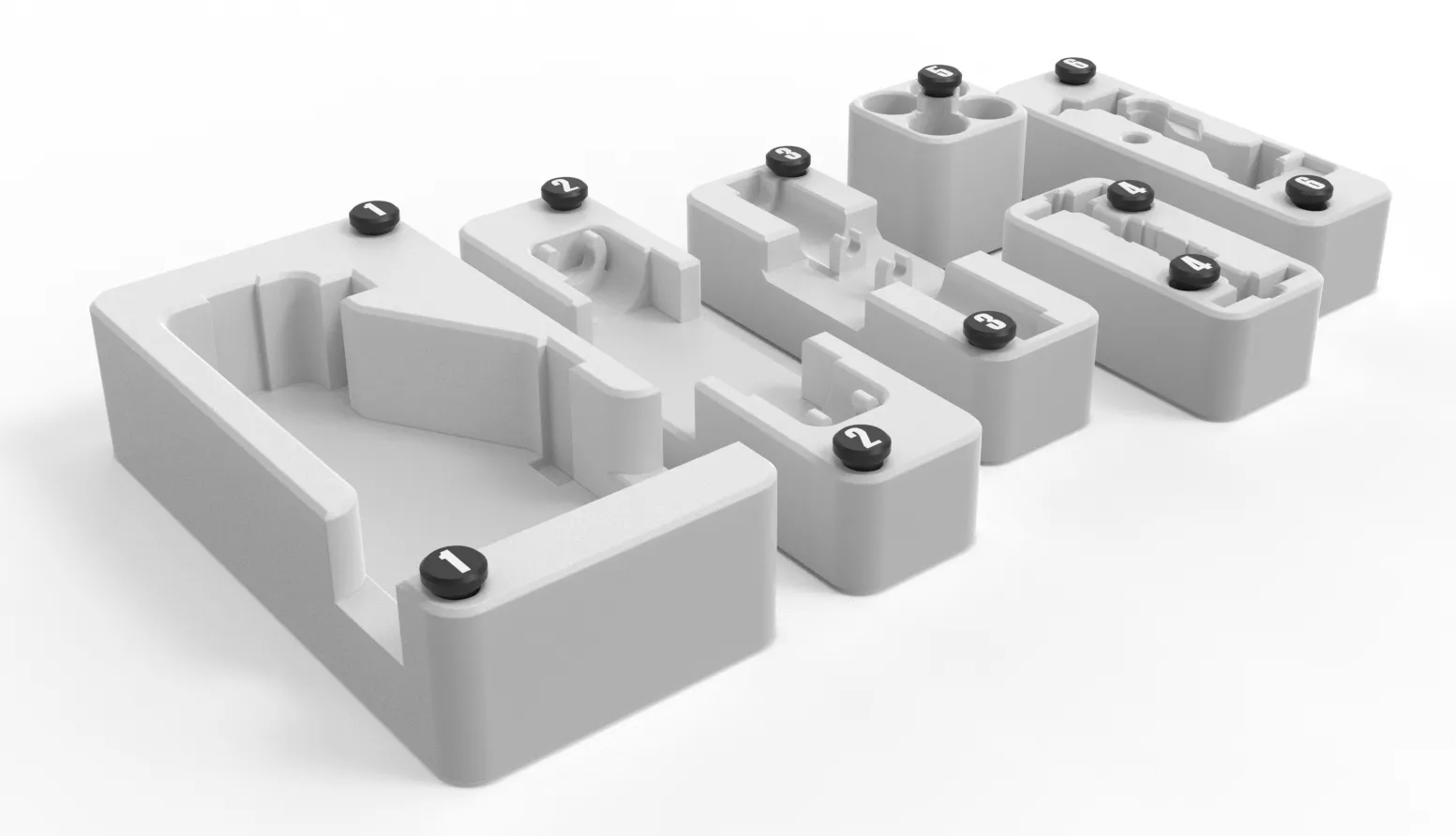
You can get this here: UMSS - For Bambu Lab X1 and P1 AMS
Disclaimer: These and other models are available to all "my club" members starting at $5 per month, as well as for one-time purchase. Your support helps sustain the development efforts and the acquisition of modules.
UMSS - Prusa Tools and Accessories
Some parts may fit your need, besides being from the PRUSA set, an example are the pliers.
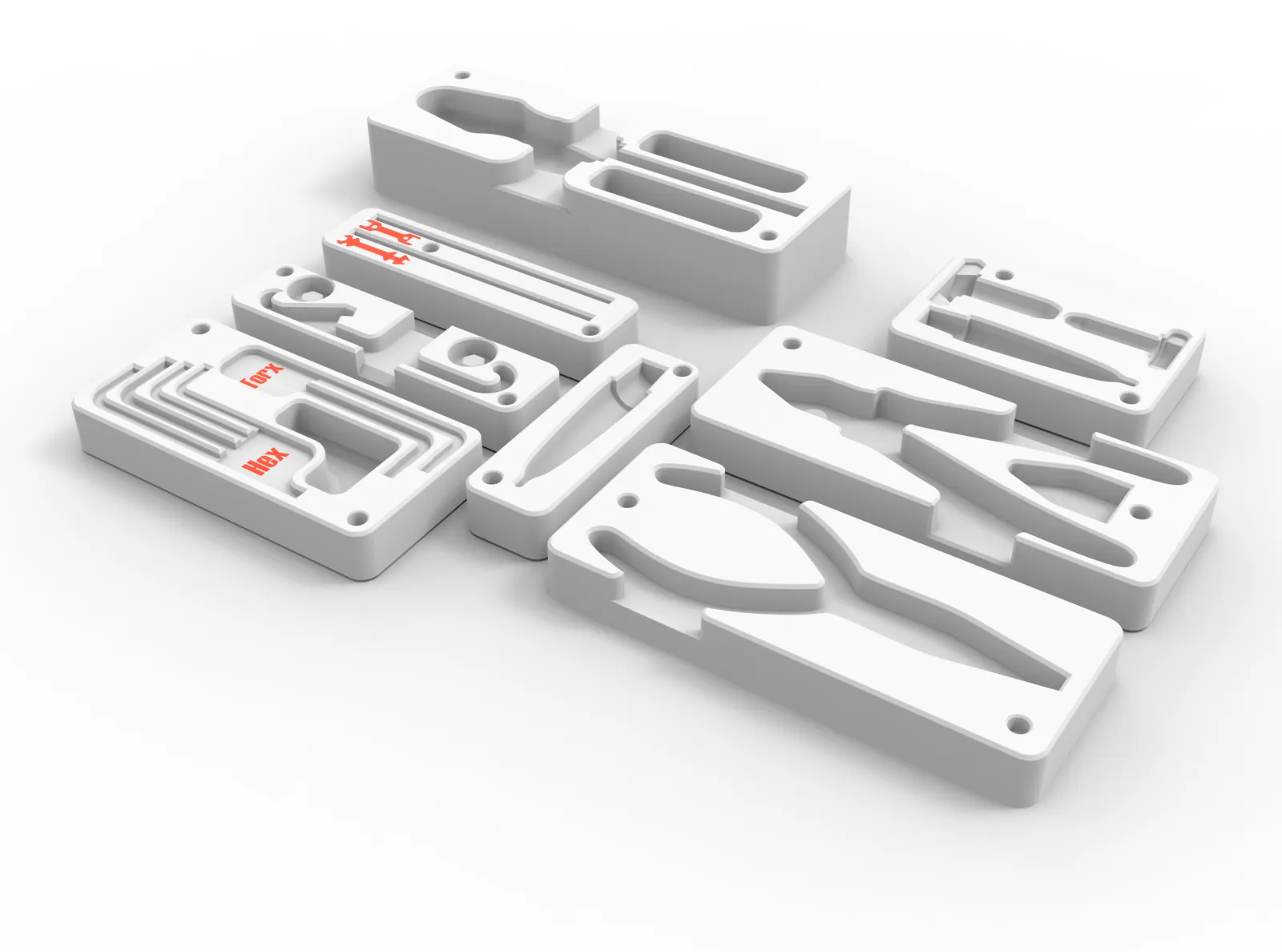
- Cut Pliers;
- Universal Pliers;
- Original Prusa Screwdriver (orange),
- 2x pockets;
- Original Prusa Lubrification tube;
- Original Prusa Lubrification tube + application nozzles;
- Original Torx and Hex Keys;
- X-holder, see Z-axis assembly | Prusa Knowledge Base (prusa3d.com) step 10:
- Prusa Original Wrenches:
- Wrench 13-16;
- Universal wrench.
You can get them here: UMSS - Prusa Tools and Accessories
Curious About My Tools? Check This Out!
For those of you who often ask about the tools I use to bring ideas to life, this article, The Journey From Idea To Object (Part I), offers some insights into the initial stages. It highlights the use of various tools, including software like Autodesk Fusion for CAD design, Blender for render and Bambu Studio for 3D printing preparation, and other... So, if you're curious about the software and hardware too, that I've incorporate in my workflow, take a look at the link for more details!" – Visit https://designrepcom.com/ for much more.
License

You shall not share, sub-license, sell, rent, host, transfer, or distribute in any way the digital or 3D printed versions of this object, nor any other derivative work of this object in its digital or physical format (including - but not limited to - remixes of this object, and hosting on other digital platforms). The objects may not be used without permission in any way whatsoever in which you charge money, or collect fees.


Comment & Rating (45)