
UMSS - Boxes with Lid
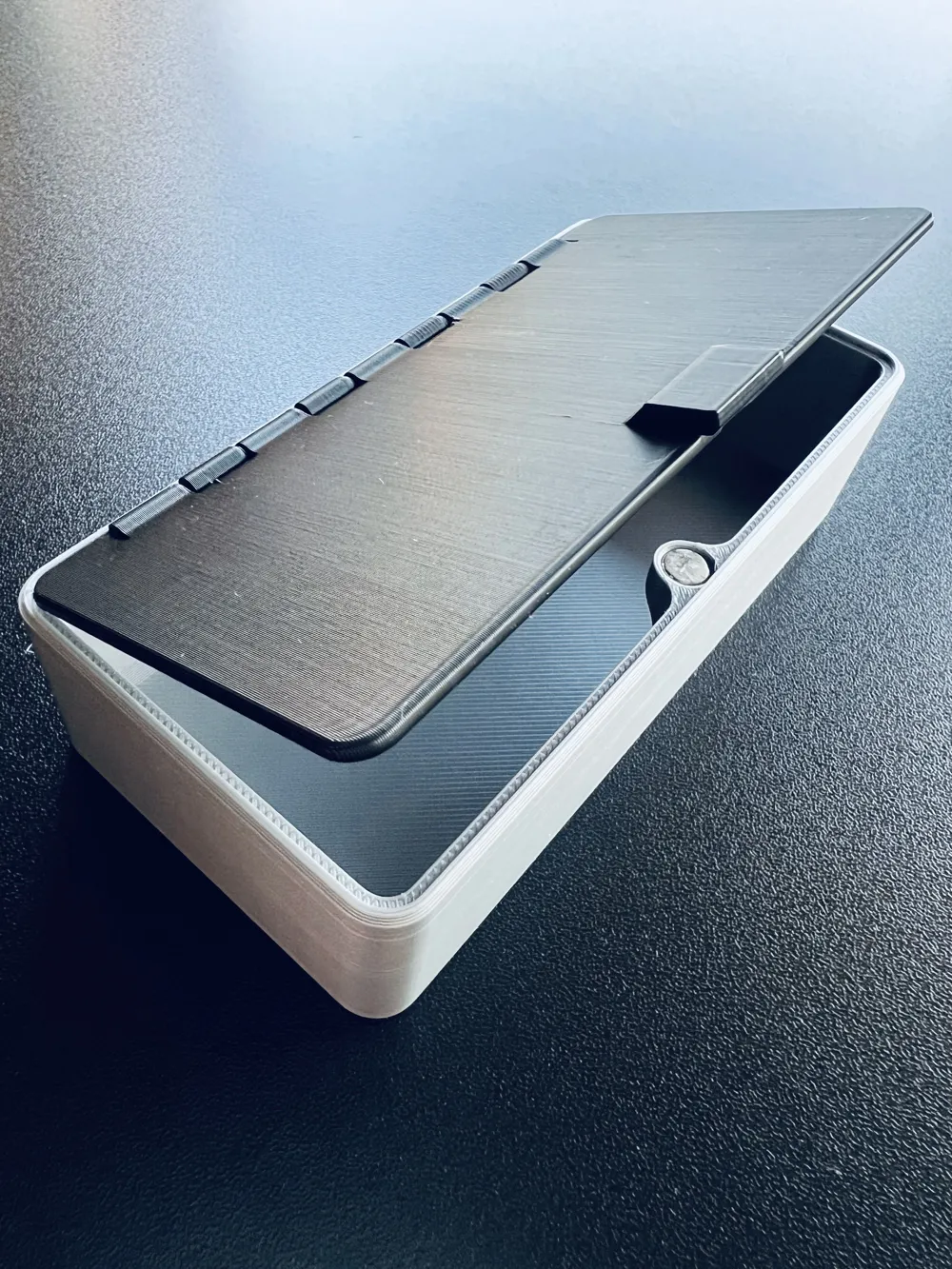
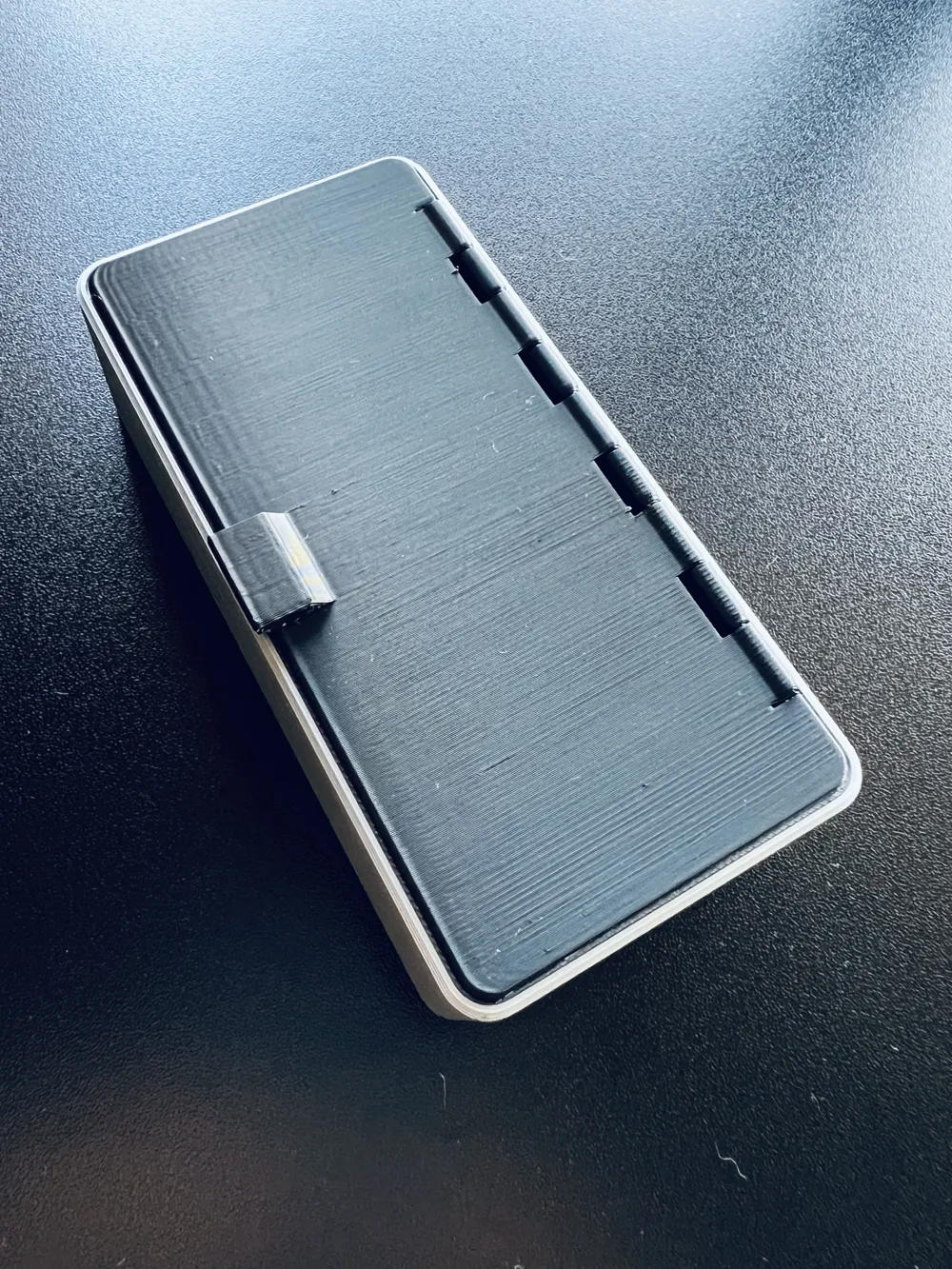
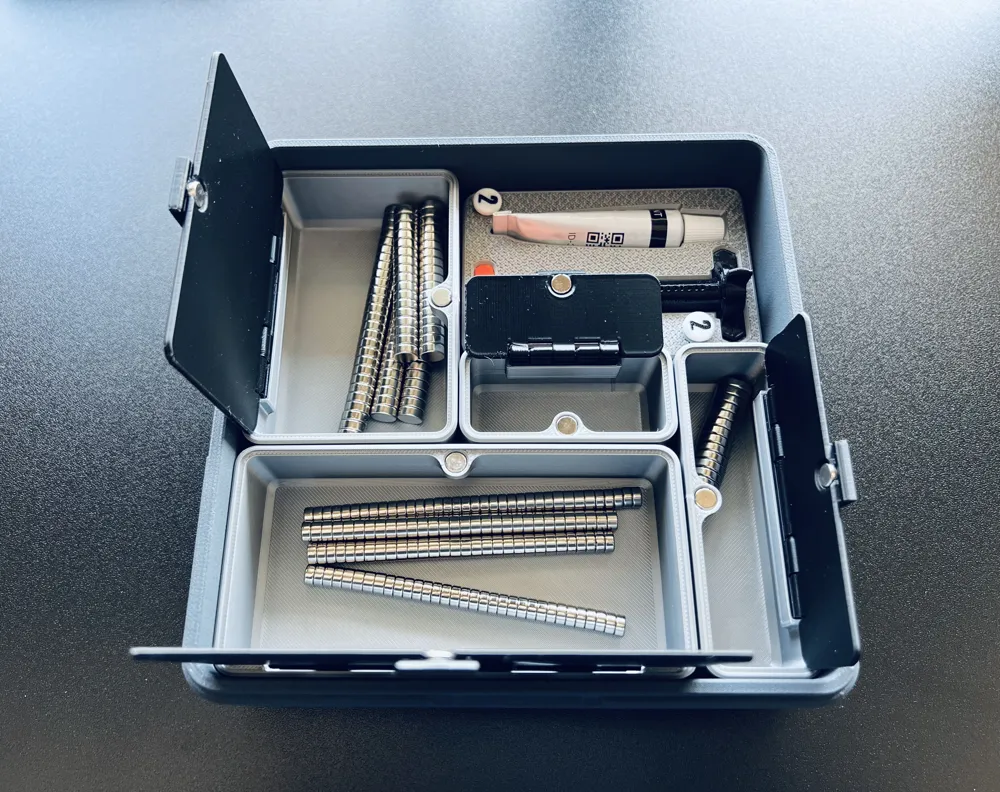
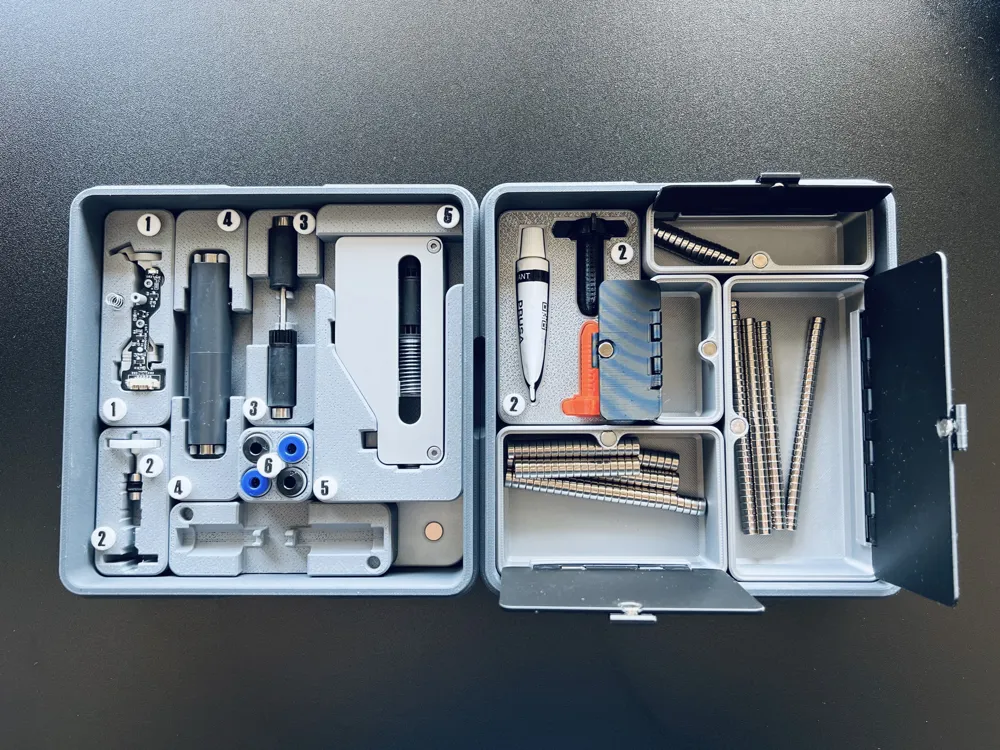

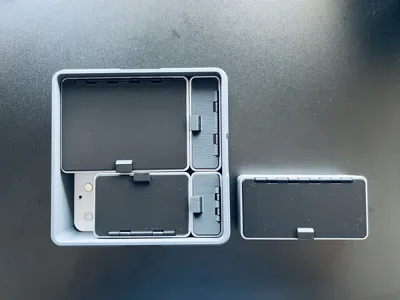
Print Profile(1)

Description
Boost Me (for free)
I usually don’t ask for this, but I’ve noticed that many creators actively encourage it on other platforms—and it makes sense, as it helps increase visibility. So, if you can follow me, it would make difference. It’s a great way to support my work and show appreciation. For more insight subscribe my blog at: https://designrepcom.com/ This design is freely available for the community, but if you enjoy my work and would like to show your support, you can boost this project. Thanks!
Please consider following me if you download and print my work. It’s a simple way to support my activity and stay connected with me in the future. Your interest helps me understand the value of my work to the community. Thank you!
Introduction
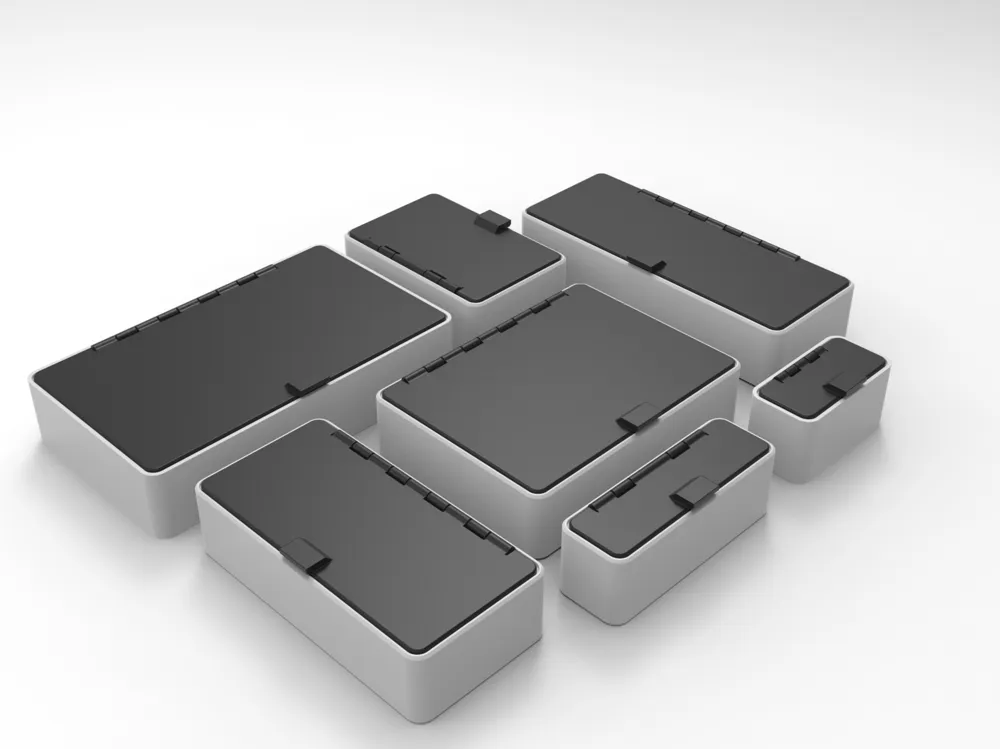
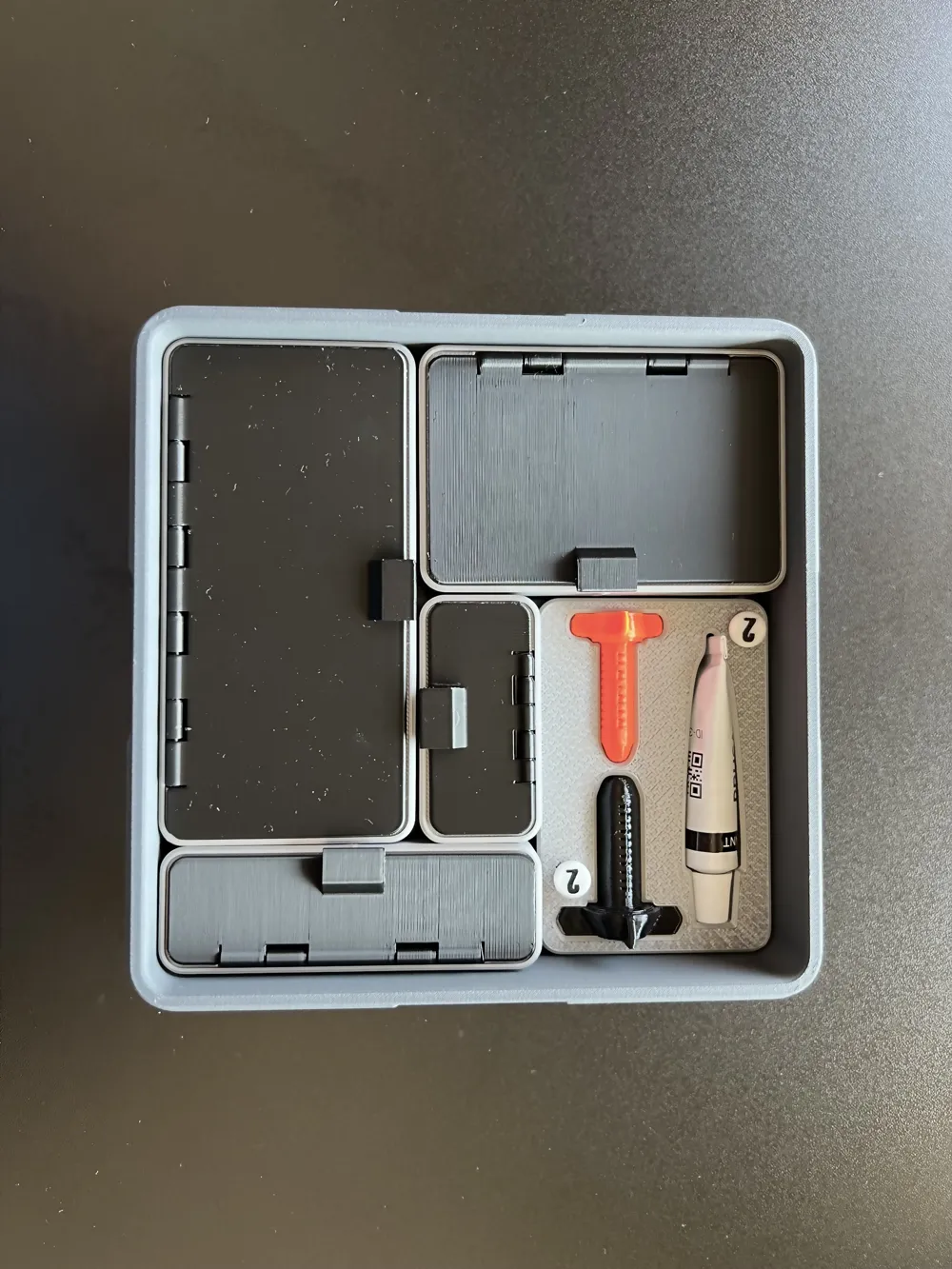
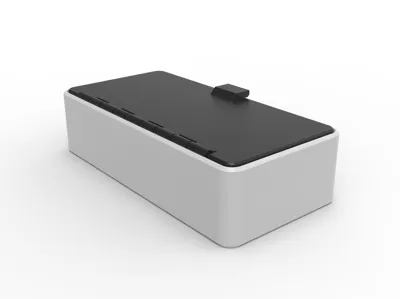
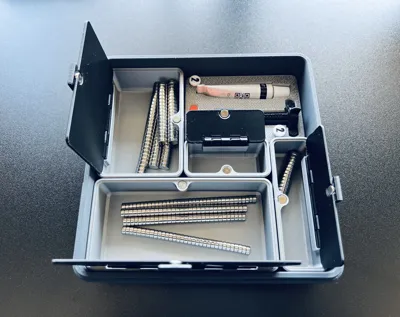
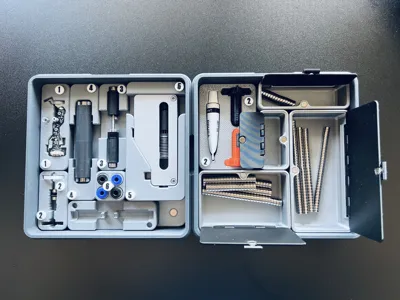
These modules are part of the UMSS project. The project should therefore start there, with the creation and integration of tiles, eventually creating boxes and other items. These "containers" will hold these modules, which serve various purposes. In this case, they are tools and accessories that are available to all printers.
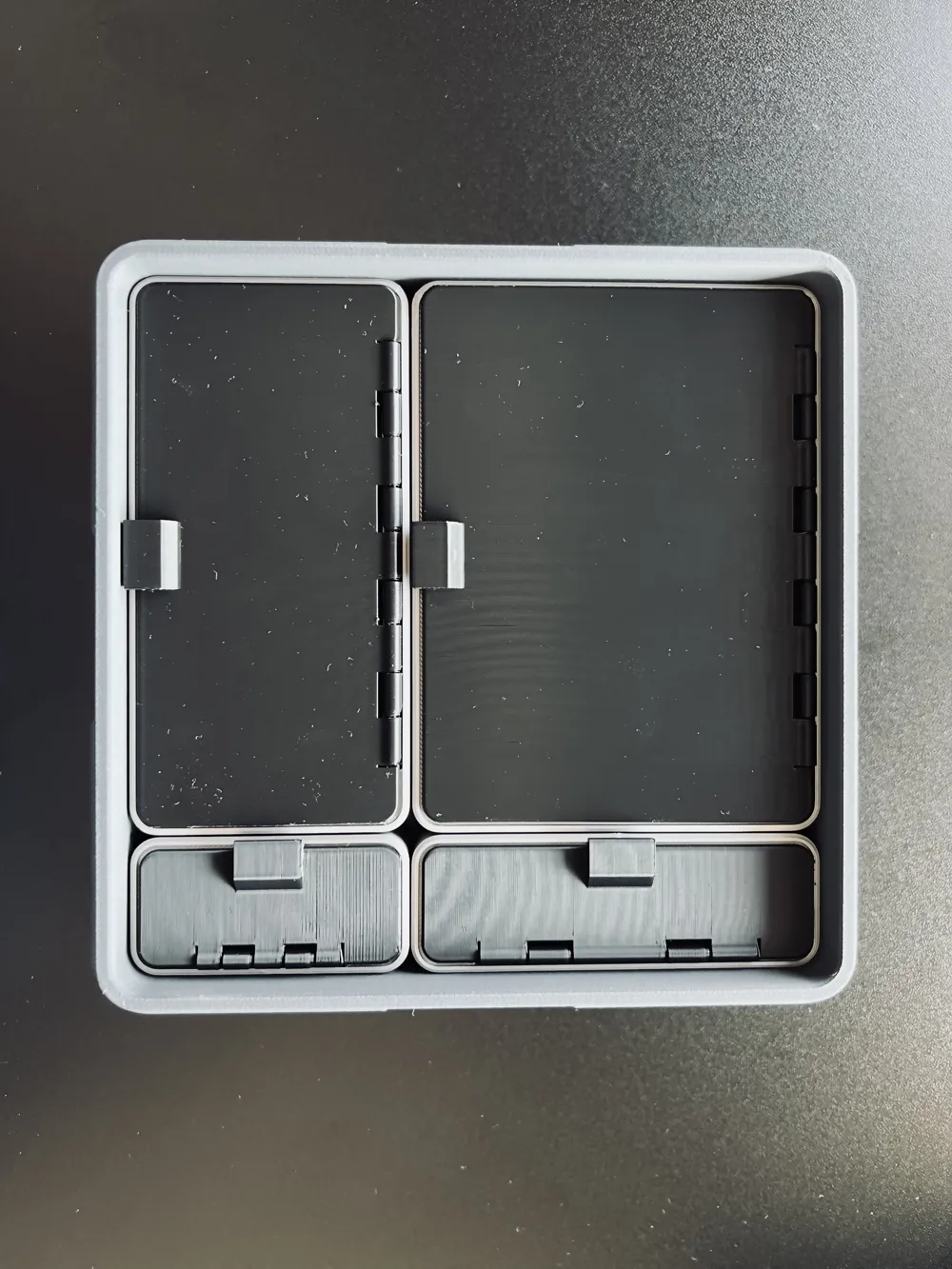
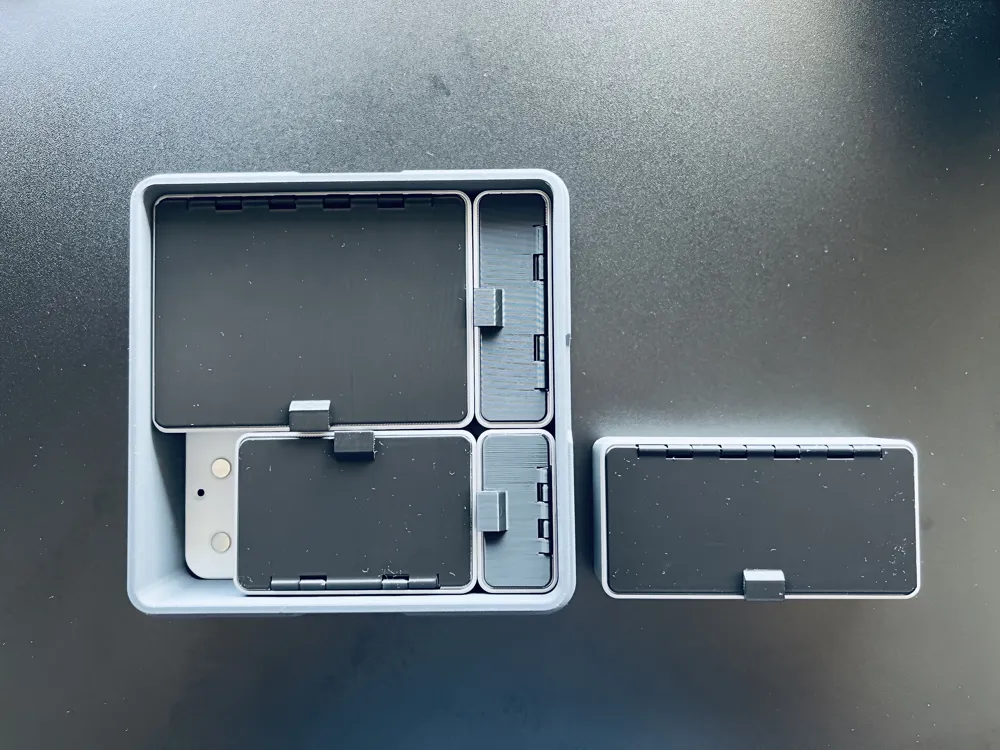
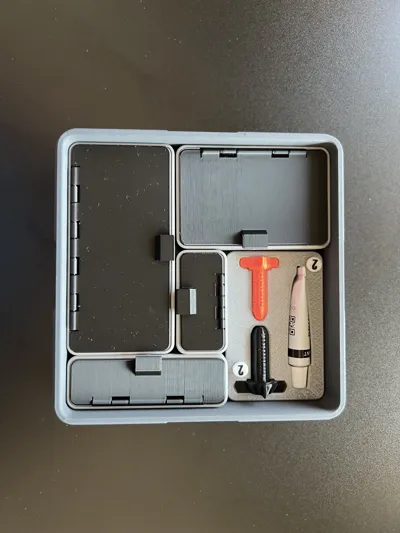
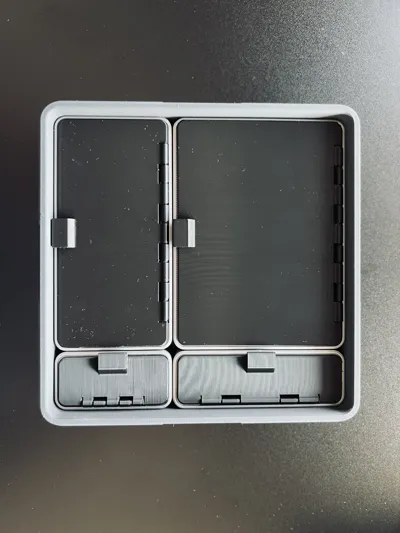
First and foremost, it is important to clarify that the box with the 150x150mm tile. that you will find at UMSS - Universal Modular Storage System is merely an example. You are free to use it as you see fit; for instance, you can use multiple 150x150mm boxes to store several duplicates of the same piece, or you can use a larger box by utilizing composite tiles, like the 210x180 tile that allow you to use almost all the space you have on the build plate of your mk4, 3 and 2 series printer.
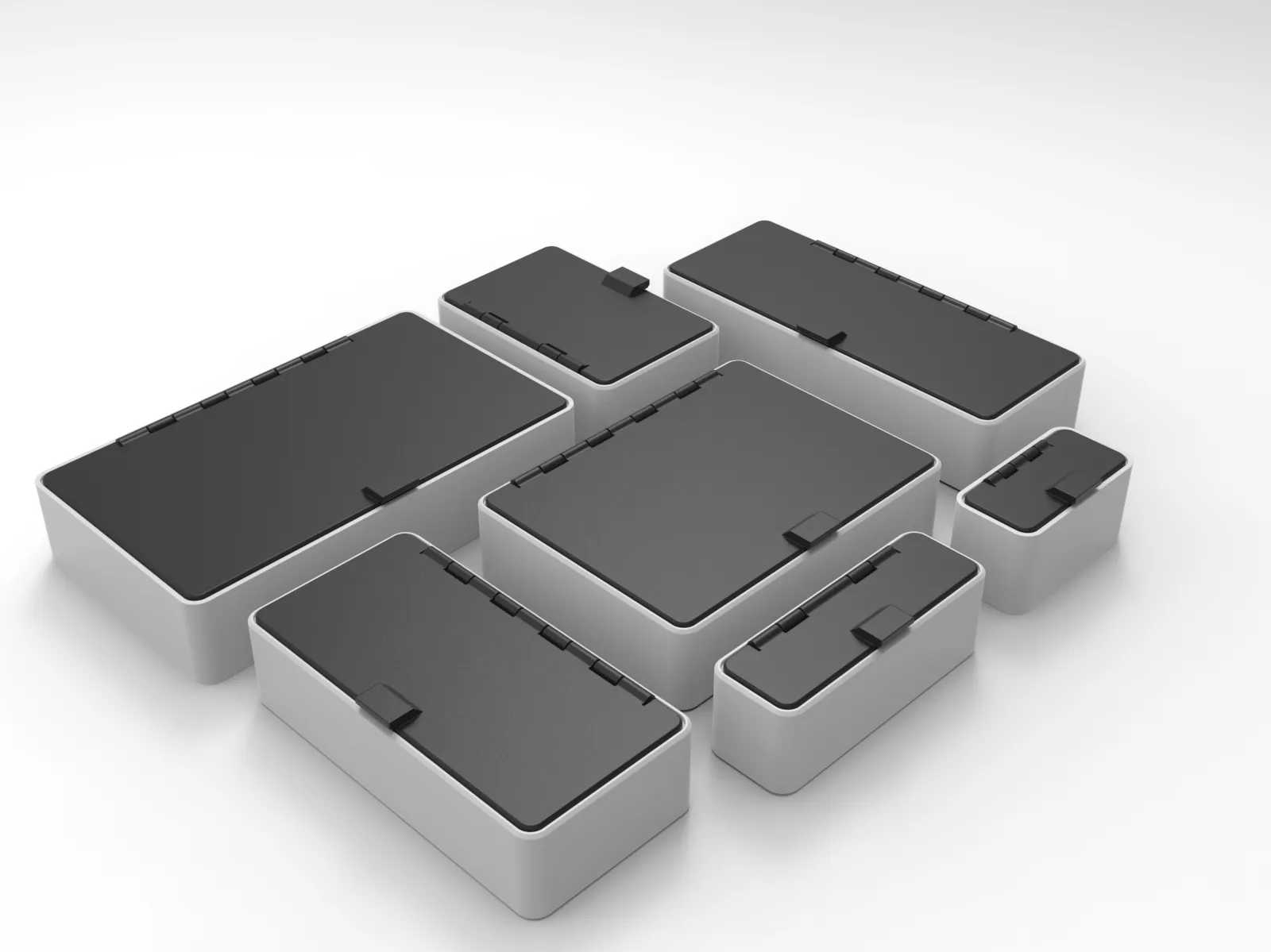
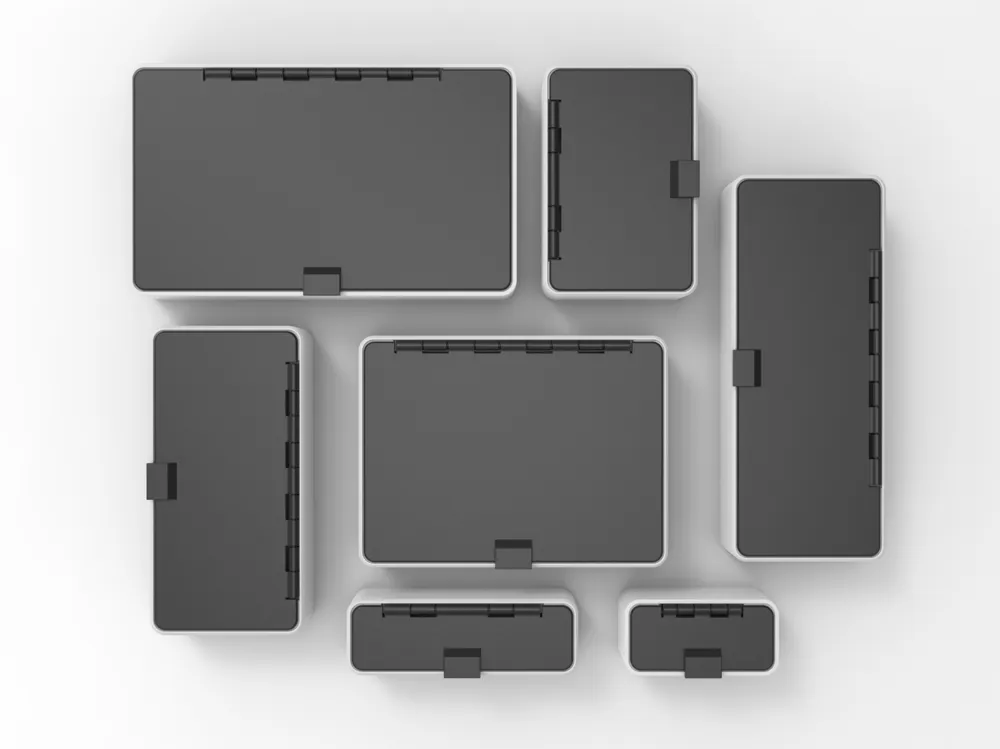
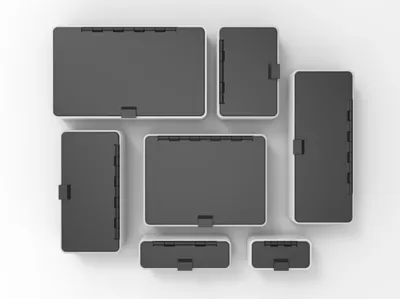
Box modules available:
- 5x3 Box - External dimensions approx. 150x90mm and approx. 144x83mm
- 5x2 Box - External dimensions approx. 150x60mm and approx. 144x53mm
- 4x3 Box - External dimensions approx. 120x90mm and approx. 114x83mm
- 4x2 Box - External dimensions approx. 120x60mm and approx. 114x53mm
- 3x2 Box - External dimensions approx. 90x60mm and approx. 84x53mm
- 3x1 Box - External dimensions approx. 90x30mm and approx. 84x23mm
- 2x1 Box - External dimensions approx. 60x30mm and approx. 54x23mm
- more to come soon…
Printing
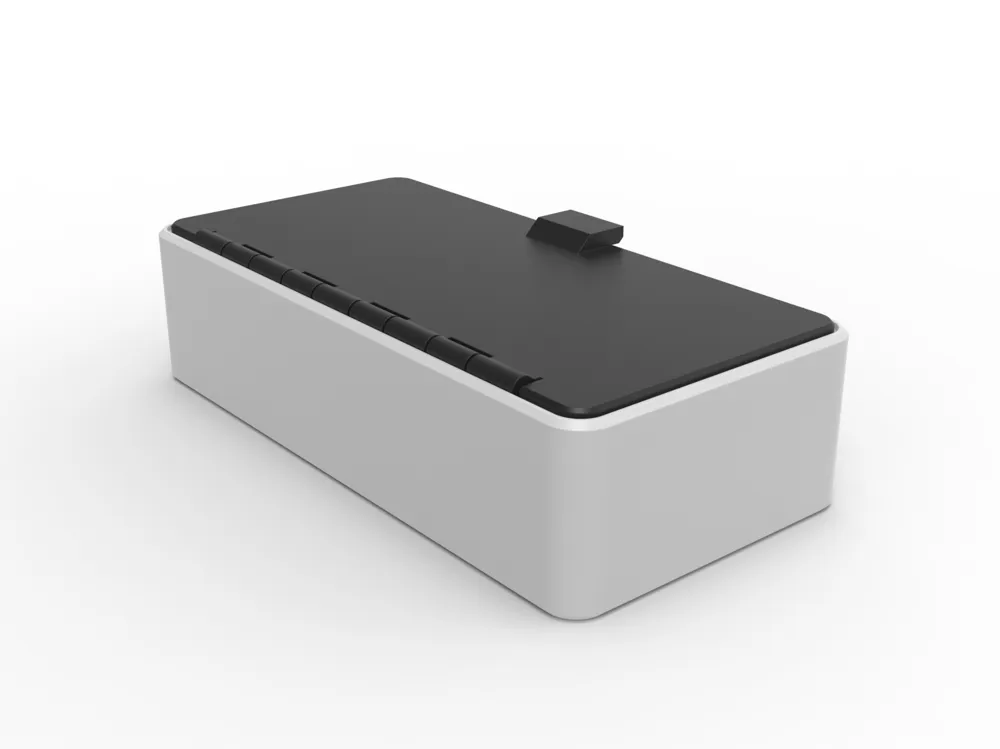
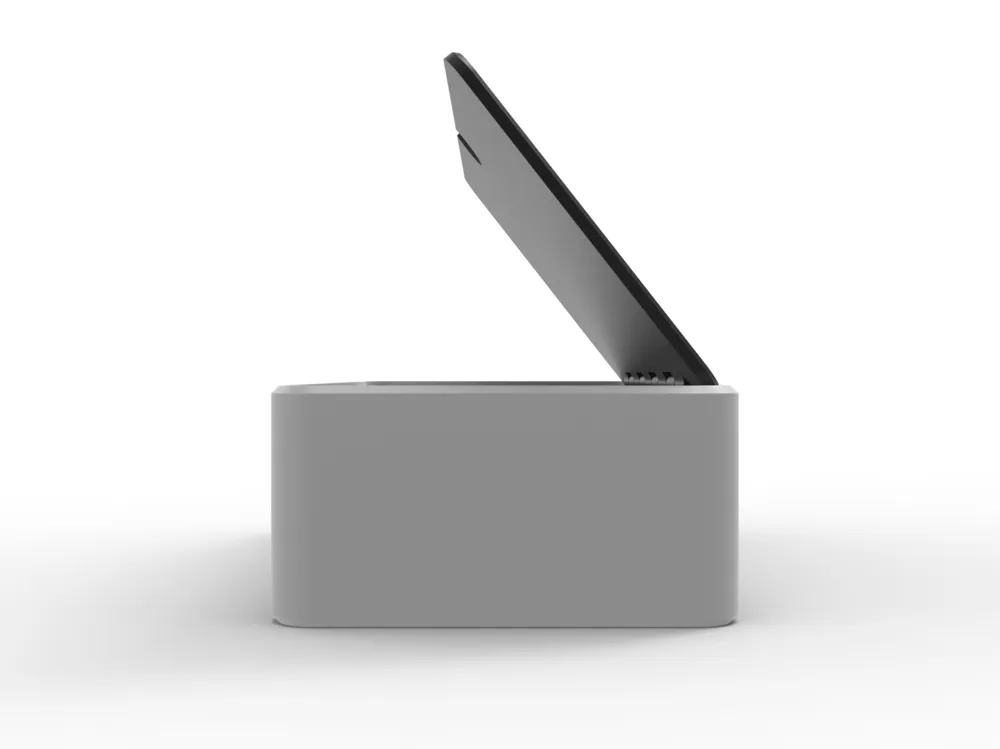
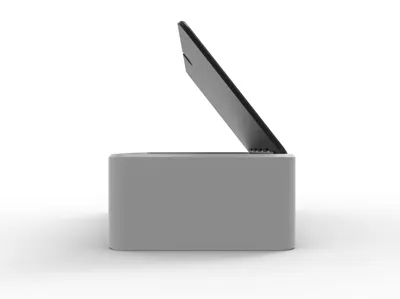
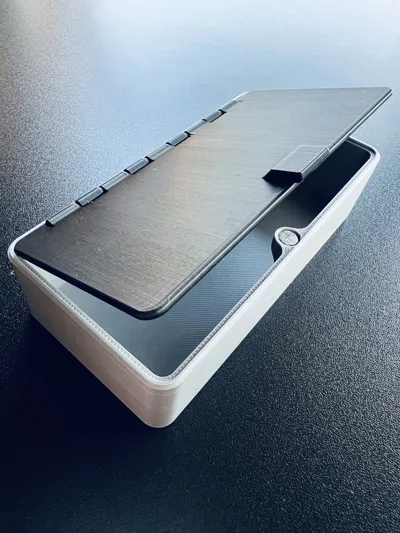
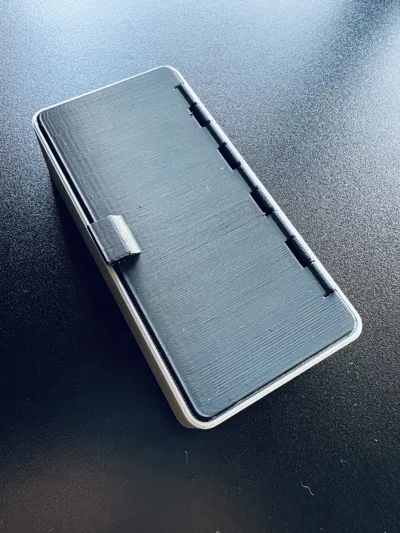
- The lid with hinge is a print-in-place and works perfectly, very smooth, staying in place when printed with normal PLA or PETG (I don't recommend on using matte PLA on this component).
- Regarding printing, everything is quite simple as everything is pre-configured. You will find modules with pockets for magnets of 6.1 and 6.2mm. Choose the dimension that best suits your needs, keeping in mind that various factors can cause the magnet to not fit properly or be too loose. The magnet should fit with some pressure and then should not come out; if it does, use a small amount of glue at the base of the pocket. For more information on this, please visit the main page of this project here: UMSS - Universal Modular Storage System.
- In the case of the 2 magnets that make the lid, you will need to glue it, otherwise overtime they will come out.
- As always, if you know how to do it, please calibrate the material (flow rate / dynamics)
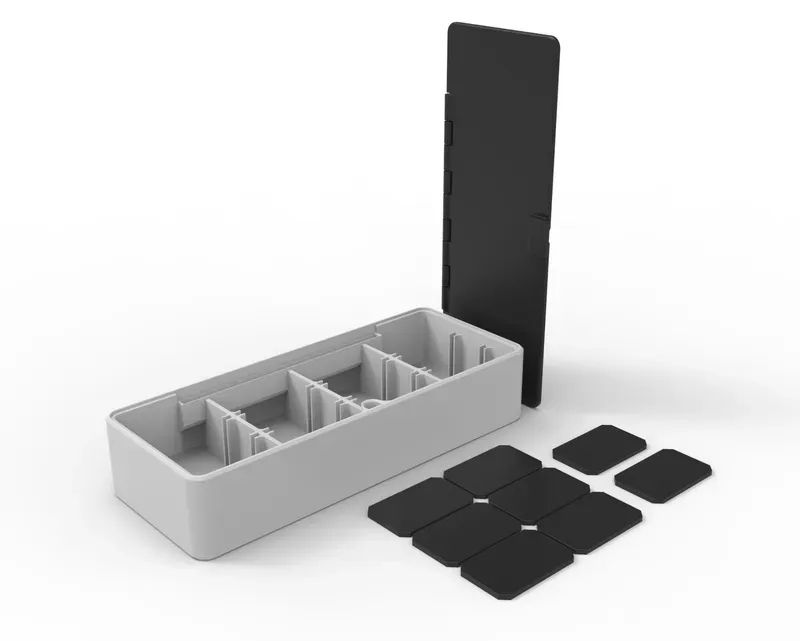
Other boxes
Support the designer:
This design is free for the benefit of the community, but If you like my designs and want to contribute, you can make a donation to buymeacoffee or paypal, that will be greatly appreciated.
Curious About My Tools? Check This Out!
For those of you who often ask about the tools I use to bring ideas to life, this article, The Journey From Idea To Object (Part I), offers some insights into the initial stages. It highlights the use of various tools, including software like Autodesk Fusion for CAD design, Blender for render and Bambu Studio for 3D printing preparation, and other... So, if you're curious about the software and hardware too, that I've incorporate in my workflow, take a look at the link for more details!" – Visit https://designrepcom.com/ for much more.
License

You shall not share, sub-license, sell, rent, host, transfer, or distribute in any way the digital or 3D printed versions of this object, nor any other derivative work of this object in its digital or physical format (including - but not limited to - remixes of this object, and hosting on other digital platforms). The objects may not be used without permission in any way whatsoever in which you charge money, or collect fees.


Comment & Rating (174)