Search models, users, collections, and posts

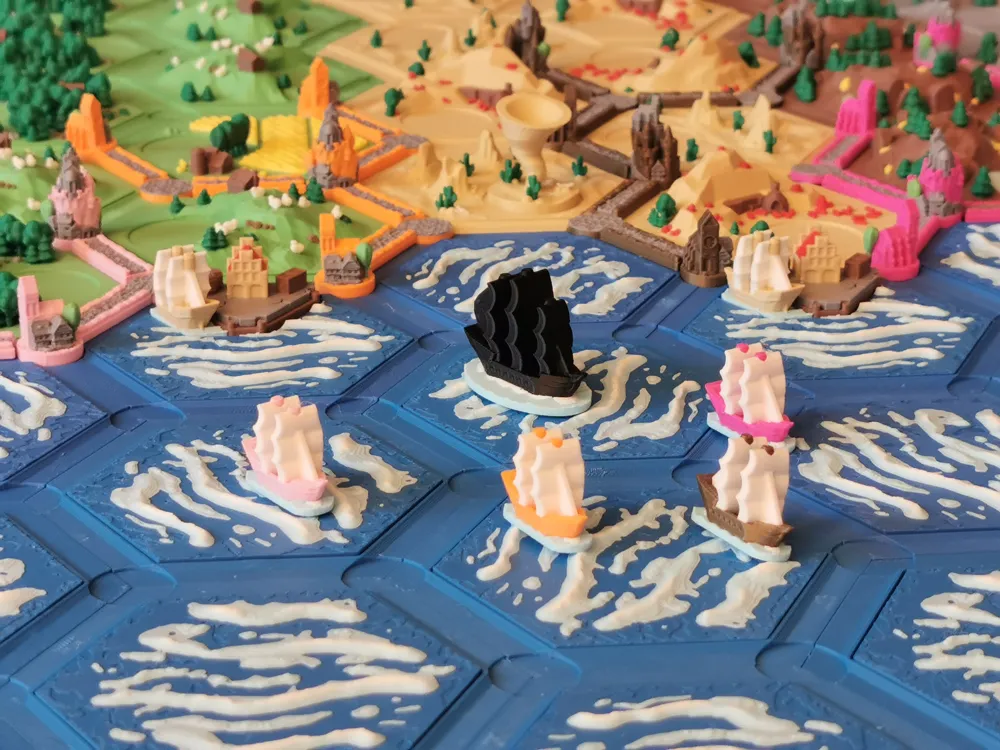
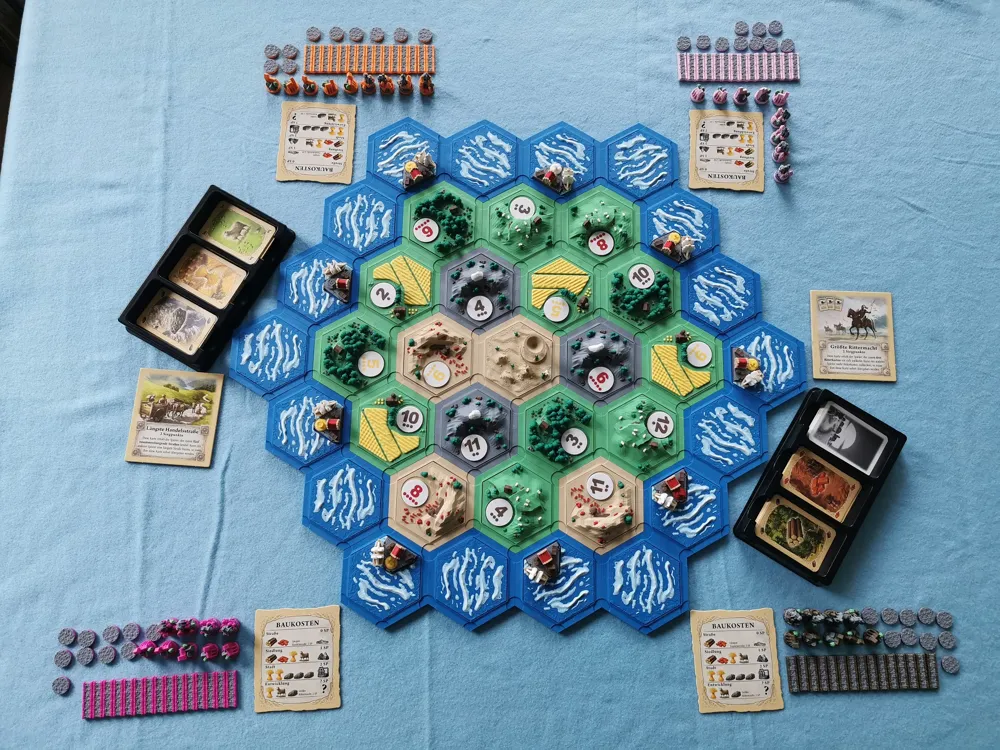
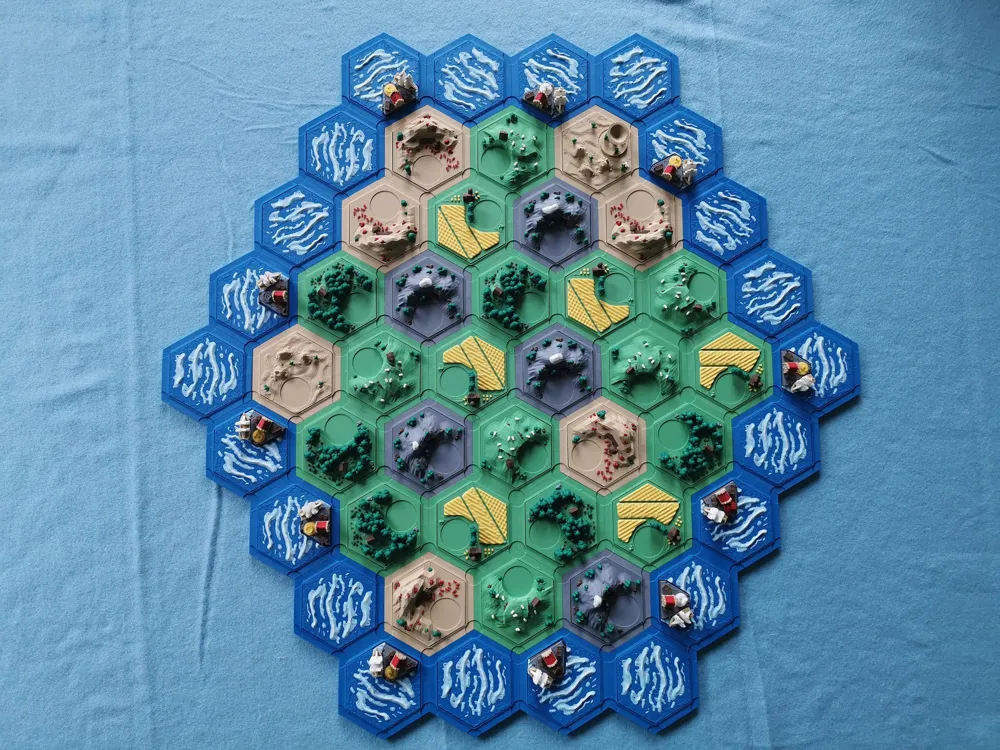
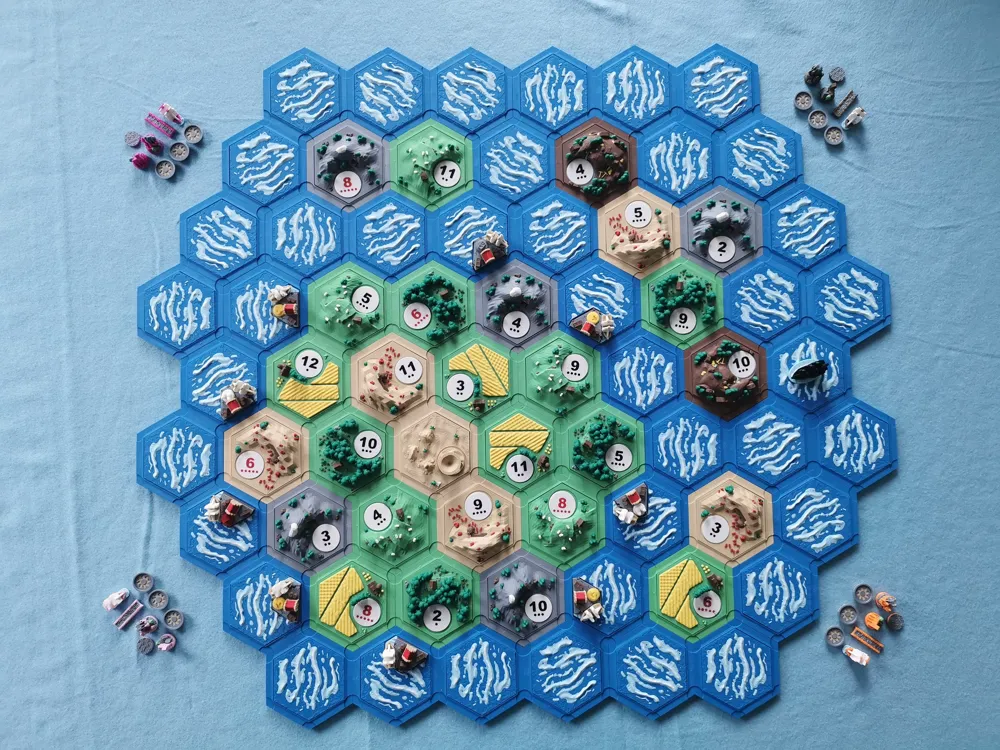
Catan Basegame and Seafarers, up to 6 players
Remixed by
IP Report

Print Profile(2)

original print profile
Designer
182.8 h
32 plates

0.16mm layer, 2 walls, 15% infill

80.3 h
20 plates
Open in Bambu Studio
Boost
225
795
61
93
785
330
Released
Description
I started printing the 'Settlers of Catan Complete' but was missing a few things and did not like some others.
Therefore I decided to modify things a little bit and ended up with a separate remix.
Links to the used projects:
- Base project by copehill077: https://makerworld.com/en/models/201626#profileId-222020
- Original project by Dakanzla: https://www.thingiverse.com/thing:3072272
- Catan chips by PartyLime: https://makerworld.com/en/models/188212#profileId-207412
- Number tokens by theantivirus: https://makerworld.com/en/models/449475#profileId-356294
Changes I made:
- changed the amount of tiles and added sums for 3-4 players and 5-6 players (I did not print the 5-6 player version, I only calculated it, so it might be off for the water tiles).
- deleted one habour as you only need 11 at max.
- changed the colouring.
- deleted the V1 war-ships, but kept V2 (they are optional anyways).
- changed the tokens and added the letter variant for 3-4 and 5-6 players.
- resized the tokens for the forgotten clans, as I only use them as a gimmick on the land tiles directly.
- added Catan chips needed for various scenarios.
- added some bricks to the bricks tile. (https://makerworld.com/en/models/583222#profileId-504344)
Some additional information:
- You should not need supports, however I had them enabled for the base tiles. It is a pain to remove them, so maybe pint one test to see how it is working for you.
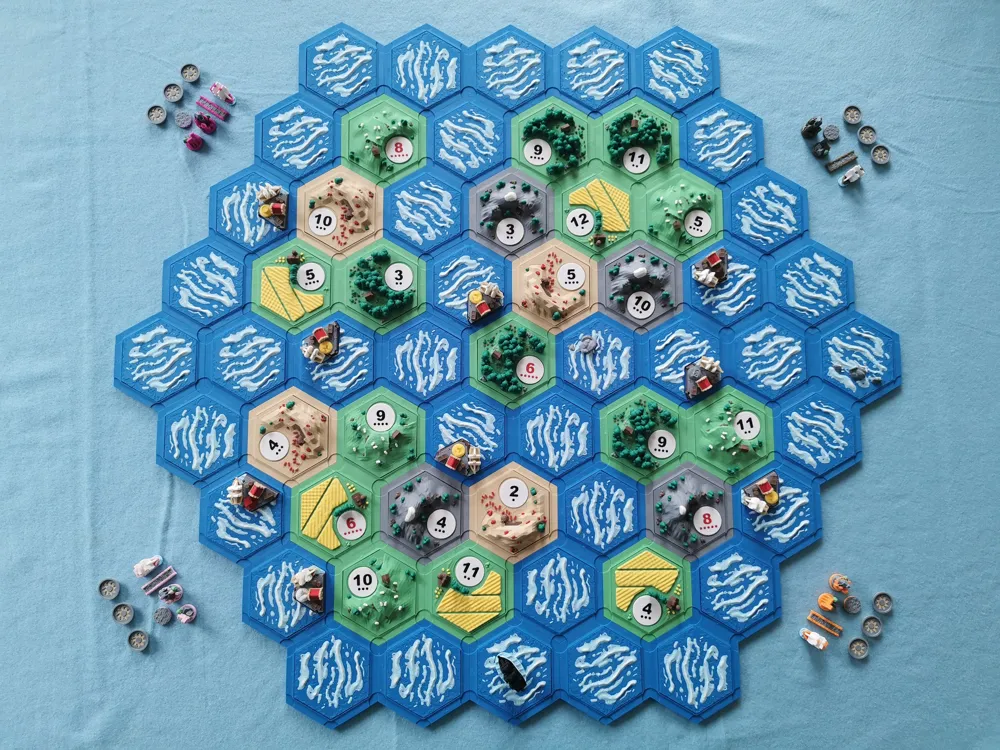
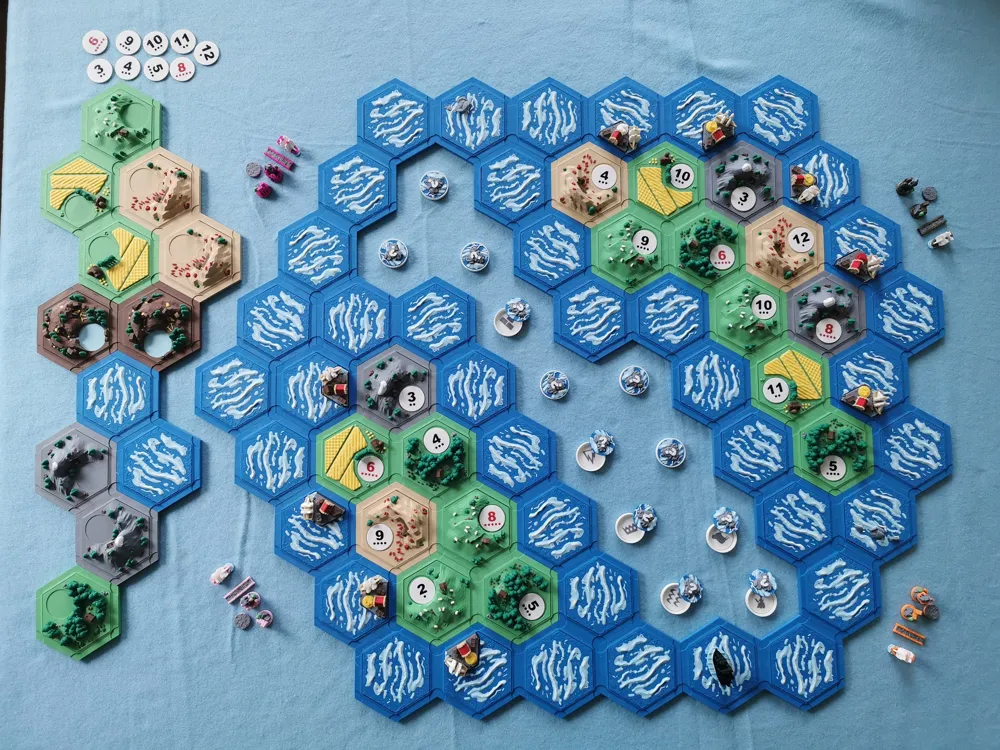
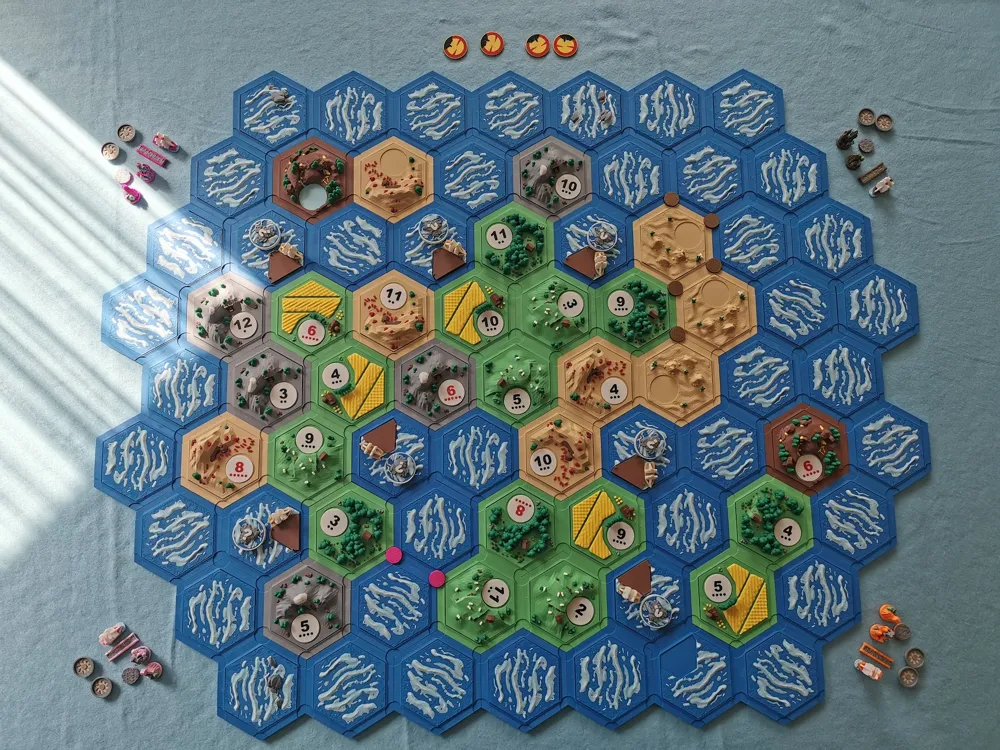
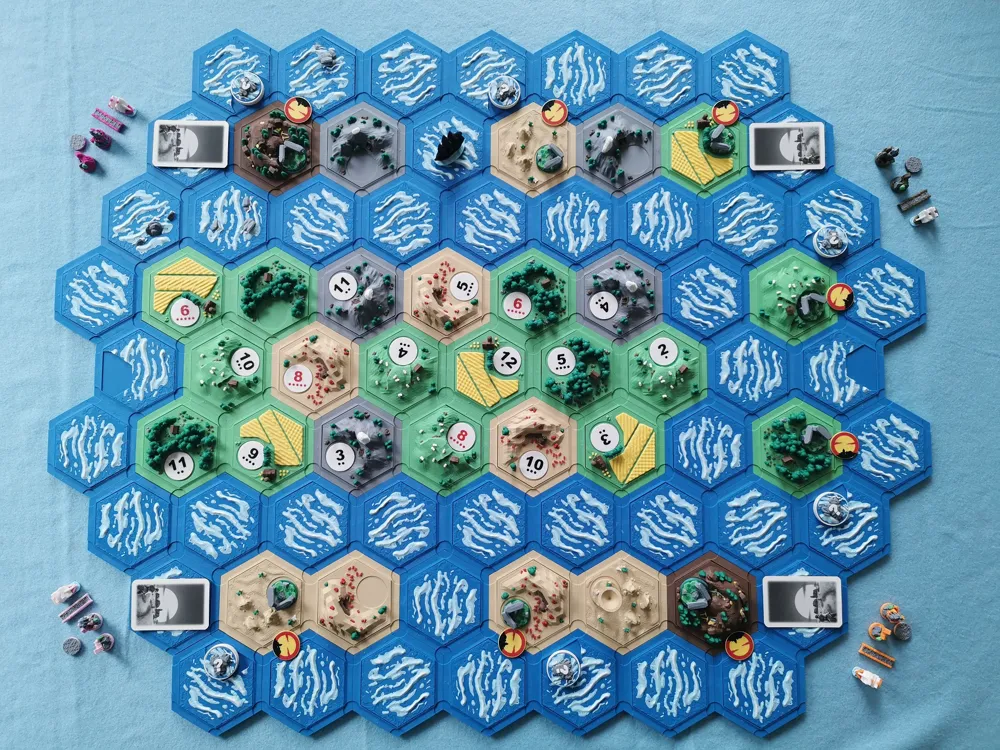
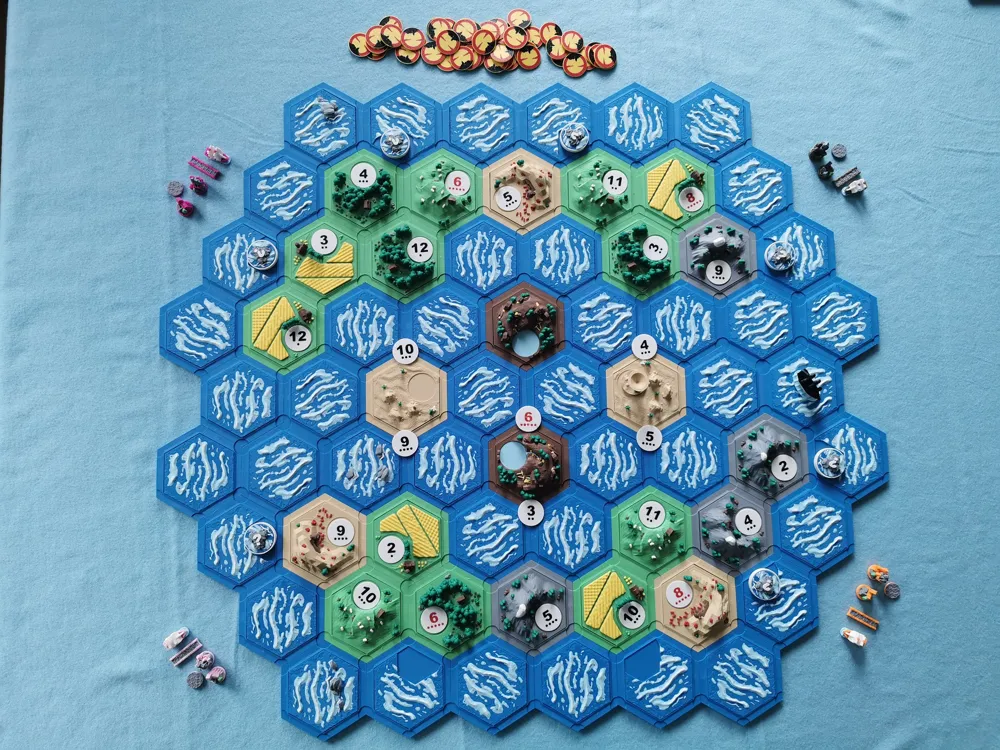
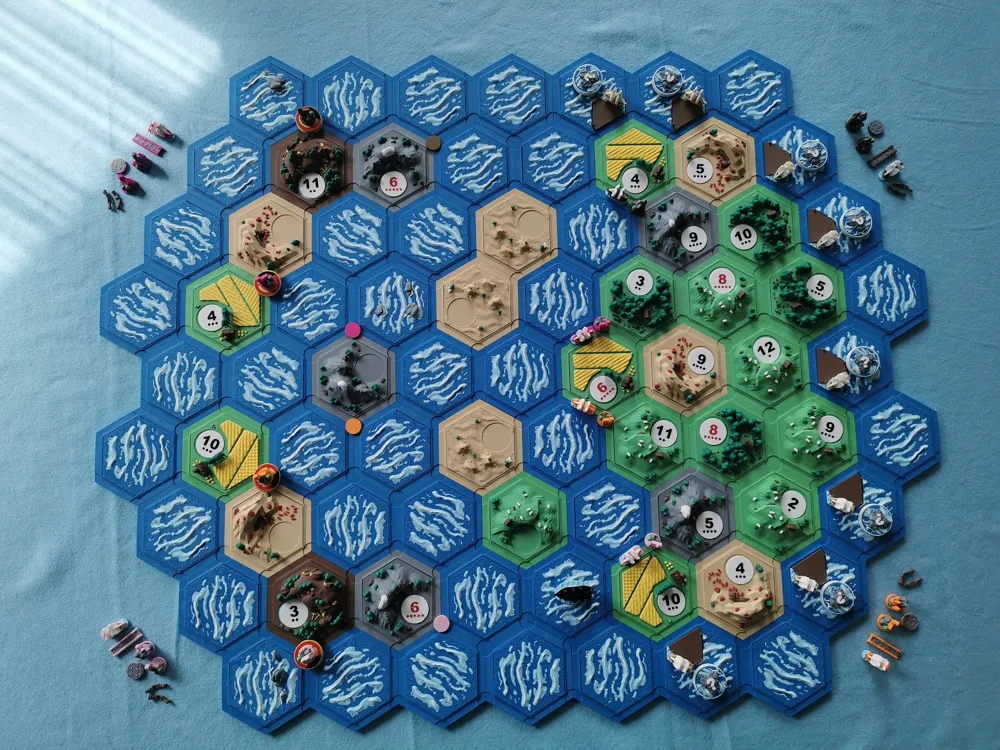
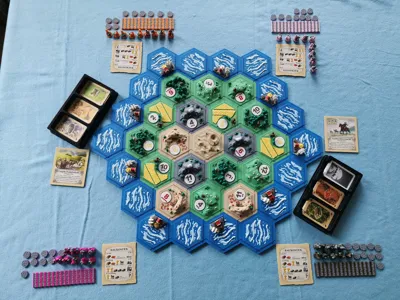
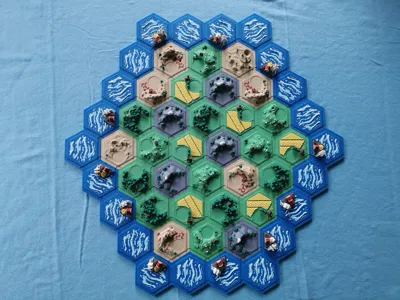
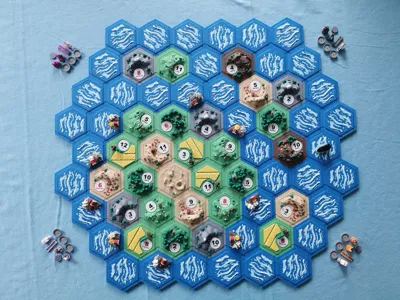
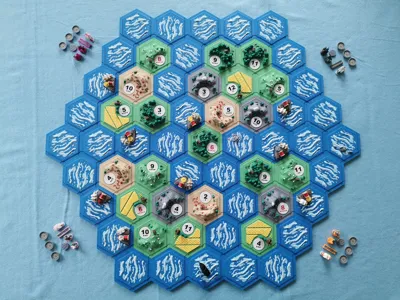
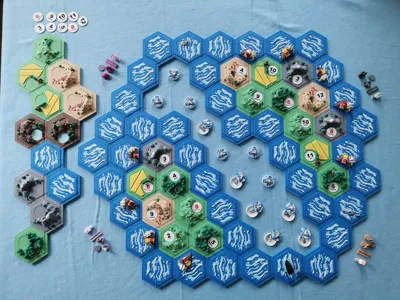
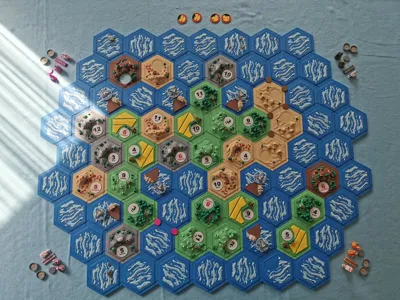
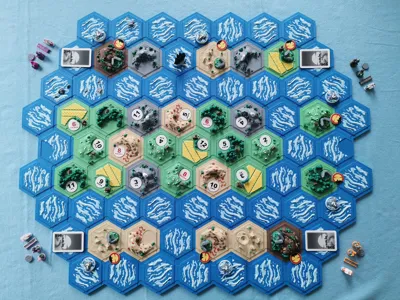
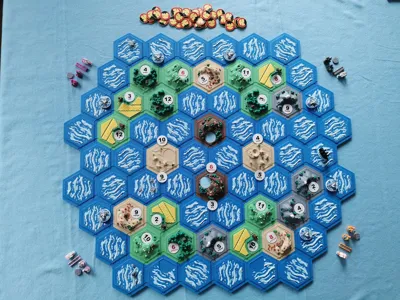
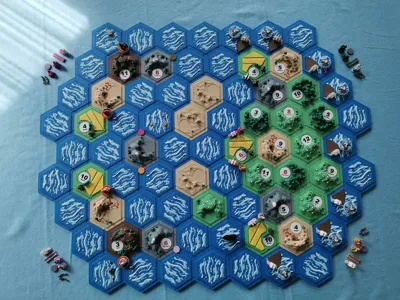
- To be sure I got everything I need, I made a picture of each scenario from the base game (including 5-6 players) and one of each seafarer scenario (4 players).
- Colours 5, 6, 7, 8, 10, 13 are only used for the player figures, so you could skip 6 colours if you want to.
- I used black instead of grey for the catan chips (plate 32).
- I used black for the pirate ship (plate 29).
- The water landscapes with the stones are optional, replace as many water tiles as you like.
- I'm using the undiscovered land tokens also for the random habours.
- No cards are included, as I just use the ones from the game I own. However there are already some on makerworld: https://makerworld.com/en/models/250541#profileId-266784
- Largest army and longest road are also missing, but you can find those as well:
https://makerworld.com/en/models/73870, https://makerworld.com/en/models/108635#profileId-116000, https://makerworld.com/en/models/170724#profileId-187382 - I used 2 2x3 magnets per slot in the bases, as I could get cheap ones. However, they really could be stronger. You might be better off using different ones.
Filaments I used:
- Bambulab PLA Matte Desert Tan (1)
- Bambulab PLA Matte Ash Grey (2)
- Bambulab PLA Basic Mistletoe Green (3)
- Bambulab PLA Matte Dark Brown (4)
- Bambulab PLA Basic Magenta (5)
- Bambulab PLA Basic Bronze (6)
- Bambulab PLA Matte Sakura Pink (7)
- Bambulab PLA Matte Mandarin Orange (8)
- Bambulab PLA Matte Dark Red (9)
- Bambulab PLA Matte Lemon Yellow (10, 12)
- Bambulab PLA Matte Ivory White (11)
- Bambulab PLA Matte Lilac purple (13)
- Bambulab PLA Matte Grass Green (14)
- Bambulab PLA Matte Ice Blue (15)
- Bambulab PLA Matte Marine Blue (16)
- Bambulab PLA Basic Black (Pirate and Catan chips)
This remix is based on


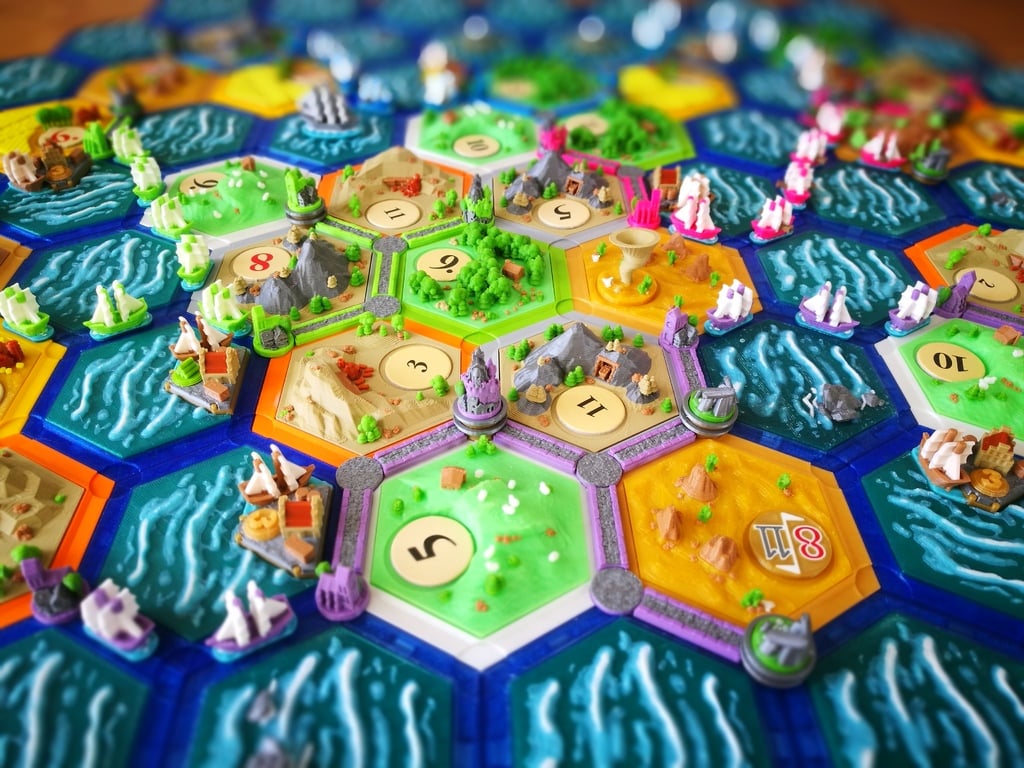


This source model was used for remixing/sharing before its license was restricted.


License

This user content is licensed under a
Creative Commons Attribution-Noncommercial-Share Alike


Comment & Rating (61)