
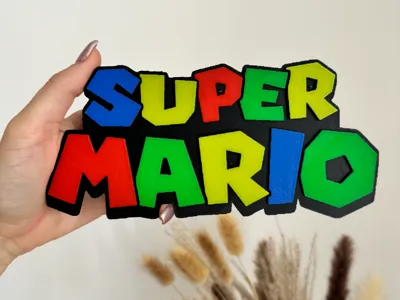
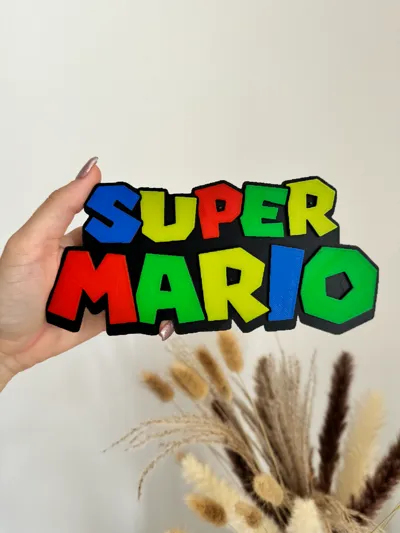
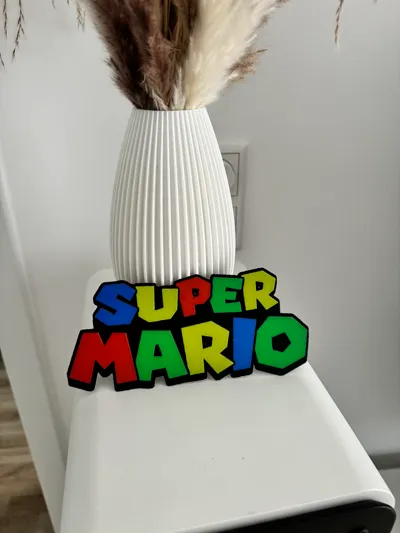
Hueforge Super Mario
Print Profile(1)

Description
Boost Me (for free)
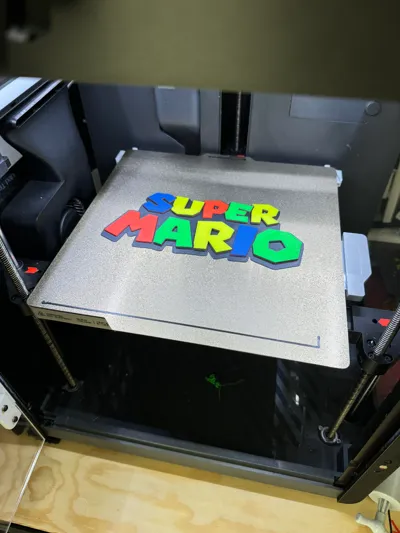
Swap Instructions:
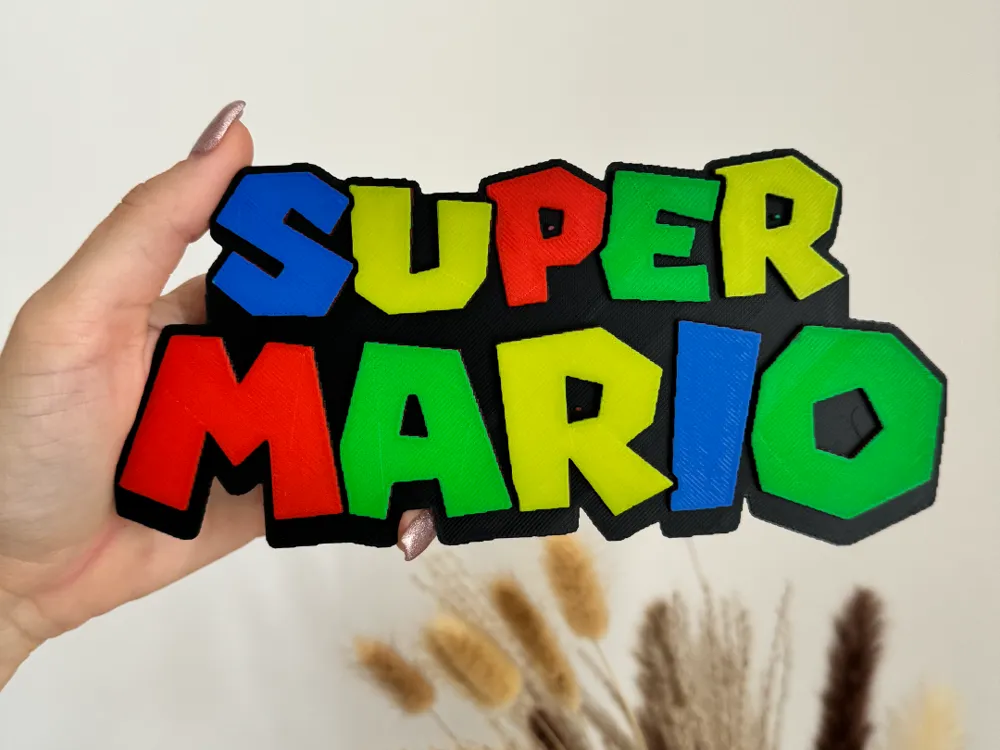
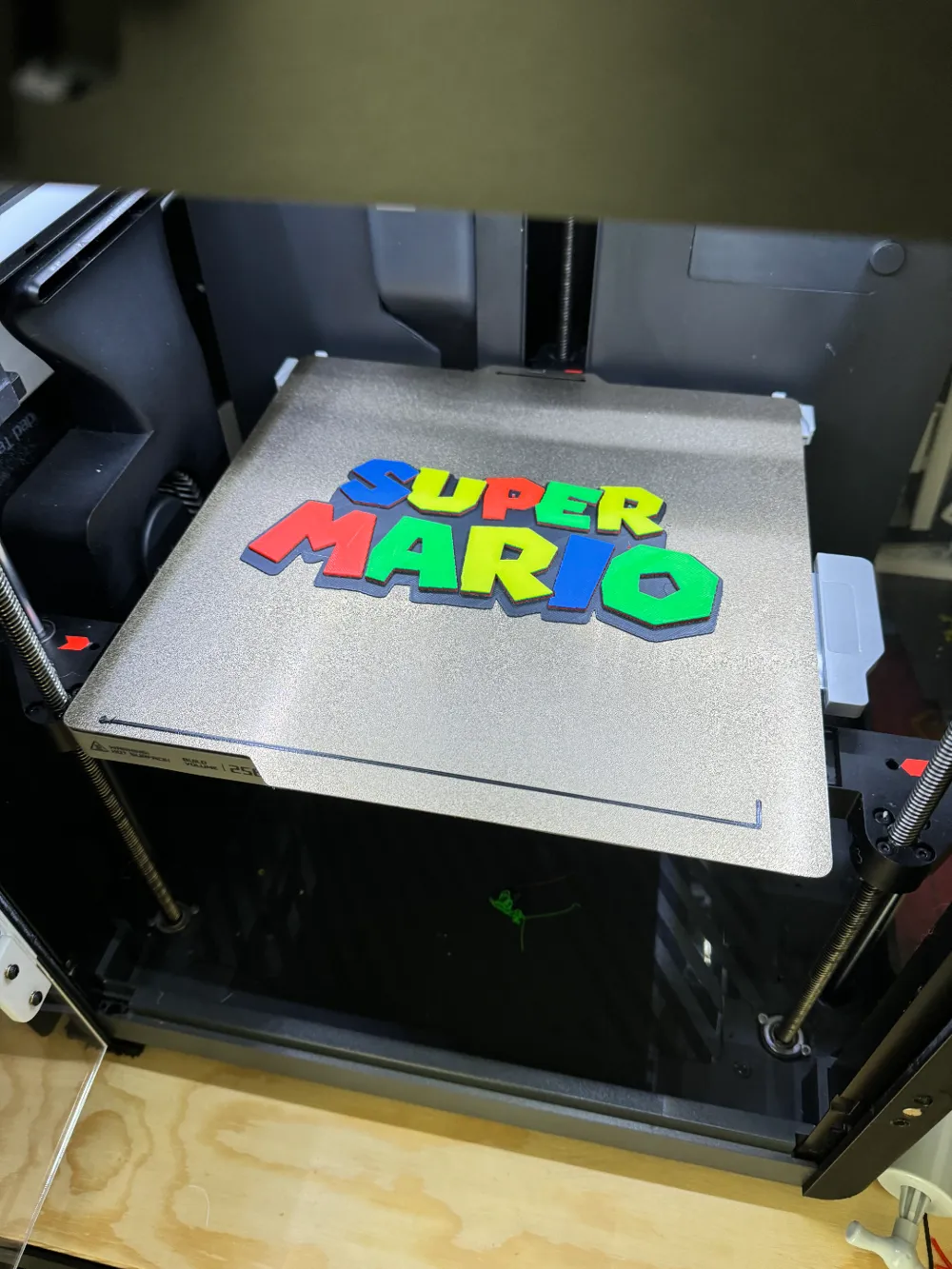
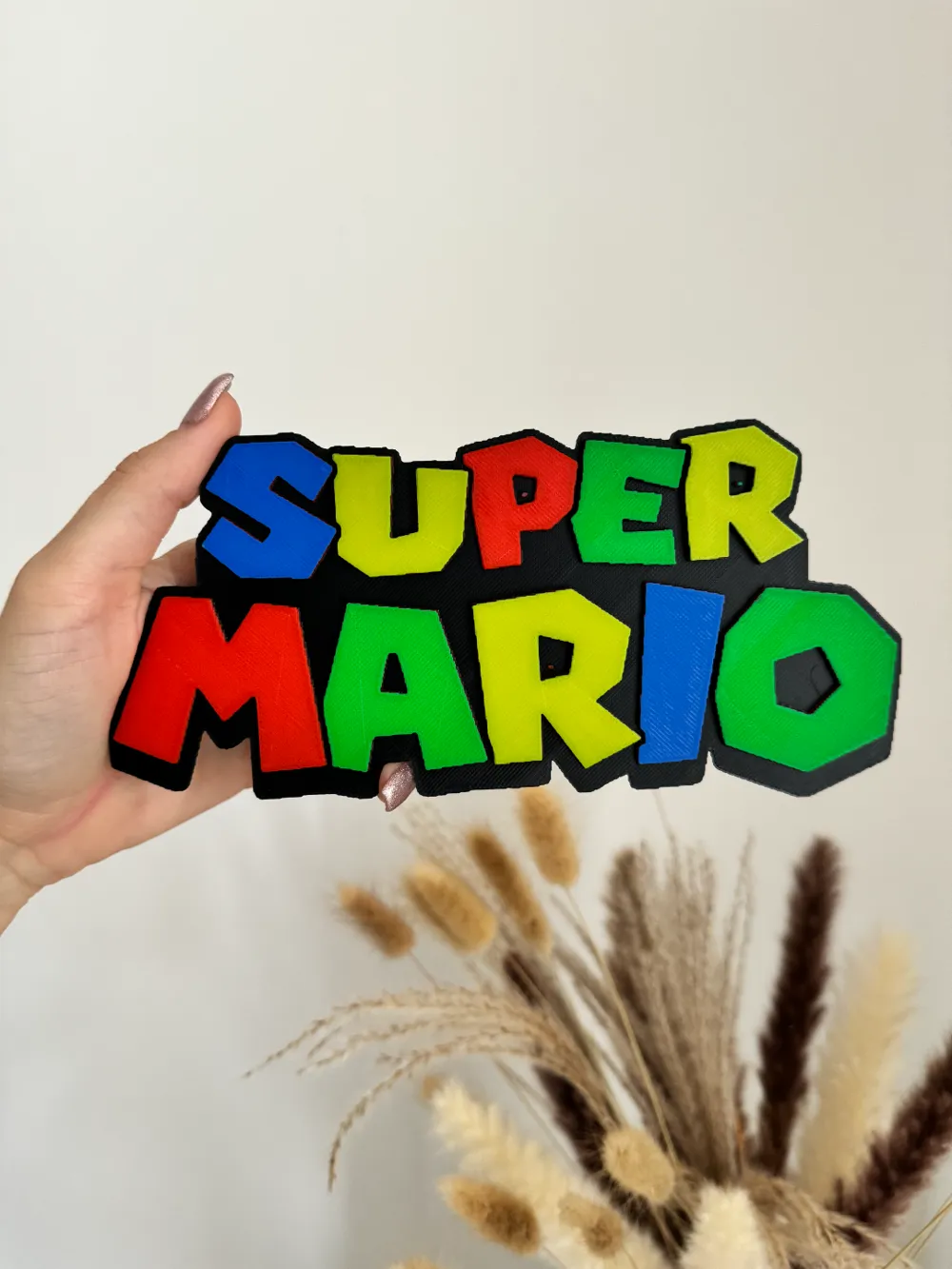
Start with Black
At layer #9 (0.8mm) swap to Red
At layer #23 (1.92mm) swap to Blue
At layer #27 (2.24mm) swap to Green
At layer #32 (2.64mm) swap to Yellow for the remainder.
If you have only one AMS, you simply need to add the 5th color in the slicer and once it has finished with black, just add yellow there.
If you only have one AMS you just need to add the 5th color in the slicer and once it's done with black just add yellow there
License

You shall not share, sub-license, sell, rent, host, transfer, or distribute in any way the digital or 3D printed versions of this object, nor any other derivative work of this object in its digital or physical format (including - but not limited to - remixes of this object, and hosting on other digital platforms). The objects may not be used without permission in any way whatsoever in which you charge money, or collect fees.


Comment & Rating (3)