Search models, users, collections, and posts

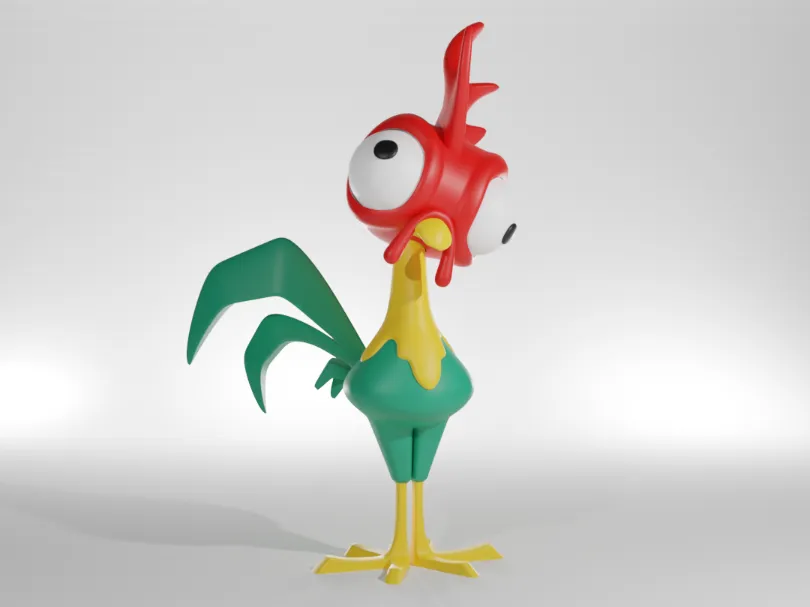
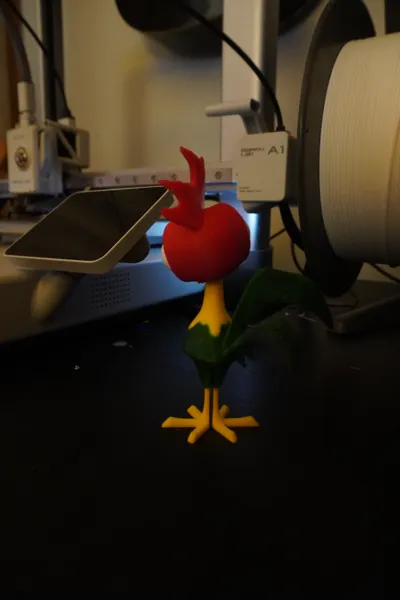
Moana Hey Hey Cartoonish

Print Profile(4)

All
A1
P1S
P1P
X1 Carbon
X1E
X1
A1 mini
H2D
H2D Pro
H2S
P2S
H2C
X2D
A2L

0.2mm layer, red/white/black/green/yellow
Designer
6 h
4 plates
4.7(286)

325% 0.2mm layer, 2 walls, 10% infill, Adaptive Layers
20.8 h
6 plates
4.7(56)

0.16mm layer, 4 walls, 10% infill
7.3 h
4 plates
4.5(35)

0.12mm layer, 2 walls, 10% infill
8.7 h
4 plates
4.5(12)

Open in Bambu Studio
Boost
2233
4527
518
357
4.8 k
2.3 k
Released 

Description

Ive created the cartoonish version of hei hei from moana. i did the 3d model to be a present to a person that loves having characters from movies and also series.

it was made in blender in aproximately in 2 hours and its in parts to make easier to print in colours without having many wasted material.

Comment & Rating (518)

(0/1000)

Boosted
A beautiful design! I had to adjust a few things. I also merged the eyes and printed them as a "whole". Thank you very much for sharing your design 🤩👌
Show original
19
Reply
do you want share this model ?
9
Reply
remix would be really interesting because of the eyes. even if I only have an A1 Mini
5
Reply
Would love to see this added as a print profile or remix! Nice Work!
4
Reply
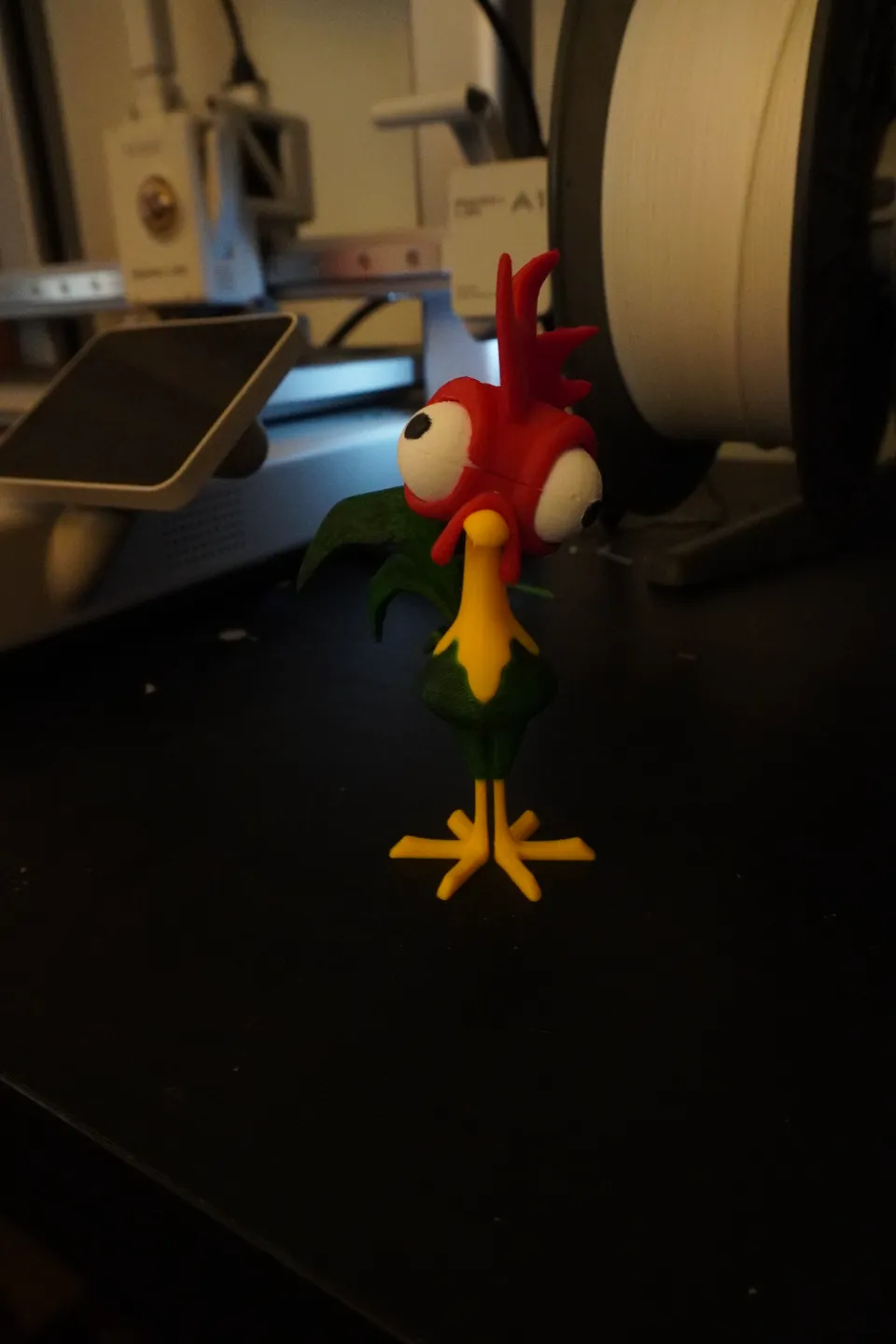
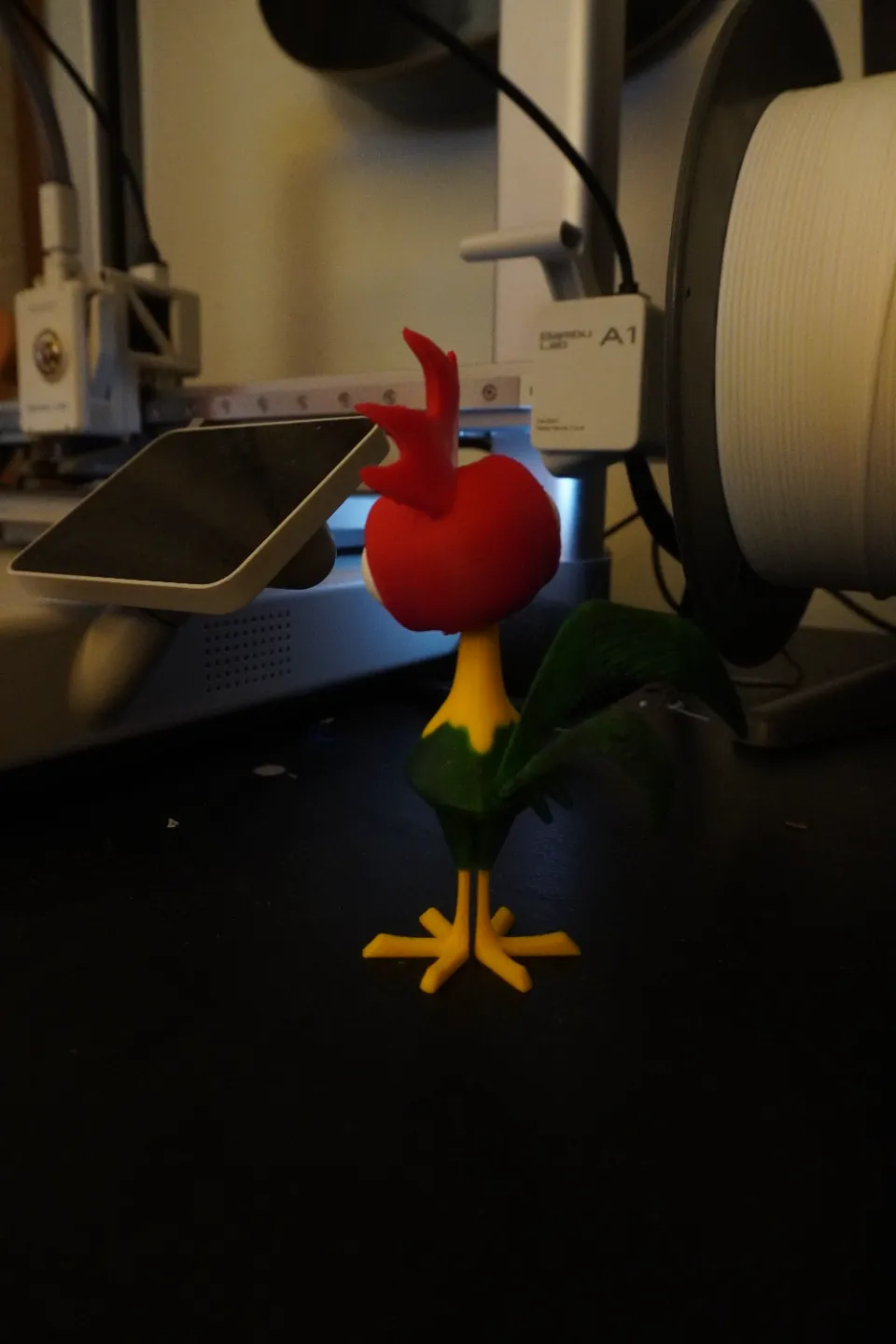
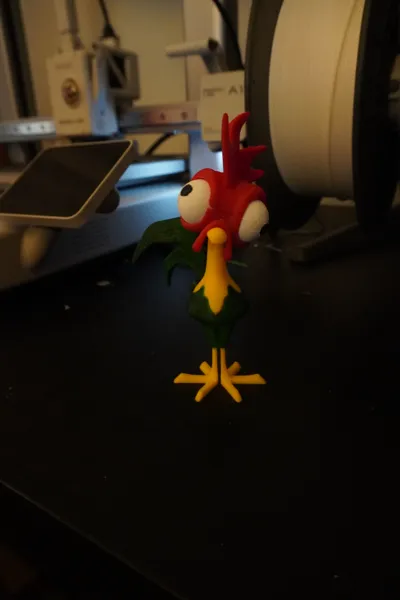
I rejoined the eyes together since I thought it would look better without the split in the middle and it came out great. Only the tail was hard to print since it has almost no contact area, but I was abble to print after a couple of tries by adjusting the settings a little. Overall a really nice model, my daughter loved it. Thank you for sharing.
GIF
9
Reply
how did you get tail to print in one piece mine part doesn’t attach when printed
0
Reply
Replying to @user_2055183521 :
It is pretty delicate. I added supports and removed it really carefully
1
Reply
Hello, could you share the single-piece eye file? Thank you
Show original
0
Reply
Boosted
This is great! For some reason, every plate has a little red in it, whether the part is red or not. For the eyeballs, there's some red embedded in the spheres that I couldn't get rid of. I wish there was a fully assembled version that I could print and my AMS. I can't tell if the tail overlaps the head in height, but if not, I could swap out the green filament for red after it's done with the tail. In any case, great model, my daughter's going to love it! P.S. I just noticed the eyeballs are positionable. That's great! You can change his cockeyed appearance whenever you want. Nice! I'm going to see if I can re-model them though, because they look terrible split down the middle. Shouldn't be in halves. I'm thinking a sphere with a flat bottom that would be positioned in the back of the eye socket would work well. Thanks again, fun model!
(Edited)
The designer has replied
3
Reply
if you slice it it does apear the red inside? also yes i added a full assembled one its called complete if im not mistaken
1
Reply
Replying to @Eye_Du_Art :
not seeing a complete version anywhere.
0
Reply
I'm printing the eyeball plate now, and at the print popup I assigned the white spool to the red areas as well as the white areas. That should fix what isn't possible in the editor.
0
Reply
The 100% one keep getting braking and fail. what am I missing?
The designer has replied
1
Reply
Do you have been printing wihout supports? if you enable the automatic tree suports i think its gonna print entirely
0
Reply
obviously you can see that I did not add supports
Show original
0
Reply
Boosted
Print Profile
0.2mm layer, red/white/black/green/yellow
beautiful design
The profile uploader has replied
1
Reply
it looks awesome!!!
0
Reply
Boosted
Modifying the scale a little. It measures 38 centimeters
0
Reply
How do I print the tail. I've tried twice now and both times have failed
1
Reply
Same here, tried 6x and all of them failed. H2C, A1 and X2D.
0
Reply
why is the tail not correctly I’ve printed 4 times using different support and tail doesn’t connect in same spot
The designer has replied
0
Reply
hi how are you doing i 3d printed a few times and i didnt had any issue like that... did you try to rotate the model slitly?
0
Reply
remove the option of supports only on the bed or put manual supports on it it is noticeable that there were no supports there or it fell off
Show original
0
Reply
printed alright with a bit of tweaking
1
Reply
Could you share the tweaks as I can not get mine to print! When the printer get to the color change by his neck it all comes loose!!! Please help
0
Reply
Print Profile
0.2mm layer, red/white/black/green/yellow
I couldn’t figure out why my eyeballs kept printing with a raised socket, I just printed 2 sets of the flat sided eyeballs and glued them. the seams in the center of the eyeballs distract from the cuteness! but I still love him!
(Edited)
The profile uploader has replied
1
Reply
hi maybe its the fitting i added to be more precise when gluing them together
0
Reply
Print Profile
325% 0.2mm layer, 2 walls, 10% infill, Adaptive Layers
This ones an interesting one. It prints well, and with lots of glueing, works nicely. I just know it could be made better (not the profile's fault). Hollow out where the legs insert and these would just slot in - it's complicated without the need for it to be! Needless to say, the kids love it. You definitely need good glue!
1
Reply