
Panda Lux LED Mod: Enhance Your Timelapses

Print Profile(1)

Description
EDIT 14.9.2024: Added Panda_lux_V9, which has more clerance and should be compatible with toolhead PTFE guides. Please test carefully. I suggest installing the holder move the toolhead with hour hand to test if there are any collisions.
EDIT 12.9.2024: Not compatible with PTFE toolhead guides. Thanks to paylo for testing and probably saving few printers from damage. I will try to modify this design, so it will be safely compatible with PTFE guides.
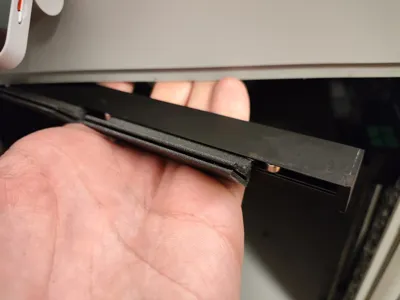
EDIT 18.8.2024: I wasn't fully satisfied with the double-sided tape method, as it's more of a semi-permanent solution, and I prefer a plug-and-play approach. After countless revisions, I developed a set of clips that plug directly into the Panda Lux module, allowing it to easily snap onto the profile in your printer. These clips fit X1C, on P1S there are different boards and connections, so fitting would need some cuttingg and adjustments. I’d love to hear your feedback, so feel free to share any comments or suggestions!
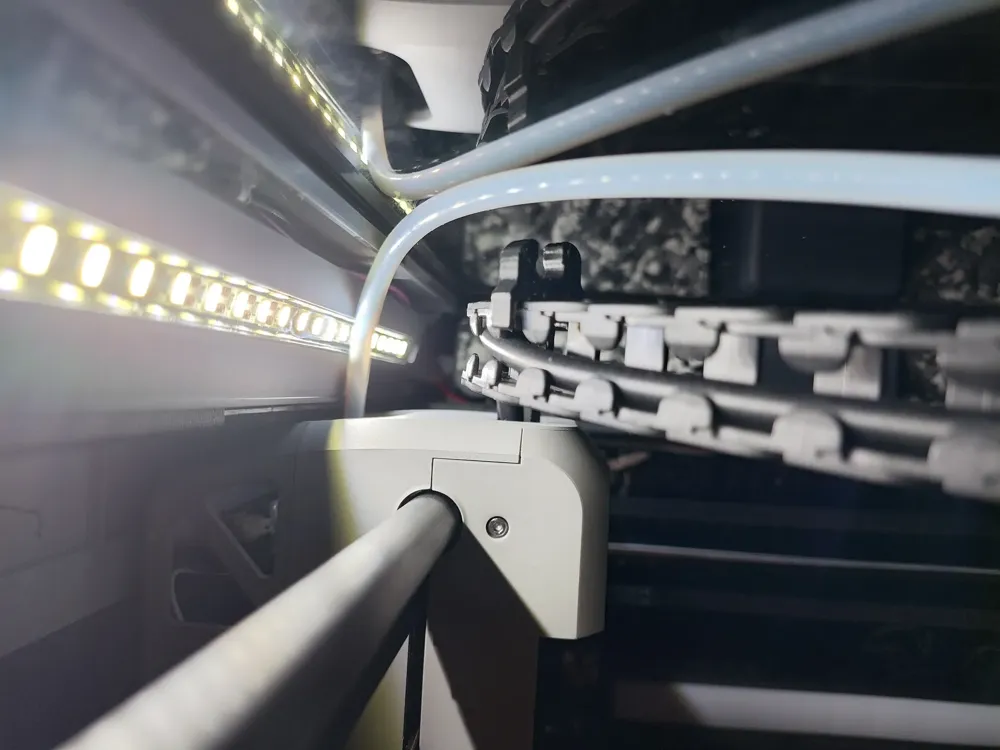
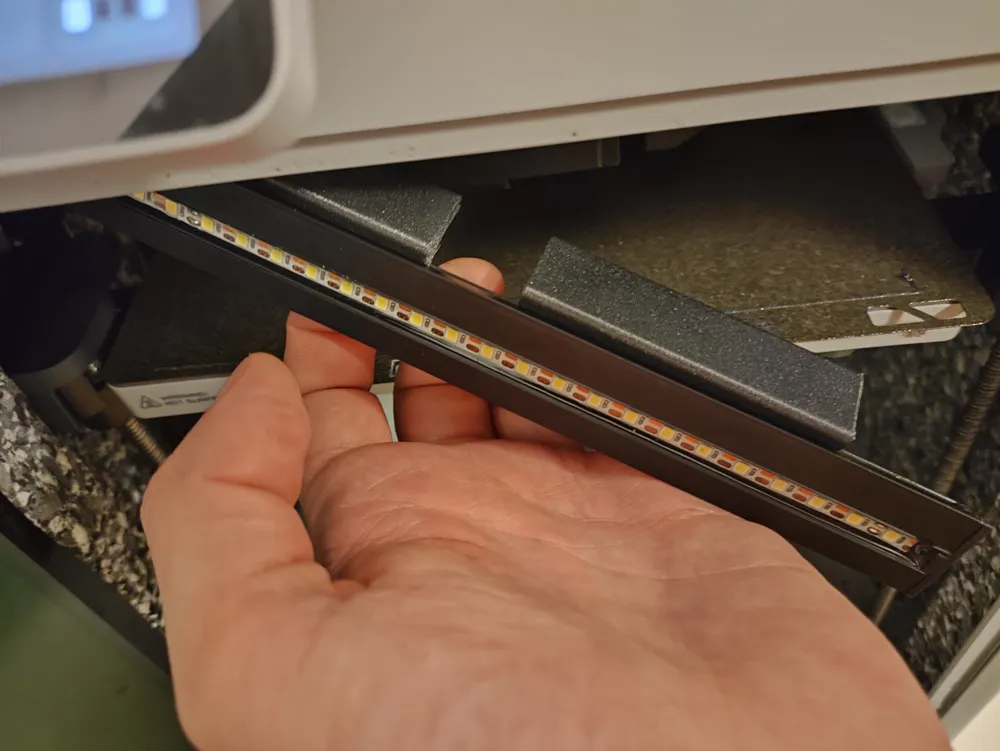
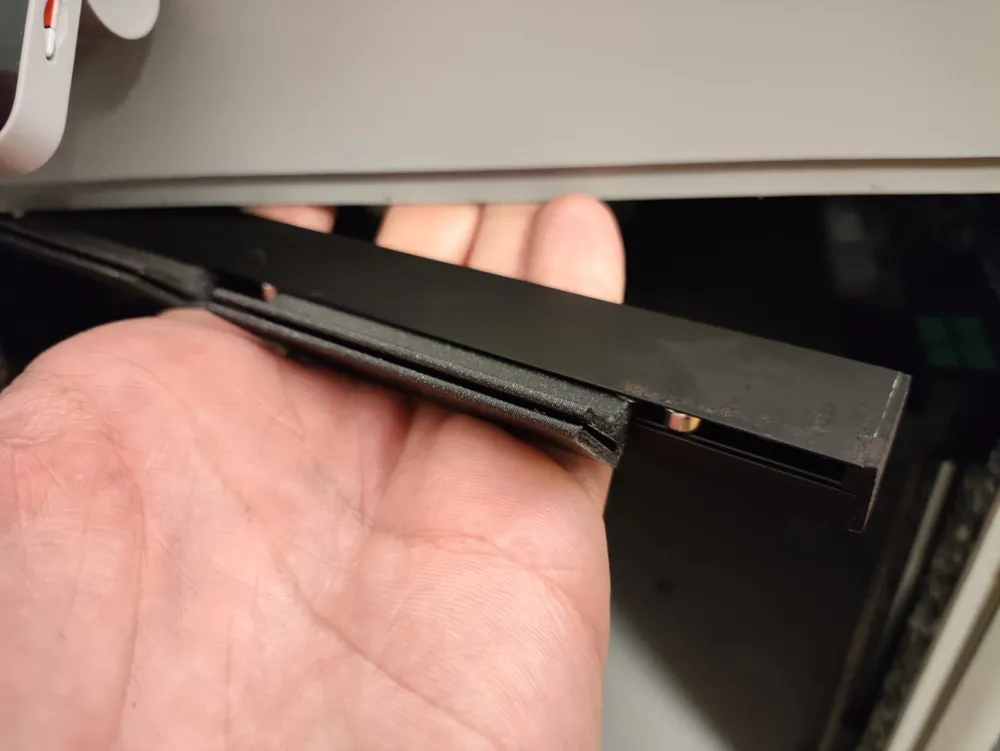
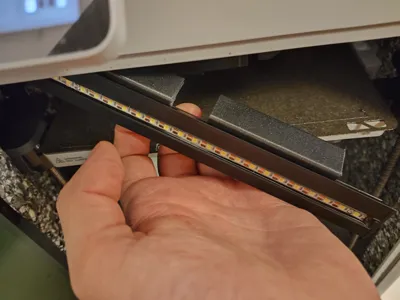
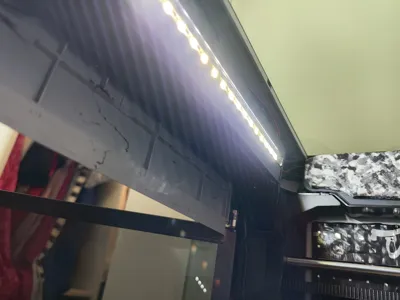
Assembly Instructions: To assemble, you'll need to print two of these clips or simply use my prepared print file. Once printed, remove the brim and clean up any excess material. Insert the clips into the Panda Lux module, fitting them into the slots between the magnets. Then, carefully clip the module onto the metal profile in your printer, taking care not to damage the flex cable connected to your display. Once it's securely clipped in place, just plug it in as a replacement for the stock enclosure light.
Bada bing, bada boom! You now have an improved lighting setup in your printer, which should enhance the quality of your timelapses.
I’d love to hear your feedback, so feel free to share any comments or suggestions!
ORIGINAL TEXT:
Hi Makers,
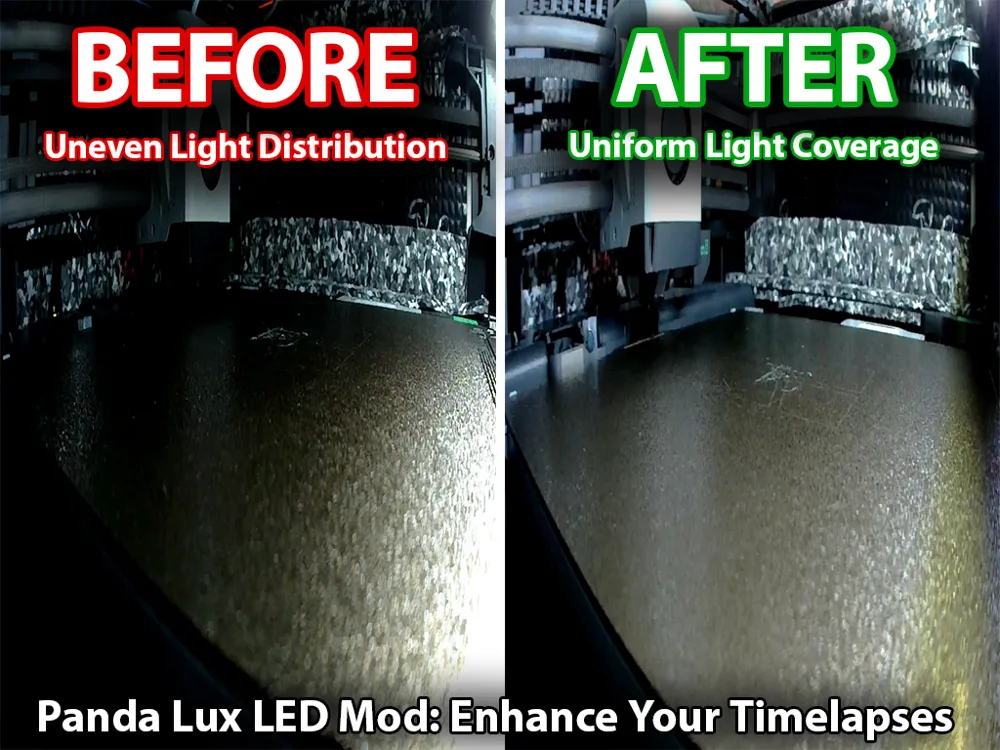
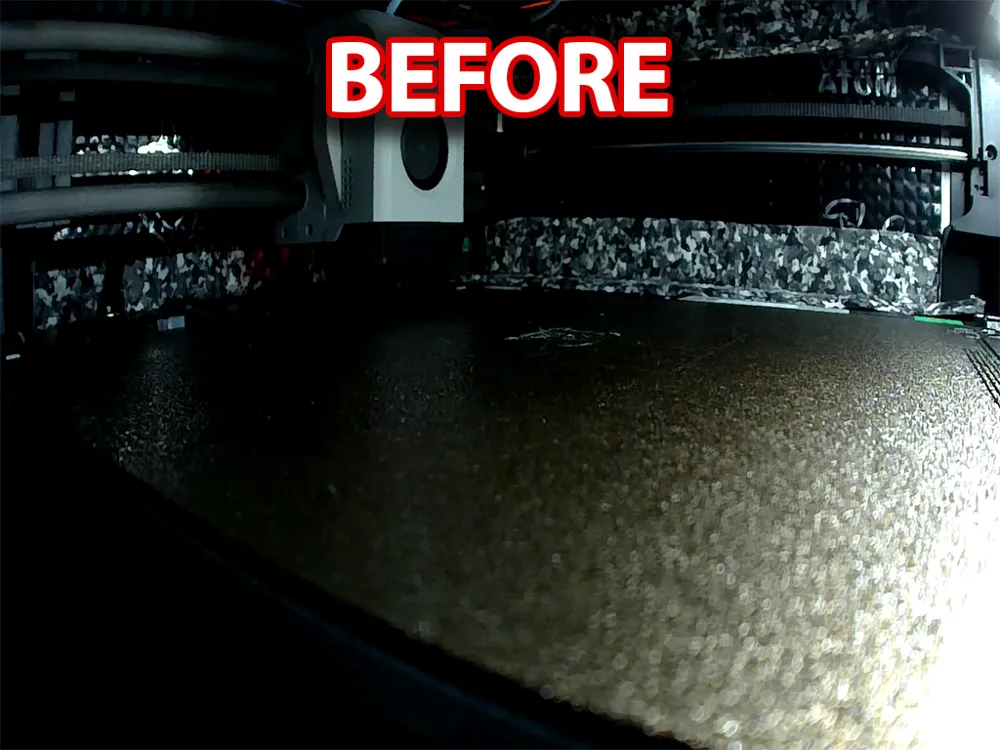
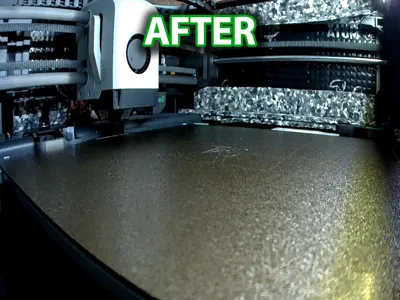
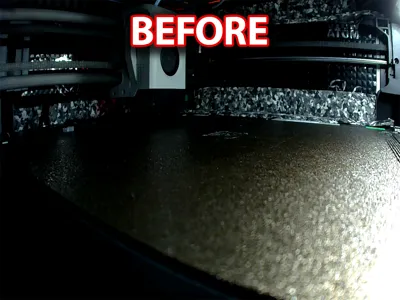
I wanted to share a mod I created for the Panda Lux LED module on my X1C. I love the extra light output it provides, but I was disappointed with how uneven the light distribution was. The texture plate reflected most of the light directly into the camera, leading to an overly bright exposure in the front and a dark, underexposed area in the back.
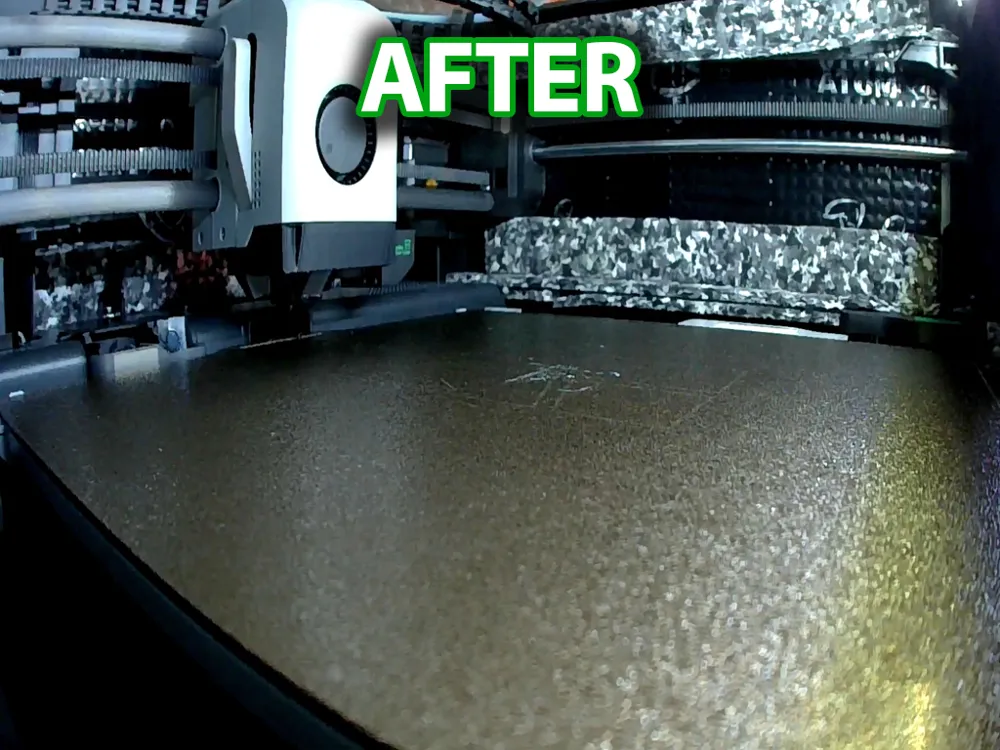
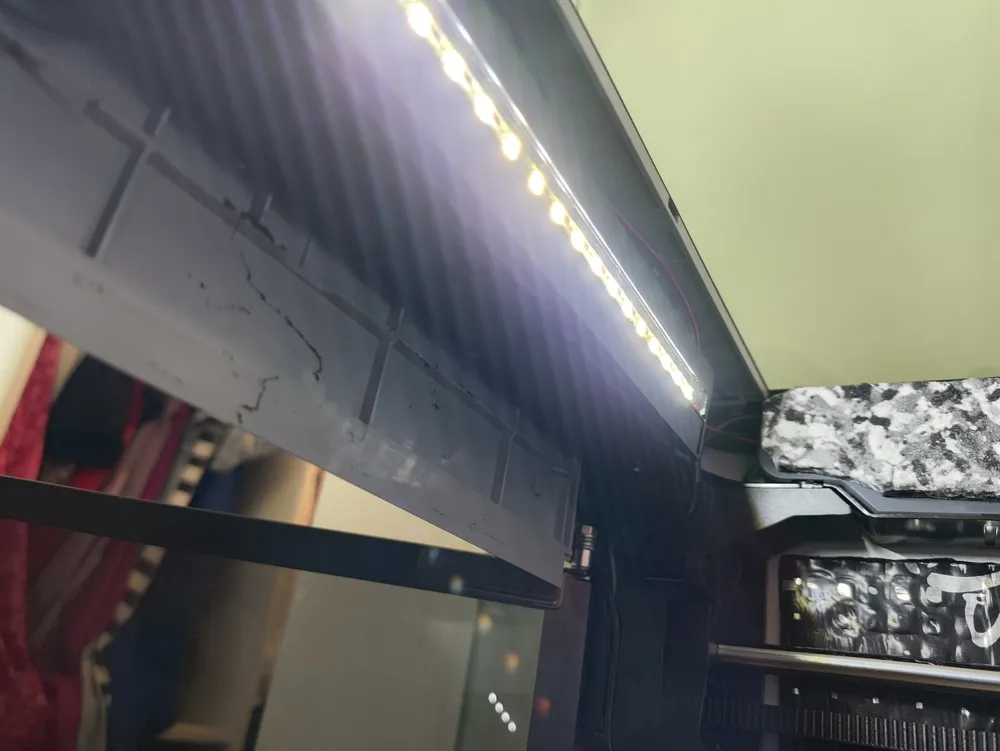
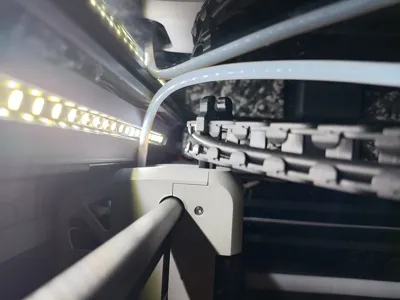
To fix this, I designed a mod that flips the Panda Lux module and repositions it on top of the beam, instead of underneath where the magnets usually attach. My mod uses custom brackets that slot into the spaces between the press-fitted magnets in the Panda Lux module. You can then secure the brackets to the top of the beam with double-sided tape. This setup angles the LED parallel to the plate, providing much more even lighting.
As a result, your plate will be lit more uniformly, improving the overall visibility and quality of your timelapses without any bright spots.
P.S. For those curious about the different look of my printer’s interior: I’ve done extensive sound insulation. I used aluminum-bitumen anti-vibration panels throughout, and wherever space allowed, I added a second layer of sound-absorbing foam with varying densities. The printer is now almost silent.
I hope you find this mod helpful and that it enhances your timelapses as much as it has mine.
Happy printing!
License

You shall not share, sub-license, sell, rent, host, transfer, or distribute in any way the digital or 3D printed versions of this object, nor any other derivative work of this object in its digital or physical format (including - but not limited to - remixes of this object, and hosting on other digital platforms). The objects may not be used without permission in any way whatsoever in which you charge money, or collect fees.


Comment & Rating (115)