Search models, users, collections, and posts

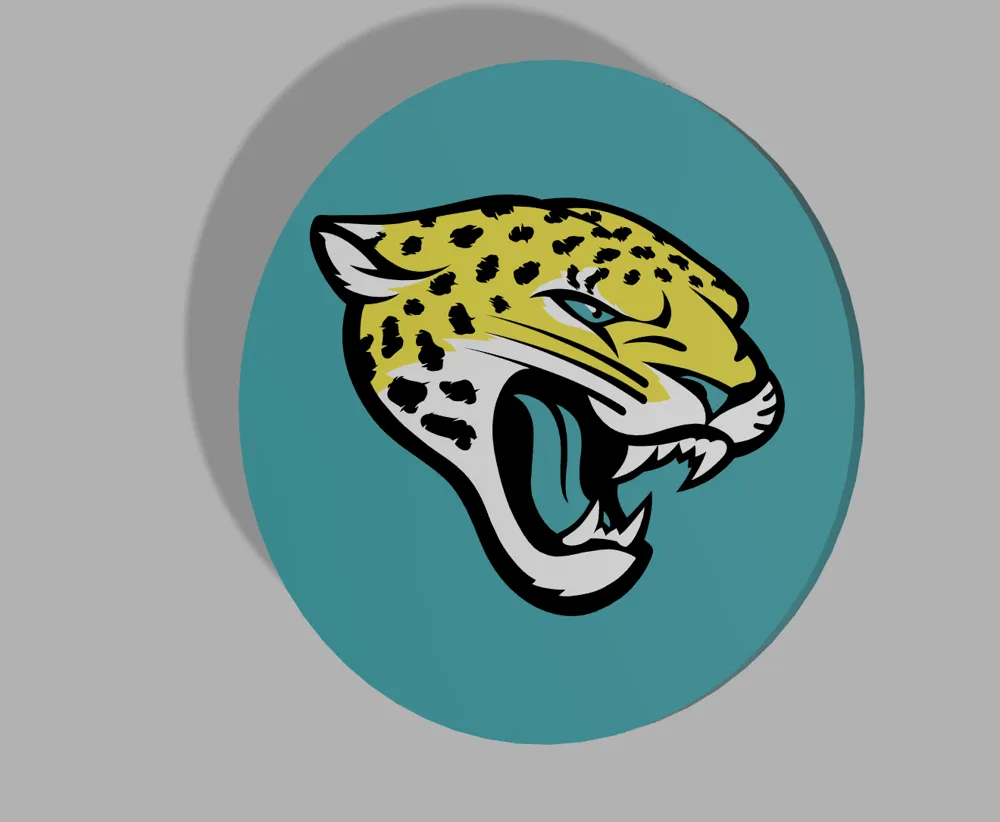
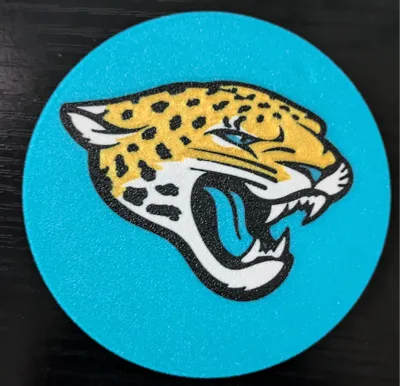
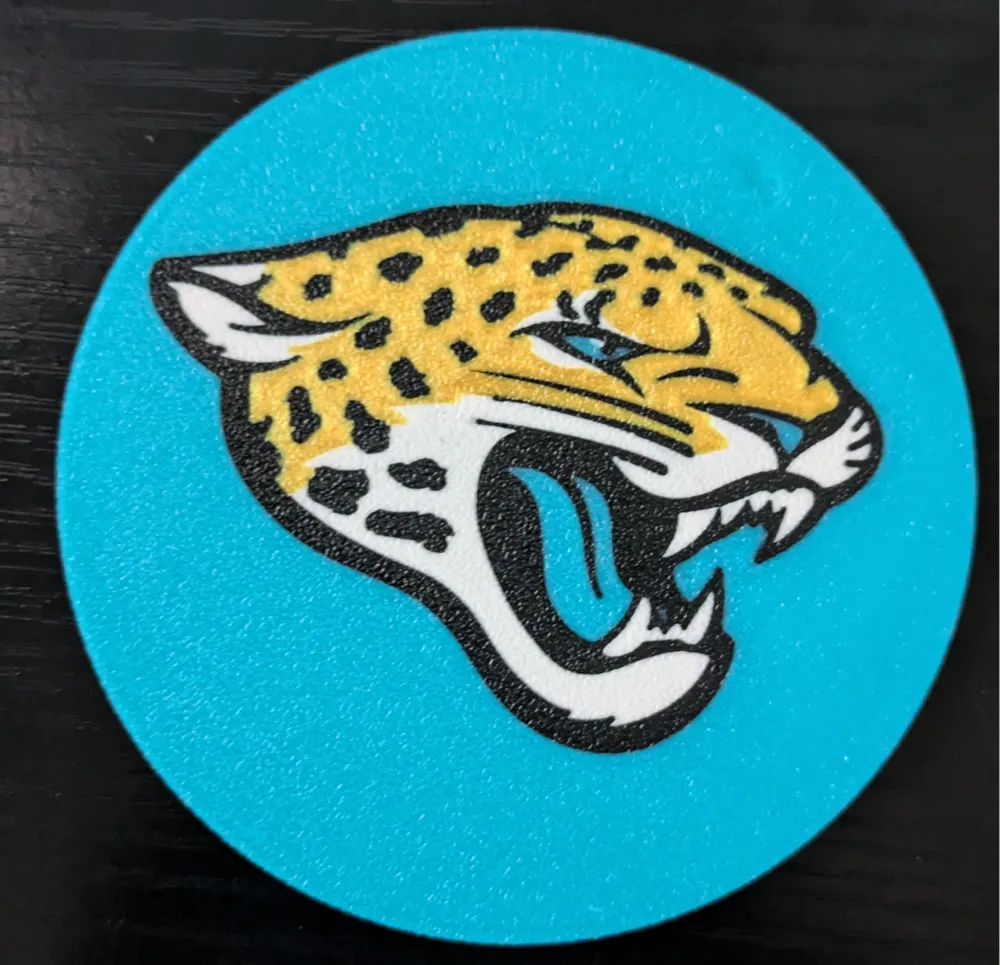
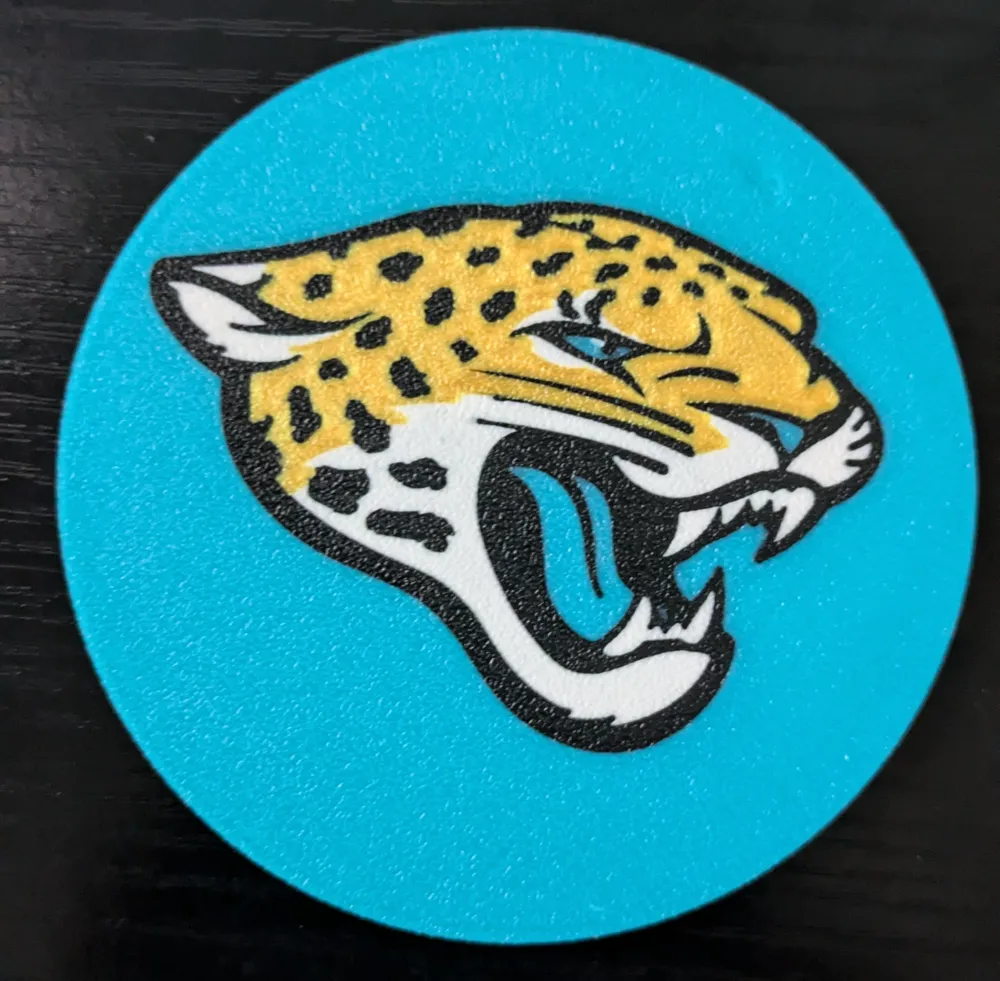
Jacksonville Jaguars Coaster
IP Report

Print Profile(1)

All
X1 Carbon
P1S
P1P
X1
X1E
A1
A1 mini
H2D
H2D Pro
H2S
P2S
H2C
X2D
A2L

0.2mm nozzle, 0.1mm layer, 4 walls, 15% infill
Designer
4.7 h
1 plate
5.0(3)

Open in Bambu Studio
Boost
25
49
12
4
41
26
Released 

Description

Keep all your tables water rings at bay with your Jacksonville Jaguars Coaster.


I print all my coasters face down on a textured plate to give a grippier rough surface (Textured PEI sheet), but they could be printed face up if you so choose, would just have a different finishing surface. Coasters are 4mm thick with all colors changes/logos of 1mm for full color effect and no bleed through.


If you're looking for the coaster to not slide around, the base comes with 4 indents for Rubber Feet. I designed them to match these Rubber Feet that I use in all my base and coaster designs and other items I design that I do not want slipping


Filament I used for coasters (feel free to use whatever colors you think match, I love hatchbox, eSun and sunlu and they continue to work great with my X1C printer):


Teal: Paramount Teal (best teal I have found to match pro teams)

White: Hatchbox White

Gold: Amolen Gold

Black: Hatchbox Black


Check out the other NFL coasters in my NFL Collections spot.

Comment & Rating (12)

(0/1000)

Awesome print, printed using Creality K2 Combo, with a .4 nozzle, no settings changed.
The designer has replied
designer
1
Reply
Oh hell yea! DUUUUUUUUVALLLLLLLL. Lets go jags (this is my team so I love seeing fellow jag coasters printed! Excellent colors!
0
Reply
Boosted
Very happy with the print.
The designer has replied
0
Reply
DUUUUUUVALLLLLL
0
Reply
I've printed several of your coasters and am really happy with them. Thank you! However, this one, and only this one, says that my nozzle is incompatible. Any idea why? I bought the teal filament you suggested, mainly for this print, but I'm lost. Any help would be awesome. I'm brand new at this. Thanks again.
The designer has replied
0
Reply
Nozzle is incompatible? My best guess without seeing your settings, is the file was built for a .2 nozzle instead of the .4 (finer details). So when you open up the file it automatically jumps to a .2 nozzle x1 carbon. If you are not using a .2 nozzle you need to us the drop down menu in the upper left of the Slicer and change the "printer" to .4. Or you need to adjust in the device settings (device, printer parts, select correct nozzle). Feel free to message me directly!
0
Reply
Replying to @bombsurace :
Awesome! I'll give it a try tonight after work. Thanks for the quick reply. 😊
0
Reply
What size are they?
The designer has replied
0
Reply
85mm diameter and 4 mm thick.
0
Reply
Boosted
Print Profile
0.2mm nozzle, 0.1mm layer, 4 walls, 15% infill
0
Reply
Print Profile
0.2mm nozzle, 0.1mm layer, 4 walls, 15% infill
(Edited)
0
Reply
Print Profile
0.2mm nozzle, 0.1mm layer, 4 walls, 15% infill
0
Reply
No more