

Print Profile(1)

Description
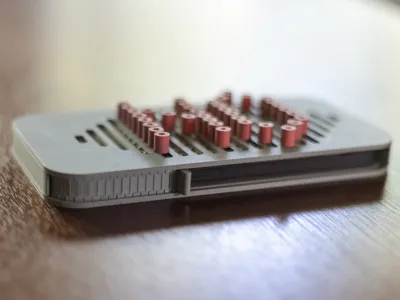
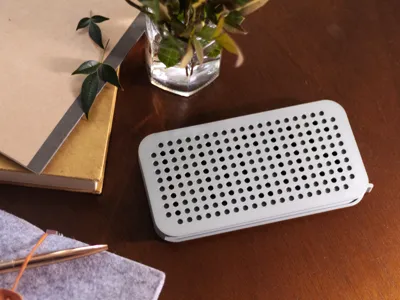
Distracted by your phone? Lock it up!
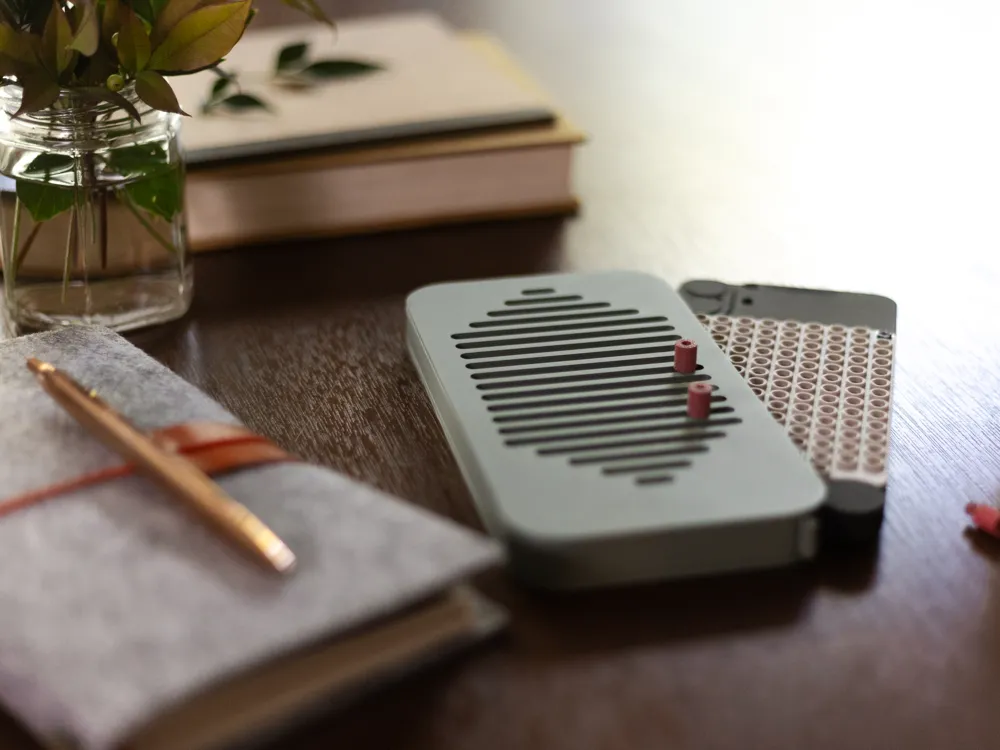
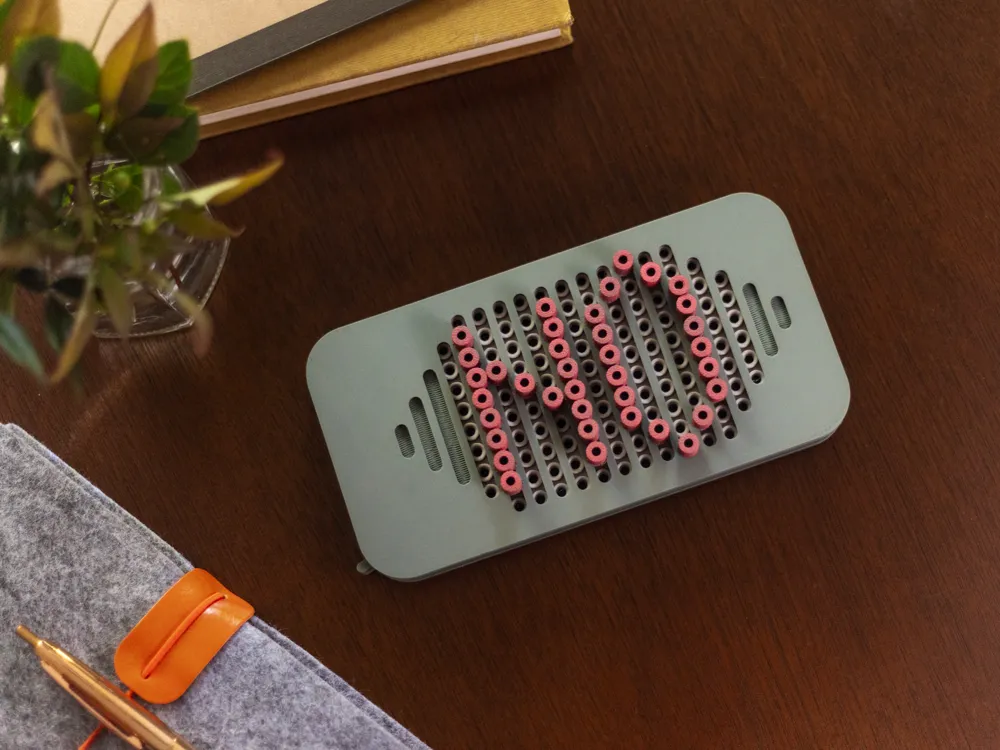
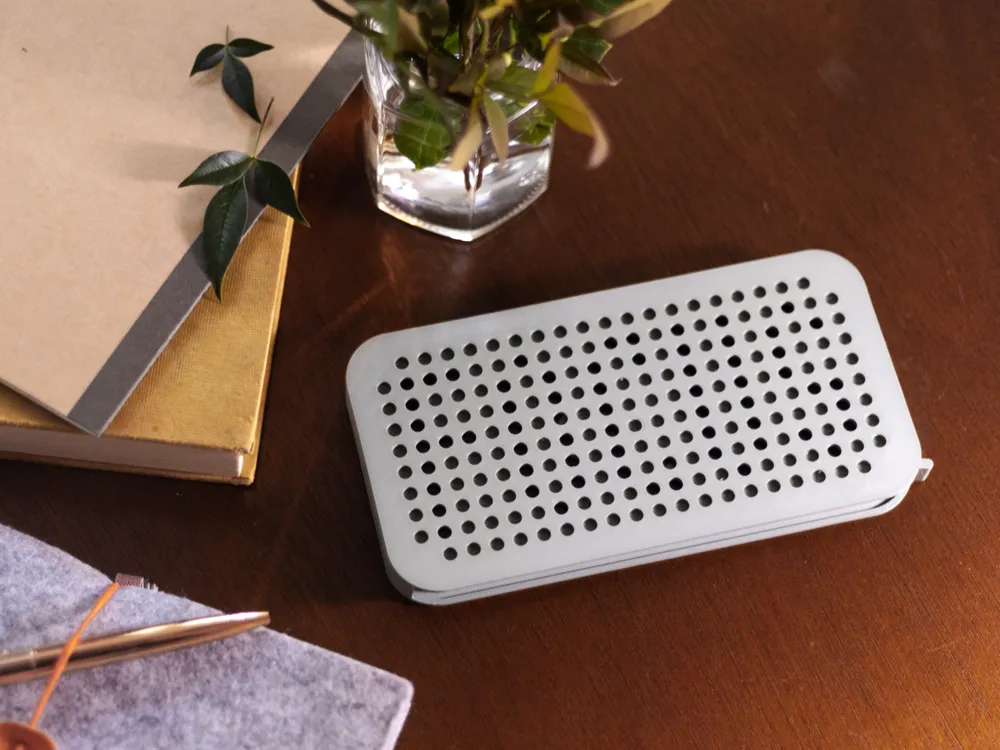
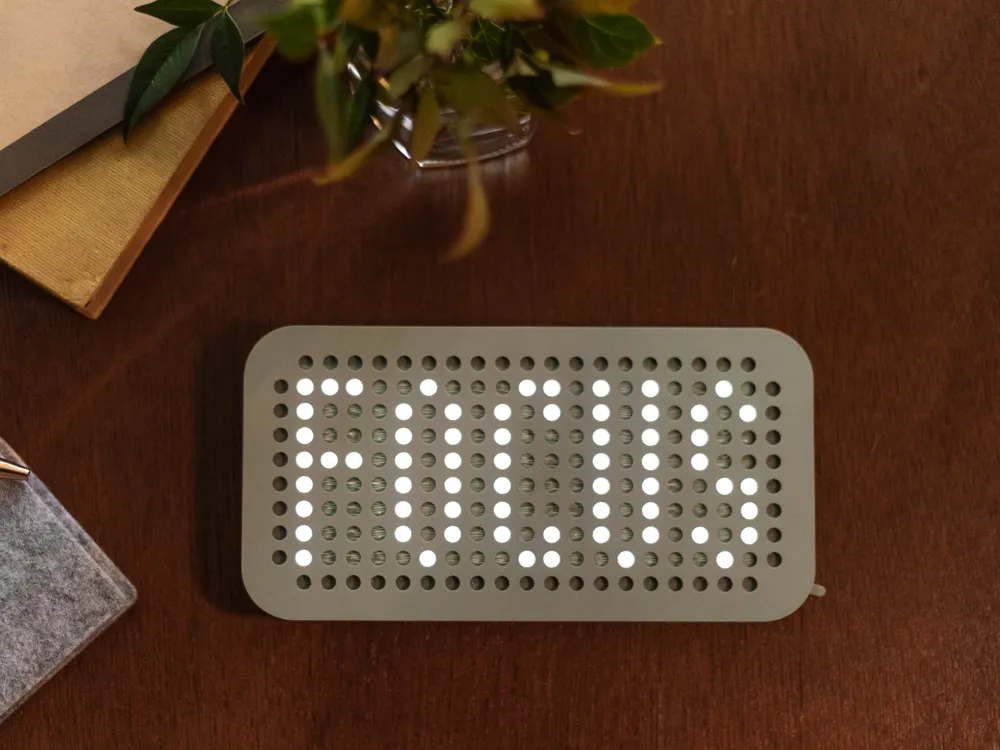
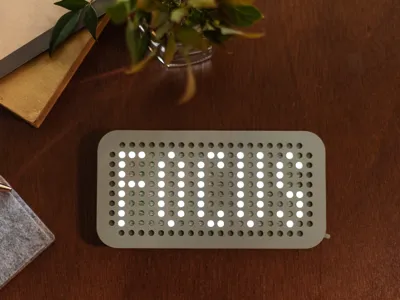
If you need to concentrate, this vault makes it just difficult enough to access your phone. The good news is that you can still charge your device and even see a helpful reminder when your screen lights up: FOCUS.
Parts
| 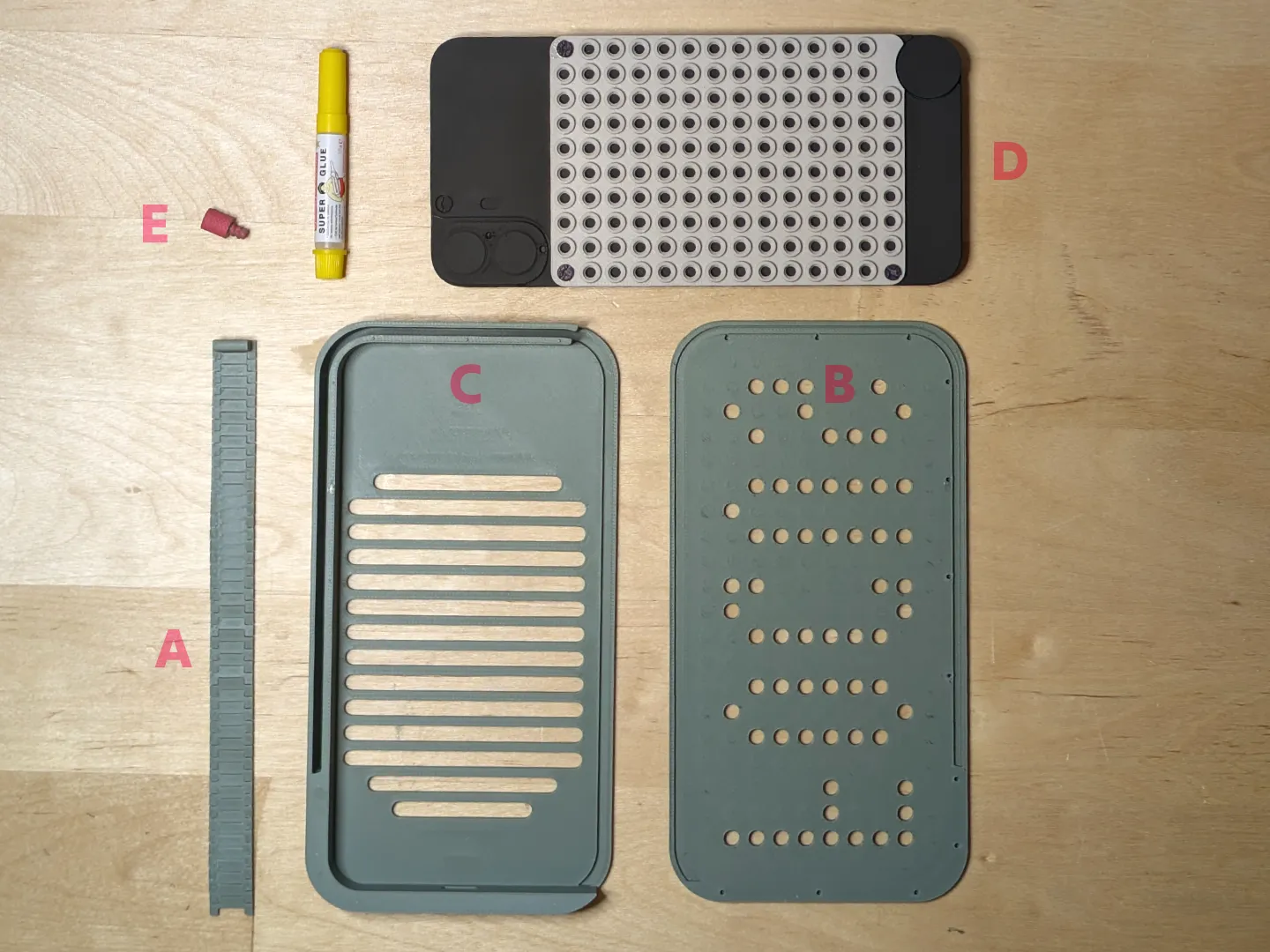 |
Assembly
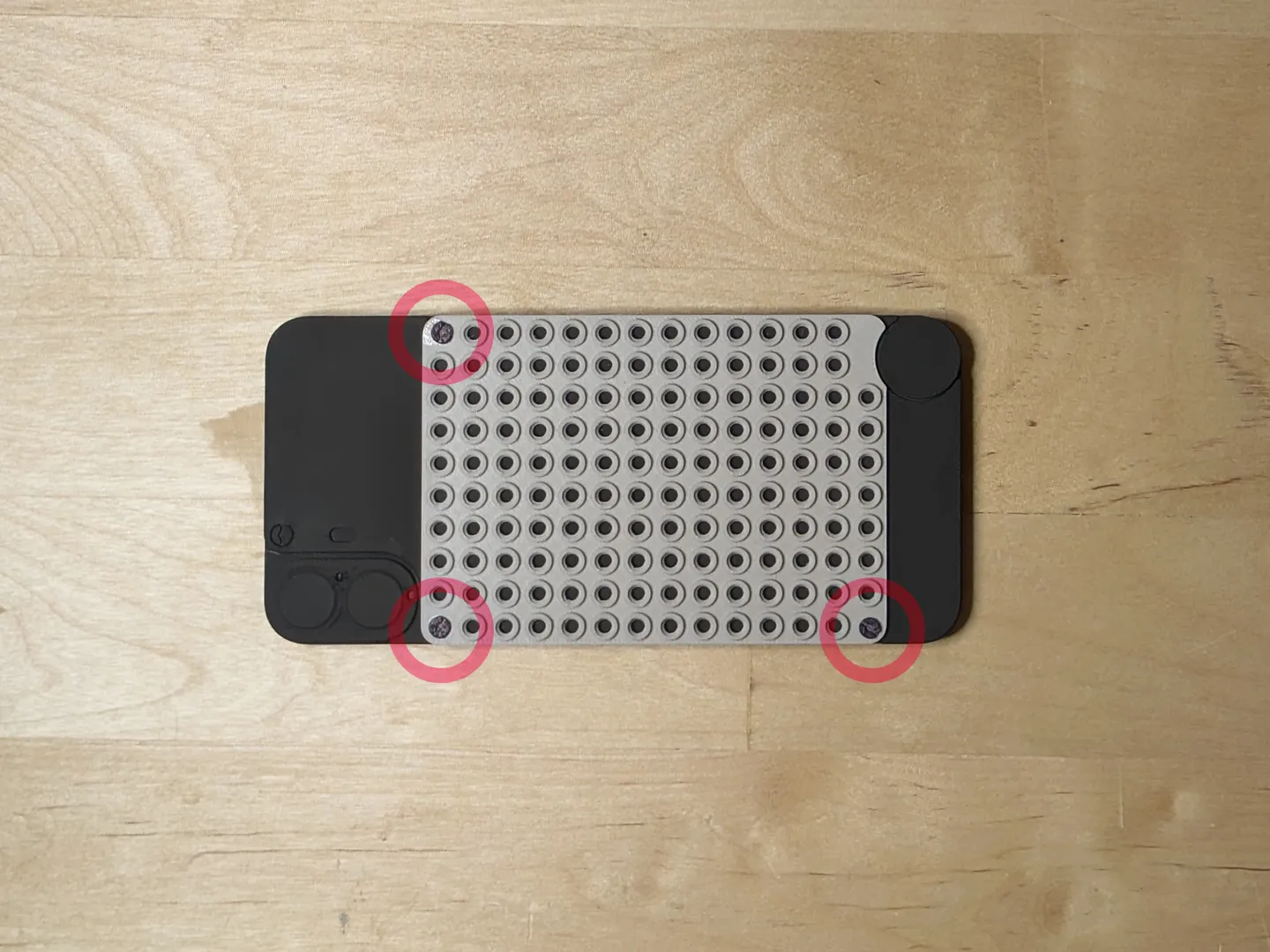
Attach the back plate to the back of the phone
|  |

Feed the Roll-Up Shutter into the Vault Bottom
|  |

Apply glue to the Vault bottom and attach the Vault Top
|  |
Use

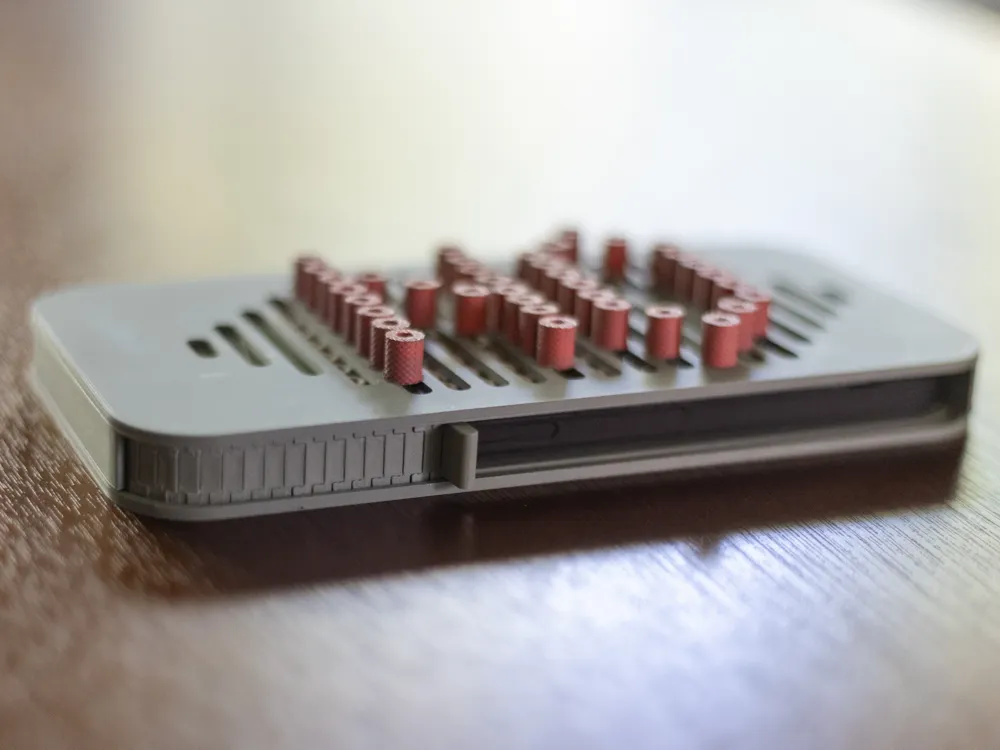
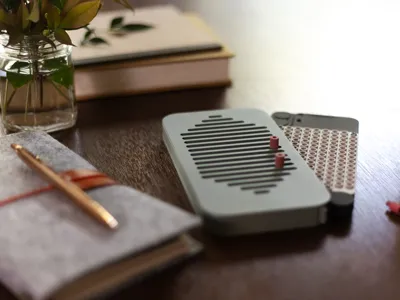
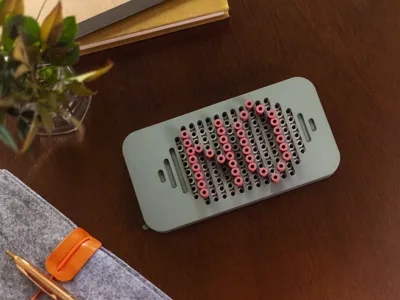
Once the vault is assembled and dried, to use it, just slide the phone into vault, close the shutter & screw in bolts in whatever pattern you'd like! View the main gif for this model to see this in action.
Printing Tips & Notes
- This print was tested using CMF Phone 1 dimensions but I do not have an actual device for confirmation.
- Although the profile uses a textured PEI plate, you may want to use a smooth plate for the vault so that the surface textures are consistent.
- This model was tested (the version photographed) with Polyterra PLA using the Muted Green and Muted White colors. The bolts were printed in green and colored red using Sharpie Creative Markers.
- Roll-up shutter:
- This part can print with a 0.4mm nozzle but it's stronger if printed with a 0.2mm nozzle.
- Be careful when removing from the plate to not bend the track the opposite way from how it will be installed - this can cause it to break.
Boost Me (for free)
If you enjoy my models and would like to support me, please consider sharing a boost!
Membership
Want to sell prints of my models? This Commercial Membership grants you a license to all of my MakerWorld models!
I love creating models to share for free, personal use. If you enjoyed this model, please consider buying me a coffee or joining me on Patreon.
License

You shall not share, sub-license, sell, rent, host, transfer, or distribute in any way the digital or 3D printed versions of this object, nor any other derivative work of this object in its digital or physical format (including - but not limited to - remixes of this object, and hosting on other digital platforms). The objects may not be used without permission in any way whatsoever in which you charge money, or collect fees.


Comment & Rating (6)