Search models, users, collections, and posts
GIF

Print Profile(3)

All
A1 mini
P1S
P1P
X1
X1 Carbon
X1E
A1
H2D
H2D Pro
H2S
P2S
H2C
X2D
A2L

0.12mm layer, 2 walls, 15% infill
Designer
3.5 h
2 plates
4.8(450)

fuzzy skin for cat fur effect
3.5 h
2 plates
4.9(152)

AMS, One plate
AMS, One plate
3.4 h
1 plate
4.7(84)

Open in Bambu Studio
Boost
5778
12354
857
748
10.8 k
7.1 k
Released 

Description

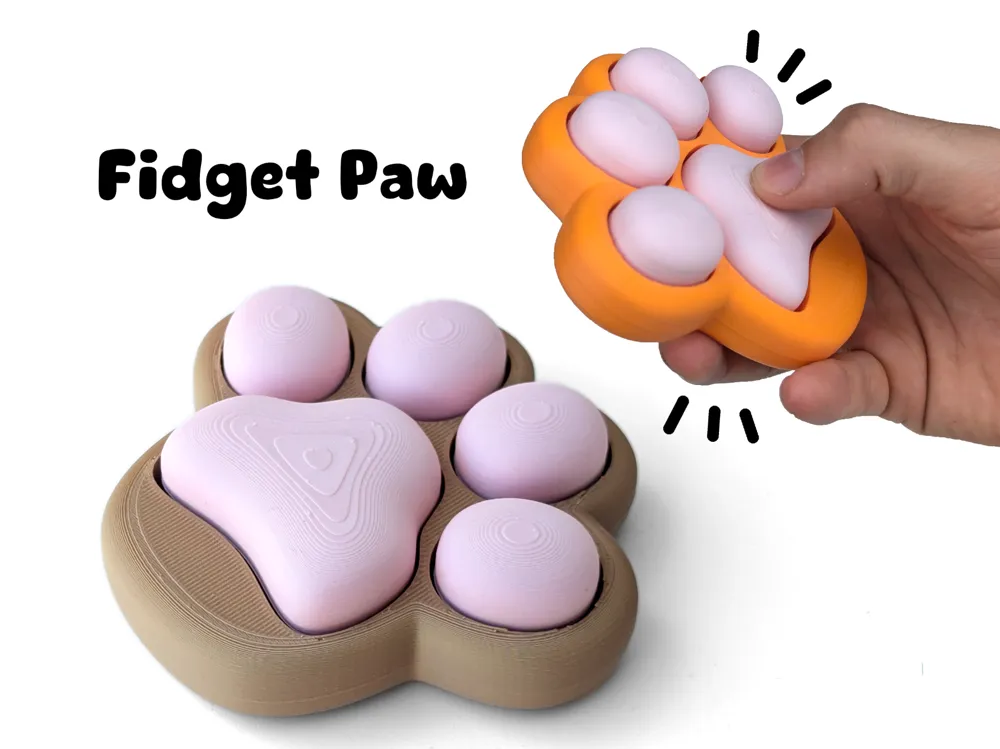

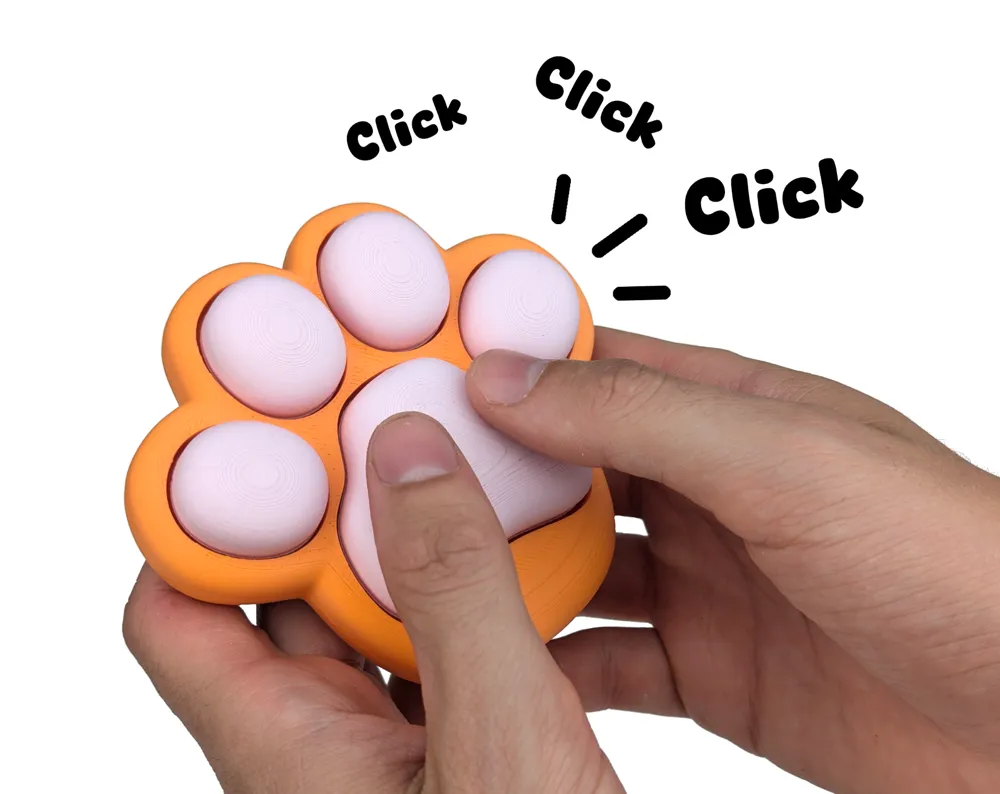
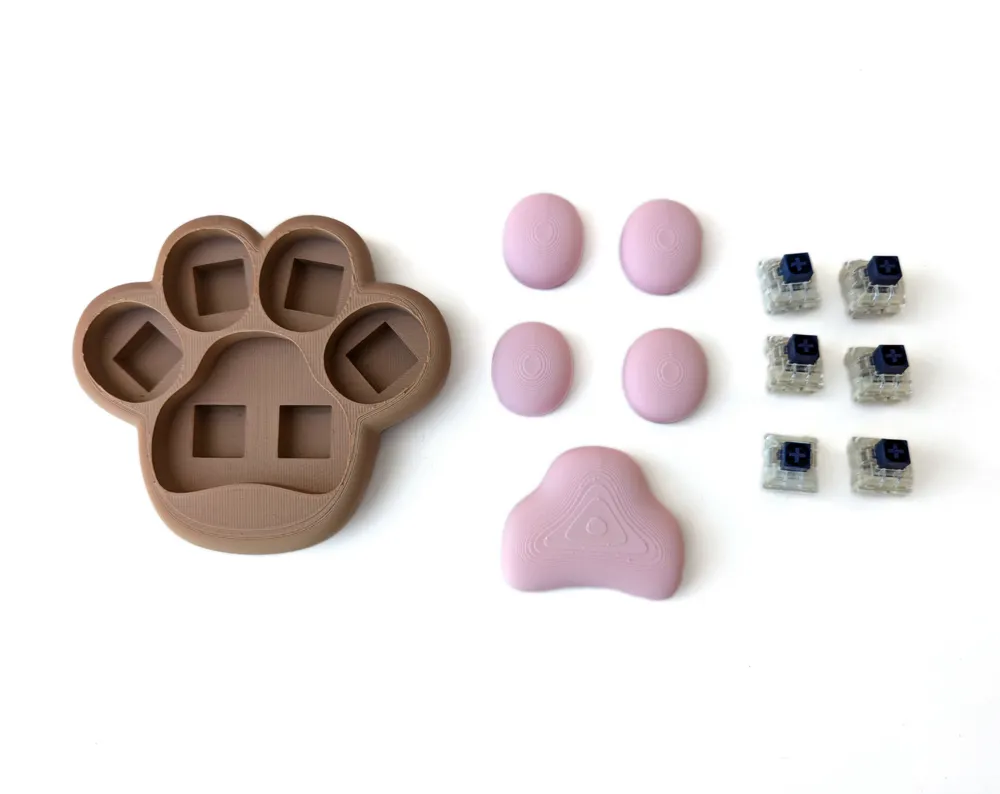
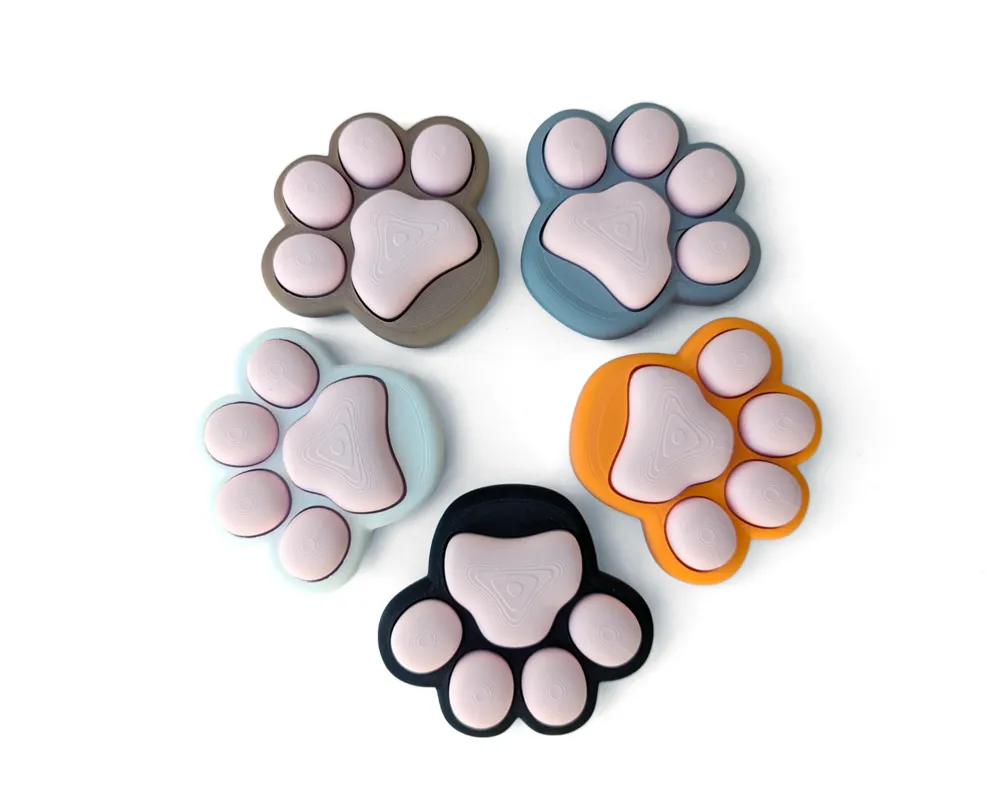
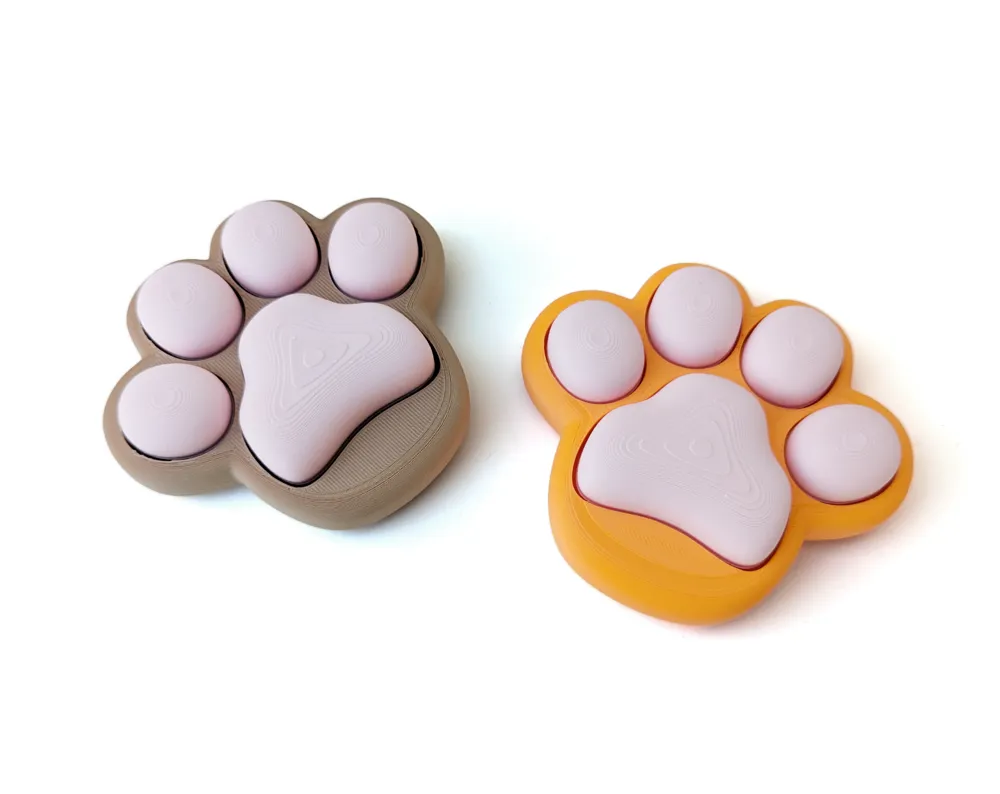
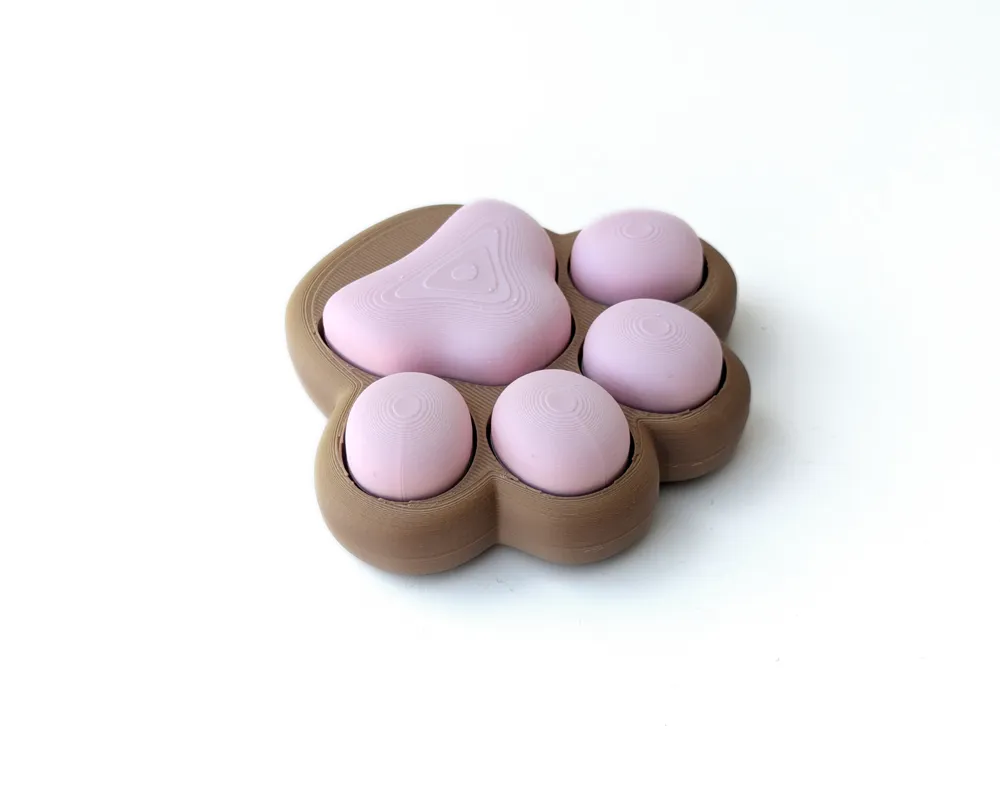
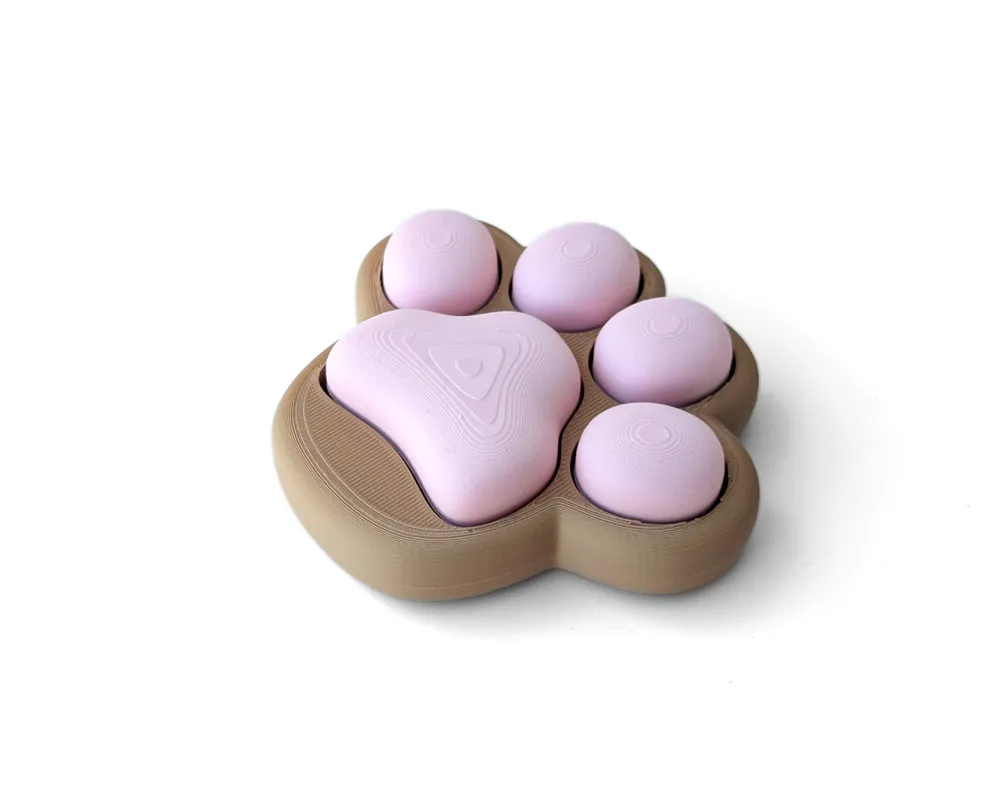
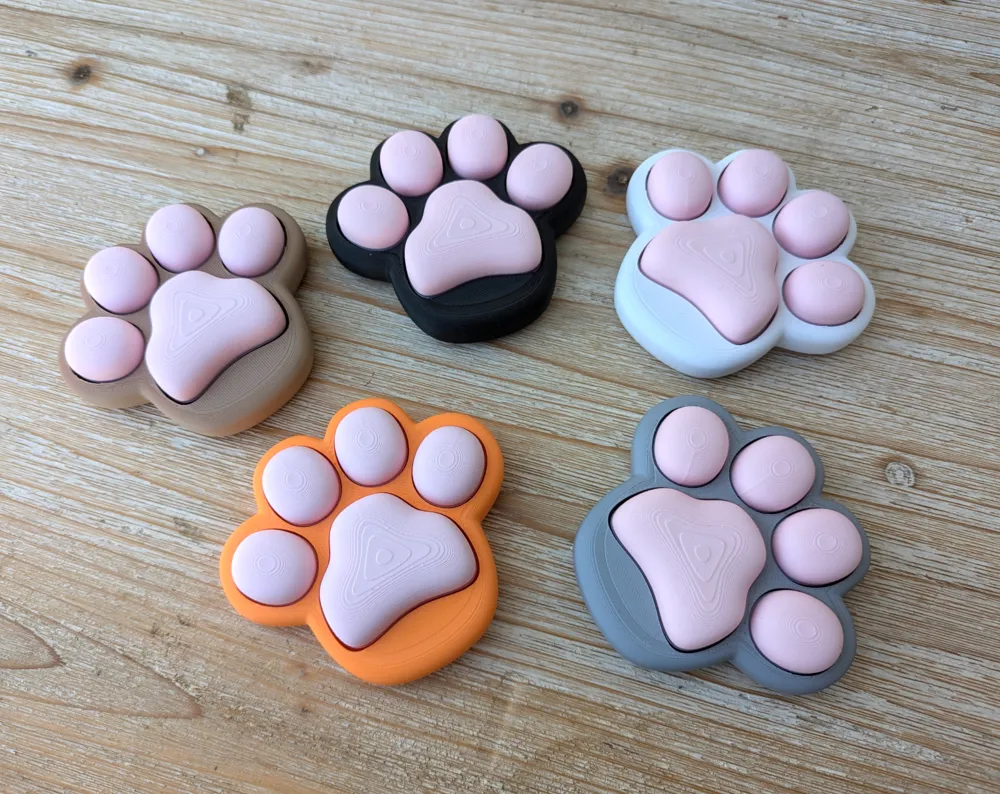
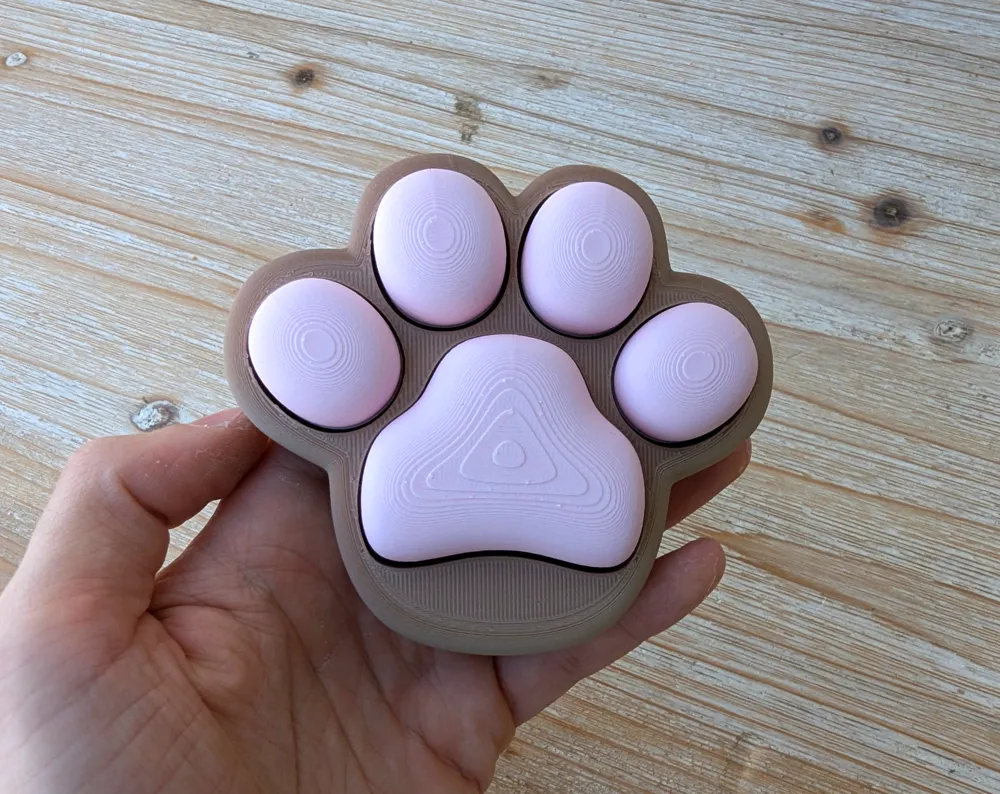
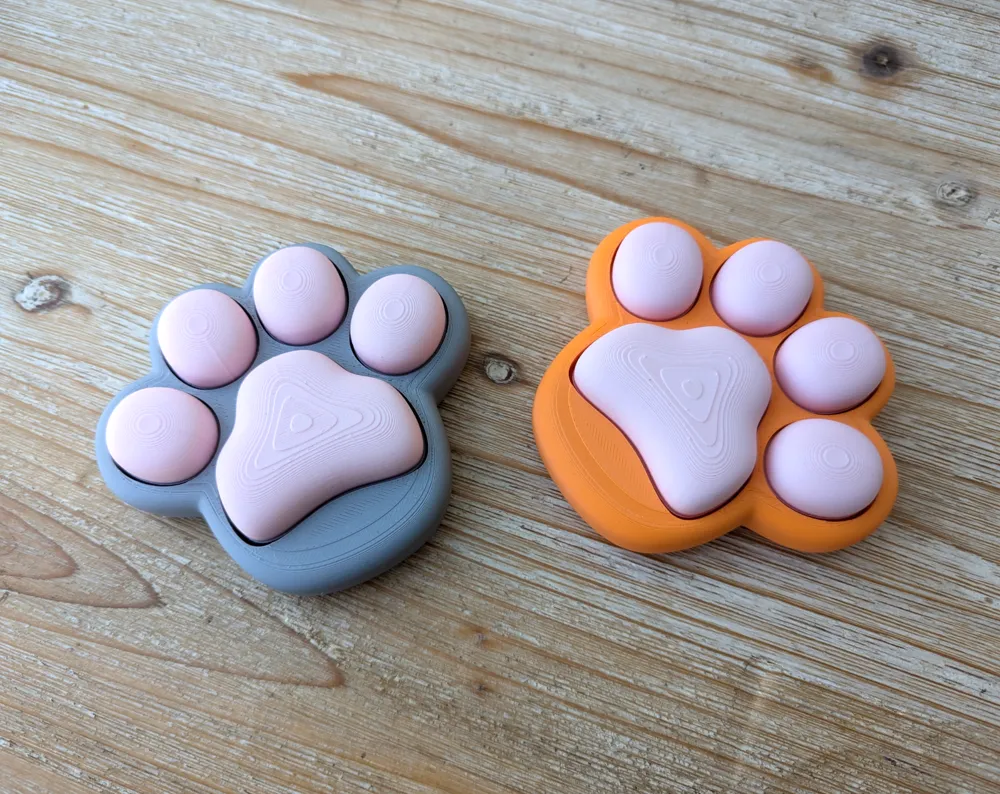
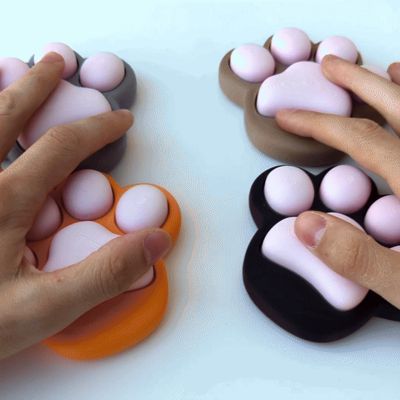
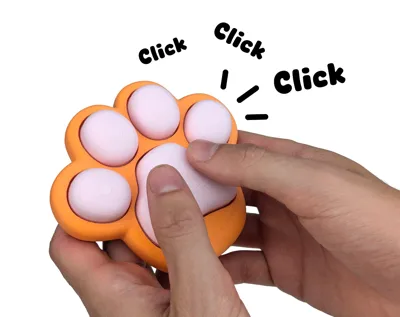
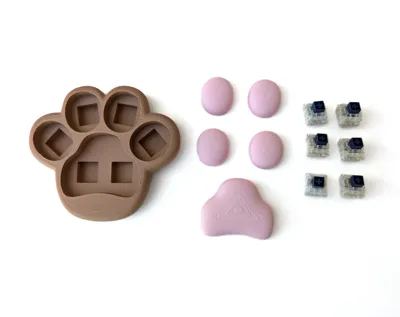
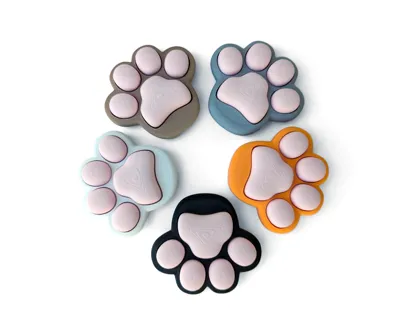
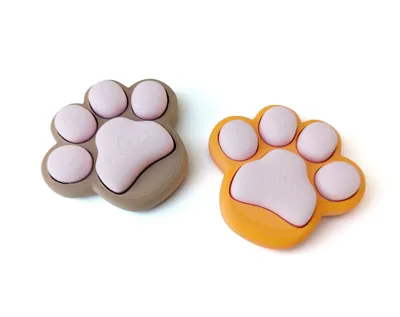
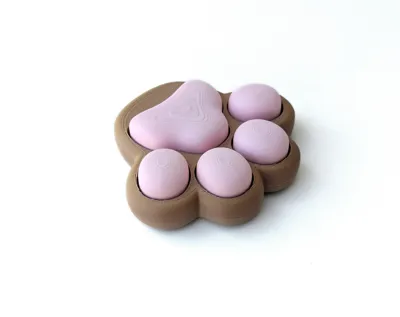
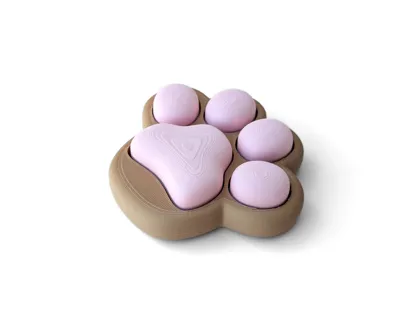
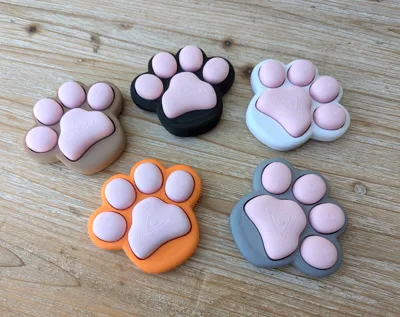
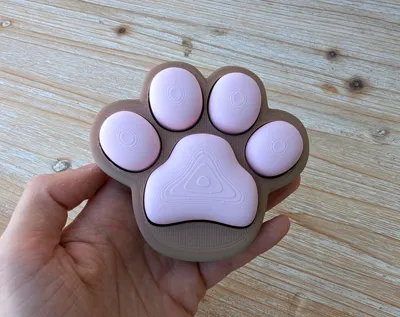
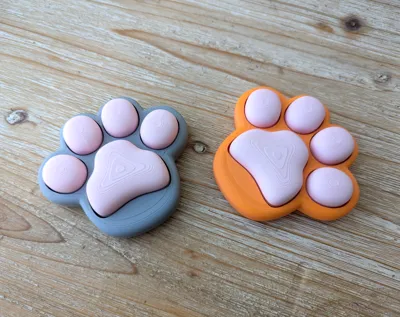

A fidget toy shaped like a cute paw, using MX switches in each toe for satisfying clicks. it combines playful design with the tactile enjoyment of mechanical switches.


Requirements:
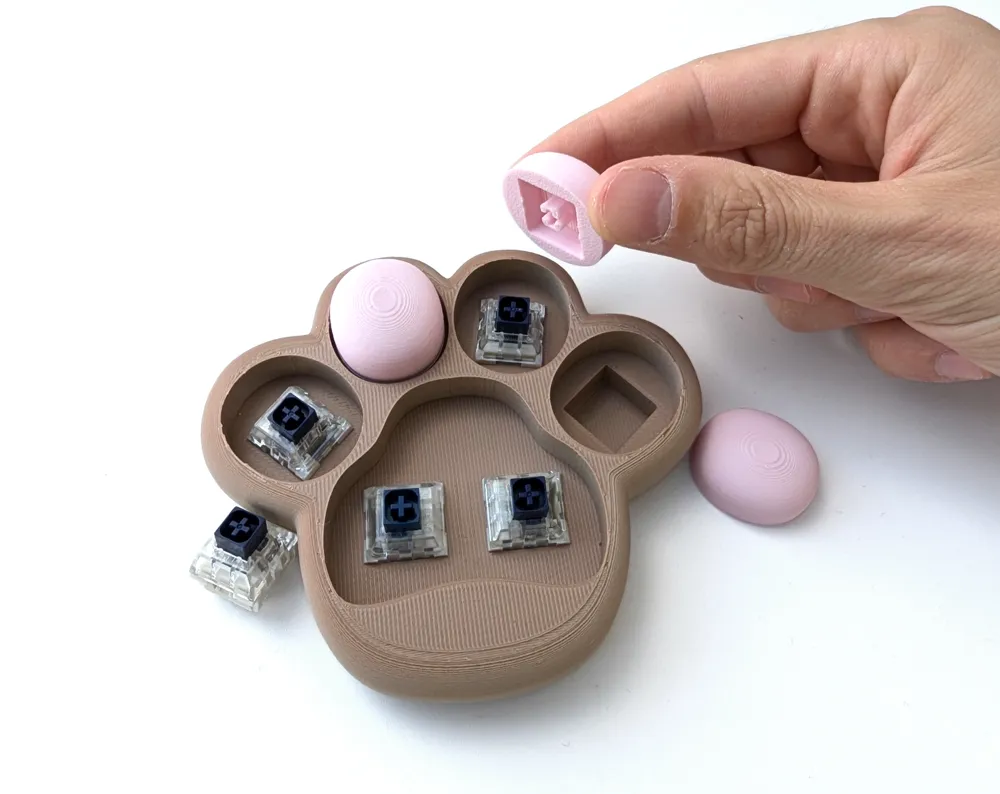
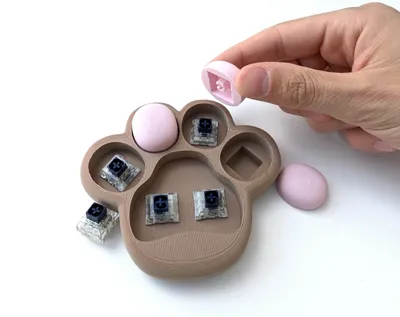
6X MX switch (recommended: Kailh Navy Box switches for their strong, satisfying click and heavy spring, but any MX switch should work).


Note:
The MX stem fits with a 90% success rate. If the fit is too loose due to under-extrusion, you can improve it by adding a piece of tape to the stem or printing it a bit smaller.


Printing Details:
This model is easy to print and requires no supports.
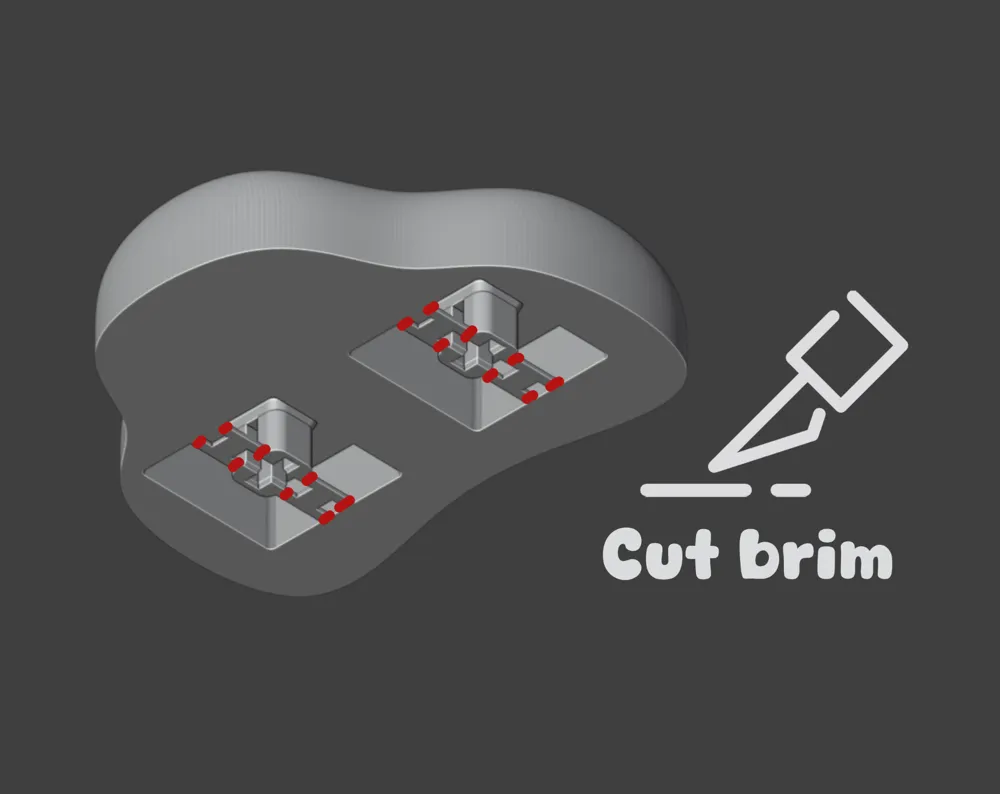
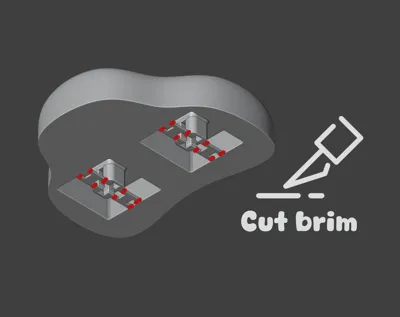
A premade brim for the MX stem is included and can be easily cut off (see images).
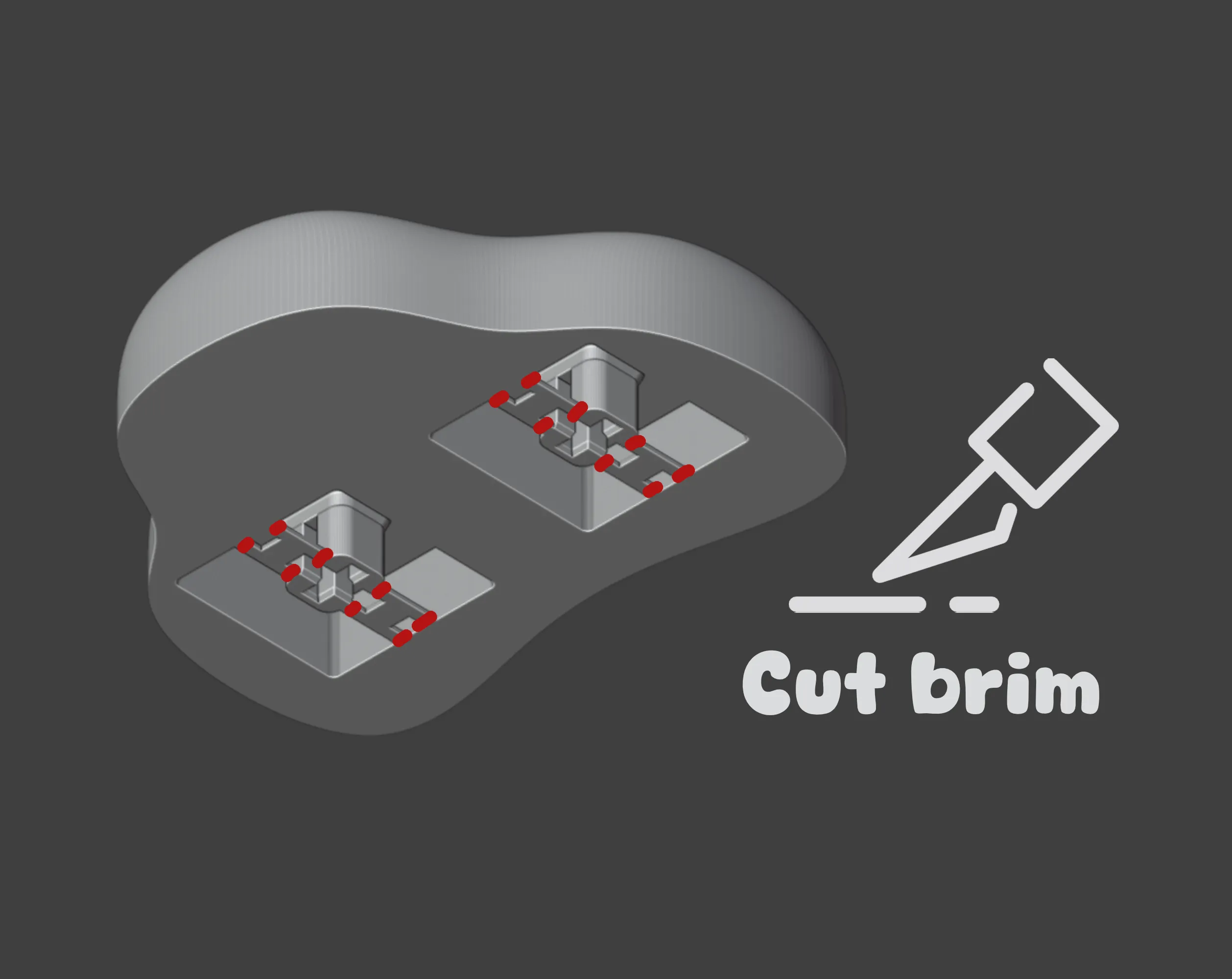


Print Settings: .12 Layer height, 15% infill, no brim, and no supports.


For Support and a Commercial license (selling physical prints) of this model, become a member of my Patreon:
https://www.patreon.com/MorphNest3D

Comment & Rating (857)

(0/1000)

Boosted
Print Profile
0.12mm layer, 2 walls, 15% infill
extremely cute i printed using fuzzy skin
The profile uploader has replied
10
Reply
That is genius! I love it!
0
Reply
is that a setting in the studio? fuzzy skin?
0
Reply
Boosted
Replying to @HardwareMaster :
yes!
0
Reply
Boosted
Print Profile
0.12mm layer, 2 walls, 15% infill
Very nice project. Printed with a 0.2 mm nozzle and variable layer height.
8
Reply
i should have done that, looks beautiful. i did with .4 and no adaptive height, didnt turn as nice for te buttons.
(Edited)
1
Reply
that is smooth. Nice print.
0
Reply
Boosted
Print Profile
fuzzy skin for cat fur effect
I switched a couple of things up. fuzzy skin on the base and used Bambu PLA matte Ivory White and then Bambu Hot Pink PLA with an ironed top surface. MK switches from amazon with a little silicon oil to help them move super easy. used small side cutters £2.99 from Amazon to remove the bridges. note you need to ensure there are no burrs to help the switches move. great print and my daughter loves them.
5
Reply
where do you get the clicker for it.
0
Reply
Boosted
Replying to @user_2448649489 :
amazon. just look up keyboard switches.
(Edited)
1
Reply
Print Profile
fuzzy skin for cat fur effect
awesome print for anyone with furbabies!
1
Reply
Where did you get those square things that goes into the square hole on the paw because when I printed it I did not get one of those
0
Reply
Replying to @user_2779658038 :
In the description, the author states that you need 6 MX Switches which are available online. They are mechanical keyboard switches. They are available in some stores like microcenter as well. I found these on Amazon but I have not ordered them yet to be able to tell you if these would for sure work with the model: https://a.co/d/01ROMwj
(Edited)
0
Reply
what do you use for the springs
0
Reply
Print Profile
fuzzy skin for cat fur effect
Turned out beautiful. Printed with PLA Brown and PETG Translucent Pink , Used Kailh Box Whites as I had those lying around, and it fits perfect without any adjustments. Love it
2
Reply
Excellent
Show original
0
Reply
🤯 THAT LOOKS LIKE A CRYSTAL.I LOVE IT.
0
Reply
wow so pretty
0
Reply
Print Profile
fuzzy skin for cat fur effect
cuuuute :)
profile
4
Reply
These parts break when I try to install them, what should I do?
3
Reply
this is very bad it dose not click at all and the paw does not fit
0
Reply
Ummm, you don't have the MX switches installed.
0
Reply
Replying to @Crabnabit :
Here are the ones the designer suggests. https://a.co/d/7e013au
(Edited)
0
Reply
I was convienced that it is not working with MX switchers. But... You have to remove support from paws and It's hard to explain but the wider side of the switch cross fits into the frame with the border on the pad. Another words - If the pad gets stuck after pressing the button simply turn the button 90 degrees and clip it back into the pad.
1
Reply
did I do something wrong when printing ? they kind of just fall in and are very loose and fall out if I pick it up
The designer has replied
0
Reply
Hi, you need some MX style keyboard switches for the clicking mechanism ;)
1
Reply
Replying to @MorphNest3D :
hi, do you think small springs would work? I’m a spring maker so I can make a size to fit
0
Reply
Replying to @user_2593296090 :
That would be smart! Although I would guess the model needs to be modified in a way so that it latches on the spring
1
Reply
I've got these switches, it will fit?
1
Reply
yeah most likely. i got some from amazon and they work
0
Reply

License

This user content is licensed under a Standard Digital File License.

You shall not share, sub-license, sell, rent, host, transfer, or distribute in any way the digital or 3D printed versions of this object, nor any other derivative work of this object in its digital or physical format (including - but not limited to - remixes of this object, and hosting on other digital platforms). The objects may not be used without permission in any way whatsoever in which you charge money, or collect fees.
