Search models, users, collections, and posts

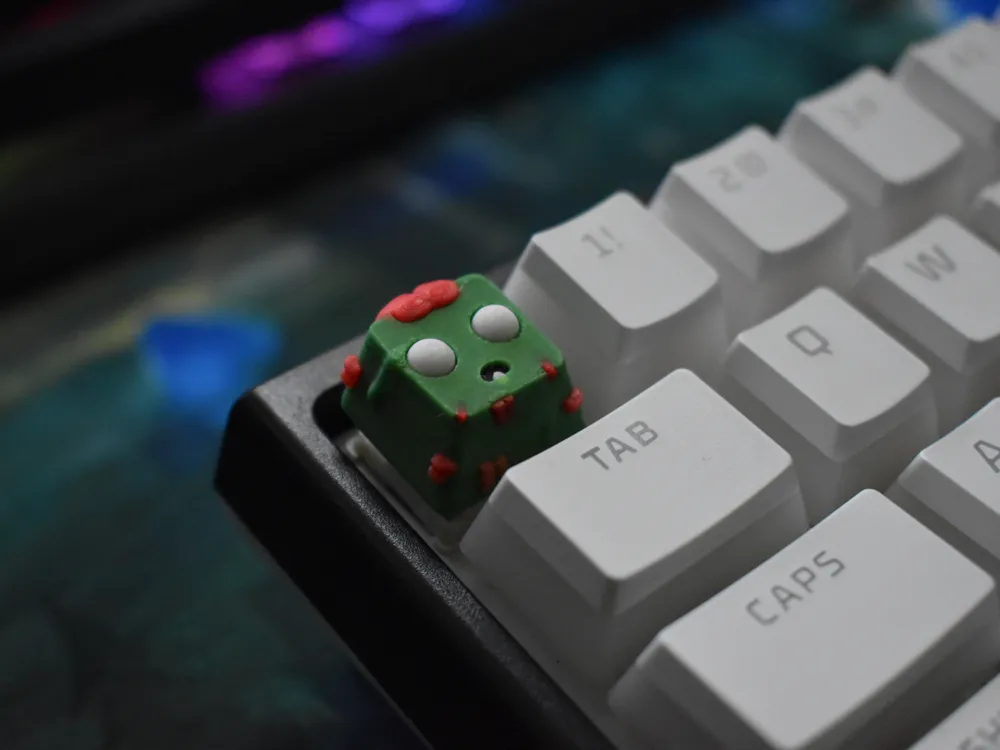
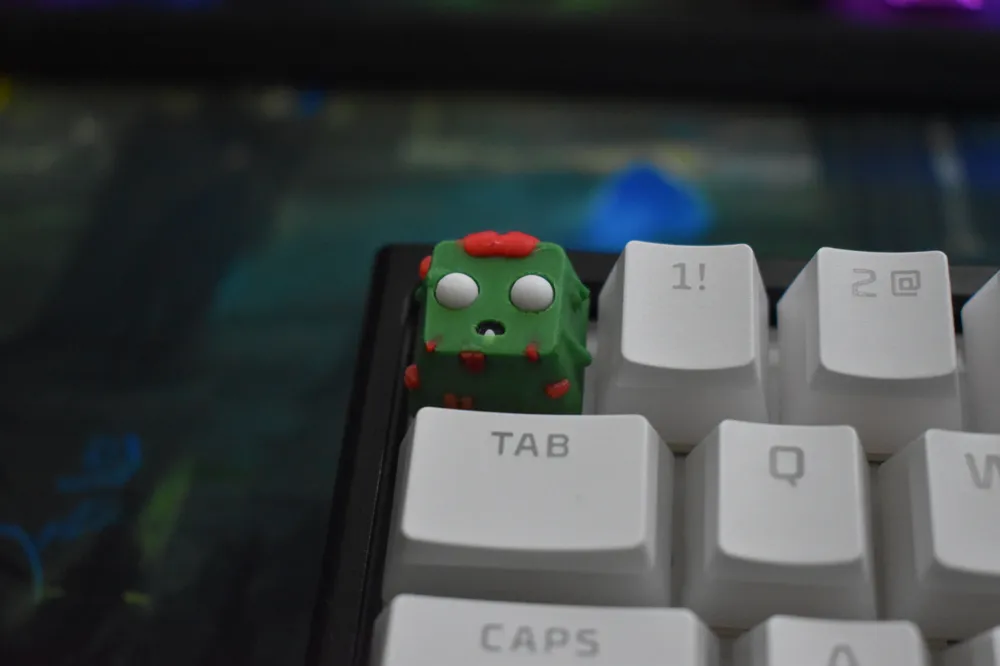
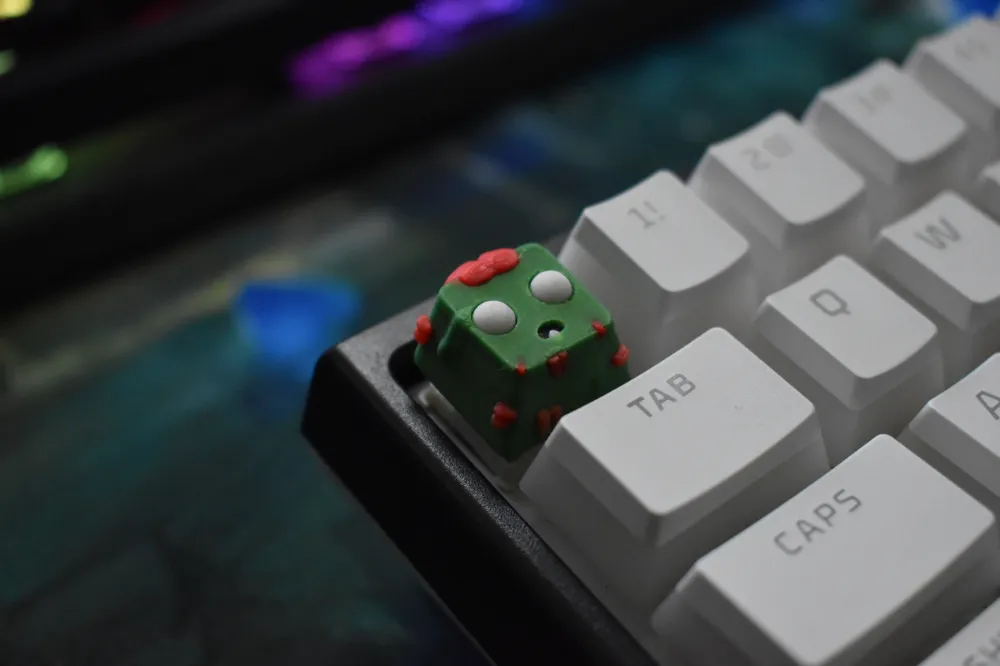
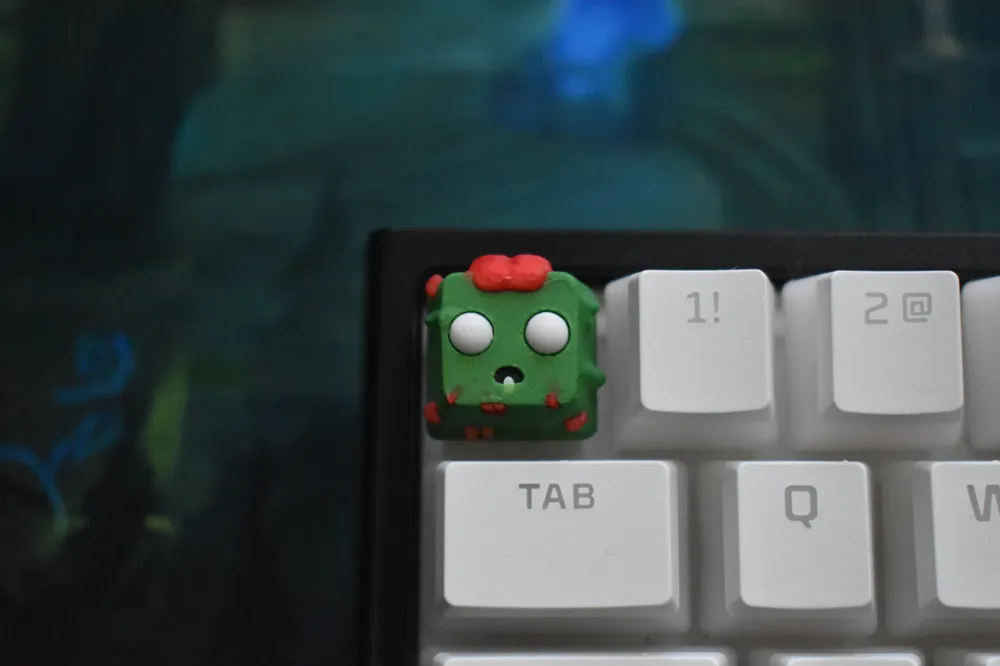
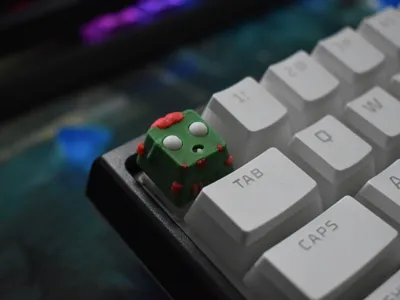
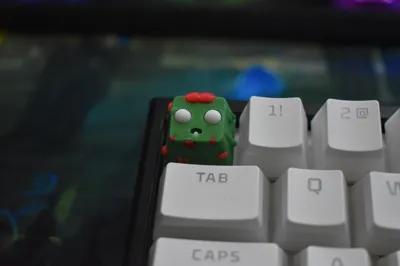
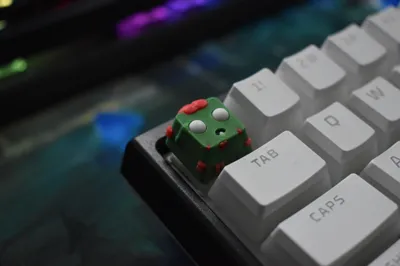
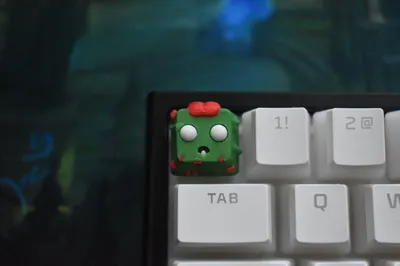
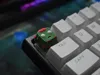
zombie keycap
IP Report
Print Profile(2)
0.08mm layer, 2 walls, 15% infill
Designer
6.3 h
1 plate

0.08mm layer, 2 walls, 15% infill
Designer
59 min
1 plate
Open in Bambu Studio
Boost
133
360
4
5
158
42
Released
Description
My First Work. 💥💥💥
During printing consider that the model doesn’t require supports or brim.
Clean the platform thoroughly before printing. My advice is, before printing multiple models do a test print to make sure that everything fits in place and to make sure that it sticks to the platform (because of small size).
ams ready only 4 color needed: green, red, black, white.
I’m open to recommendations.
Happy Printing!
Inspired By Hiko 3D.
Boost Me (for free)
for motivation
License

This user content is licensed under a
Creative Commons Attribution-NoDerivatives


Comment & Rating (4)