
Paper Towel Holder

Print Profile(4)


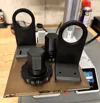

Description
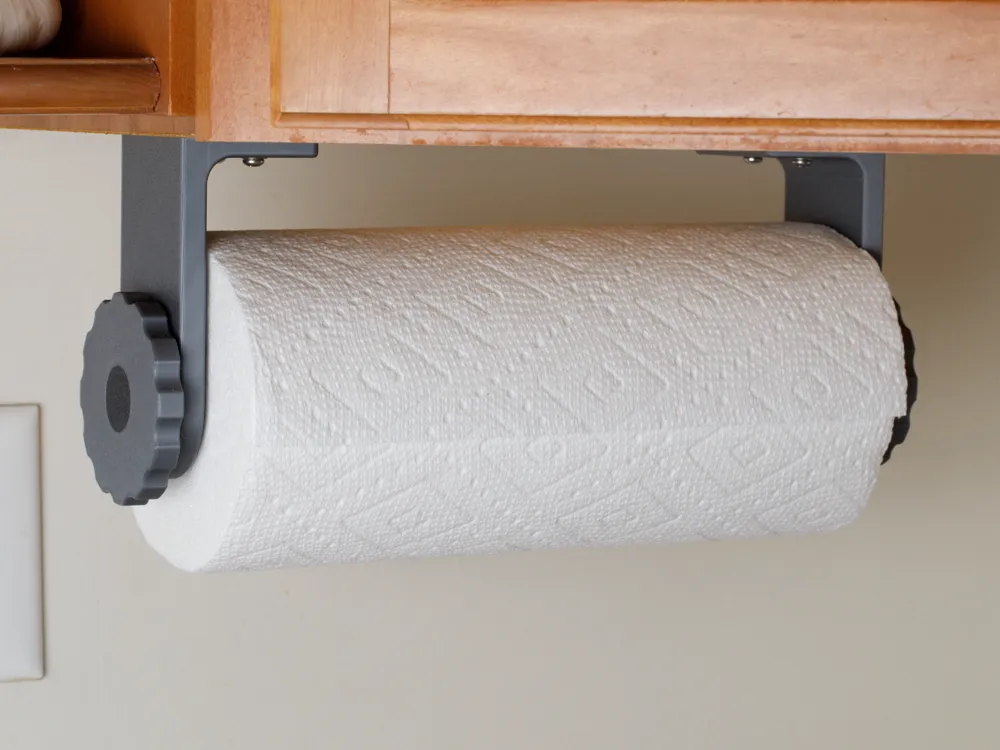
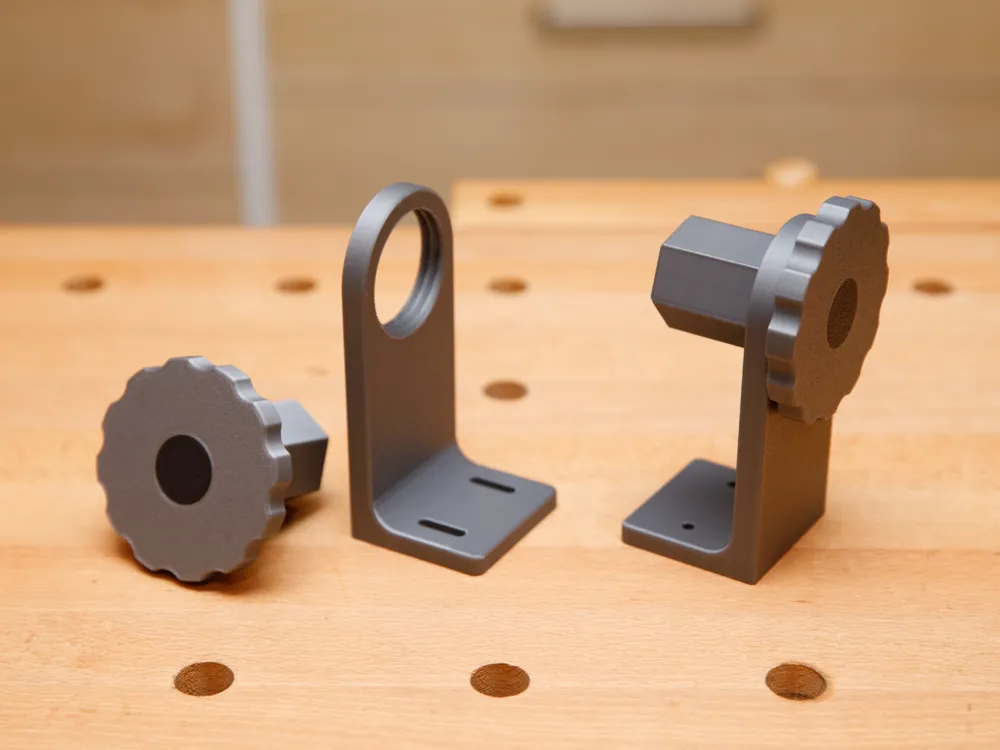
Unscrew the knob on each side of this paper towel holder to replace the roll. The knob and bracket on the holder’s right side has a left-handed thread to prevent loosening as the paper towel roll is unrolled. During installation, the amount of pressure against the paper towel roll’s ends can be adjusted to allow one-handed dispensing.
Required Installation Hardware
- (4) pan head sheet metal screws or round head wood screws, #8 diameter, approximately ¾" length
- (4) #8 washers
Printing tips. Print the 2 knobs at 98% scale in the X and Y dimensions so the threads are not too tight. The knobs have a decorative center of a second color. To omit the decorative center, assign it to the same color as the rest of the knob using your slicer software.
Installation tip. The left bracket has slotted mounting holes so that you can adjust the tightness of fit to your paper towel roll.
Variations. Based on visitor feedback (thank you!), I added a profile and STL files for a taller bracket to accommodate larger paper towel rolls. I also added a profile and STL files for knobs that allow paper towel rolls with smaller inner cores (1½" or smaller).
Threading difficulties. If you experience difficulty threading the knobs for the first time, here are a few things to try. First, the right side knob-bracket pair uses a left-handed thread, so be sure the knob and bracket match and you are turning the correct direction. Second, hold the knob precisely and turn slowly at first. Finally, if the pieces thread all the way but are simply too tight, try printing the knobs at a smaller XY scale, such as 95% or 96%. Be sure to scale only in the X and Y dimensions, not Z.
License



Comment & Rating (459)