Search models, users, collections, and posts

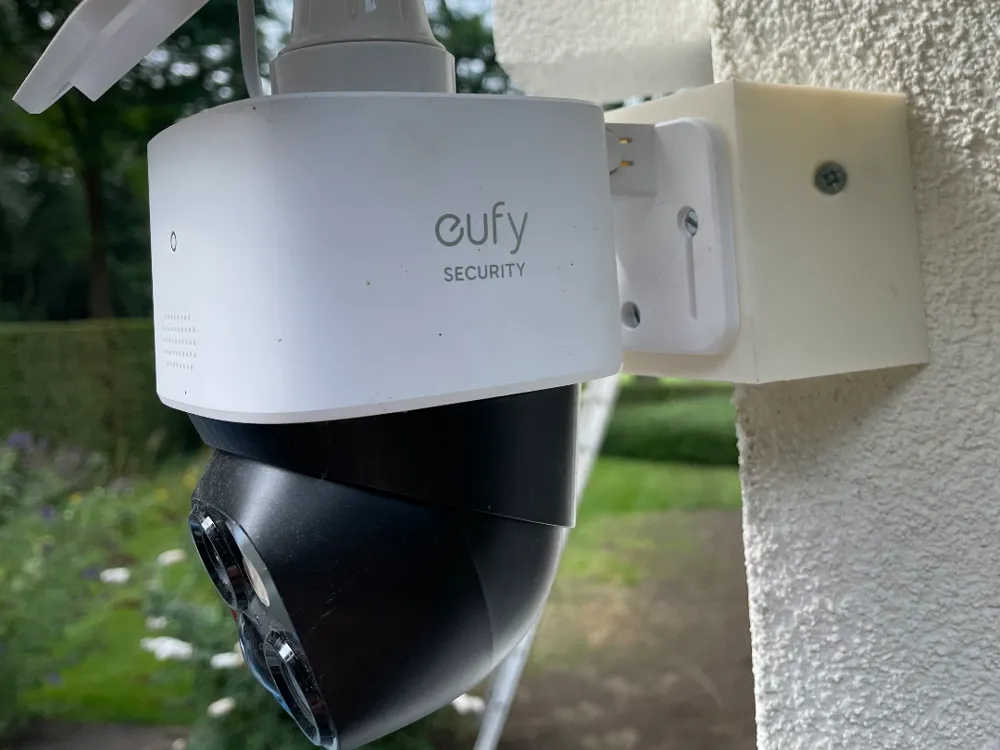
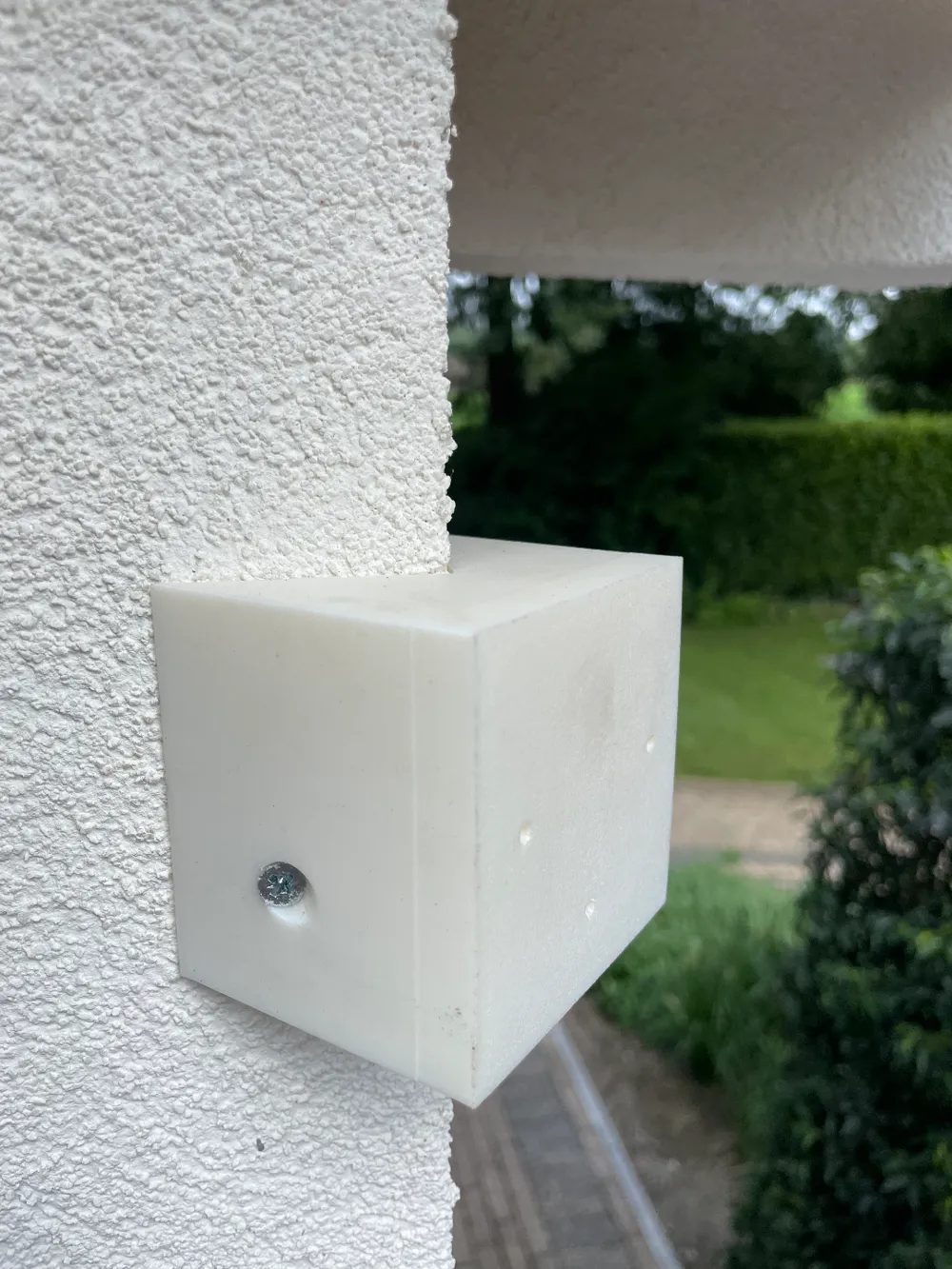
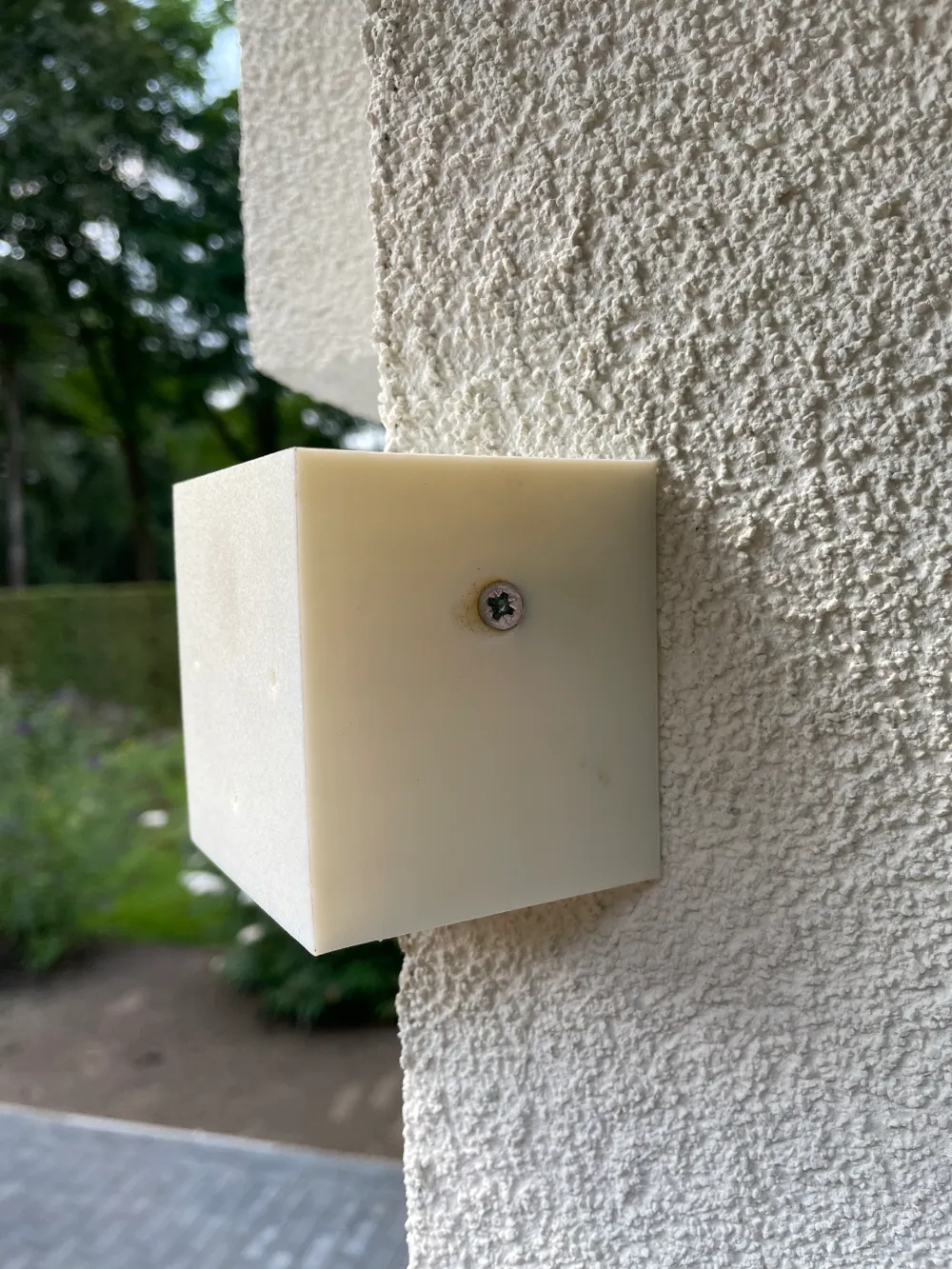
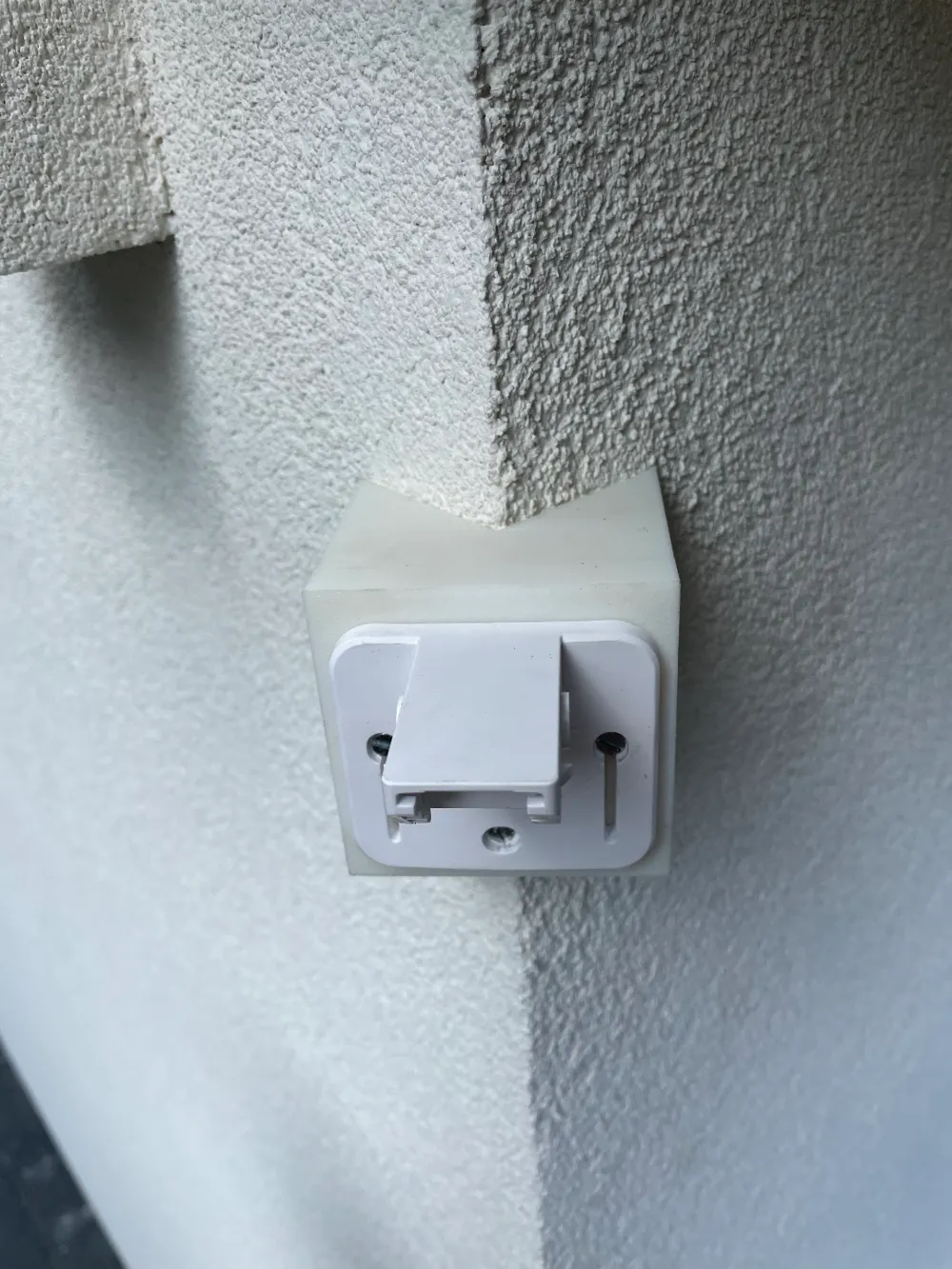
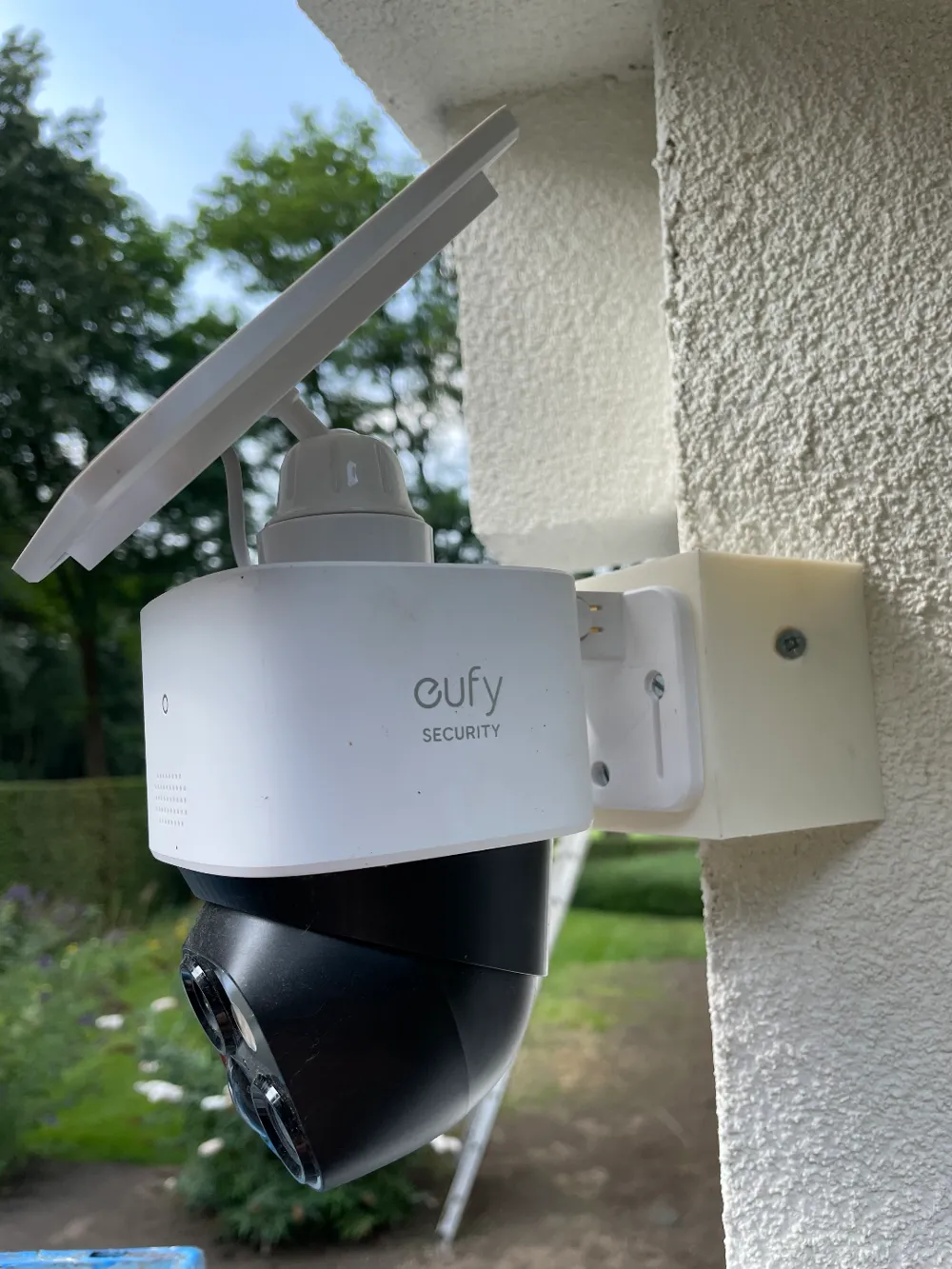
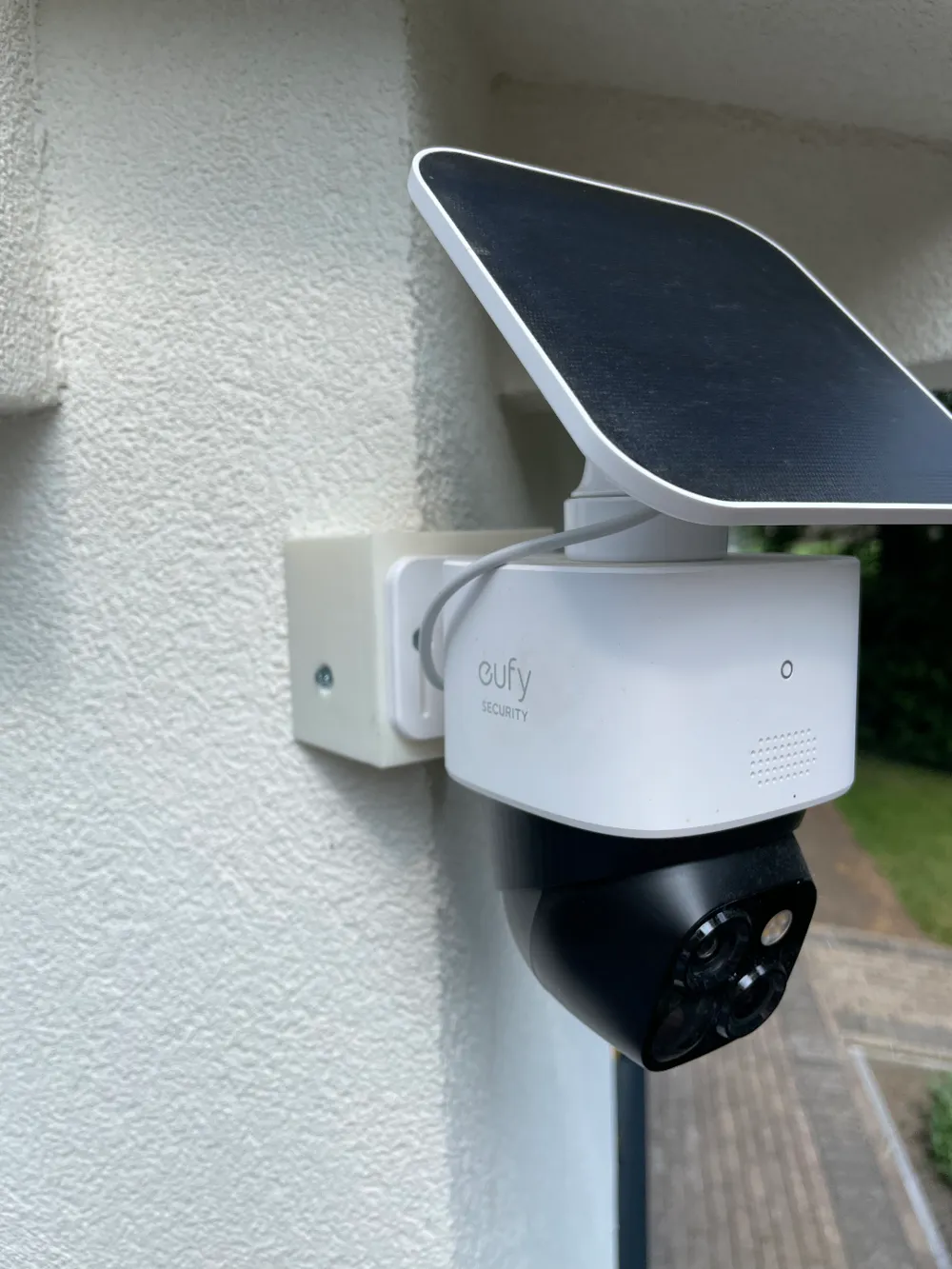
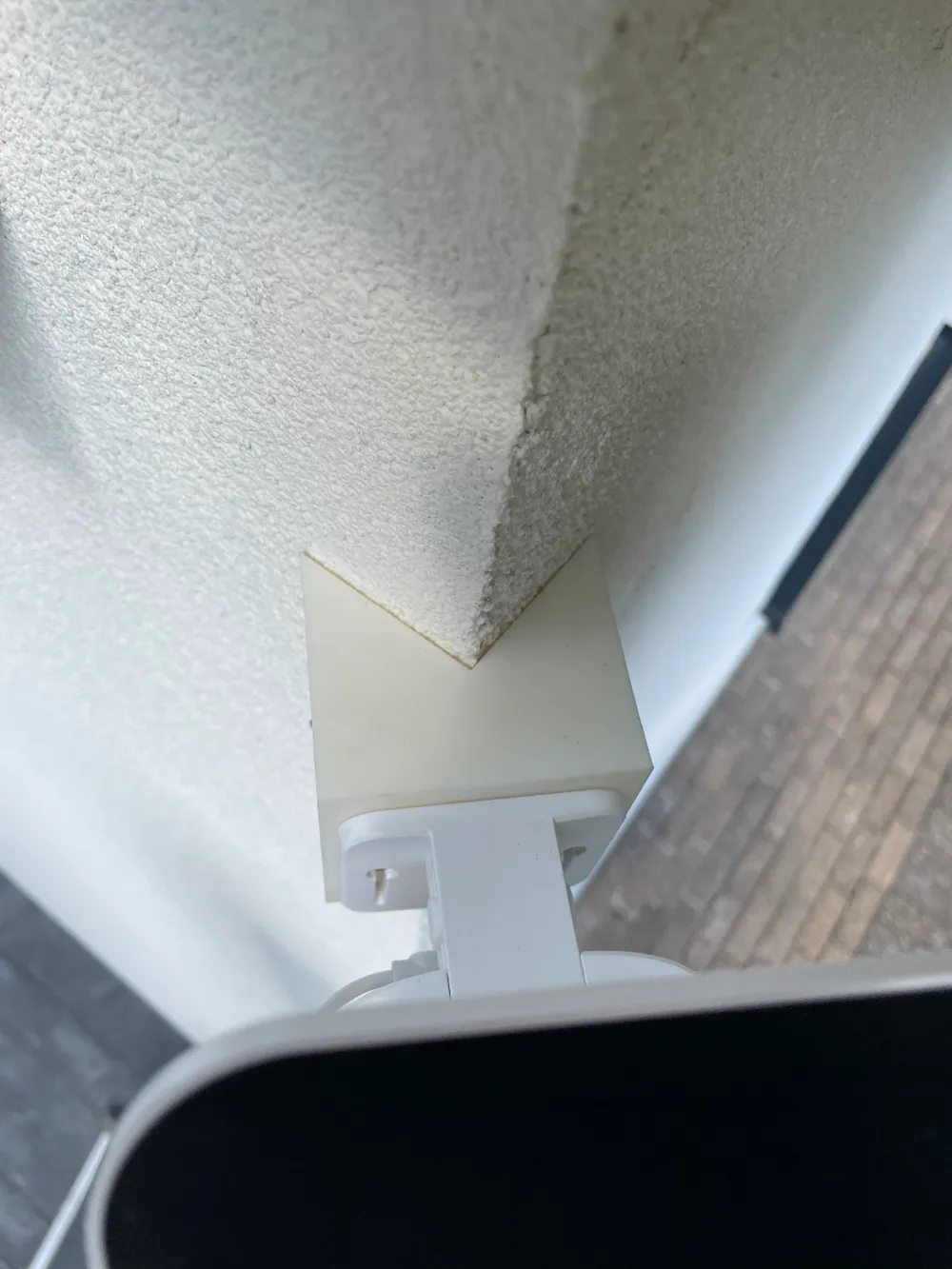
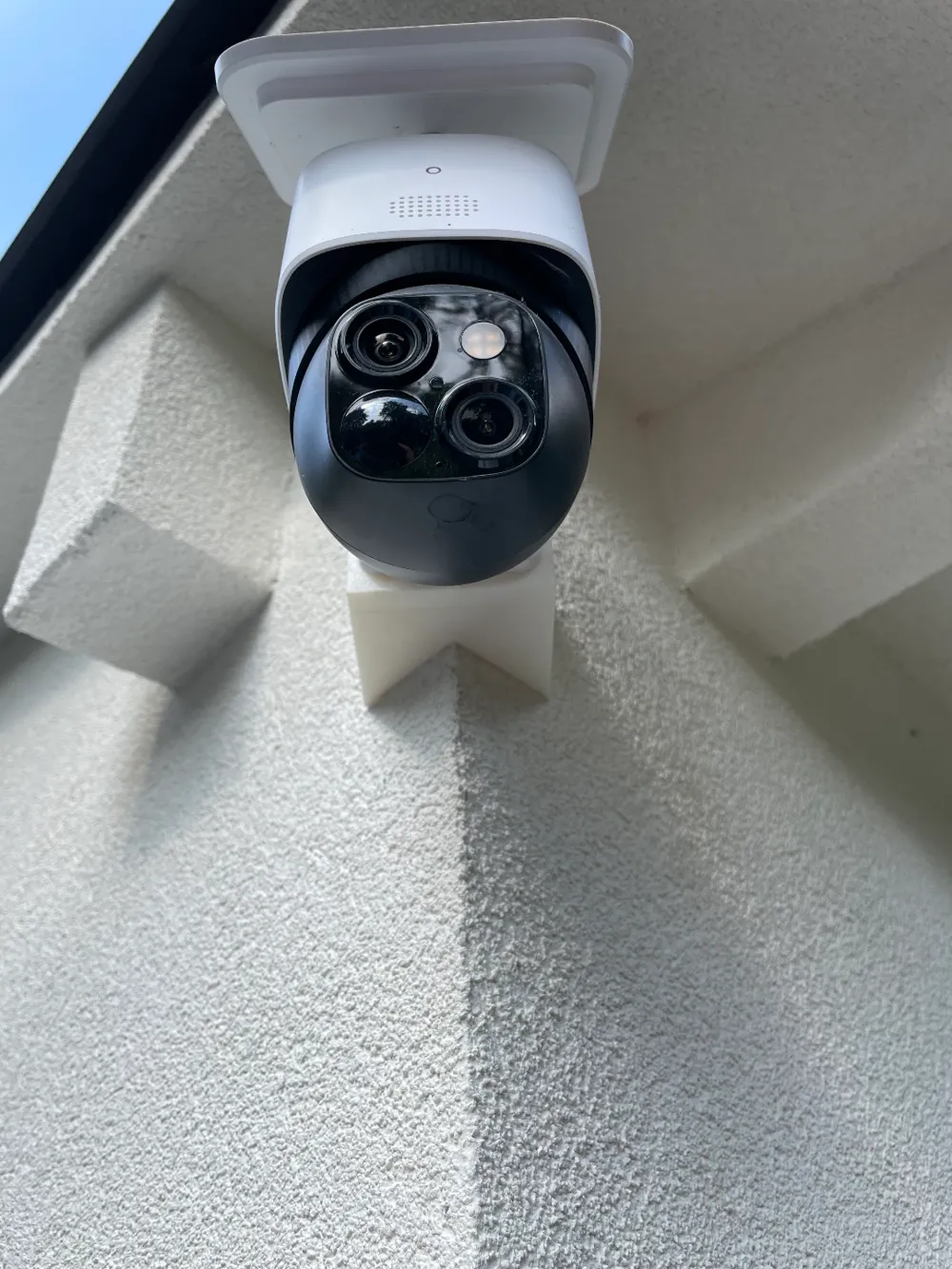
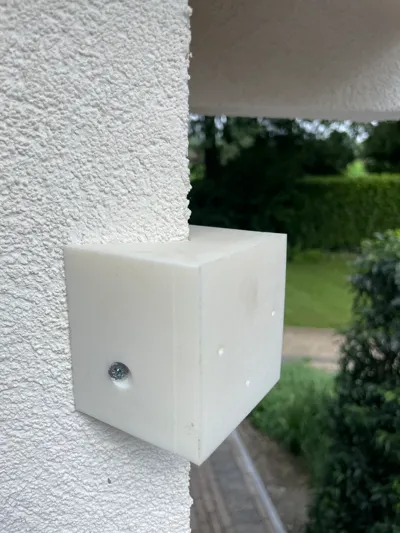
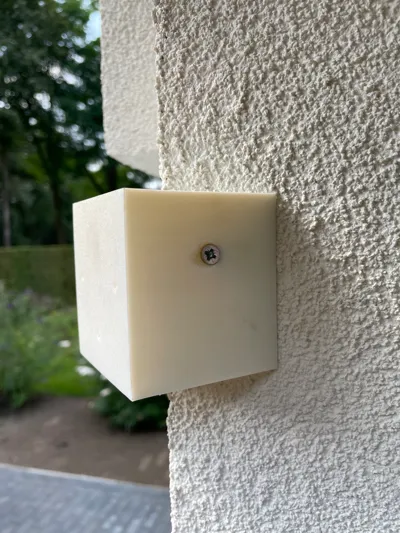
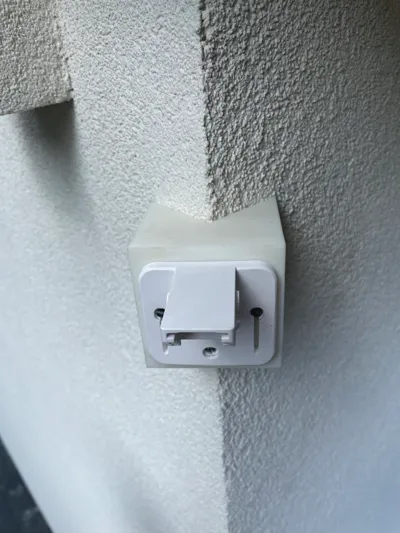
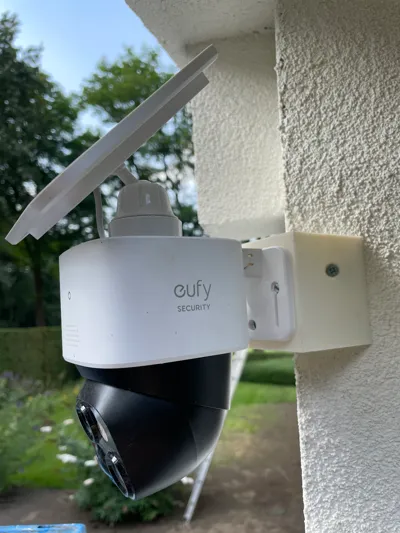
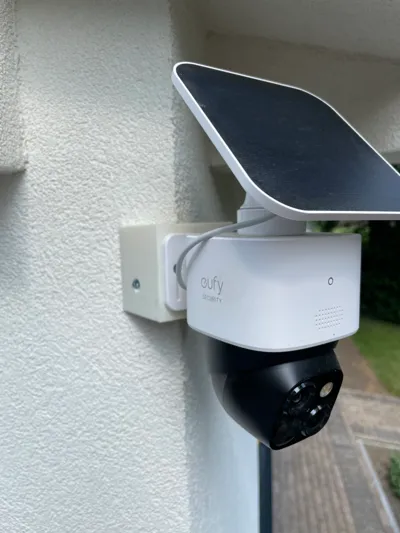
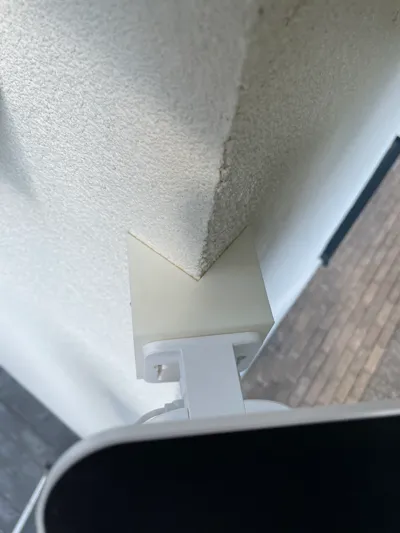
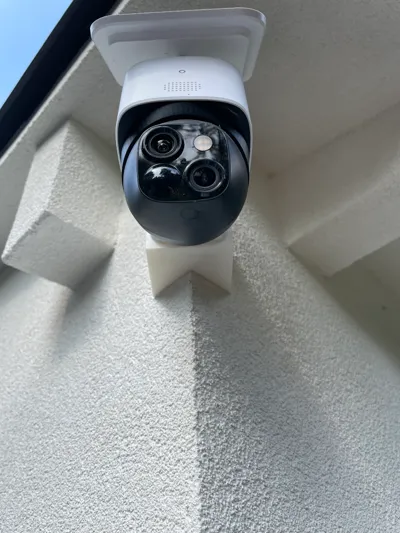
Eufy SoloCam S340 Corner mount
IP Report

Print Profile(1)

0.2mm layer, 3 walls, 20% infill
Designer
2.6 h
1 plate
Open in Bambu Studio
Boost
128
365
26
27
348
219
Released
Description
Achieve optimal camera angles and maximize your surveillance coverage!
Transform your Eufy Solo Cam S340 into a versatile corner-mounted security device with this custom-designed 3D printed corner mount.
Make sure to use filament that can withstand outdoors!
Printing instructions:
- Calibrate your printer and add a brim of at least 10mm.
- When printing with ASA: Make sure to preheat your printer and use the highest possible temperature during printing.
- Pause printing at layer 53 and insert 3 M3 nuts in the provided holes. Ensure they are fully seated and flush with the surface.
- Resume printing to complete the model.
Mout / Install instructions:
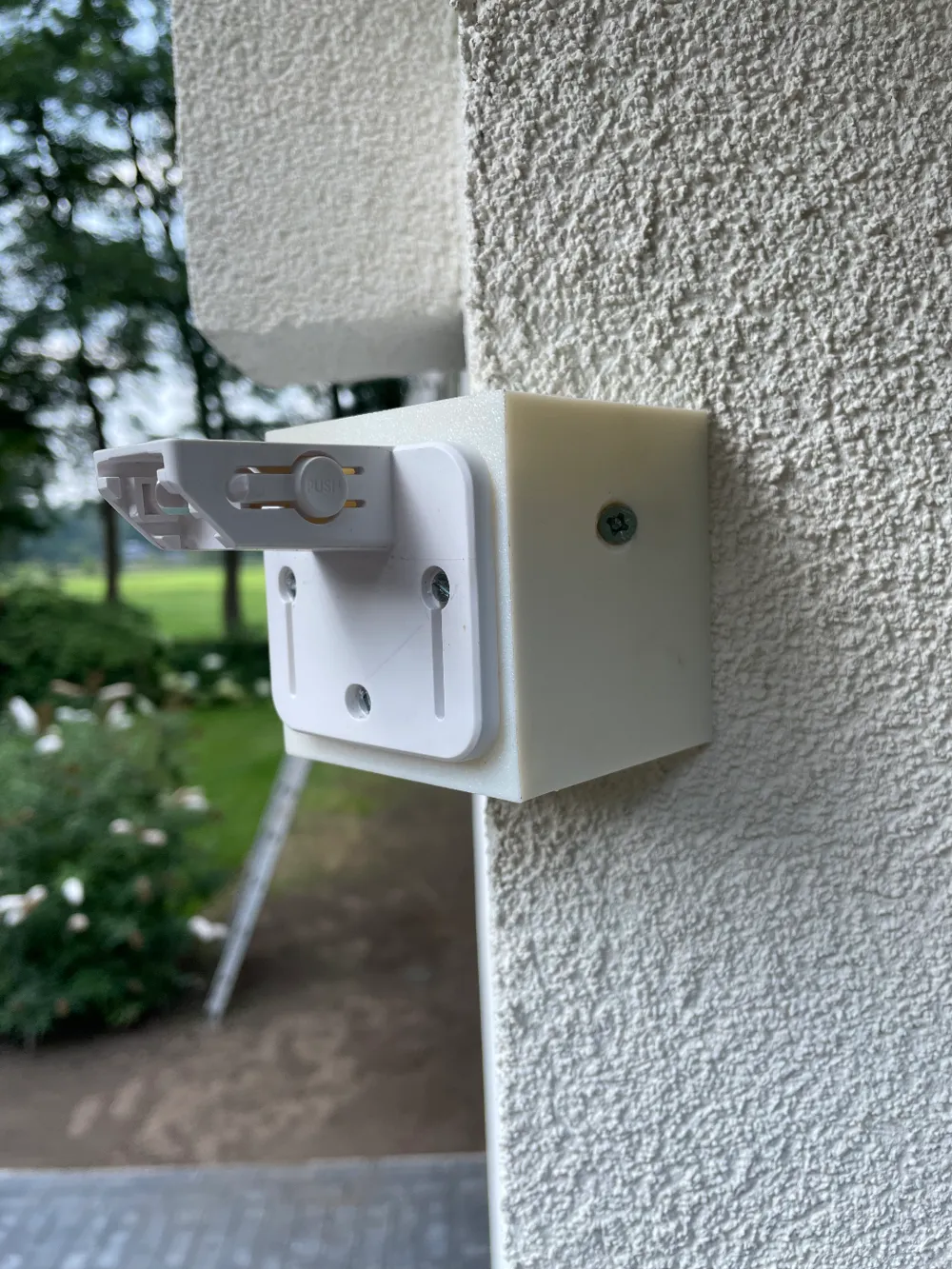
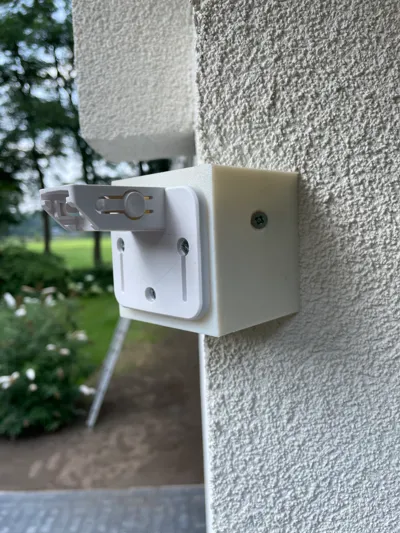
- Retrieve the wall mount that came with your SoloCam S340.
- Attach the provided wall mount to the printed corner mount using 3 M3 bolts.
- Align the mount with your desired position and mark where you want to drill holes.
- After drilling and inserting the appropriate wall anchors, attach the mount to the wall using the holes in the print and clip on the camera.
Done and dusted!
Boost Me (for free)
It would mean the world to me if you'd support my creation by boosting it! 💜
Non-3D printed parts needed:
- 3x M3 Nuts
- 3x M3 Bolts
- Wall mount that came with your SoloCam S340
License

This user content is licensed under a
Creative Commons Attribution-Noncommercial-Share Alike


Comment & Rating (26)