
MKS Robin Lite Octoprint Smoother Box
Print Profile(0)
Description
Hi everybody,
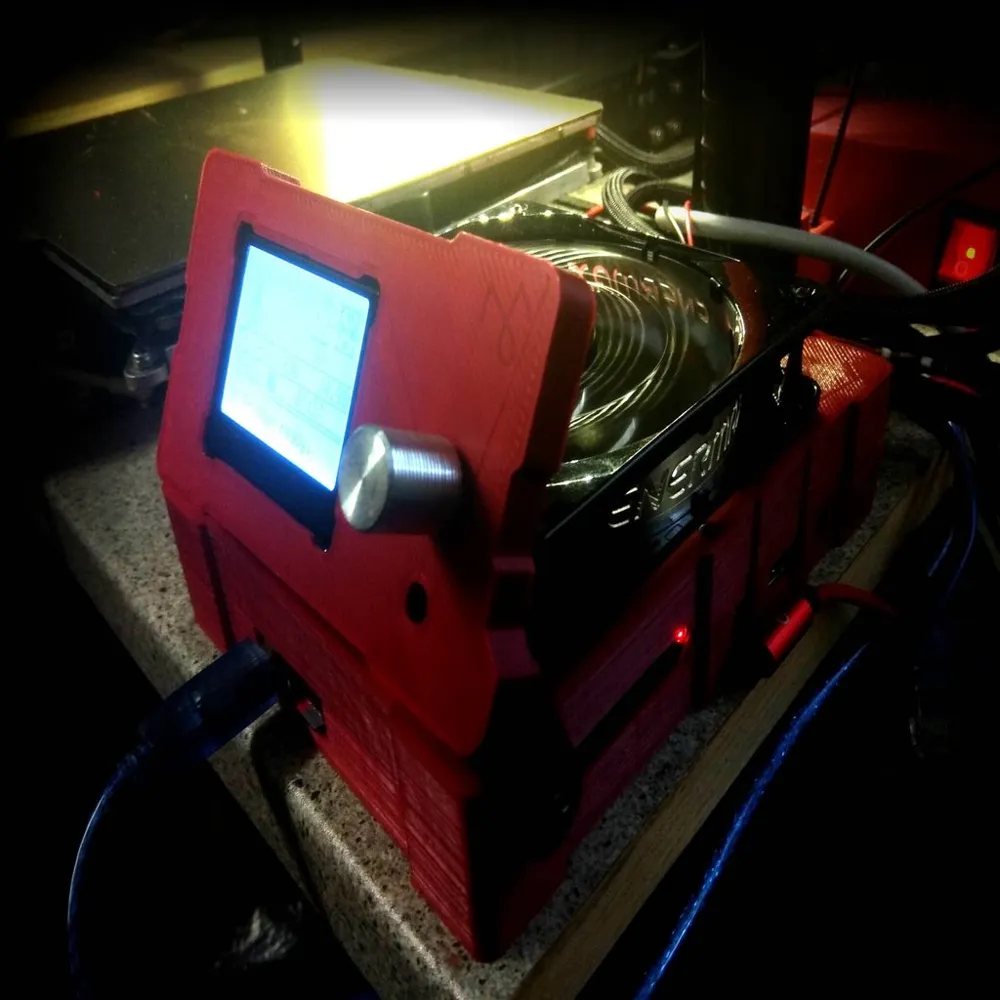
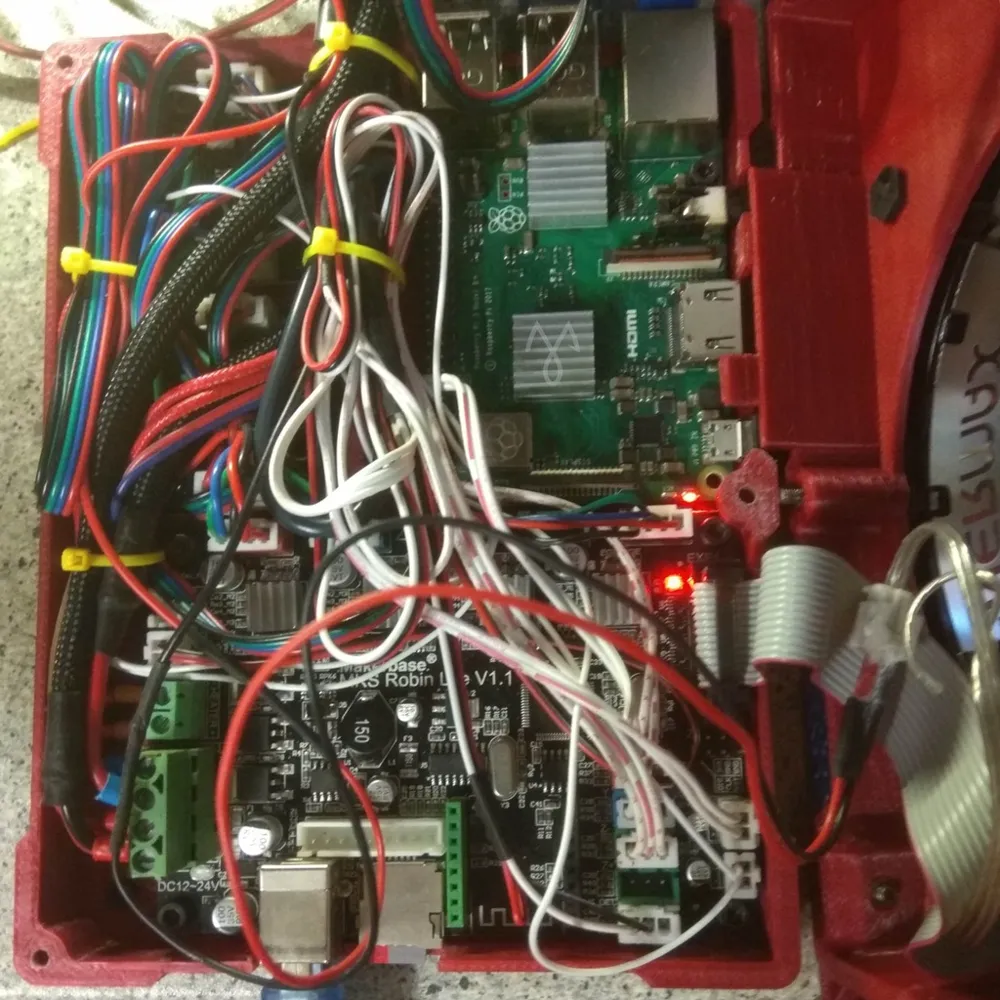
After several months testing the MKS Robin Lite (32 bits board) on one of my printers, I ended with a solution than did not needed to be changed. So it was time to design a convenient case which holds all the boards system properly. After few iterations, I lead to most of the expectations : good cooling, wire/cable management, compact size, strength, in/outs management, adjustable screen (2 options), silent, aesthetics.
That thing is a good home for this hardware :
1x MKS Robin Lite motherboard
1x MKS Mini 12864 Display
1x Raspberry Pi B size (3B+ recommended)
2x MKS TL Smoothers
1x 120mm PC silent Fan
Required hardware :
4x 2mm wide zip ties for cable management
1x M3x20mm plastic screws for the box
4x Silicon rubber dumpers for PC fan (can be replaced by standard fan screws)
To secure the boards :
16x M3x6mm screws (preferabilly screws for plastic)
Options :
A/ Base mount with adjustable screen :
3x M3 screws (type depending of your base material) for the box
1x DIN912 M3x20mm plastic screws for the screen
2x M3 nylon washers (or any other kind) for the screen
1x M3x4.2*6mm (OD-L) bronze insert (can be replaced by a nylstop nut with +5mm M3 screw) for the screen, drive the insert in with the screw, then mount the screen.
B/ 2020 profile mount with detached screen :
2x DIN 912 M4x10mm for the box
2x DIN 912 M4*20mm for the screen
4x M4 Tnuts for the box and the detached screen
Warnings :
- if you don't use plastic screws for the box cover, please tap the mounting holes to accept threaded screws.
- the box mounted screen holder required washers to work properly. One on the screw head, one between the box and the screen holder. If you don't use washers, you get exposed to a bunch of issues : the screw may dig into the plastic, the screw can get loose, the position may be hard to get right or the screen can fall.
I also made a PSU cover for the same printer : https://www.thingiverse.com/thing:3998050
Print Settings
Printer:
Reprap
Rafts:
No
Supports:
No
Resolution:
any
Infill:
100%
Filament:
Plasti Mladec PLAPearl red
Notes:
There's not much plain areas. I recommend to print with 100% infill and 4 perimeters to give the sides and the arm the best strength. That box is meant to last, don't be cheap on plastic or you may get a weak enclosure
Exception to the standalone detached screen which can be printed with at least 3 perimeters and low infill.License

You shall not share, sub-license, sell, rent, host, transfer, or distribute in any way the digital or 3D printed versions of this object, nor any other derivative work of this object in its digital or physical format (including - but not limited to - remixes of this object, and hosting on other digital platforms). The objects may not be used without permission in any way whatsoever in which you charge money, or collect fees.


Comment & Rating (0)