
Logitech C920 door mount
Print Profile(1)

Description
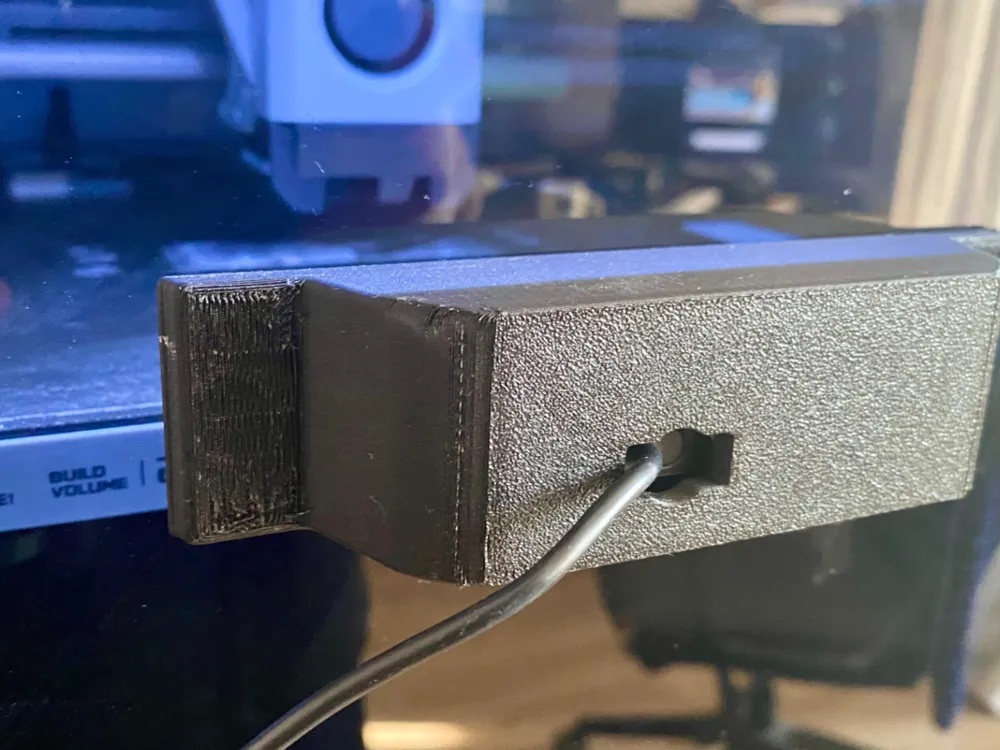
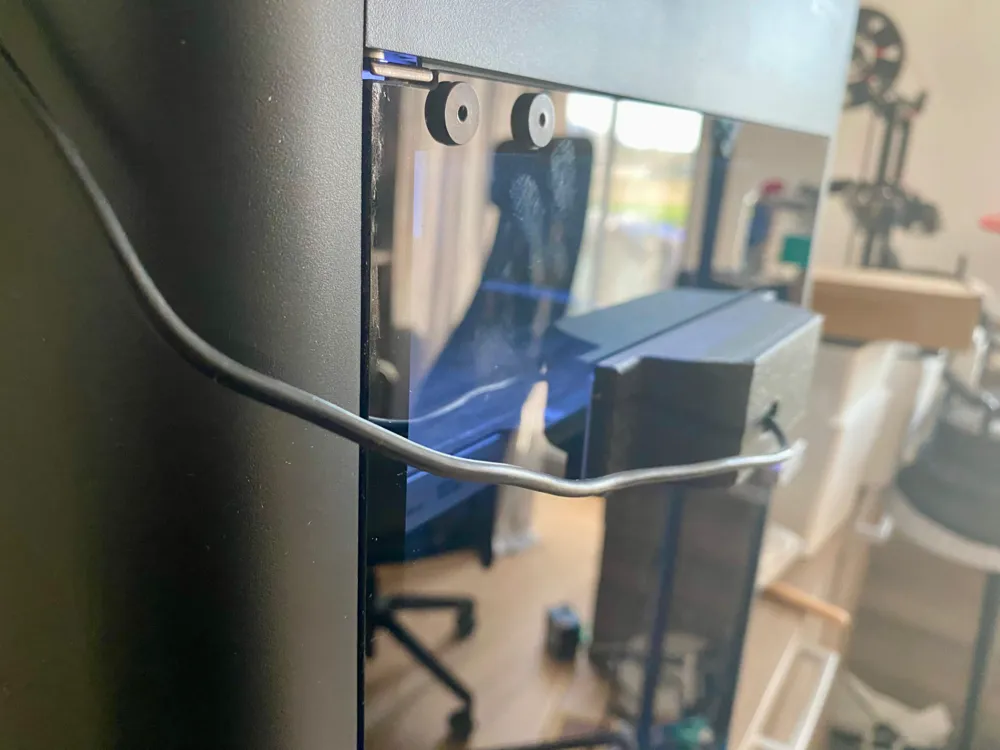
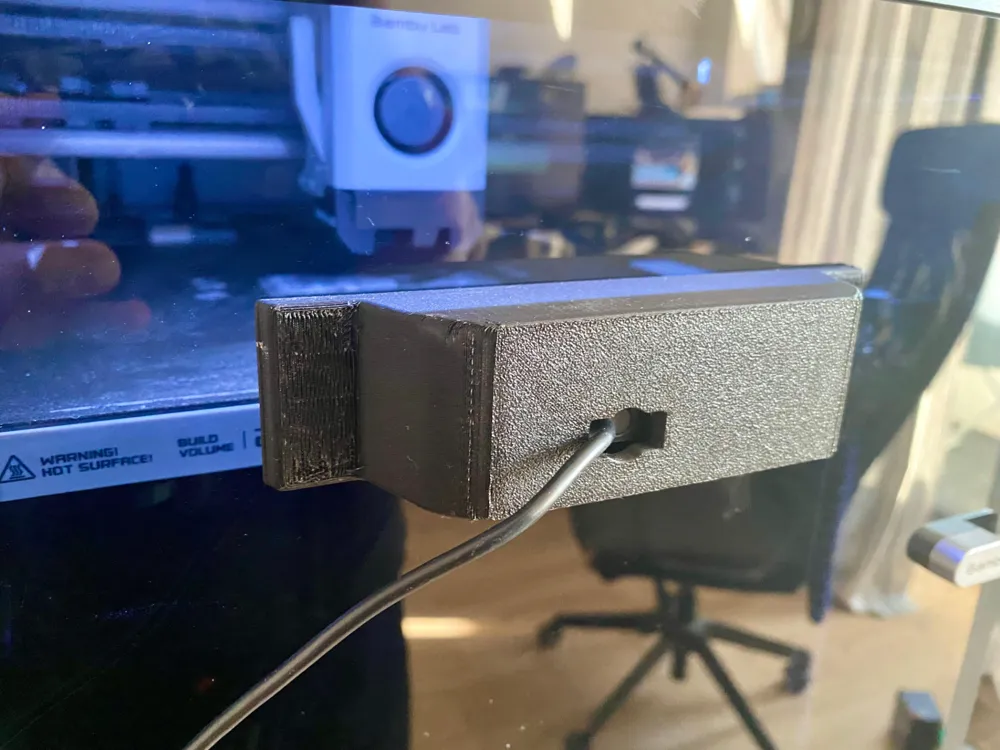
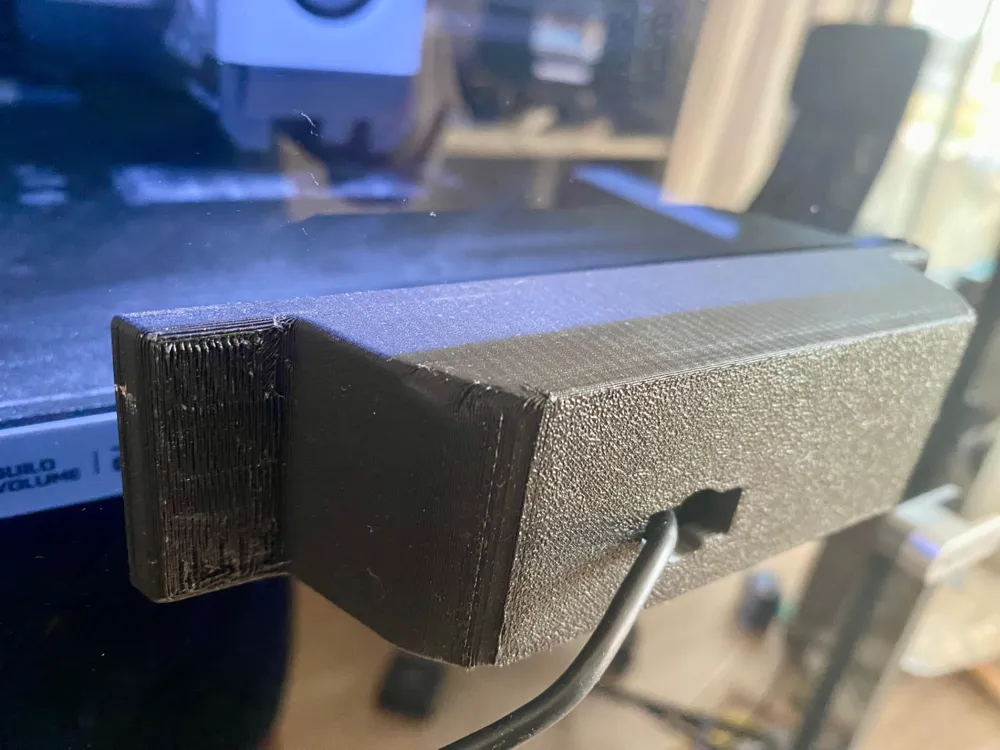
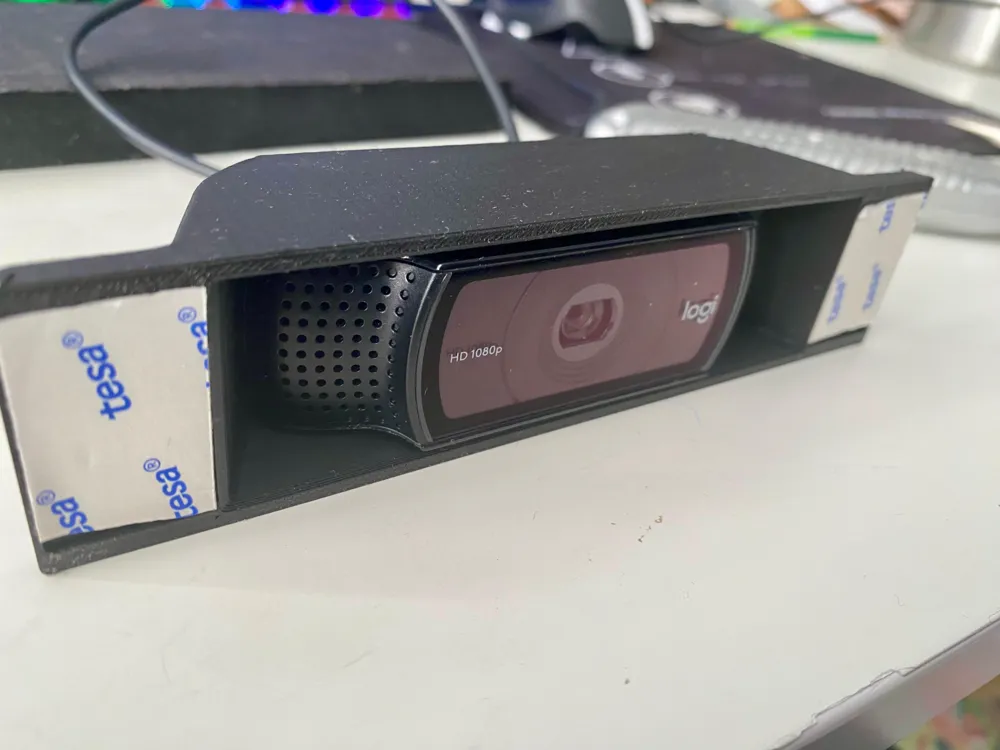
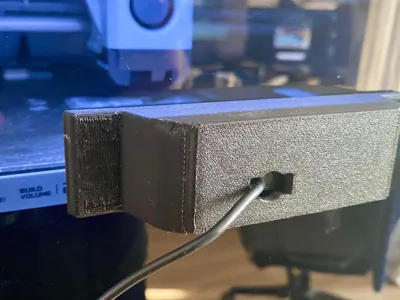
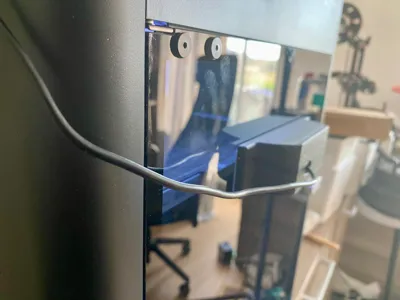
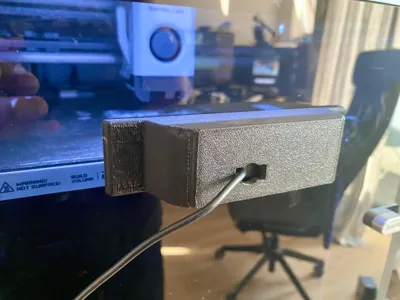
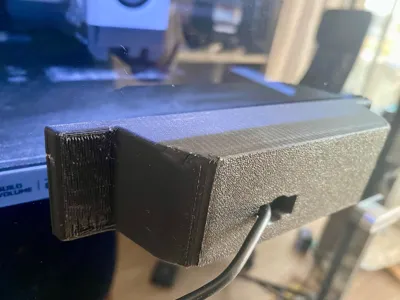
Logitech C920 door mount for P1S and X1C (or any other printer with a door).
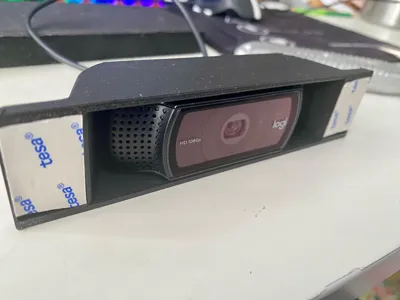
This door mount is specifically designed for the Logitech C920 webcam. The camera fits snugly into the mount, and attaches securely to your door using double-sided tape, ensuring a stable and reliable setup for your camera.
Installation Instructions:
- Remove the base of your Logitech C920 webcam following the steps in this guide.
- Insert the camera into the mount.
- Attach the mount to your door using double-sided tape.
Important Notes:
- Disassembling the camera to remove the base will void the manufacturer's warranty.
- I am not responsible for any damages to the camera resulting from disassembly or use of this mount.
- Ensure the surface is clean and dry before attaching the mount to ensure a strong adhesive bond.
This simple and effective mount provides a convenient solution for positioning your Logitech C920 webcam exactly where you need it, without the need for drilling or complex installations.
I printed mine in Fiberlogy Matt Black PETG.
Boost Me (for free)
Liked this model? Give me a boost!
Clean your bed thoroughly before printing:
- Wipe away any dust or debris.
- Wash with dishwasher detergent and dry it with a paper towel.
- Wipe down with isopropyl alcohol using a clean, dry lint-free cloth.
- Make sure the bed is completely dry.
If needed, apply glue or other adhesion aid for better results.
Boost Me (for free)
If you liked it and found it useful, consider boosting this design!
License



Comment & Rating (3)