
Print Profile(2)


Description

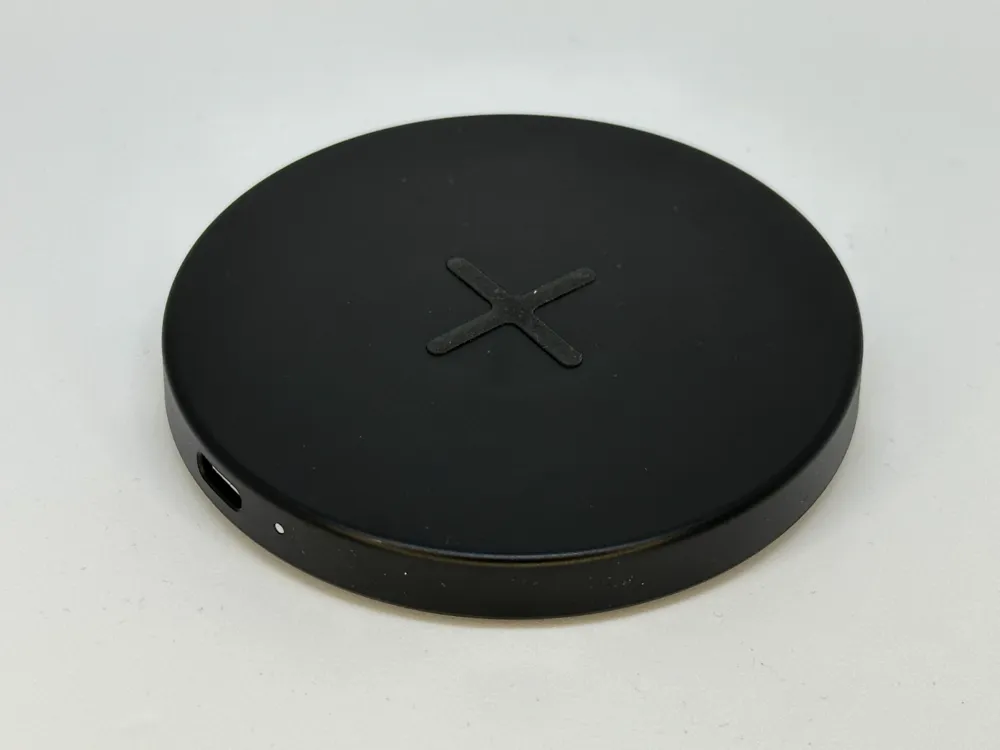
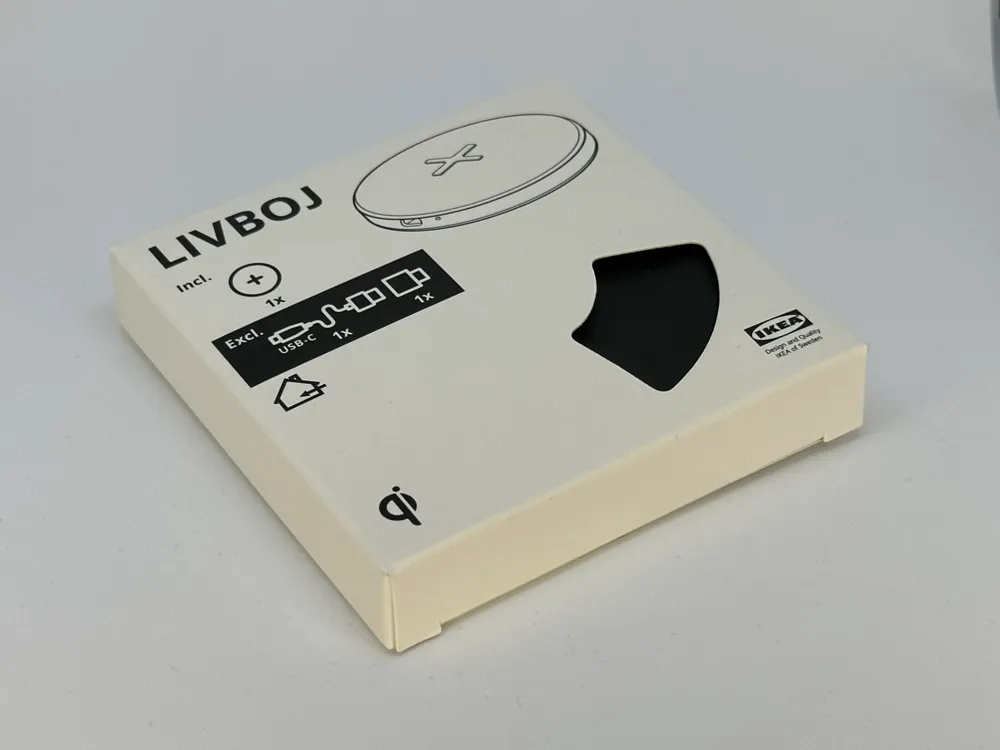
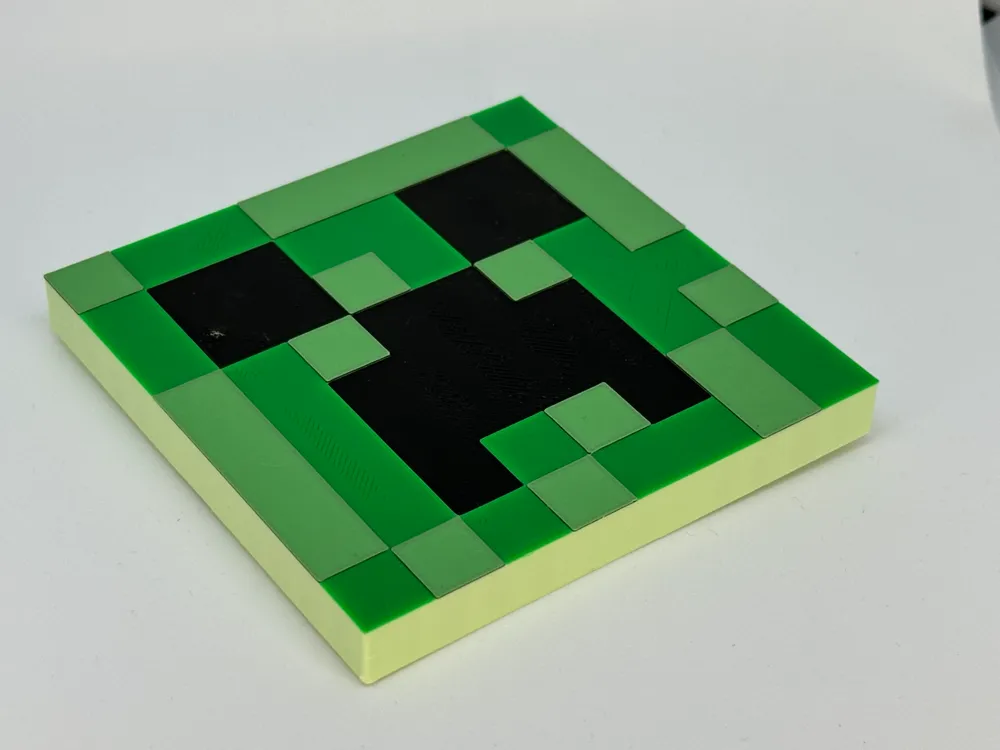
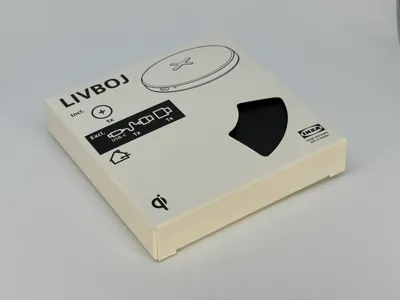
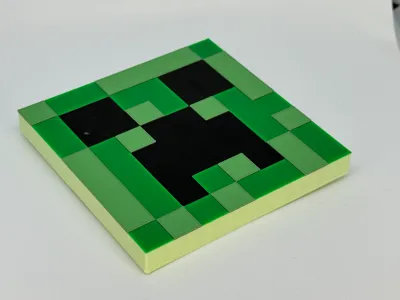
Creeper Top for Wireless Charger LIVBOJ from IKEA
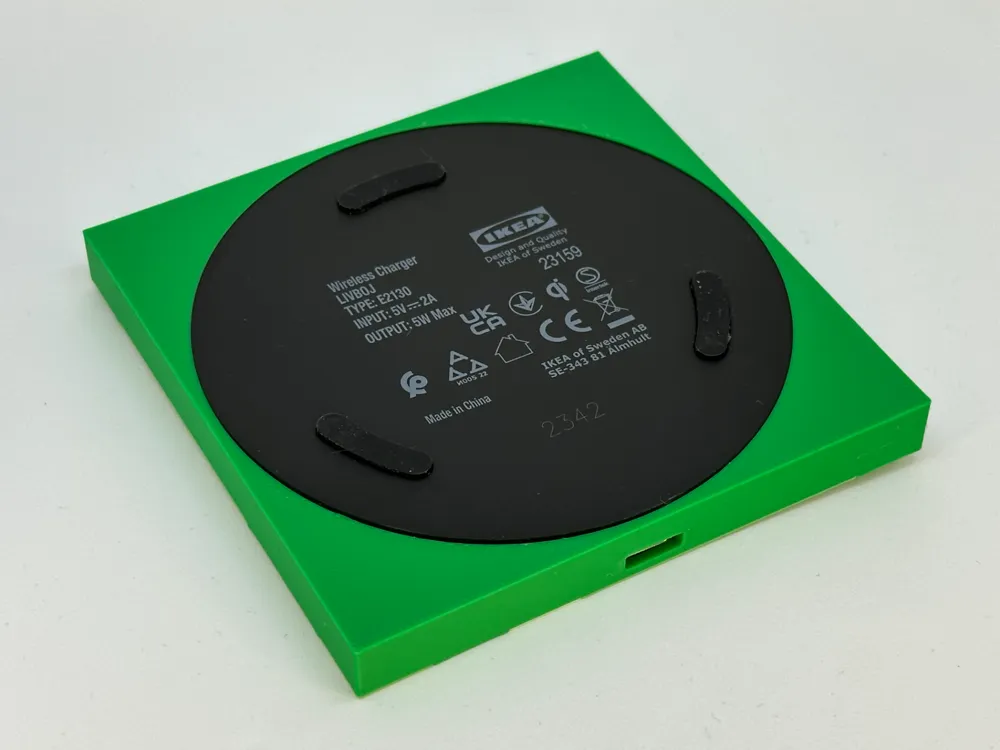
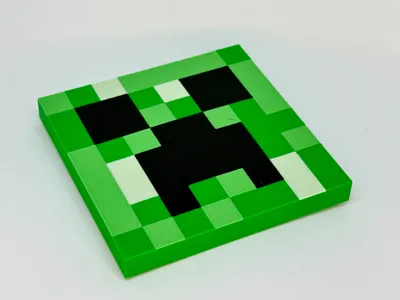
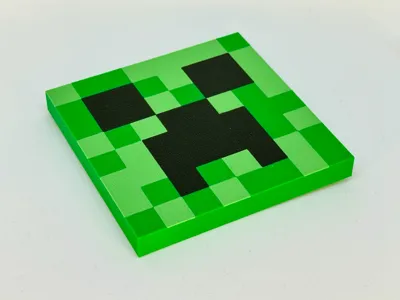
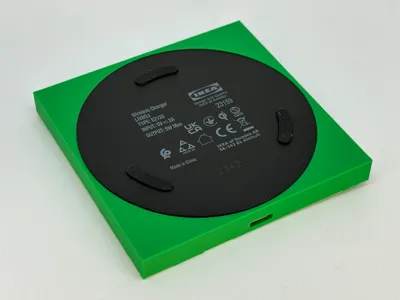
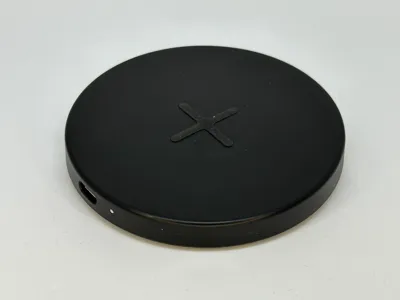
This easy-to-print and assemble Minecraft-inspired Creeper model makes it easy for anyone to create an "explosive" wireless charging pad! The model is designed to fit the existing bottom plate of the LIVBOJ, making it as easy as possible to assemble!
The rubber feet of the LIVBOJ are still functional as long as assembly and disassembly are done carefully.
How to Print
There are a few different options for printing this model.
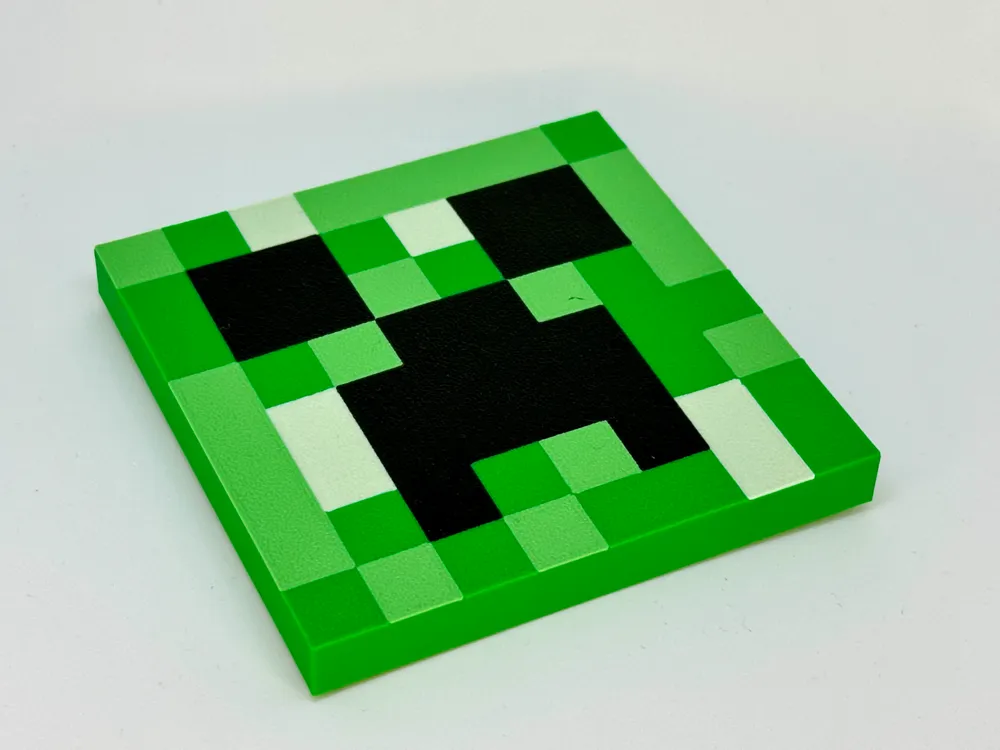
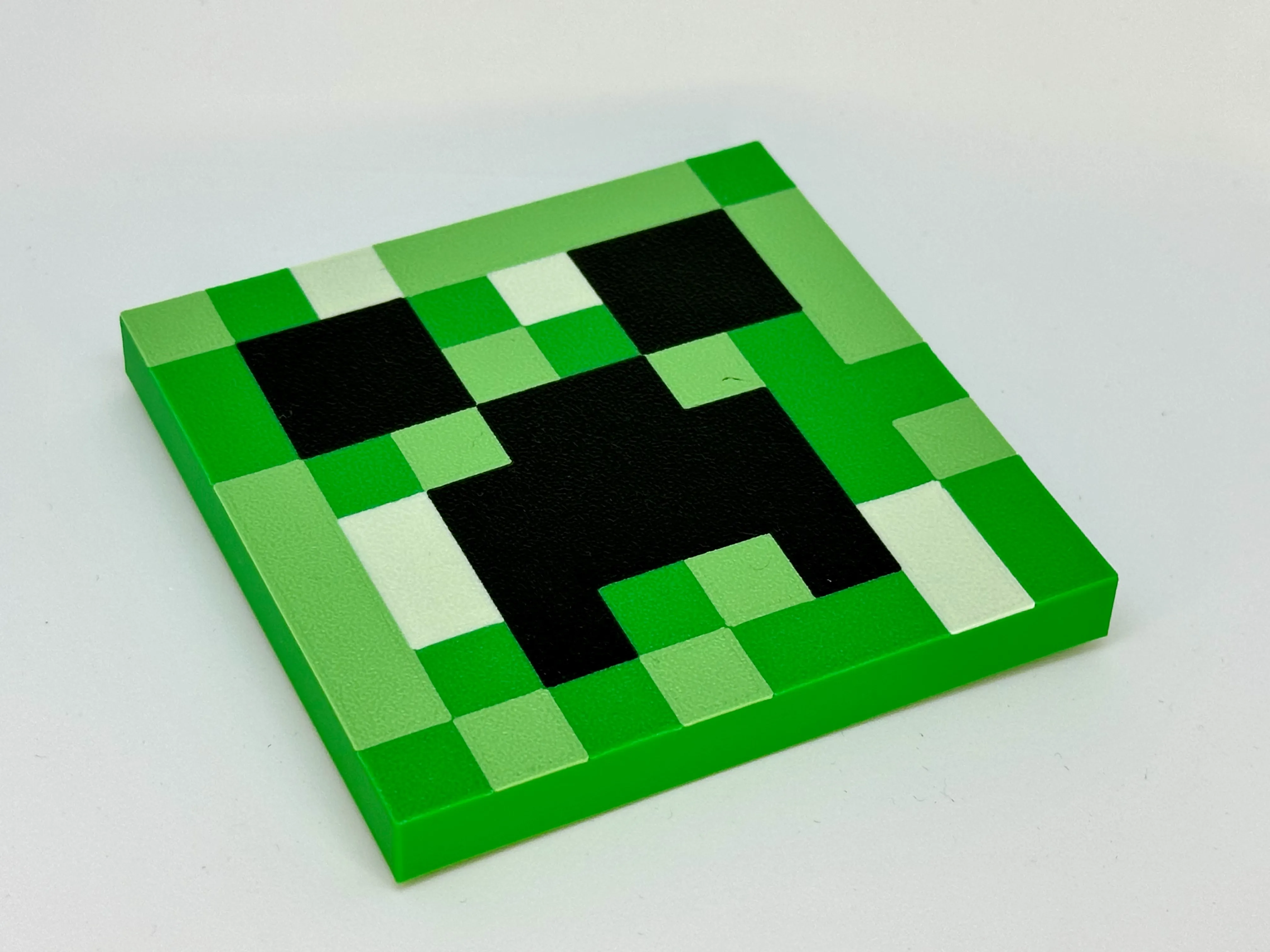
LIVBOJ-Creeper-AMS-4color.3mf
For the print below, I used the following filaments:
 |
|
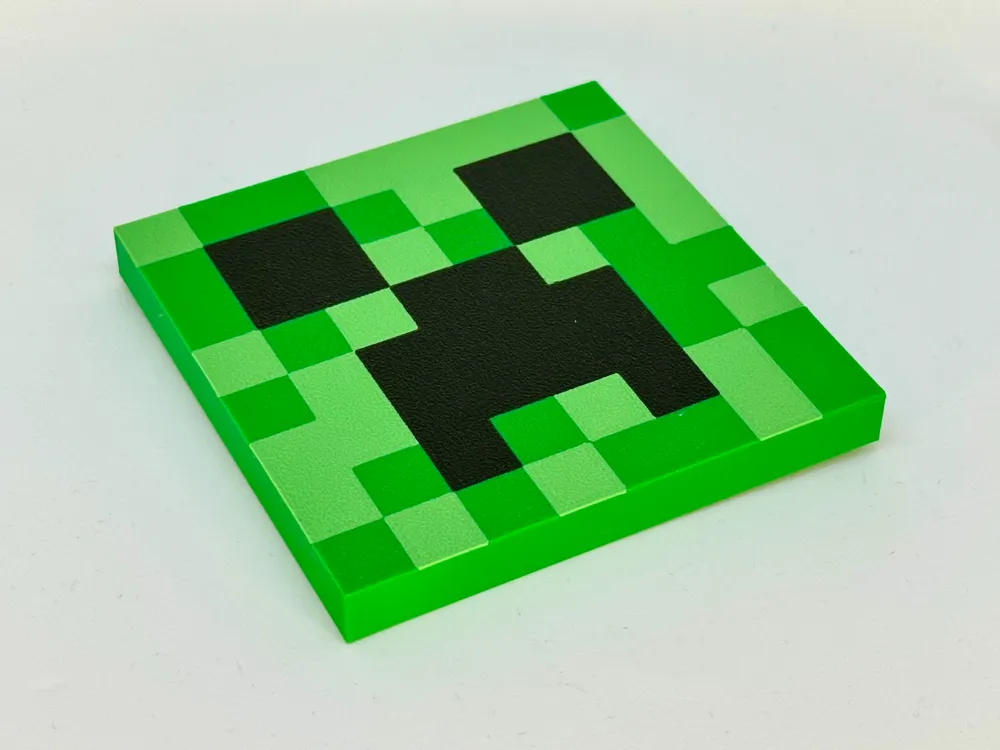
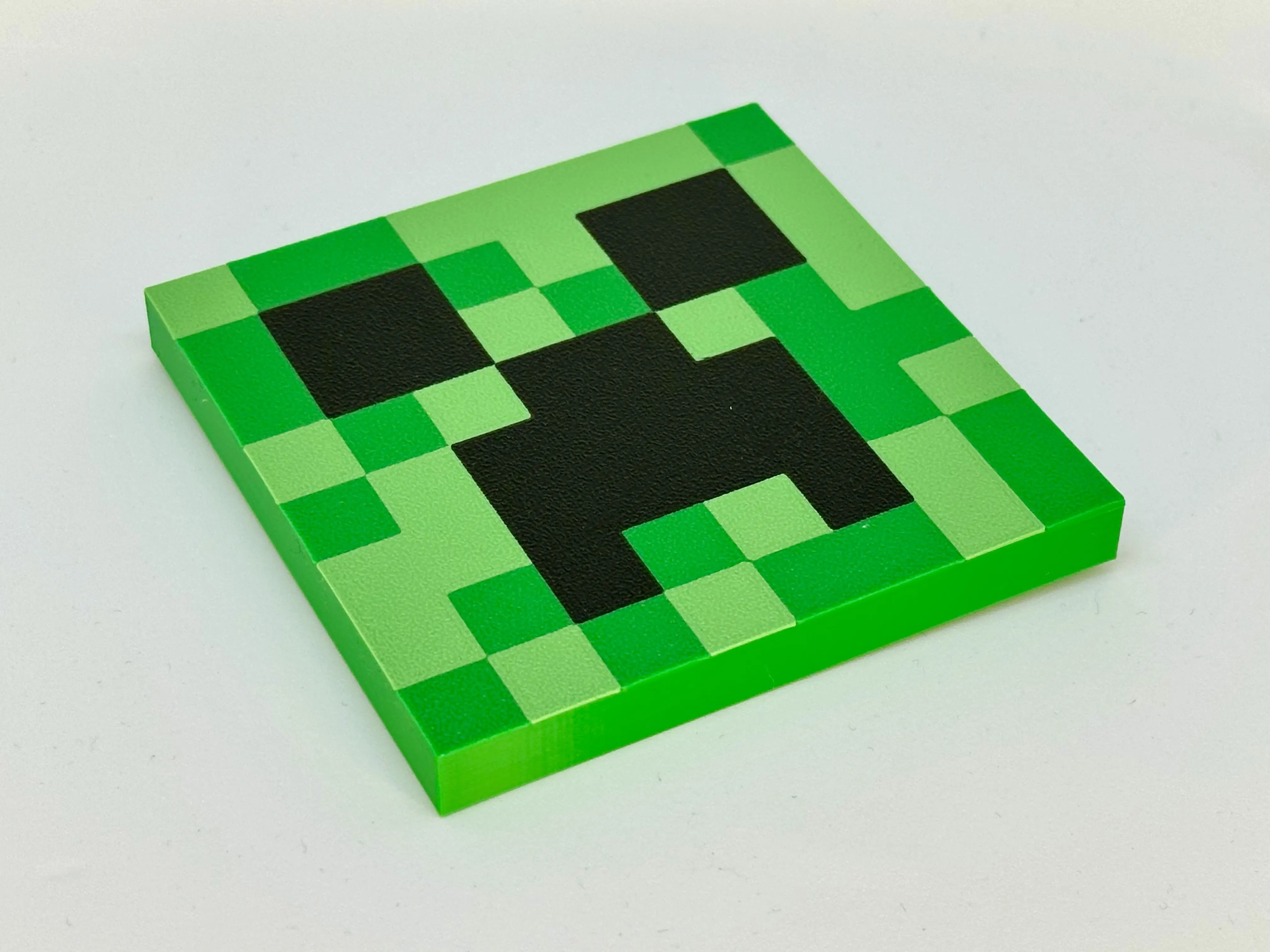
LIVBOJ-Creeper-AMS-3color.3mf
For the print below, I used the following filaments:
 |
|
LIVBOJ-Creeper-manual-3color.stl
A version of the Creeper is available for manual printing without an AMS unit.
This version has a 1-layer (0.16mm) height difference for each of the colors.
This is meant for people with non-Bambu Lab printers, as Bambu Studio does not seem to have an easy way to set this up.
I printed it using organic supports fully auto-generated, and it was easy to remove.
Just be aware of the position of the three pegs on the model.
If you use PrusaSlicer, you can easily add these manual filament changes per layer by following this guide:
https://help.prusa3d.com/article/color-change_1687
You can see an example print below (I used a different color for the base, but that is, of course, not necessary).
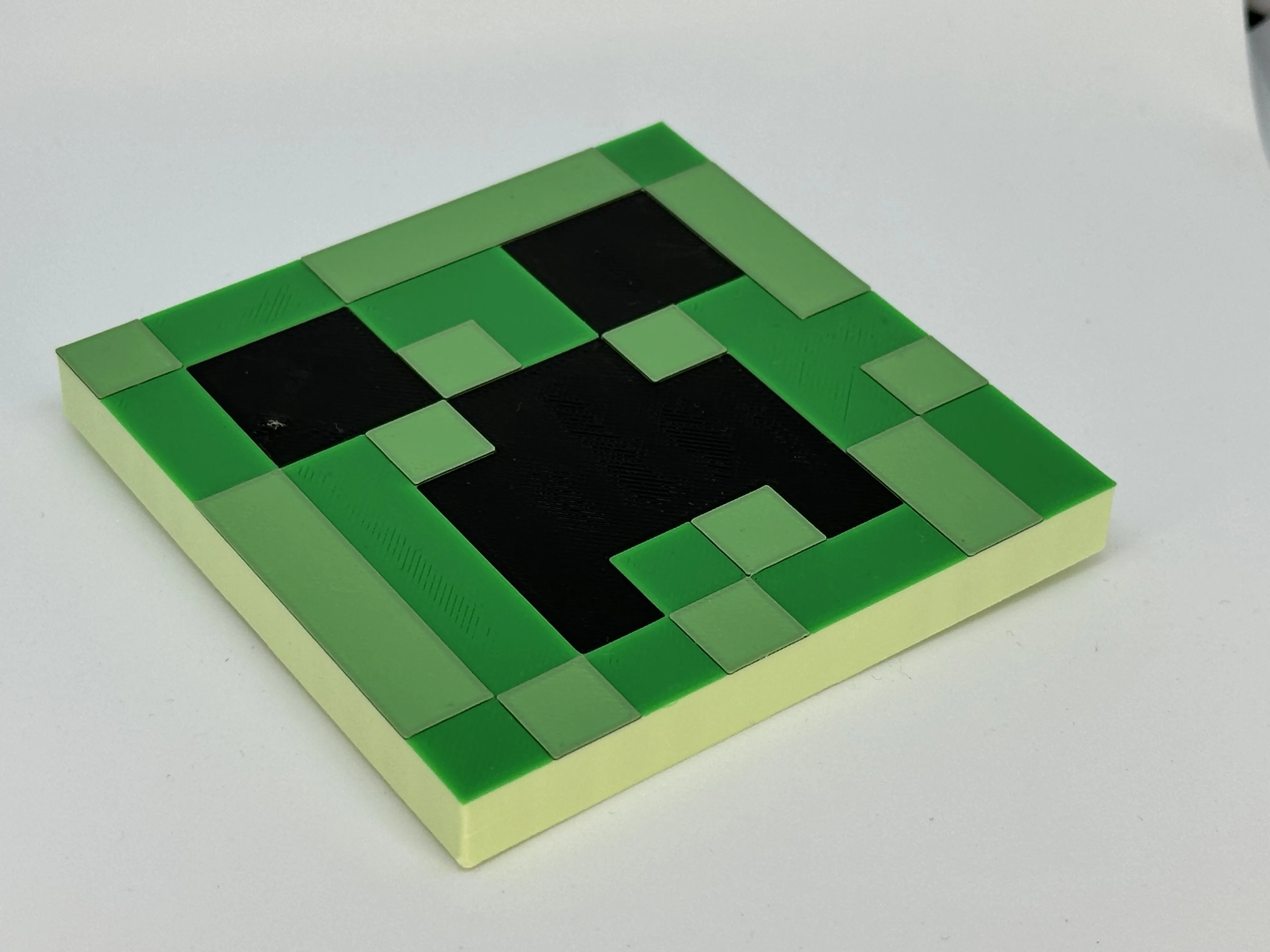 |
|
How to assemble

1. Peel back the rubber pad under the LIVBOJ half way, and unscrew the screw. (Repeat for all 3 pads)
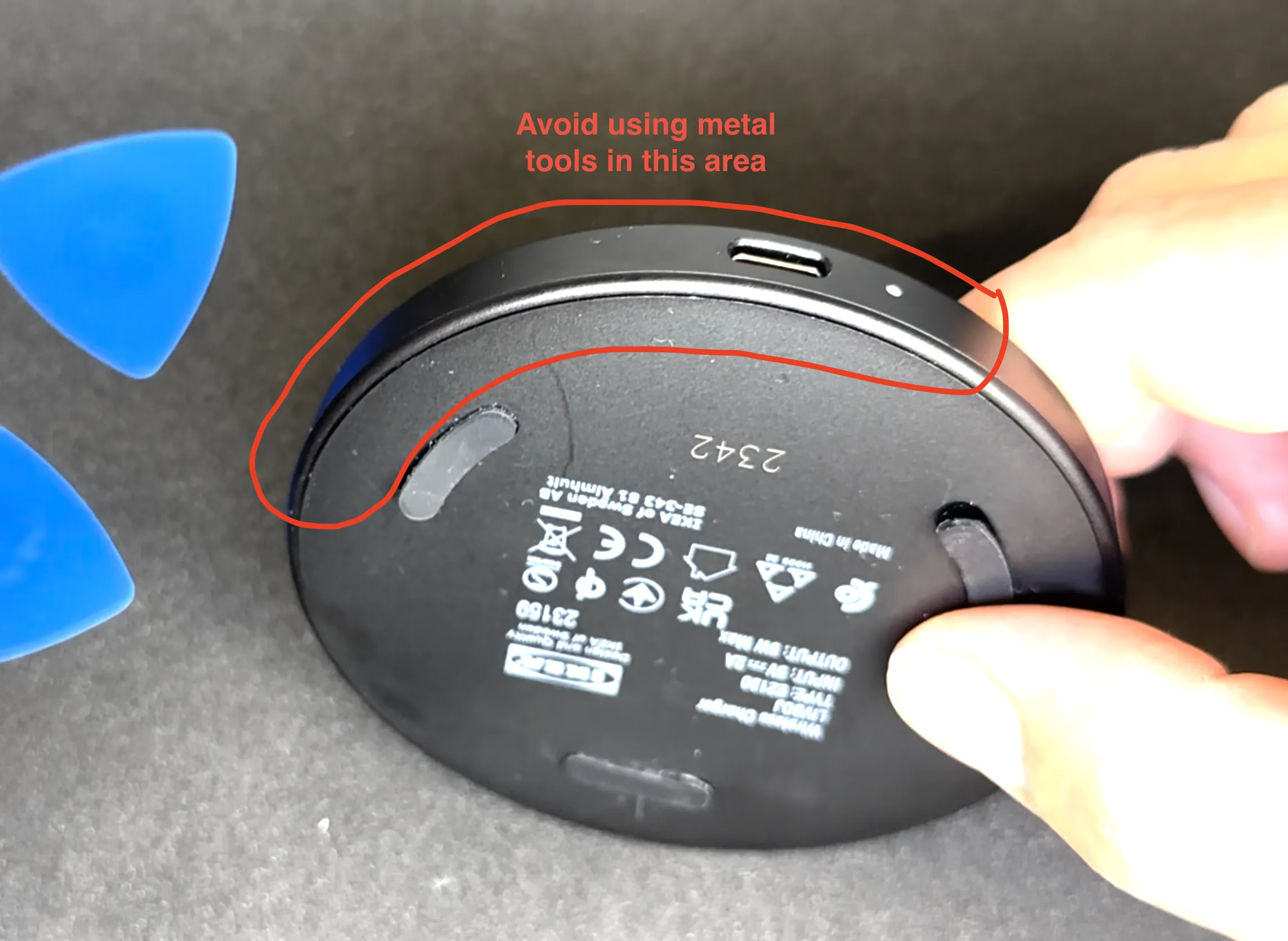

2. Insert a thin preferable plastic item to shim open the LIVBOJ.
- Be aware of the area marked with red as to not damage the mainboard.
3. Locate the USB-C cutout on the creeper top, and align the pin to the hole in the mainboard.
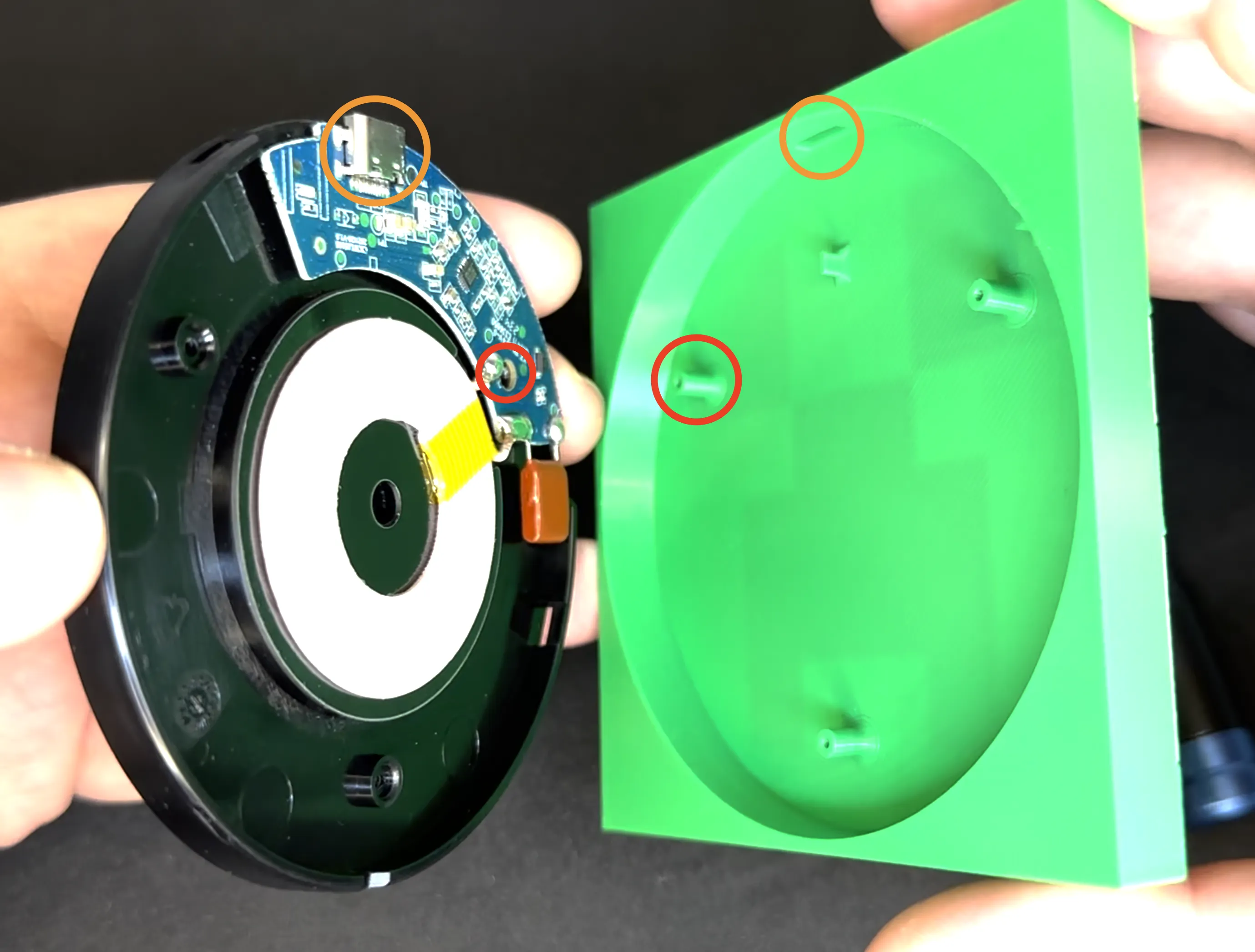
4. Peel back the rubber pad under the LIVBOJ half way, and screw in the screw. (Repeat for all 3 pads)

5. Plug in a USB-C cable to the LIVBOJ and charge your device!

Thank you
Thank you for printing this model!
It's a pleasure to create designs that others enjoy and find useful.
Boost Me (for free)
If you print and like the model a boost is very much appreciated 🙏
License

You shall not share, sub-license, sell, rent, host, transfer, or distribute in any way the digital or 3D printed versions of this object, nor any other derivative work of this object in its digital or physical format (including - but not limited to - remixes of this object, and hosting on other digital platforms). The objects may not be used without permission in any way whatsoever in which you charge money, or collect fees.


Comment & Rating (5)