Search models, users, collections, and posts

Dust Filter for Xtool F1 Laser with HEPA Active
Print Profile(1)

All
P1S
P1P
X1
X1 Carbon
X1E
A1
H2D
H2D Pro
H2S
P2S
H2C
X2D
A2L

0.2mm layer, 15% Gyroid infill, slower speeds
Designer
7.9 h
1 plate
4.9(32)

Open in Bambu Studio
Boost
226
528
54
46
558
272
Released 

Bill of Materials

List other parts
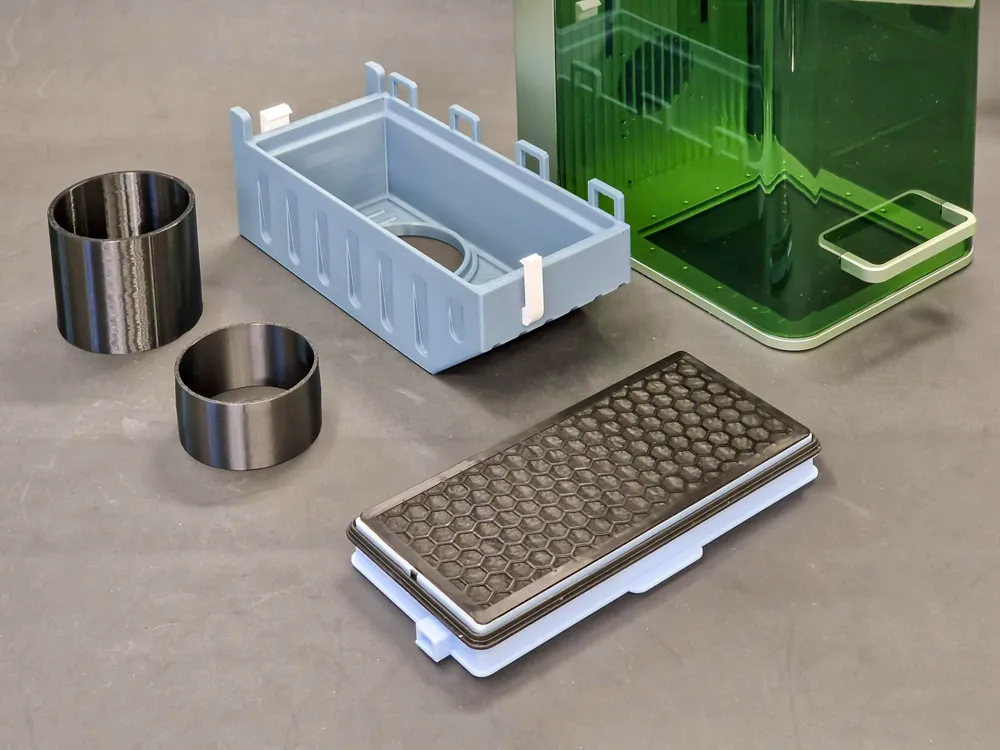
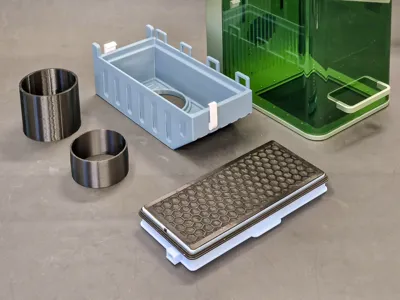
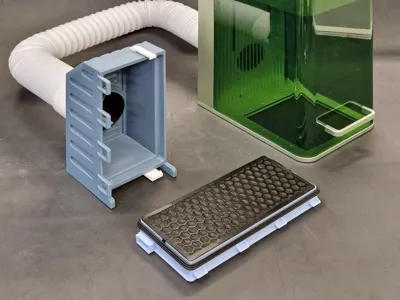
  • Miele SF-HA 50 HEPA Filter x 1: SF-HA 50 or SF-AA 50

Description

Membership

Print & sell my models with this small monthly membership payment.

Join

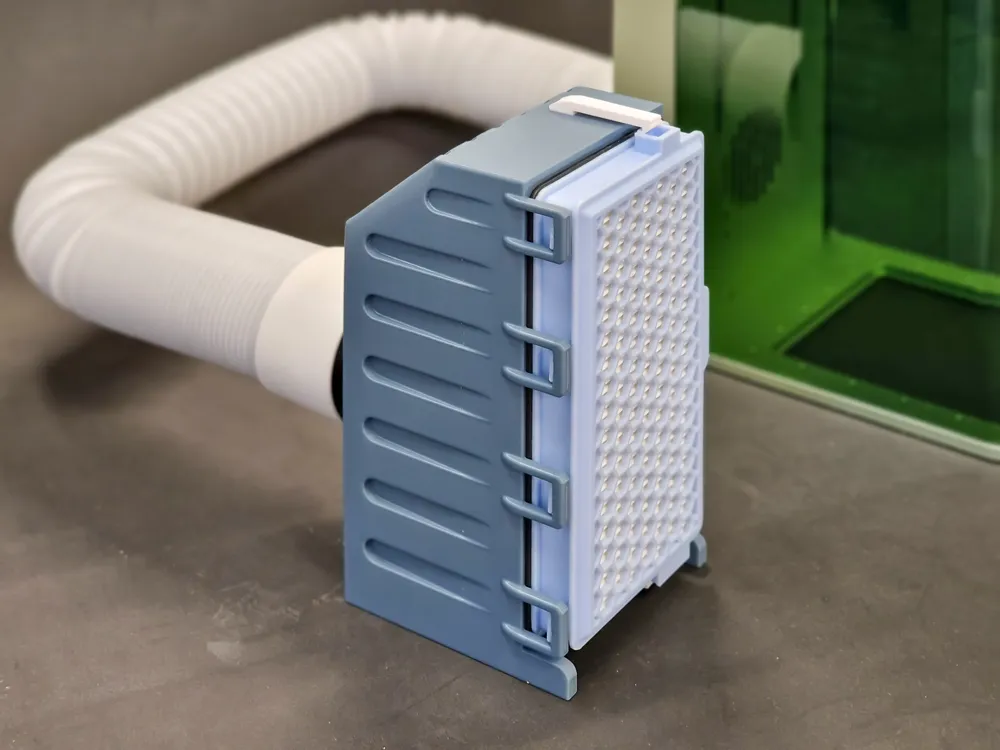
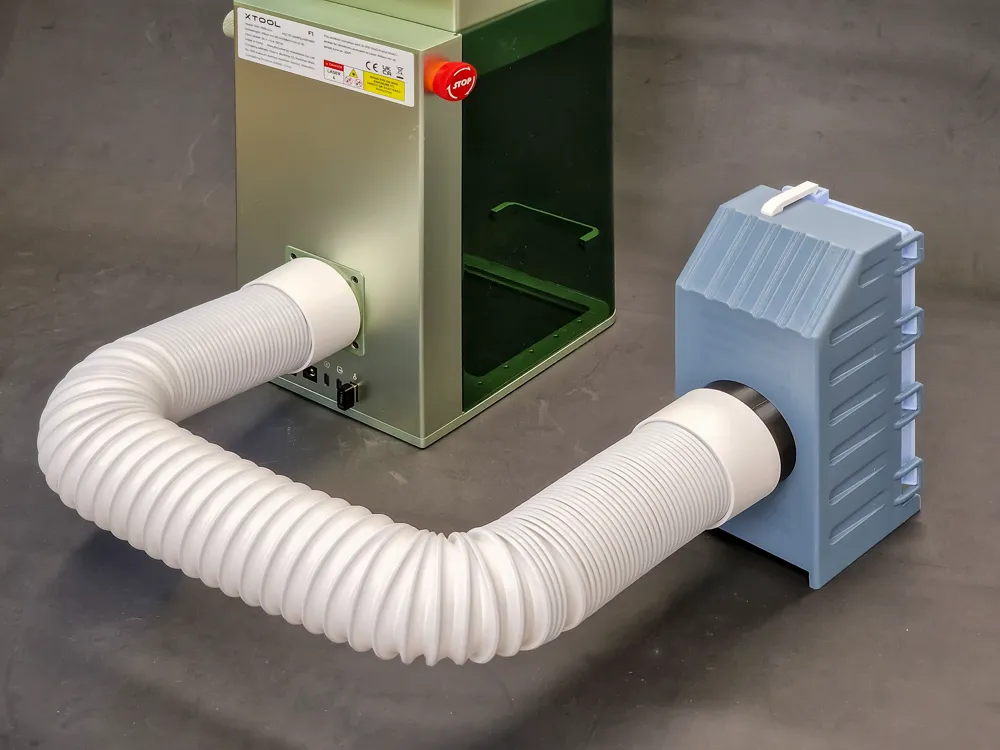
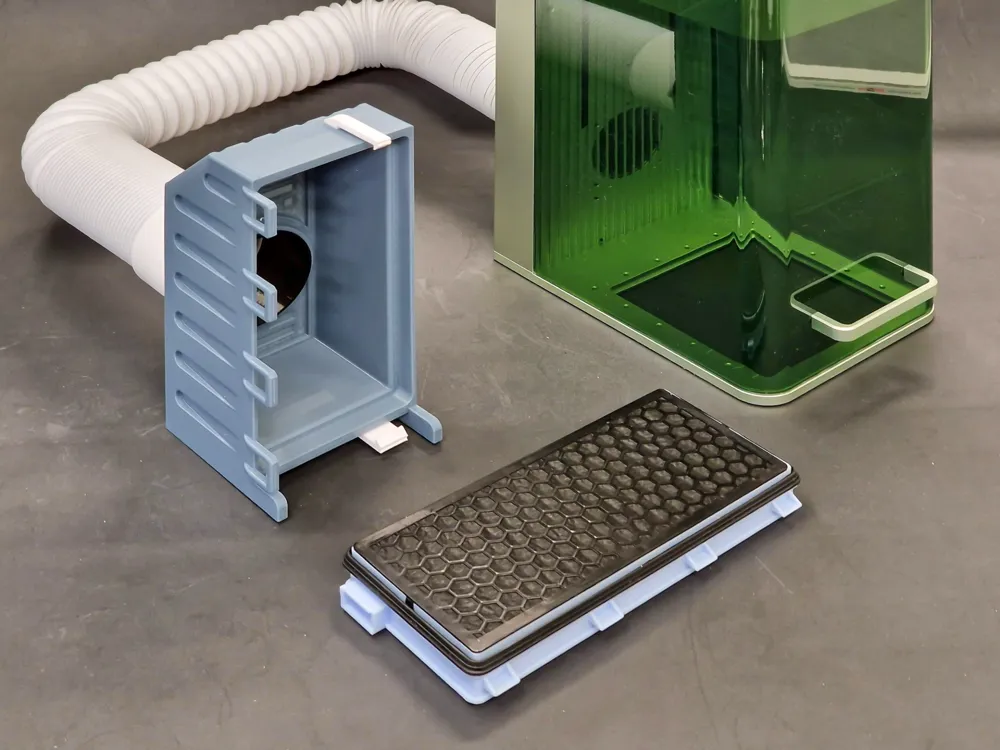
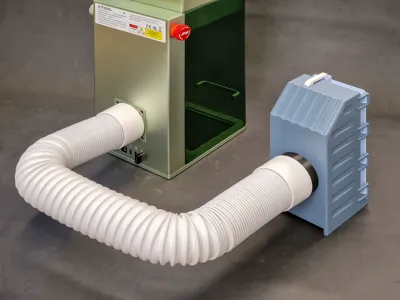
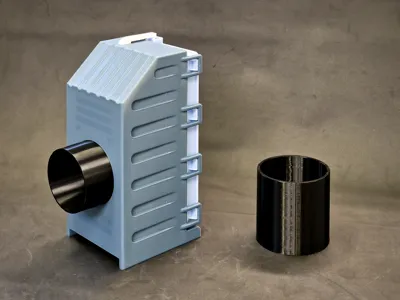
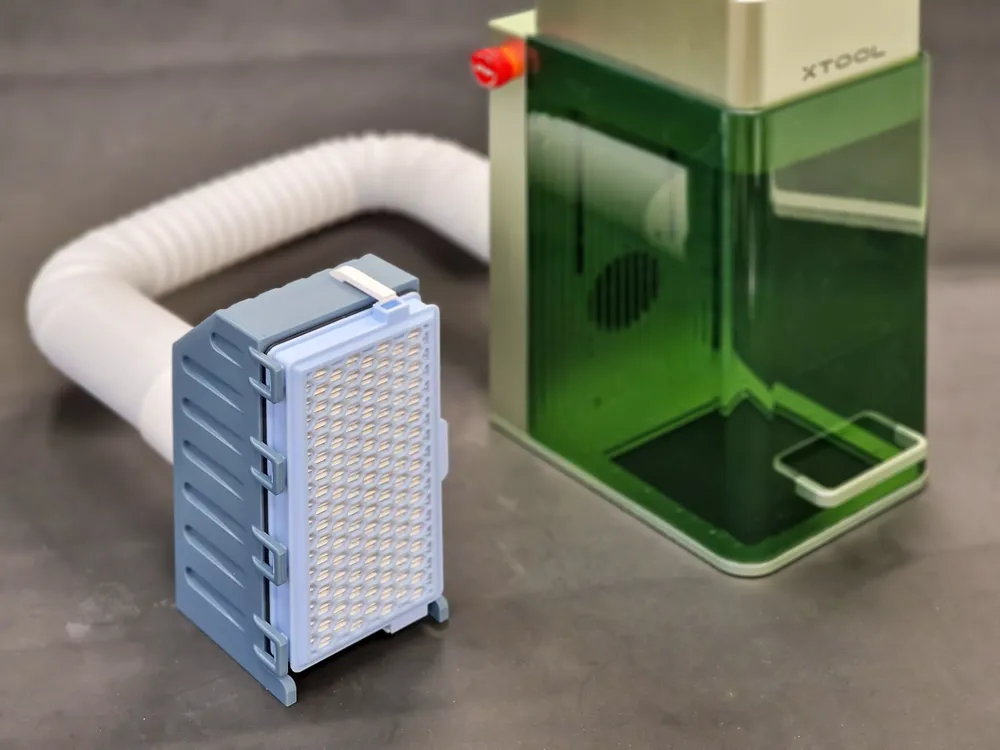
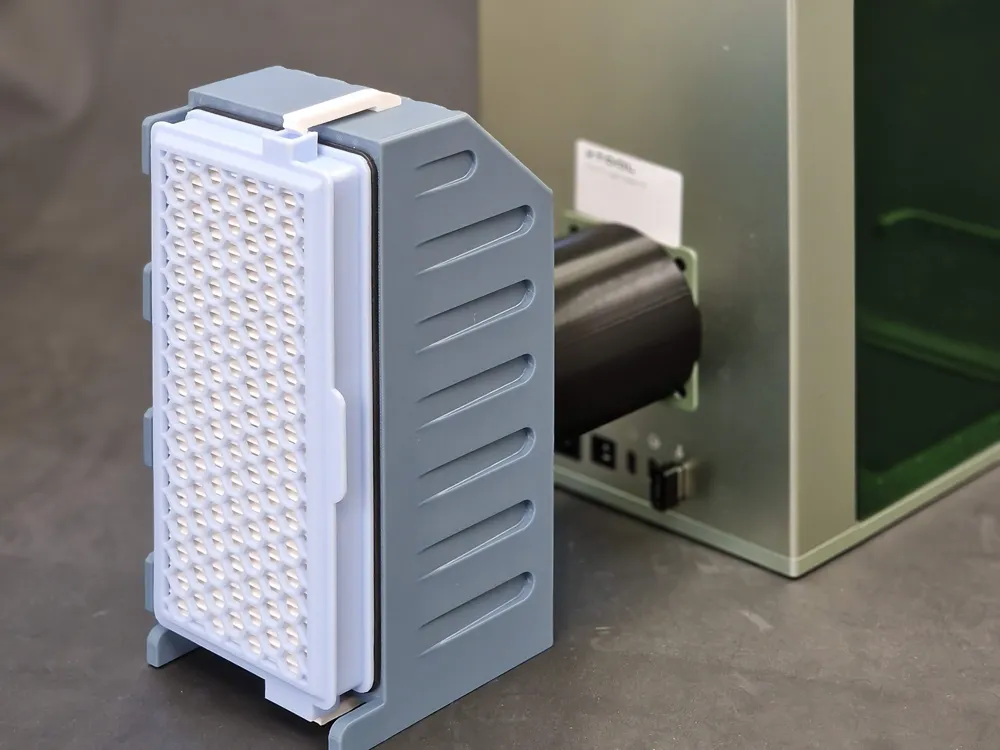
This is compact Desktop Air Purifier for Xtool F1 Laser engraver machine using sandart Miele SF-HA 50 HEPA AirClean or SF-AA 50 filter.
I choose this filter model, because its HEPA Activated coal filter that's mostly available at any store that sells vacuum cleaners.
Search for “SF-HA 50” or look this amazon link here.
Because of its small size, it can't remove all smoke if you do heavy wood engraving or cutting, but it works with all other small jobs.

So you dont need to open window in winter every time you engrave that one small pencil.
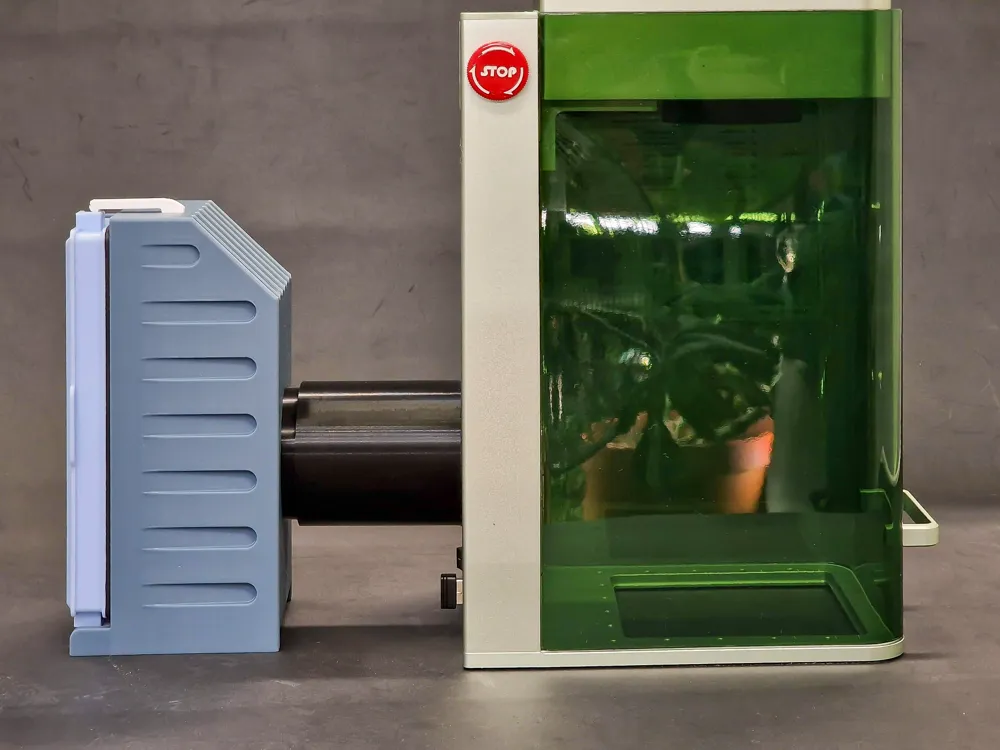
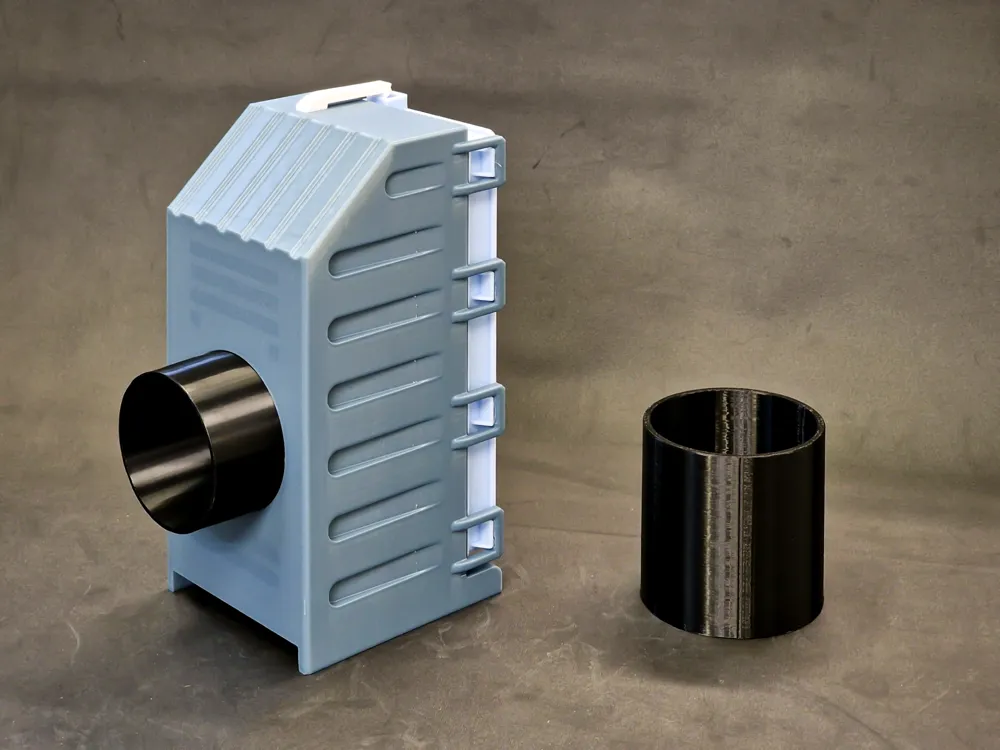
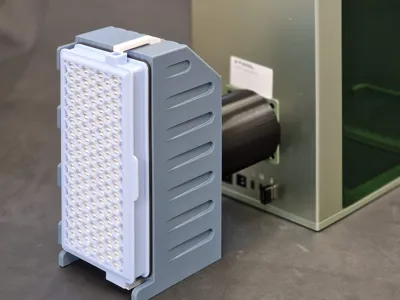
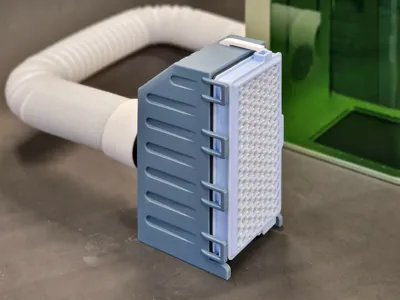
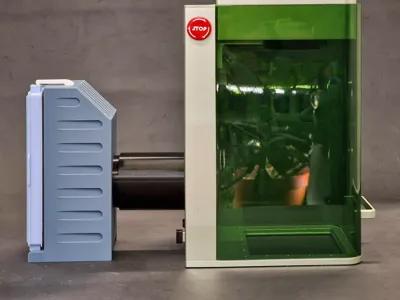
Filter can be attachet directly to F1 at the back with printed tube, or by hose that came with laser.

So you can deselect that bigger tube from printing plate in Bamboo studio if you will use filter only with hose.
I printed this model with Bamboo PETG, and used updated fillament and printing settings from this link ← those are BEST settings for printing PETG ever! Im using those for months now and they are THE BEST. (Thanks Donnie)
Those 2 small hooks are placed for printing sideways to ensure greater durability, and need to be inserted in those square holes on top and bottom of the FilterBox. Use some small hammer or object to push them in.
And there is additional settings cube for stronger hooks on top of the filterbox.


Have a look at my other models too!
 

Comment & Rating (54)

(0/1000)

Is it just me, or is this designed backwards? Airflow should be into the white pre-filter side and out the fine carbon filter side that is on the side with the seal. Running the filter in reverse I would expect will cause about a 20% loss in airflow and increased backpressure into the chamber.
0
Reply
You're not the only one with this thought. I also think the filter needs to be rotated, since the activated carbon is the last line of defense against odors! Perhaps the designer @jakadels should try applying the concept and rotating and adjusting the filter.
(Edited)
0
Reply
That's just a marketing image. airflow on this filter is supposed to go from the gasket side to the nongasket side. note the airflow arrow on this one.
(Edited)
1
Reply
Replying to @gadmek :
Actually that’s the way filters are designed, especially HEPA filters. Try again.
0
Reply
An update. Unfortunately, the housing with the opening does not fit the new F2, as the fan is located further down than in the F1. Perhaps you would be interested in modifying it for the F2 or designing it so that the air filter box can be attached completely vertically at the back, as shown in my photo below, just turned upwards. I have now turned the fan sideways and attached it completely to the back of the F2's outlet, which was the simplest and quickest solution, but not the prettiest. :-) Attached are a few pictures. Regards
Show original
0
Reply
Hi. Im still waiting on my Xtool F2 but i read your comment and make adapter from F1 to F2. Print, try and give feedback it works or not ;) I made 10mm higher based on your photos. https://makerworld.com/en/models/2067936-adapter-dust-filter-for-xtool-from-f1-to-f2-model#profileId-2233247
0
Reply
Hello @Artek3DPrint, I will print it in the next few days and then give you feedback Thank you very much
Show original
0
Reply
Printed in Sunlu PLA+ green...the fit seems great...and love that it can also fit it without the hose...now just waiting on the filters to arrive tomorrow to try out my new F1...
(Edited)
The designer has replied
1
Reply
thank you for pics.. I also use it without hose, because hose takes up a lot of space, and i feel like those ventilators push more air without hose (i think because hose is ribbed, and air dont go through smoothly enough)
1
Reply
Boosted
Awesome Print, worked flawlessly even for a very beginner. I used Bambu PLA Matte White. I went back and forth over what filter to get because the ones linked are in another country. For anyone in the USA i got these filters which fit awesome: https://amzn.to/4alWOre Only thing was the fit of the coupler was a little loose on the F1 exhaust so I put 1 strip of tape and it fit nice and snug with no leaks.
(Edited)
The designer has replied
0
Reply
thank you for sharing pictures :)
0
Reply
Print Profile
0.2mm layer, 15% Gyroid infill, slower speeds
Printed out Phenomenal! Using this and a ninety degree plentum I printed for my wife’s WeCreat.
0
Reply
Print Profile
0.2mm layer, 15% Gyroid infill, slower speeds
awesome print
0
Reply
Boosted
Very great with ABS GF. However, the connections at the bottom and top were 2-4mm too long, so I had to shorten them to get a good hold
Show original
0
Reply
Hi. Based on comment section, probably new model Xtool F2 has lower fan exhaust so i made a new adapter from f1 to F2. Can i leave link for my project in your comment section? If not, delete my comment :) https://makerworld.com/en/models/2067936-adapter-dust-filter-for-xtool-from-f1-to-f2-model#profileId-2233247
4
Reply
Print Profile
0.2mm layer, 15% Gyroid infill, slower speeds
Printed with PETG. Came out great. Did not do a great job of filtering.
1
Reply
i must say the same it is quite weak, but i was just commenting the other similar design that maybe if they added an adapter so we could add 2-3 filters on top of each other? not shure if it would help but theoretically it should help?
0
Reply
Thanks a lot! I'm doing it right now. But I don't know why : if I launch your file directly, I always get a Z issue and the print doesn't start. So I took all the part and make a new project and now it's printing. I have a P1S. Not sure what's causing that issue...
The designer has replied
0
Reply
hmm interesting.. i also have p1s... just downloaded file from web.. opened, sliced sent to printer and everything is ok.. tried to change plates... cant find any issue... but thats good that you found a solution..
0
Reply

License

If you want to use this model commercially, please join my membership.
Join Now
This user content is licensed under a Standard Digital File License.

You shall not share, sub-license, sell, rent, host, transfer, or distribute in any way the digital or 3D printed versions of this object, nor any other derivative work of this object in its digital or physical format (including - but not limited to - remixes of this object, and hosting on other digital platforms). The objects may not be used without permission in any way whatsoever in which you charge money, or collect fees.