
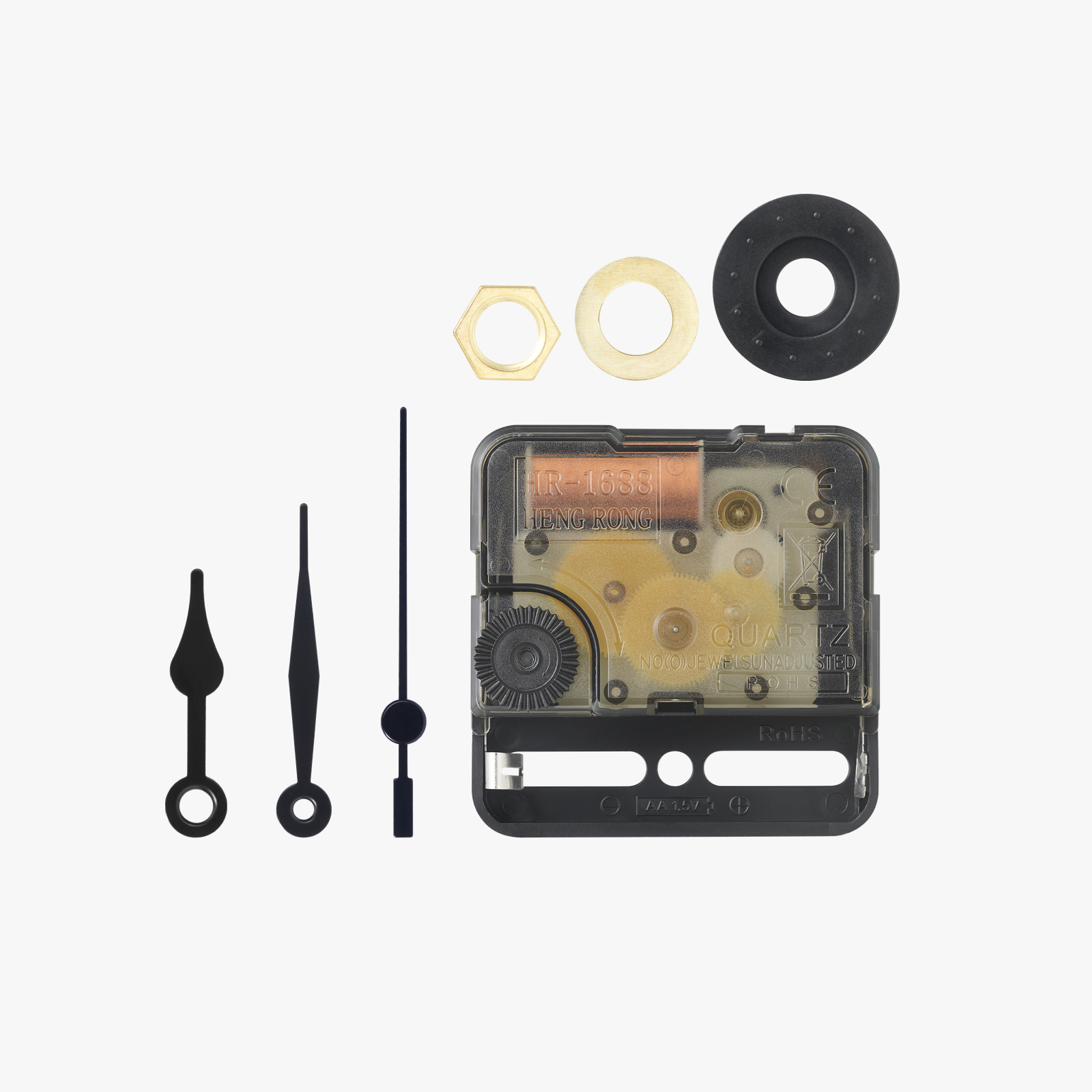
Clock Components Kit 011 - Pretty Clock


Print Profile(3)


Bill of Materials



Description
Pretty little table clock that works with the Bambu Lab Clock Components Kit 011.
All the parts assemble without tools, only the hour markings hold on the dial with a dot of glue.
Filaments used:
- Bambu PLA Matte Ice Blue
- Elegoo PLA White
- Geeetech PLA Silk Gold
Printing Tips:
- Each plate contains pieces of the same color
- The 4th plate contains only the Plain dial, without the Giroid aspect of the infill. For those who prefer this one: deactivate the dial of plate No. 2 and print only the other parts
- To print the seconds hand which is optional, MUST use a 0.2 mm nozzle
- Do not copy objects from one plate to another because the properties will no longer be respected
- to deactivate an object in Bambu Studio: on the left in the "Process" section go to "Object" and uncheck the parts that you do not wish to print.
______________
Jolie petite horloge de table qui fonctionne avec le Clock Components Kit 011 de Bambu Lab.
Toutes les pièces s'assemblent sans outils, seuls les marquages des heures tiennent sur le cadrant avec un point de colle.
Filaments utilisés :
- Bambu PLA Matte Ice Blue
- Elegoo PLA White
- Geeetech PLA Silk Gold
Conseils pour l'impression :
- Chaque plateau contient les pièces d'une même couleur.
- Le 4ème plateau contient uniquement le cadrant Uni, sans l'aspect Giroïde du remplissage. Pour ceux qui préfère celui-ci : désactiver le cadrant du plateau N°2 et imprimer seulement les autres pièces
- Pour imprimer l'aiguille des secondes qui est facultative, utiliser IMPÉRATIVEMENT une buse de 0.2 mm
- Ne pas copier les objets d'un plateau sur un autre car les propriétés ne seront plus respectées
- pour désactiver un objet dans Bambu Studio: à gauche dans la partie "Traiter" passer sur "Objet" et décocher les pièces que vous ne souhaitez pas imprimer.
Boost Me (for free)
If you like it, Boost it (Free)
Assembly - Assemblage :
Very simple, just follow the photos - Très simple, il suffit de suivre les photos


License

You shall not share, sub-license, sell, rent, host, transfer, or distribute in any way the digital or 3D printed versions of this object, nor any other derivative work of this object in its digital or physical format (including - but not limited to - remixes of this object, and hosting on other digital platforms). The objects may not be used without permission in any way whatsoever in which you charge money, or collect fees.


Comment & Rating (147)