
Print Profile(2)


Description
Boost Me (for free)
🚀If you like this model, please give it a 🚀Boost, your support is greatly appreciated.
🚀设计不易,求打赏支持,谢谢!
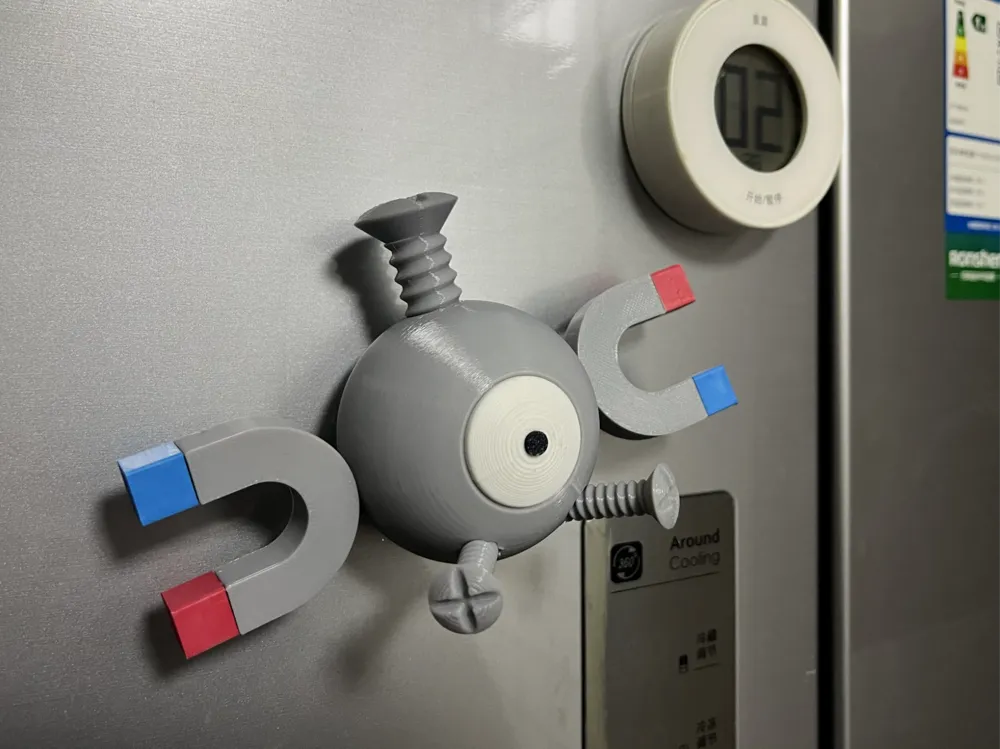
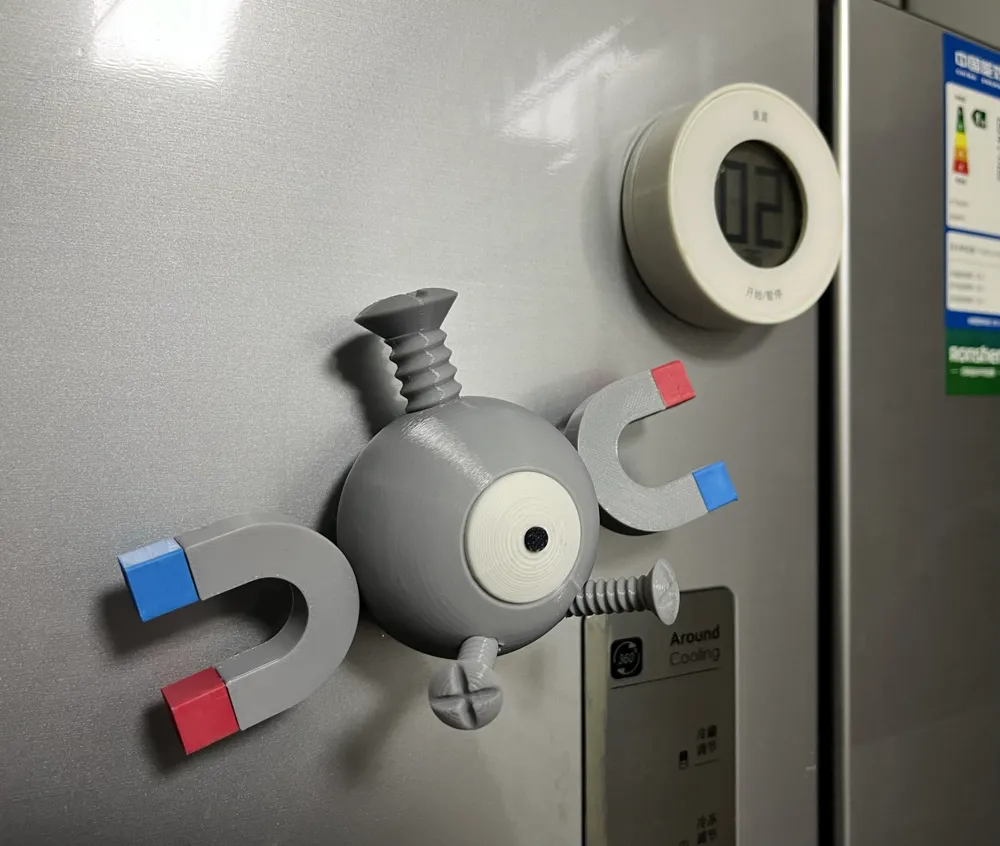
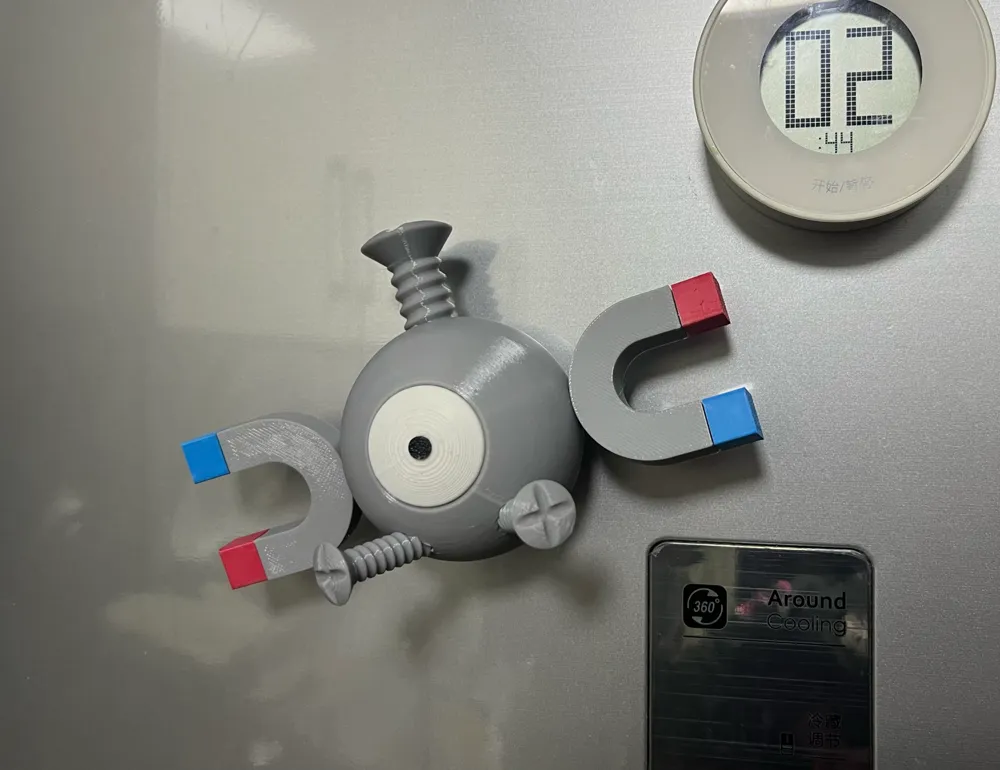
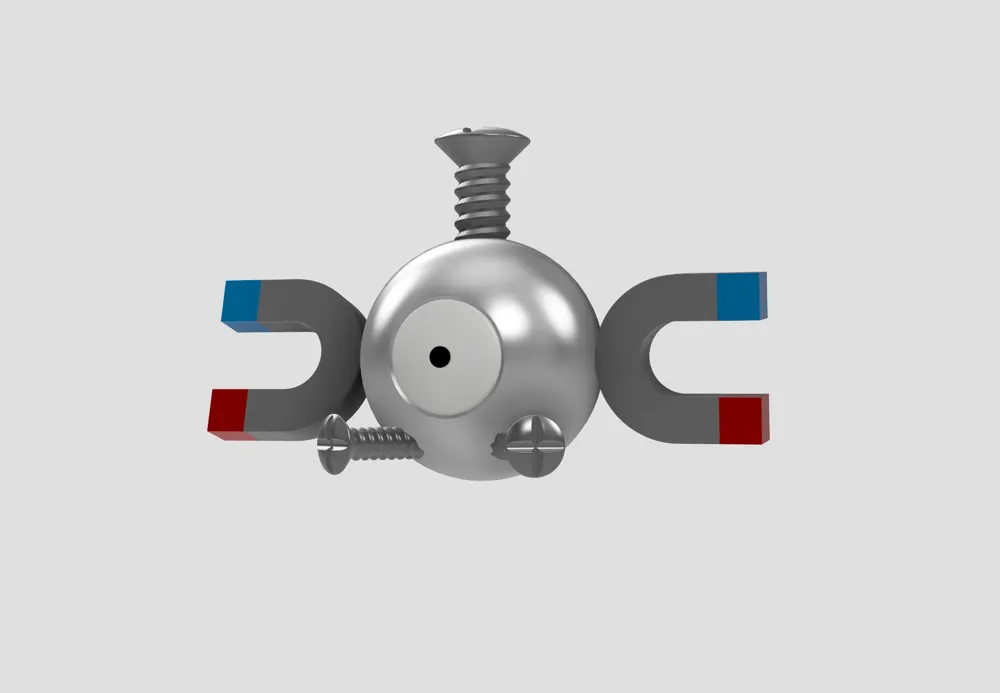
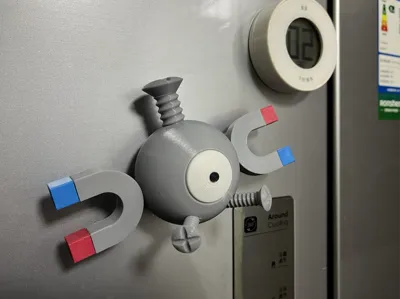
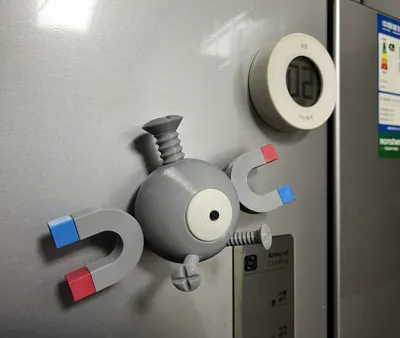
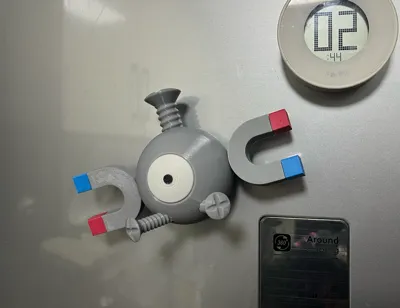
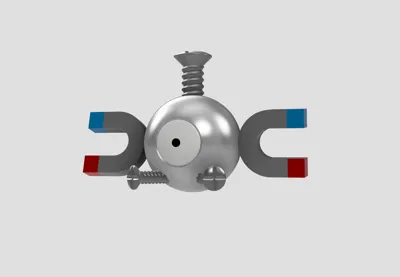
Magnemite is a magnet Pokémon, and its magnetic traits are in line with the theme of this competition. Therefore, I designed a fridge magnet in the shape of Magnemite.
I modeled it using Fusion 360 and had printed and tested it to ensure compatibility with most 3D printers. The only additional part needed is a 15*5mm round magnet, which needs to be glued in place. All other parts can be assembled directly.
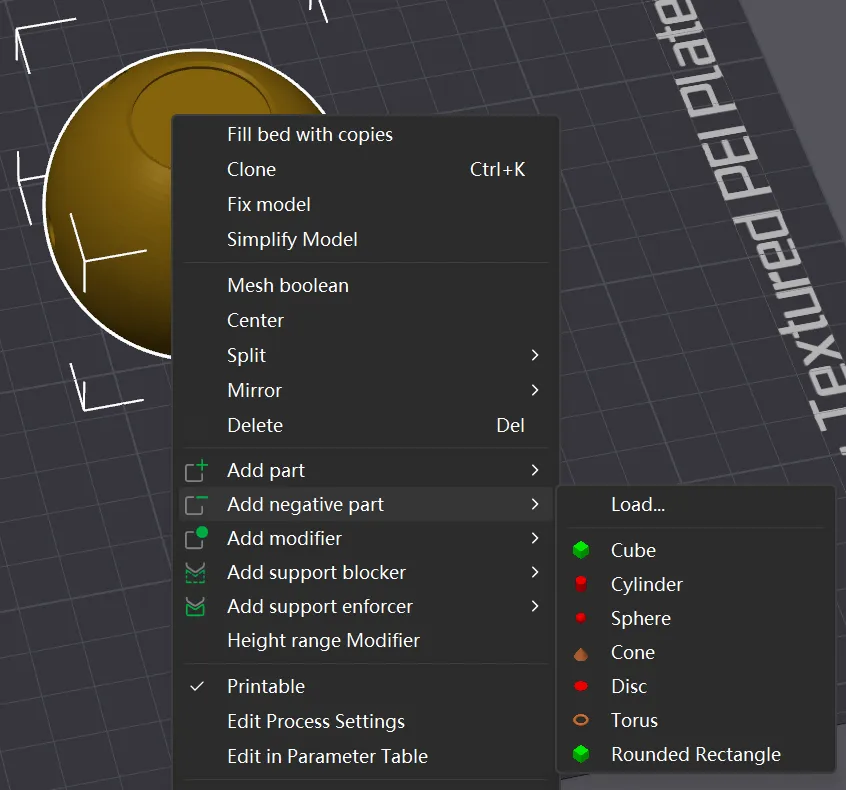
I have also provided an STL file that does not include a magnet installation slot at the bottom of the body. In Bamboo Studio, create a negative part that matches the dimensions of the magnet you currently possess to form the installation slot. Do not forget to add supports (only the magnet slot in the body requires support).
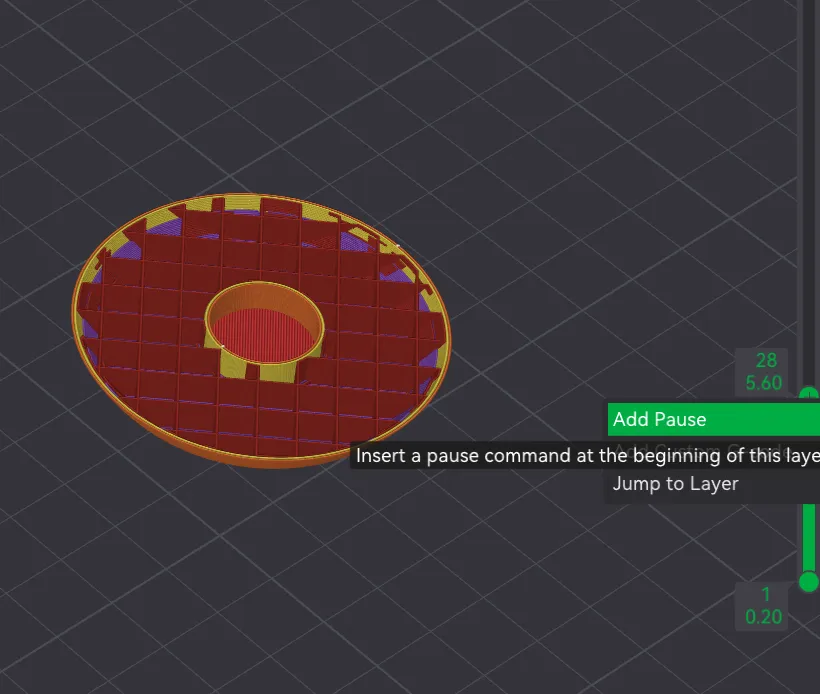
For those with more experience, you can try adding a negative part and setting a pause in the slicing file to pre-bury the magnet, allowing for a perfectly hidden placement. However, be careful to replace it with a larger magnet to ensure sufficient magnetic force.
Filament recommendation:
Bambu Labs PLA Basic Jade White(10100)
Bambu Labs PLA Basic Black(10101)
Bambu Labs PLA Basic Silver(10102)
Bambu Labs PLA Basic Gray(10103)
Bambu Labs PLA Basic Red(10200)
Bambu Labs PLA Basic Cyan(10603)
----------------------------------------------------------------------------------------
小磁怪是一只磁铁宝可梦,磁铁的特点很符合本次竞赛的主题,于是我设计了小磁怪冰箱贴。
我使用Fusion 360对其进行建模,并经过打印和测试,以便于适用于大多数打印机。除了需要一块15*5的圆形磁铁使用胶水粘合,其他部件都可以直接组装。
我还提供了身体底部没有磁铁安装槽的STL文件,你可以在Bamboo Studio中,根据你手上现有的磁铁尺寸来添加一个负零件来生成磁铁的安装槽,并给它添加支撑(身体部分只有磁铁槽需要支撑)。
对于有经验的人可以选择添加负零件然后为切片文件设置暂停来预埋磁铁,这样可以做到磁铁完美隐藏,但需要注意更换成磁力更大的磁铁。
耗材建议:
Bambu Labs PLA Basic 白色(10100)
Bambu Labs PLA Basic 黑色(10101)
Bambu Labs PLA Basic 银色(10102)
Bambu Labs PLA Basic 灰色(10103)
Bambu Labs PLA Basic 红色(10200)
Bambu Labs PLA Basic 青色(10603)
License

You shall not share, sub-license, sell, rent, host, transfer, or distribute in any way the digital or 3D printed versions of this object, nor any other derivative work of this object in its digital or physical format (including - but not limited to - remixes of this object, and hosting on other digital platforms). The objects may not be used without permission in any way whatsoever in which you charge money, or collect fees.


Comment & Rating (36)