Search models, users, collections, and posts

Print Profile(1)

0.2mm layer, 2 walls, 15% infill
Designer
37 min
1 plate
Open in Bambu Studio
Boost
13
13
1
2
44
18
Released
Description
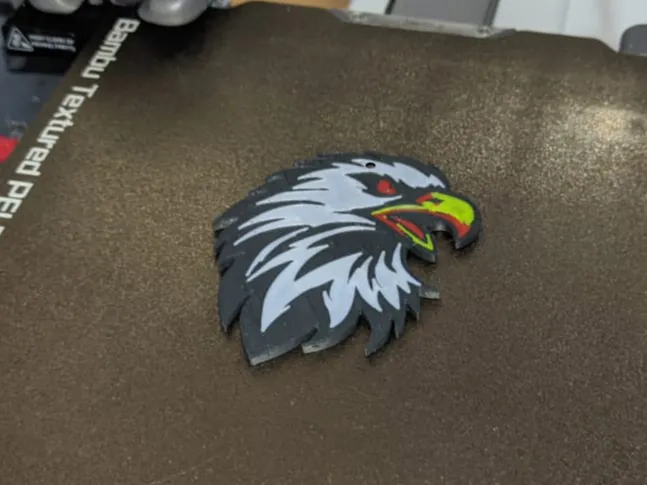
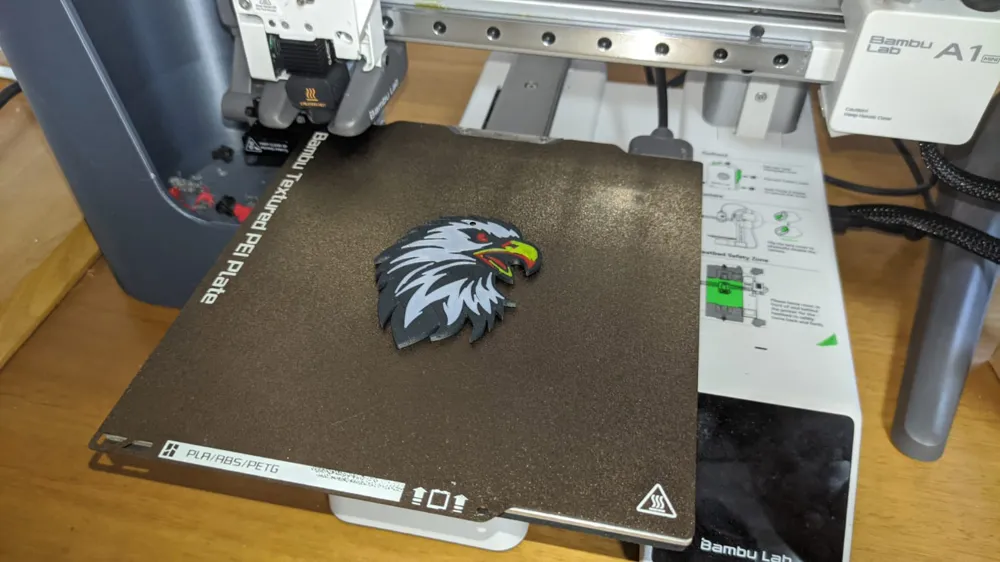
Eagle multicolor keychain.
This example can be used to study (when opening the project in the PC program), how to solve the problem when importing multicolor svg, that the top layer is not completely smooth. The solution is to add a cube above the height of the painted object, cut from the negative of the original svg.
License

This user content is licensed under a Standard Digital File License.
You shall not share, sub-license, sell, rent, host, transfer, or distribute in any way the digital or 3D printed versions of this object, nor any other derivative work of this object in its digital or physical format (including - but not limited to - remixes of this object, and hosting on other digital platforms). The objects may not be used without permission in any way whatsoever in which you charge money, or collect fees.


Comment & Rating (1)