
Atari 65XE / 130XE - Kit Card

Print Profile(3)


Description
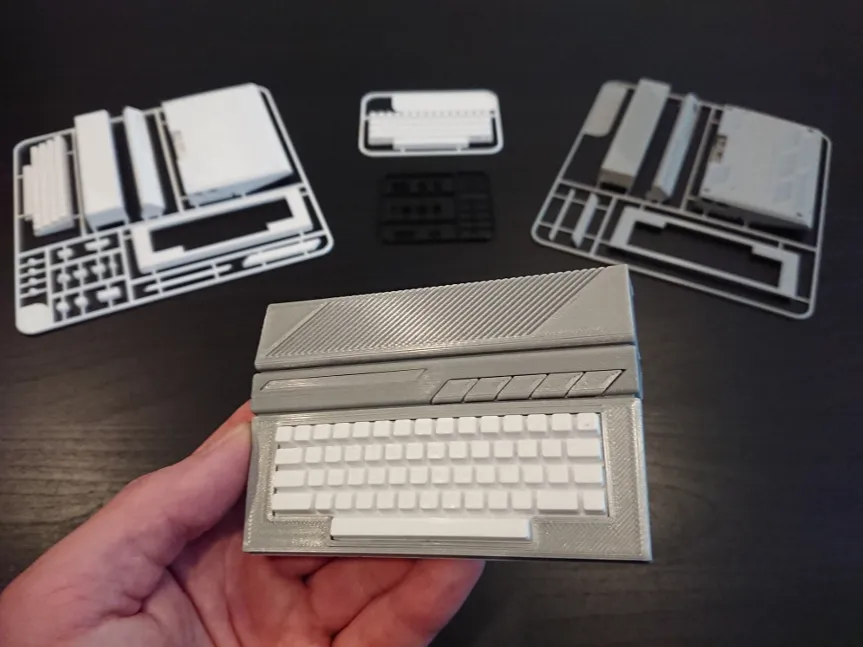
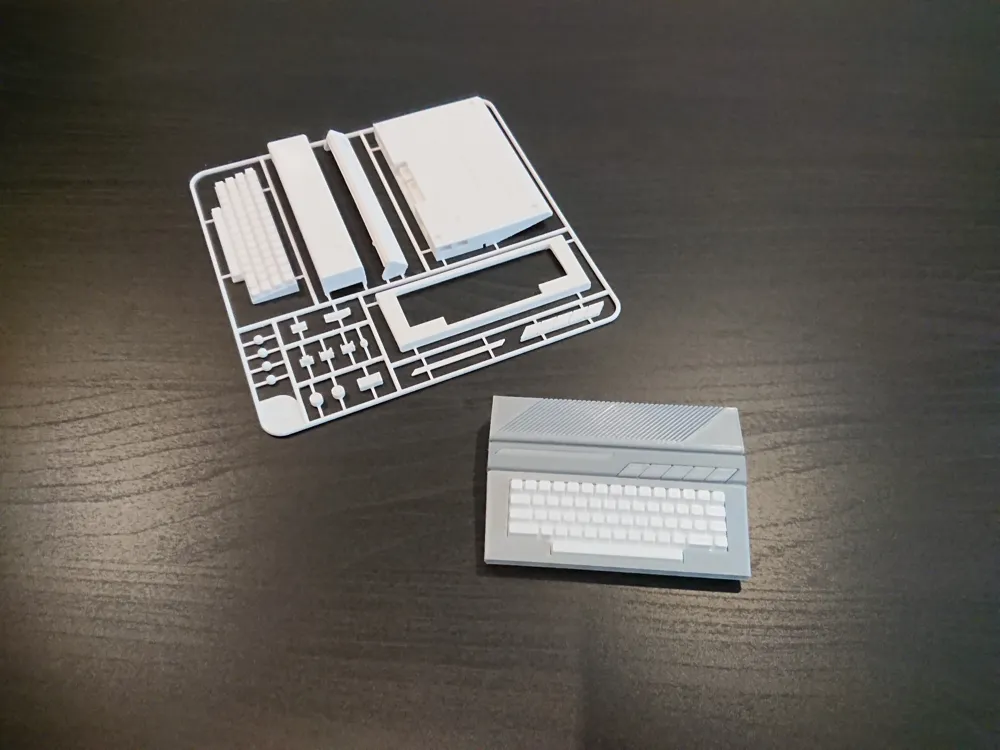
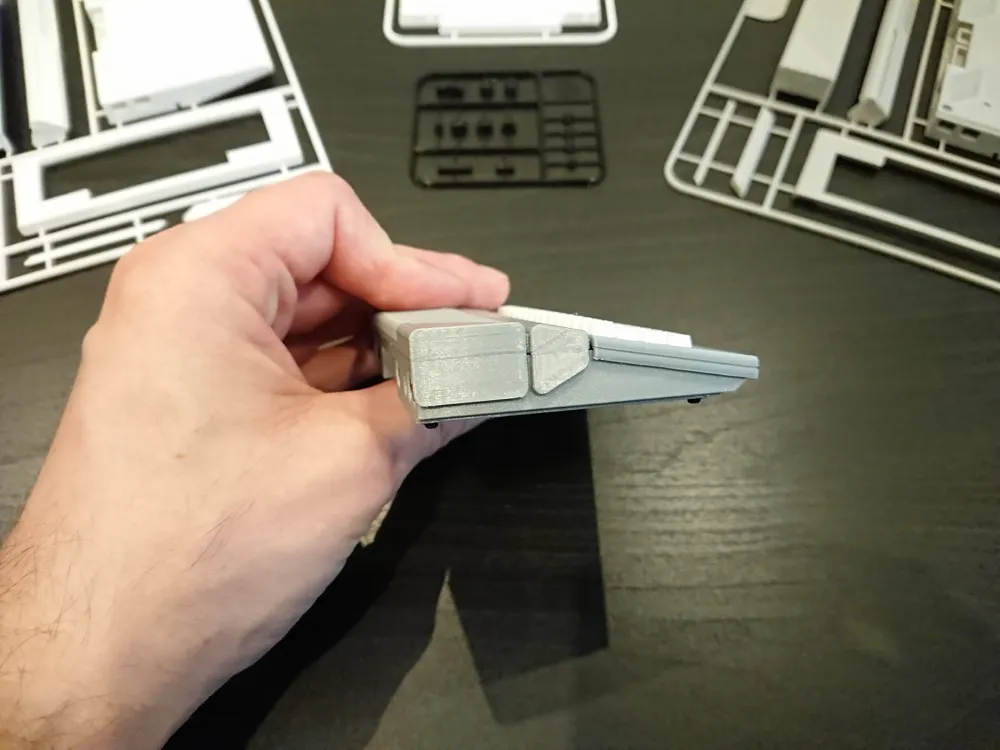
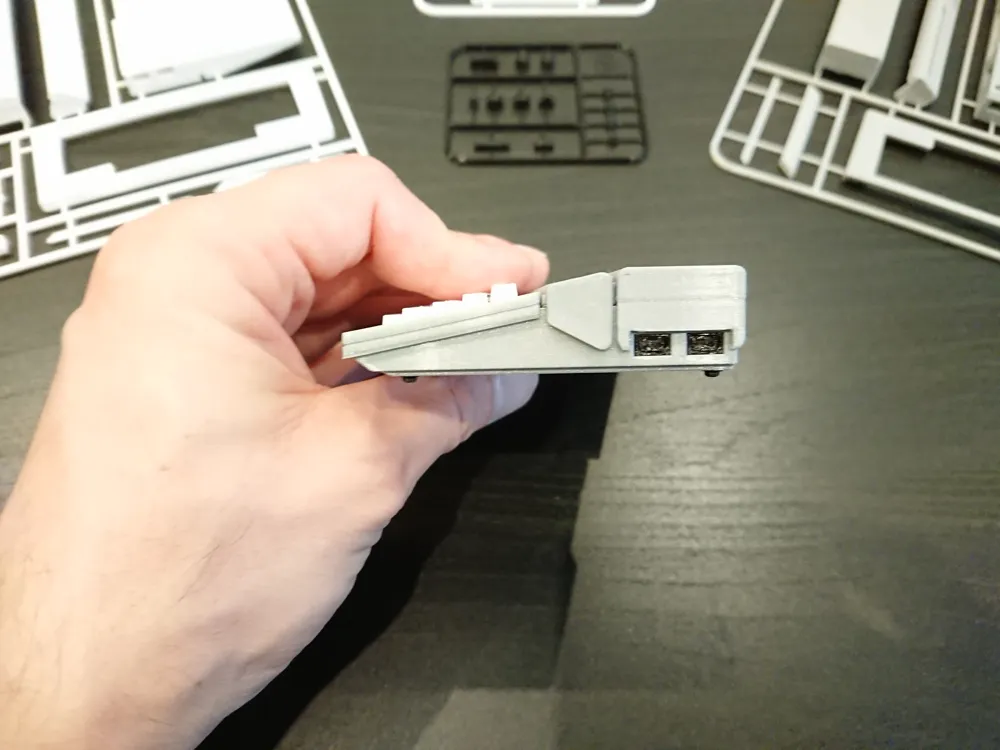
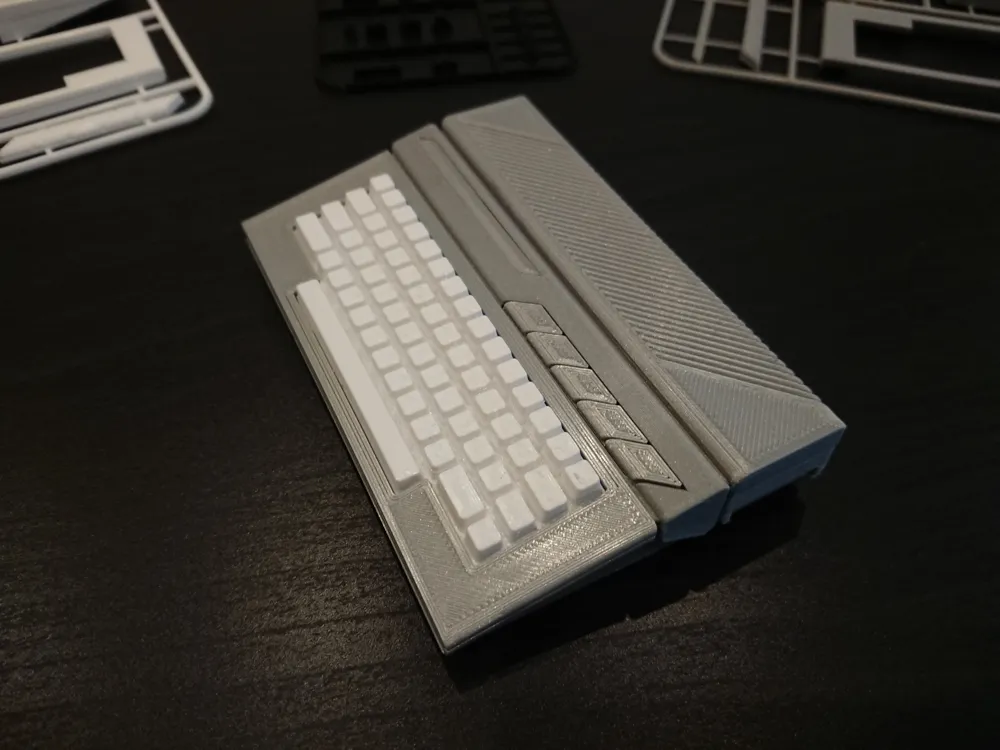
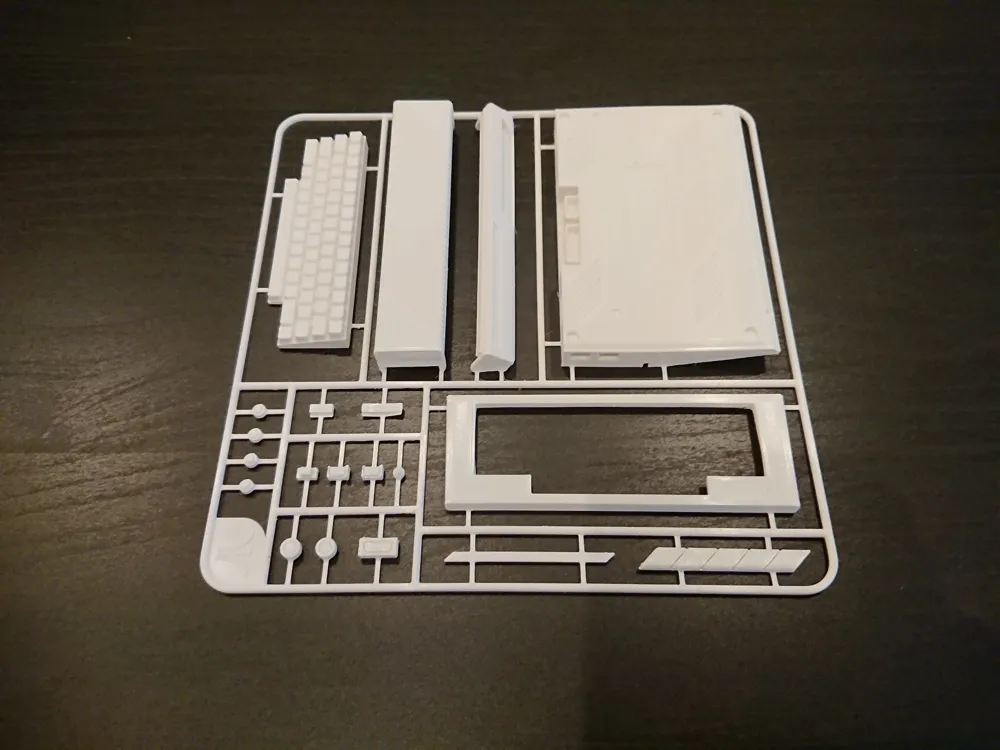
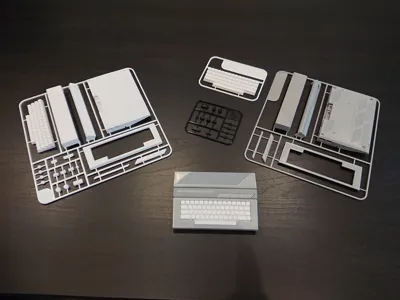
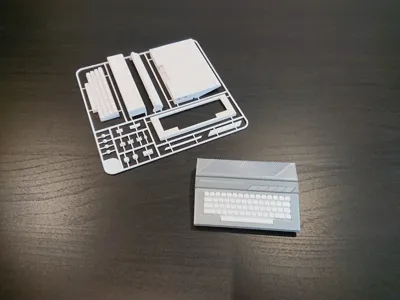
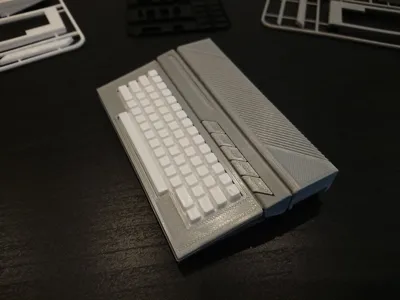
Finally I finished this kit card model. Unexpected challenge due to it complicated shape compared to its biggest competitor :)
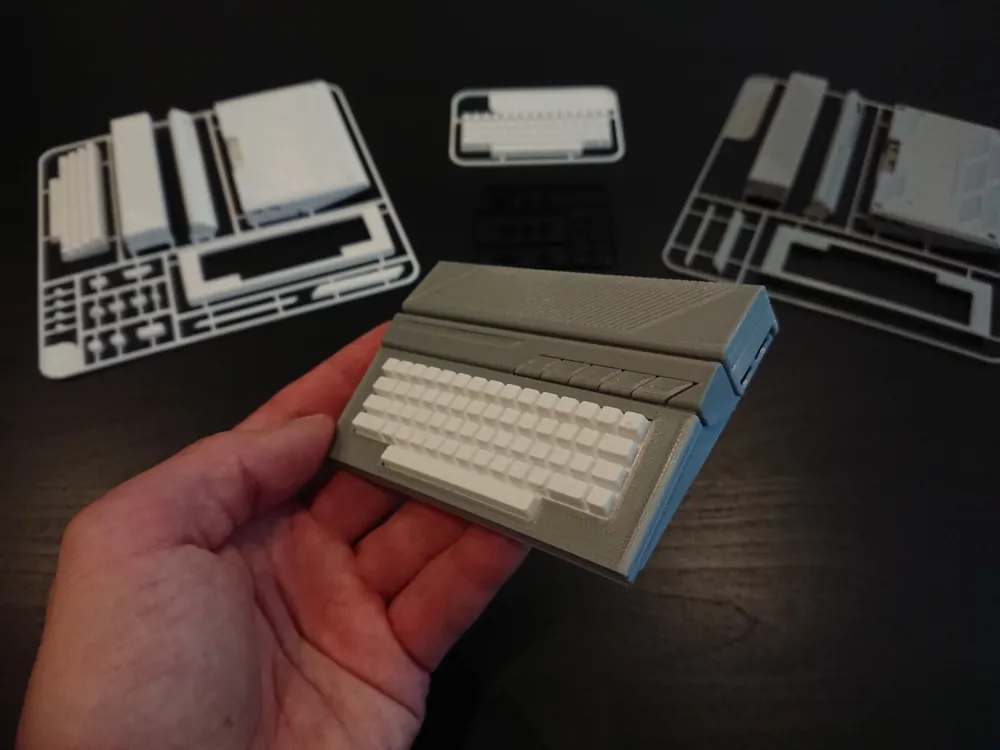
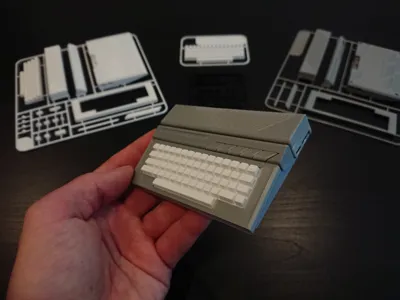
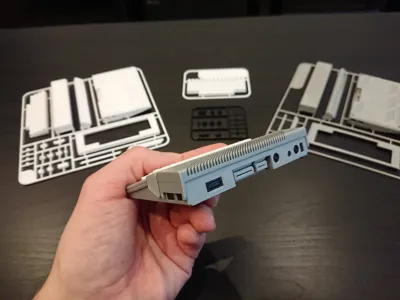
Ladies and gentelmen – the second most iconic representat of 8-bit gaming era – Atari 65XE / 130 XE in the form of DIY kit card!
Check my other models if you are interested in having them both – Commodore 64 kit card model is also available :)
If you have good memories related to this little fella, if you are interested in retro-gaming, love old computers, you are modeler or looking for little gift for one – this model is for you! :)
This kit card is in the same scale as Commodore 64 model so they will look great side by side.
About the model.
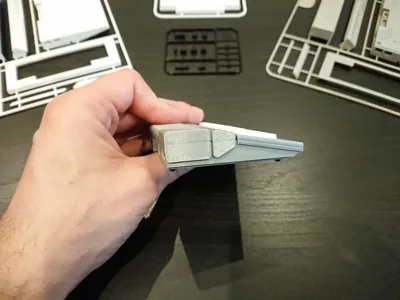
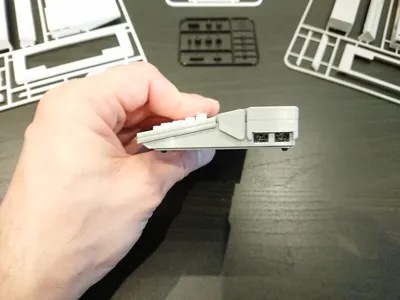
102.5mm x 68mm x 18.9mm. Kit cards are small enough to fit Bambu A1 MINI and Prusa MINI.
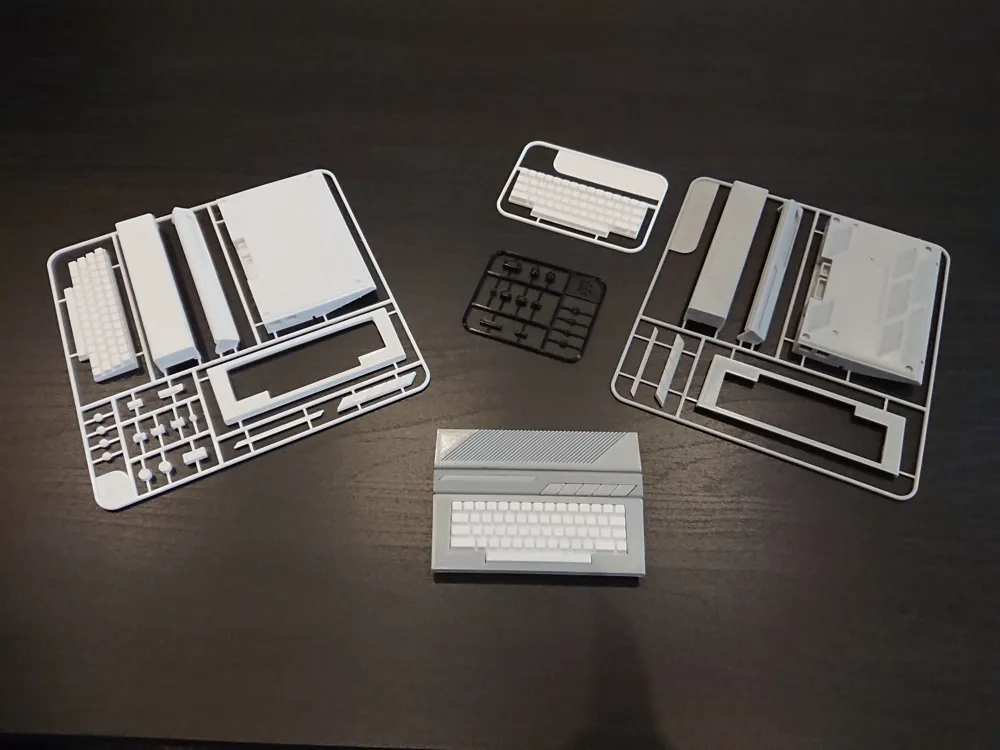
There are two types of kit cards:
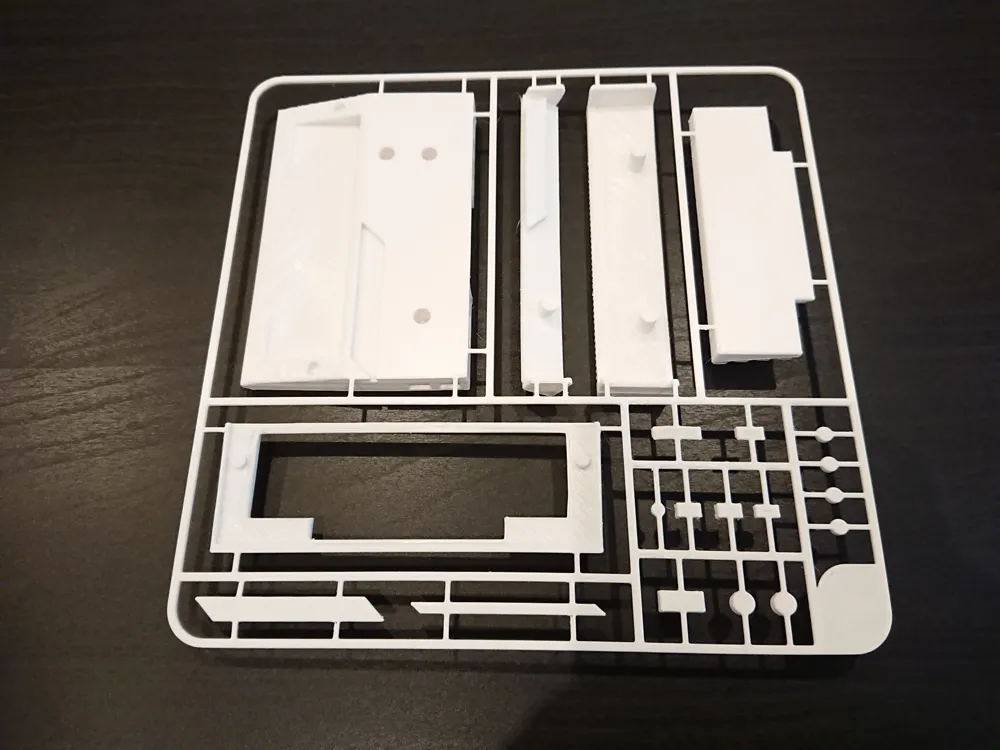
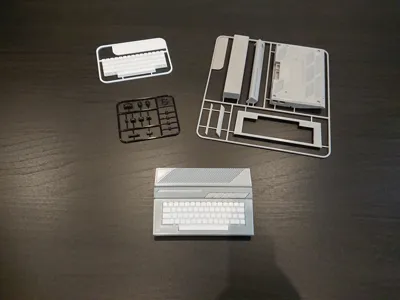
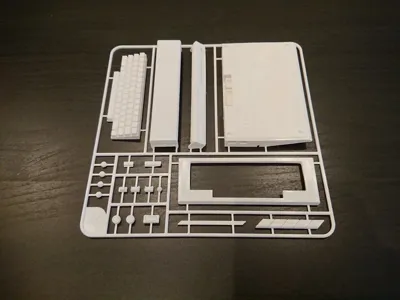
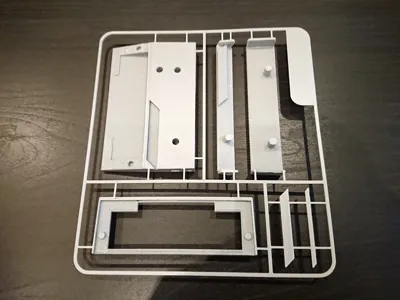
All-In-One kit card to be printed in one color and hand painted or colored using AMS.
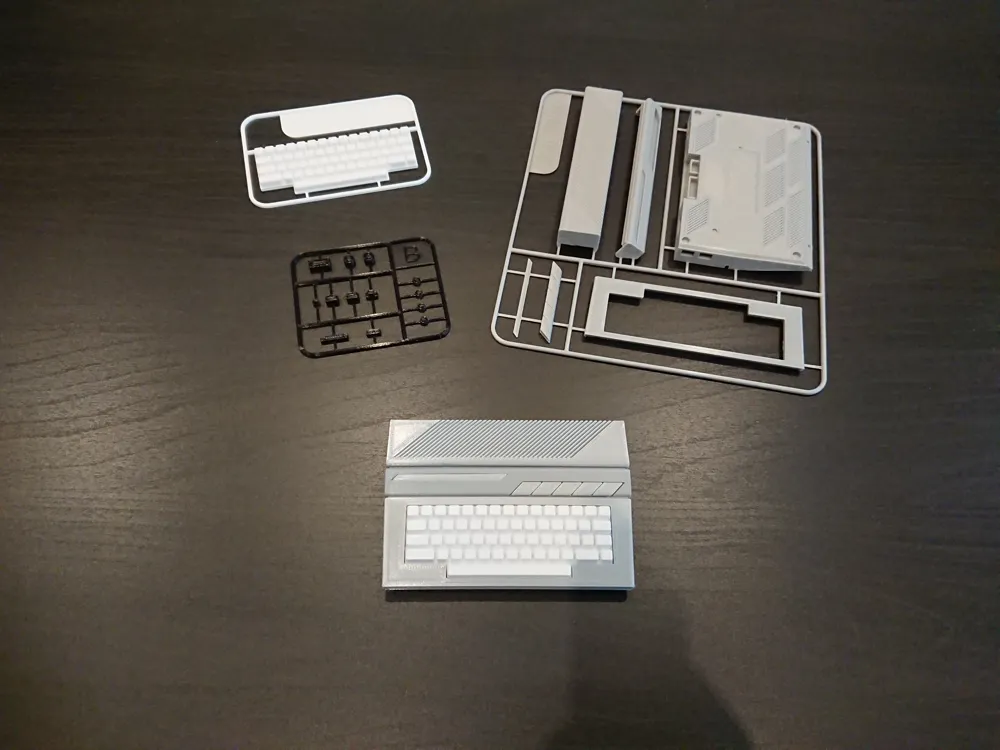
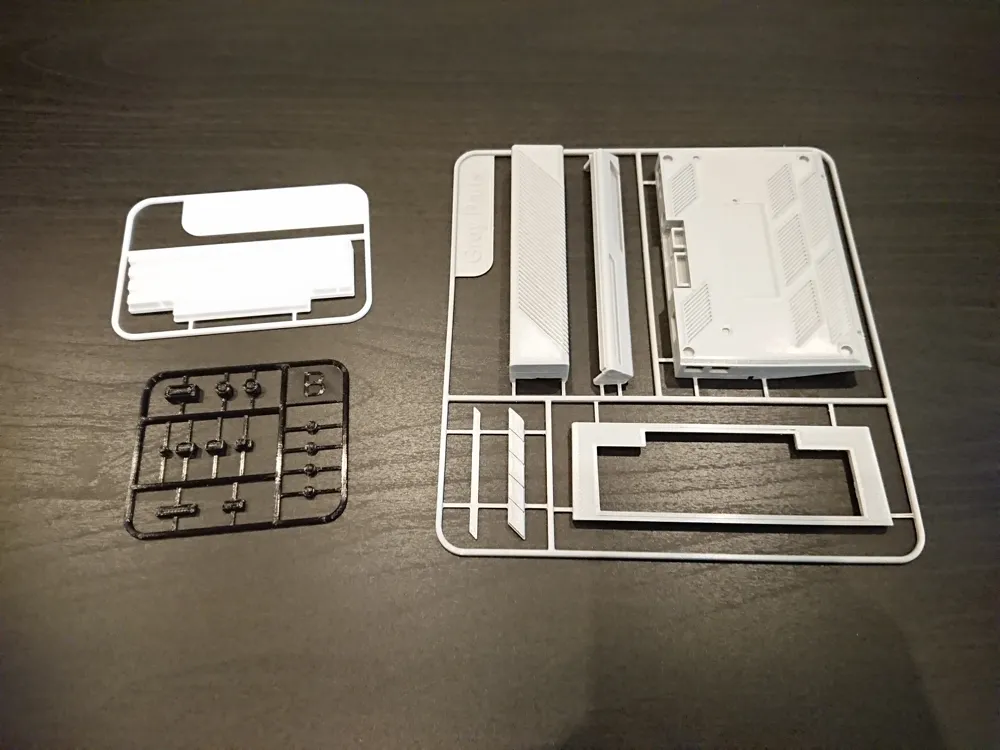
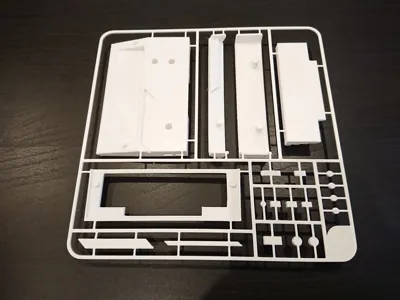
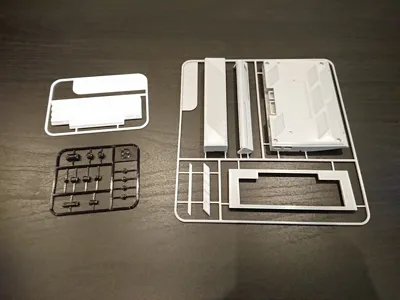
Second version is for no AMS color print. Parts are divided into three cards by colors. Grey Parts, Black Parts and White/Beige Parts.
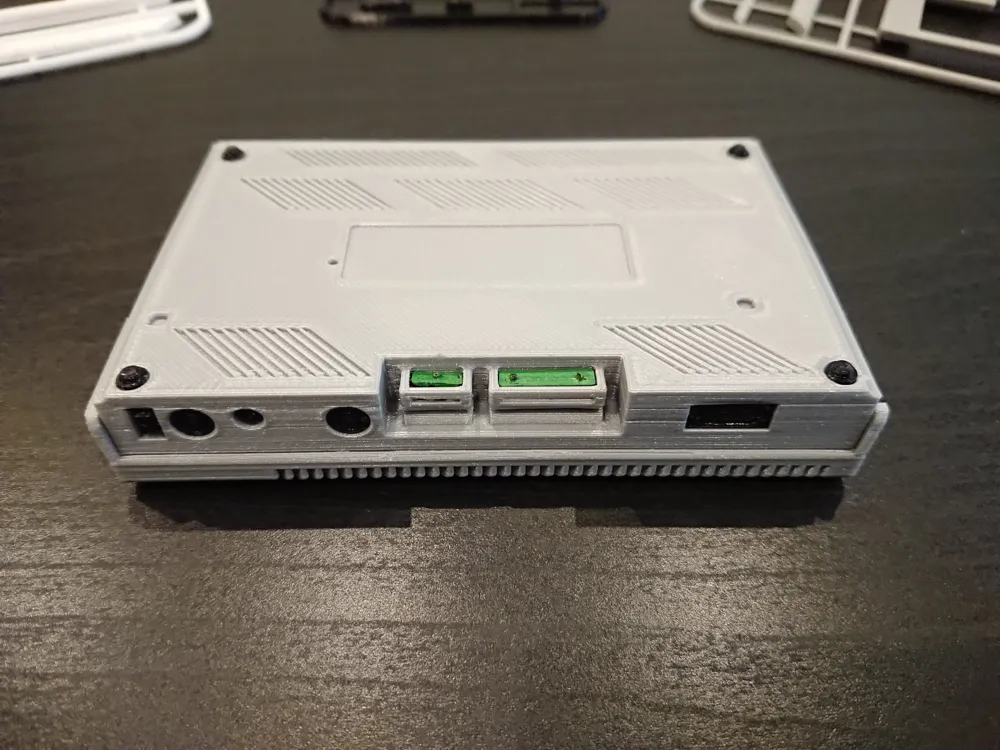
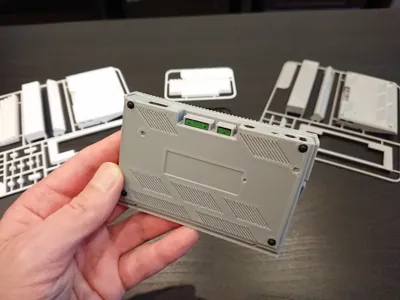
If you want to spice this model up, two little parts on black card can be hand painted or colored in green (see photos). Also instead of using white/beige color for keyboard you may use some yellow-ish filament/color to show Atari current 2024 state! Bambu Matt – Latte Brown will be great color choice for that! Just check the photos of my Commodore 64 model. One of the makers posted his print using that color for Commodore body. Just perfect! :)
OK. But what’s the diffrence between Atari 65XE and Atari 130XE?
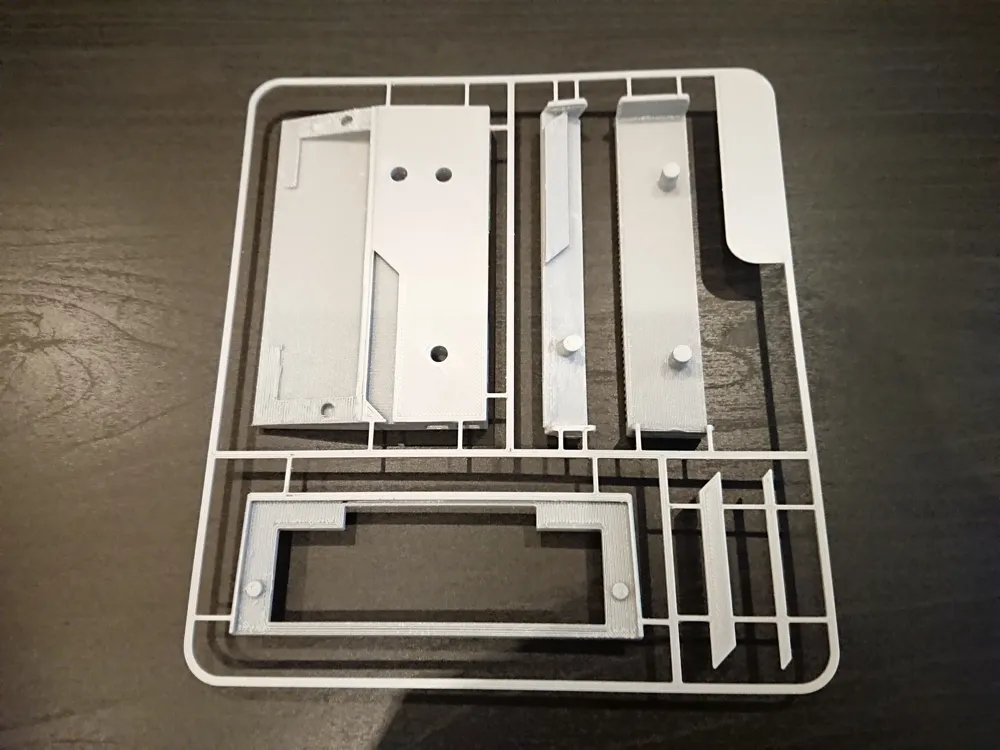
Except double the memory size on 130XE, lack of Extension Port on early models of 65XE (later versions used same mainboard as 130XE, just with less memory soldered – I used main body for that version) its the main body color. So if you want to make model representing 65XE – use light grey color. If you want to print 130XE – use darker grey or silver. I had on hand only silver filament so my model represents Atari 130XE :)
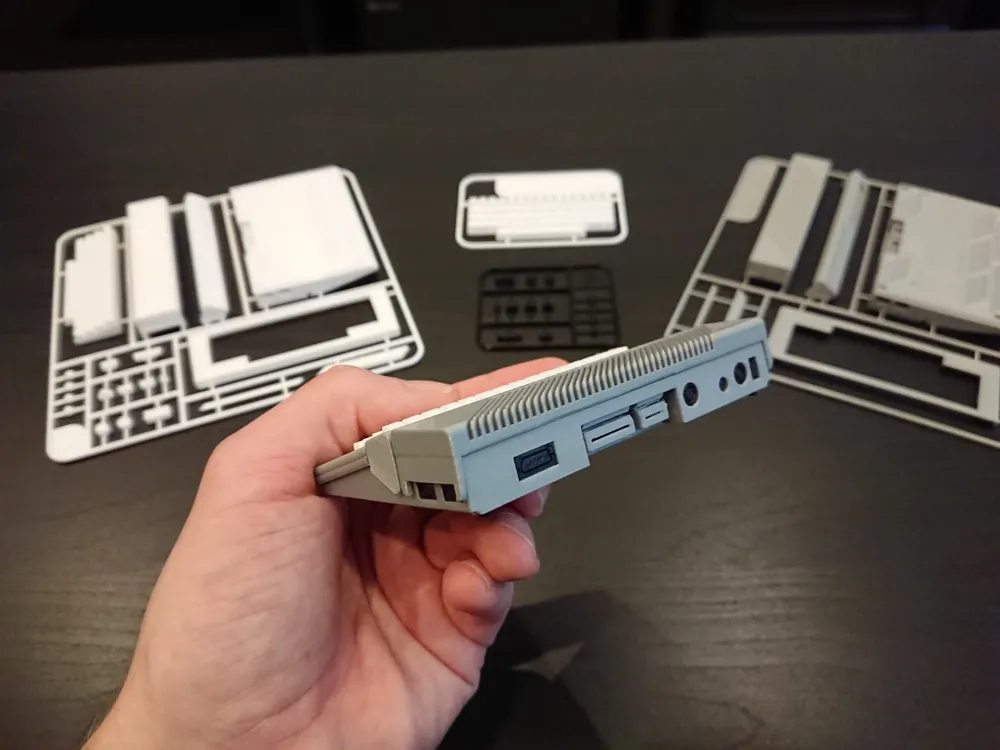
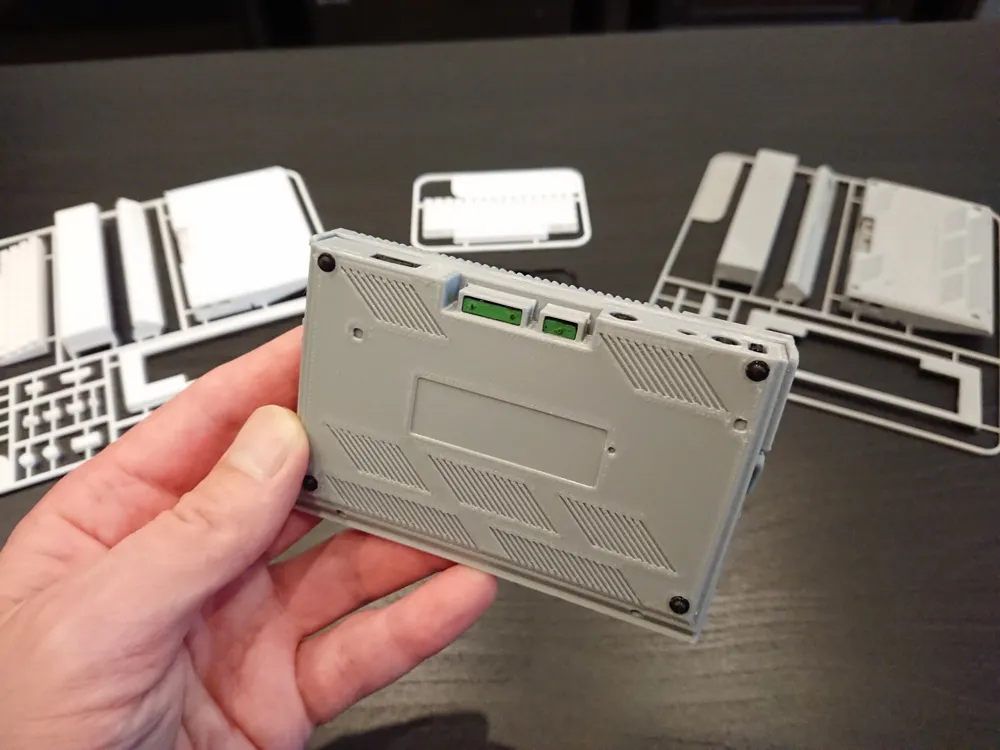
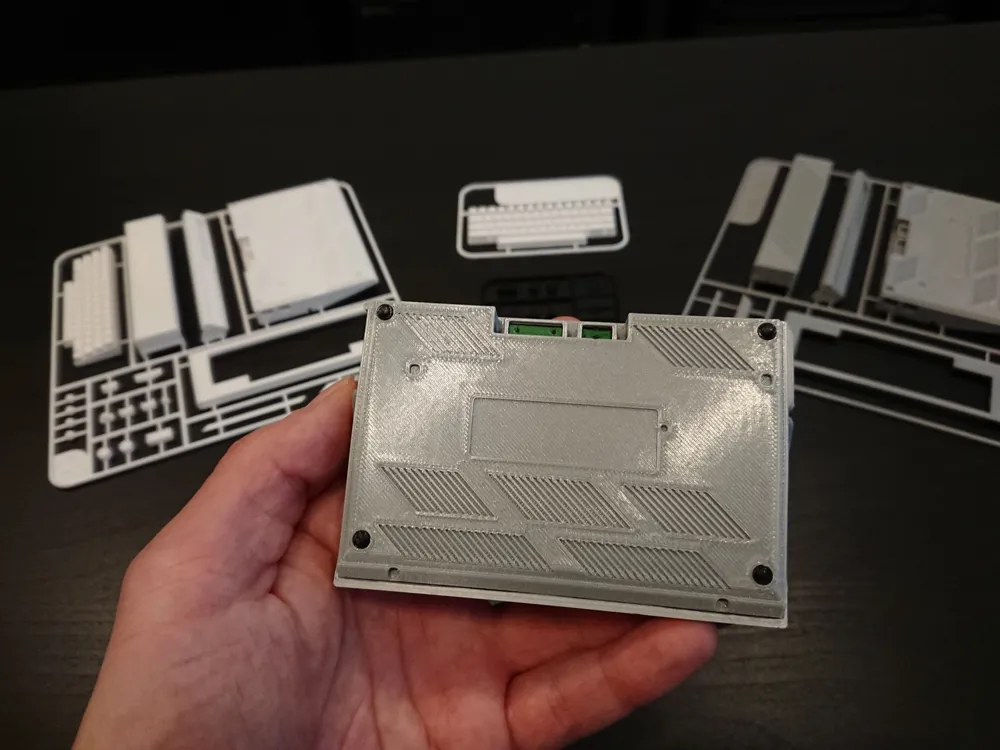
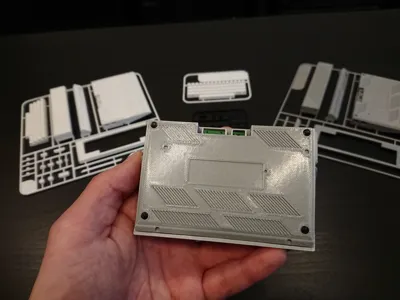
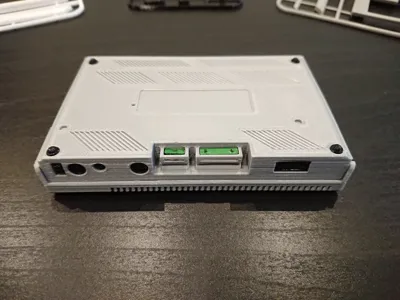
This model will require supports. Due to its distinctive roundings on every possible parts and inability to print them correctly on 3D printers when parts are turned face-down, they need to be printed as they are on the model. That will require supports under. I tried both normal and tree supports and I don’t see much difference in removing them from this specific model. Check the photos of the kit cards back – I managed to remove all supports without even removing parts from the kit card frame. Easy job :)
IMPORTANT! Print Profile is prepared for 0.2mm layer height. You may convert it to any other printer supported by Bambu Studio. This model will look best printed at 0.16mm layer height. I can’t set it as Prusa’s step drivers operates on 0.05mm increments, not 0.04 as Bambu Lab printers, so don’t forget to change layer height to 0.16mm or lower in profile :)
WARNING: CHOKING HAZARD - Small parts
Not for children under 3 years
I hope you will enjoy making this model! Any feedback welcome.
If you like it and you want to give it thumbs up, please also consider downloading it. It cost you just one additional click and it’s very important to me. Also check my other models, maybe you will find something interesting :) Thank you!
Happy printing!
License

You shall not share, sub-license, sell, rent, host, transfer, or distribute in any way the digital or 3D printed versions of this object, nor any other derivative work of this object in its digital or physical format (including - but not limited to - remixes of this object, and hosting on other digital platforms). The objects may not be used without permission in any way whatsoever in which you charge money, or collect fees.


Comment & Rating (8)