
Oblex Spawn
Print Profile(0)
Description
Summary
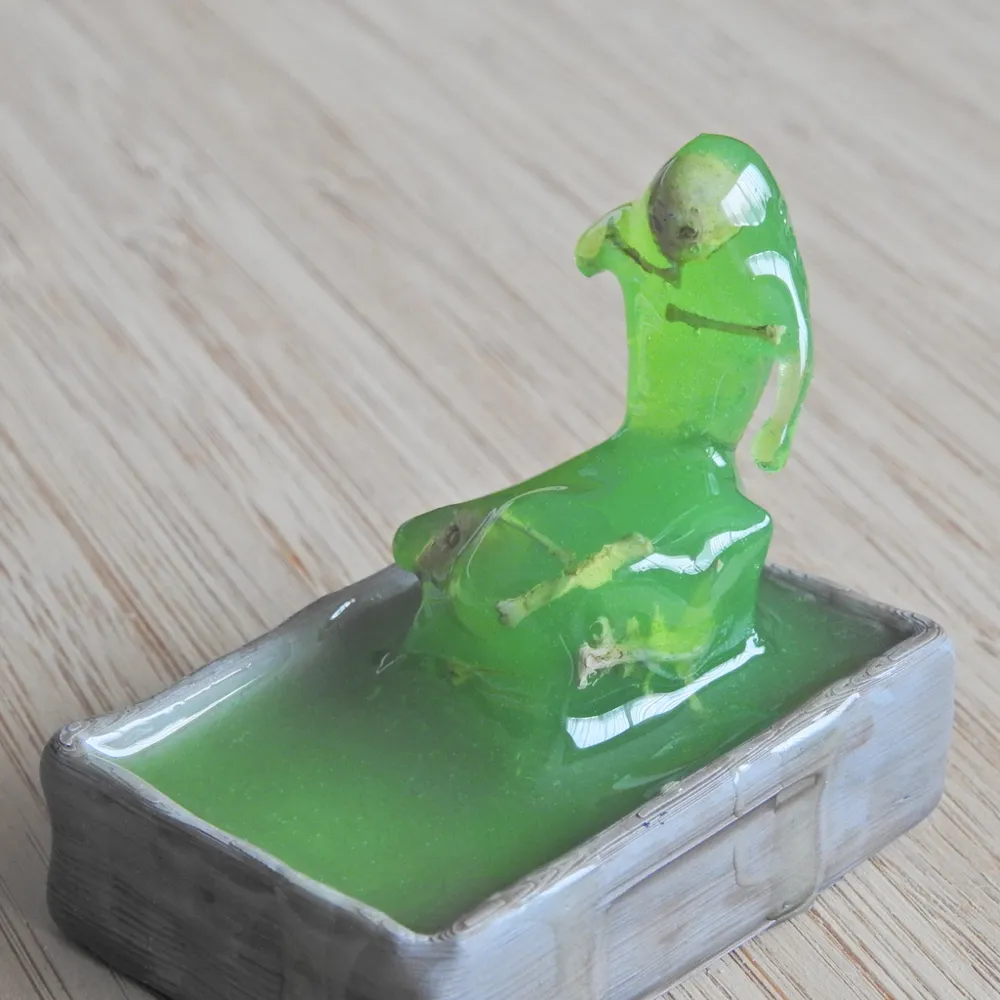
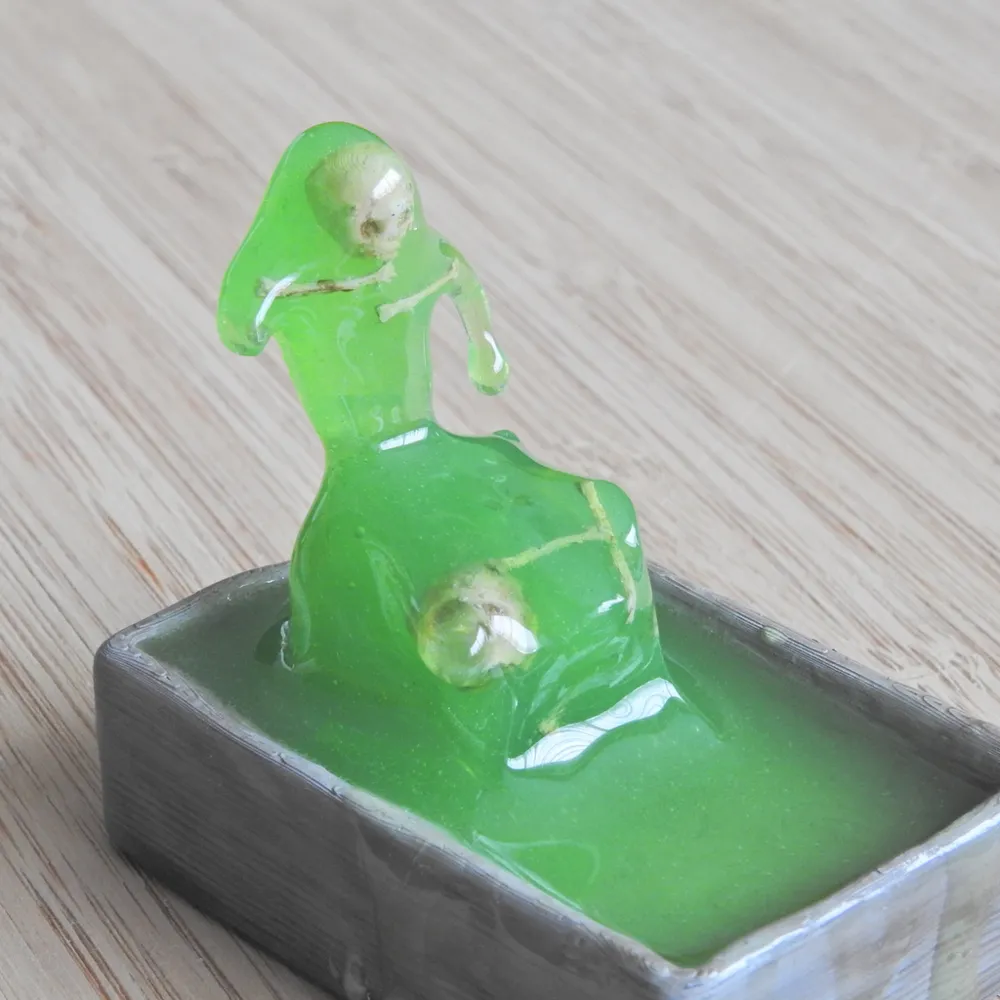
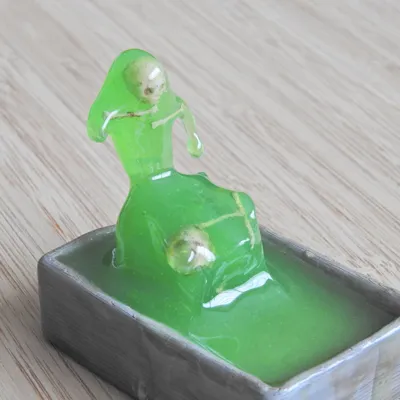
An Oblex Spawn from Mordenkainen's Tome of Foes, just chilling in its sink.
Technically an Oblex Spawn is a tiny ooze so the body should be smaller, but for printability I enlarged it a bit (to small/medium creature size).
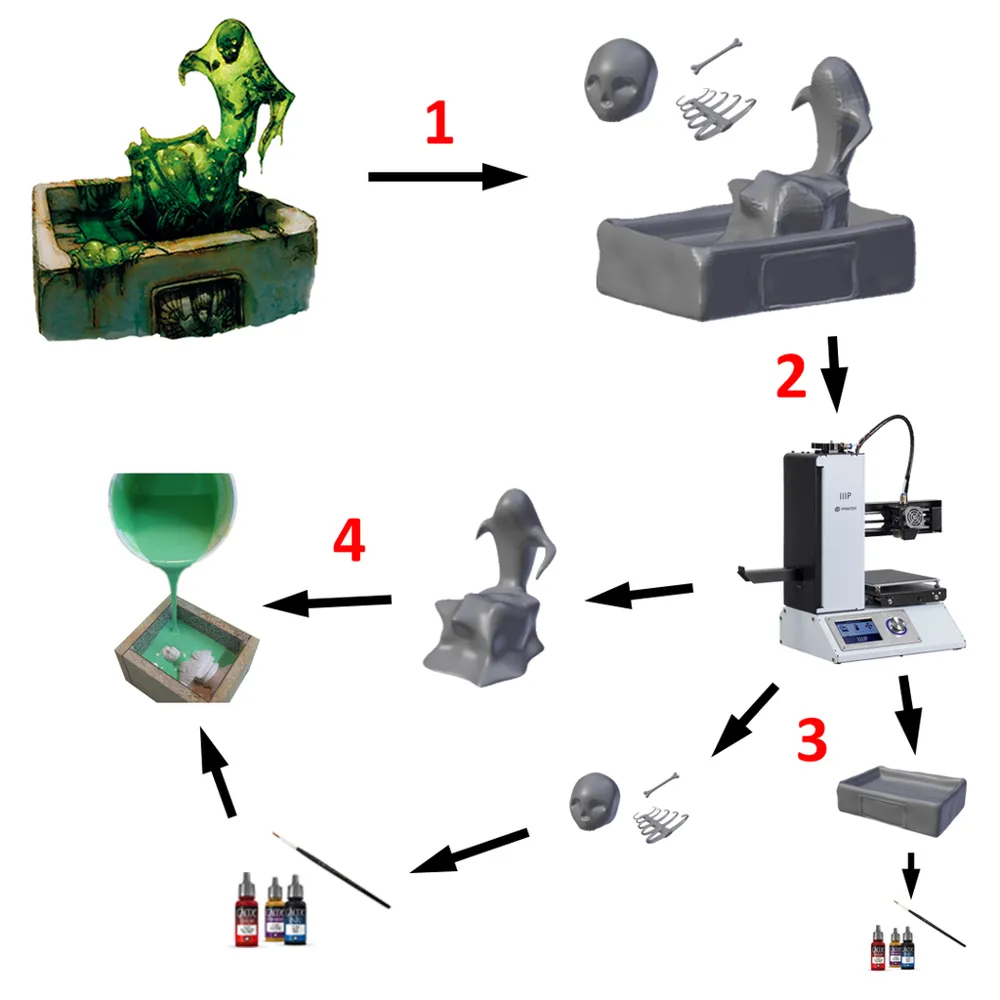
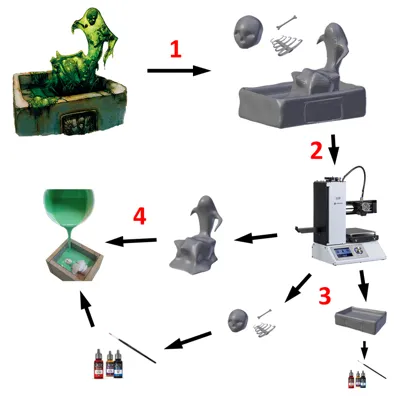
(The step numbering in the post-printing section does not correspond with the numbers in the planning-overview-picture.)
Warning: The oblex spawn is intellectual property of Wizards of the Coast!
Notes:
If you print this model even at 250-300% on an FDM printer, the bones will still be very small and will potentially bend/break when removing them from the build platform and removing supports (especially the ribcage). However, I feel this is not that much of an issue since it fits with the idea that the oblex spawn has been slithering through a dungeon/forgotten temple/etc and found the decaying corpse of some slain adventurers to feast on.
Post-Printing
Step 1: Silicone casting of the body mould
Firstly, I printed the body of the oblex spawn, made a mould for silicone-casting using modelling clay and toy bricks and cast the mould using the softest silicone I could find.
Step 2: Printing + painting the bones
In a second step, I printed and painted the bones (they're tiny and often bend/break when removing from the build plate) with Vallejo's white primer, followed by a basecoat with Vallejo's Bonewhite. Finally I washed the bones, and especially the skulls so the eye sockets and nose-hole pop out, with diluted GW's Agrax Earthshade.
Step 3: Casting the body in resin
I 'installed' the painted bones inside the silicone mould by tacking them into place with clear multi-purpose glue (not superglue so the glue will come off the silicone easily when removing the model). I got the best results by letting the glue harden for 5-ish minutes before applying it to the bones. That way, the bones can be angled inside the mould instead of all sticking to the surface of the model. I used a clear resin (the cheapest I could find on Amazon) and mixed in a little green acrylic paint (Naga Green by MSP in my case).
Step 4: Installing the oblex in its sink
I printed the sink the oblex sits in (in the official art) and painted it. I then made another, smaller batch of green resin and used that 1) to smooth out the surface of the oblex body, 2) to pour around the oblex's body to glue it down in the sink and 3) to drip over the edges of the sink so droplets form at the base.
License



Comment & Rating (0)