
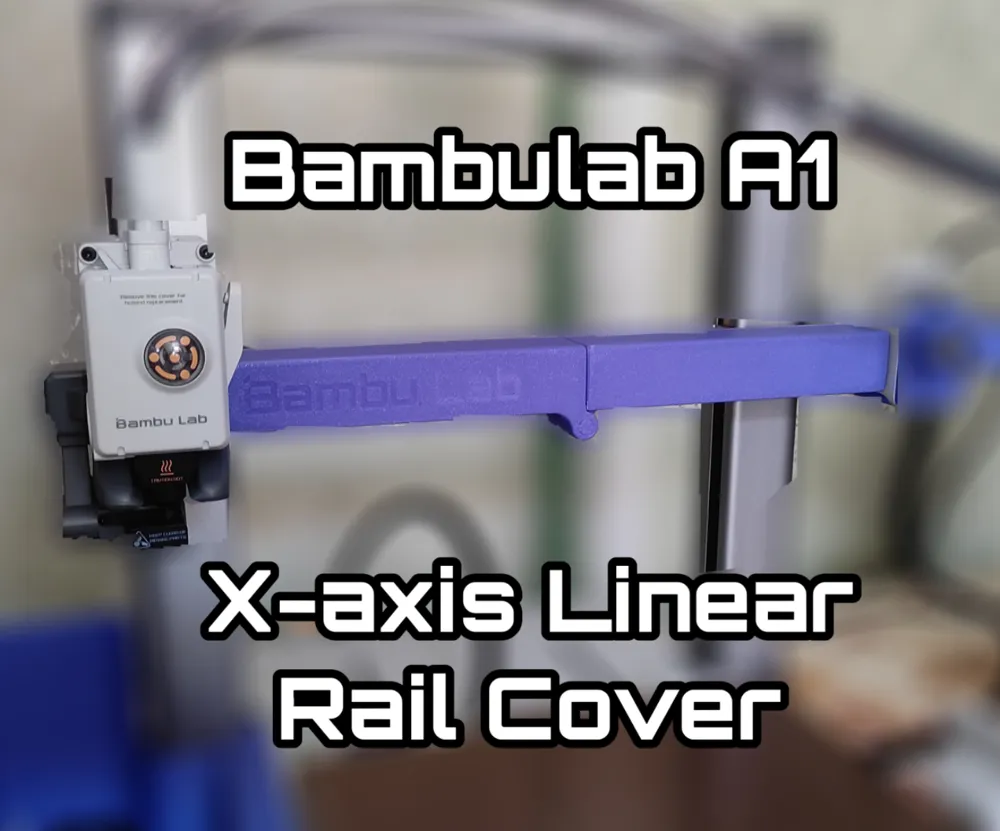
BambuLab A1 X-Axis Cover (Anti Dust Cover)




Print Profile(8)


Bill of Materials





Description
Why to use a rail cover?
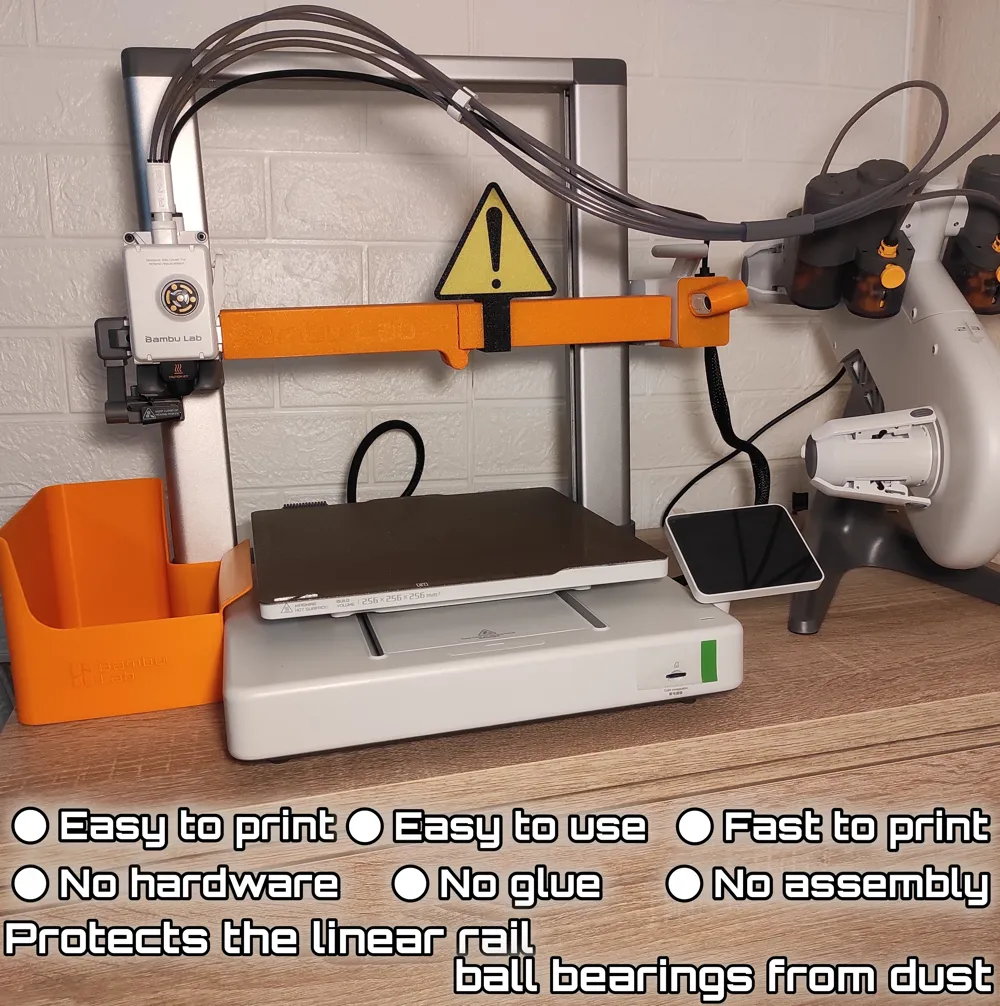
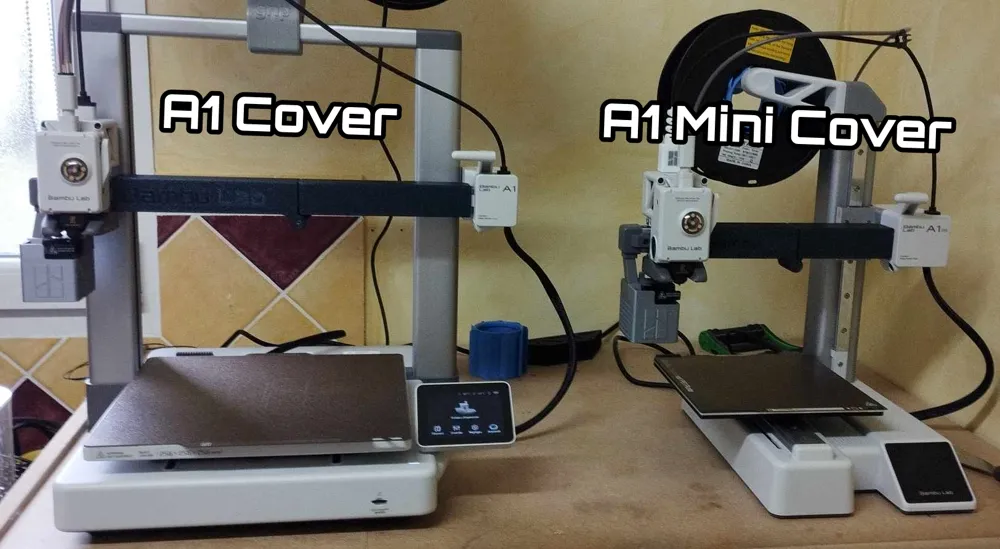
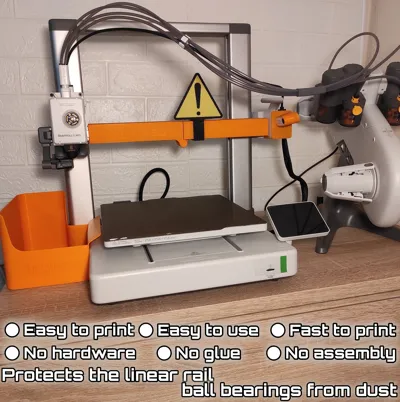
When linear rails are lubricated, dust and small particles can stick to the oil over time. Without protection, this contamination can be carried directly into the bearing block by the moving carriage. In the long term this may increase wear, affect smooth movement, and make maintenance more difficult. The cover helps reduce direct dust buildup on both the top and bottom sides of the rail while the printer is not in use.
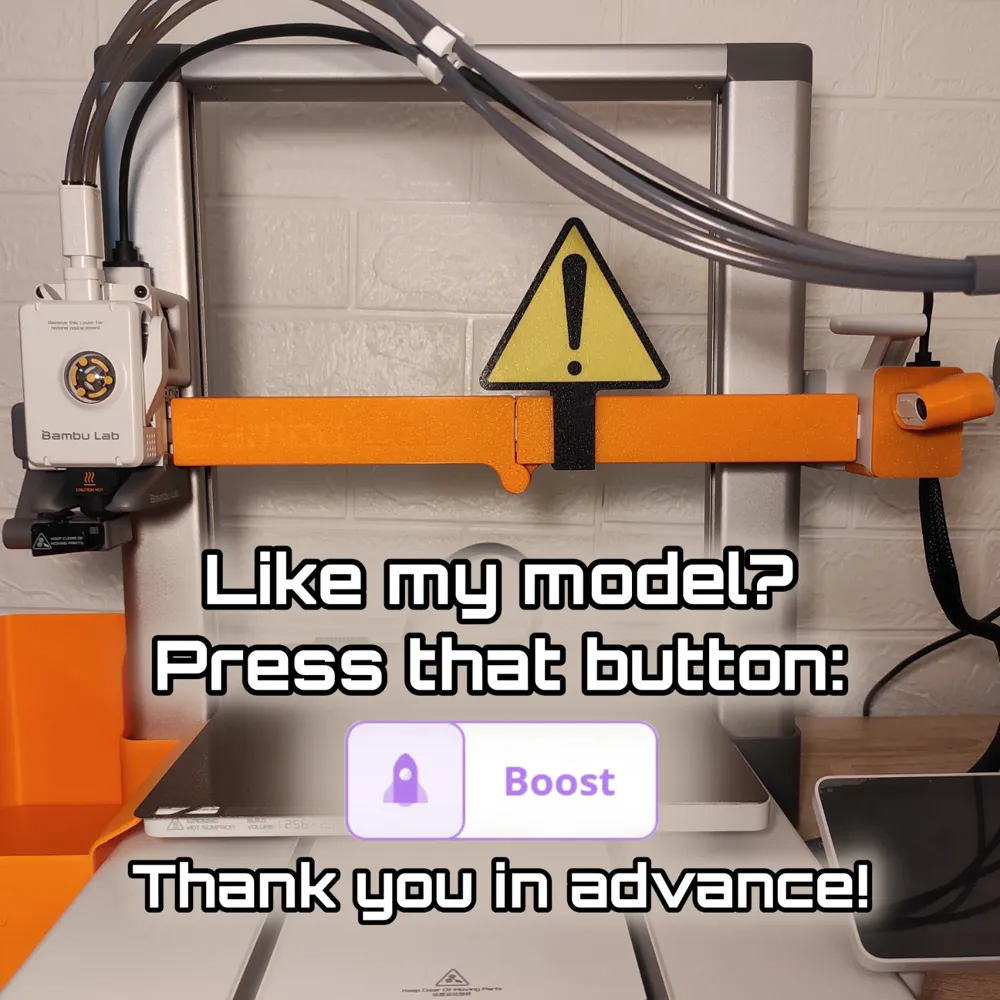
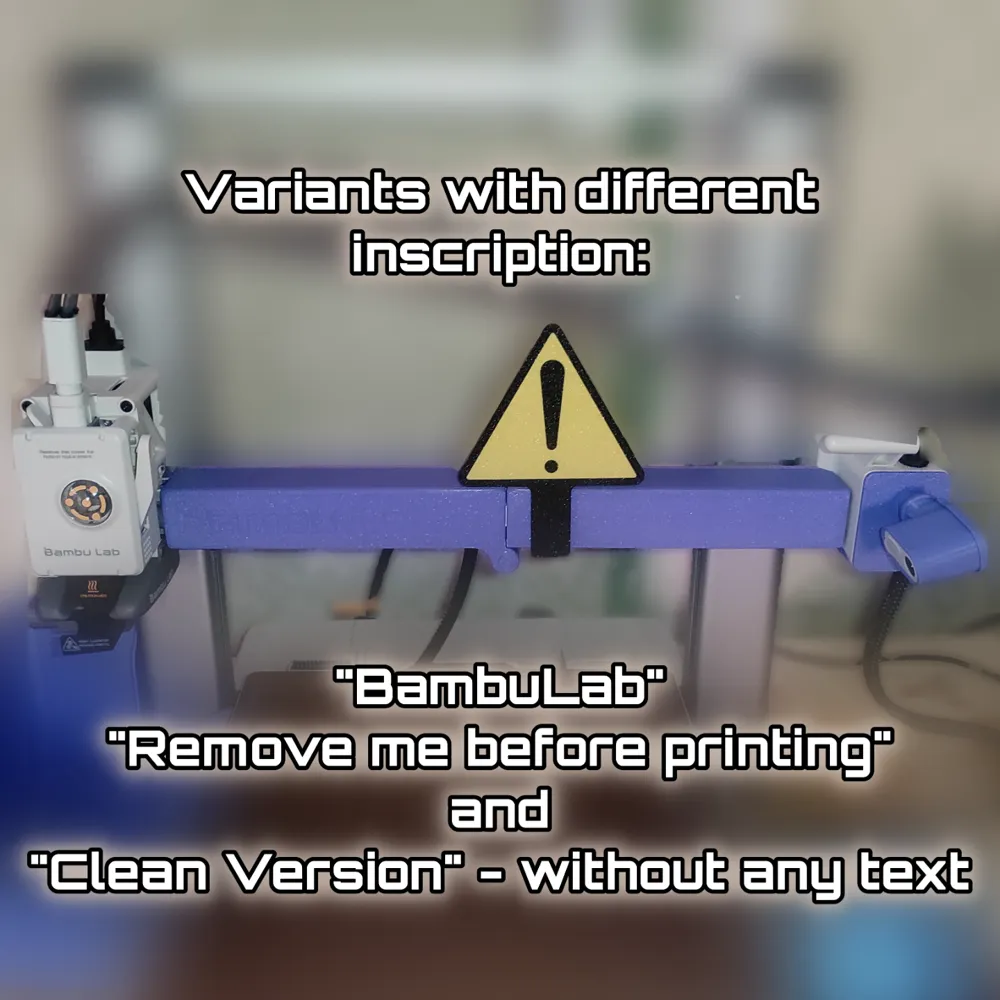
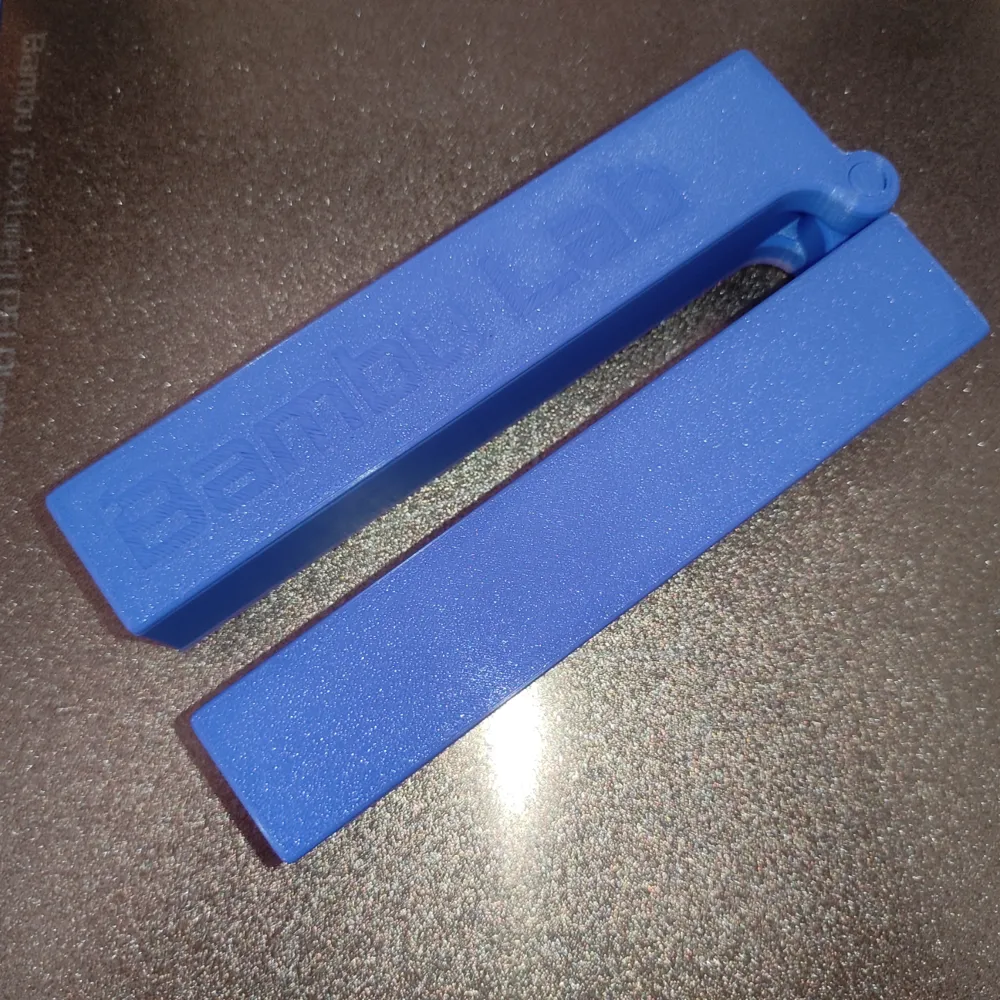
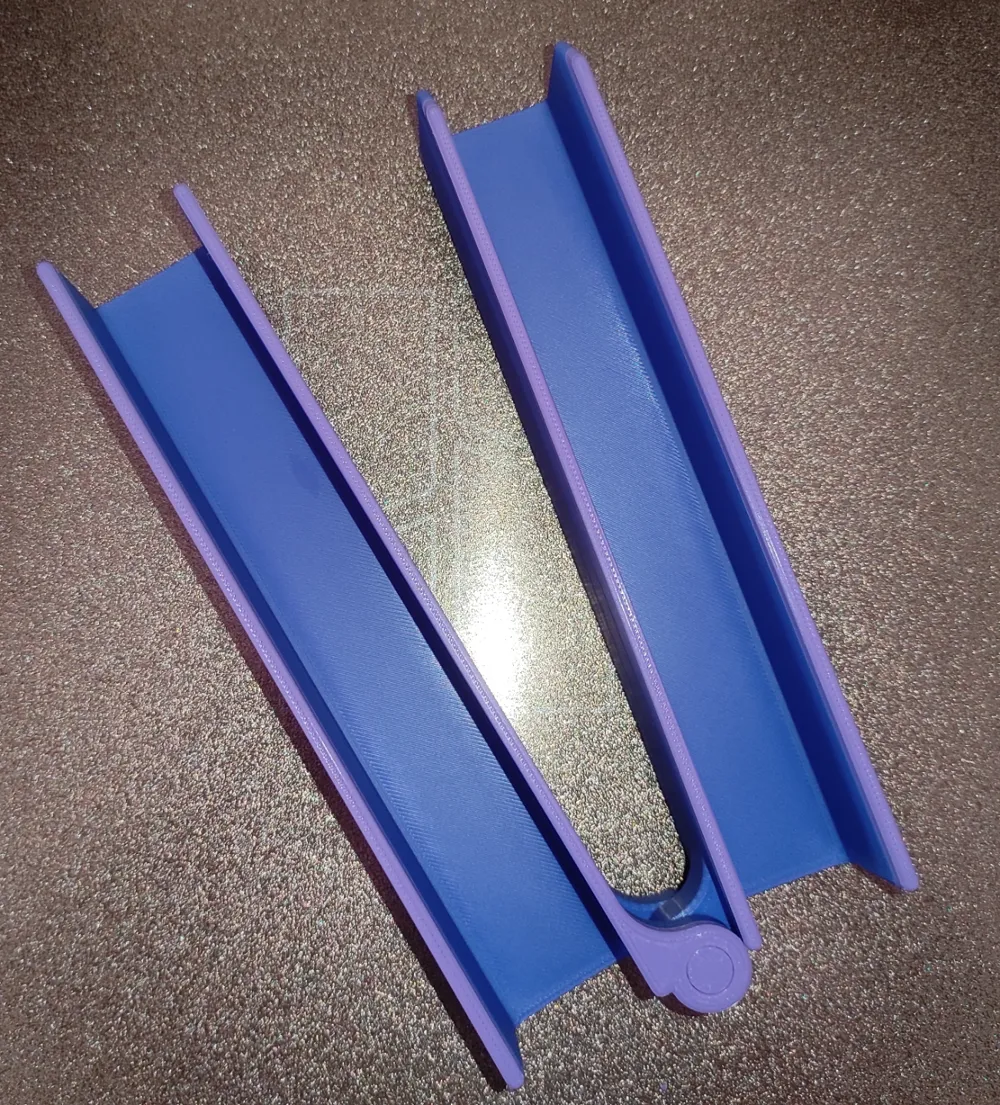
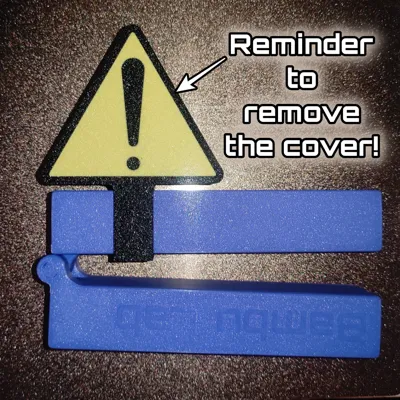
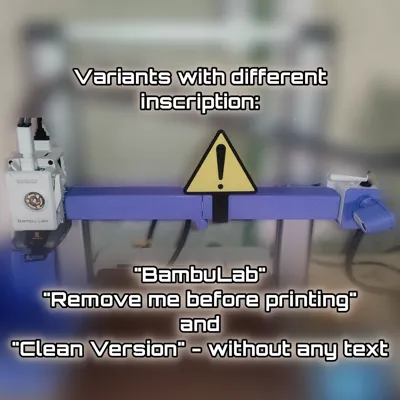
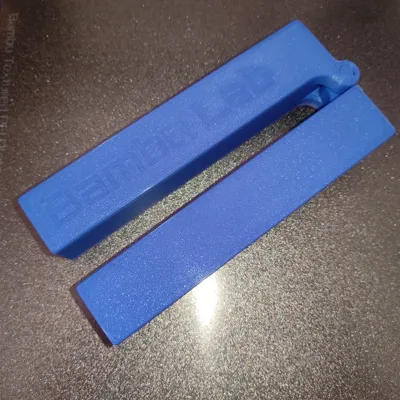
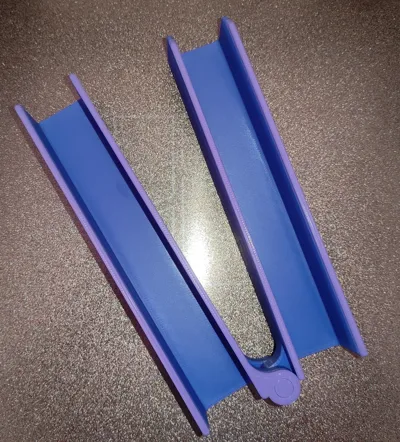
The Anti Dust Cover protects both, top and bottom sides of the rail.The model is print-in-place and doesn’t require any glue, assembly, or additional hardware, and it fits perfectly. Currently there are three variants of the cover. One with text “Bambulab”, one clean version (without text) and one version with text “Remove Me Before Printing”. There are also two variants “Exclamation Sign” as a reminder to not forget to remove the cover before starting the printer. Highly recommend you to print this one too. The detail just slides into the cover, but you can glue it, as it might get loose over time.
Note 1: If you think you might have trouble with opening the cover after printing make sure to print the high tolerance variant.
Note 2: If you want to print the model faster, you can use a 0.28 mm layer height, but the quality will be slightly rougher.
⚠️!!! DON'T FORGET TO REMOVE THE COVER BEFORE PRINTING !!!
DISCLAMER: The creator of the model is not responsible if you forget to remove the cover before starting your printer. This could cause some serious damage to your printer!!! Highly recommend printing the cover in a signal color like orange, yellow, green, red, or any other color that does not blend with the colors of the printer or the environment.
If you have any problems or ideas how to make the model better don't hesitate to message me before you leave a negative comment. I will do my best to help you. 🤝
Boost Me (for free)
If you like the model please leave a BOOST, COMMENT, LIKE and FOLLOW ME! THANK YOU in advance! 🙏
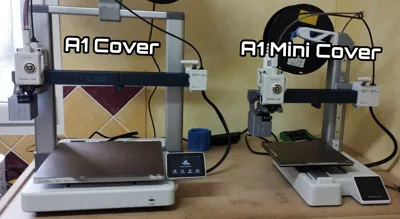
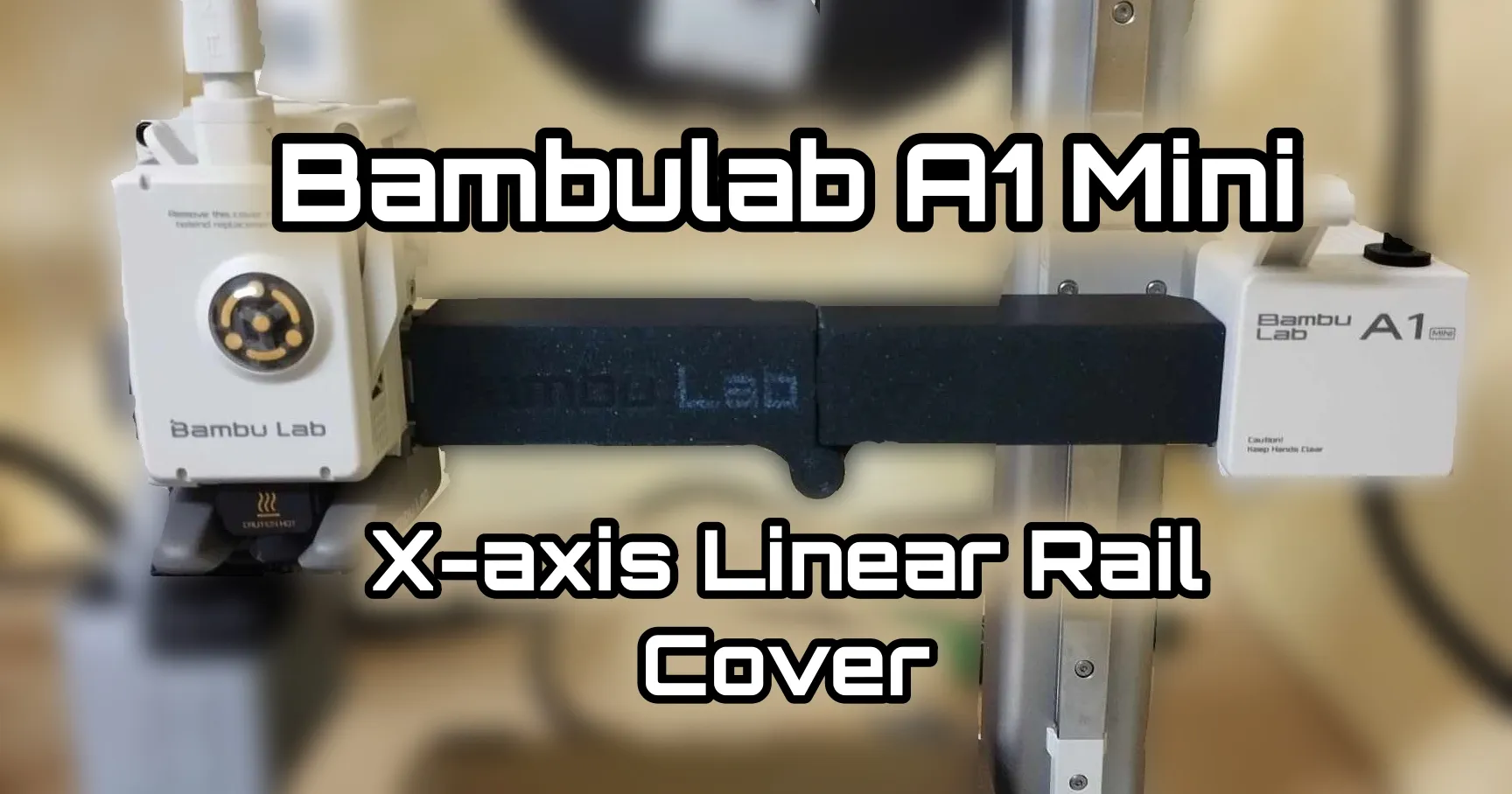
If you are interested into the X-axis cover for the BambuLab A1 Mini you can find it here: https://makerworld.com/en/models/552415#profileId-470901
You can also check my other models!
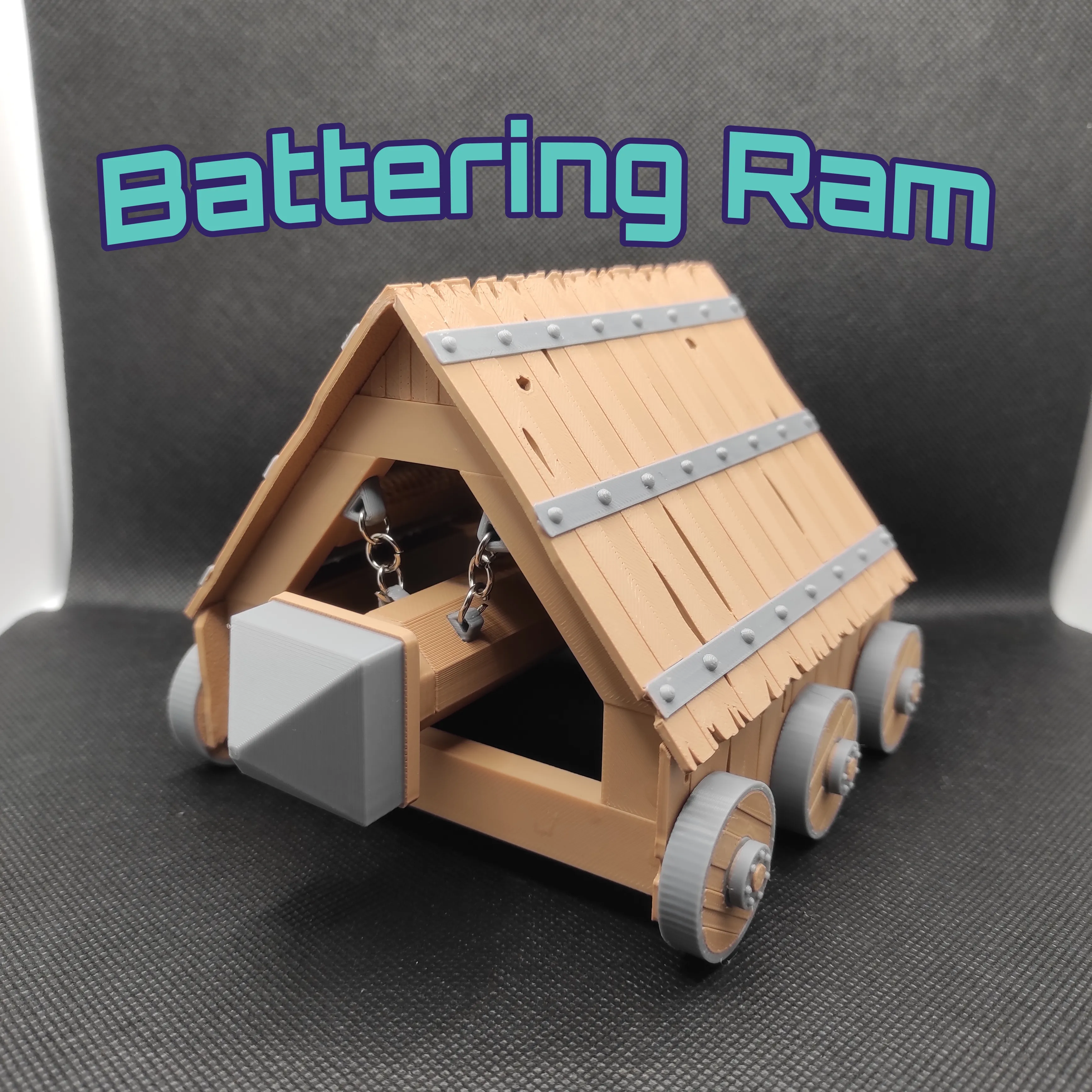
https://makerworld.com/en/models/787503#profileId-725449 - Battering Ram
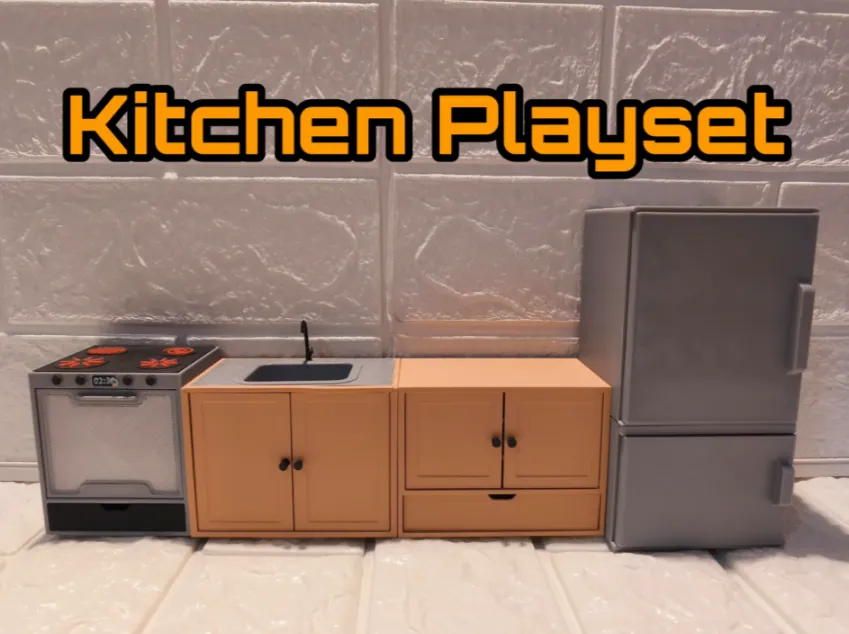
https://makerworld.com/en/models/661048#profileId-588297 - Kitchen Playset
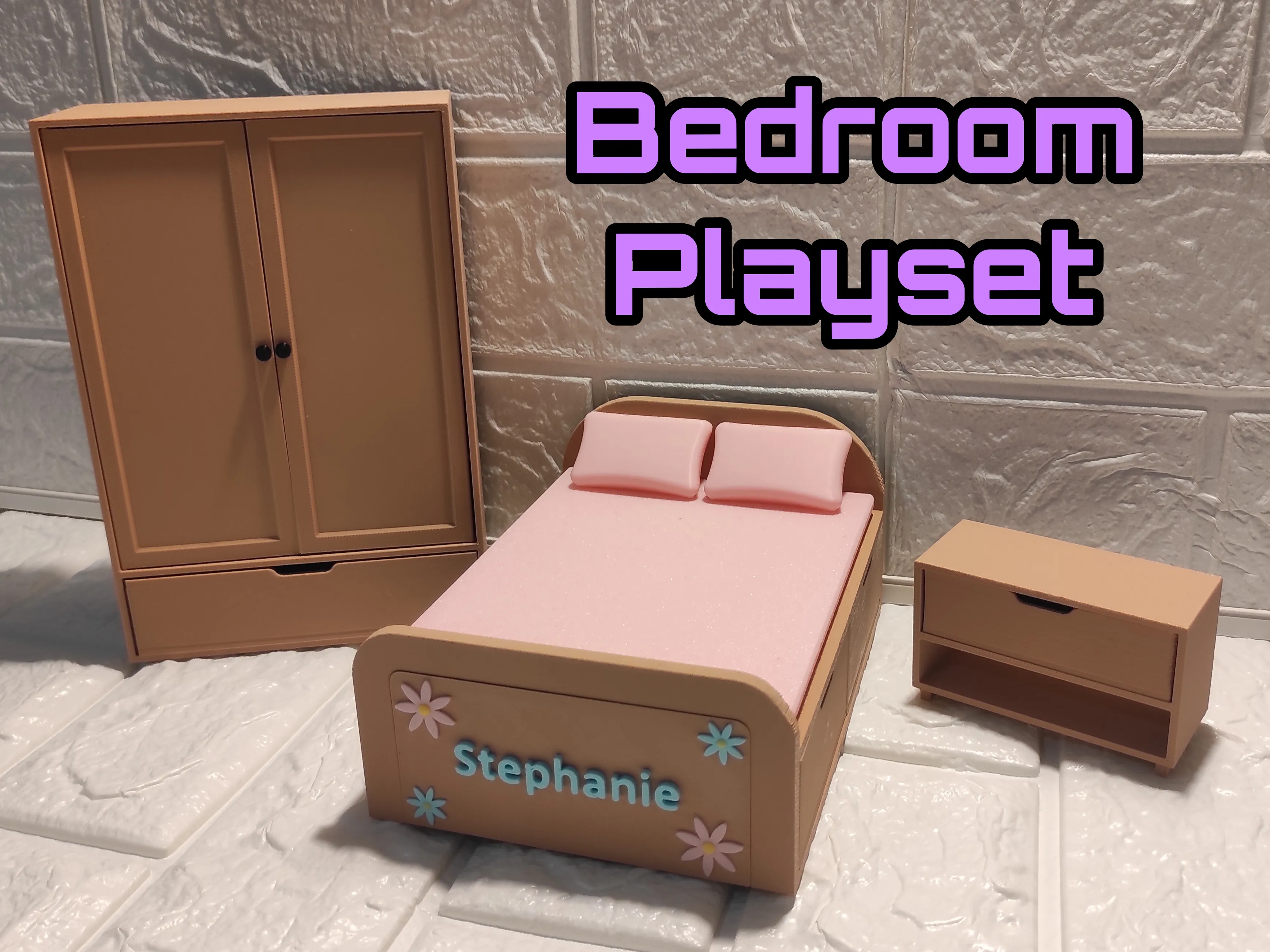
https://makerworld.com/en/models/1145709#profileId-1148935 - Bedroom Playset
License

You shall not share, sub-license, sell, rent, host, transfer, or distribute in any way the digital or 3D printed versions of this object, nor any other derivative work of this object in its digital or physical format (including - but not limited to - remixes of this object, and hosting on other digital platforms). The objects may not be used without permission in any way whatsoever in which you charge money, or collect fees.


Comment & Rating (807)