Search models, users, collections, and posts

X1C&P1S Active Heater (Blow directly to nozzle)
Print Profile(1)

All
X1 Carbon
P1S
P1P
X1
X1E
A1
A1 mini
H2D
H2D Pro
H2S
P2S
H2C
X2D
A2L

0.2mm layer, 3 walls, 15% infill
Designer
3.7 h
1 plate

Open in Bambu Studio
Boost
45
91
17
6
32
18
Released 

Description

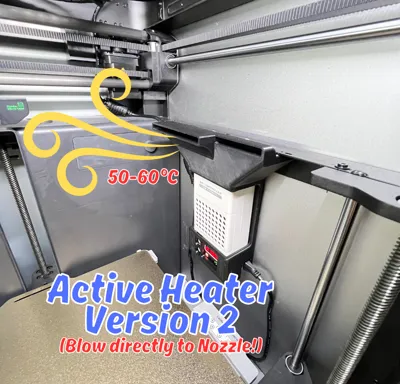
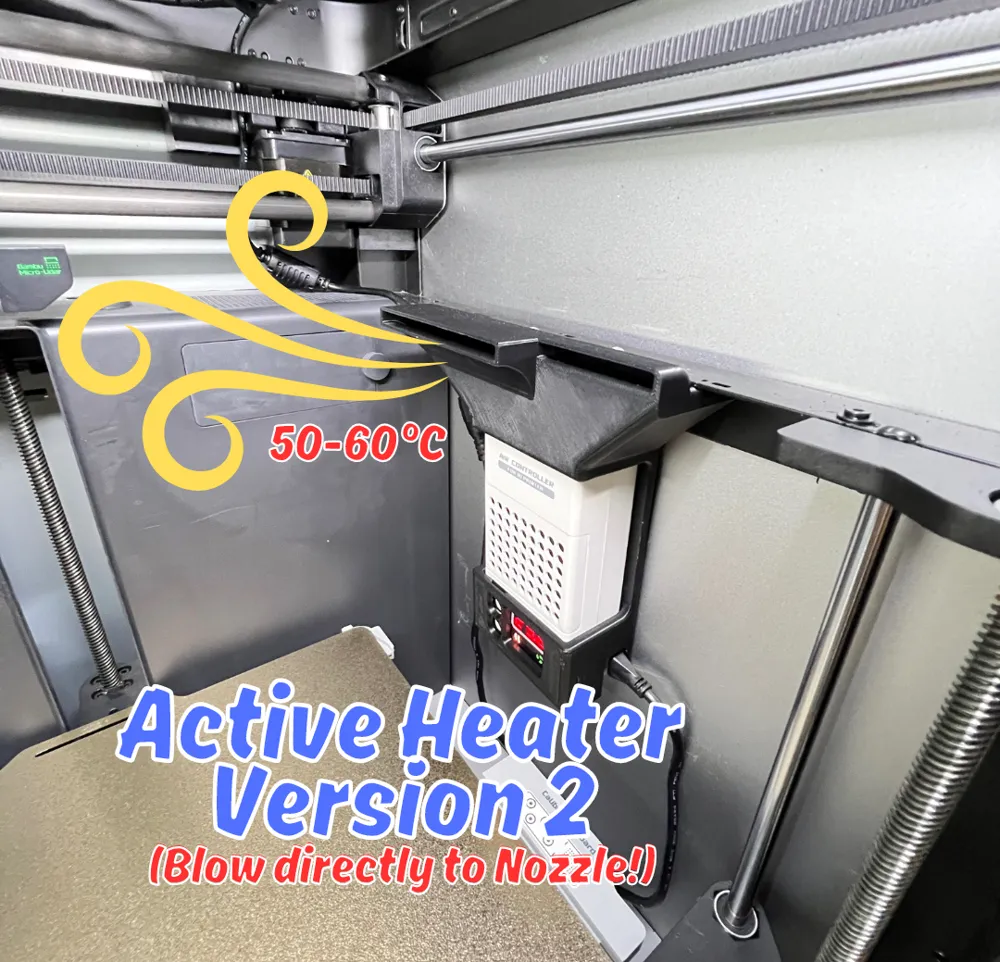
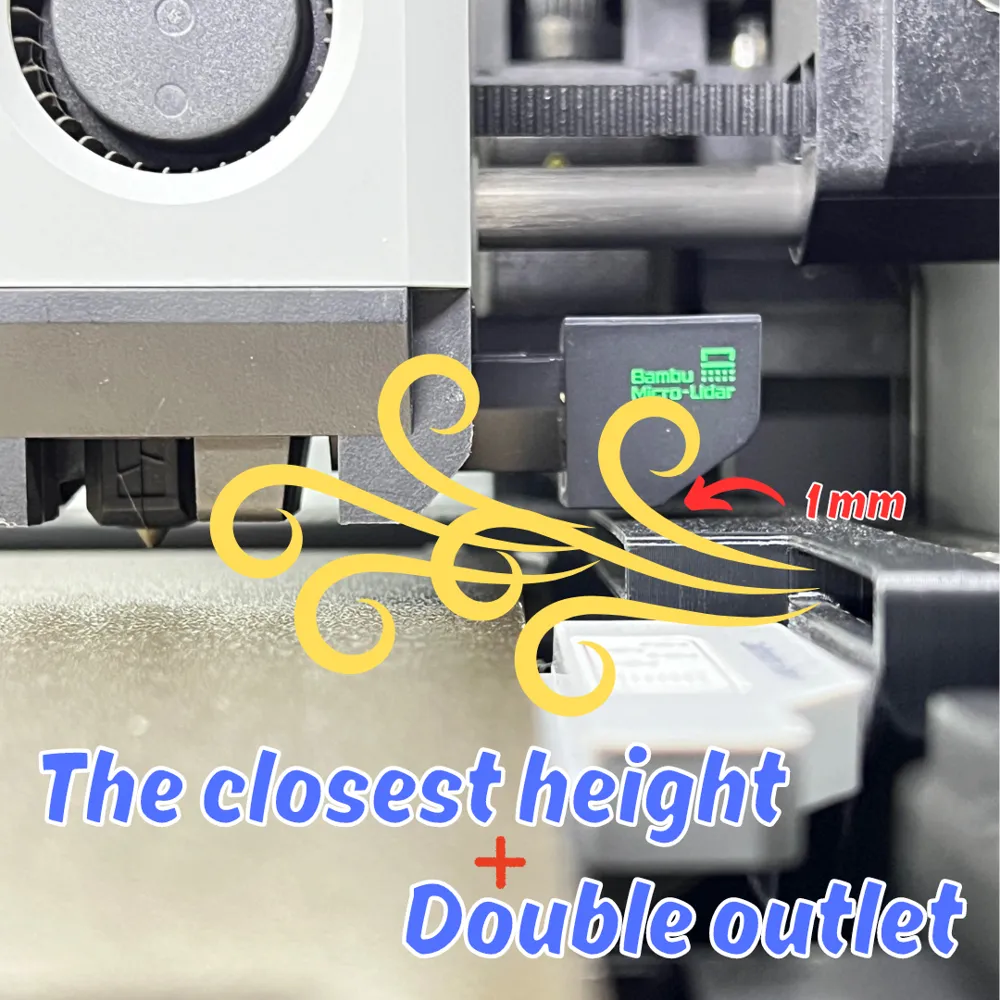
I have designed a holder for my heater blower that can blow directly onto the nozzle like Stratasys printer.


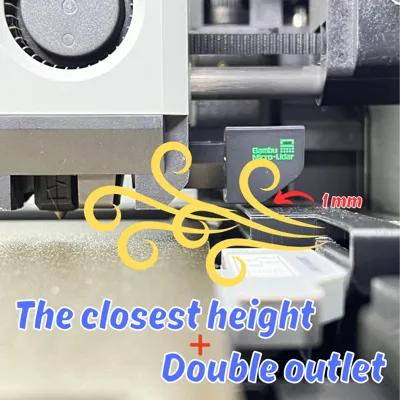
This is version 2 has a wider blowing area which can cover the front area as well in comparison to version 1.


This model must be printed with ABS or material that can withstand temperatures up to 60°C.


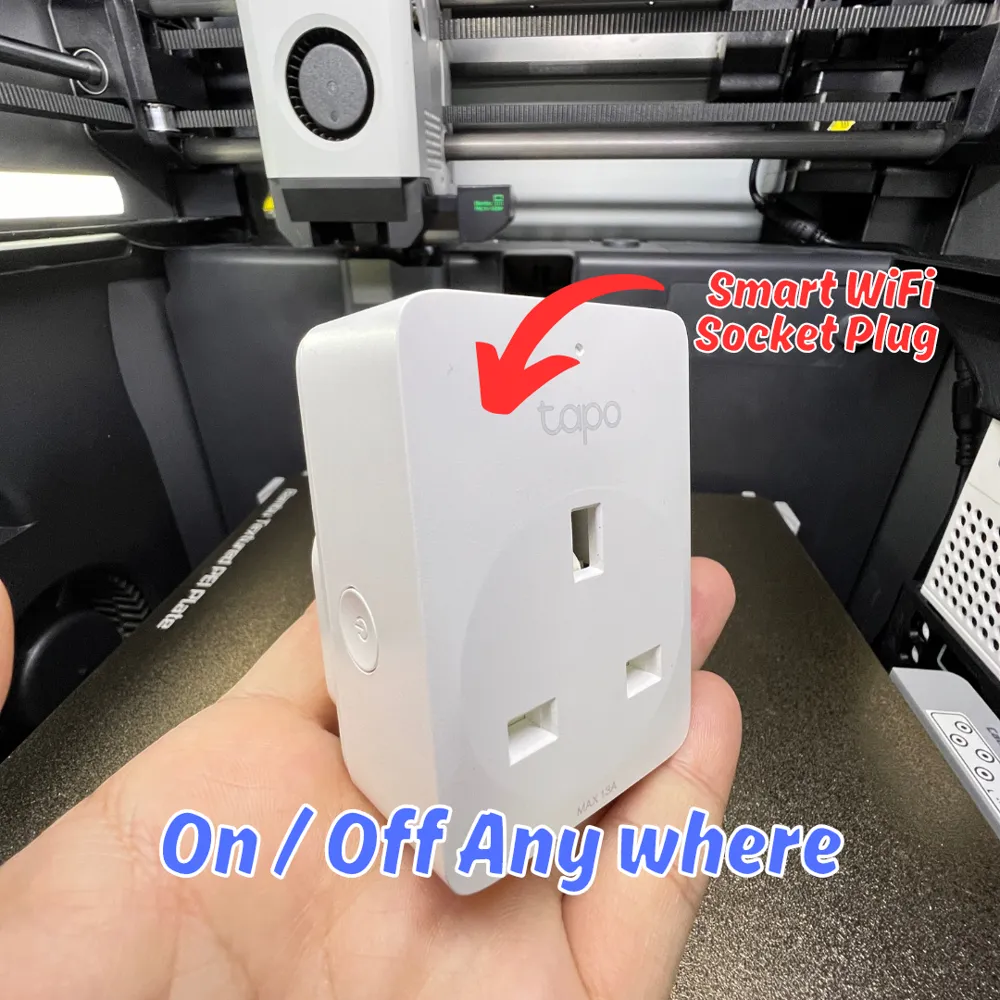
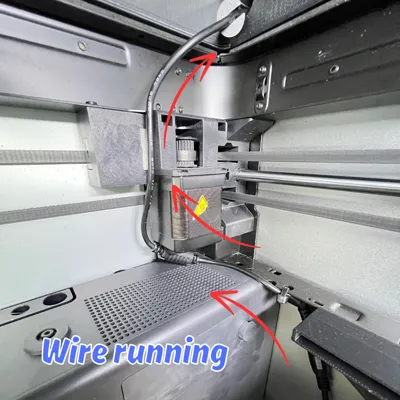
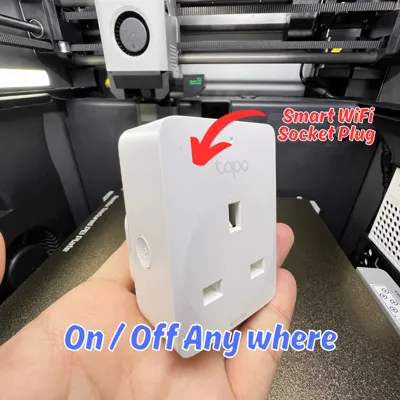
Lastly this is optional, I connected the power with smart Wi-Fi socket plug, so I can turn it on only when I needed it.


Feature

  1. Wider blowing area.
  2. Stable printing for ABS, ASA & Nylon.
  3. Eliminate layer delamination.
  4. Tested the chamber temperature up to 60°C.
  5. The model fits with X1C and P1S.

Items needed

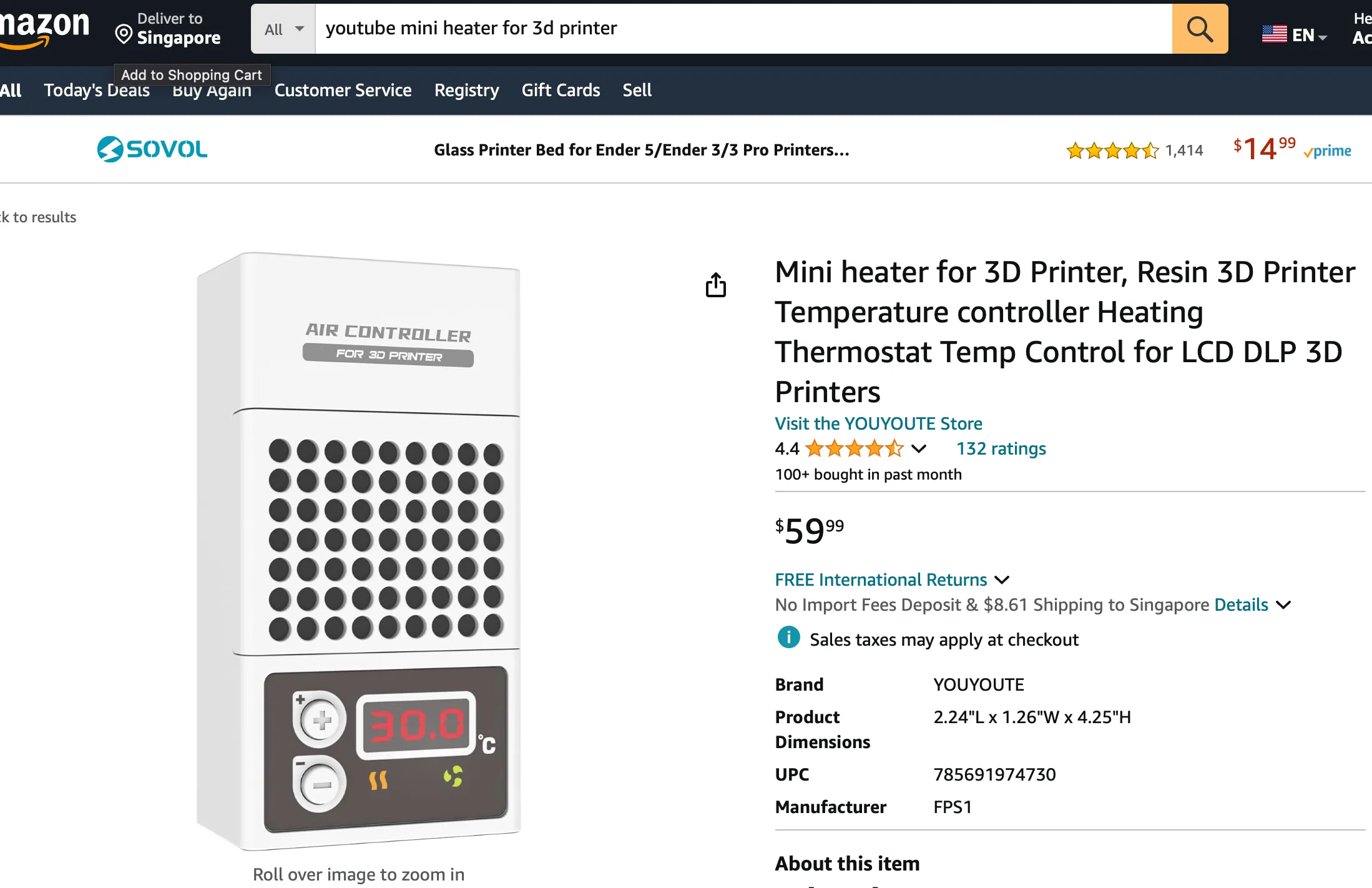
  1. Heater (This link is just for your reference, because I brought it from Singapore not USA)
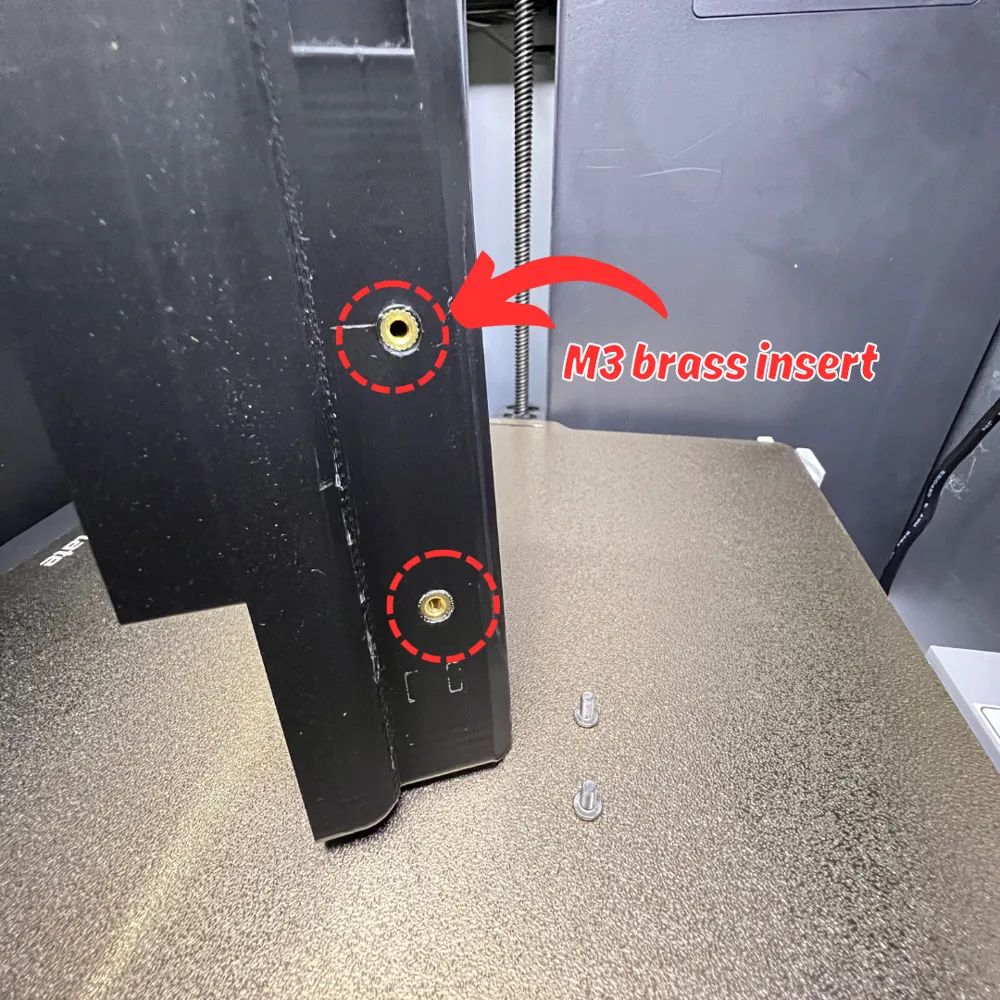
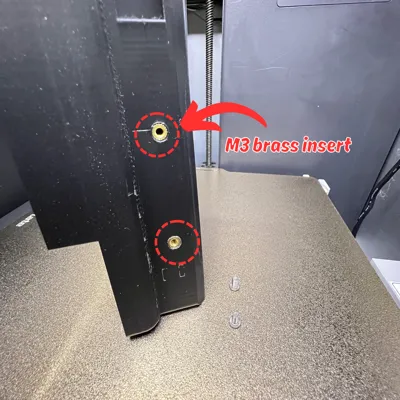
  2. M3 Bress Insert
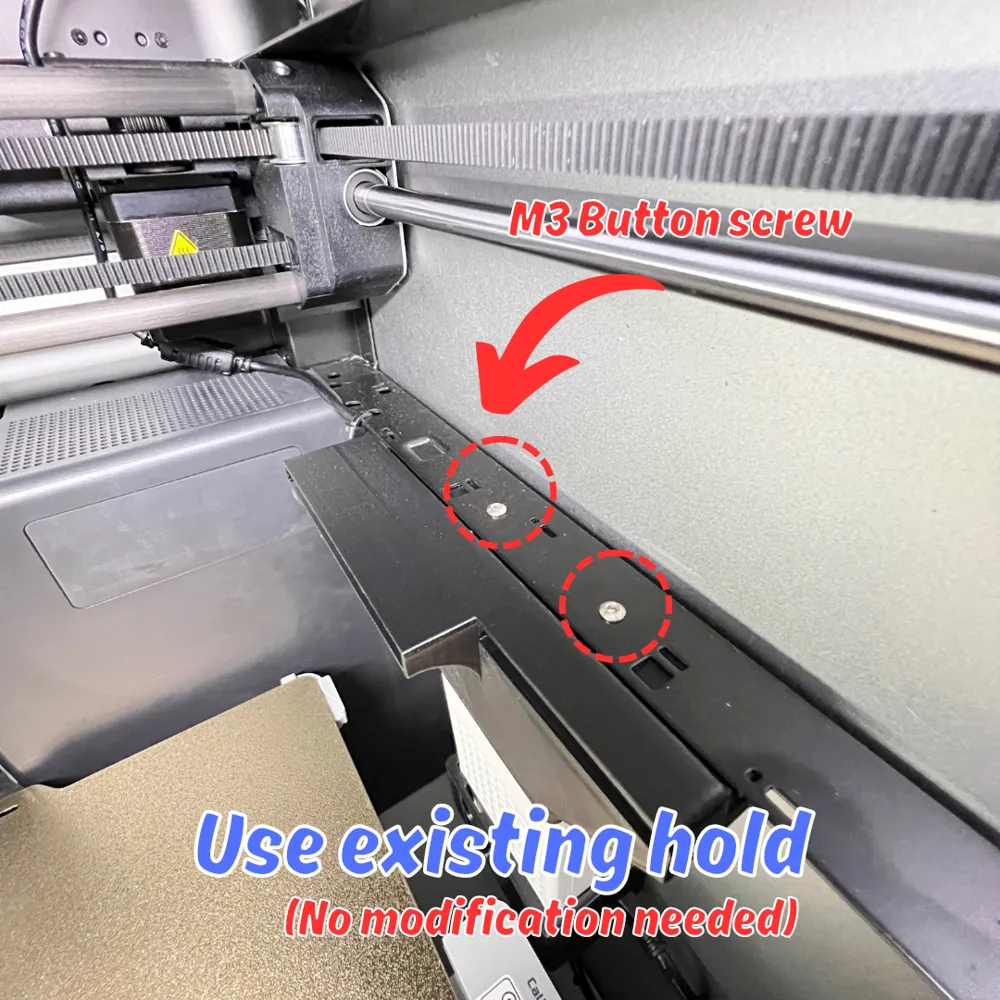
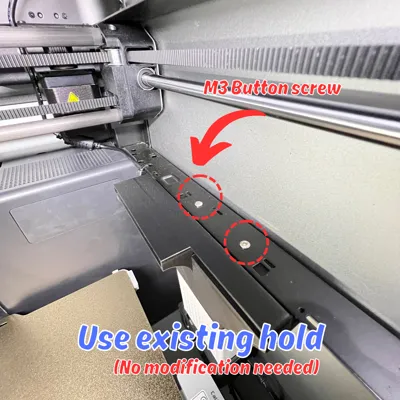
  3. M3x6mm Button head screw
  4. Smart Wi-Fi Socket Plug (optional)

Boost Me (for free)

Need some support to buy filament. Thank you.


Comment & Rating (17)

(0/1000)

That heater turns off, when it hits 30°C Room Temperature. I think this is not really useful...
The designer has replied
2
Reply
Hi, could you show some photo of the heater? the heater come with 30deg by default, you can change the temp by long press the the “Plus” button until the screen number show 50deg. then the temp should be able to reach 50deg now. hope this help.
0
Reply
I just read that on Amazon. if you can set it higher than they tell us, it’s great 😂 Thanks for clarifying
0
Reply
Replying to @MrAnderson92 :
No problem 😉. So do you planing to get one?
0
Reply
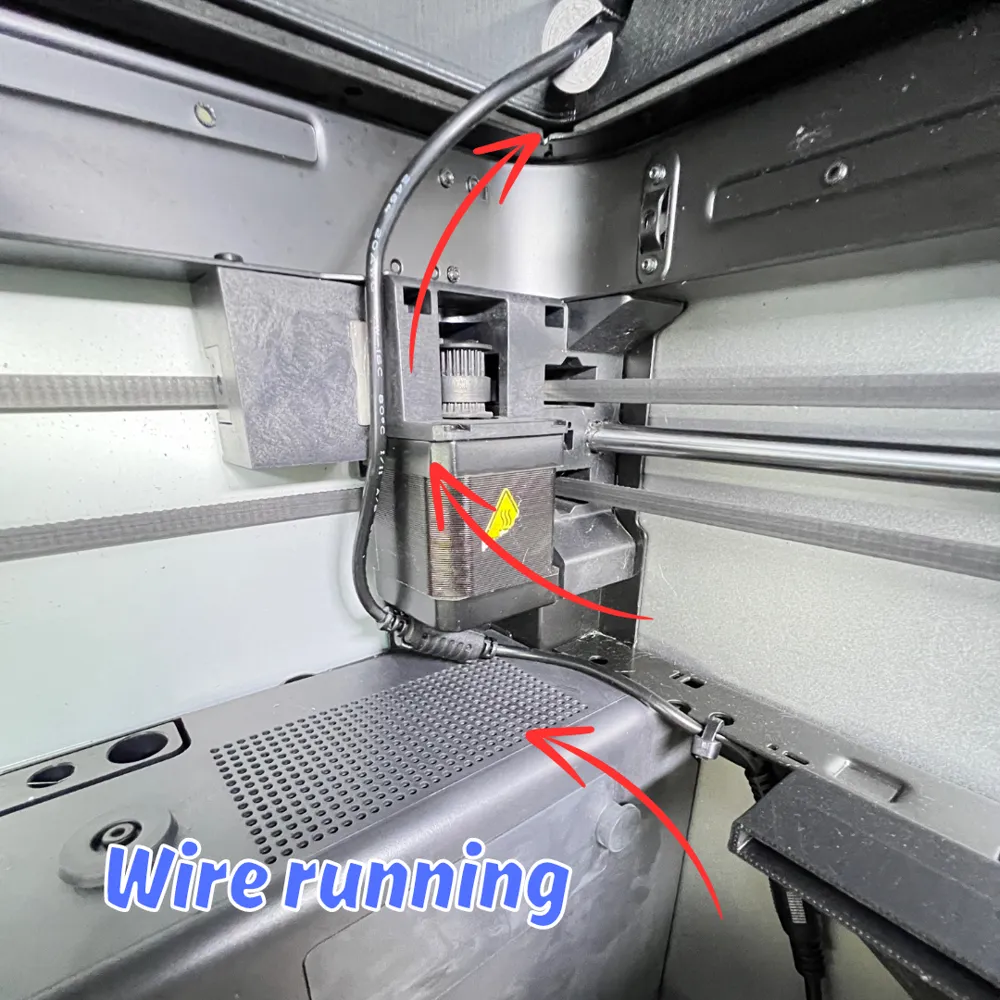
Great idea and beautiful print A note that extra assembly is required for the P1S because otherwise the cable routing won't work would be helpful Thanks for sharing I'm looking forward to your next ABS/ASA print
Show original
0
Reply
Hey there! I'm working on my own chamber heater and looking at other implementations. I've been thinking about the best orientation for the heater to ensure both: even heat dissipation and no hot spots. I considered a duct approach like you have here to blow hot air directly at the plate/part, but thinking more about that, I think it's counter-productive. This is going to make part cooling worse, specifically one side getting cooled by the Aux fan and another (opposite side in your case) getting heated. With this design have you noticed the heated side has a worse print finish? Or more warping? Or in practice is this extra heat at a low enough temperature where it's negligible? As for the best orientation, I'm thinking of mounting the heater about half-way up the case and pointing it DOWN. As heat rises this should hopefully counteract that somewhat to spread even temperature throughout the printer. The intake fan will also be pulling air from the top of the case to circulate back down to the bottom. Maybe I'm overthinking this though?
The designer has replied
1
Reply
Hi Tschukar, Thank you so much for your feedback and for sharing your concerns about temperature unevenness. I designed this heater with the following considerations in mind: 1. The primary source of heat is the bed/table. When printing tall or large parts, the bottom temperature will be hotter than the top of the machine, which can cause temperature unevenness and result in layer delamination.
0
Reply
2. I initially thought the fan would help distribute heat to the top. However, it has been reported that the fan may eventually fail if it consistently gets too hot. Therefore, I turn off the auxiliary fan when running this heater. 3. I set the heater to a maximum of 50 degrees Celsius and have been running ABS without any issues, even without the auxiliary fan. Mean that cooling shouldn't be a problem.
0
Reply
4. For printing with PLA, you will need to turn the heater off. I have installed a Wi-Fi remote switch to control the heater when it is not needed, ensuring better cooling when printing PLA. I hope this clarifies your concerns. Enjoy printing!
0
Reply
Boosted
Looks fine
The designer has replied
1
Reply
Great to hear that.
0
Reply
Boosted
Great print and overall great solution to add active chamber heating to the X1/P1S/P1P. Great solution for my ASA / PA printing challenges.
The designer has replied
0
Reply
Great 🫶🏻
0
Reply
do you think a thermostat would help at all? I found plug that doubles as a thermostat.
0
Reply
No more

License

This user content is licensed under a Standard Digital File License.

You shall not share, sub-license, sell, rent, host, transfer, or distribute in any way the digital or 3D printed versions of this object, nor any other derivative work of this object in its digital or physical format (including - but not limited to - remixes of this object, and hosting on other digital platforms). The objects may not be used without permission in any way whatsoever in which you charge money, or collect fees.