
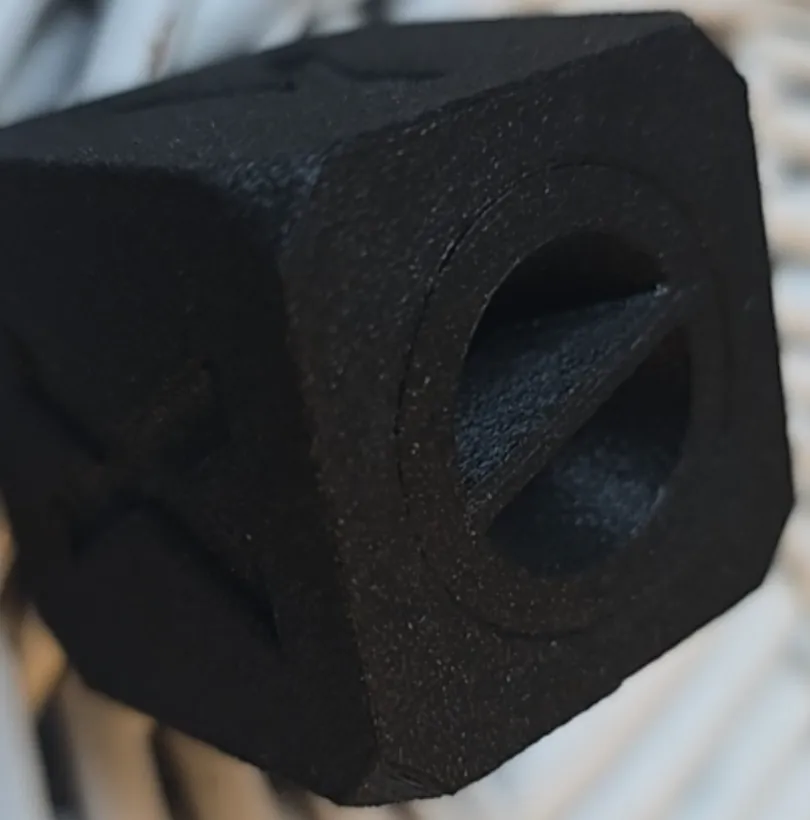
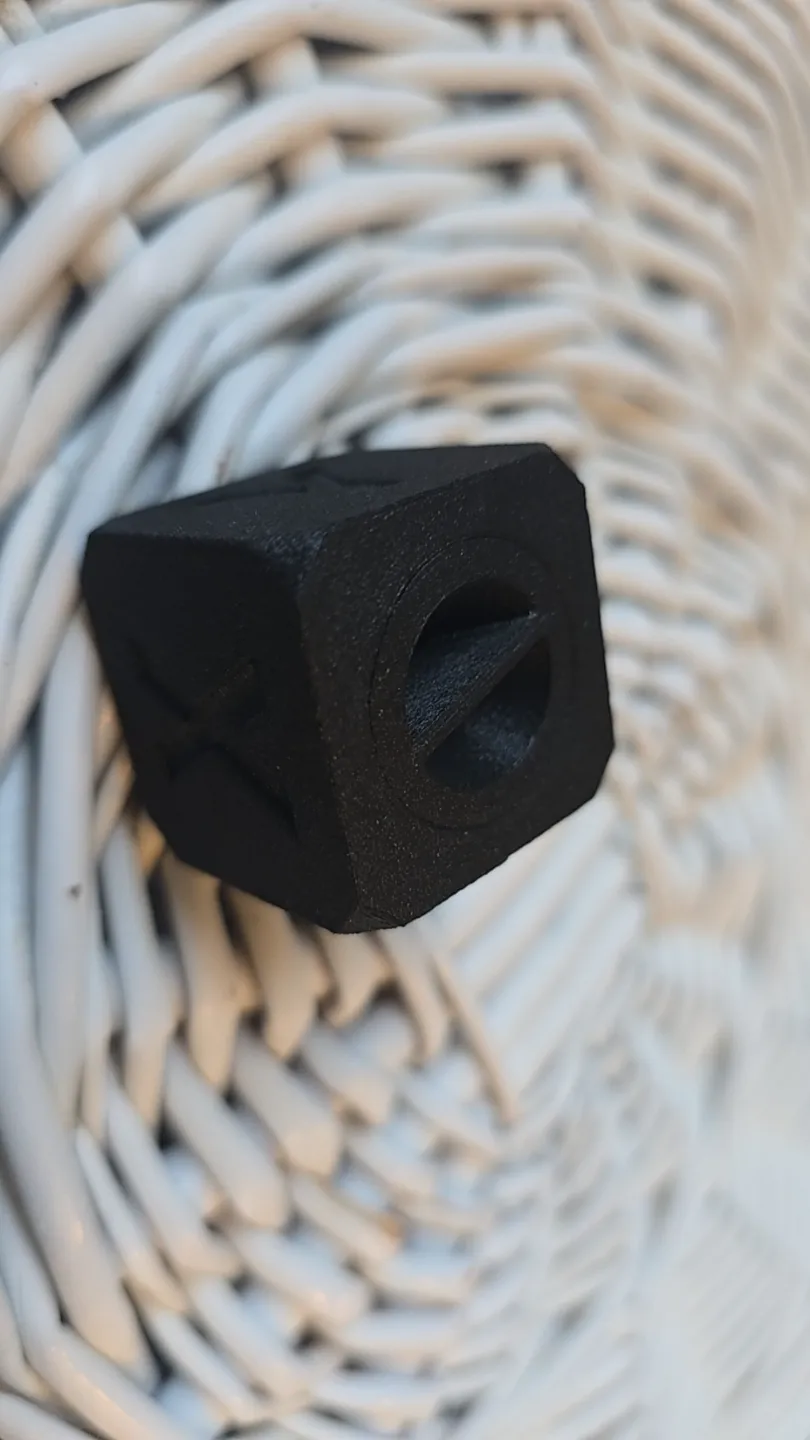
PA12-CF print profile for 0.4 nozzle by Adam
Print Profile(1)

Description
Your spool must be perfectly dry. Note that 70 degrees may not be enough. If You notice blobbing than probably it needs more heat and time.
To use this profile, download the 3mf file and open it in Bambu Studio. Delete the test model and import Your stl. Load the filament on external spool and do not reload the ams filaments as this will delete the filament profile.
If You print on X1E chamber heat 60 degrees. If You use X1C set Your plate temp high and heat it for 30 minutes before printing.
Tested on pa12-cf from Rosa.
Boost Me (for free)
License

You shall not share, sub-license, sell, rent, host, transfer, or distribute in any way the digital or 3D printed versions of this object, nor any other derivative work of this object in its digital or physical format (including - but not limited to - remixes of this object, and hosting on other digital platforms). The objects may not be used without permission in any way whatsoever in which you charge money, or collect fees.


Comment & Rating (23)