


Print Profile(1)

Description
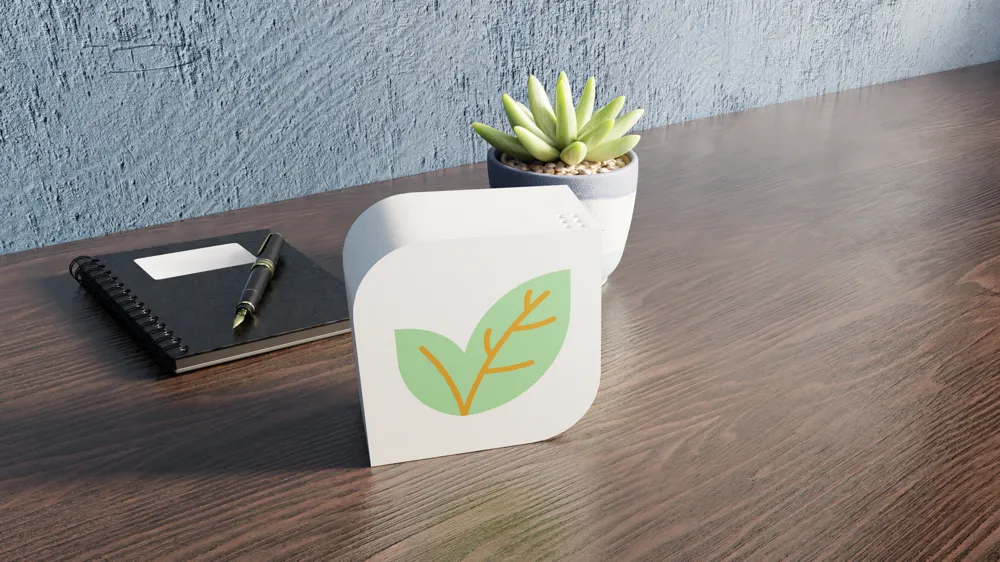
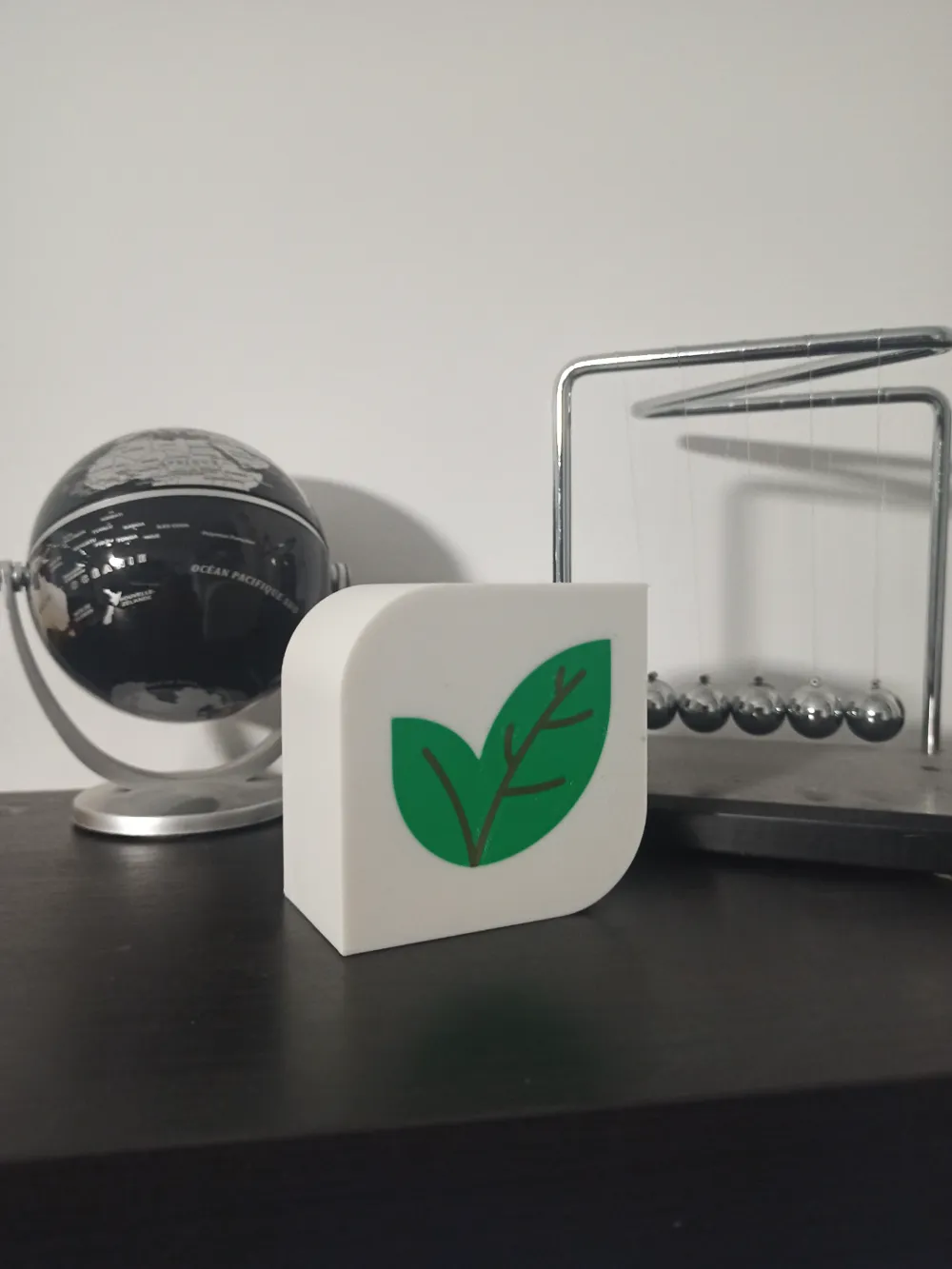
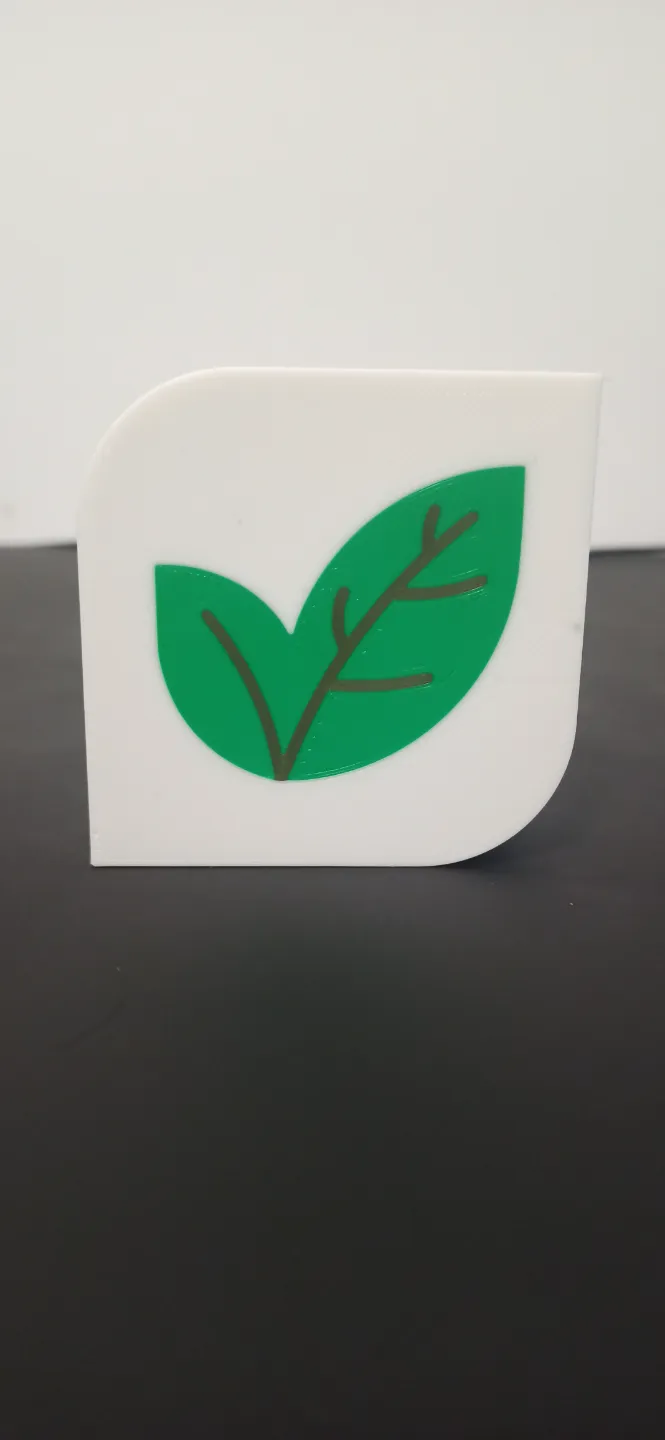
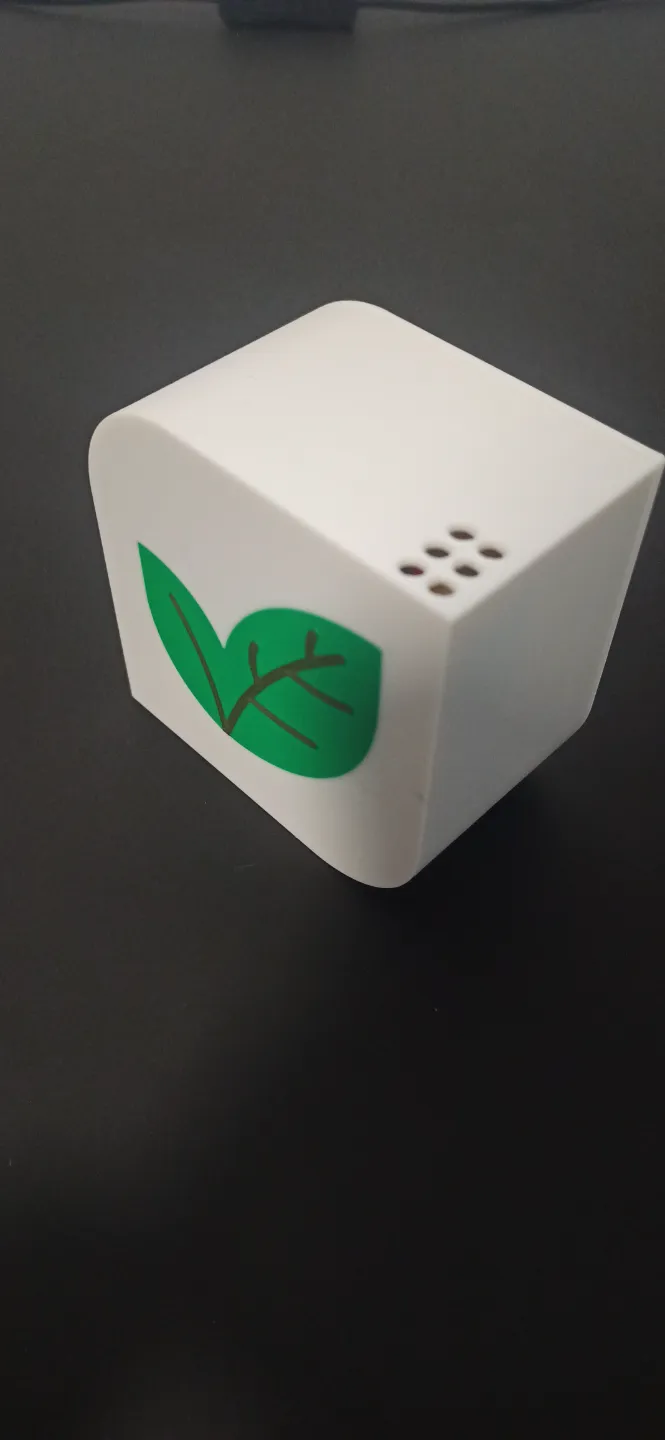
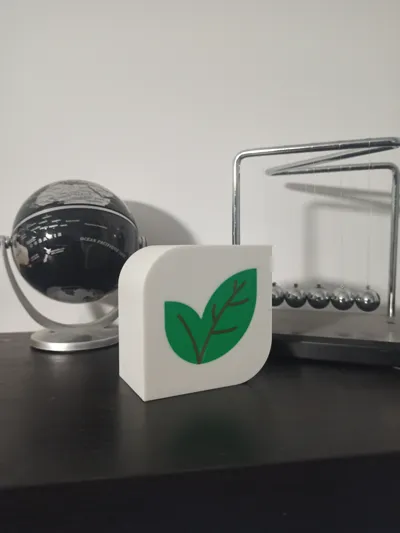
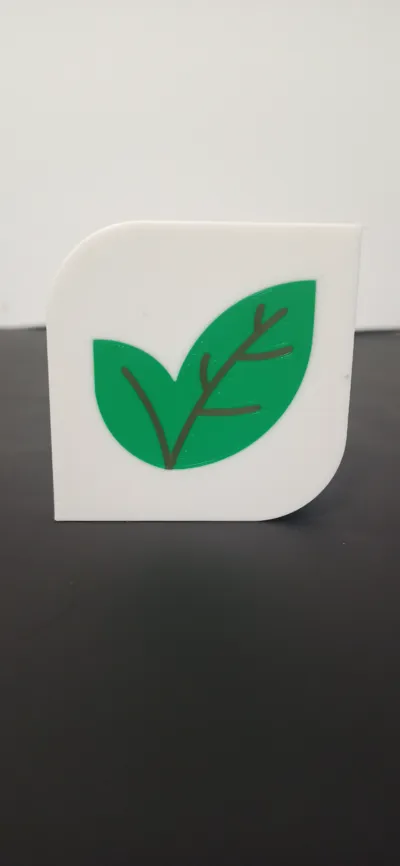

Here is a very nice little project to realize: A Sensor Box.
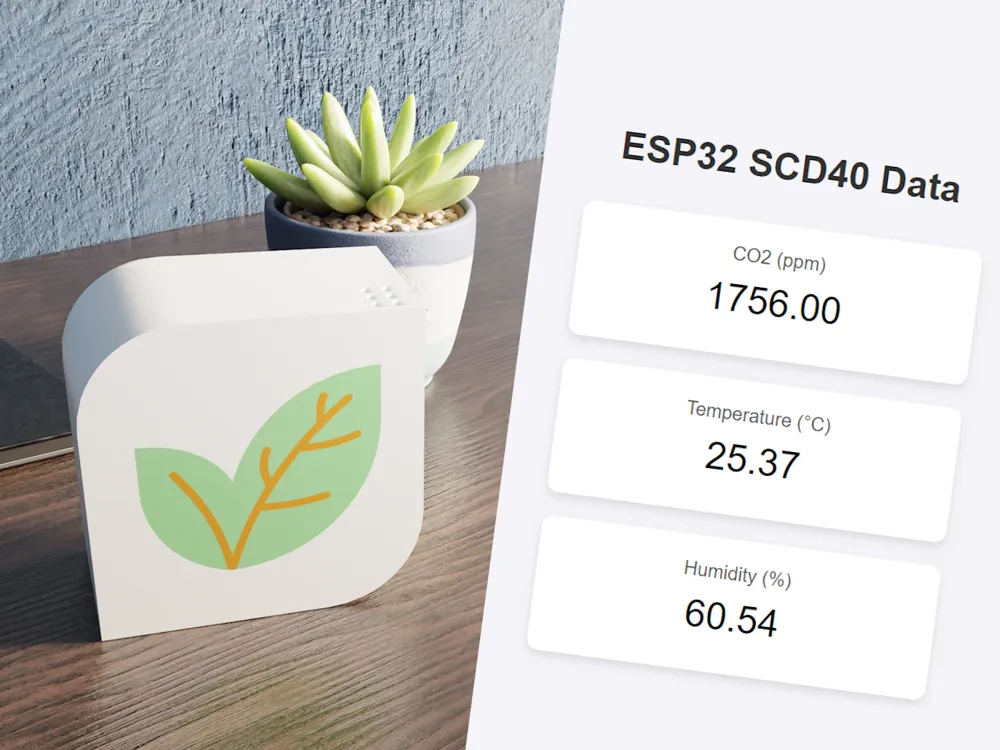
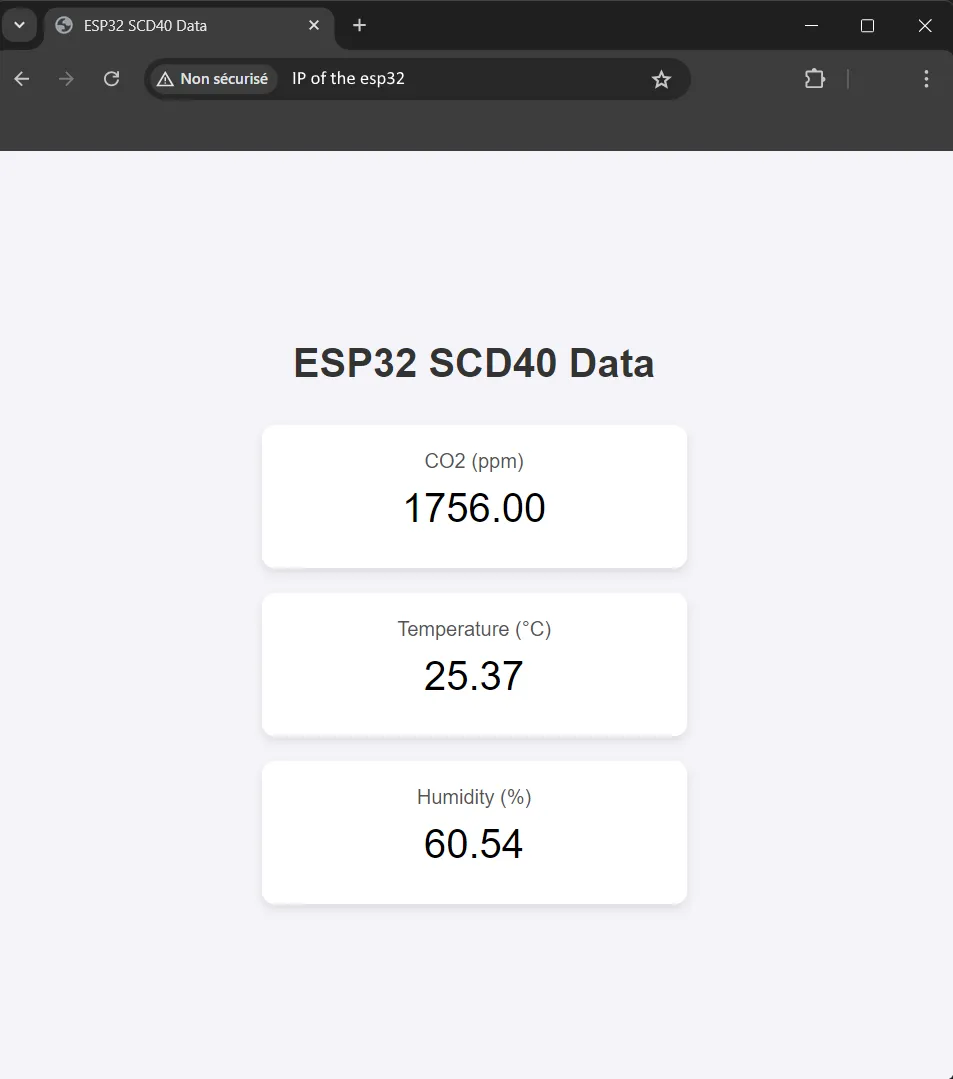
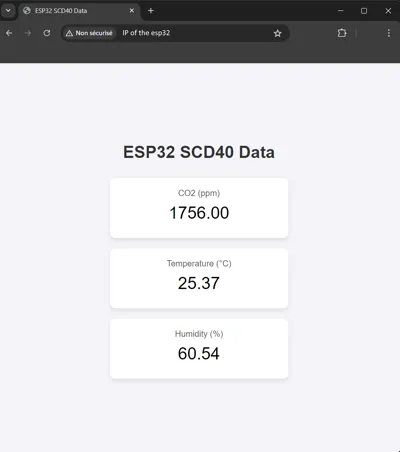
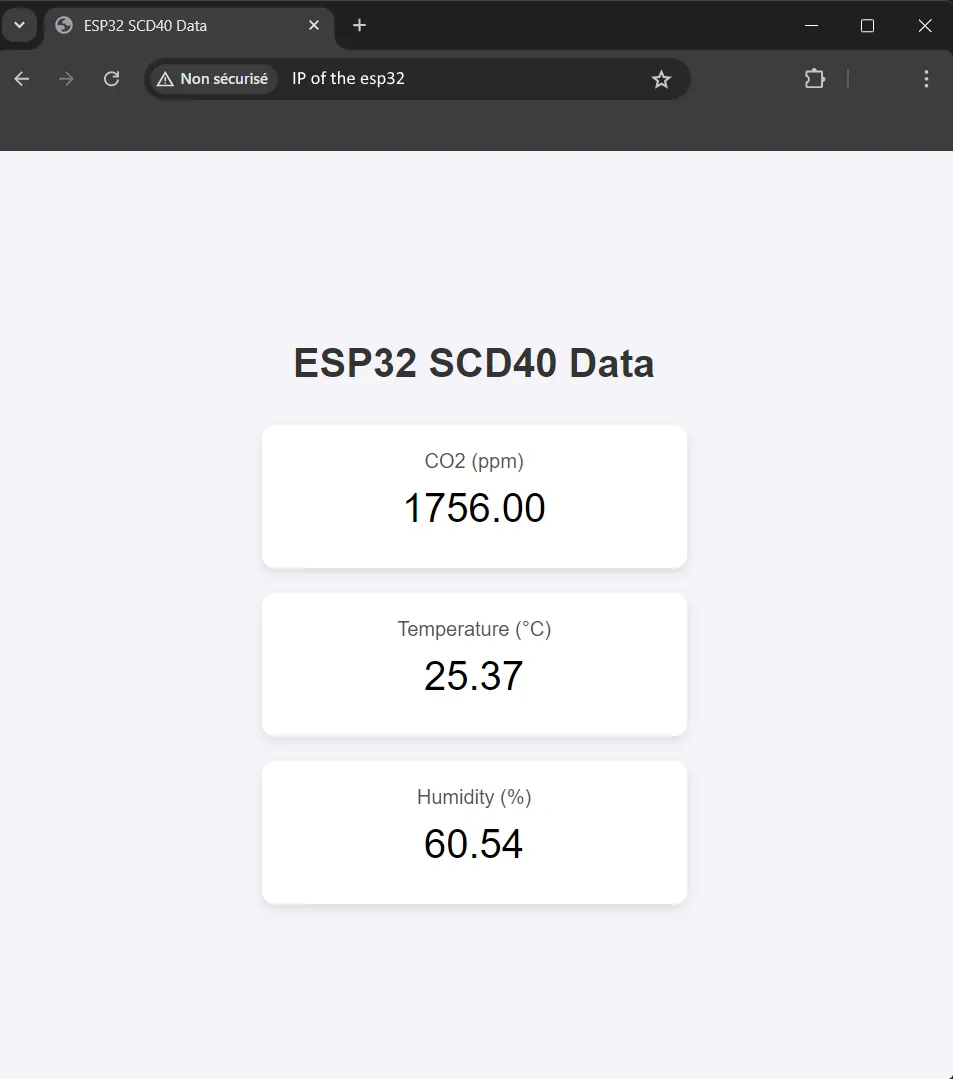
This small box, allows to control the temperature, humidity, as well as the level of CO2 in the air. In addition, all data is visible from a website hosted by ESP32 locally.
Here are the components you will need to realize this project! All links of components used are below
- ESP32
- SCD40/41
- Battery
- Female DC Connector
- Switch 3 pins



Step 1 : Place the battery with a little hot glue in a corner
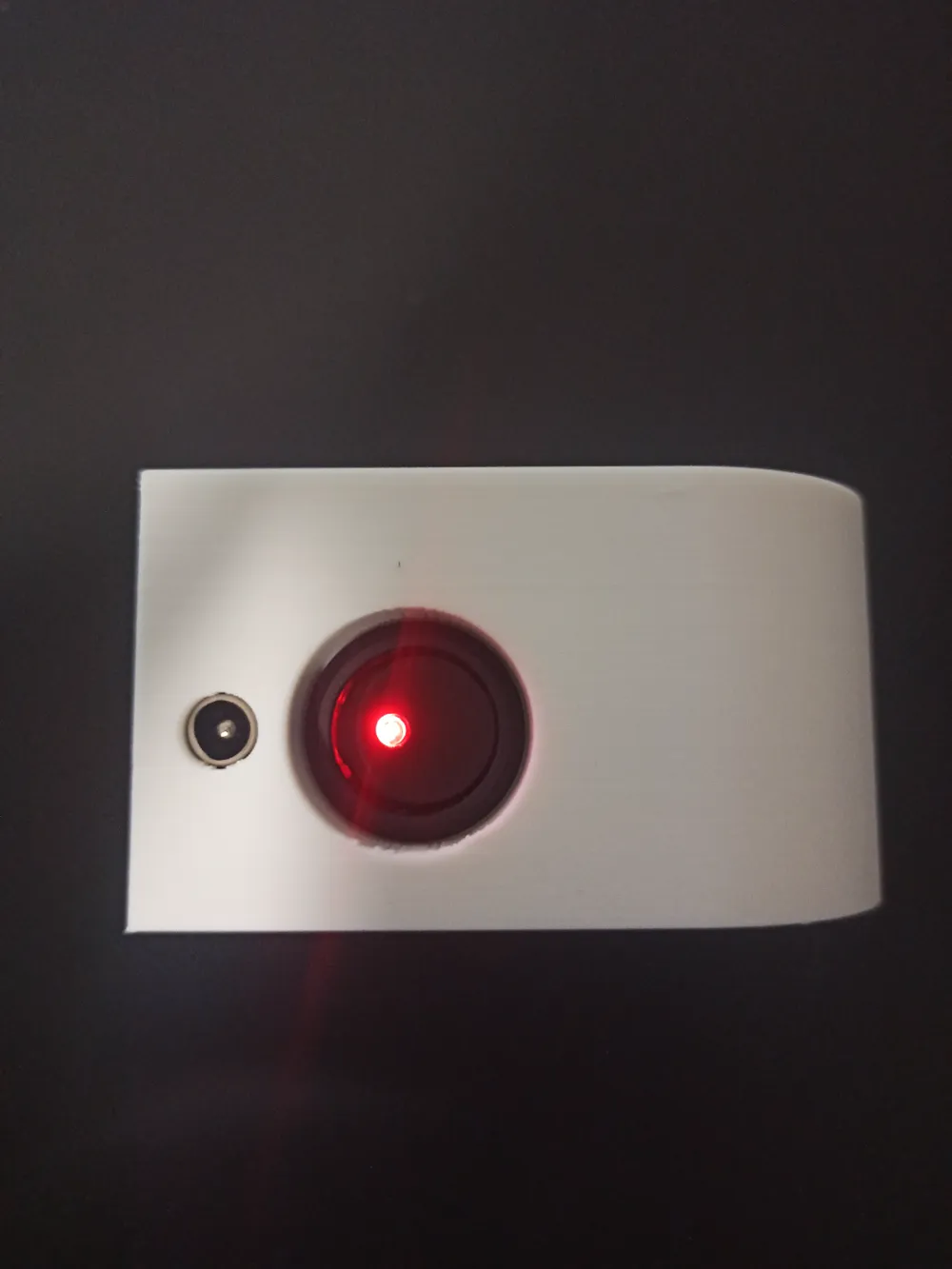
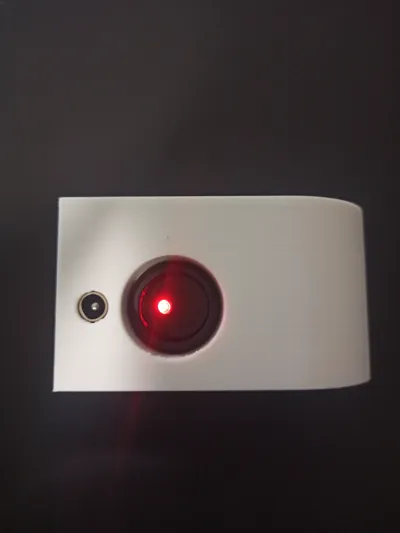
Step 2 : Place the DC Connector with some hot glue on the side to keep it in the intended location
Step 3 : Put the Switch 3 pin in the hole provided for this purpose
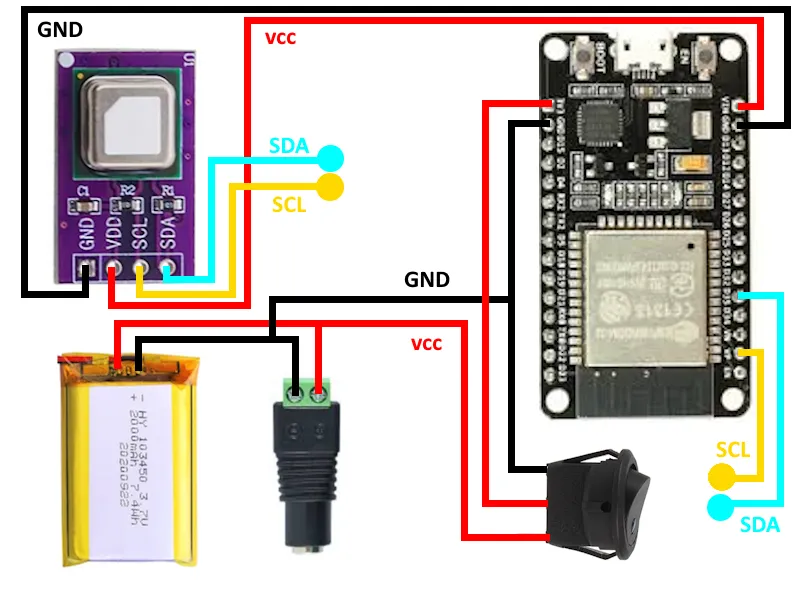
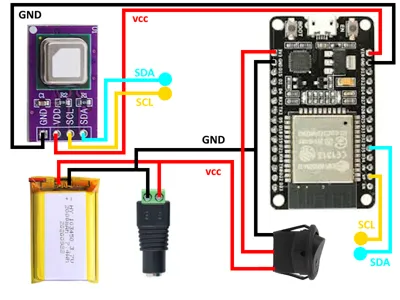
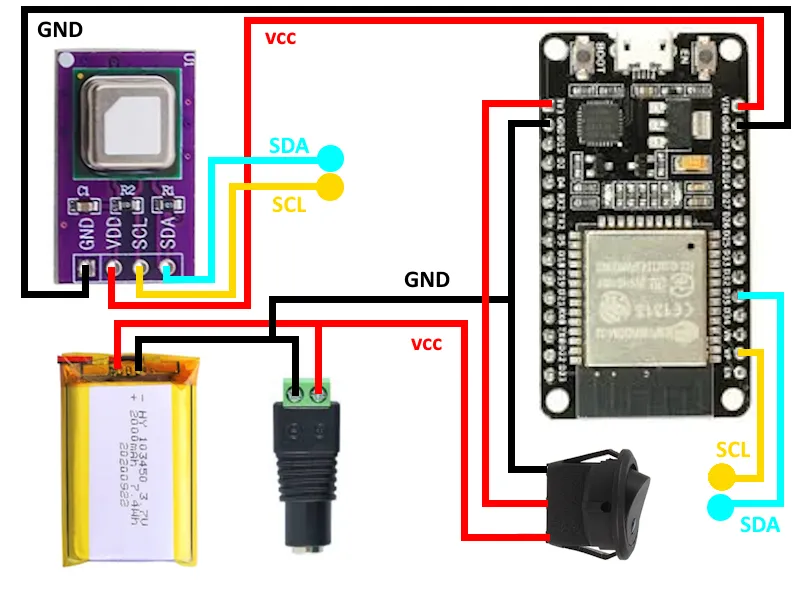
Step 4 : Solder the 3 pin Switch wires to the ESP32 power pins
Step 5 : With hot glue, glue the ESP32 against the bottom
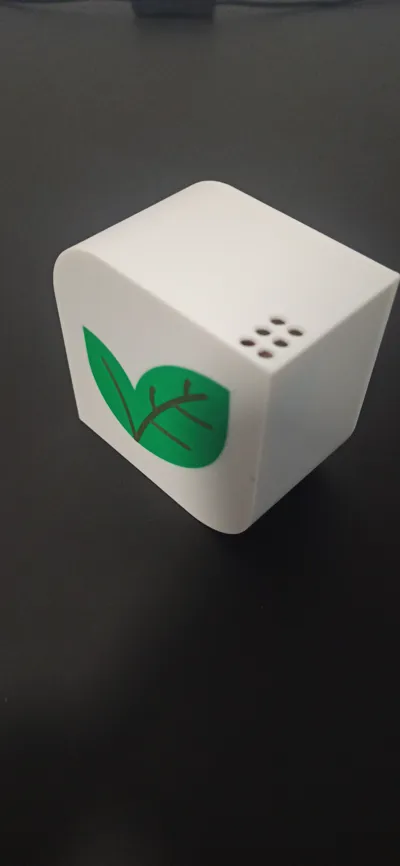
Step 6 : Place the SCD40/41 sensor against the wall where the small ventilation holes are located
Step 7 : Connect the battery to the Switch 3 pins
Step 8 : Enjoy !!!





// The code for the ESP32, Sensor Box by Nitros : https://makerworld.com/en/@Nitros
#include <Wire.h>#include <WiFi.h>
#include <ESPmDNS.h>
#include <ESPAsyncWebServer.h>
#include <SparkFun_SCD4x_Arduino_Library.h>
const char* LOCALHOSTNAME = "esp32"; // You can change the name as you want
const char* SSID = "Your_SSID";
const char* PASSWORD = "Your_PASSWORD";
SCD4x scd4x;
AsyncWebServer server(80);
void setup() {
Serial.begin(115200);
Wire.begin();
WiFi.begin(SSID, PASSWORD);
while (WiFi.status() != WL_CONNECTED) {
delay(1000);
Serial.println("Connecting...");
}
Serial.print("Connected to WiFi : ");
Serial.println(WiFi.localIP());
MDNS.begin(LOCALHOSTNAME);
Serial.print("Local URL: http://");
Serial.print(LOCALHOSTNAME);
Serial.println(".local");
scd4x.begin();
scd4x.startPeriodicMeasurement();
server.on("/", HTTP_GET, [](AsyncWebServerRequest* request) {
float CO2, TEMP, HUMI;
if (scd4x.readMeasurement() == true) {
CO2 = scd4x.getCO2();
TEMP = scd4x.getTemperature();
HUMI = scd4x.getHumidity();
String htmlPage = "<!DOCTYPE html><html><head><meta charset='UTF-8'><meta http-equiv='refresh' content='10'><title>ESP32 SCD40 Data</title><style>";
htmlPage += "body {font-family: Arial, sans-serif; display: flex; flex-direction: column; align-items: center; justify-content: center; height: 100vh; background-color: #f4f4f9; margin: 0;}";
htmlPage += "h1 {color: #333;}";
htmlPage += ".card {background-color: white; box-shadow: 0 4px 8px rgba(0,0,0,0.1); border-radius: 10px; padding: 20px; margin: 10px; text-align: center; width: 300px;}";
htmlPage += ".value {font-size: 2em; margin: 10px 0;}";
htmlPage += ".label {font-size: 1em; color: #555;}";
htmlPage += "</style></head><body><h1>ESP32 SCD40 Data</h1>";
htmlPage += "<div class='card'><div class='label'>CO2 (ppm)</div><div class='value'>" + String(CO2, 2) + "</div></div>";
htmlPage += "<div class='card'><div class='label'>Temperature (°C)</div><div class='value'>" + String(TEMP, 2) + "</div></div>";
htmlPage += "<div class='card'><div class='label'>Humidity (%)</div><div class='value'>" + String(HUMI, 2) + "</div></div>";
htmlPage += "</body></html>";
request->send(200, "text/html", htmlPage);
}
});
server.begin();
}
void loop() {
}
To view data from the web server hosted by the esp32. You must connect to the same network as the esp32. Then, you enter the IP address of the esp32 or with http://esp32.local (LOCALHOSTNAME) (knowing that when I use the url, it only works on computer and not on phone).
ESP32 : https://www.aliexpress.us/item/3256801743620798.html?spm=a2g0o.order_list.order_list_main.51.21ef5e5brOJhfP&gatewayAdapt=glo2usa4itemAdapt
SCD40 : https://fr.aliexpress.com/item/1005004221715765.html?spm=a2g0o.order_list.order_list_main.5.1fd25e5b1dO0kf&gatewayAdapt=glo2fra
Switch 3 pins : https://fr.aliexpress.com/item/1005001694569310.html?gatewayAdapt=glo2fra
Battery : https://fr.aliexpress.com/item/1005002919536938.html?gatewayAdapt=glo2fra
DC Connectors : https://fr.aliexpress.com/item/32988780525.html?spm=a2g0o.order_list.order_list_main.4.21ef5e5brOJhfP&gatewayAdapt=glo2fra
Boost Me (for free)
If you want to support me and my projects !!!
License

You shall not share, sub-license, sell, rent, host, transfer, or distribute in any way the digital or 3D printed versions of this object, nor any other derivative work of this object in its digital or physical format (including - but not limited to - remixes of this object, and hosting on other digital platforms). The objects may not be used without permission in any way whatsoever in which you charge money, or collect fees.


Comment & Rating (0)