
Aqara U200 smart lock front plate & cover
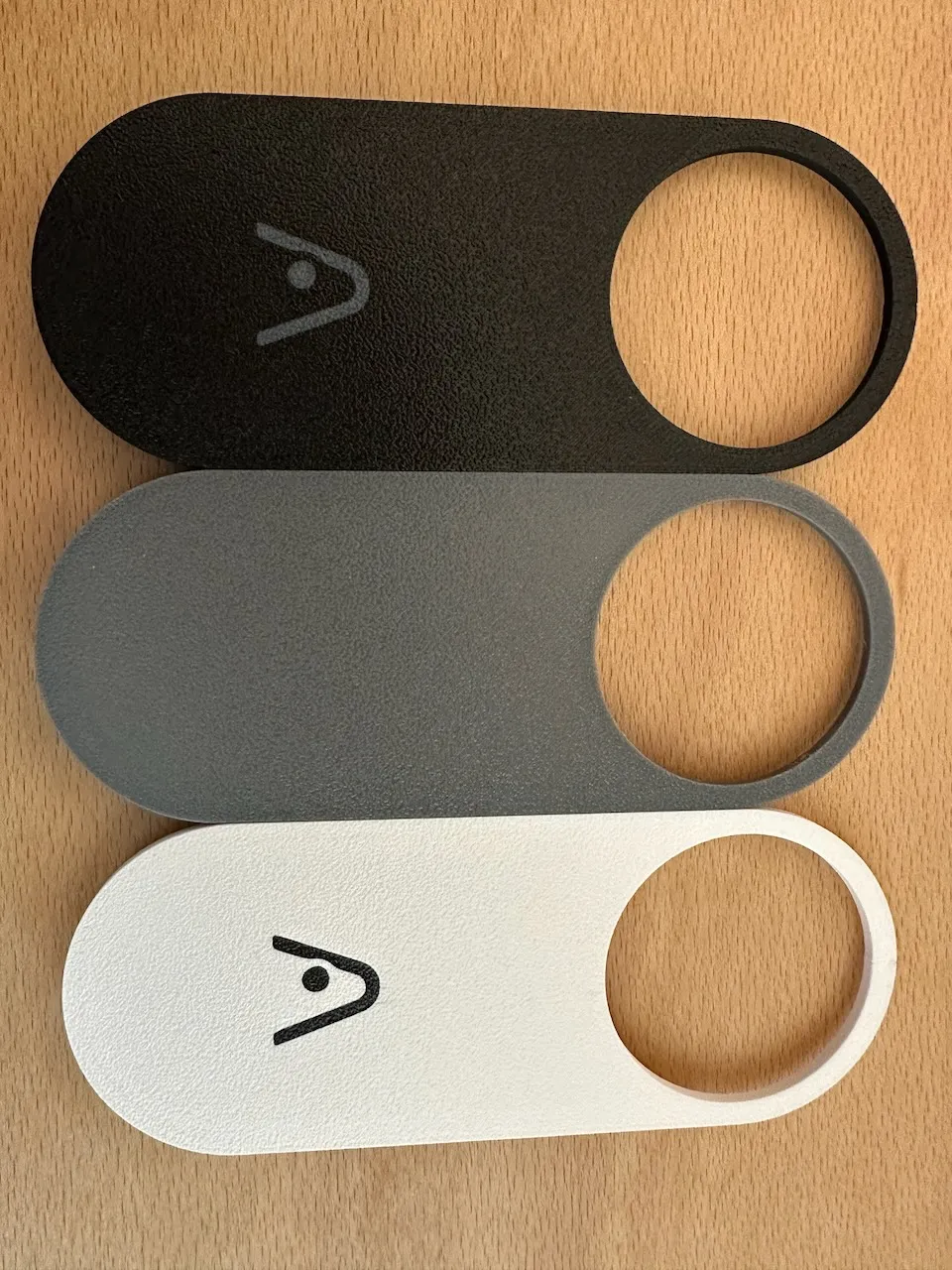
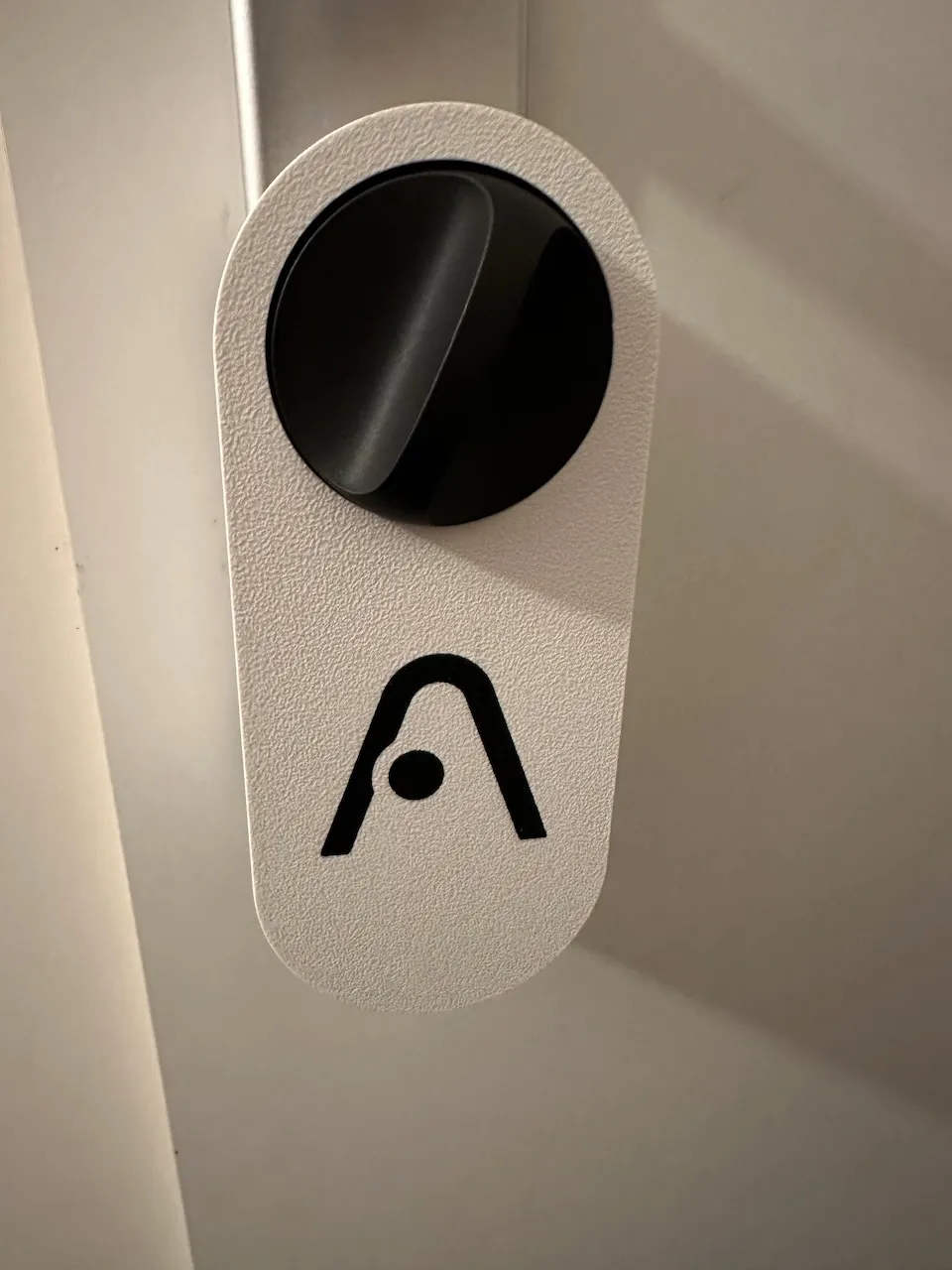
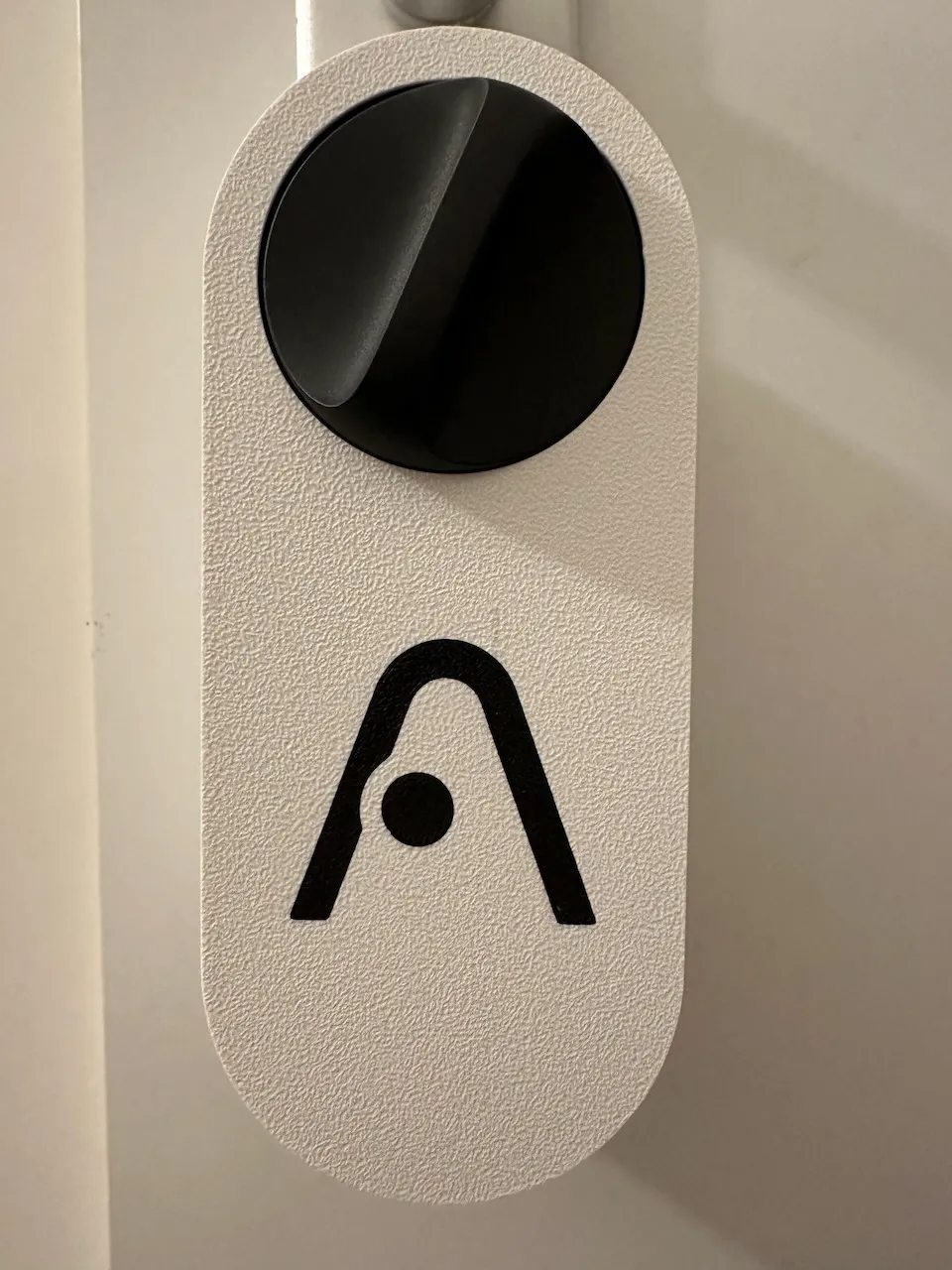
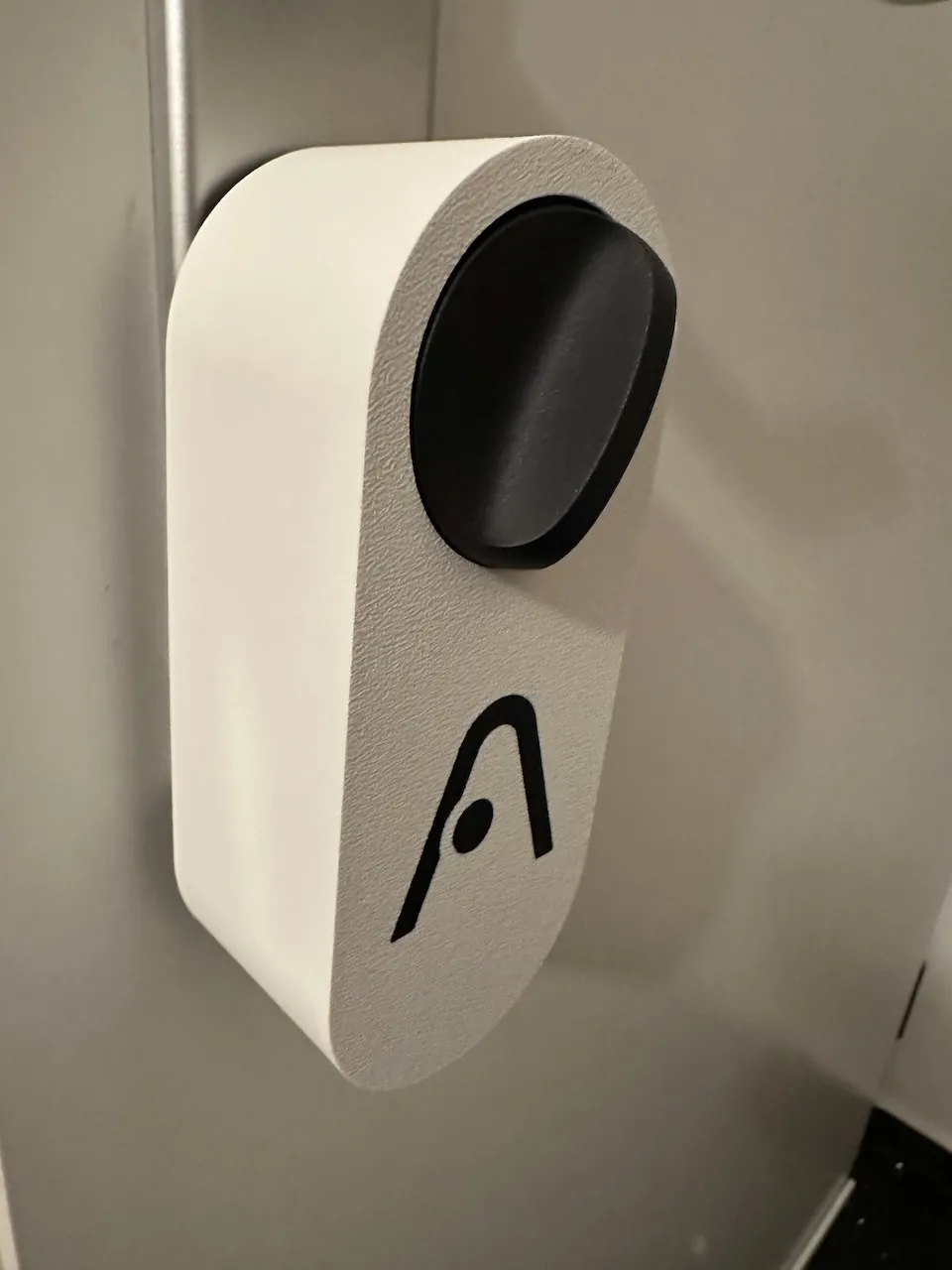
Print Profile(3)


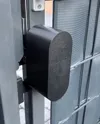

Description
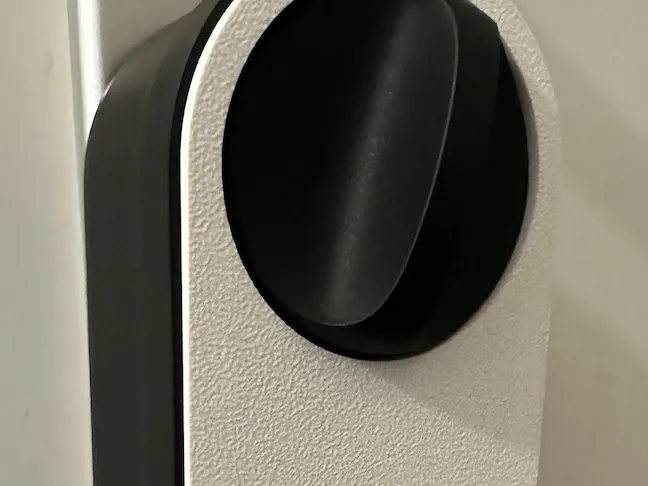
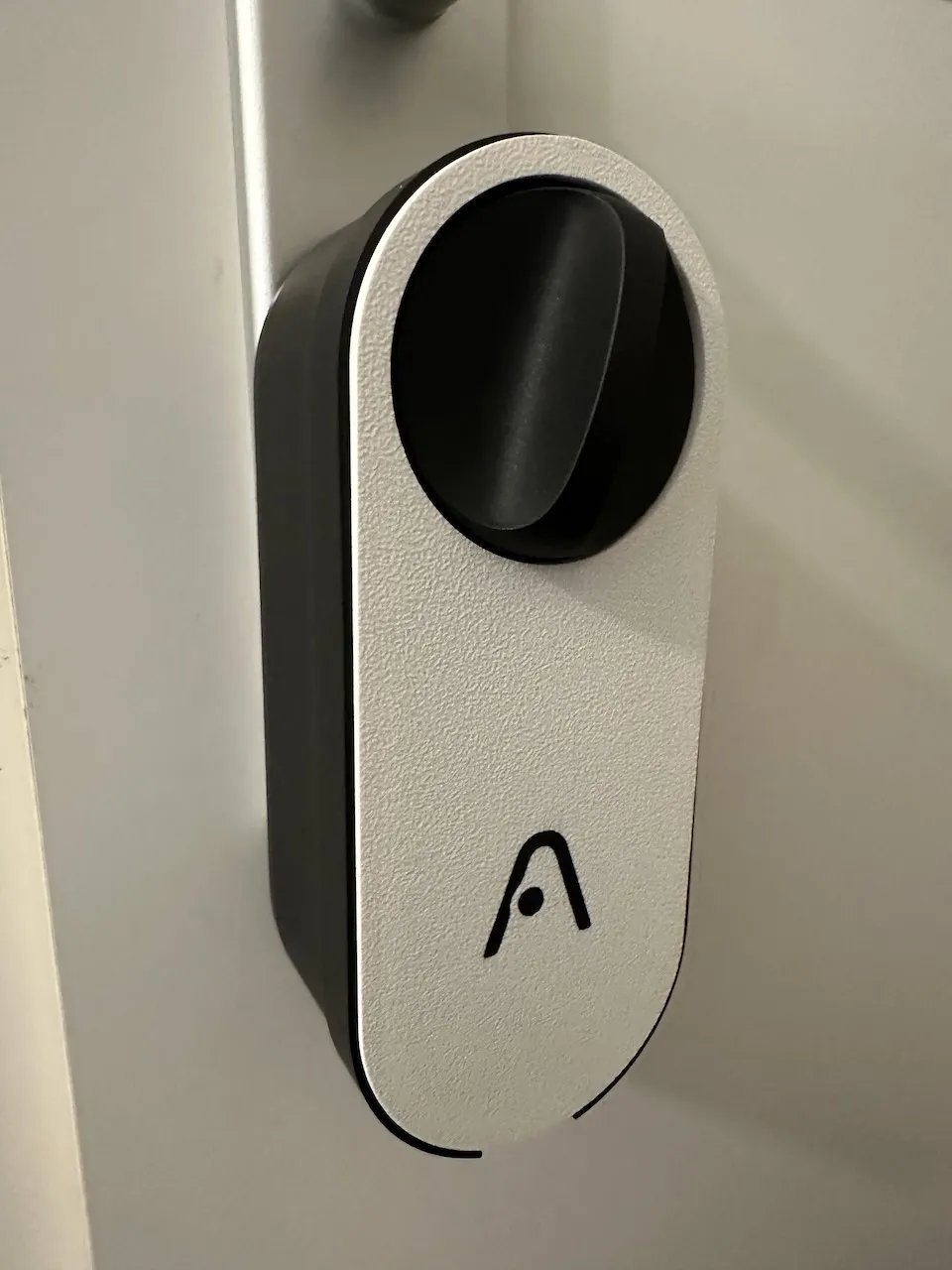
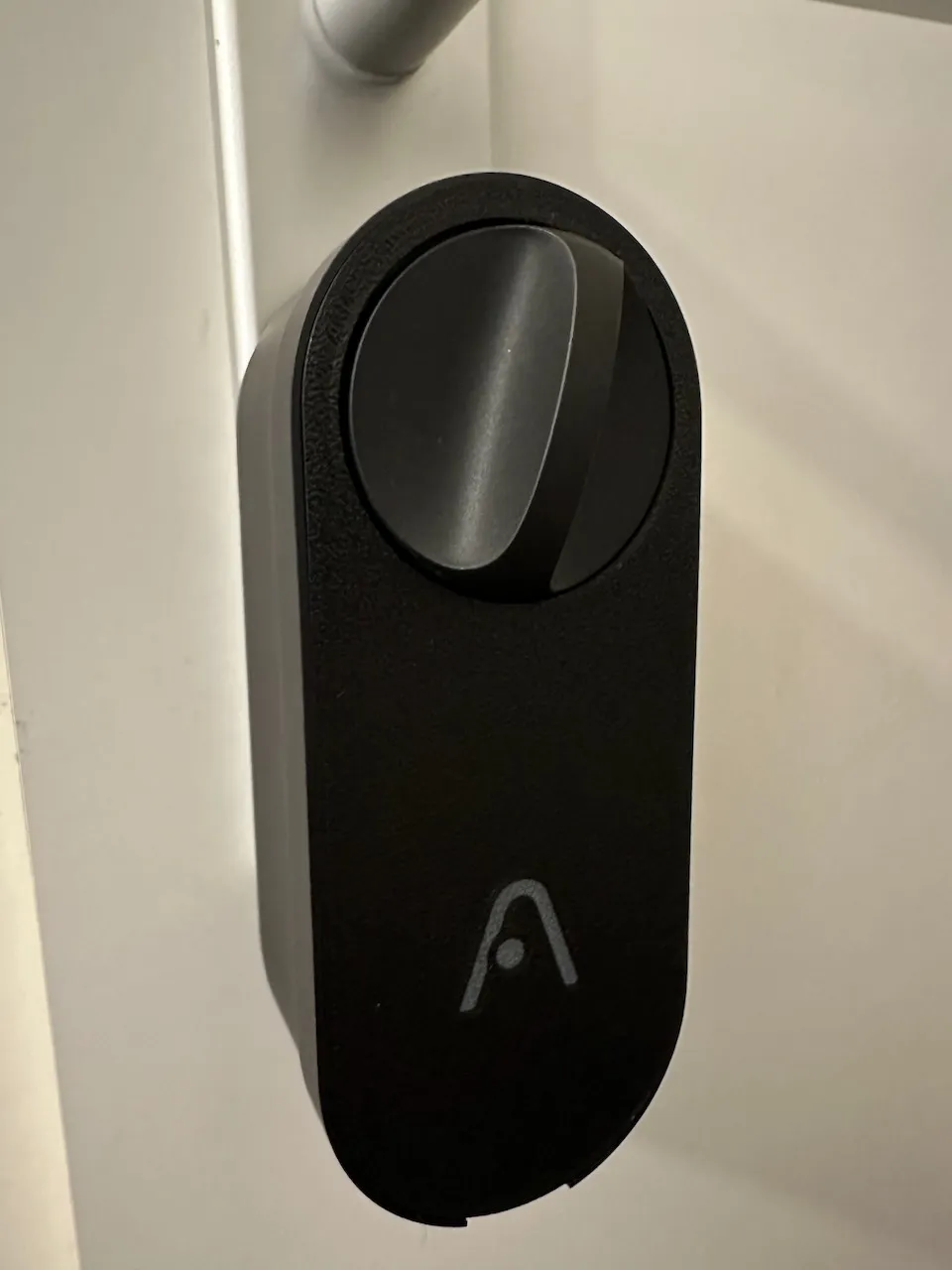
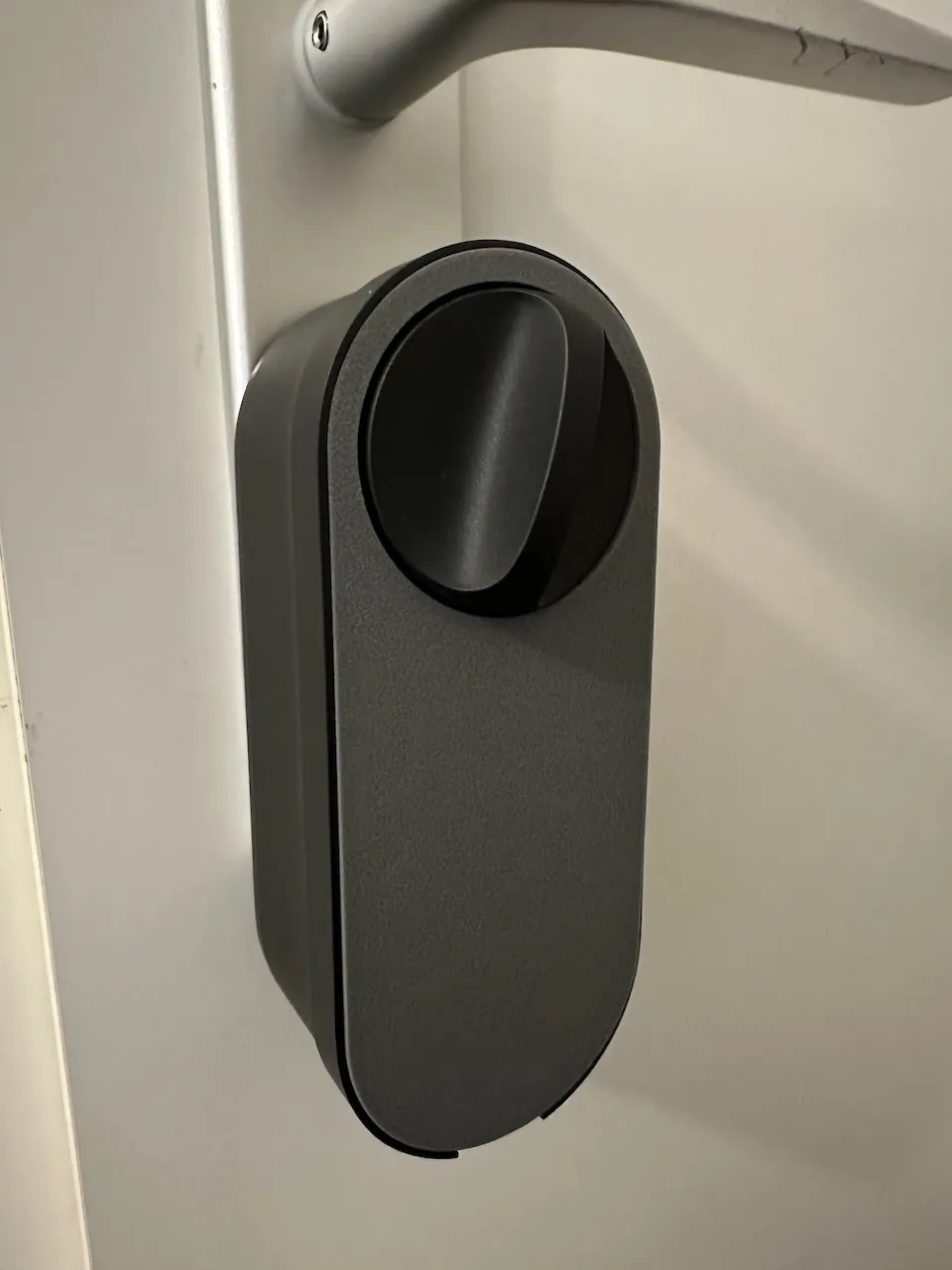
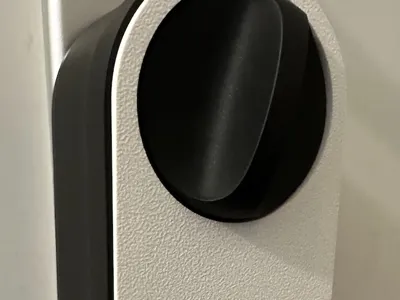
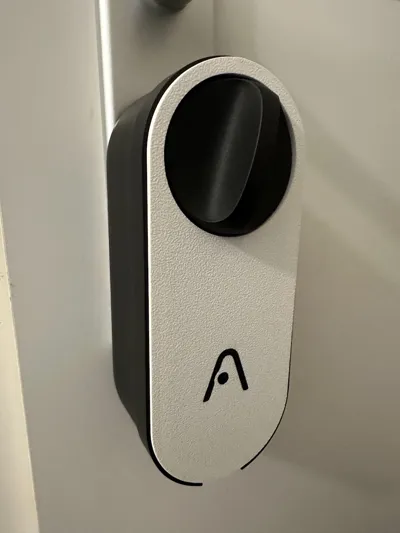
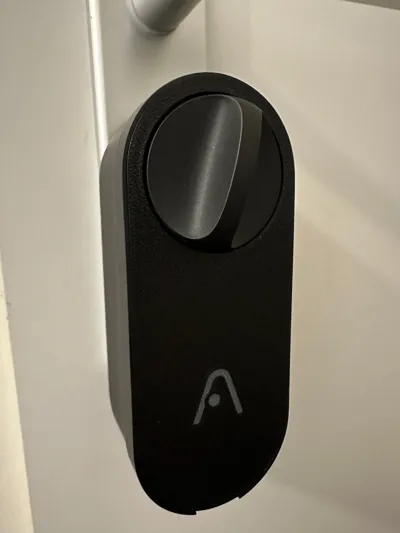
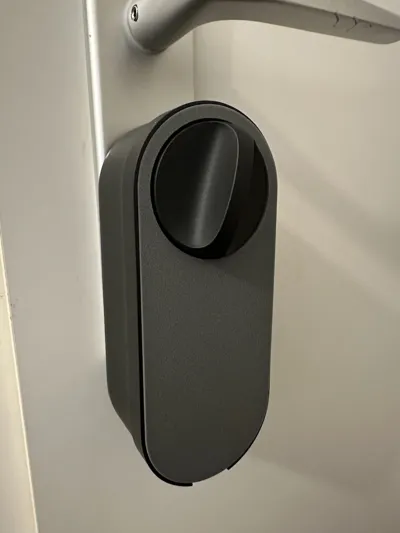
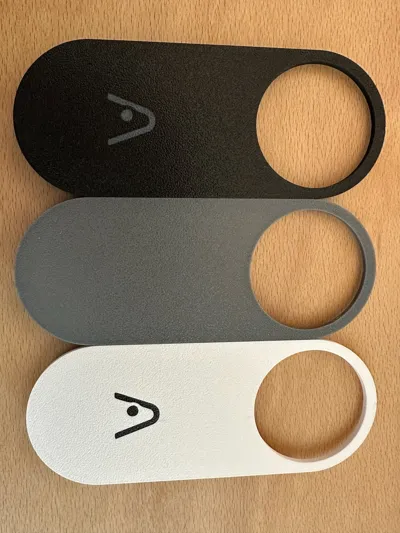
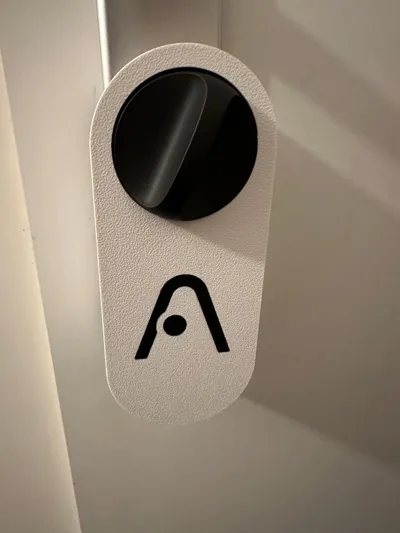
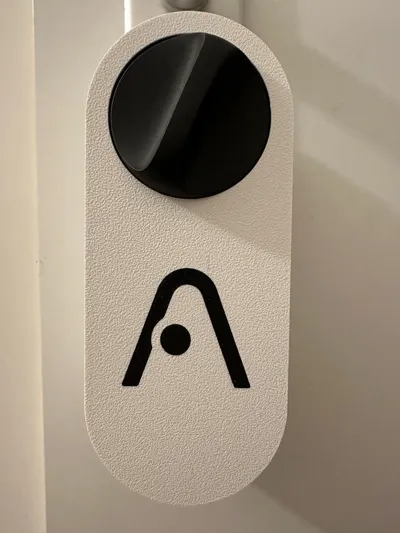
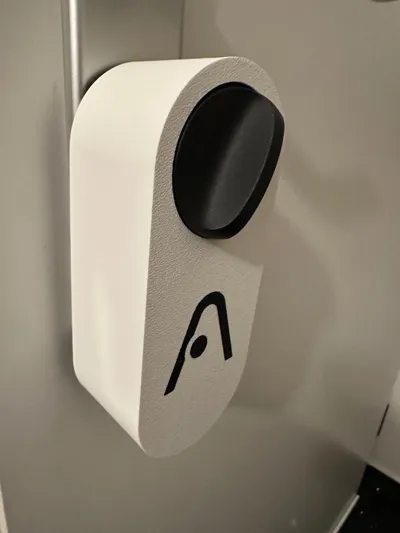
A simple way to alternate the look of your Aqara U200 with a new front plate or cover.
Installation front plate:
Put the two bottom guides into the matching openings first, then gently apply light pressure from the bottom to the top to press the cover in. I advice to support the U200 from the back to avoid the smart lock from tilting on the profile cylinder.
Installation cover:
First remove the front plate and then gently put the cover on.
Downloads:
- clean versions
- cover version with Aqara logo as cutout
- step files
- multicolor .3mf files with Aqara logo for Bambu Studio / Orca Slicer
License

You shall not share, sub-license, sell, rent, host, transfer, or distribute in any way the digital or 3D printed versions of this object, nor any other derivative work of this object in its digital or physical format (including - but not limited to - remixes of this object, and hosting on other digital platforms). The objects may not be used without permission in any way whatsoever in which you charge money, or collect fees.


Comment & Rating (28)