Search models, users, collections, and posts

Bambu Lab A1 DSLR Timelapse
IP Report
Print Profile(1)

0.2mm layer, 2 walls, 15% infill
Designer
17 min
1 plate
Open in Bambu Studio
Boost
22
53
18
5
33
14
Released
Description
Making beautiful timelapses on your Bambu Lab A1.
With this mod you can connect an external camera using a Raspberry Pi and a DSLR or other camera. You could fx use a Android phone with an free Android app. We do not change any GCODE or anything on the printer. As we can run the complete standard printing profile in Bambu Studio.
In Bambu Studio all you have to do is Enabling Smooth timelapses and you are done.
The video below is with a Sony A6000.
Installation
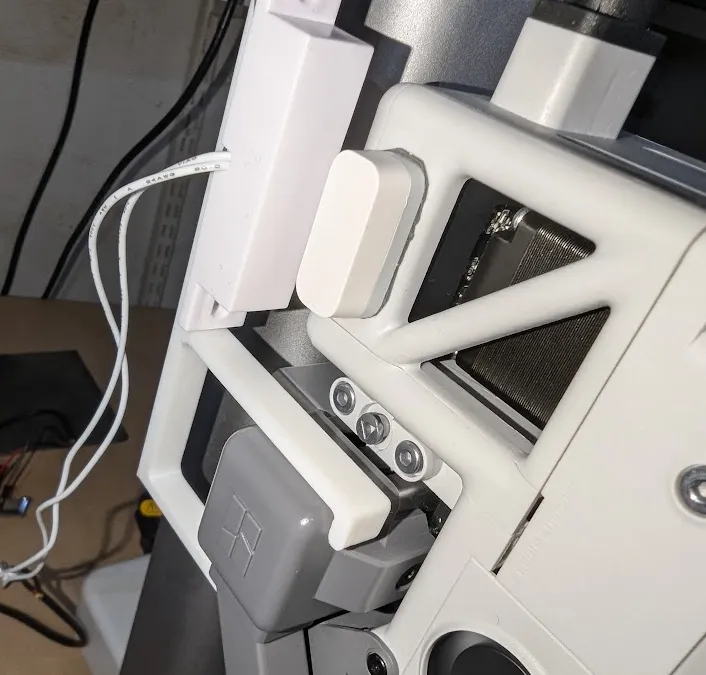
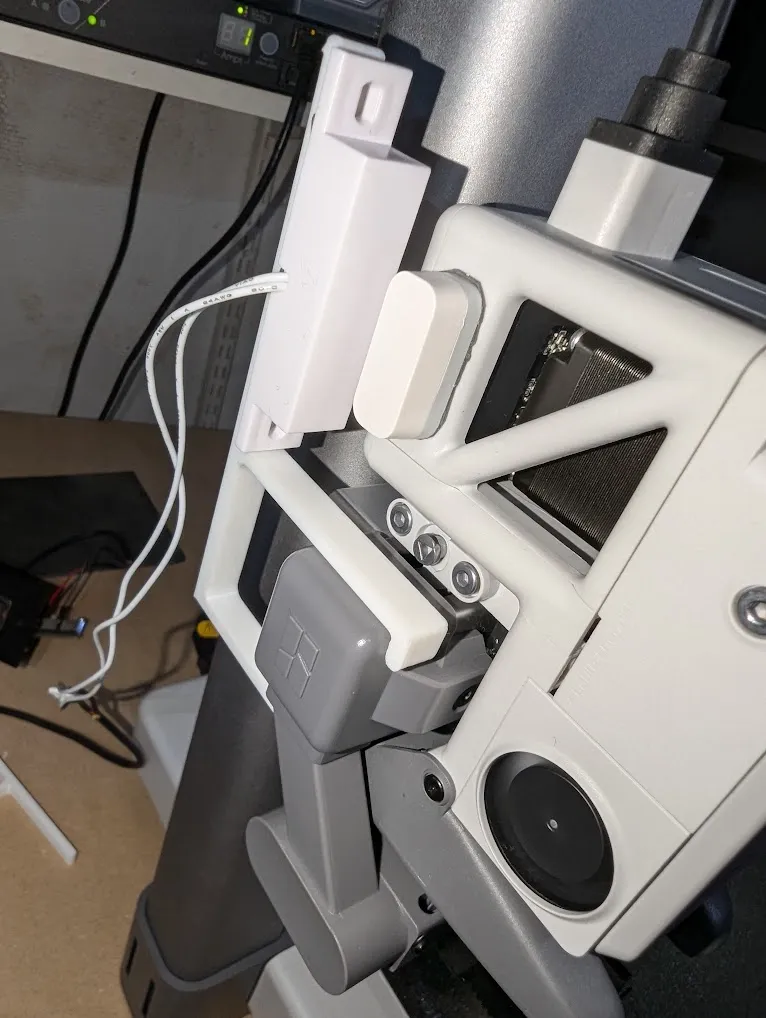
- You need to have a magnetic door sensor you can connect to the GPIO pins on the Raspberry Pi. I use GPIO26 and Ground.
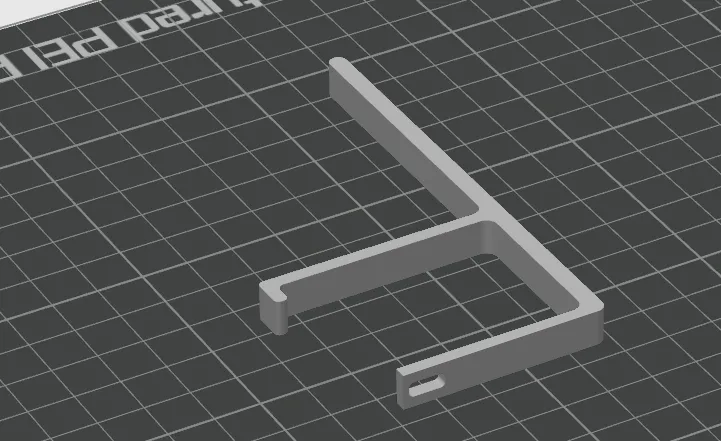
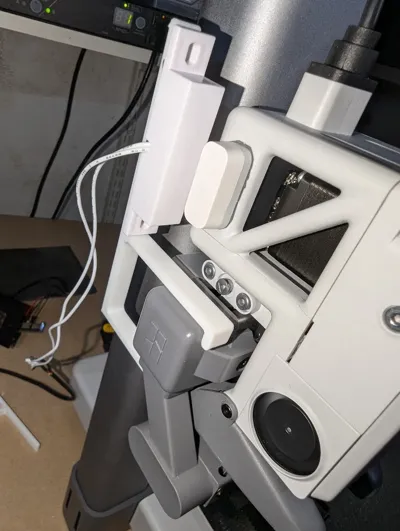
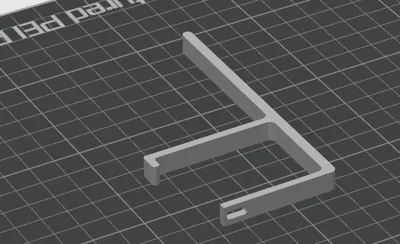
- You need to print out this design and install it at the screw that also holds the Poop Shute.
- You need to put on the Magnetic Sensor on to the arm, and put a Magnet on the printing head. Make sure it dosent collide in any way.
- For good measure please recalibrate the printer, as you have changed the weight now.
Download and run the Github code, make sure to follow the guide in there: https://github.com/NPetersenDK/BambuLab-Smooth-Timelapse
Required parts:
- A Raspberry Pi
- A Magnet sensor which costs a few bucks - i used the following: https://www.aliexpress.com/item/1005006027619189.html
- A camera supported on a Raspberry Pi, using USB. I used a Sony A6000.
License

This user content is licensed under a
Creative Commons Attribution


Comment & Rating (18)