Search models, users, collections, and posts

Pickup Truck - Print in Place PLUS (See Video)
IP Report


Print Profile(3)

Tires + Truck with 2 pauses - 0.2mm layer, 3 walls, 20% infi
Designer
5.9 h
2 plates

PLA | Truck Bed supported

4.1 h
2 plates

0.2mm layer, 2 walls, 15% infill

4.4 h
1 plate
Open in Bambu Studio
Boost
137
256
14
9
210
120
Released
Description
Boost Me (for free)
Think I'm Awesome? ~ https://buymeacoffee.com/triplegworkshop
Video: YOUTUBE LINK
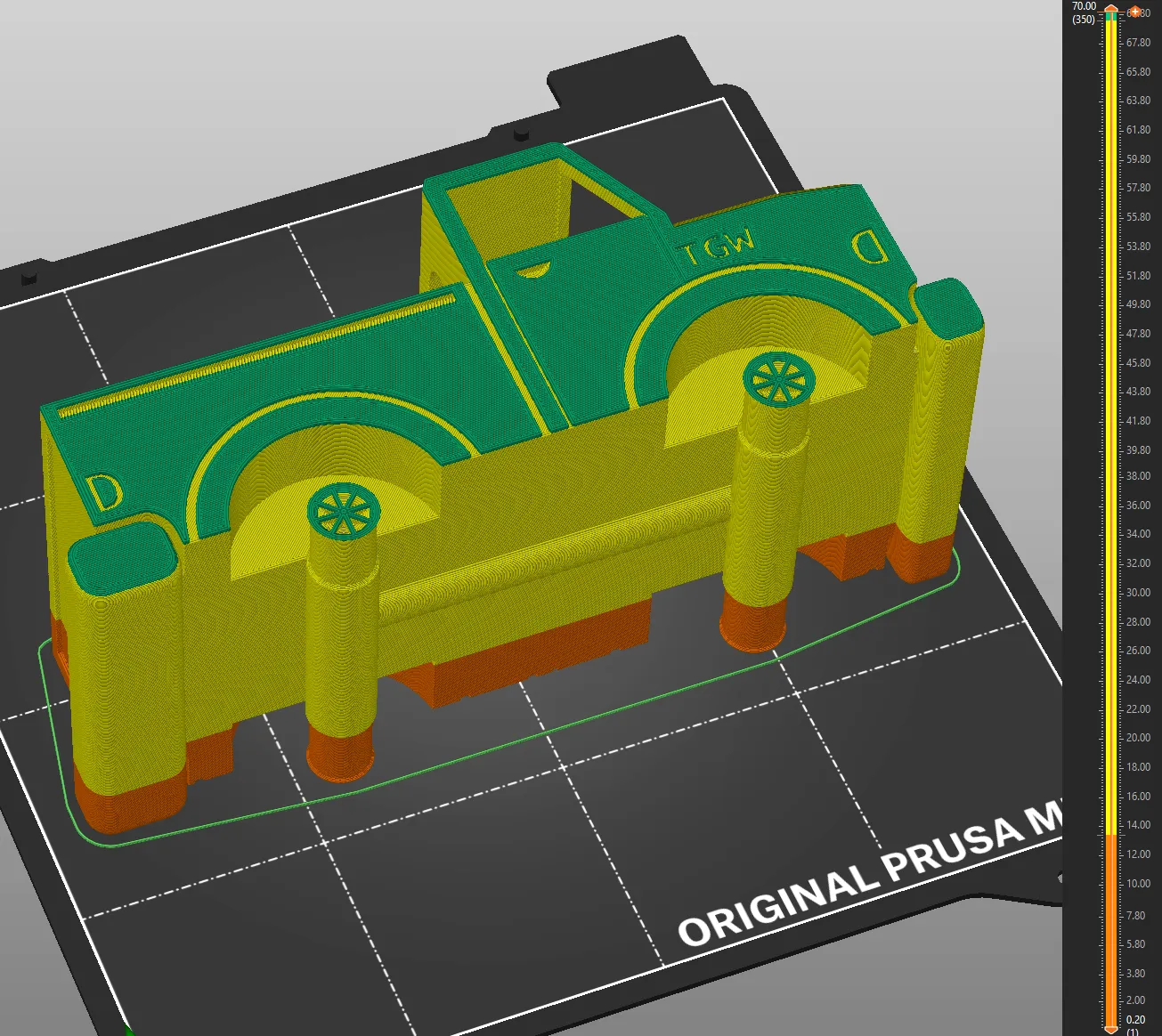
What is Print in Place PLUS? It's adding pauses to insert parts.
- Filament changes are set to 13.4 & 69.4 (for .30mm layers 69.5)
- Just add tires and restart.
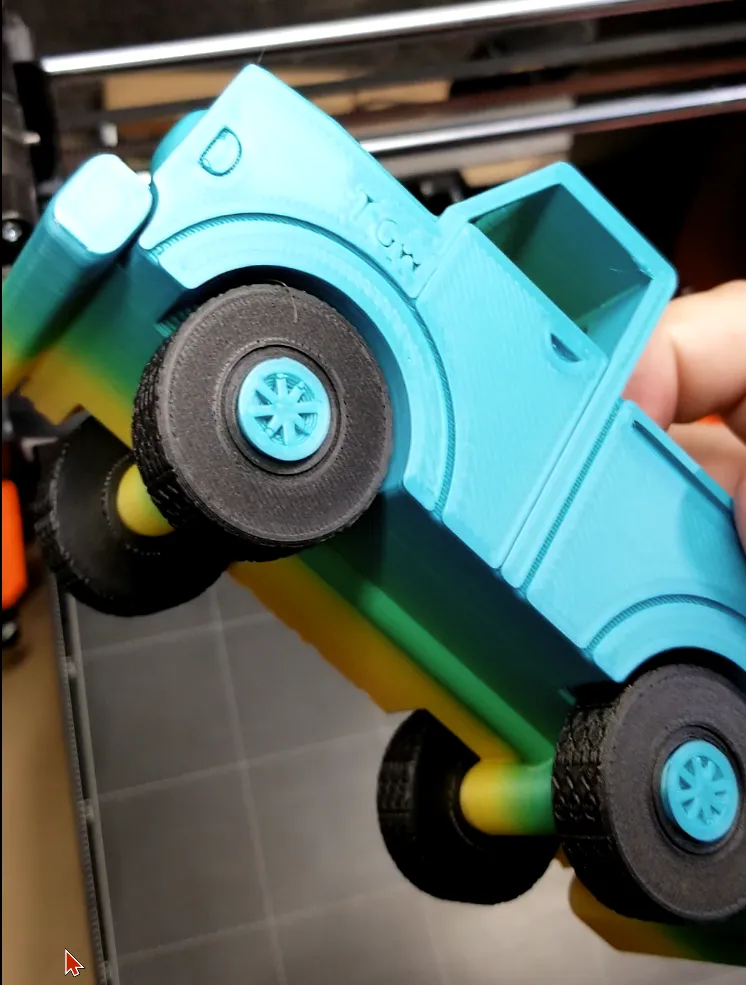
- Tires will be printed into the truck permanently.
CAUTION - Be sure tires clear Pinda Sensor and Nozzle before continuing!!
it will be close but should not interfere. Follow directions step-by-step:
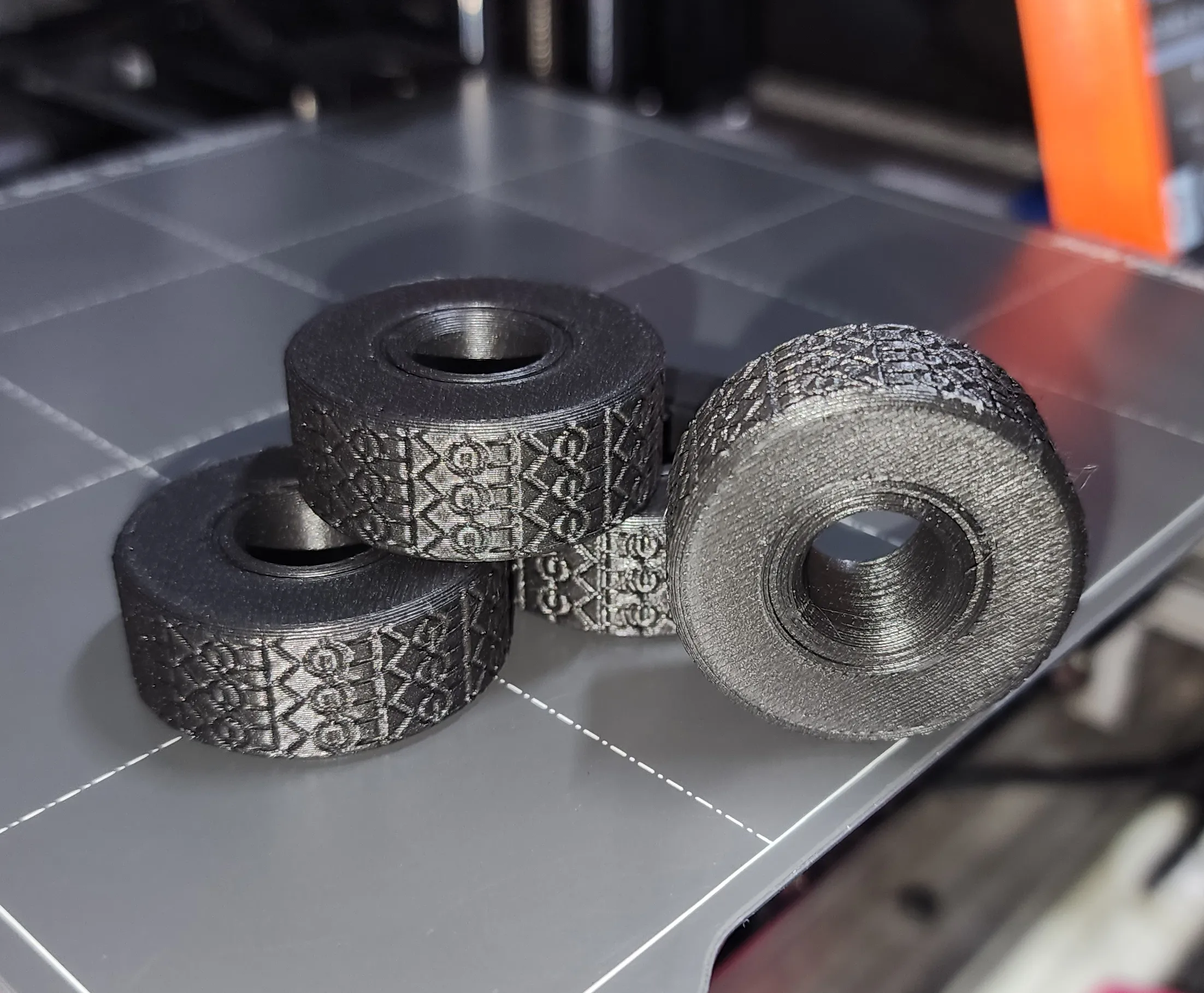
Step 1: Print 4 Tires. You will need these when printing the main truck.
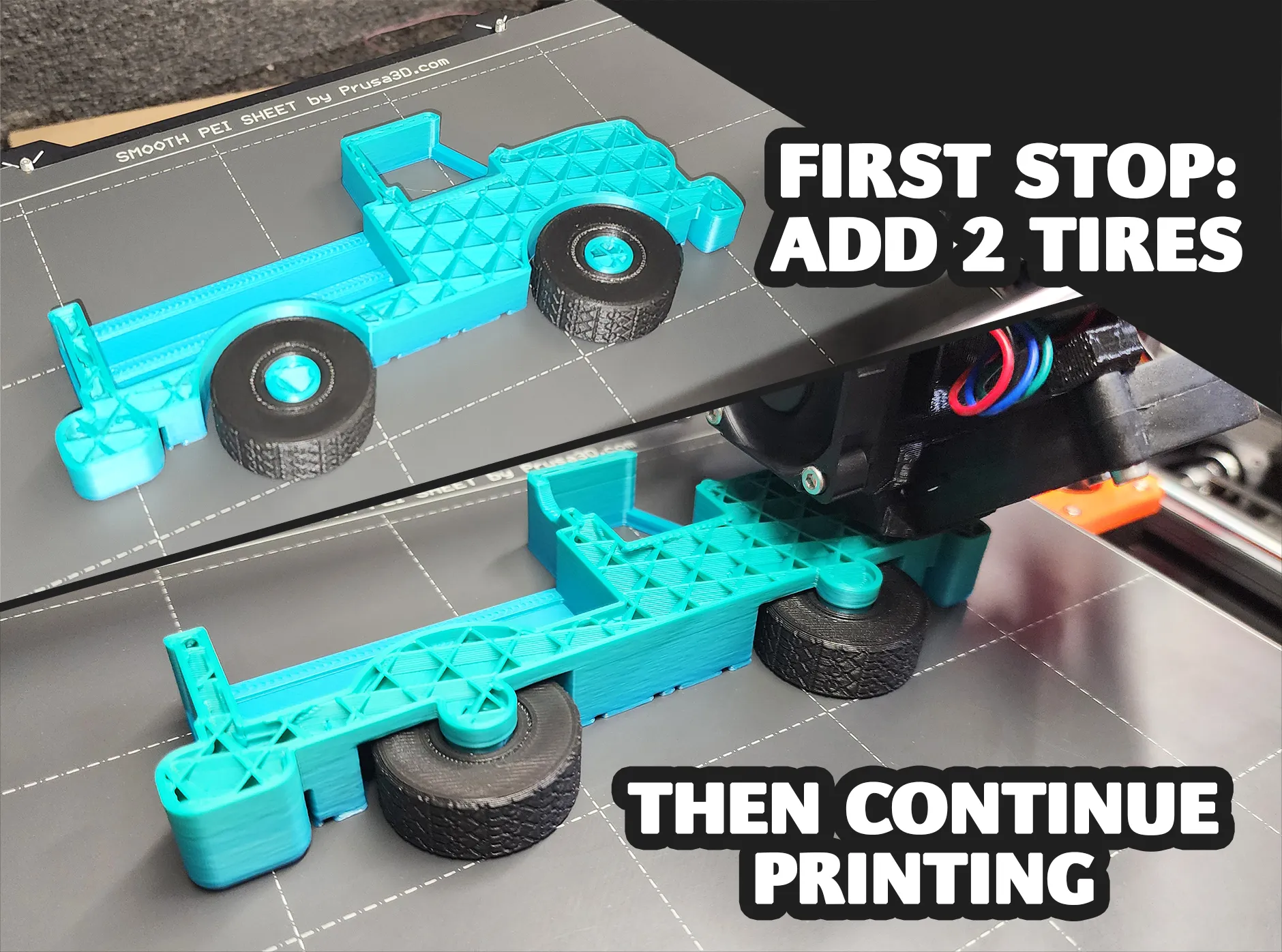
Step 2: At first stop add 2 Tires. Direction doesn't matter, they are symmetrical. Make sure they sit all the way down and clear the nozzle before continuing.
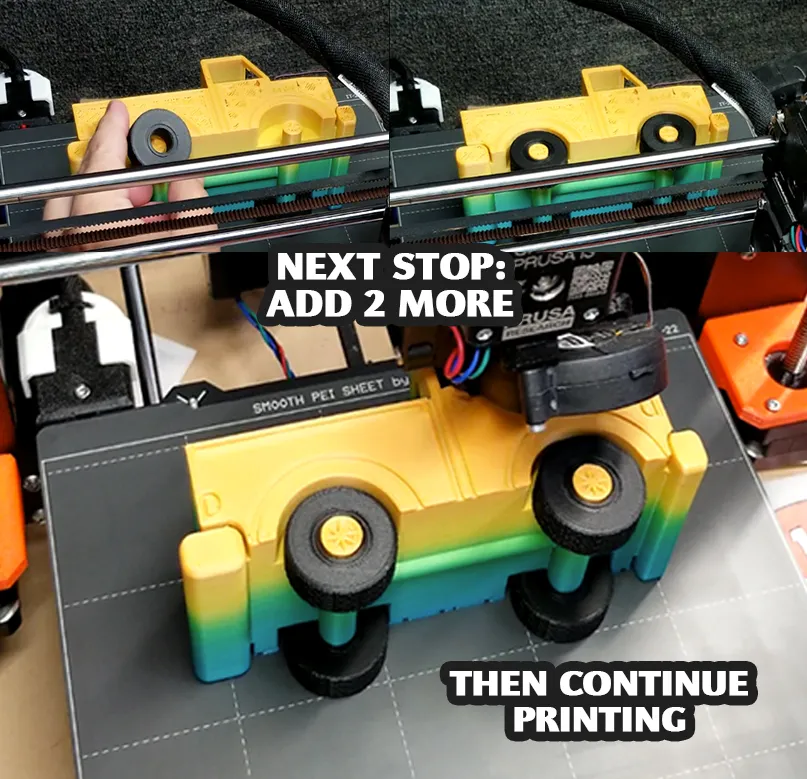
Step 3: At Second stop add other 2 Tires. Make sure they sit all the way down and clear the nozzle before continuing.
…
Here you can see the 2 stops in PrusaSlicer:
Membership
Join
License
If you want to use this model commercially, please join my membership.
Join Now

This user content is licensed under a
Creative Commons Attribution-Noncommercial


Comment & Rating (14)