
AmScope Microscope Ring LED Polarizer +other parts
Print Profile(1)

Bill of Materials
Description
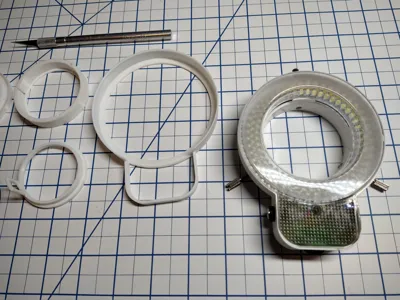
Included in the 3MF file are some accessories for an AmScope microscope; replacement lens caps, a replacement LED Ring mounting bracket, and parts for adding a polarizer to the Ring Light.
Replacement Lens Caps
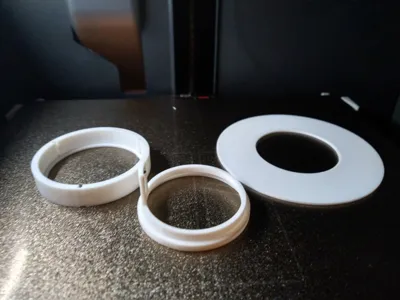
The Lens Caps STLs can be used to replace lost ones. (AmScope Lens Cap.STL, Plate 3)
Replacement Ring LED Mount
The microscope comes from the factory with a plastic mount for the LED Ring. The problem is that it is easy to strip the plastic mount when screwing it into the microscope. I include a printable version (LED Mount 48 x 0.75.STL, Plate 2) of the factory mount if you need to replace a stripped one. Turn on Tree supports if you print this part. Be sure to set the Layer Height to 1.2 or less.
Polarizing Filter for Ring LED
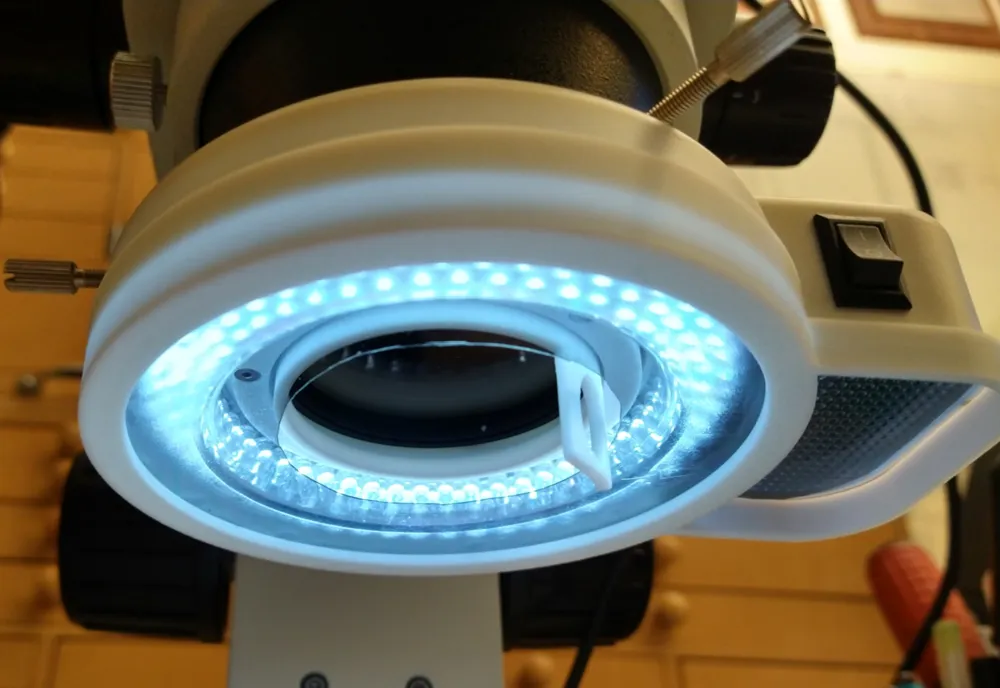
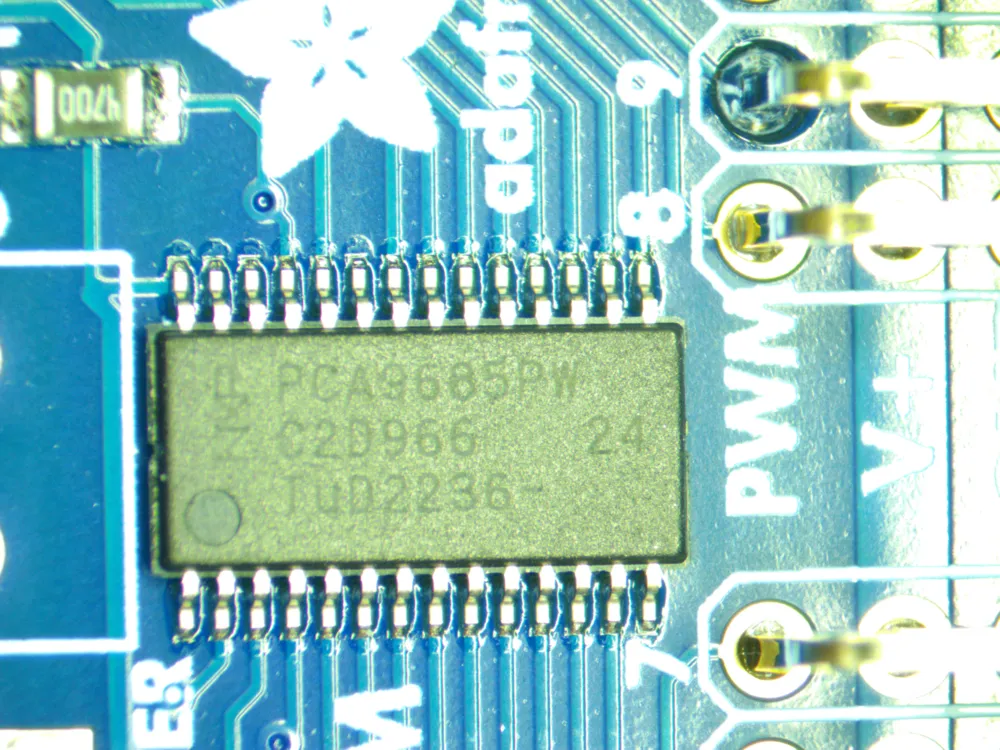
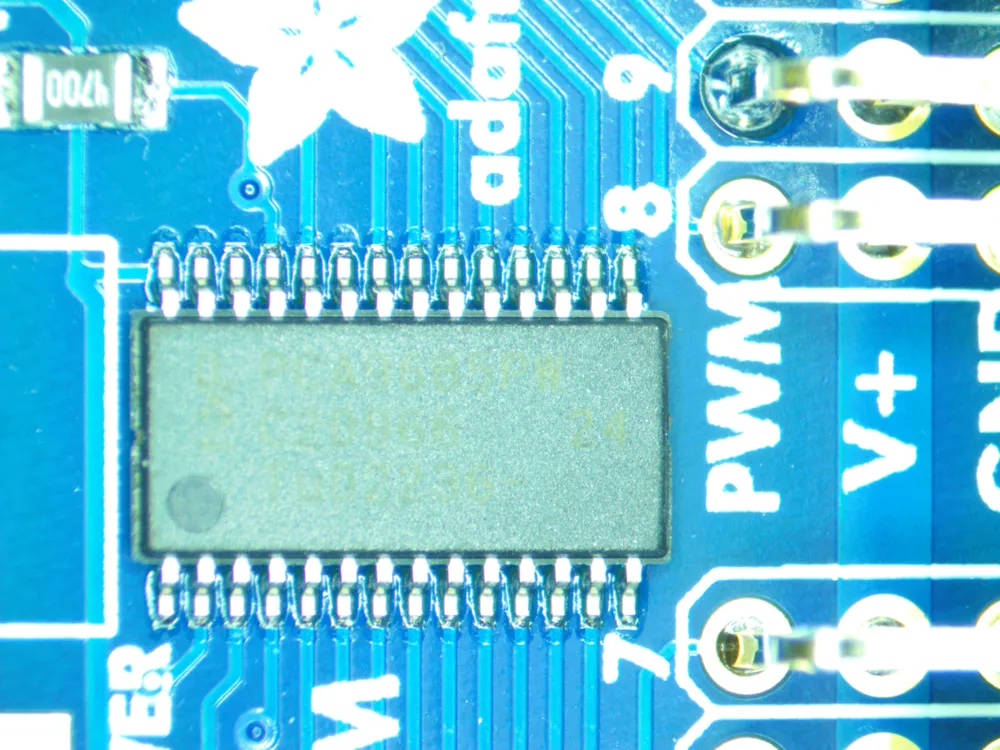
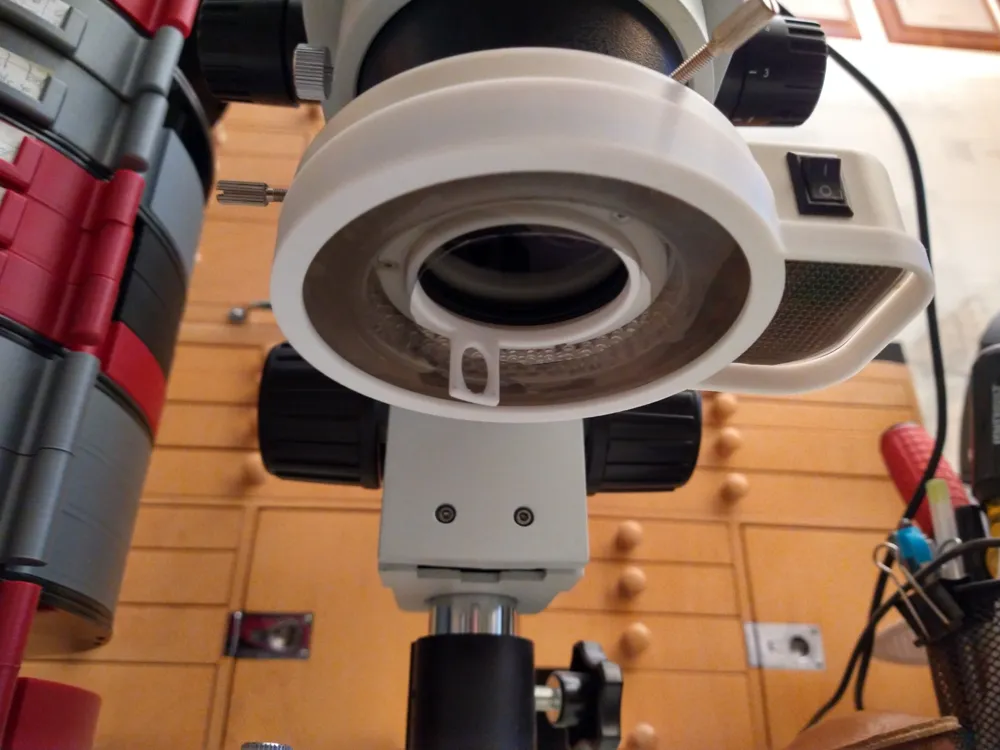
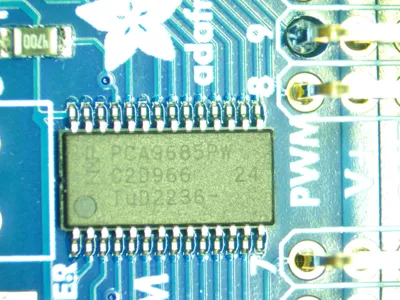
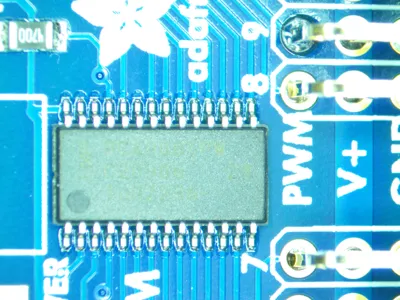
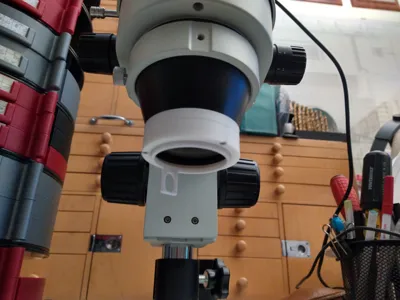
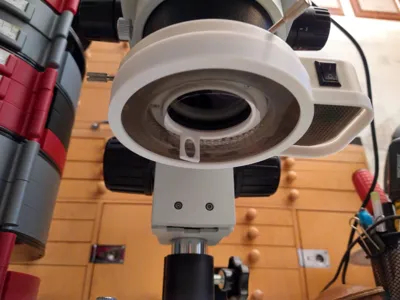
I have an AmScope SM-1TSZZ-144S microscope, which I originally bought for watch repair, but gets a lot of use with surface mount PCBs and removing slivers. One issue it has is the glare from the ring light can make viewing the labels on integrated circuits very difficult. By adding a polarizer to the Ring Light it can greatly improve the readability of IC labels (No supports needed, Plate 1). Two photos are included that show an IC with and without the polarizer. Be sure to set the Layer Height to 1.2 or less when printing these parts.
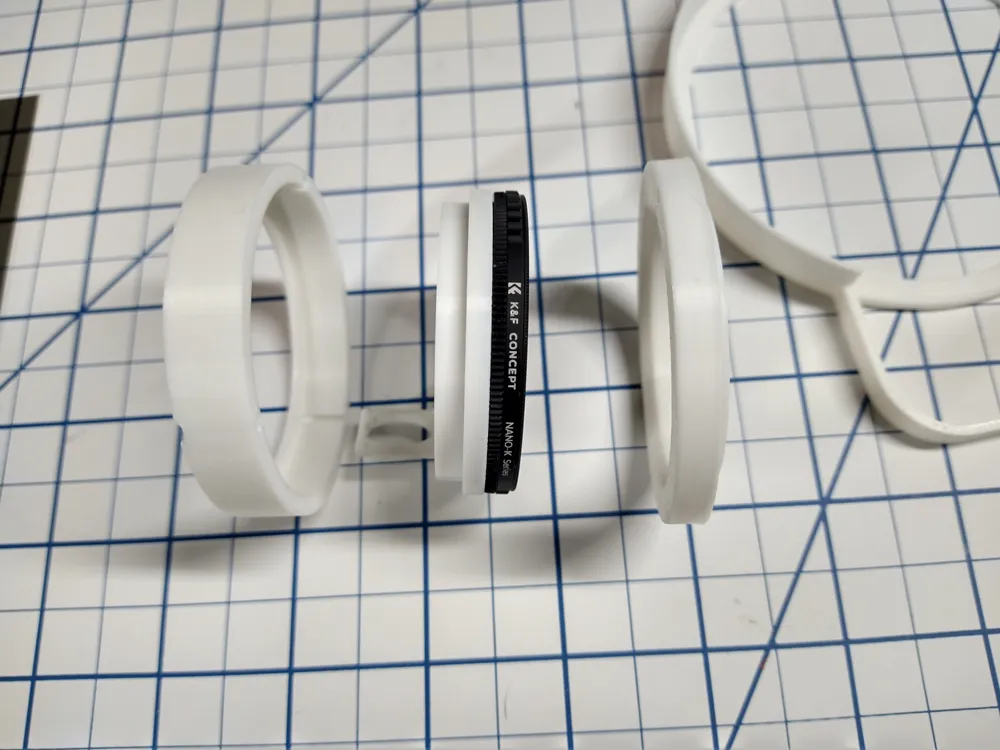
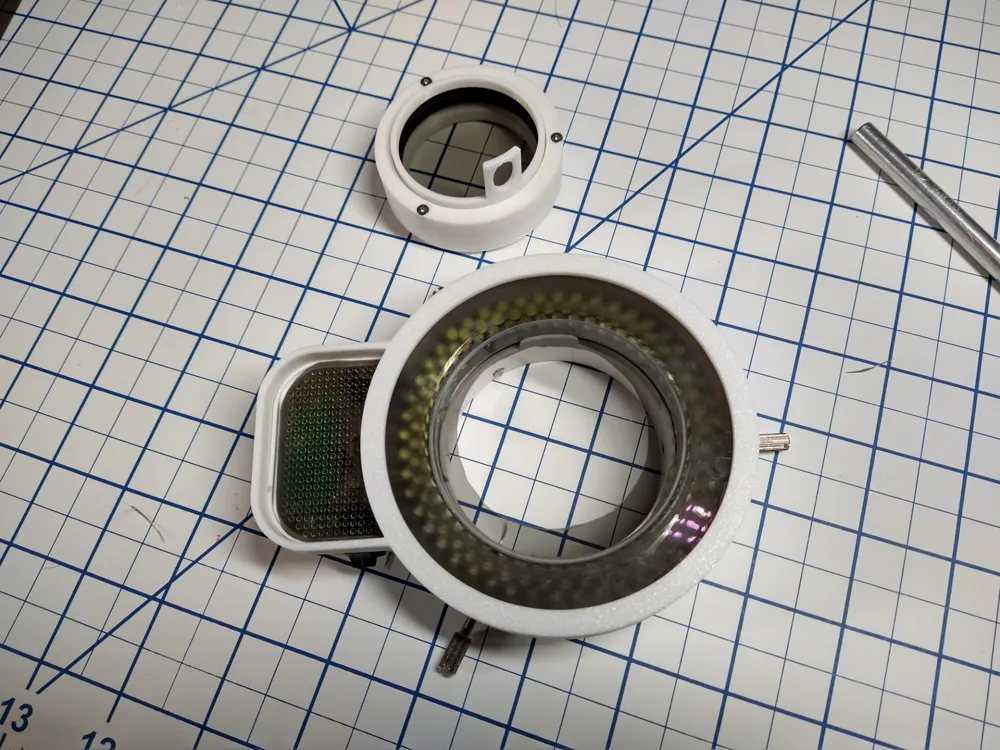
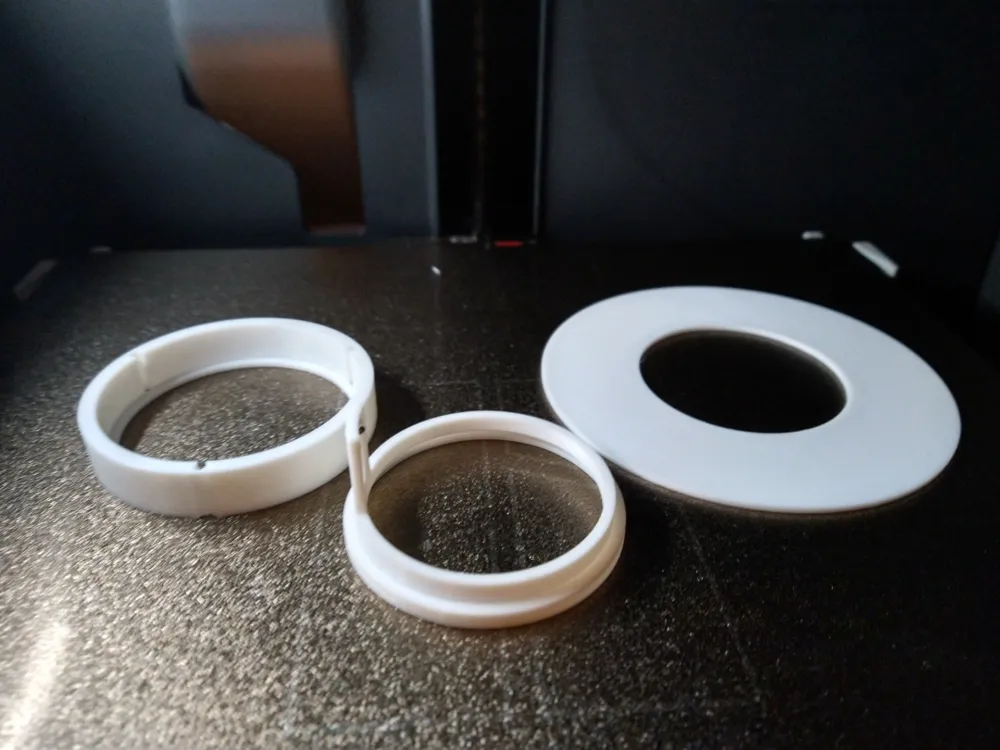
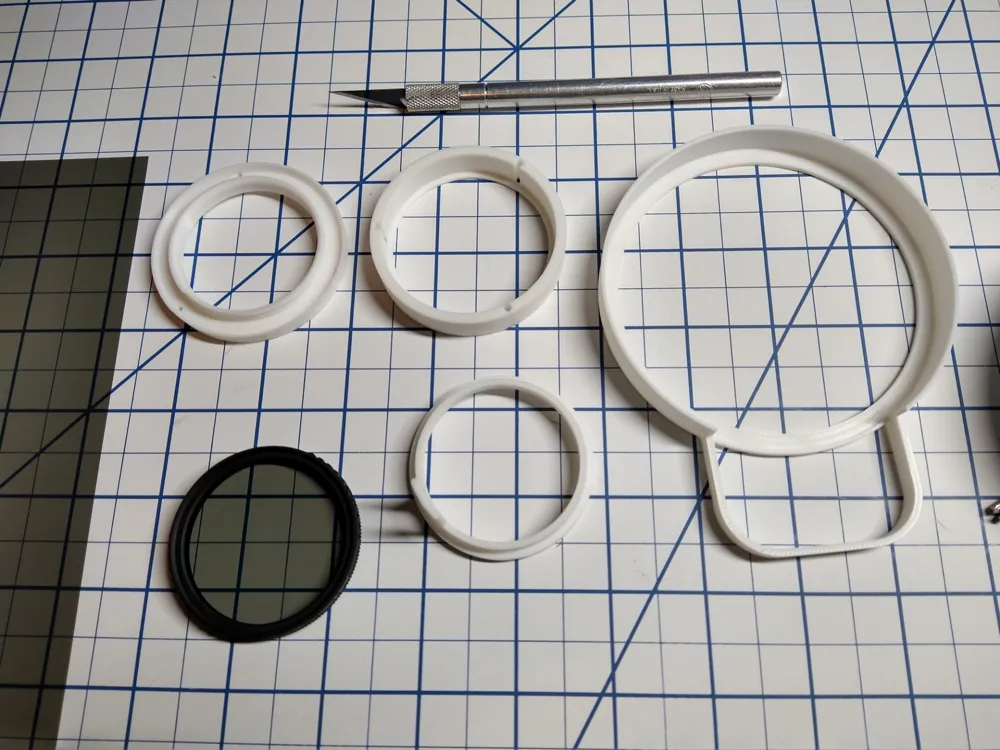
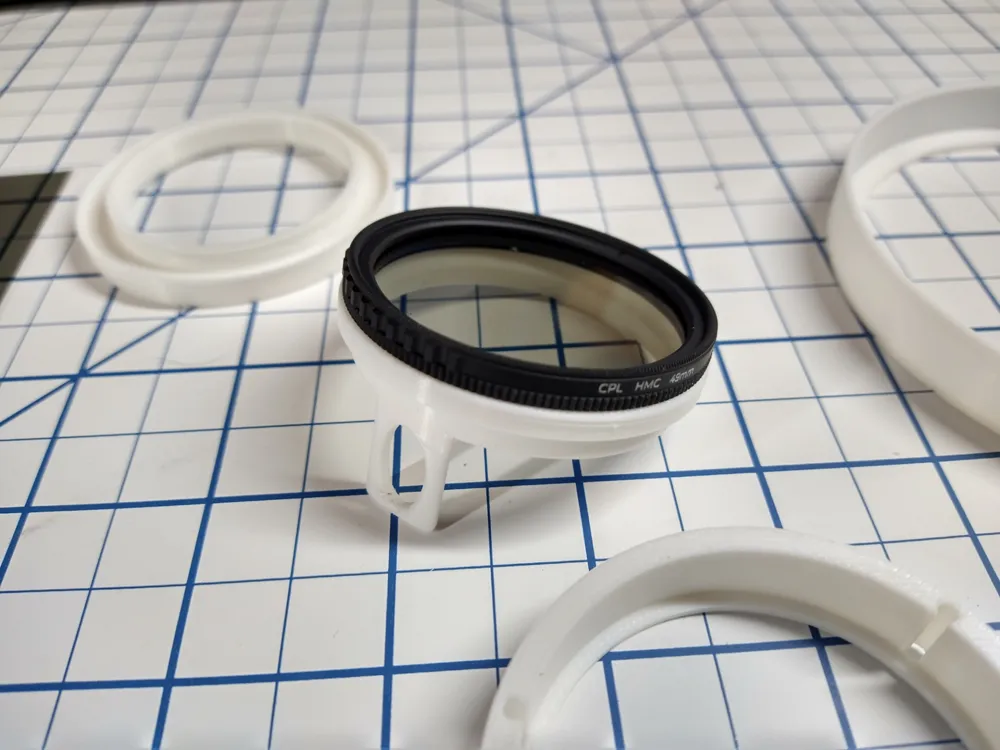
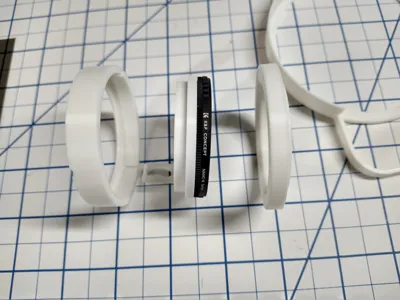
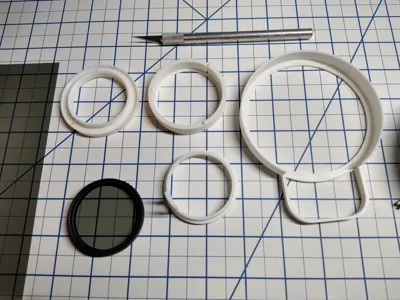
Polarizer Parts:
Filter Retainer.STL
Filter Mount 49mm.STL
LED Mount 3 48 x 0.75.STL
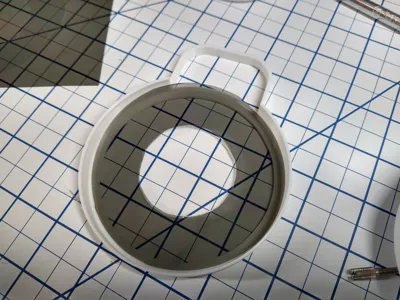
Filter Bezel.STL
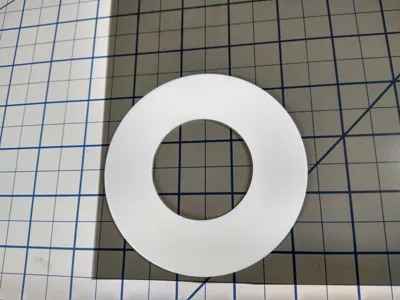
Filter Template.STL (Optional)
I purchased the following parts to make it:
K&F Concept 49mm Circular Polarizer Filter
https://www.amazon.com/dp/B0CZ82JW7P
Selens Polarizing Film 2 PCS 7.8x11.8 inches w/ Adhesive backing
https://www.amazon.com/dp/B0C451QZXJ
You can probably find cheaper versions of these parts on Ebay, AliExpress or other sites.
To assemble the polarizing filter:
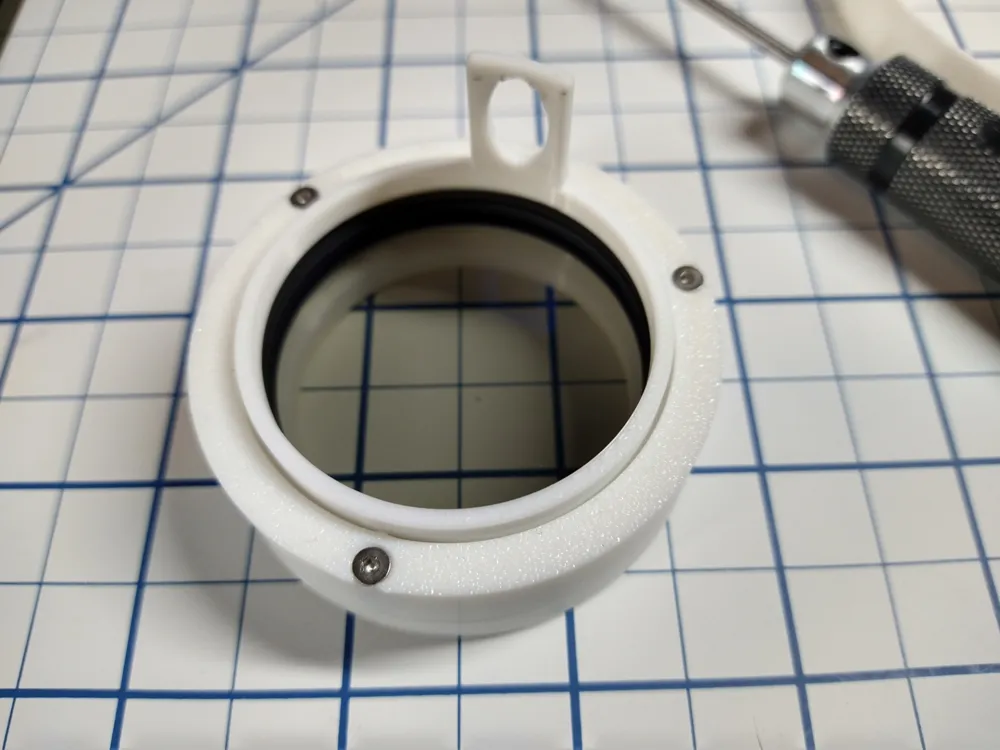
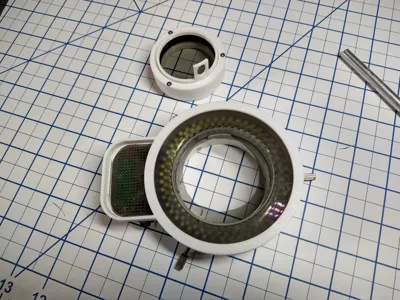
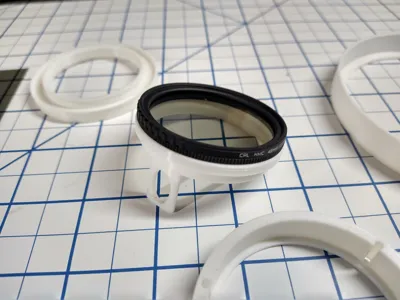
- Screw the 49mm Circular Polarizer Filter to the Filter Mount 49mm part.
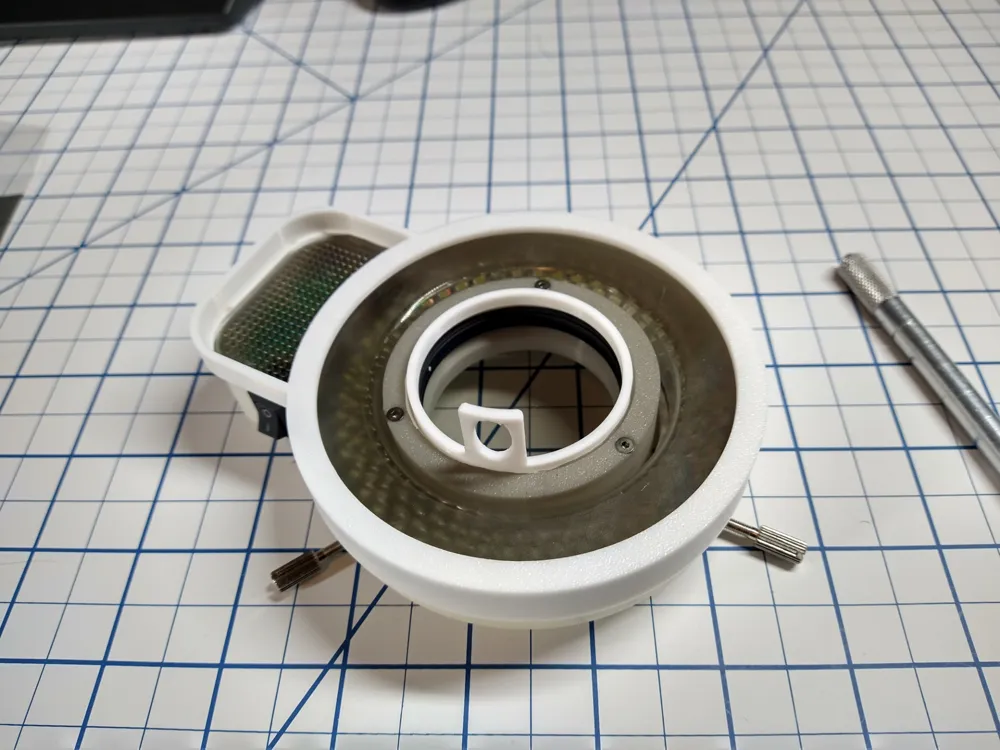
- Slip the assembly into the Filter Retainer.
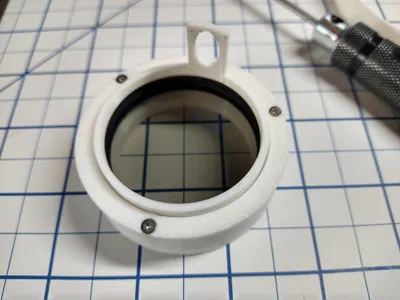
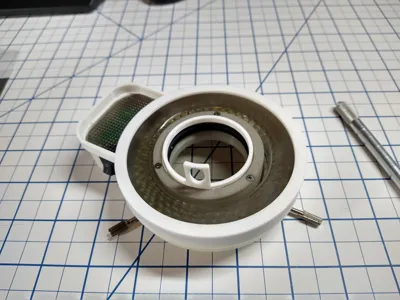
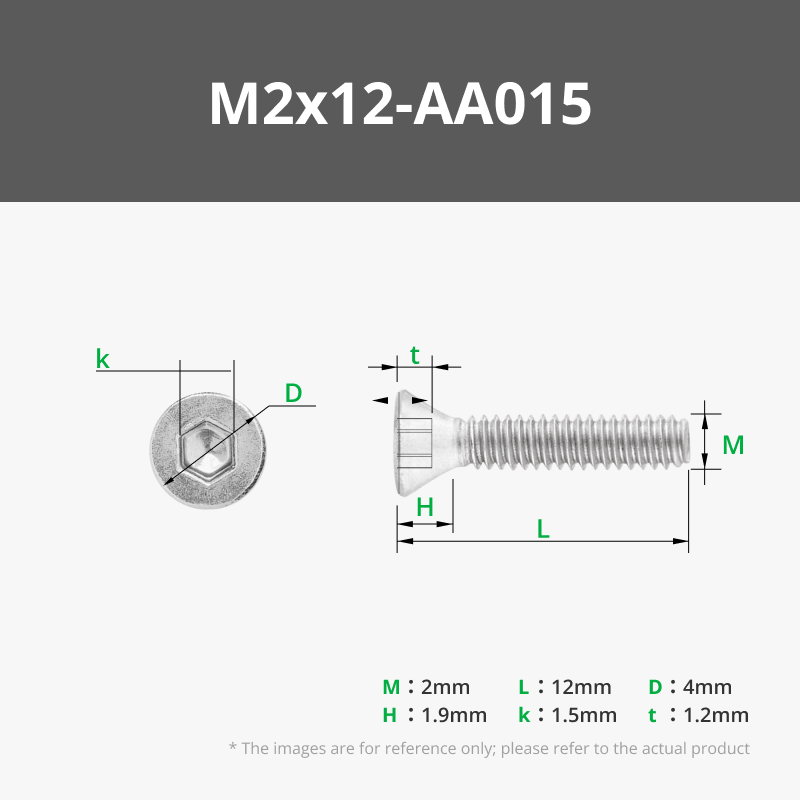
- Then use three 2Mx10mm flat head screws to attach the Filter Retainer to the LED Mout 3 48 x 0.75 part.
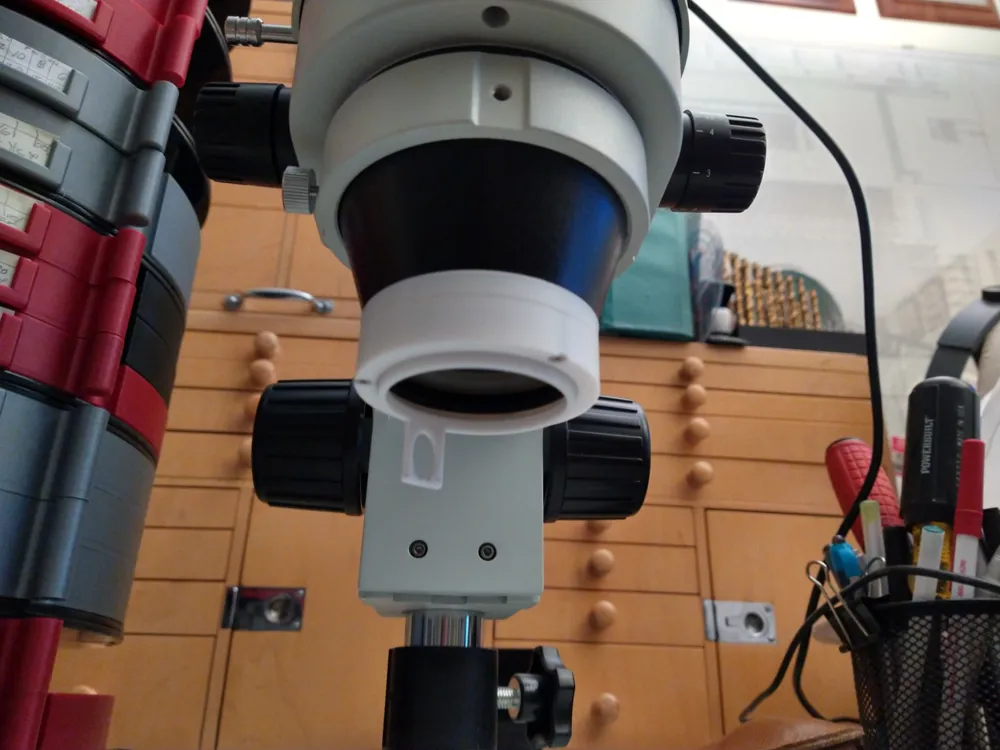
- Screw this assembly onto the bottom of the microscope.
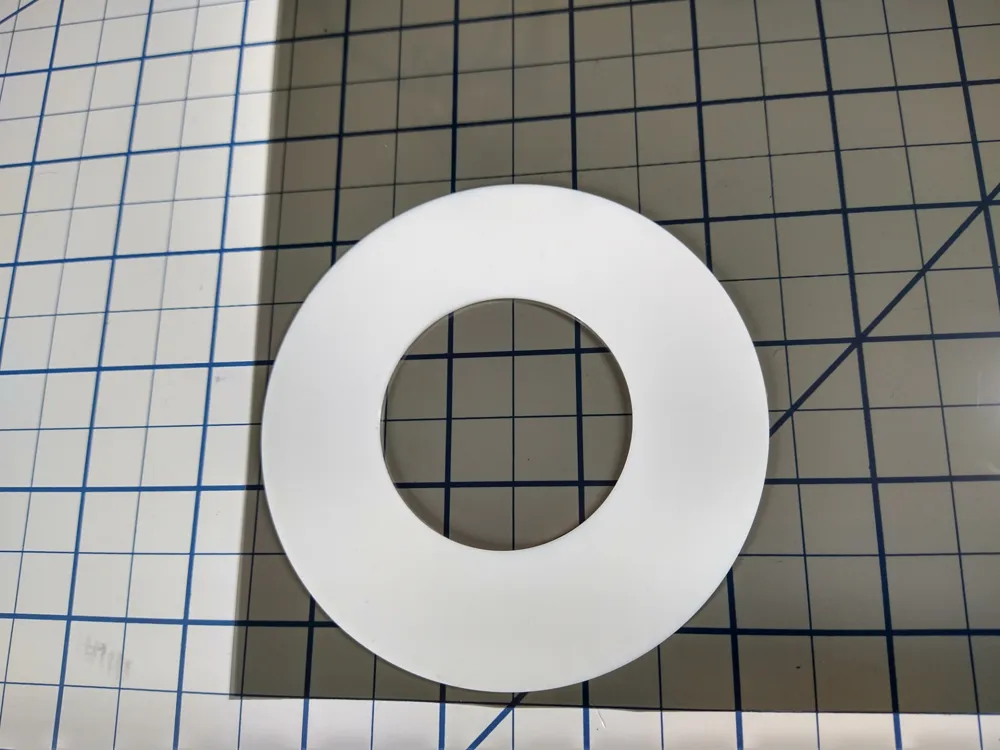
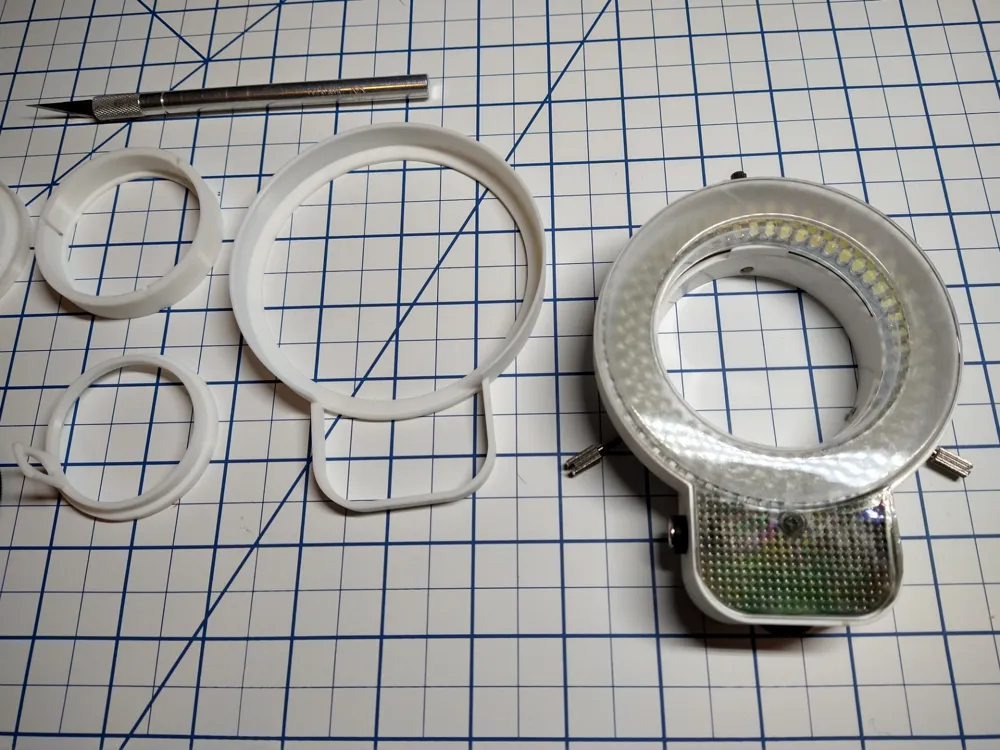
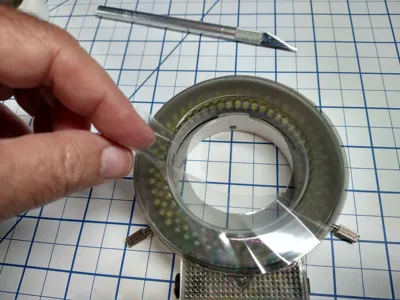
- Use the Filter Template to cut out a ring of Polarizing Film.
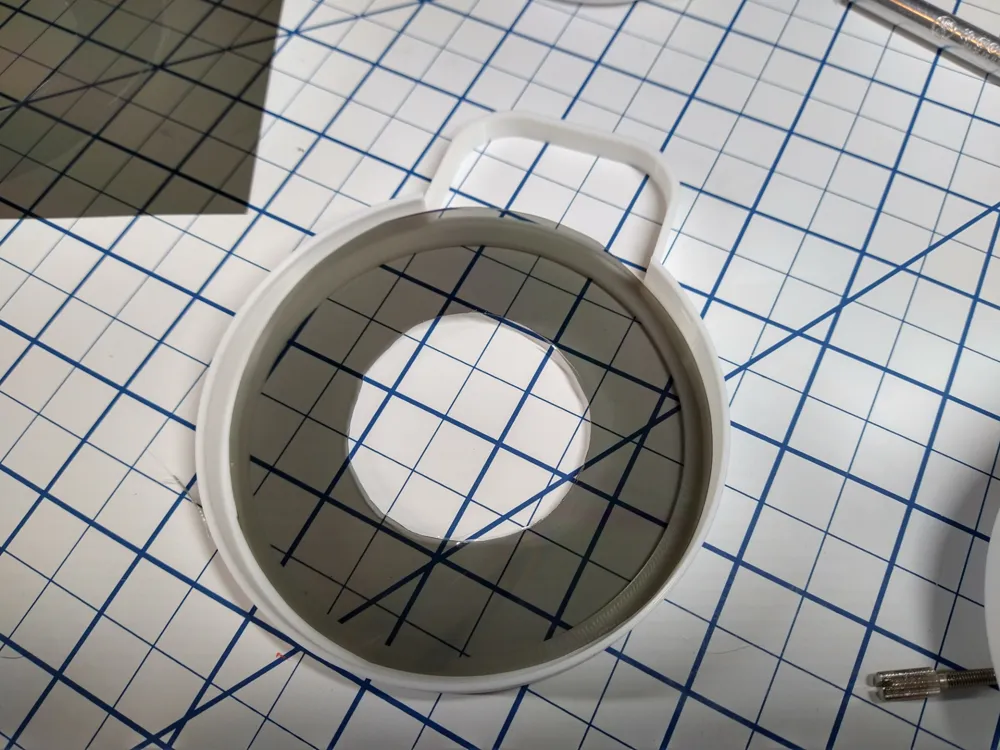
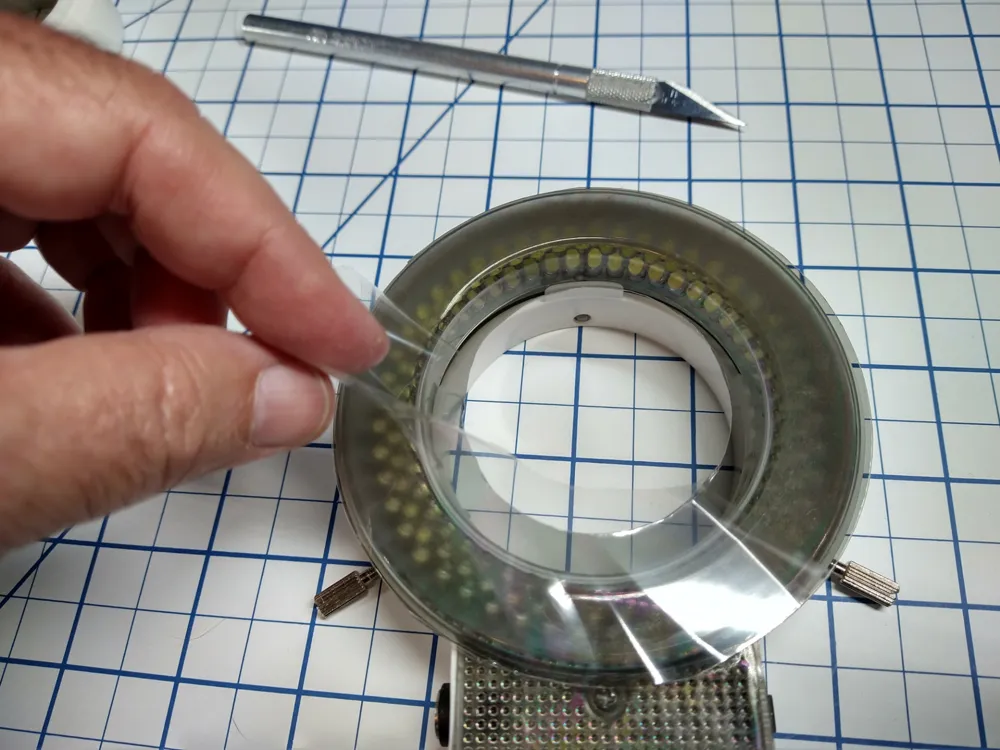
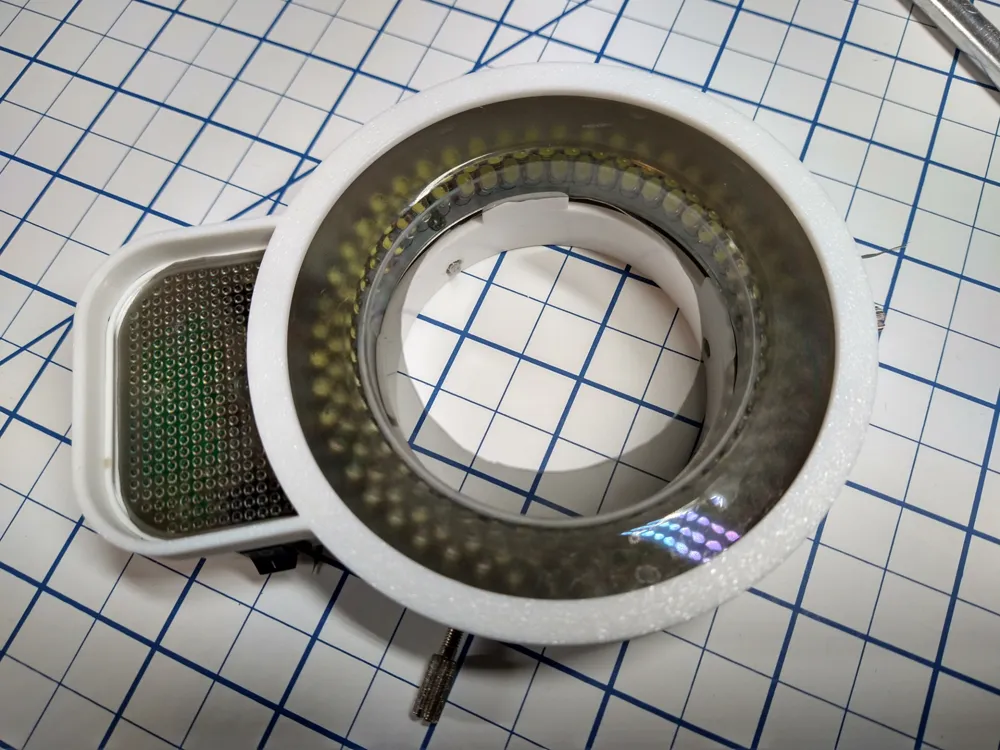
- Peel the protective coverings off the Polarizing Film and place it in the Filter Bezel with the sticky side up.
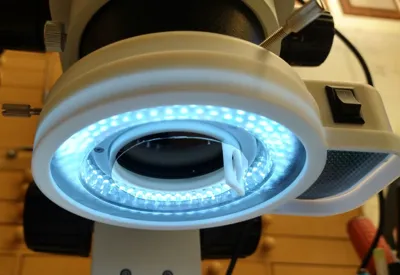
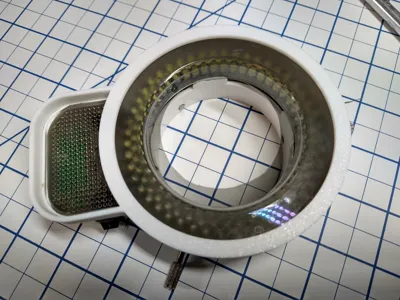
- Snap the Filter Bezel with the film onto the LED Ring Light and make sure that minimum air is between the film and the LED Ring surace.
Slide the Ring Light onto the bottom of the microscope and tighten the 3 mounting screws.
The pictures will help walk you through this process.
Use the tab sticking out of the Filter Mount 49mm part to rotate the Polarizing Filter and minimize the glare from the LED ring.\
Enjoy
License



Comment & Rating (2)