
TD strips card





Print Profile(2)


Description
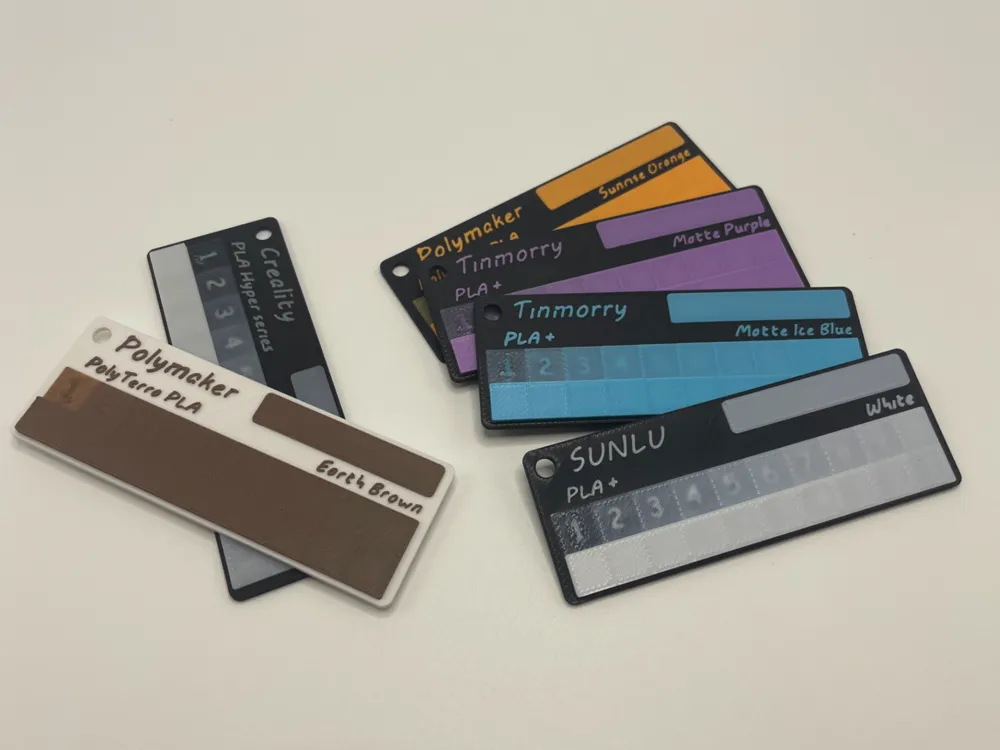
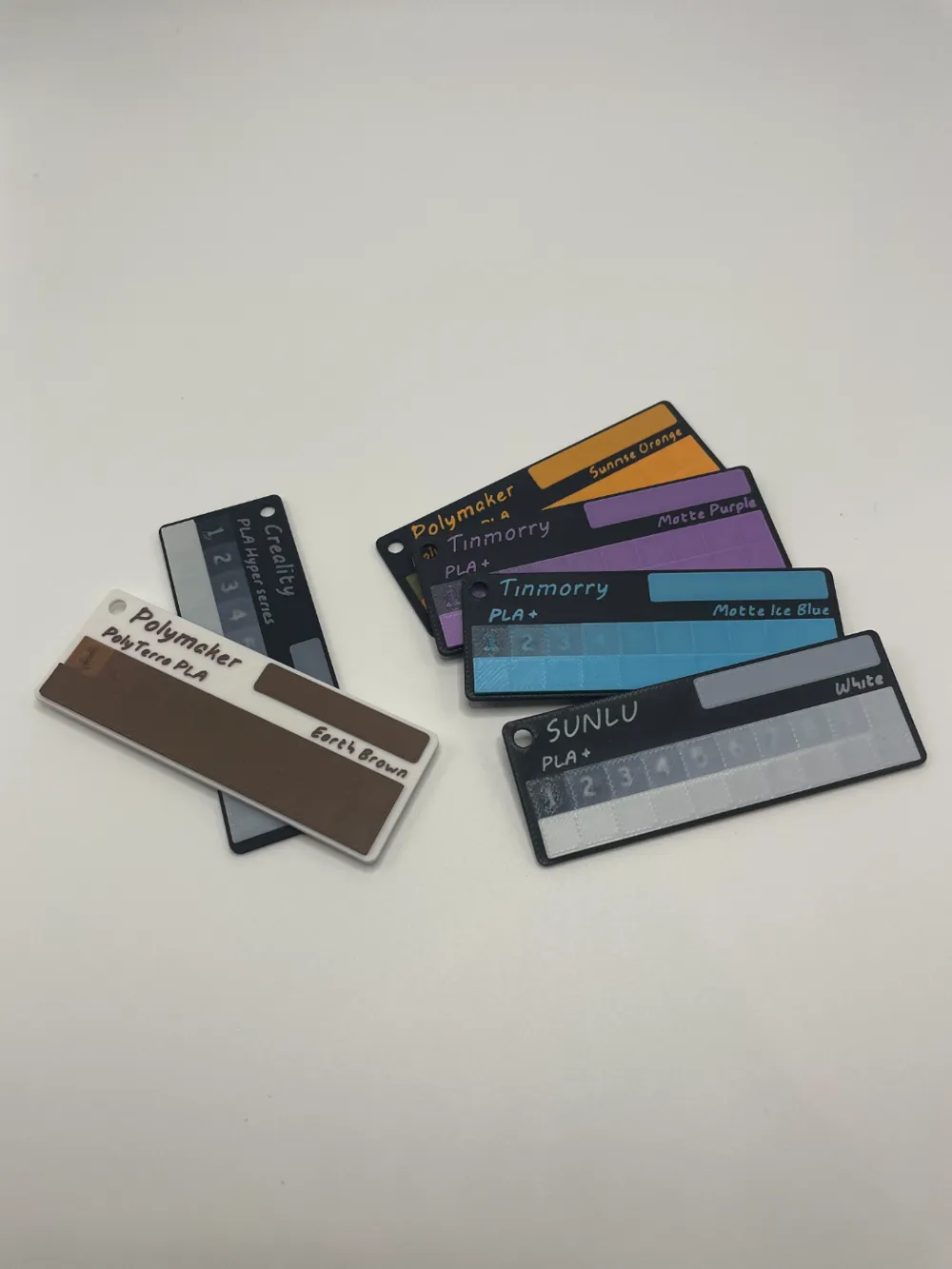
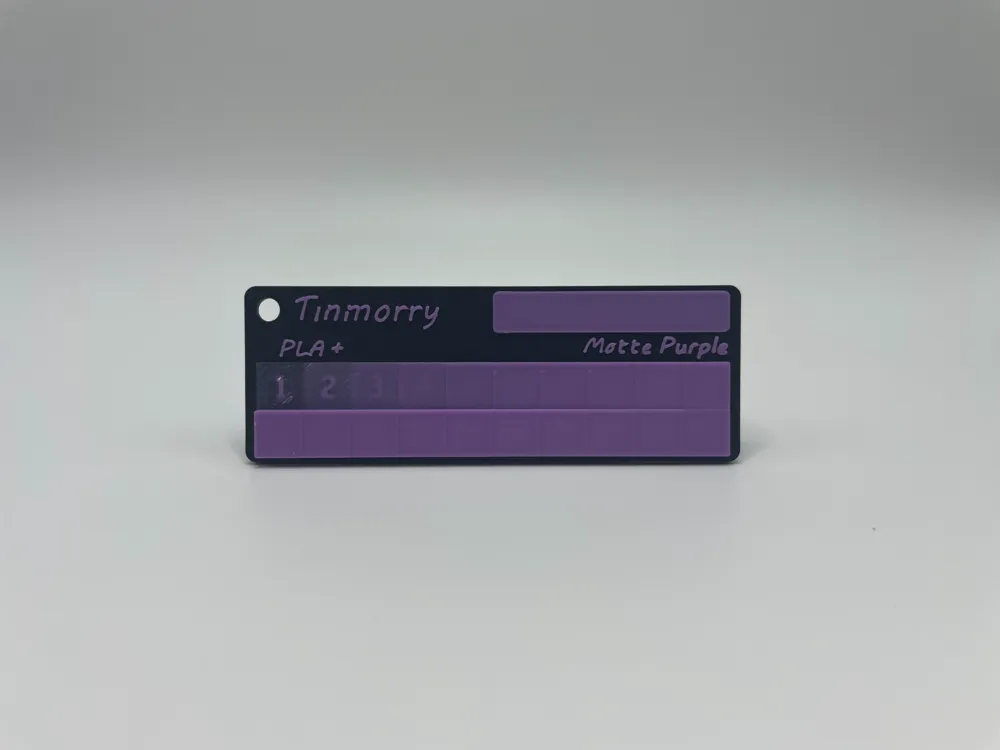
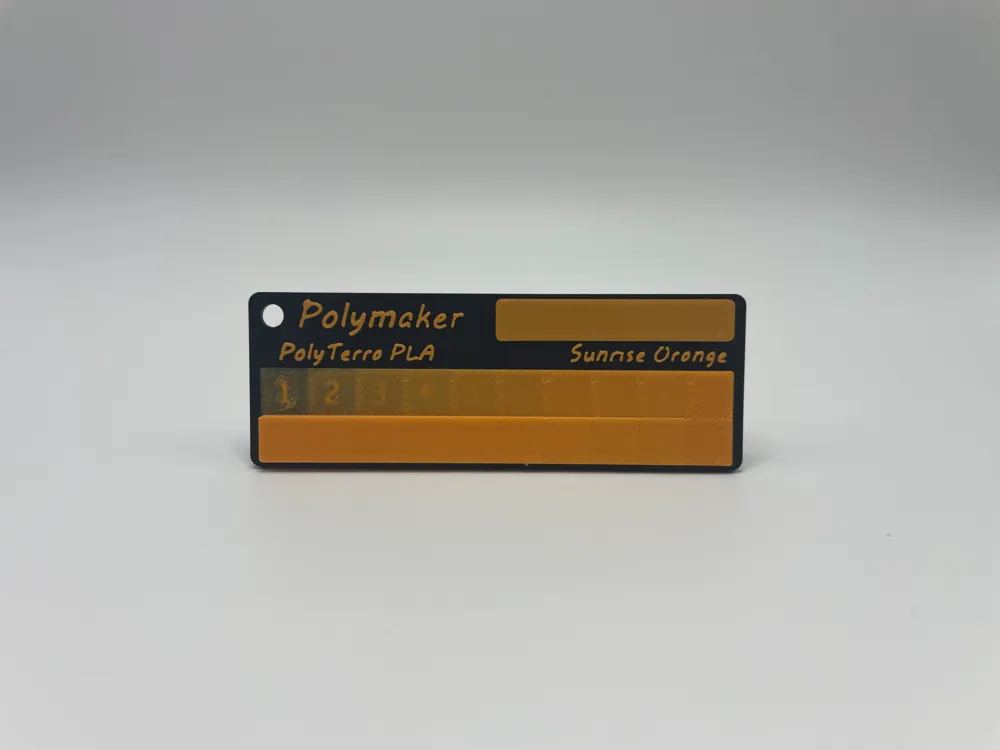
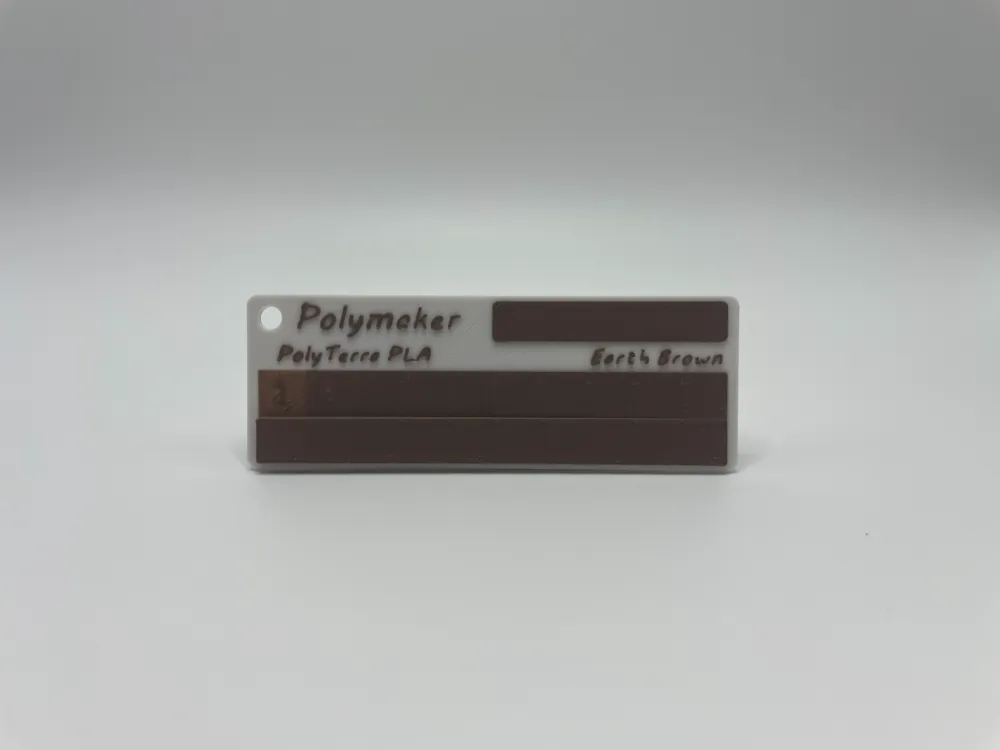
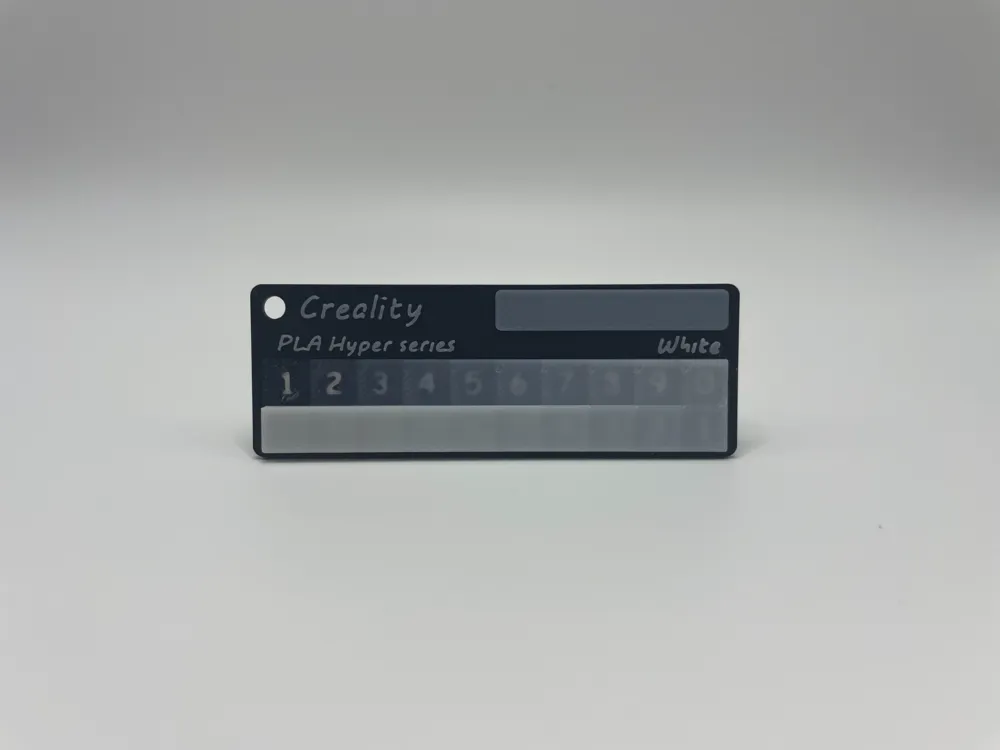
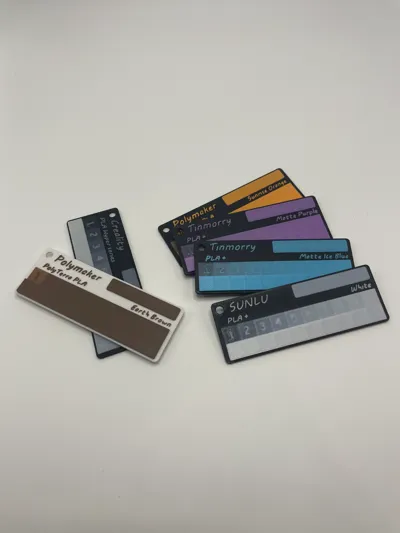
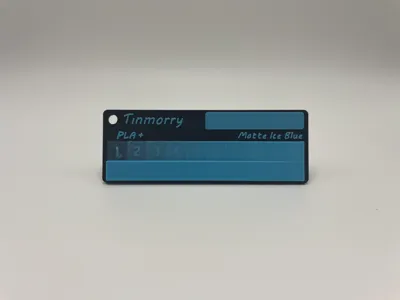
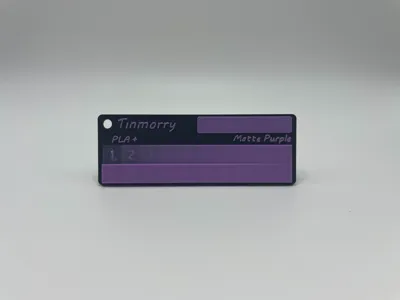
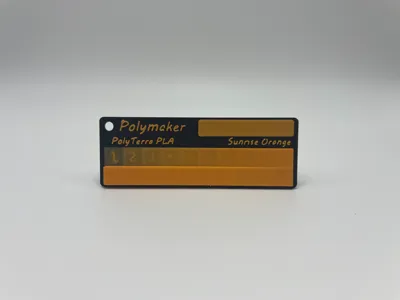
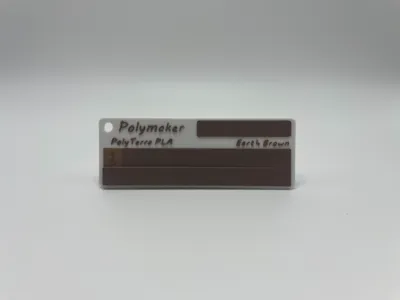
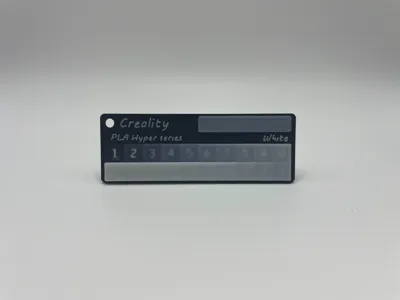
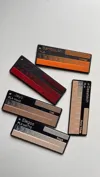
The TD strips card is a tool used in 3D printing to measure the blending distance or transmission distance of filament. This helps in assessing how well the colors mix or how the filament transitions between colors during the printing process.
Key Features:
- Indicates transmission distance range up to 0 - 16 millimeters
- Easy to observe blending strips
- Compact size with a hole for easy storage and grouping
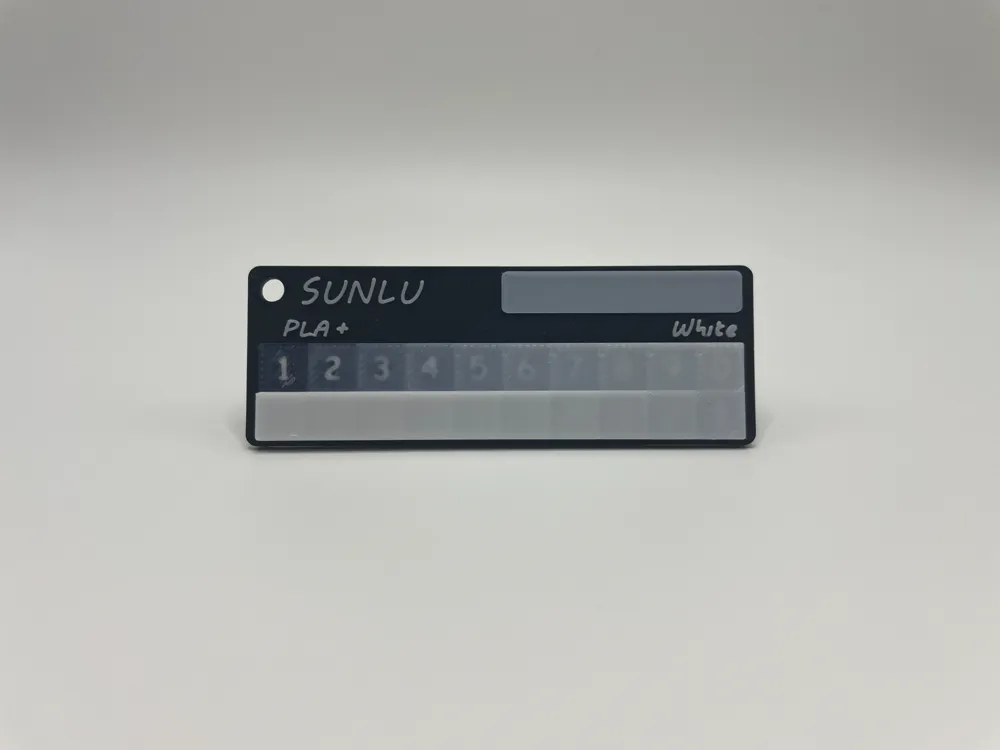
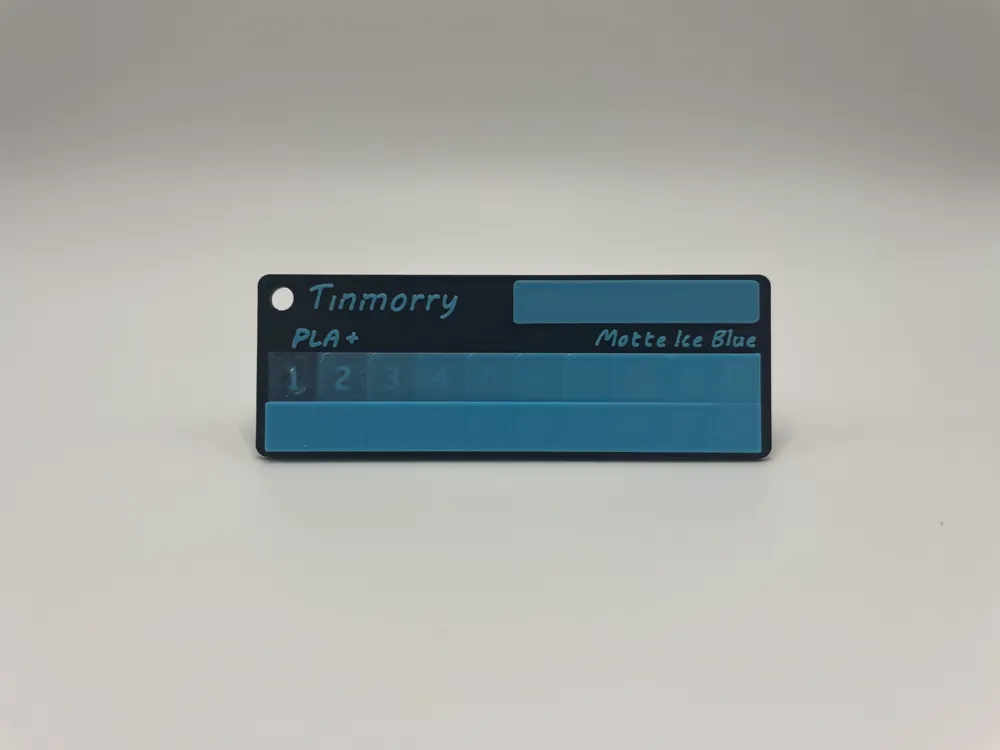
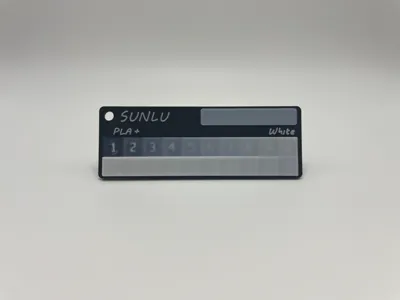
- Includes brand, material, and color name of the filament on the card, along with a strip for recording additional information such as the obtained TD value and color code
- Available in white or black base to contrast with the color being tested
Specification:
- Dimension: 84 x 30 mm.
- Thickness: base 1.6 mm. overall 3.2 mm.
- TD range: 0 - 16 mm.
How to use:
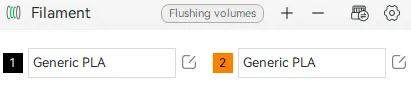
Select filament 1 as the base color and filament 2 as the color to be tested.
Edit the object text as needed, including the brand, type, and color name of the filament being tested.
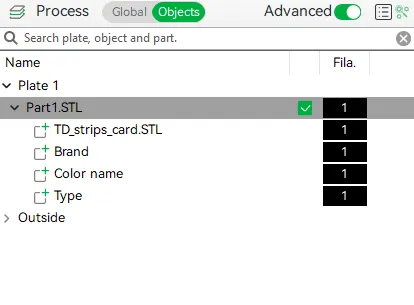
- Print the TD strips card.
- Choose the last strip where the numbers under the strip are clearly visible.
Multiply the selected number by 0.8 to obtain the transmission distance.
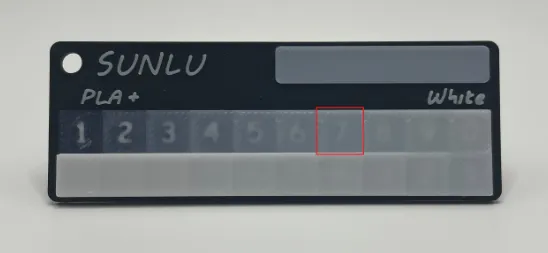
ex1. The stripe on this TD strips card in the real sight is 7th. So 0.8 x 7 = Transmission distance 5.6 mm.
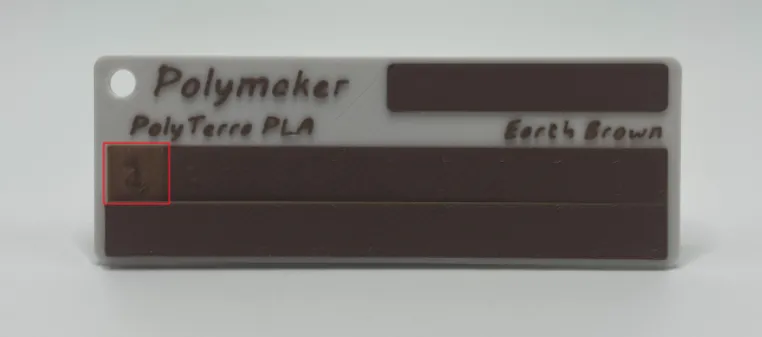
ex2. This is clearly first strip. So 0.8 x 1 = Transmission distance 0.8 mm.
note: Transmission distance from this TD strips card is only approximate value. From my experience picking the strips +- 1 is not much difference in result.
note2: Each stripe only contain one letter, so 1 to 20 is 1>2>…>8>9>0>1>2>…>9>0 from top-left to bottom-left.
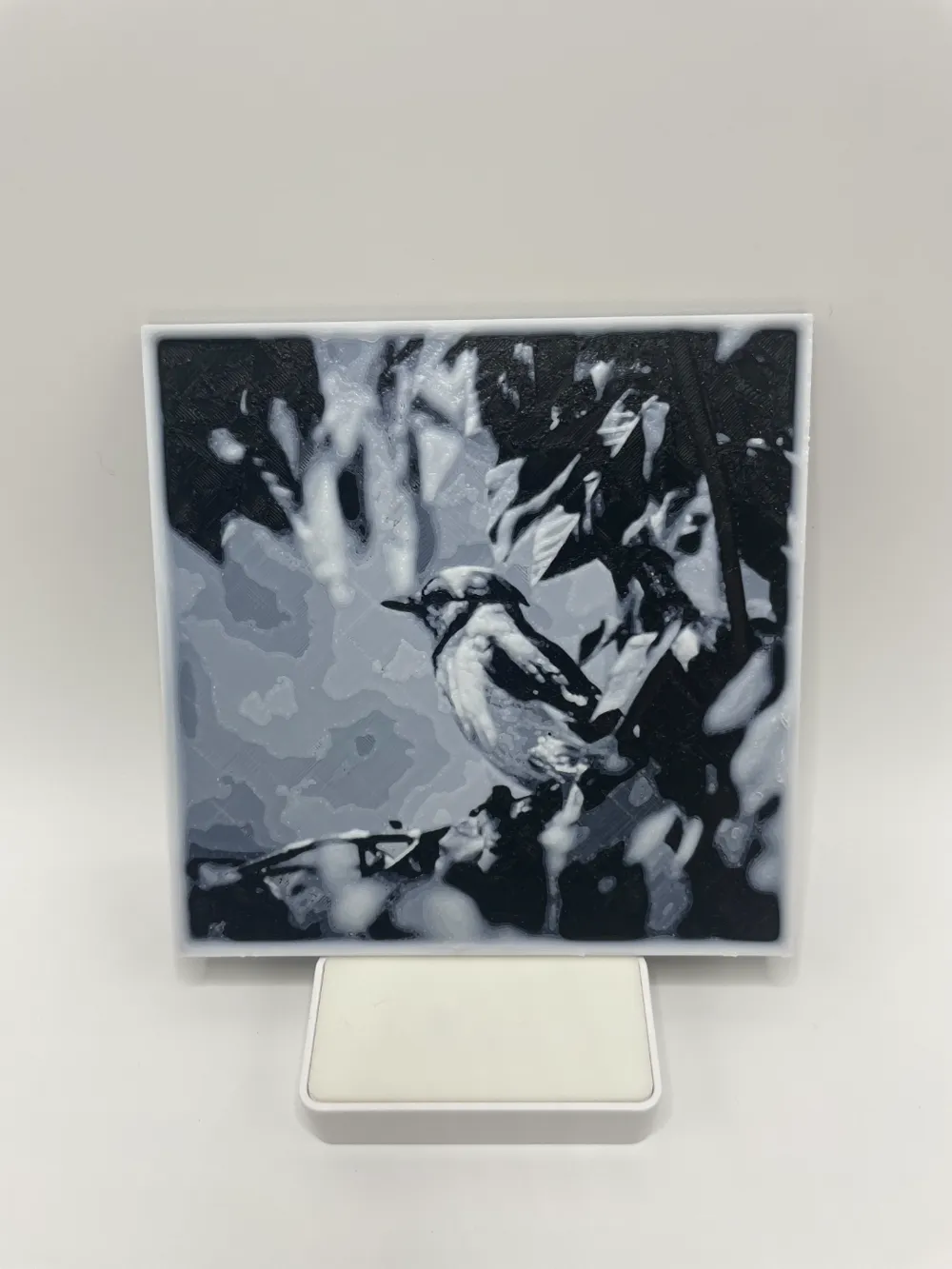
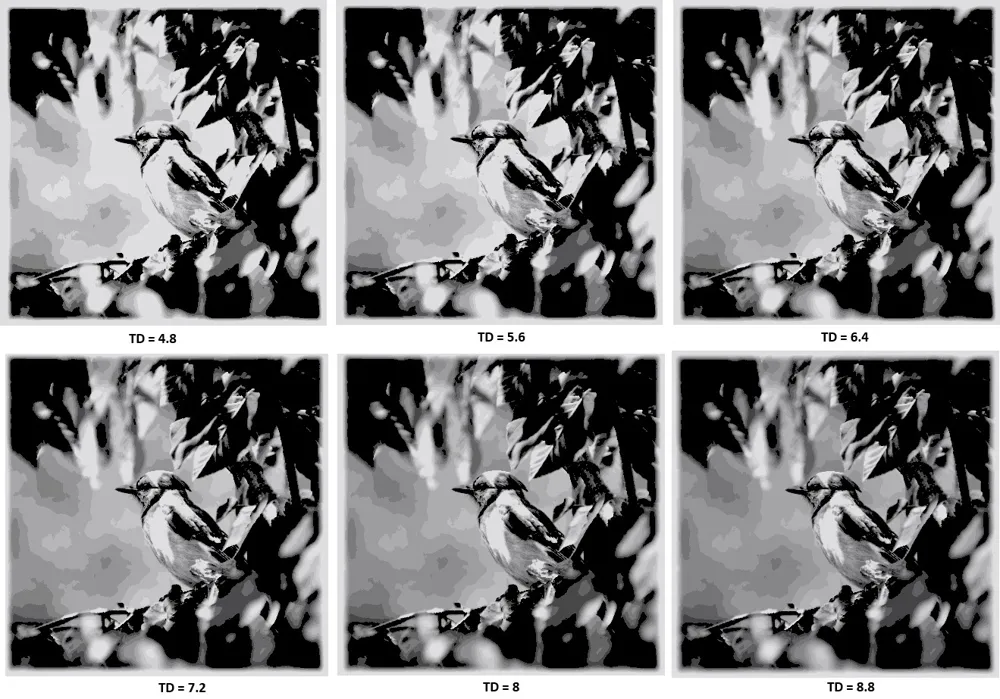
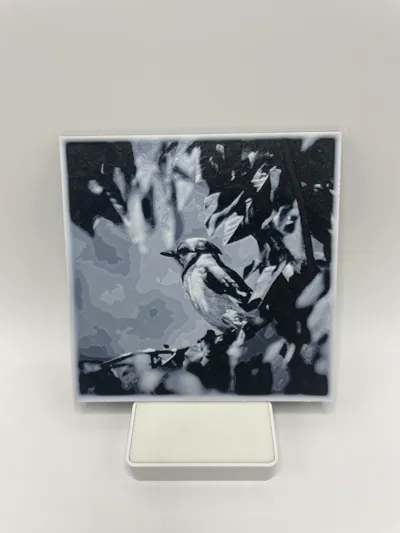
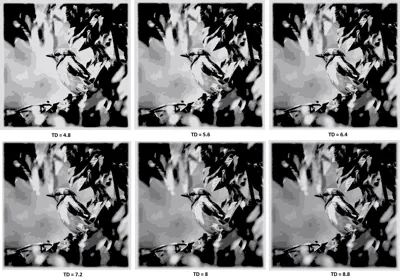
Result testing:
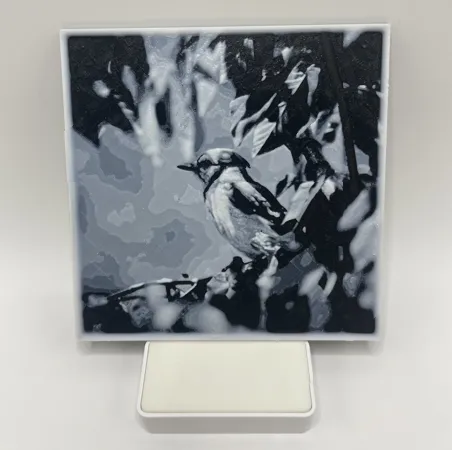
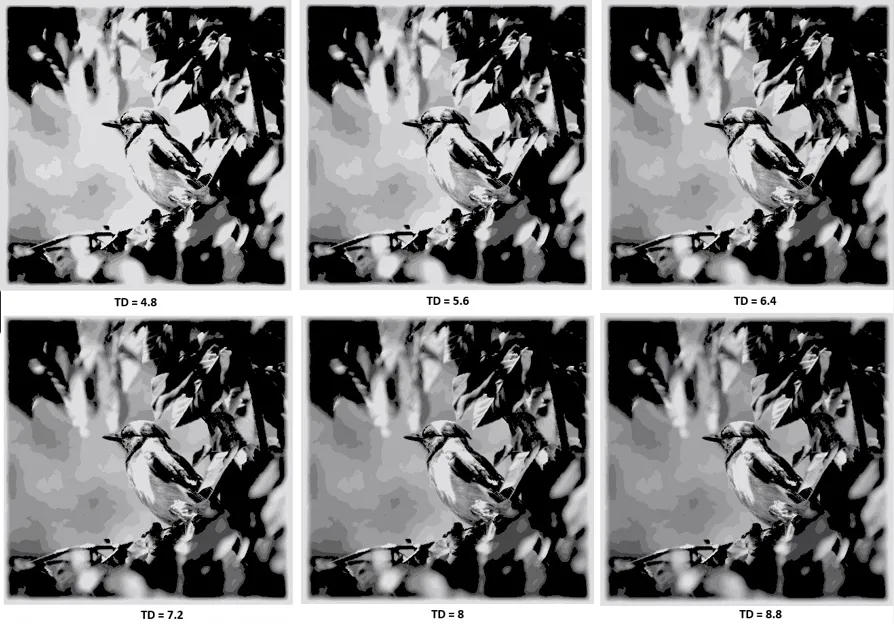


License



Comment & Rating (252)