
STAND QRCODE/NFC CARD GOOGLE REVIEWS EDITABLE

Print Profile(3)


Bill of Materials

Description
Boost Me (for free)
Do you like my project?
Would you like to leave me a boost so I can always create new things.
ADVISE:
Contact me privately to create your customized stand
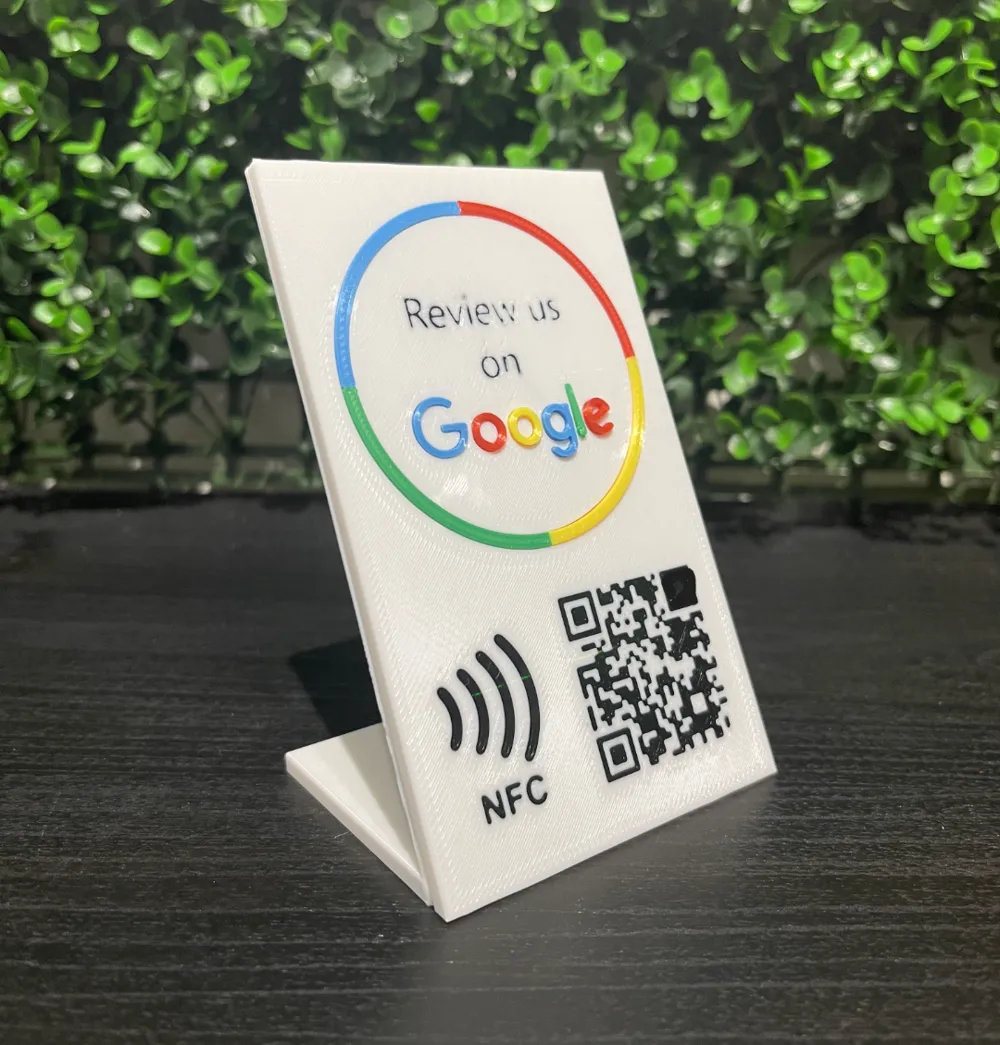
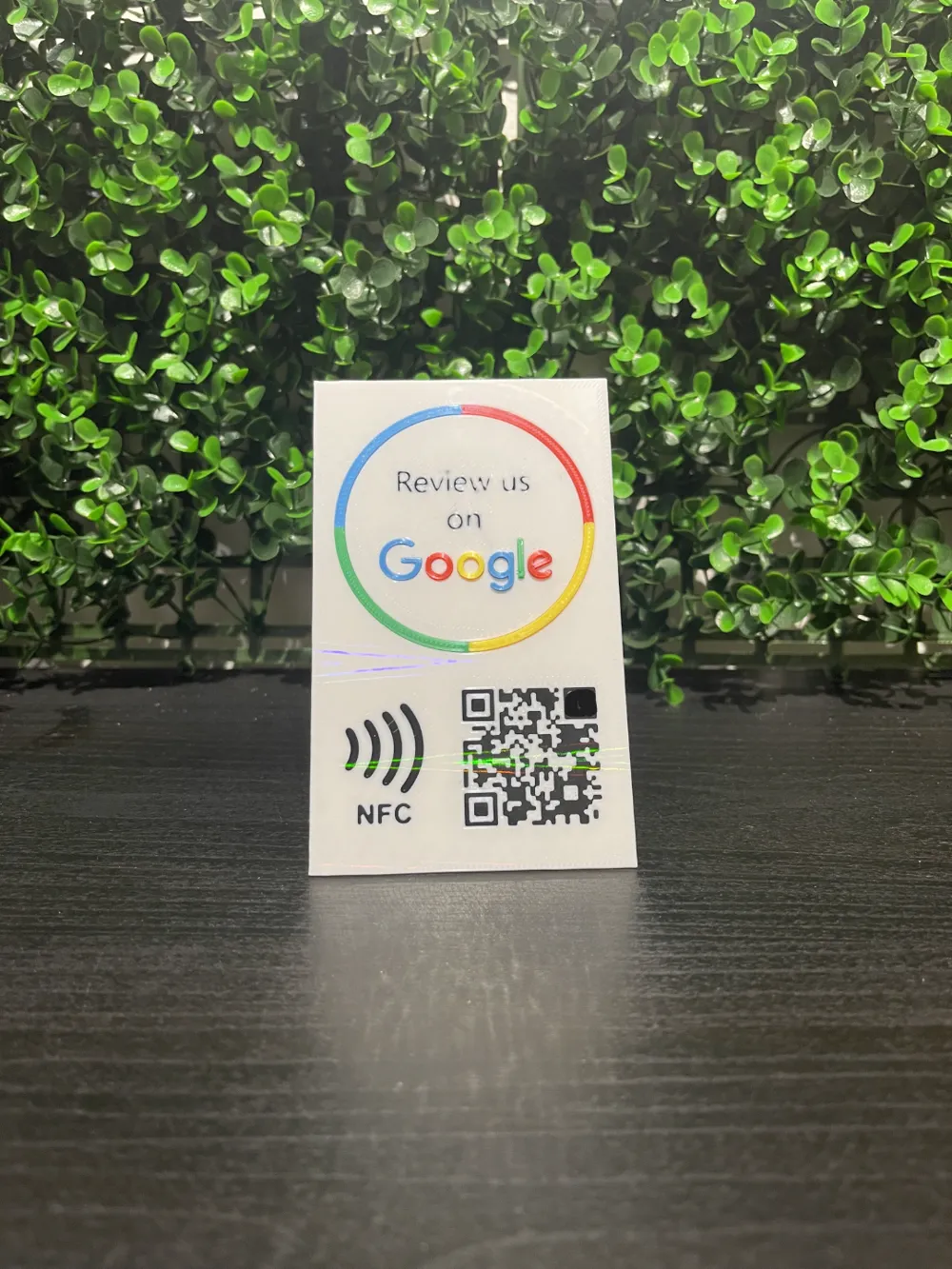
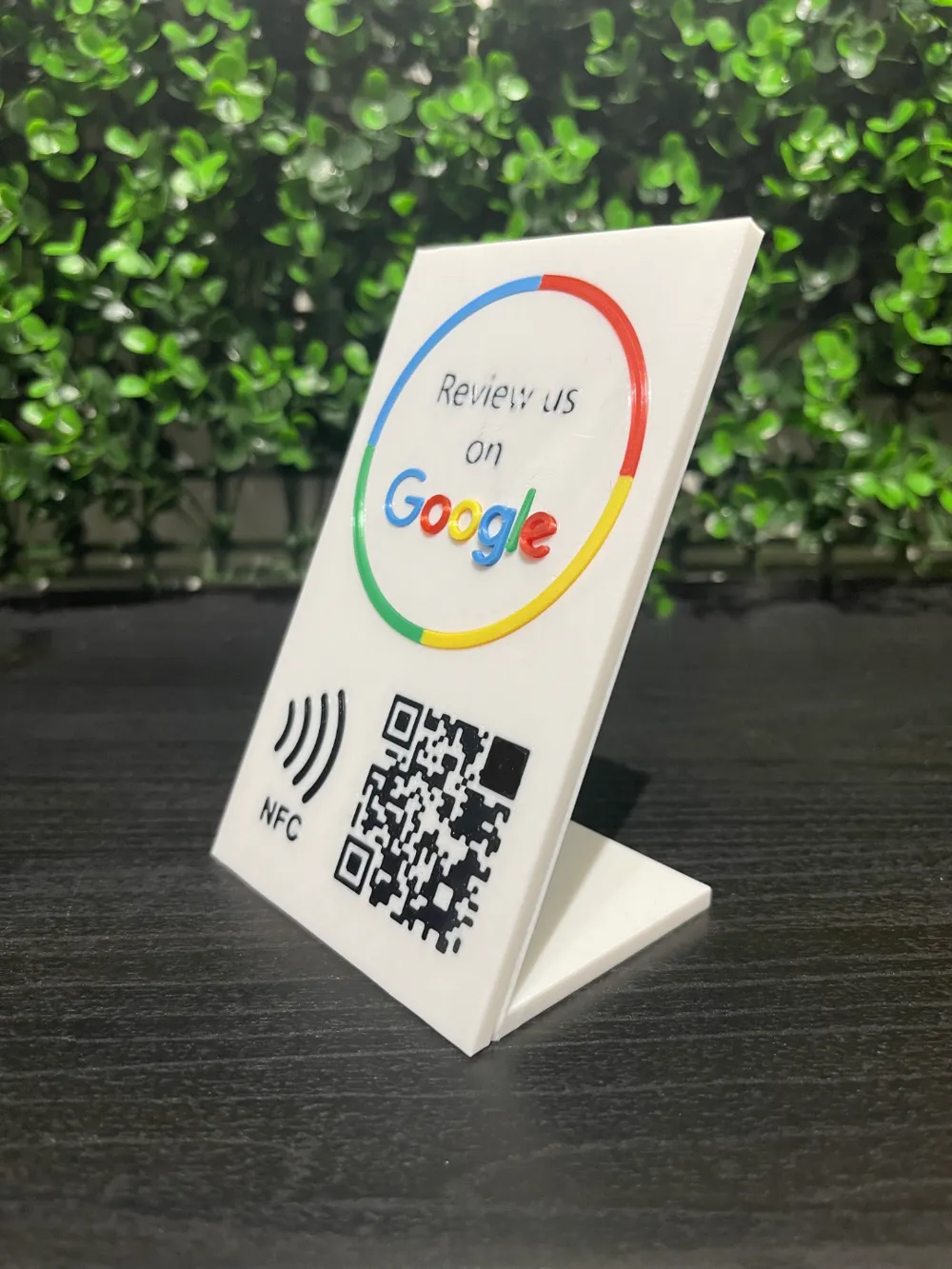
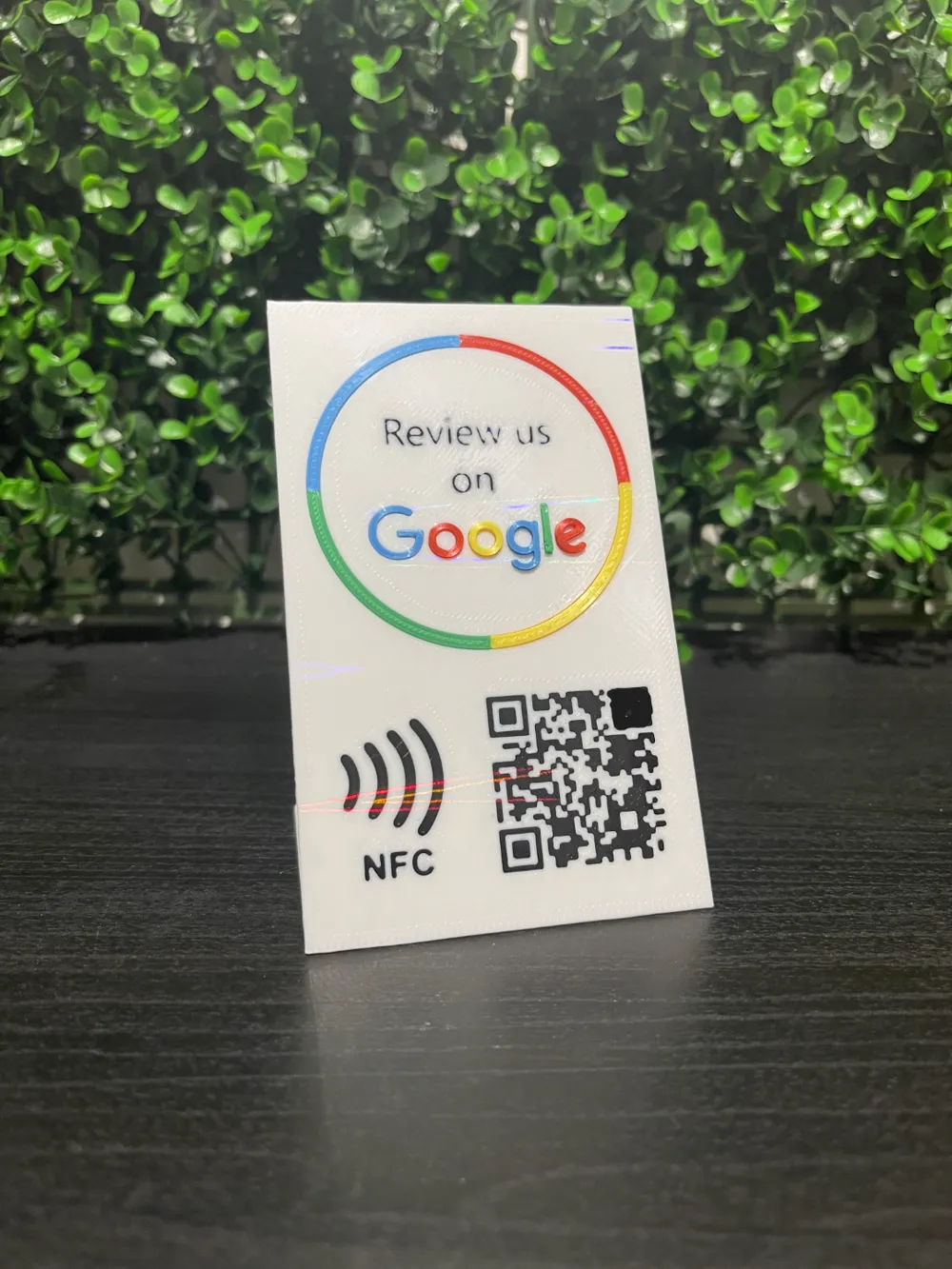
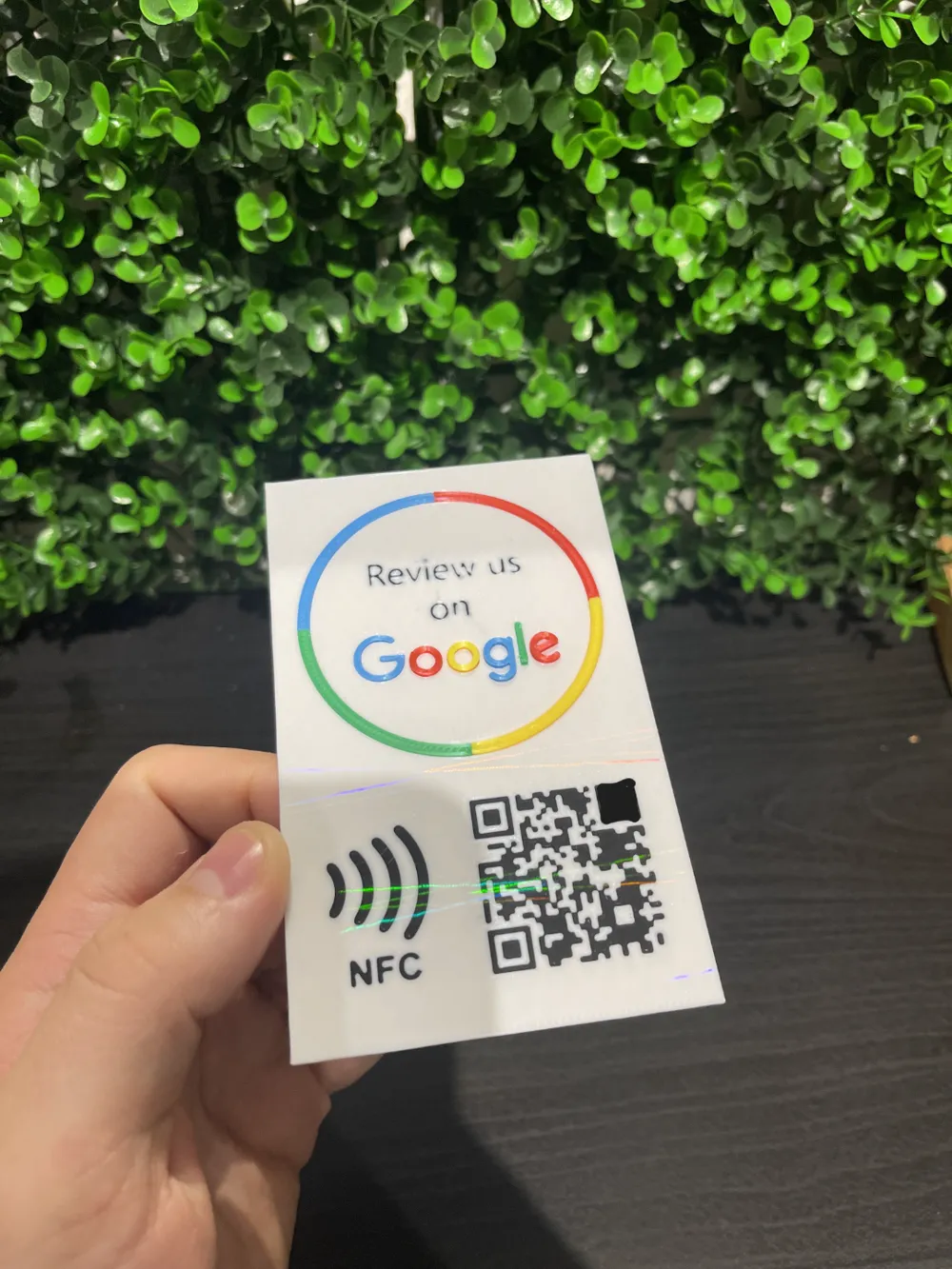
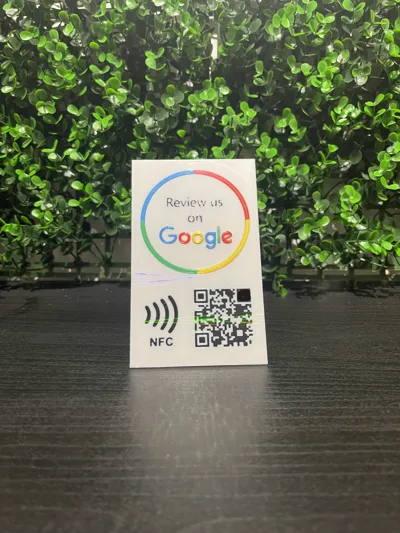
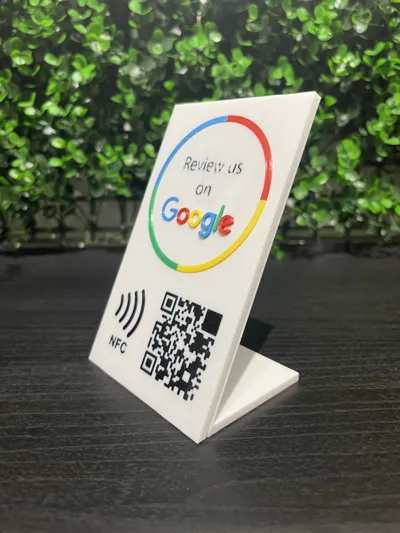
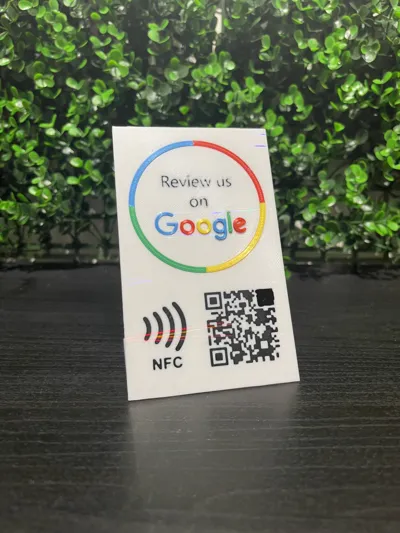
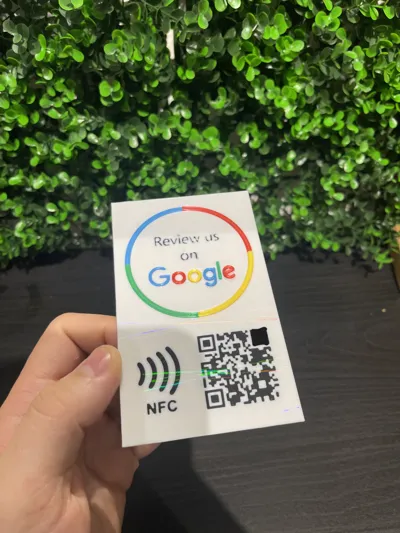
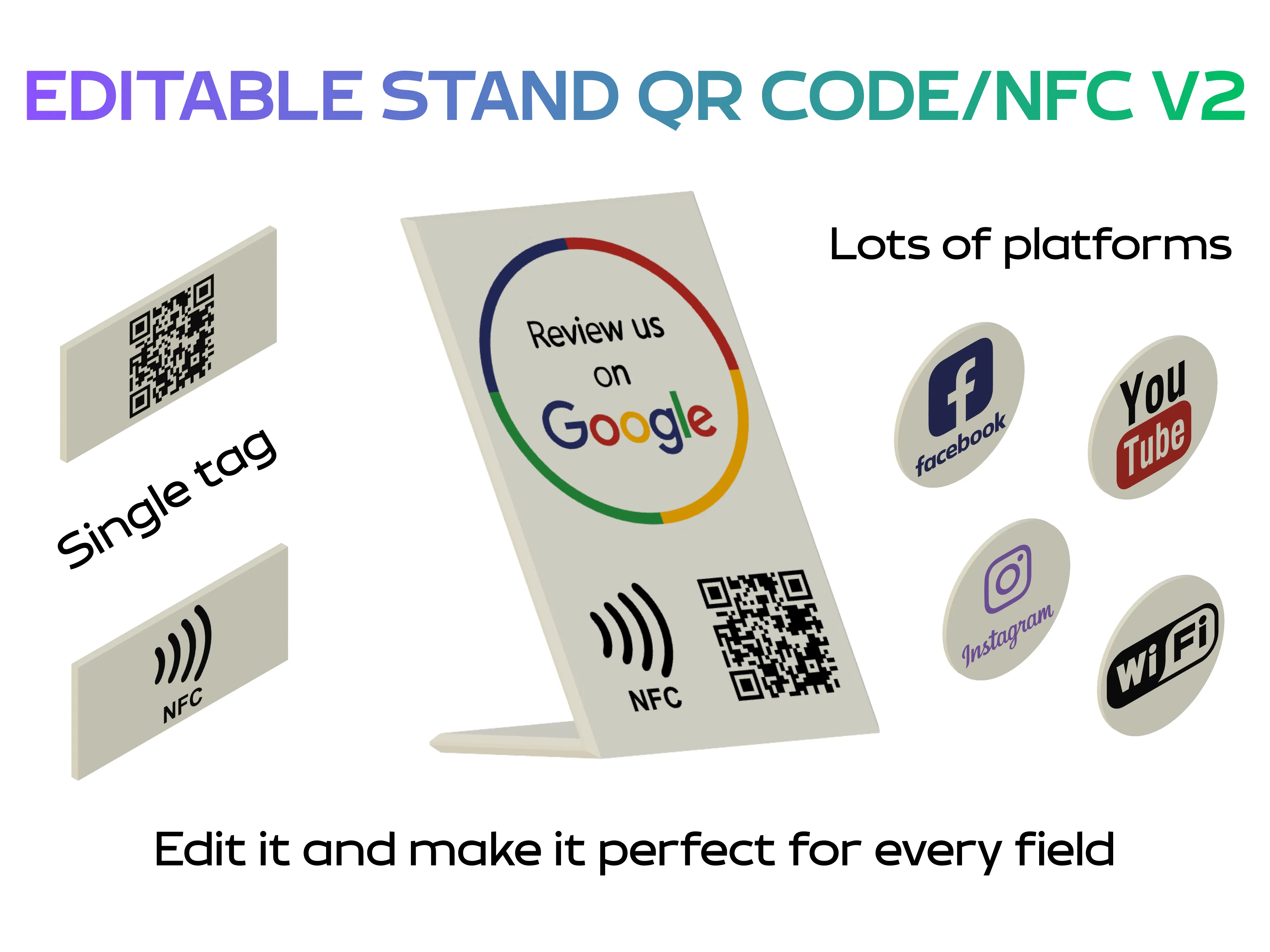
I created this nfc card for reviews on google.
There are 4 print profiles:
-- 2 for owners of only one AMS:
- Reviews us on google nfc 2 pieces TEXTURED PEI PLATE
- Reviews us on google nfc 2 pieces SMOOTH PEI PLATE
-- 2 for owners of multiple AMS:
- Reviews us on google nfc 1 piece TEXTURED PEI PLATE
- Reviews us on google nfc 1 piece SMOOTH PEI PLATE
As for NFCs, I used these:
If you do not purchase the ones previously reported by me, just know that the hole in the print is 25mm in diameter with a height of 0.8mm.
To insert the nfc tag in the print I set a stop in the gcode at layer 17.
Just wait for the printer to stop at layer 17, insert the NFC tag and restart the printer manually.
if you also want to insert the qrcode there is the following file.
REVIEW US ON GOOGLE NFC AND QRCODE FOR INSERT YOUR QRCODE
.f3d
where it is possible to modify the card by inserting your QRcode or personal logo.
ADVISE:
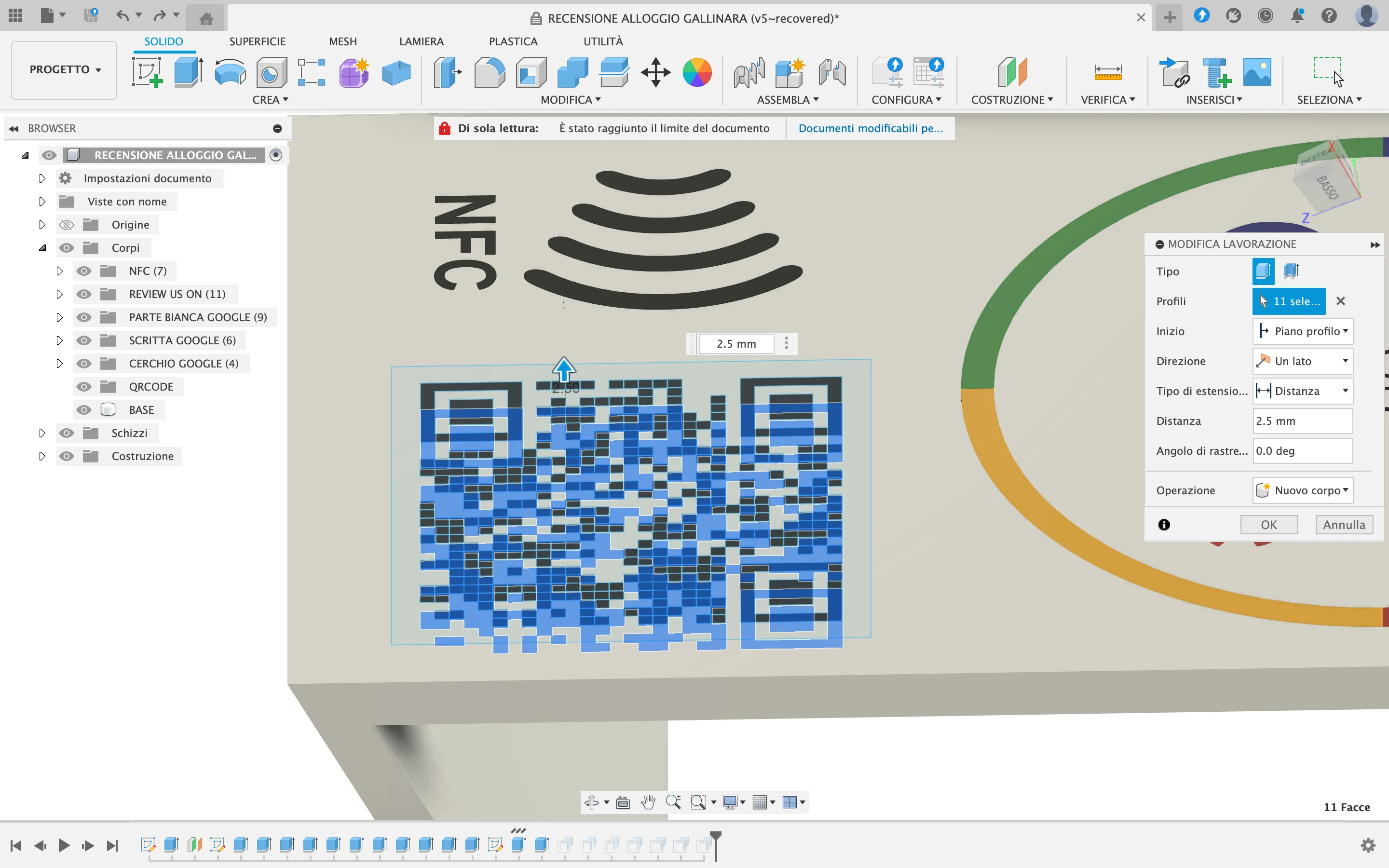
To enter your QR code follow this procedure.
1) Download your QRcode (you will generally download it in image format).
2) Convert your QRcode image to .svg format.
I use the online site convertio.co
3) Once you have the file in .svg format you can import it into fusion, selecting the correct face.
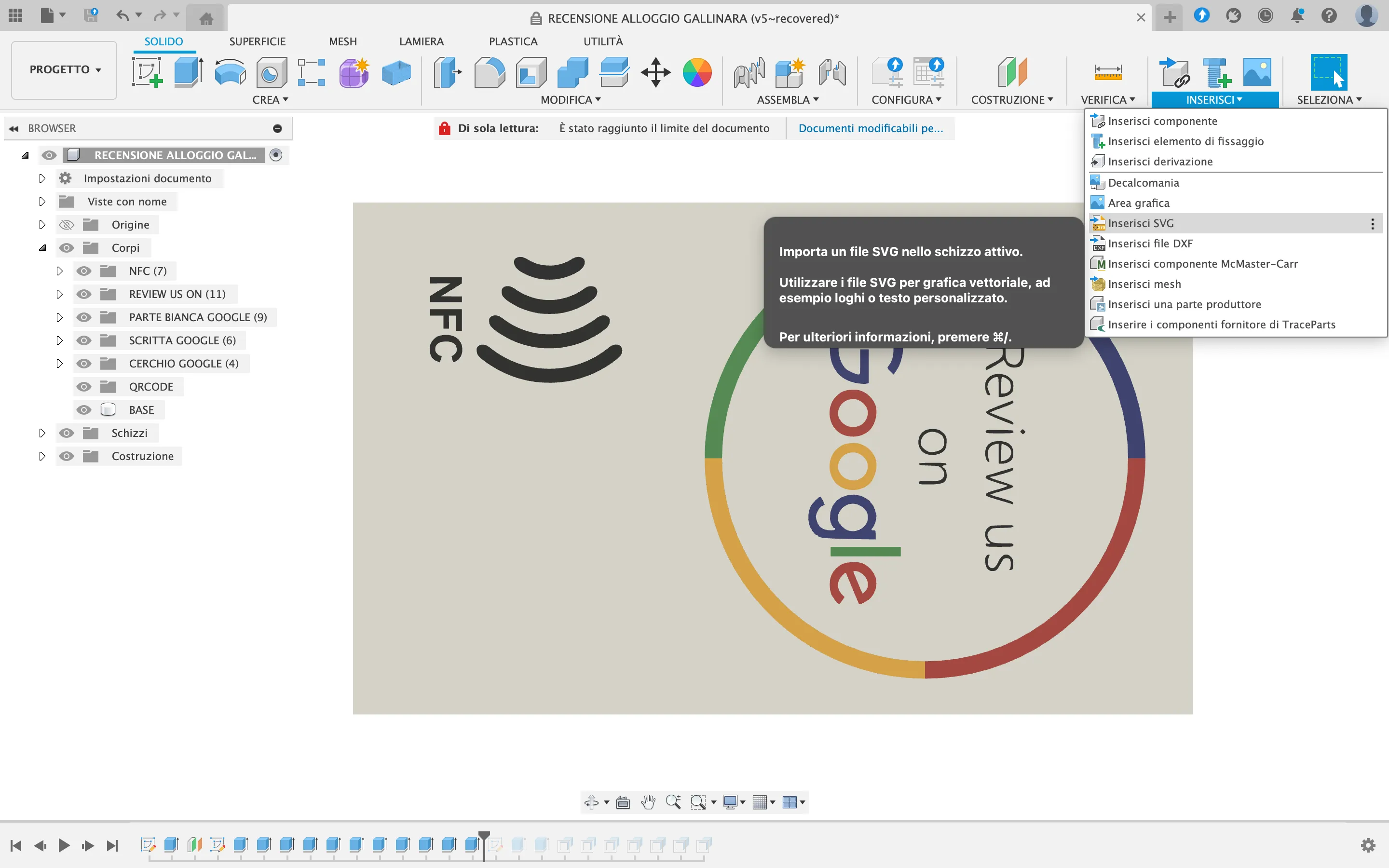
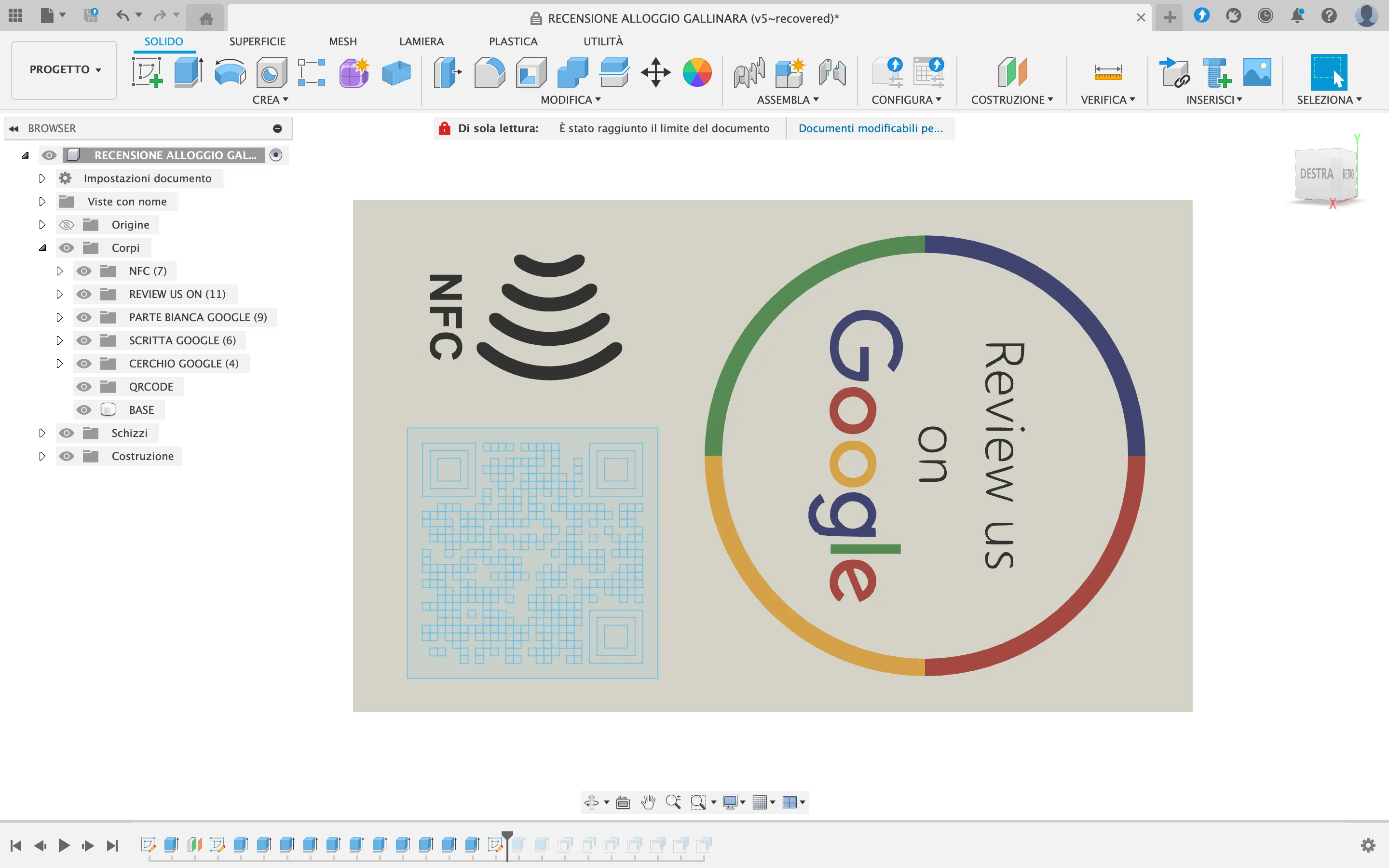
4) Position and resize the .svg image to your liking.
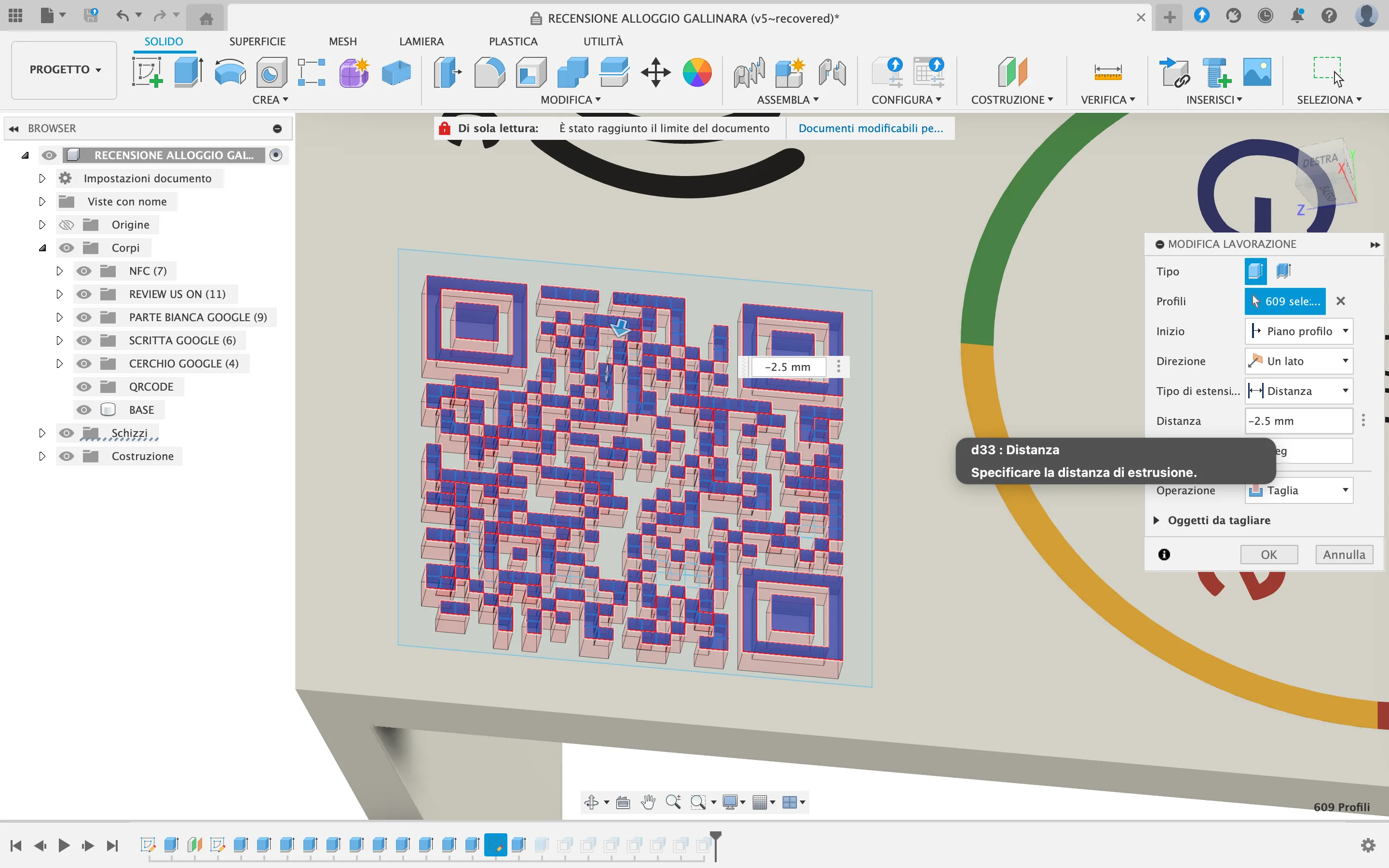
5) Select and cut only the black part by -2.5mm
6) Select the parts just cut and extrude them by +2.5mm by selecting the following operation:
New Body
DISCOVER MY OTHER PROJECT:
License

You shall not share, sub-license, sell, rent, host, transfer, or distribute in any way the digital or 3D printed versions of this object, nor any other derivative work of this object in its digital or physical format (including - but not limited to - remixes of this object, and hosting on other digital platforms). The objects may not be used without permission in any way whatsoever in which you charge money, or collect fees.


Comment & Rating (180)