Search models, users, collections, and posts

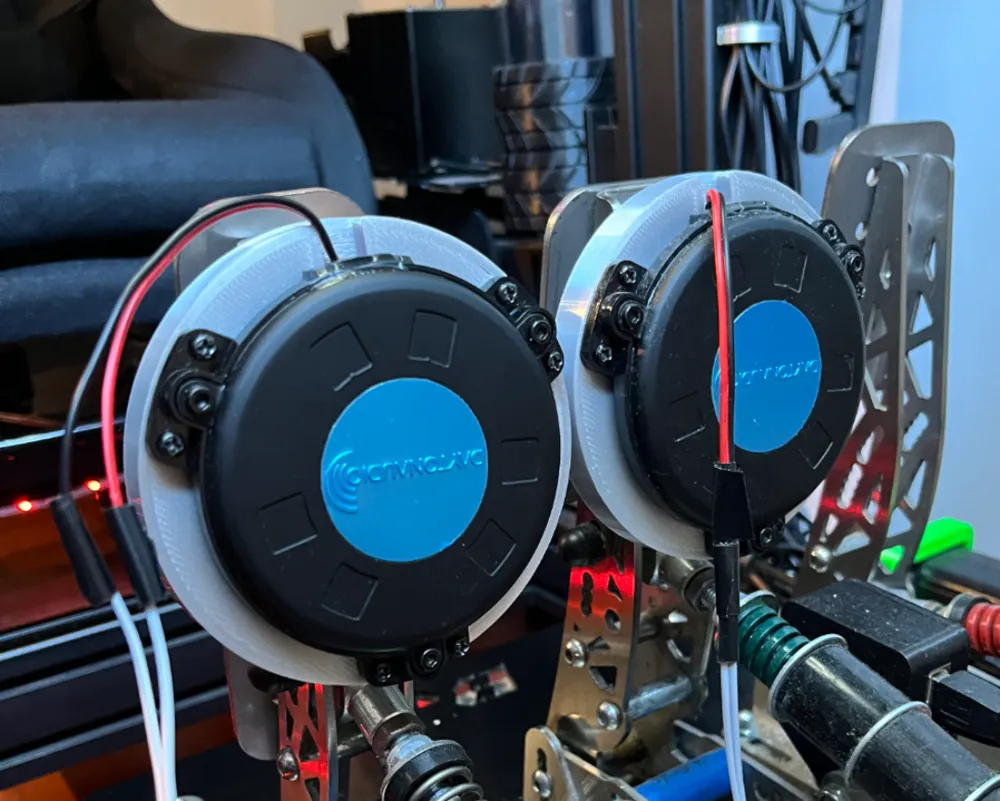
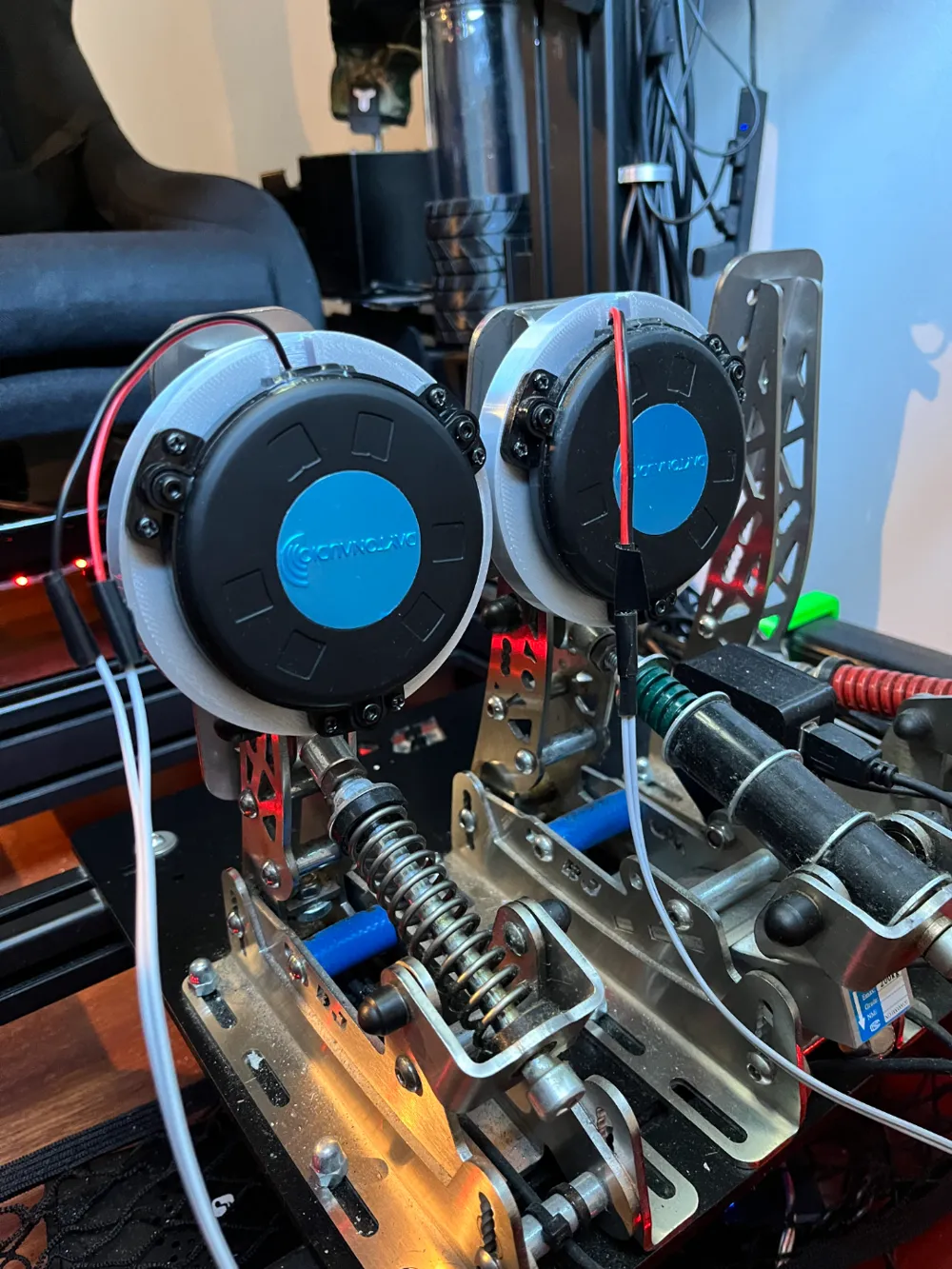
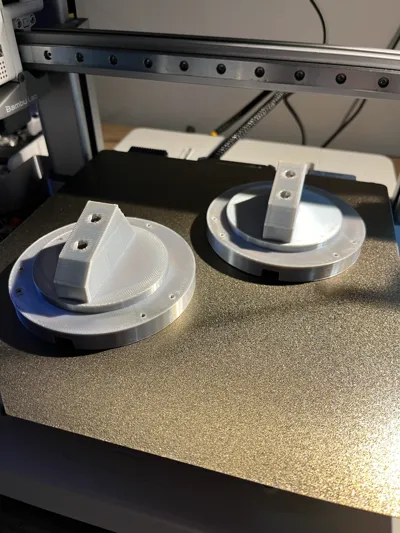
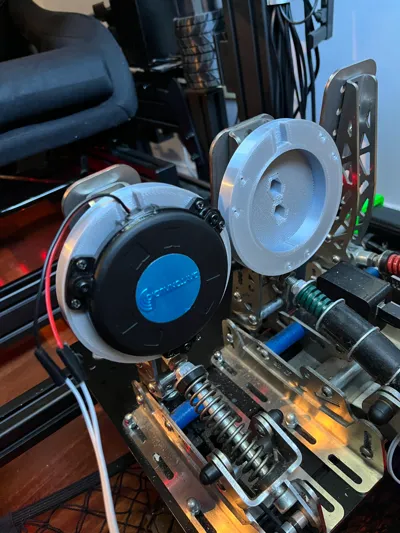
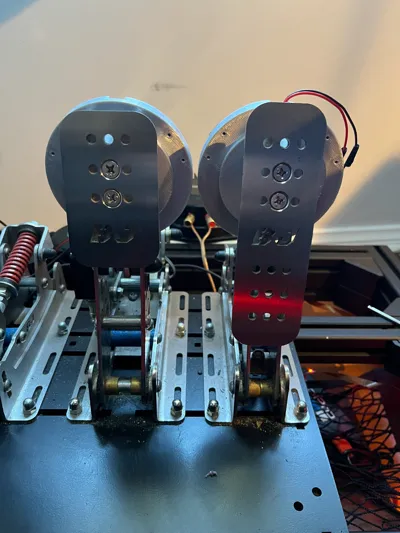
Dayton Audio TT25 mount for BJ Sim Racing pedals
Remixed by
IP Report

Print Profile(2)
0.6mm nozzle, 0.3mm layer, 4 walls, 50% infill
Designer
3.2 h
1 plate

0.4mm nozzle, 0.2mm layer, 4 walls, 50% infill
Designer
5.5 h
1 plate
Open in Bambu Studio
Boost
29
80
1
1
68
25
Released
Description
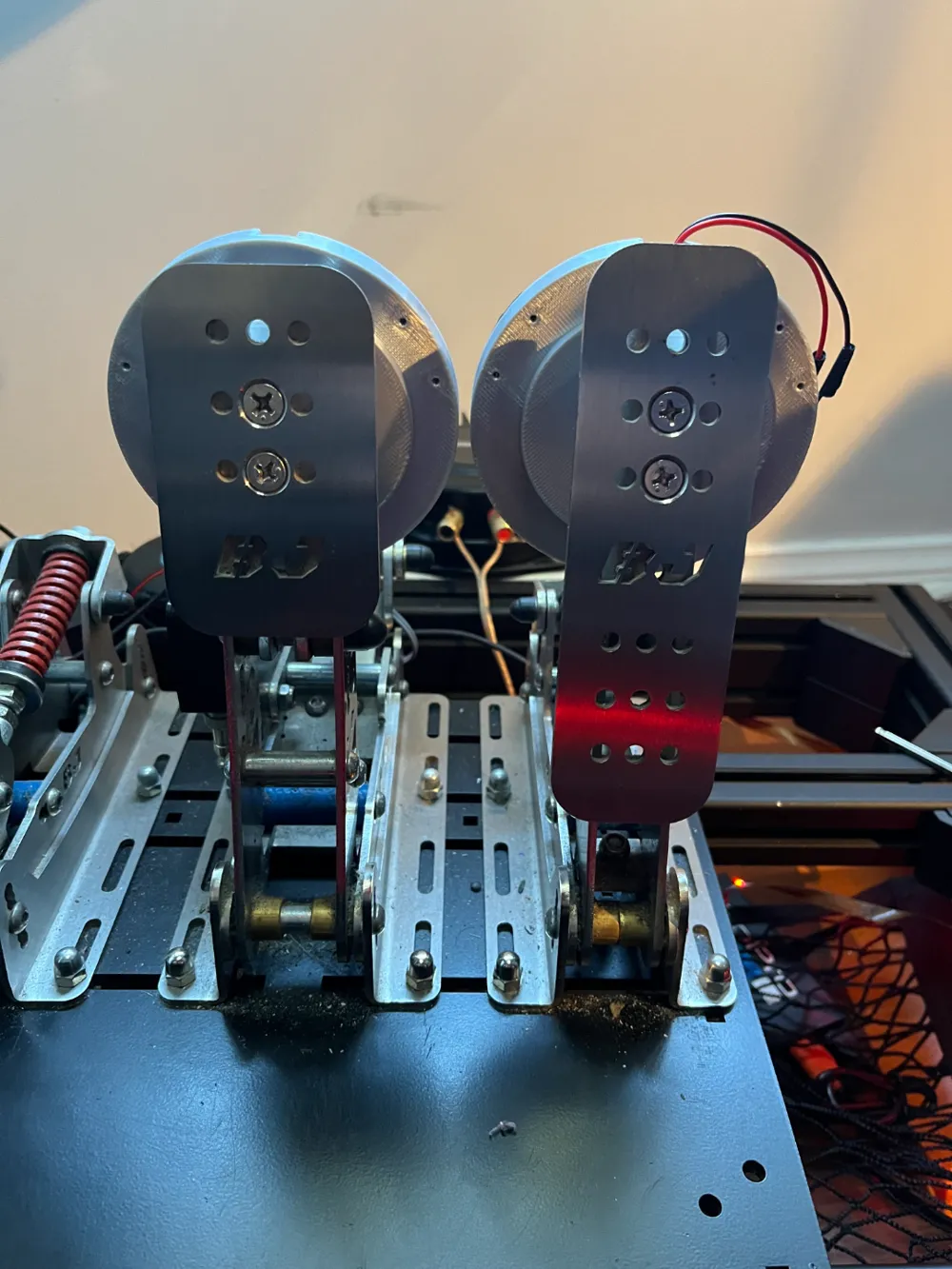
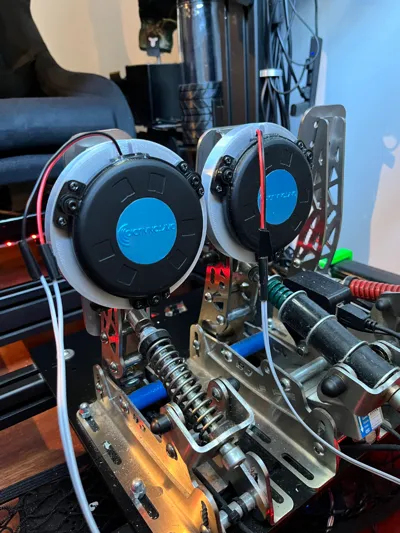
Basic mount to add Dayton Audio TT25 to the BJ Sim Racing pedals.
This should work with any of the pedals.
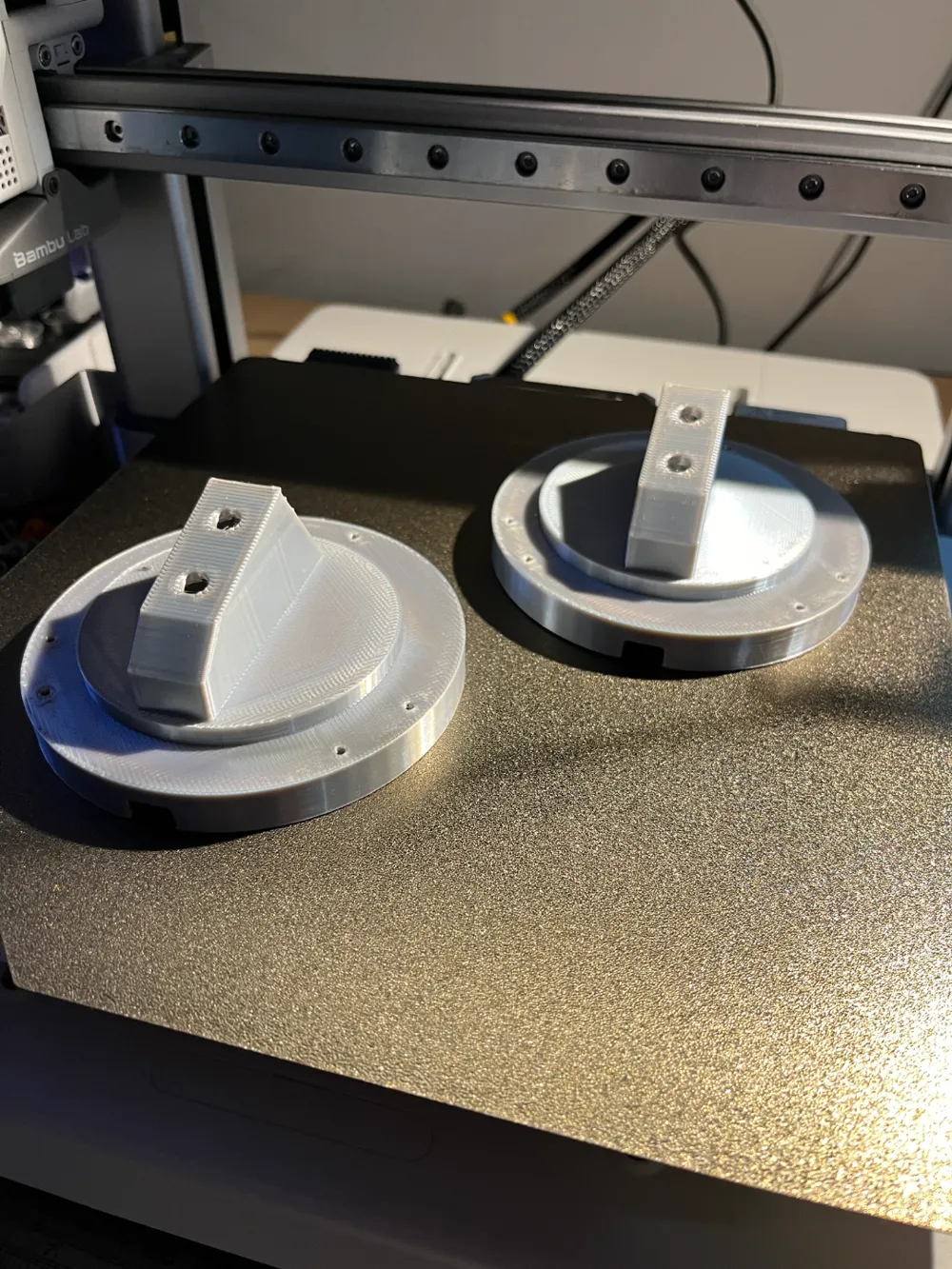
- Nozzle: 0.6mm (~2.5hr print on Bambu A1), 0.4mm should be fine too.
- Infill: 50%, less will work too.
- Layer Height: 0.3mm, should be ok with 0.2mm layer with 0.4mm nozzle too.
- Material: PLA
- Supports: Yes
- Print with supports.
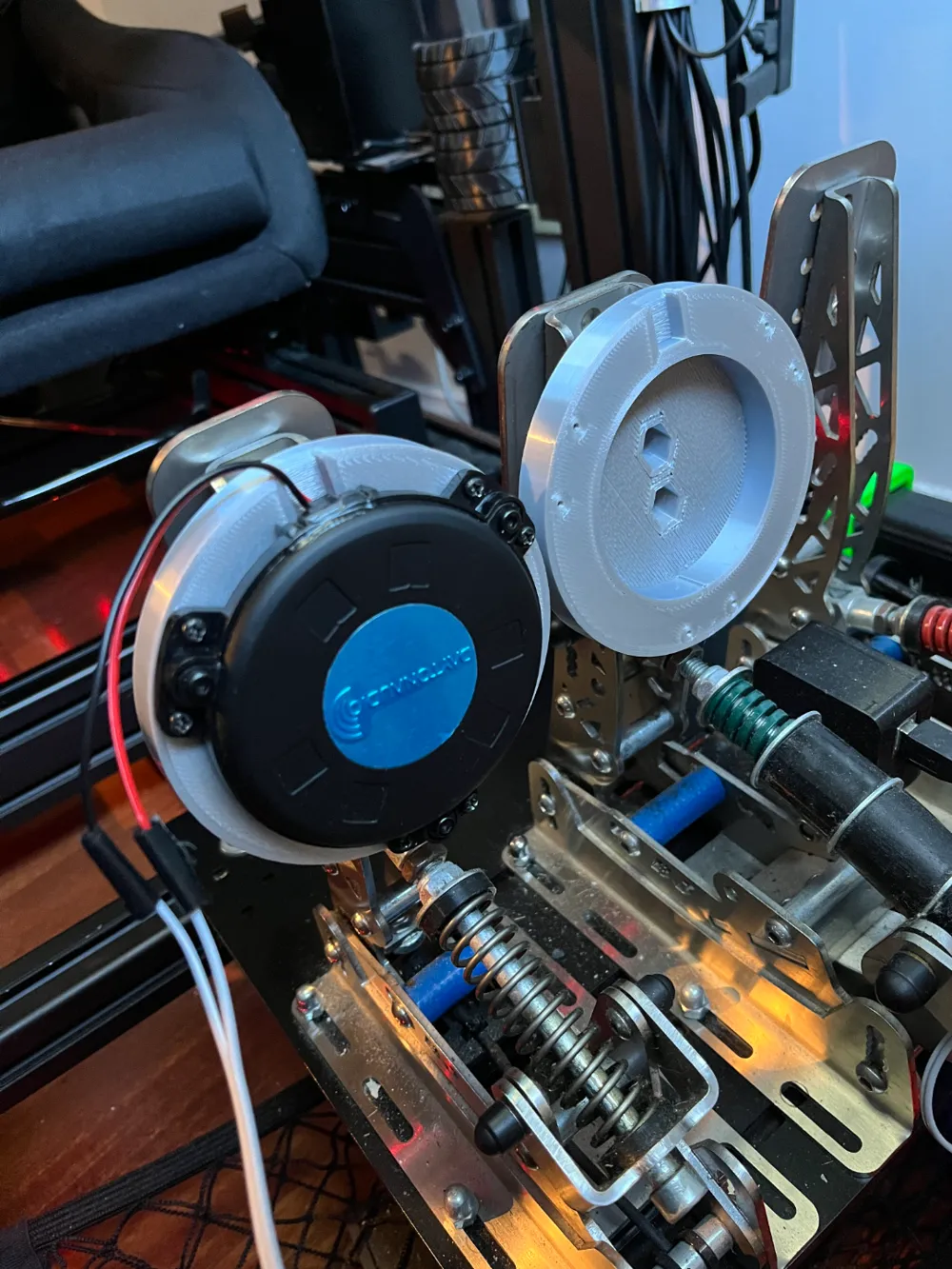
- Attach mount to pedals first, you will need 2x M6 countersunk head bolts/screws (at least 15mm length as the ones that come with pedals are too short) and the torque/lock nuts that are currently attached to the bolts on the pedal face. Place the nuts into the hex holes in the mount. While pushing the nuts in with an allen key/screwdriver screw the bolts tight.
- Use the screws that come with TT25 to secure it to the mount.
Please comment for suggestions on improvements.
This remix is based on

License

This user content is licensed under a
Creative Commons Attribution-Noncommercial


Comment & Rating (1)