
Large Photography Light Box 4 Models & e-commerce

Print Profile(4)


Bill of Materials

Description
PHOTOGRAPHY LIGHT BOX
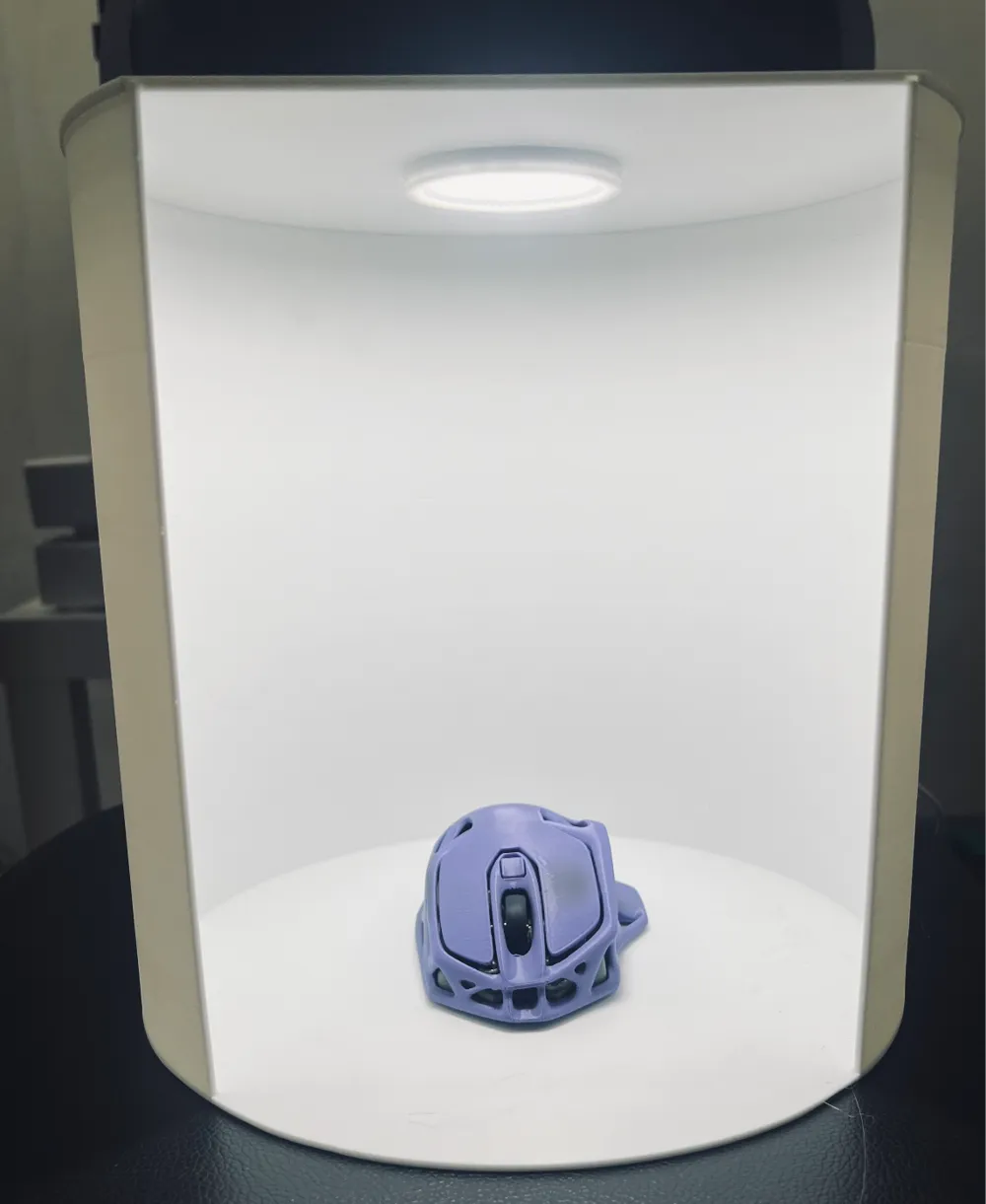
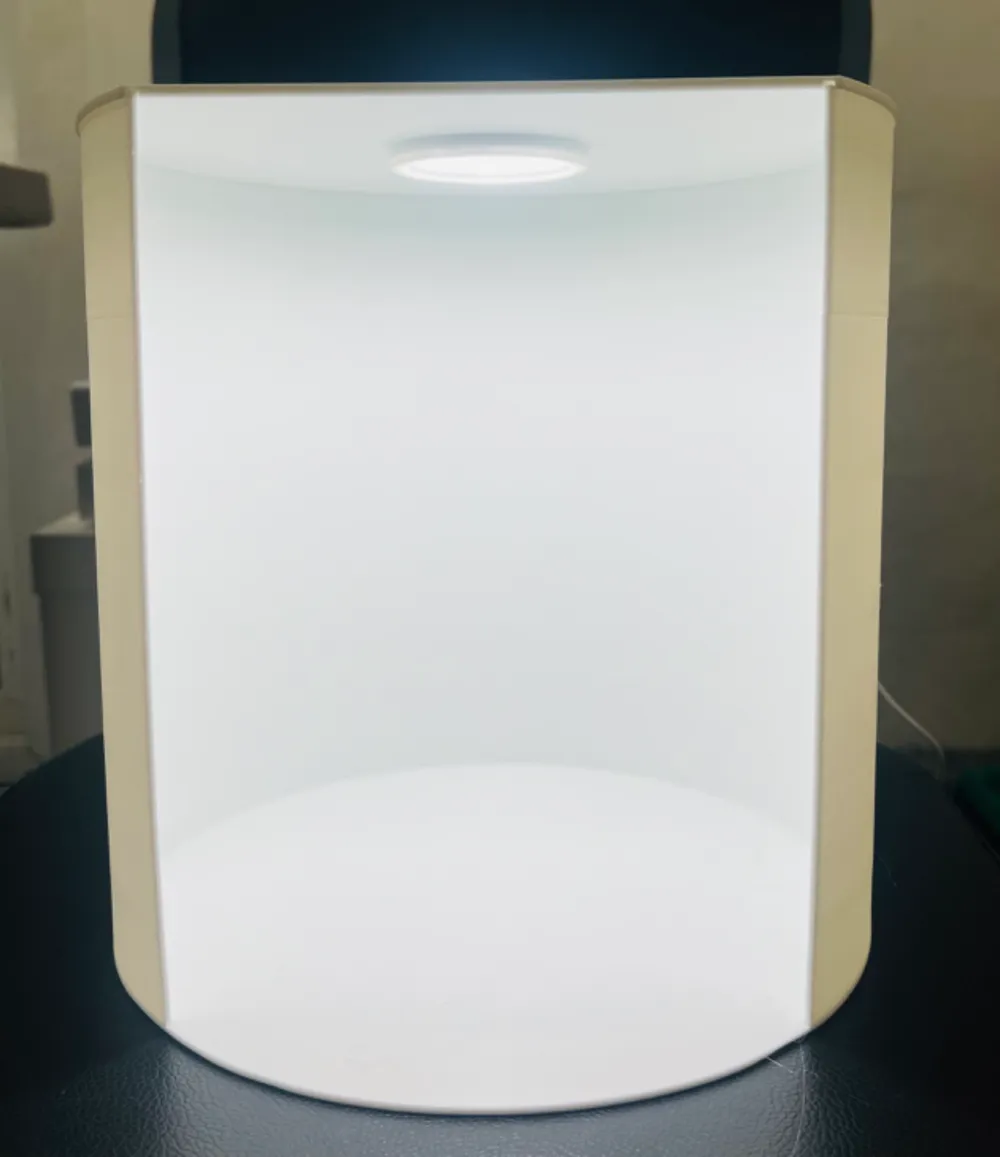
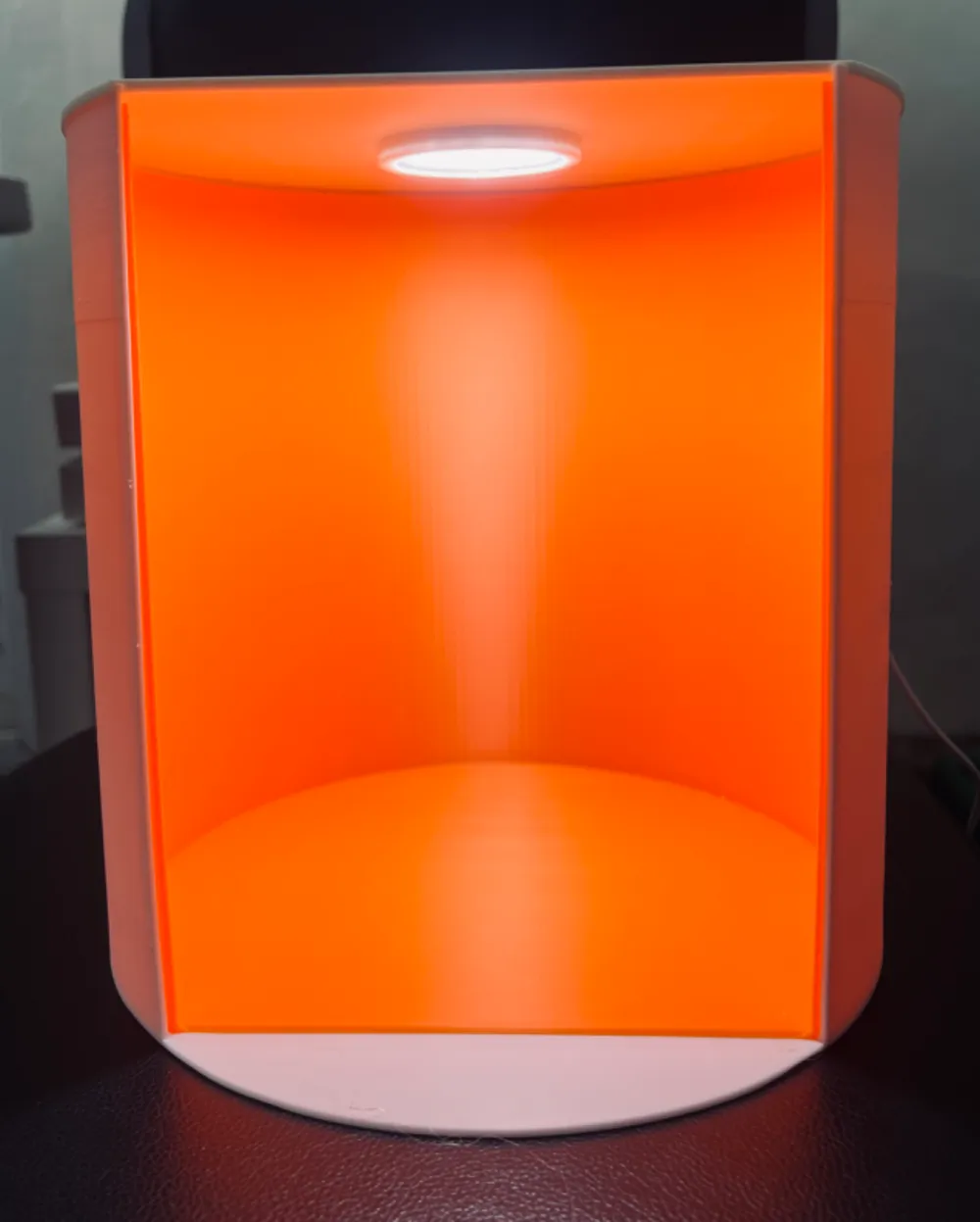
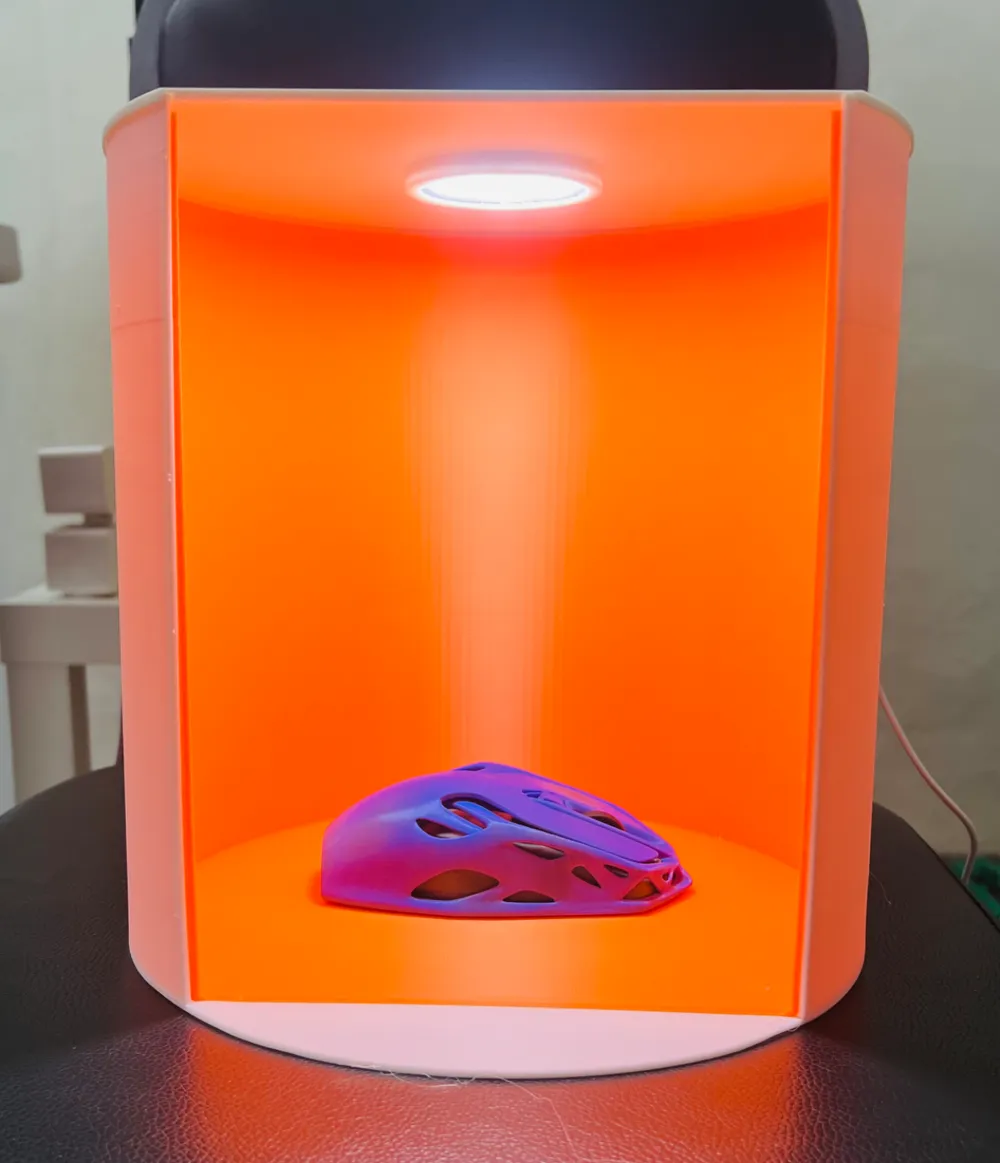
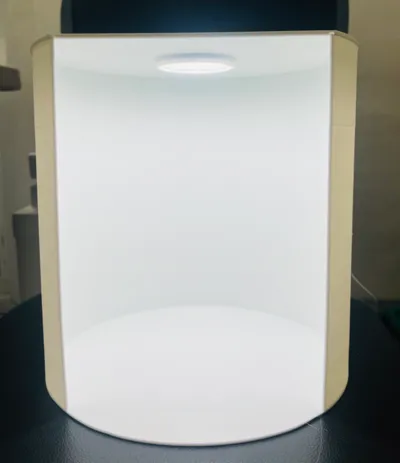
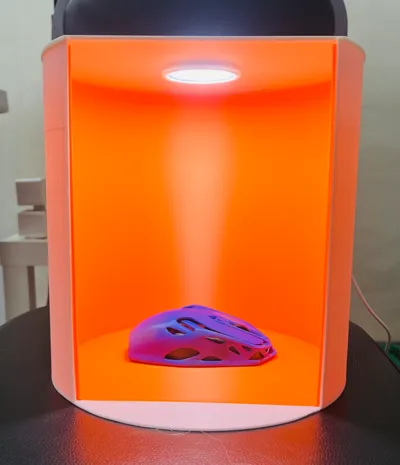
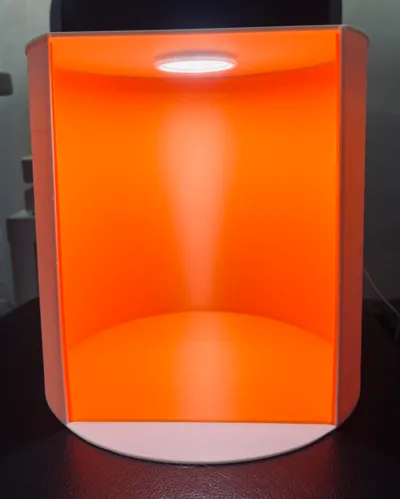
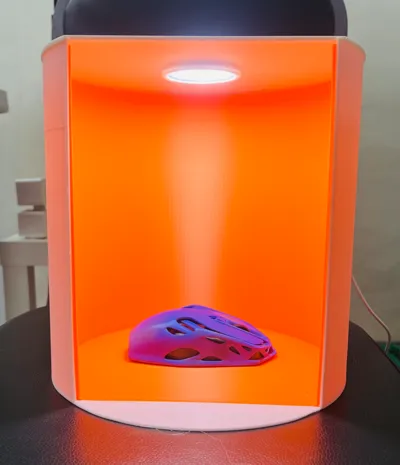
Take great photos of your models and other hobby crafts with this light box. Helps reduce shadows when you photograph your creations. Take great photos of your 3D printed models for Makerworld, Printables, Thingaverse and other sites.
GREAT FOR E-COMMERCE SELLERS
Selling online? Great photos help your products sell more. Use this light box to take fantastic photos of your creations and products. Great for sellers on platforms such as eBay, Etsy, Amazon, Aliexpress, Shopee, Lazada and more!
LED LAMP MODULE
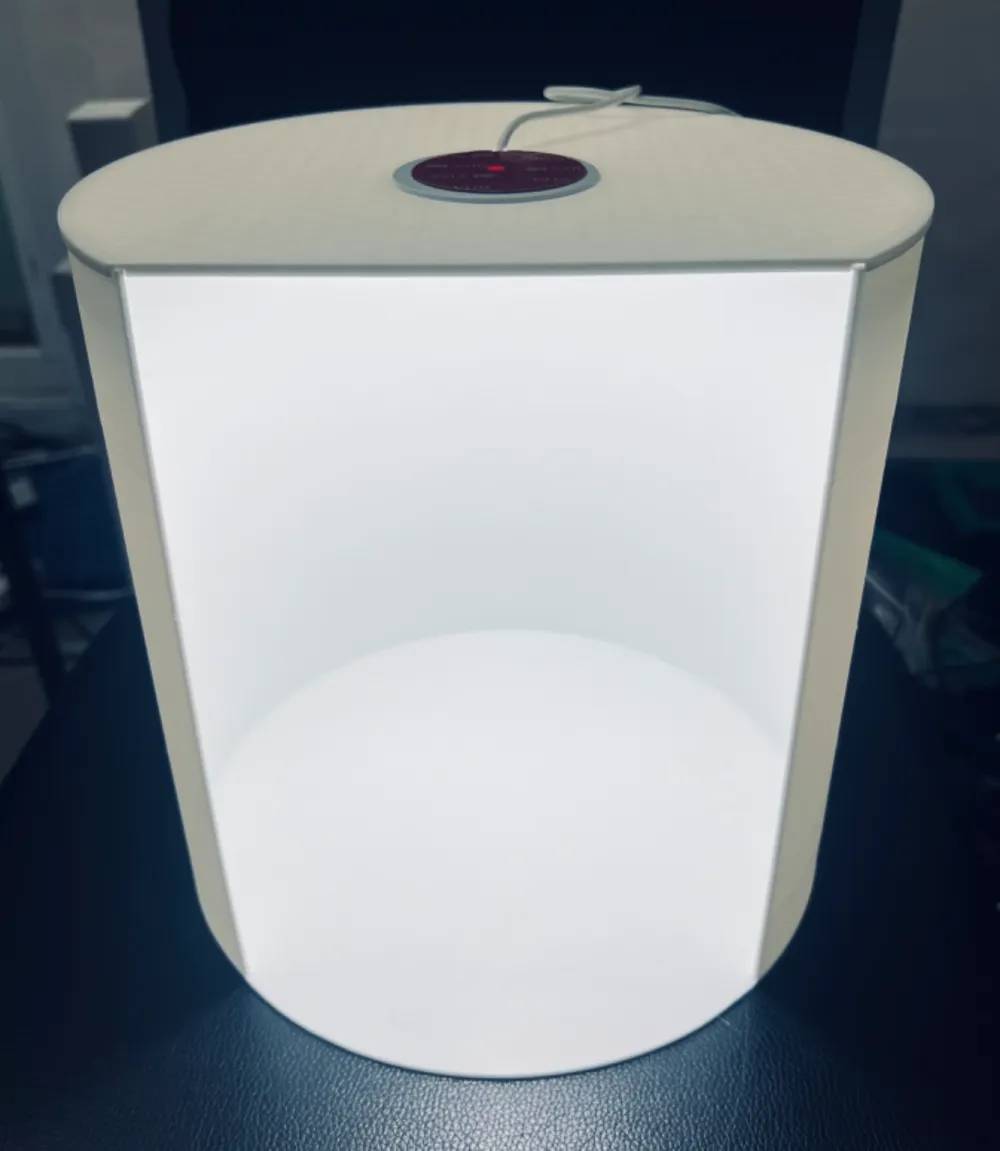
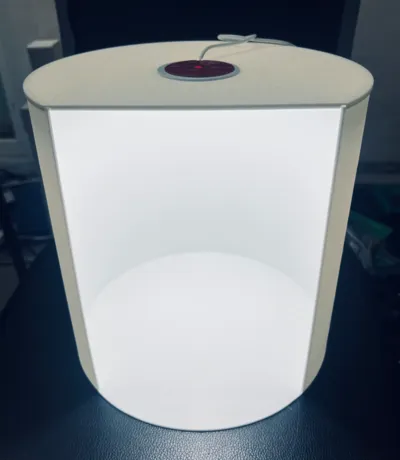
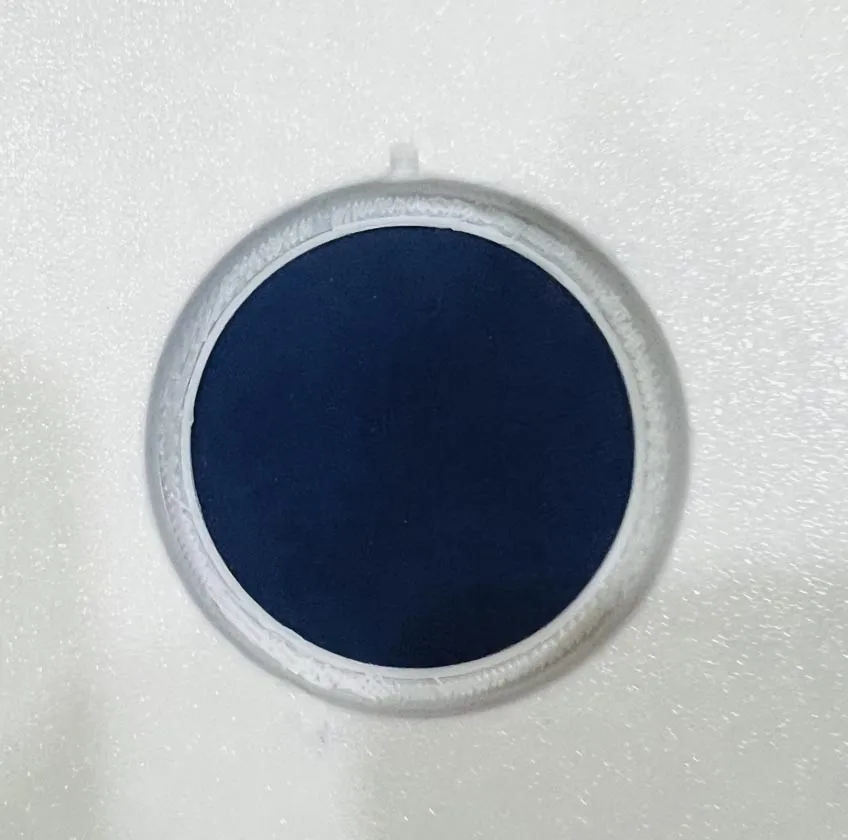
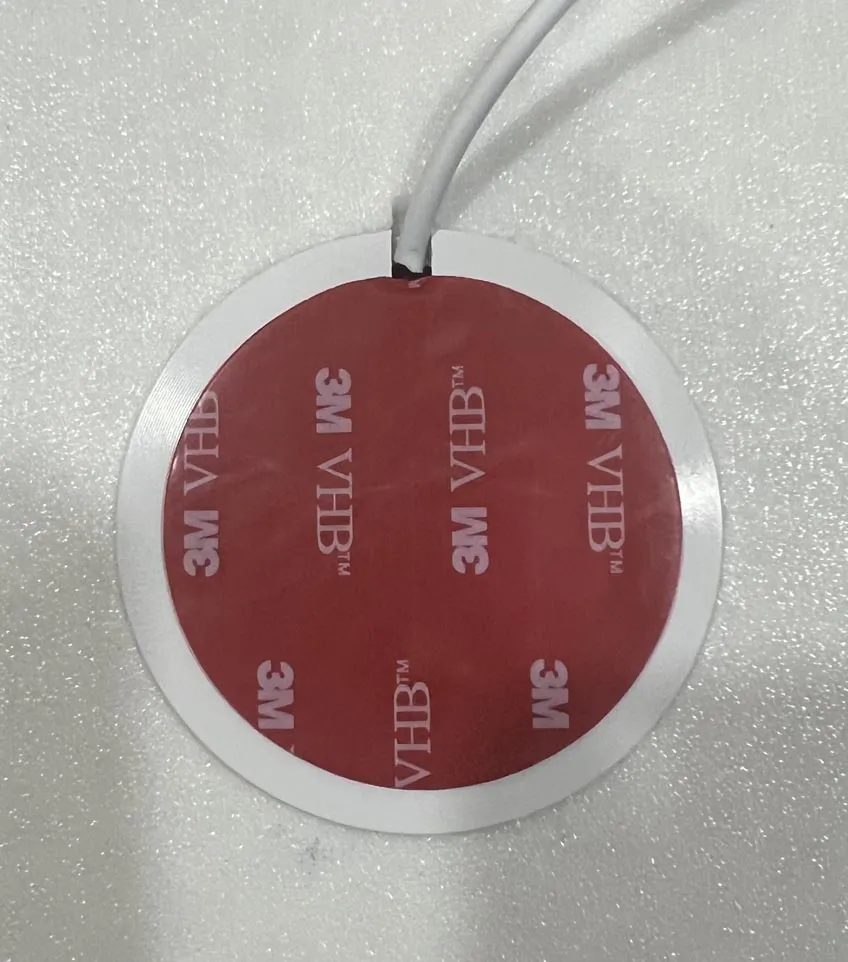
To insert the led lamp module remove the support from the bottom of the light box's top. Then insert the module paying attention to the groove for the wire. Then just push the model until is is seated into place. (See photos below.) This box can use the Bambu Lab led lamp module kit 001 or the same modules can be purchased from Aliexpress for about one-third the price. Plus on Aliexpress higher wattages can be purchased for better lighting for your photographs. Links to Aliexpress sellers of the lamp module are below. Seller 1 has slightly lower prices.
Seller 1: https://s.click.aliexpress.com/e/_DDCyMxl
Seller 2: https://s.click.aliexpress.com/e/_DBbQl0T
HOW TO PUT ON THE TOP
The underside of the top is grooved and simply slots into place on the light box's body. It can be taken off easily for installation and removal of optional color inserts.
OPTIONAL COLOR INSERTS
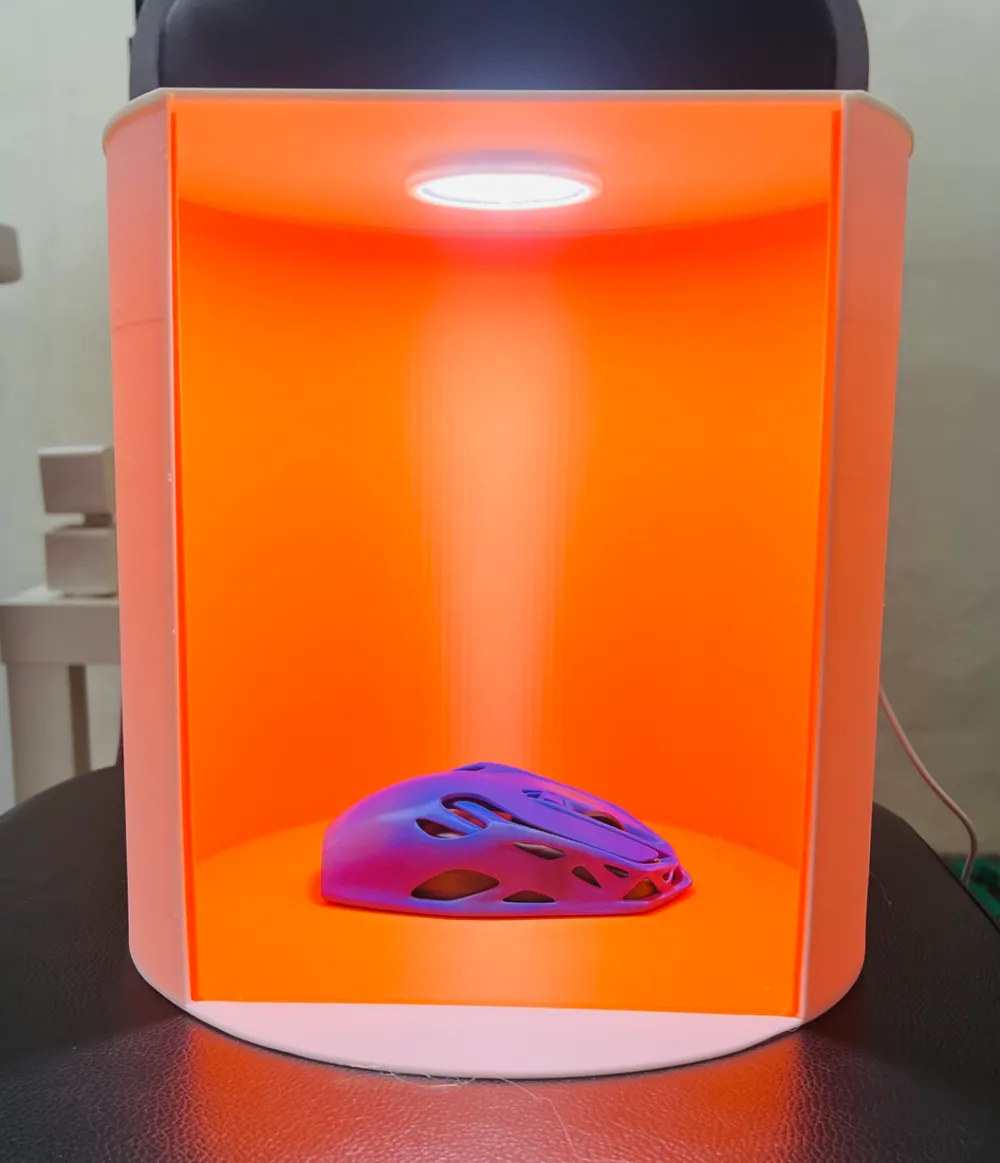
There is also an optional insert you can print to use a colored background of your choice or for a green screen effect. To install an optional insert simply remove the top, insert the colored insert and slot the top back into place.
Boost Me (for free)
THANK YOU FOR PRINTING AND ENJOY! BOOSTS ARE GREATLY APPRECIATED.
A smaller version of the lightbox that is printable on the A1 Mini is linked below.
License

You shall not share, sub-license, sell, rent, host, transfer, or distribute in any way the digital or 3D printed versions of this object, nor any other derivative work of this object in its digital or physical format (including - but not limited to - remixes of this object, and hosting on other digital platforms). The objects may not be used without permission in any way whatsoever in which you charge money, or collect fees.


Comment & Rating (27)