
Tessellation Tile 'Witch'

Print Profile(1)

Bill of Materials

Description
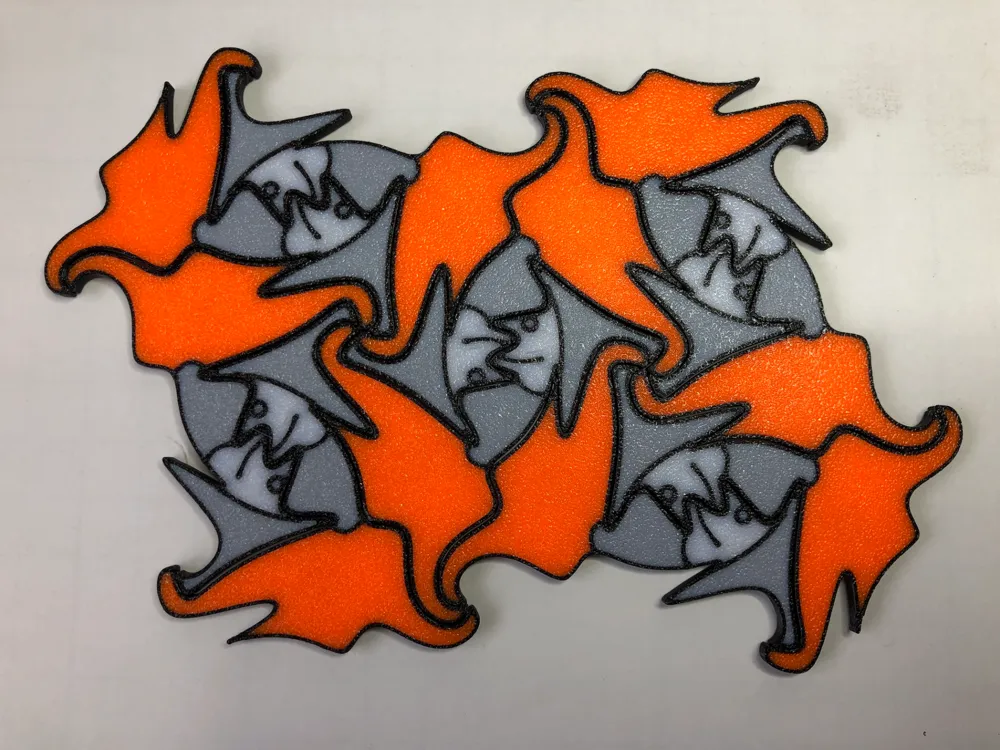
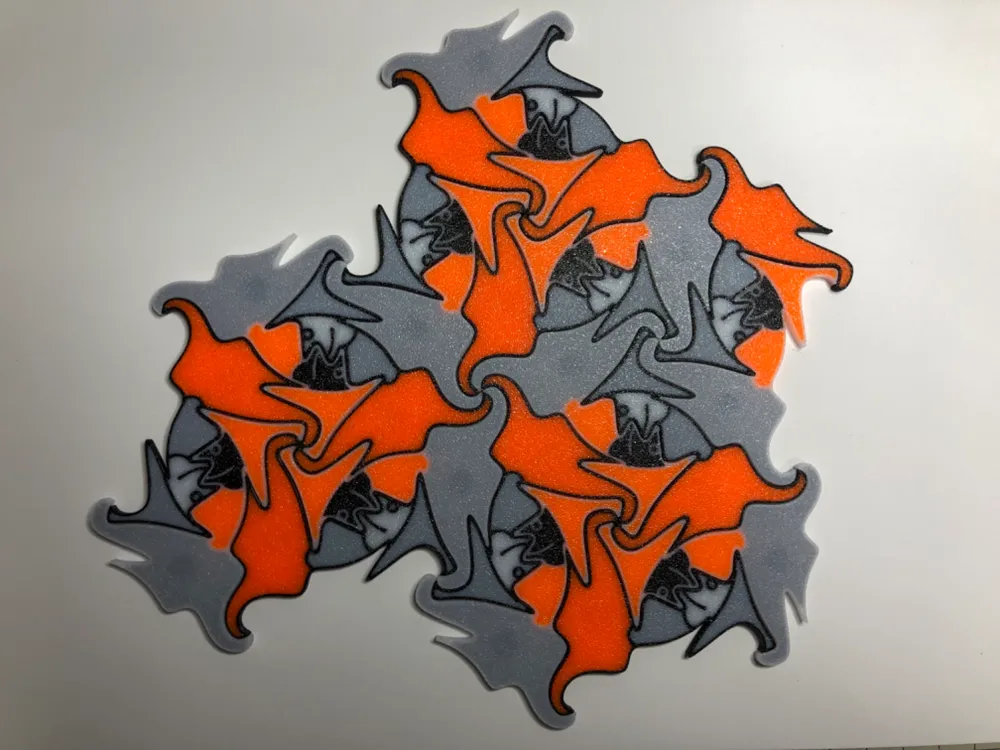
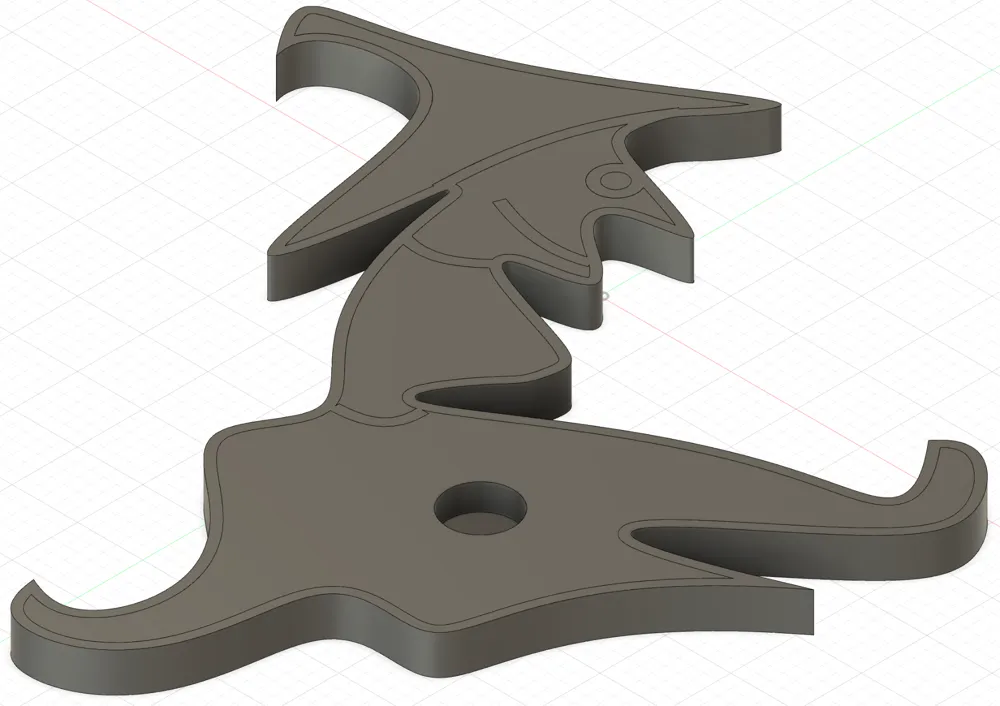
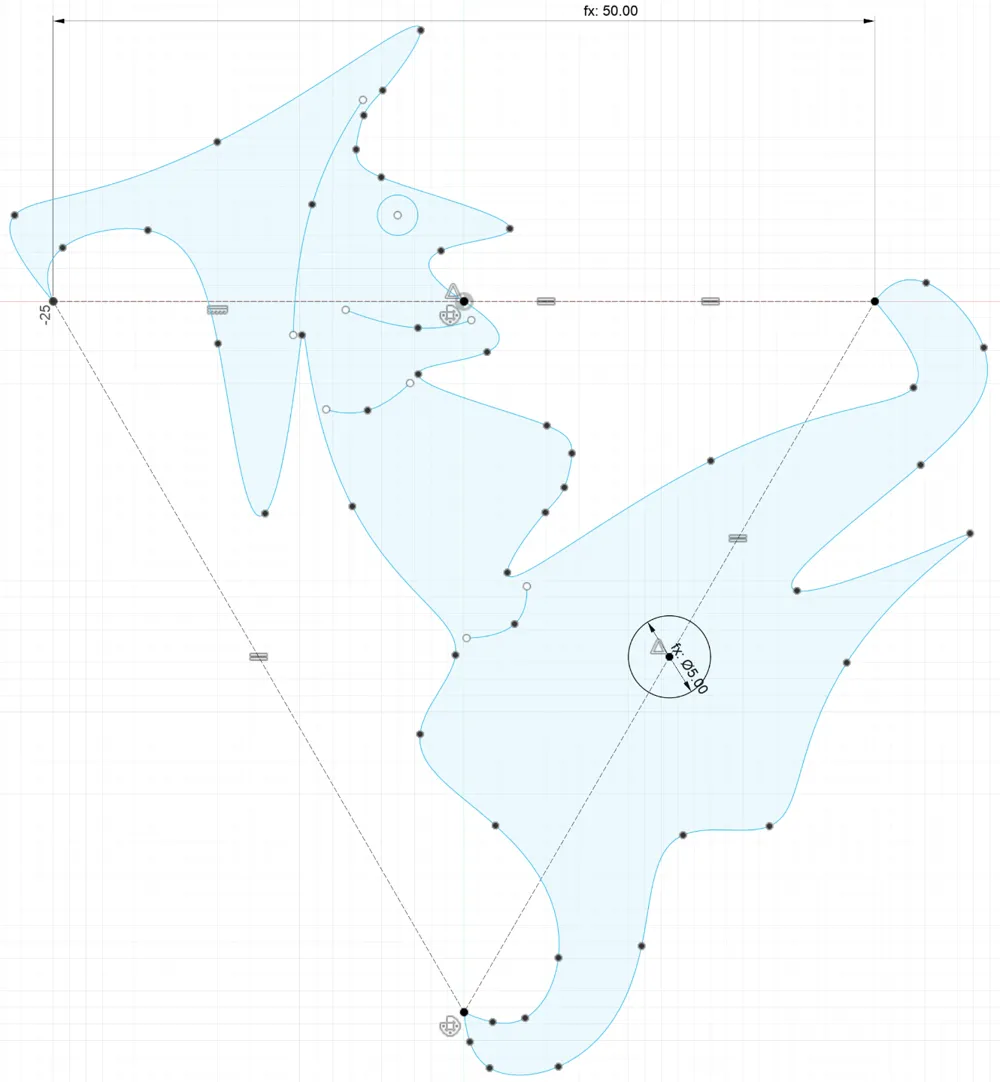
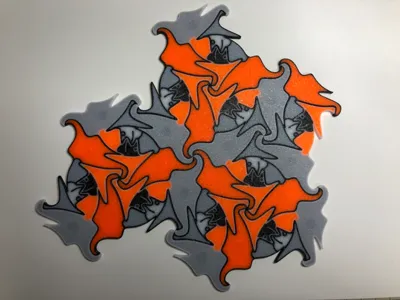
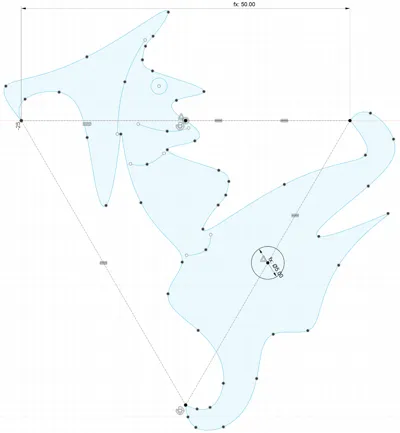
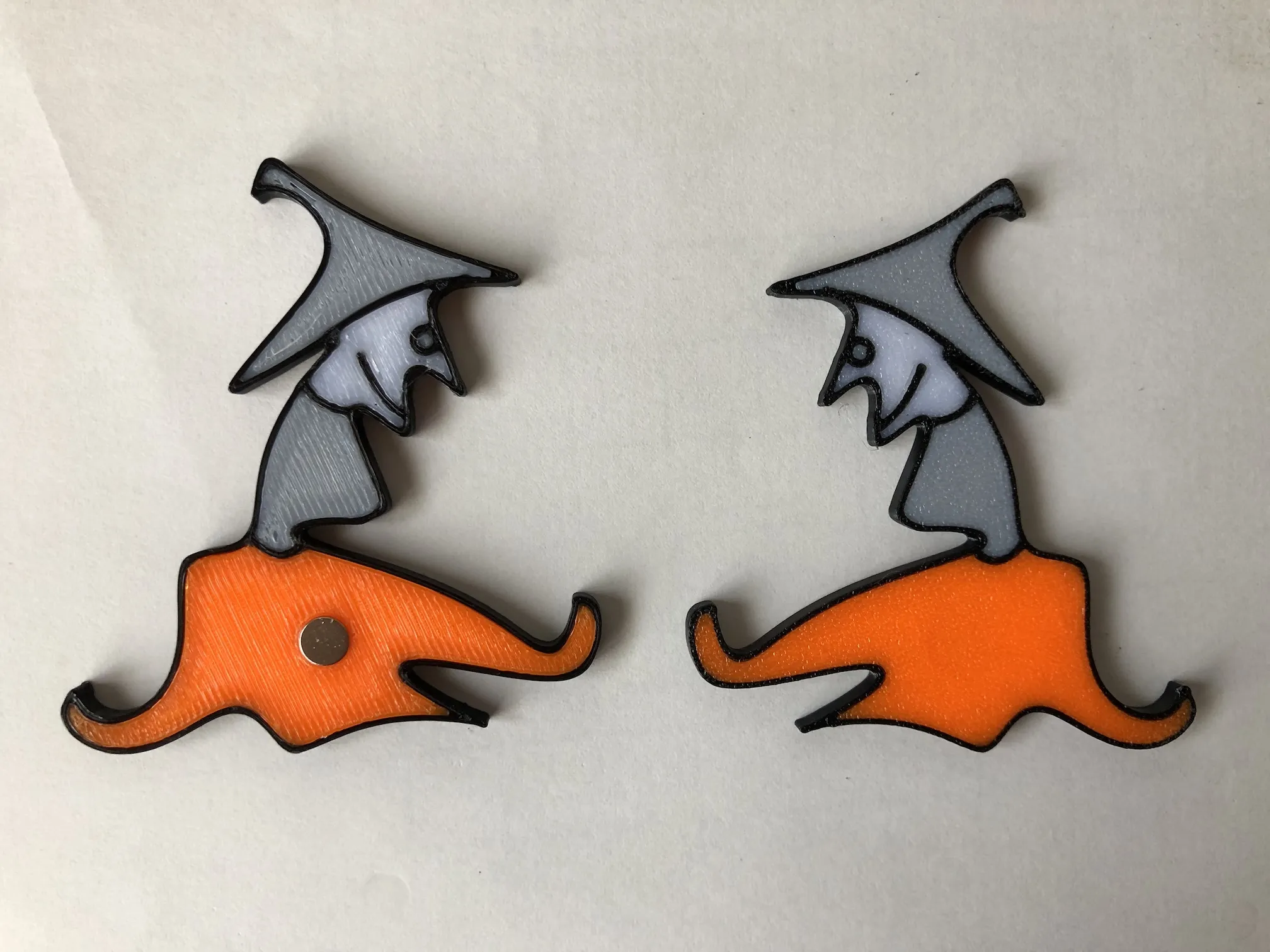
This is a tessellated tile that can fill a flat surface without gaps. IH88 is used as the symmetry pattern ( IH: Isohedral Tilings ).
This is a tessellated tile that can fill a flat surface without gaps. IH88 is used as the symmetry pattern ( IH: Isohedral Tilings ).
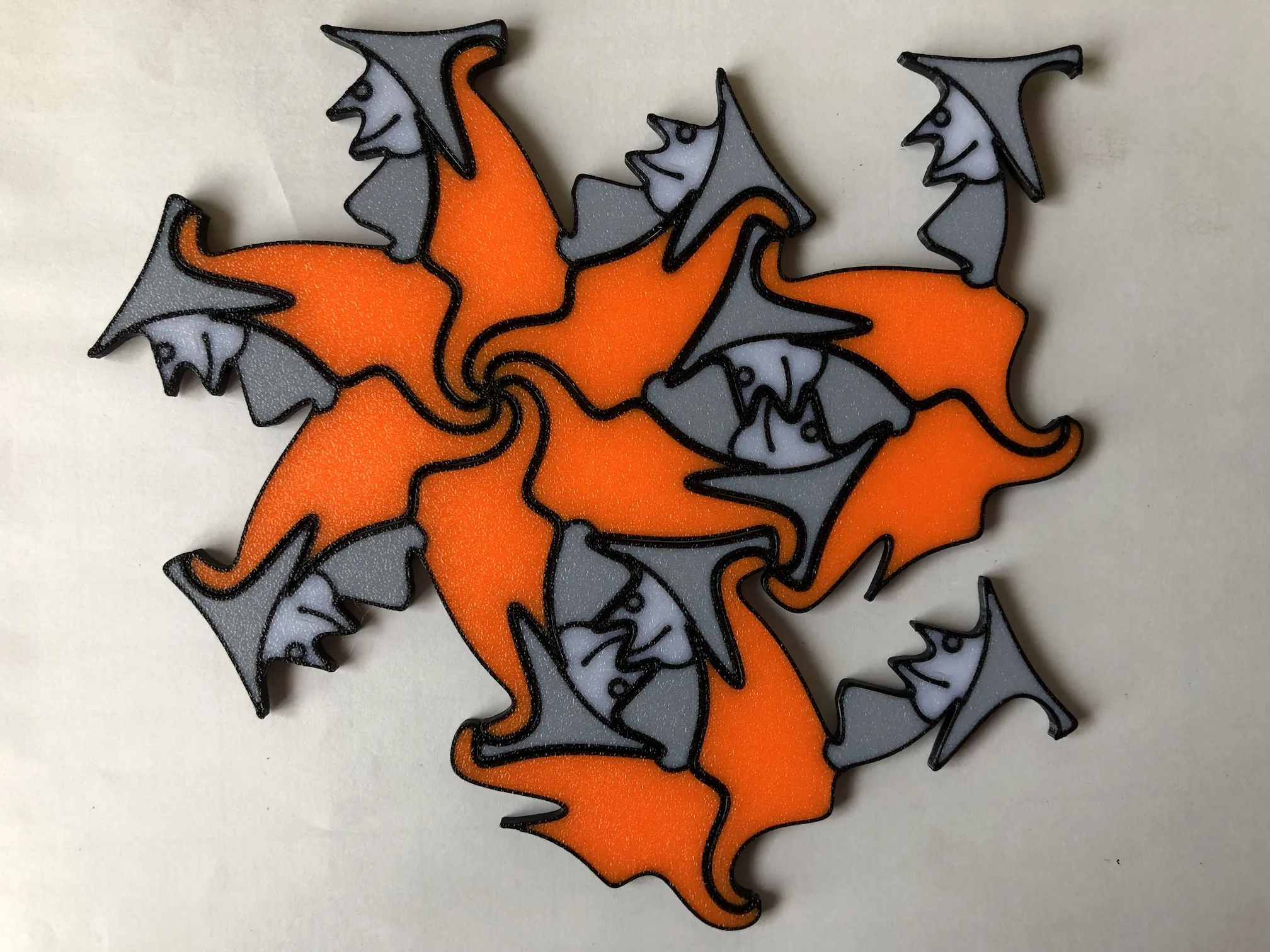
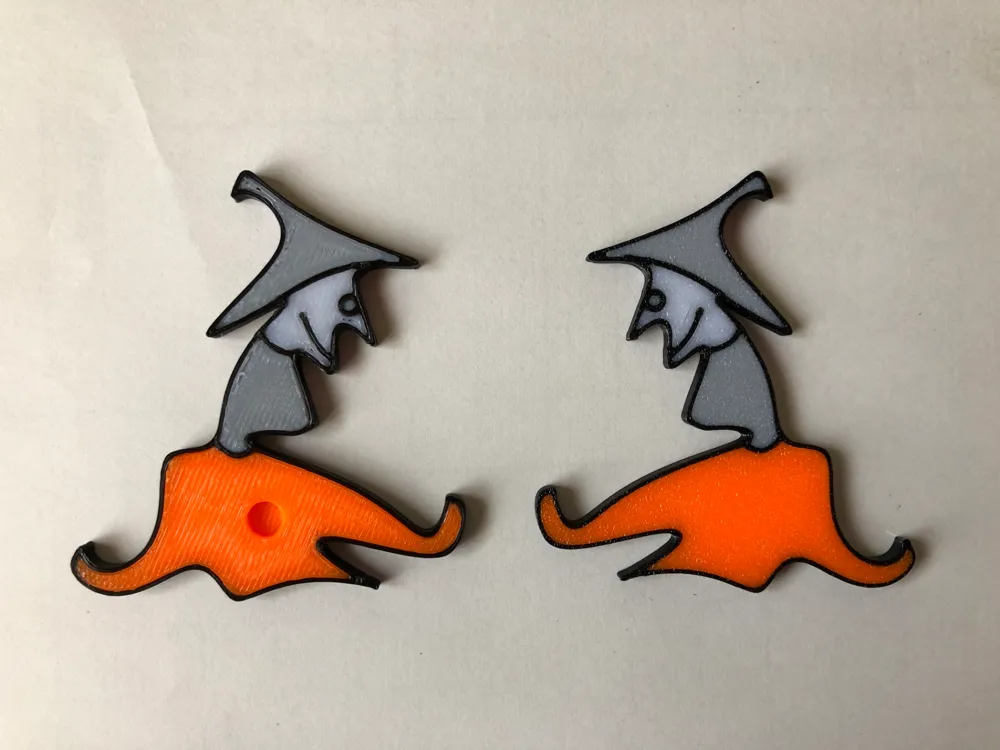
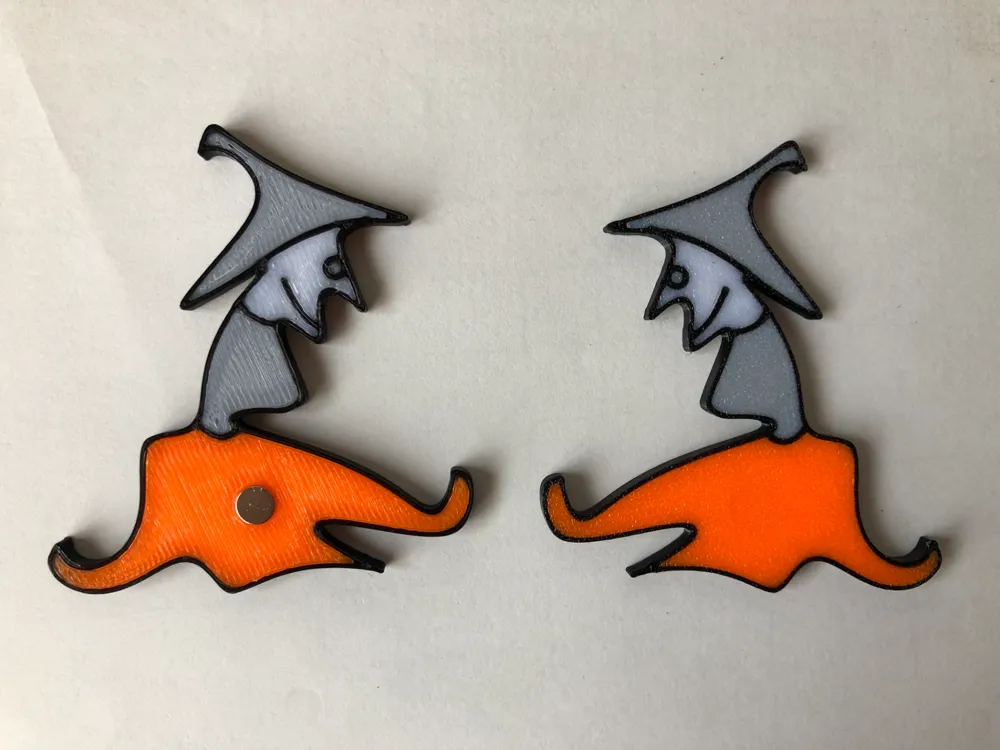
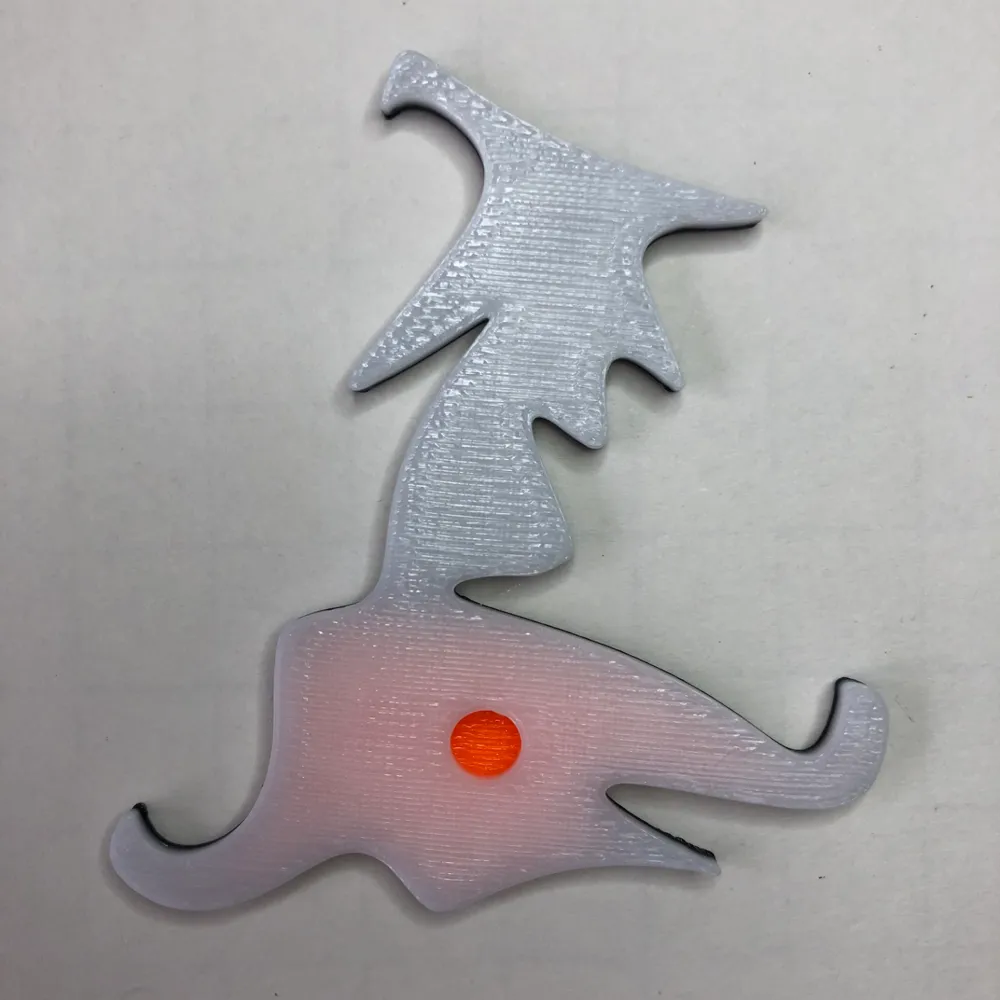
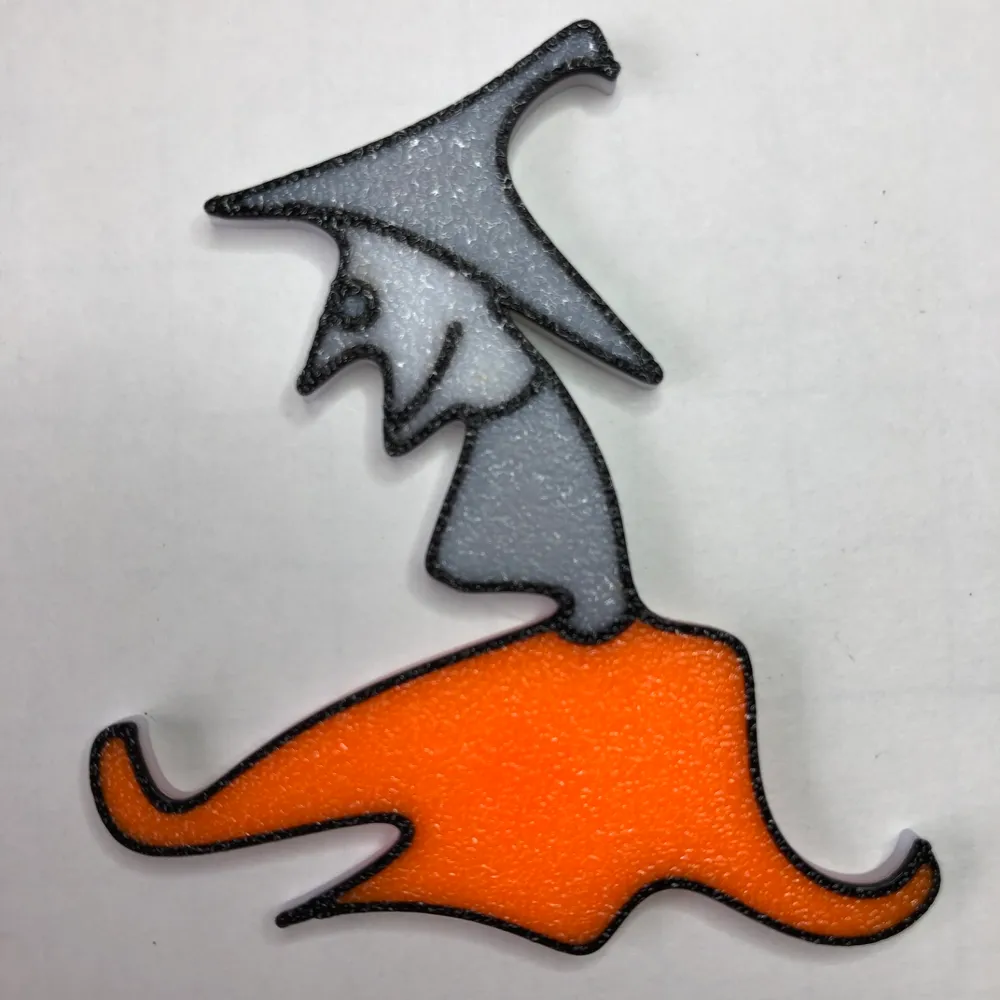
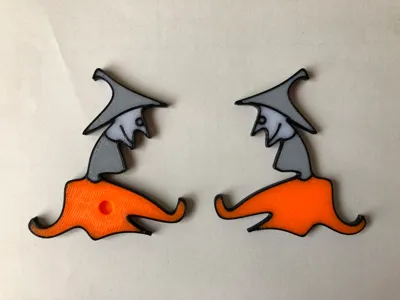
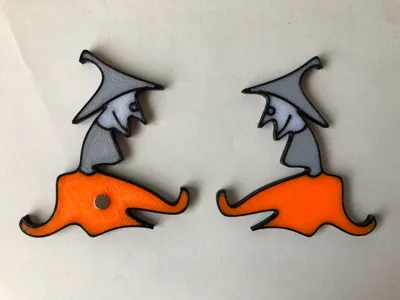
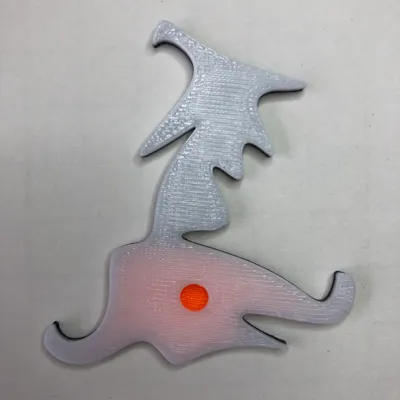
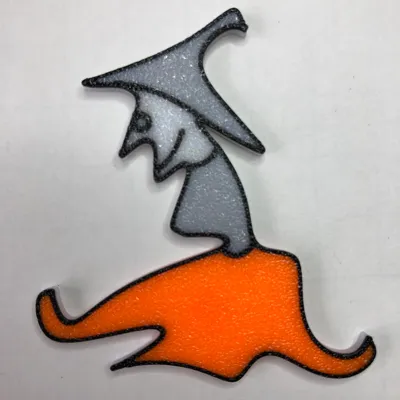
There are two types with and without holes for magnets, one with a single-coloured base to reduce the number of filament changes, and one with a multi-coloured base throughout.
There are two types with and without holes for magnets, one with a single-colored base to reduce the number of filament changes, and one with a multi-colored base throughout.
The magnets are 5 mm in diameter and 2 mm thick. They are made to the exact dimensions, so force is required when inserting them, but once fitted they do not come off easily.
The magnets are 5 mm in diameter and 2 mm thick. They are made to the exact dimensions, so force is required when inserting them, but once fitted they do not come off easily.
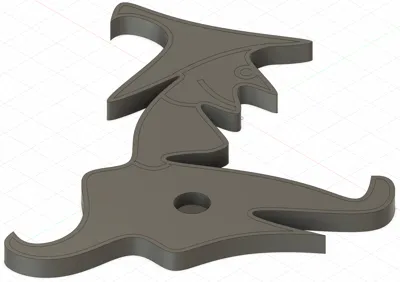
If you want to change this dimension, open the file 'Tessellation tile witch.f3d' in Autodesk Fusion and change the values of the parameters magnet_thickness and magnet_diameter.
If you want to change this dimension, open the file 'Tessellation tile witch.f3d' in Autodesk Fusion and change the values of the parameters magnet_thickness and magnet_diameter.
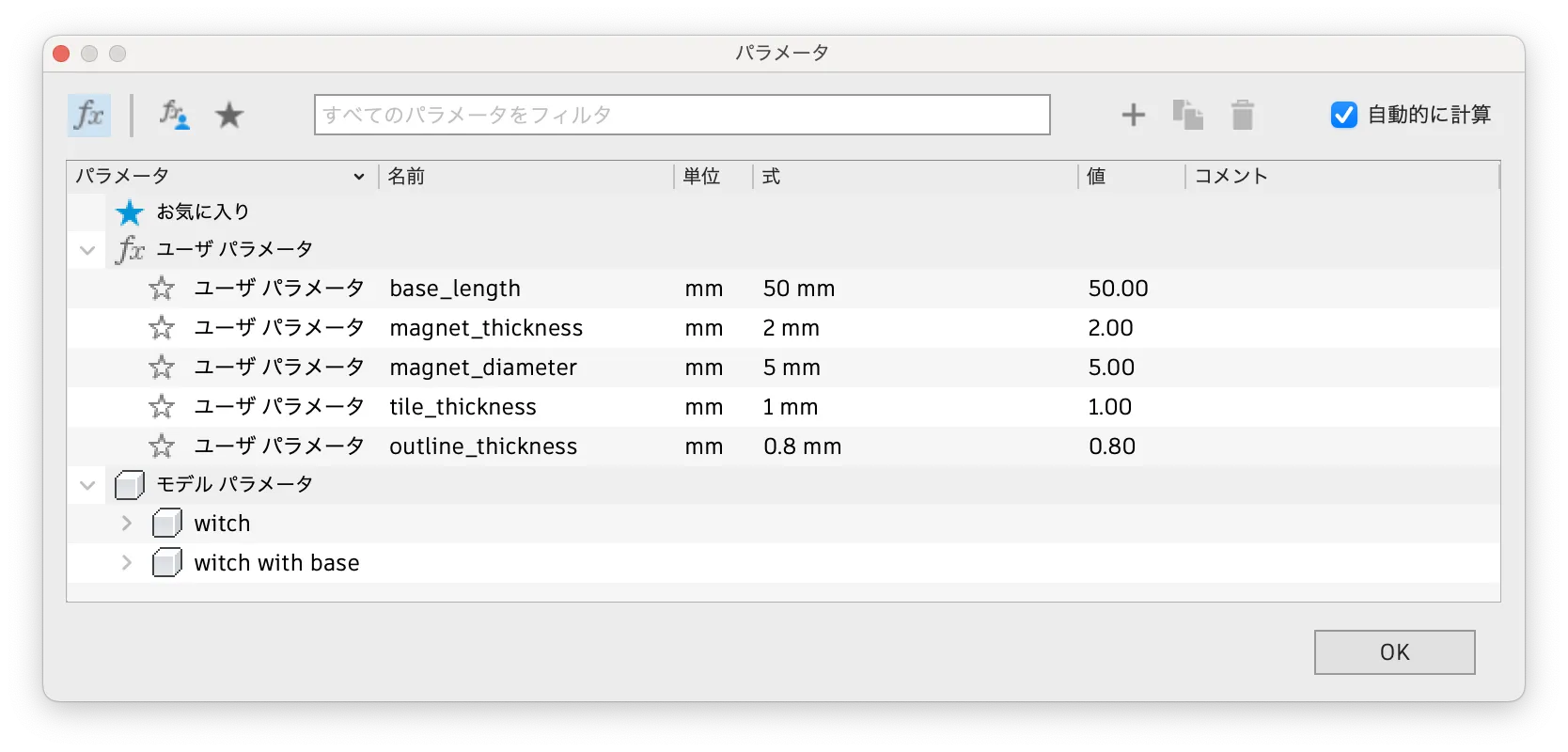
If you cannot use Fusion, it may be possible to use Bambu Studio to edit a model without holes for magnets to make holes of the desired size, but I have not checked this myself.
If you cannot use Fusion, it may be possible to use Bambu Studio to edit a model without holes for magnets to make holes of the desired size, but I have not checked this myself.
When outputting models in Autodesk Fusion, I use the 3D Print command. I select the entire body, run the command and output in 3MF format.
When outputting models in Autodesk Fusion, I use the 3D Print command. I select the entire body, run the command and output in 3MF format.
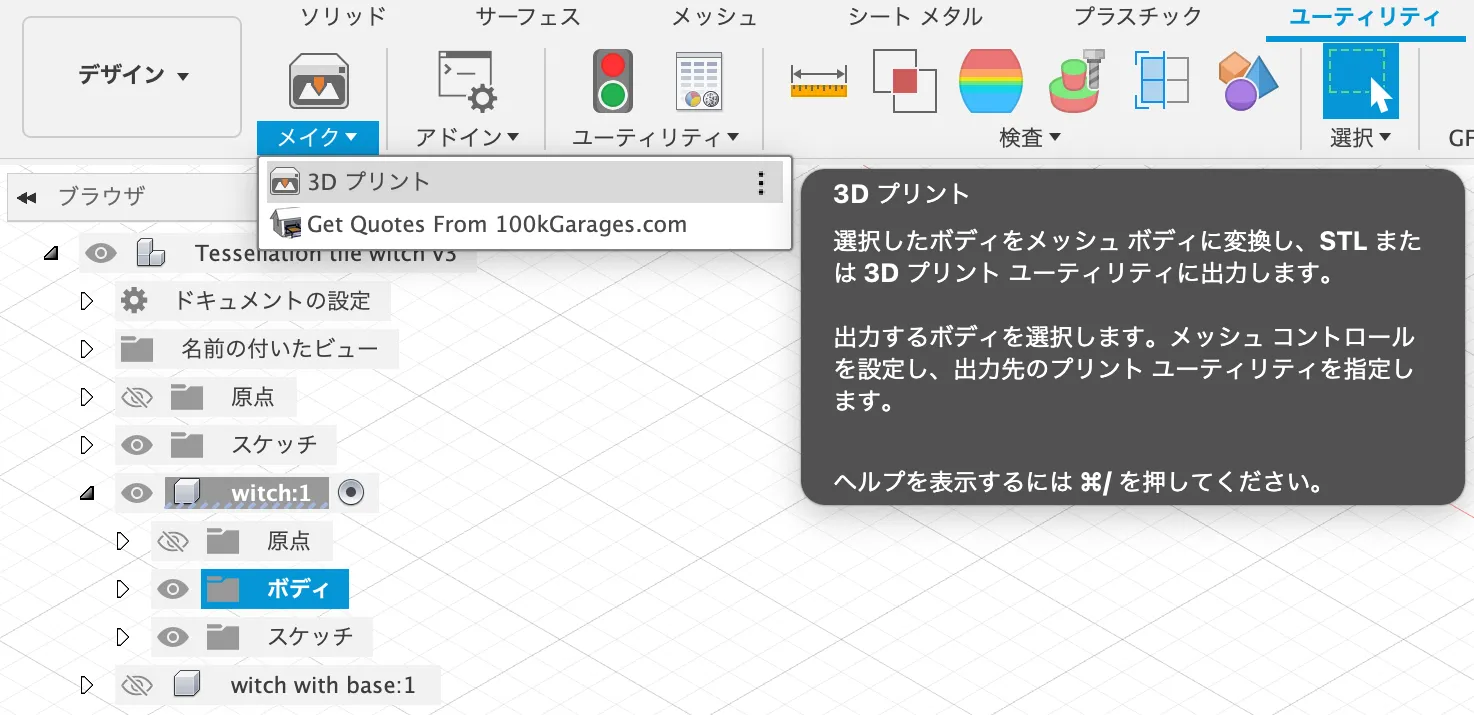
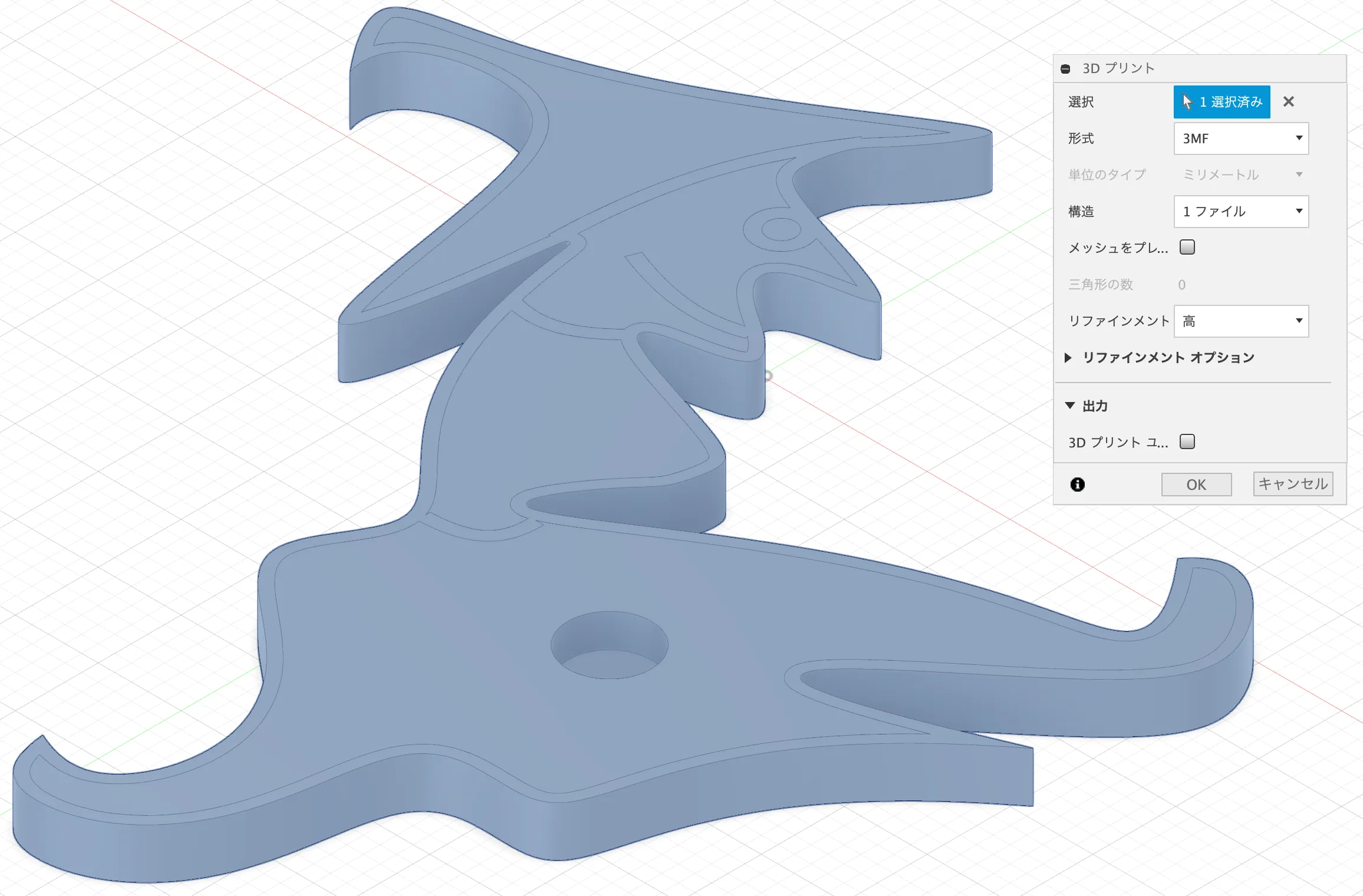
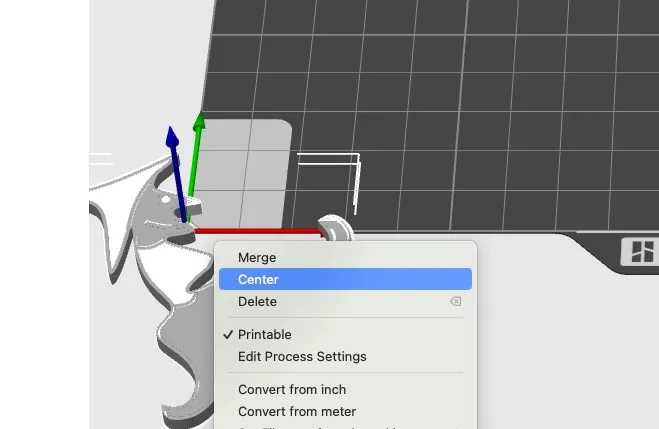
When I load this 3MF file in Bambu Studio, an error occurs. This is resolved by selecting all imported models and running the 'centre' command.
When I load this 3MF file in Bambu Studio, an error occurs. This is resolved by selecting all imported models and running the 'centre' command.
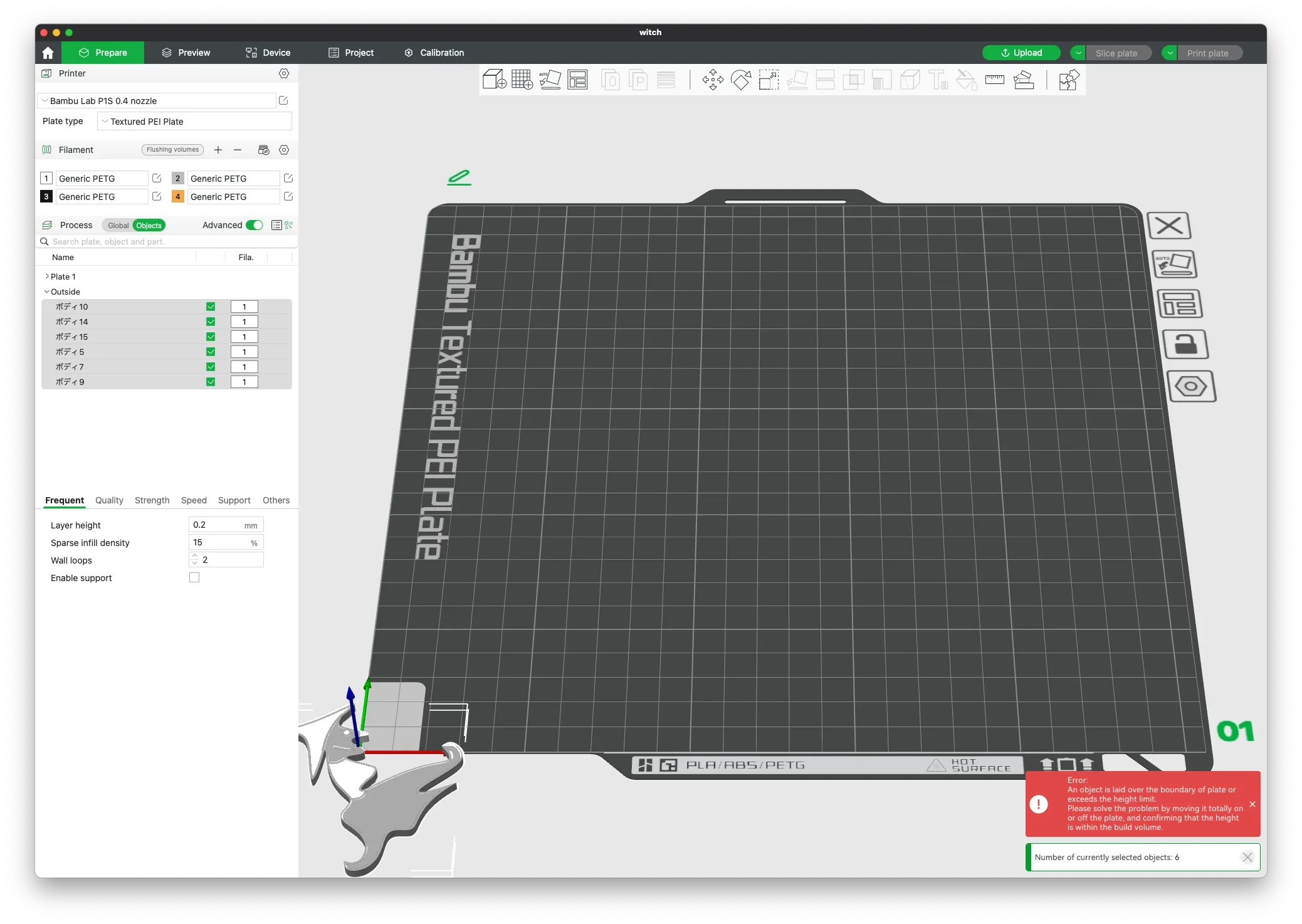
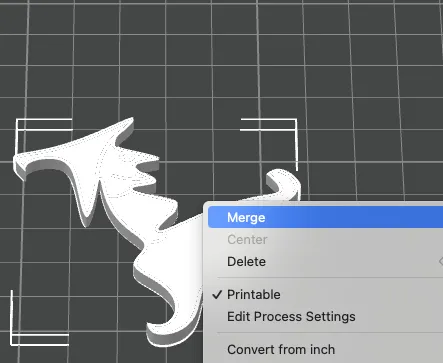
You can then select all imported models and run the 'merge' command to make it easier to increase the number of models later.
You can then select all imported models and run the 'merge' command to make it easier to increase the number of models later.
The above operation was checked with Bambu Studio version 1.9.3.50 and may require different operations in the future.
The above operation was checked with Bambu Studio version 1.9.3.50 and may require different operations in the future.
Reference
License



Comment & Rating (0)