
Speed Square Benchy v2

Print Profile(3)


Description
Boost Me (for free)
Wish to support me without paying for a license? Consider boosting my models!
Membership
Wish to sell prints of my exclusive models? Sign up for only $5 per month for a license to sell prints of all my models.
PRINT PROFILES:
The following are the only print profiles tested and approved by me. They are listed by the name I've given them in the print profile description. I can not guarantee the quality of any print profile posted by anyone other than myself.
- Speed Square Benchy v2
- Speed Square - ¼" Increments
- Two Piece - Multi-Color
SUMMARY:
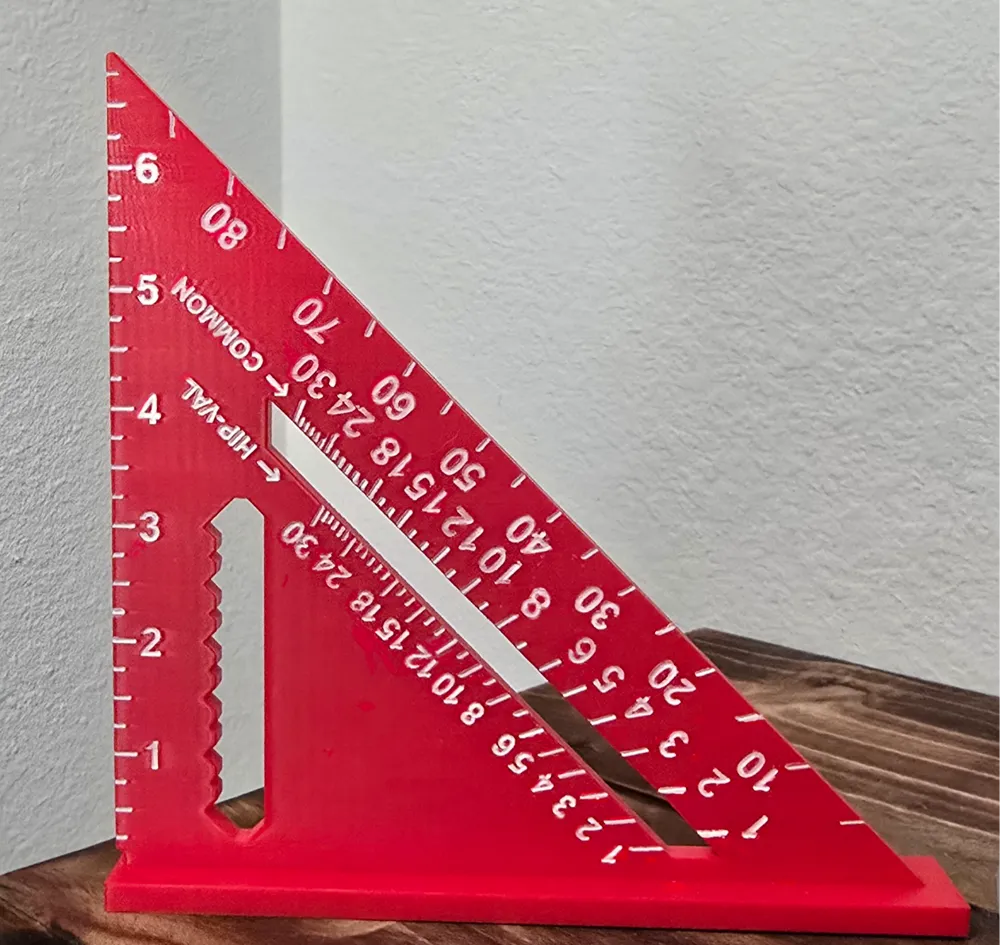
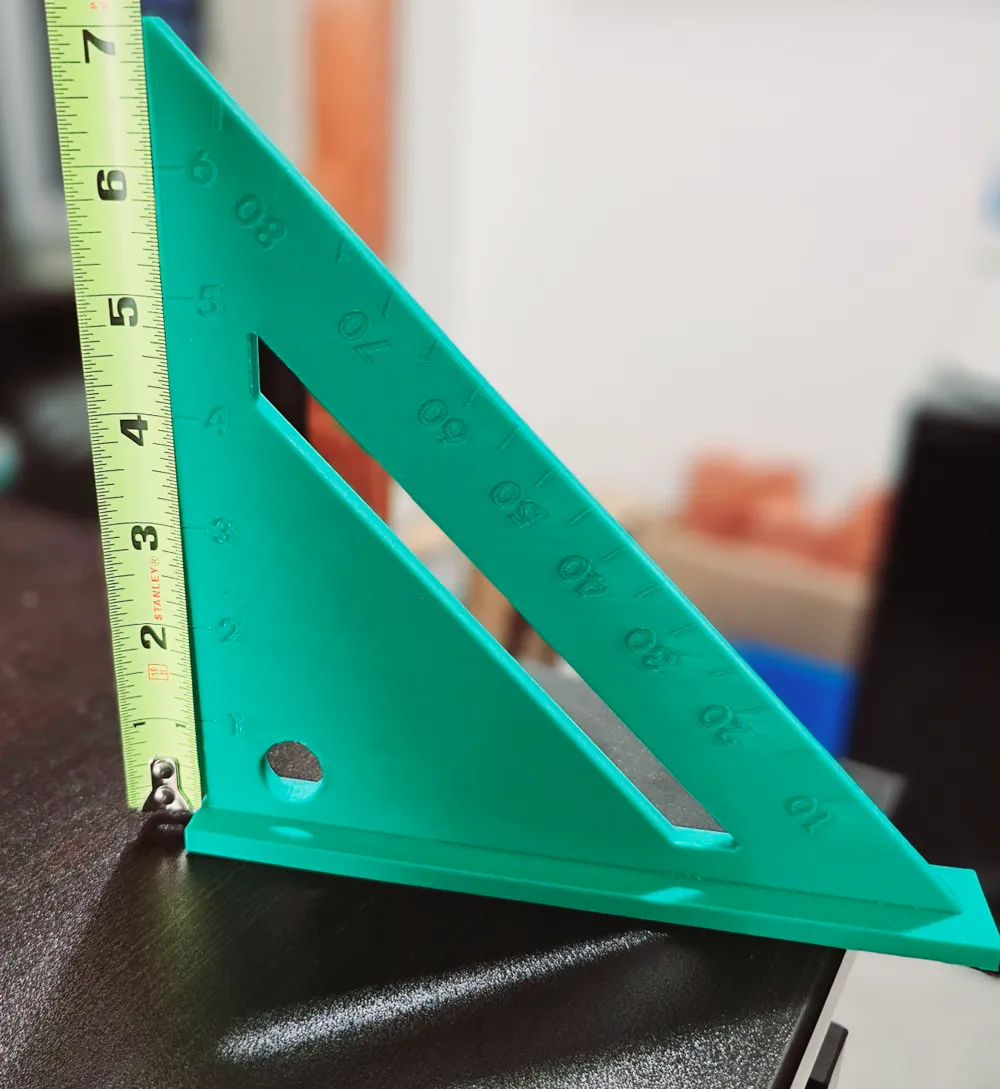
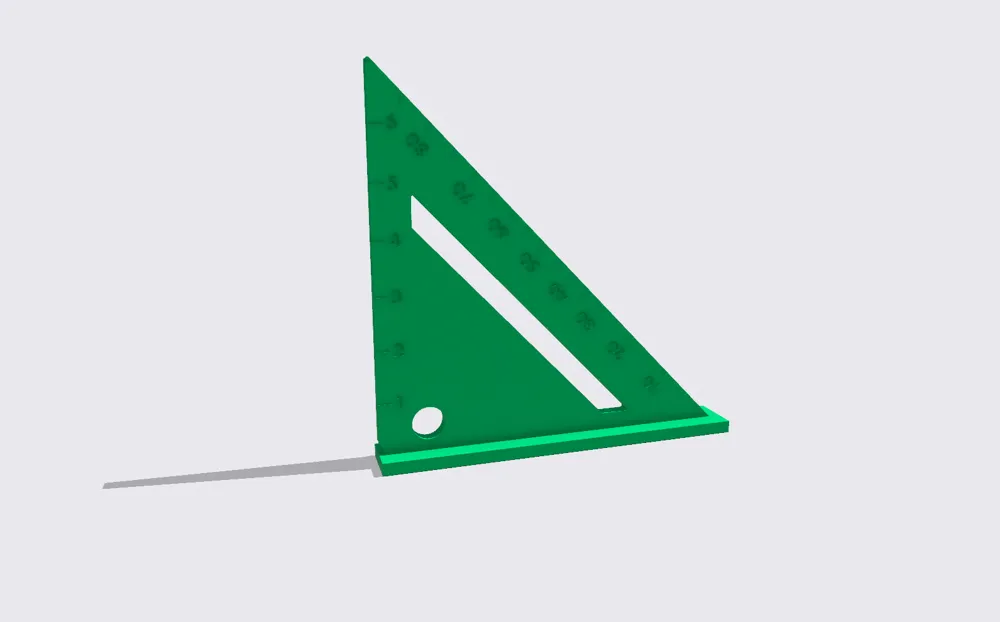
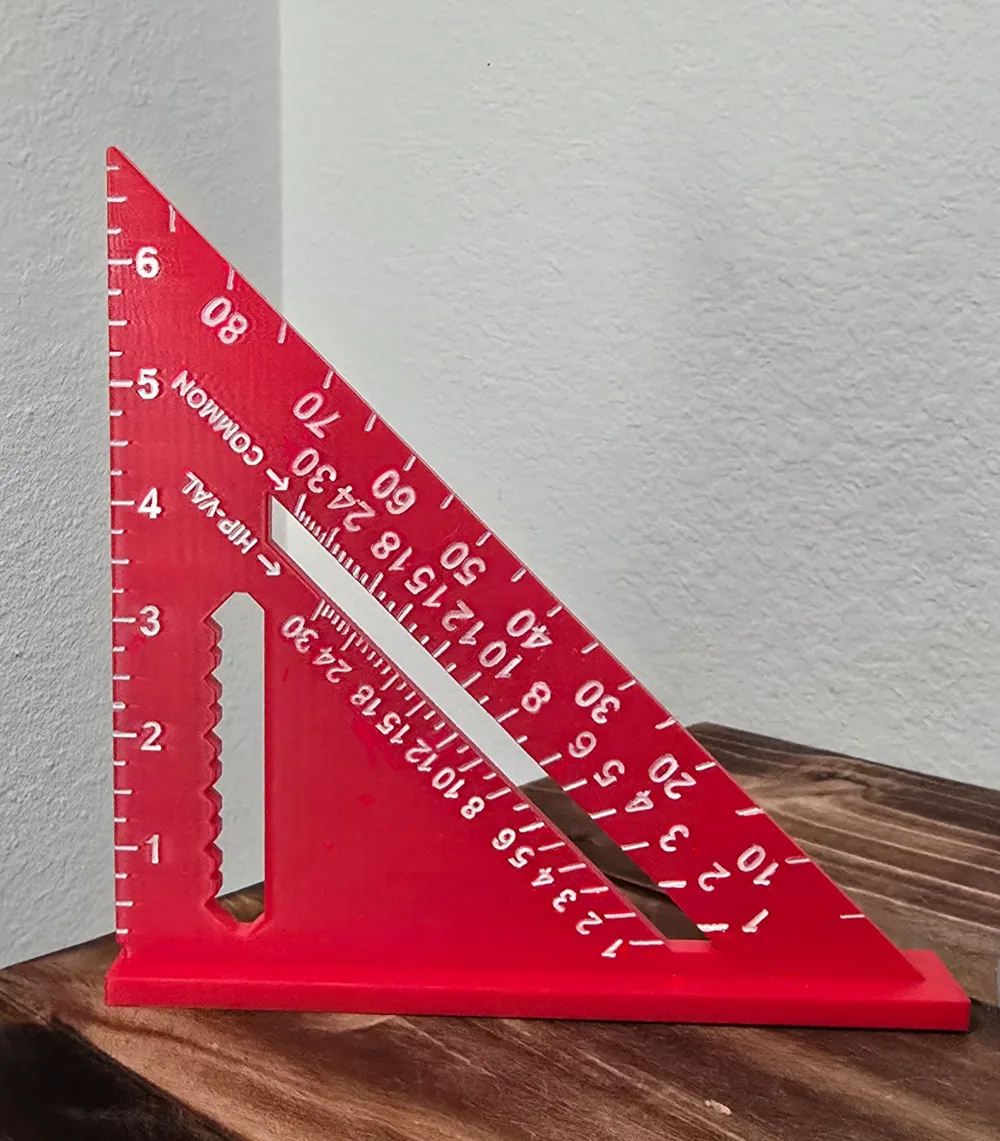
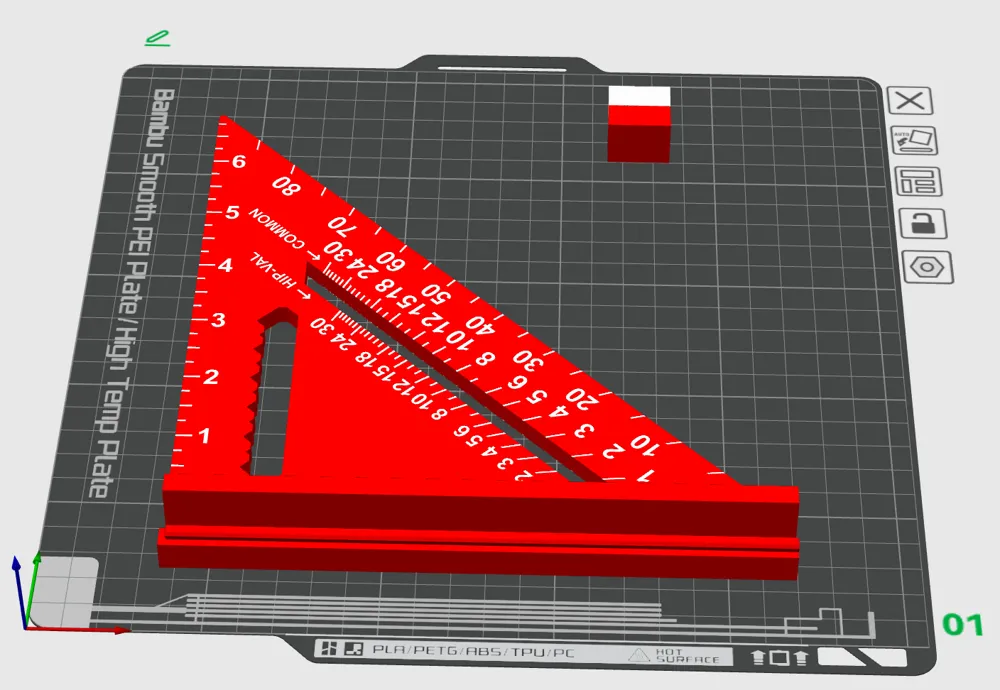
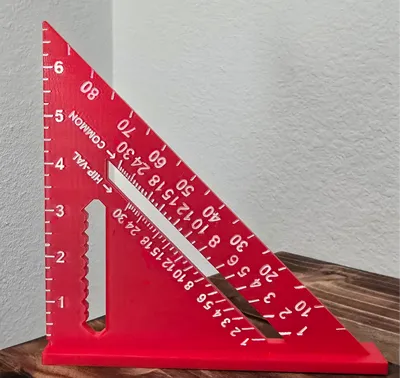
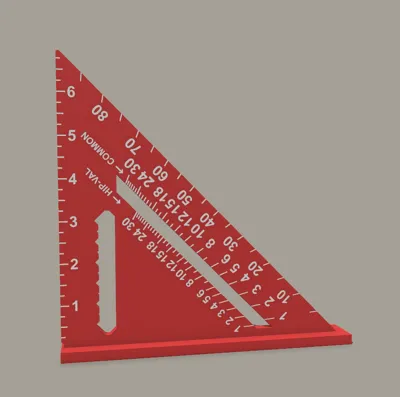
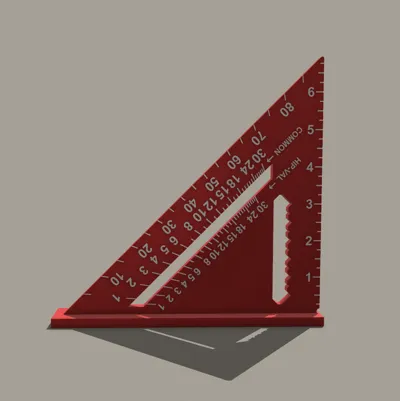
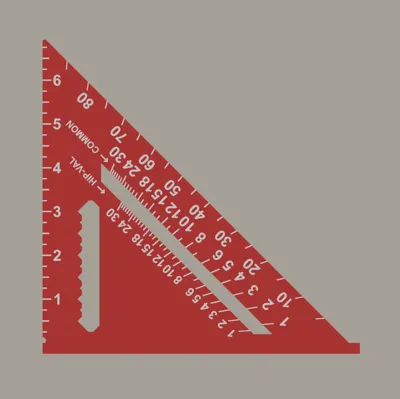
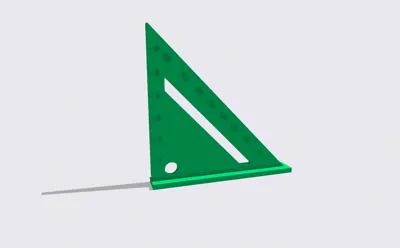
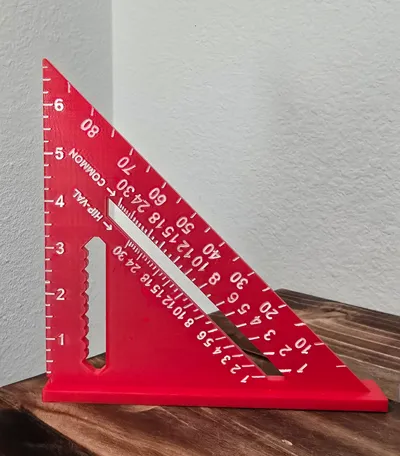
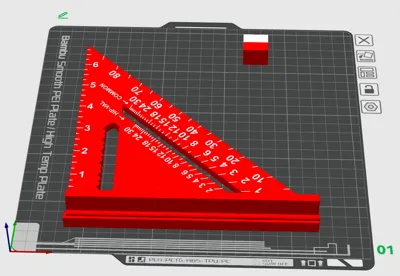
This is an updated version of my speed square model designed to be used both as a hand tool and a benchy. For those looking to print the square in two colors, the third profile titled “Two Piece - Multi-Color” is designed for just a few filament changes and is printed lying flat in two pieces that slide together. A couple drops of glue and the two piece square will look and function just like the one piece.
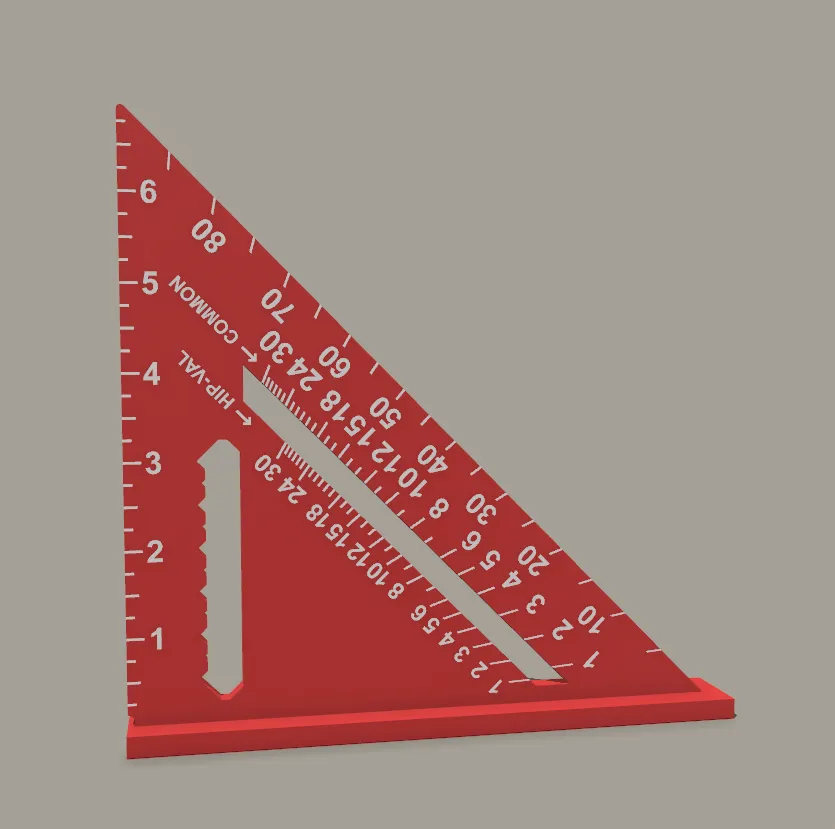
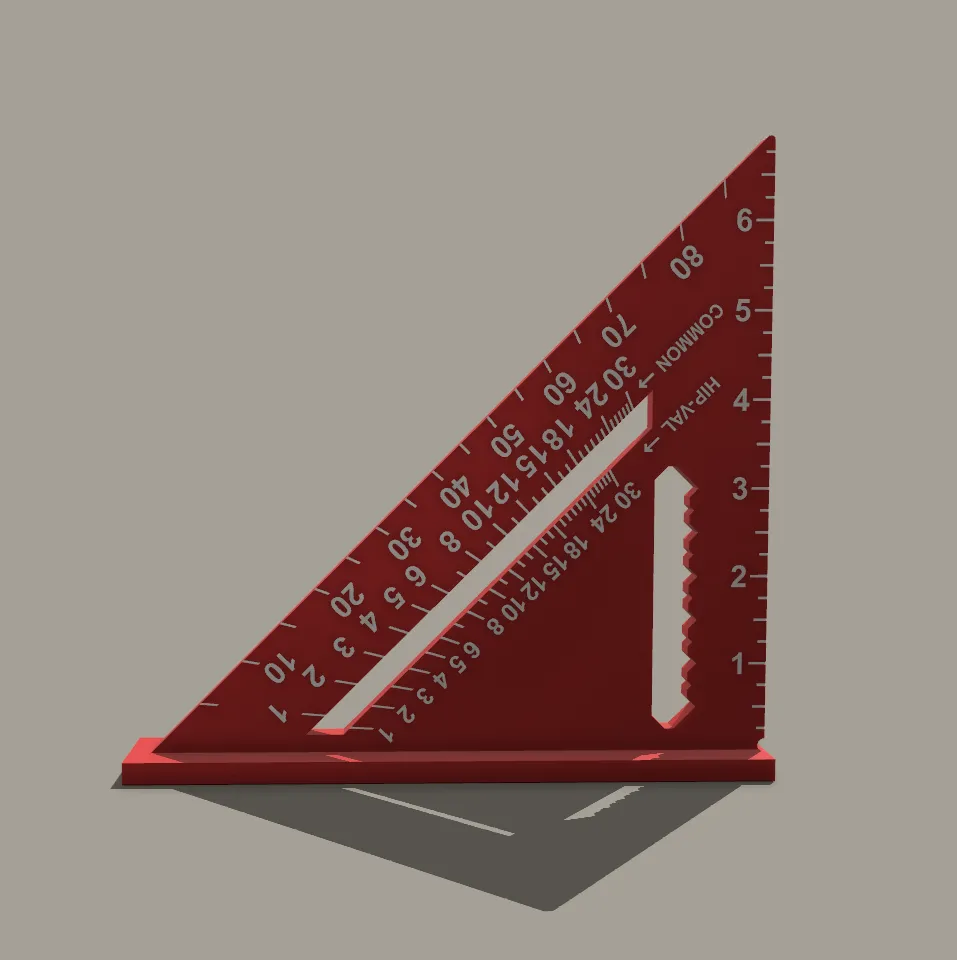
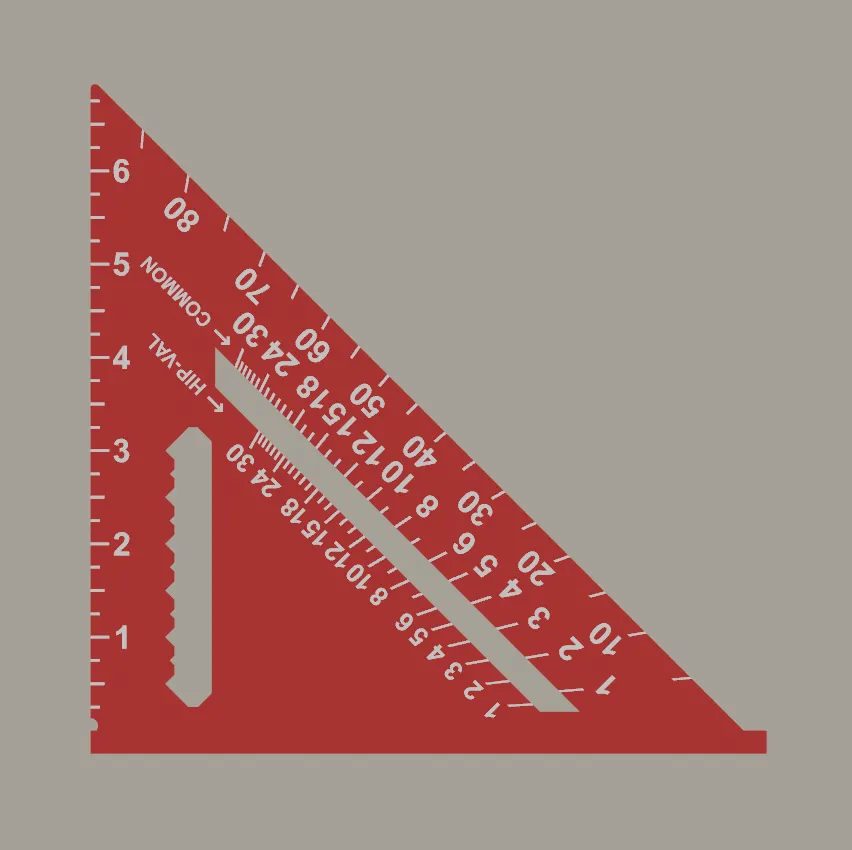
The square is designed with an inch scale in ¼" increments, a pen/pencil guide, angles in degrees, common pitch scale, and hip-valley pitch scale. Once printed, you'll perform a series of measurements to verify the accuracy of your print and confirm the square is square. See below for instructions on verifying the measurements.
Printing:
If you decide not to use the print profiles, the settings I used for the benchy prints are these:
- First, I set the model to a 45 degree angle in relation to the x and y axis for finer detail.
- I used adaptive layer height, but 0.16mm would probably be ideal outside of that.
- 3 Wall Loops.
- 15% Gyroid Infill.
Benchmark Measurements:
For benchmarking, you're going to measure the ruler, the angles, the common and hip-valley pitch, and finally draw a square with the 90 degree angle. Drawing the square requires that the angle be exactly 90 degrees or the square will not be properly closed. To verify your printer's accuracy, follow the steps below:
- The first check will be to measure the ruler. Use any tool with a known accurate scale to verify the ruler marks line up as intended.
- The second check will be to measure the angles. Use a protractor or whatever tool you know to be accurate for angles to verify the angle marks line up as intended.
- The third check is the Common and Hip-Val scales. These are just angles derived from a Rise/Run. Measure a few angles across the sclae to verify accuracy. Here are a few conversions to help measure directly.
- Common:
- 1 = 4.76 Deg
- 5 = 22.62 Deg
- 12 = 45 Deg
- 24 = 63.43 Deg
- Hip-Val:
- 1 = 3.37 Deg
- 5 = 16.42 Deg
- 12 = 35.27 Deg
- 24 = 54.74 Deg
- Common:
- The final check is to draw a square using, well, the square.
- First, you'll draw a 90 degree angle using the square. Your right angle will be positioned with the two lines connecting at the bottom of the ruler right where it meets the base near the small circular cutout. The lines should be 6" in length.
- Next, rotate the square 90 degrees and draw a 90 degree angle at the opposite side of either line from the point where the initial lines meet.
- Finally, rotate the square one more time and draw the final 90 degree angle to “close” the square. If the last line drawn meets up at exactly the end of the first line, making a complete box, your square is square.
CHANGELOG:
UPDATE 1/9/2026:
Added a two-piece print profile for printing in multi-color with only a few filament changes.
UPDATE 11/27/2024:
Added Hip-Val, Common, pen/pencil guide, and refined marking details. Added measurements guide for benchmarking your printer.
UPDATE 10/20/2023:
Added ¼" increments.
INITIAL RELEASE 10/26/2023:
Quick speed square with inch increments and angles.
License

You shall not share, sub-license, sell, rent, host, transfer, or distribute in any way the digital or 3D printed versions of this object, nor any other derivative work of this object in its digital or physical format (including - but not limited to - remixes of this object, and hosting on other digital platforms). The objects may not be used without permission in any way whatsoever in which you charge money, or collect fees.


Comment & Rating (287)