
Quick release Bambu Lab A1 A1 Mini | AMS Lite HUB




Print Profile(3)


Description
As the A1 Mini is very easy transportable the only downside was that you have to disconnect all 4 Tubes every time you want to move to a other place with the printer.
To solve this i made a Quick release for the AMS HUB have the AMS-Lite quickly disconnected from the printer.
2x Screws from the scraper Kit or the AMS Stand have to be used (insert the shorter screws into the AMS)
Ensure you properly remove the support of the part and have the slider move easy.
You need to remove the hub before removing the screws
The Official guide how to remove the Filament-HUB can be found here: (STEP1) https://wiki.bambulab.com/en/a1/maintenance/filament_hub_cleaning
After removing the HUB you also need to remove the small ring, to do this you have to turn it by 90° so it can pulled off.
After this unscrew the two screws.
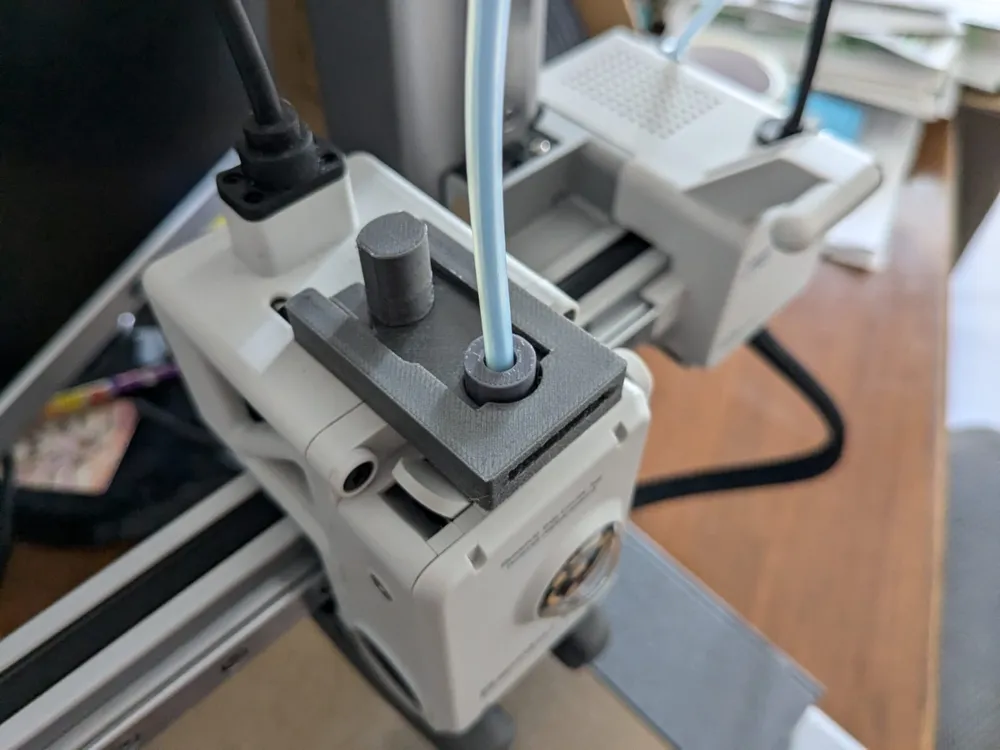
To mount the Body first insert the Screws, then place it tilted to the front on it and clip it over the HUB as shown on the images.
When thightening the screws slightly press the backend together so the slider nose does work properly.
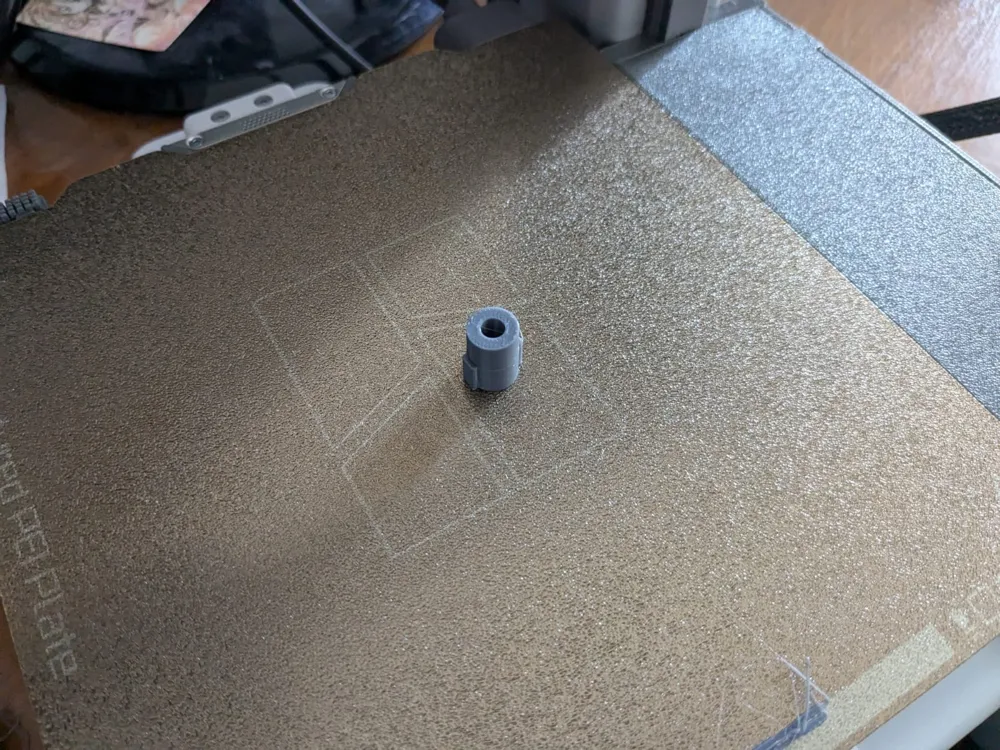
EDIT: Added a Dummy insert for singlehead printing when the AMS is not with you.
You can just insert the filament first and then move the teflon-tube over it
License



Comment & Rating (45)