
CUSTOMIZE HUEFORGE FRAME




Print Profile(1)

Description
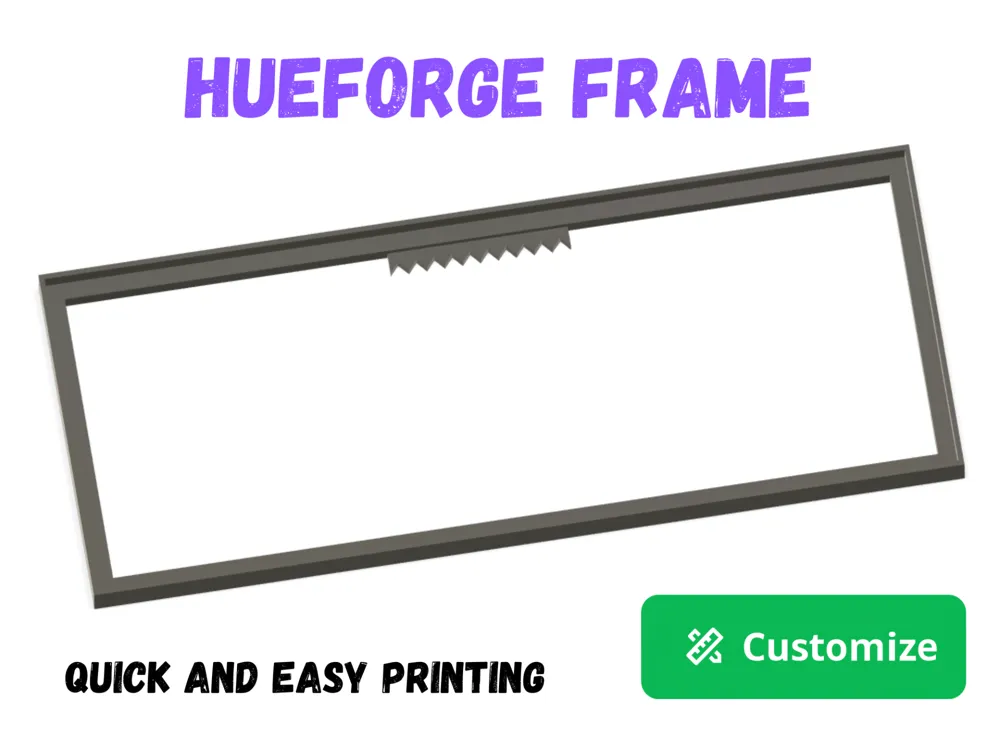
CUSTOMIZE HUEFORGE FRAME
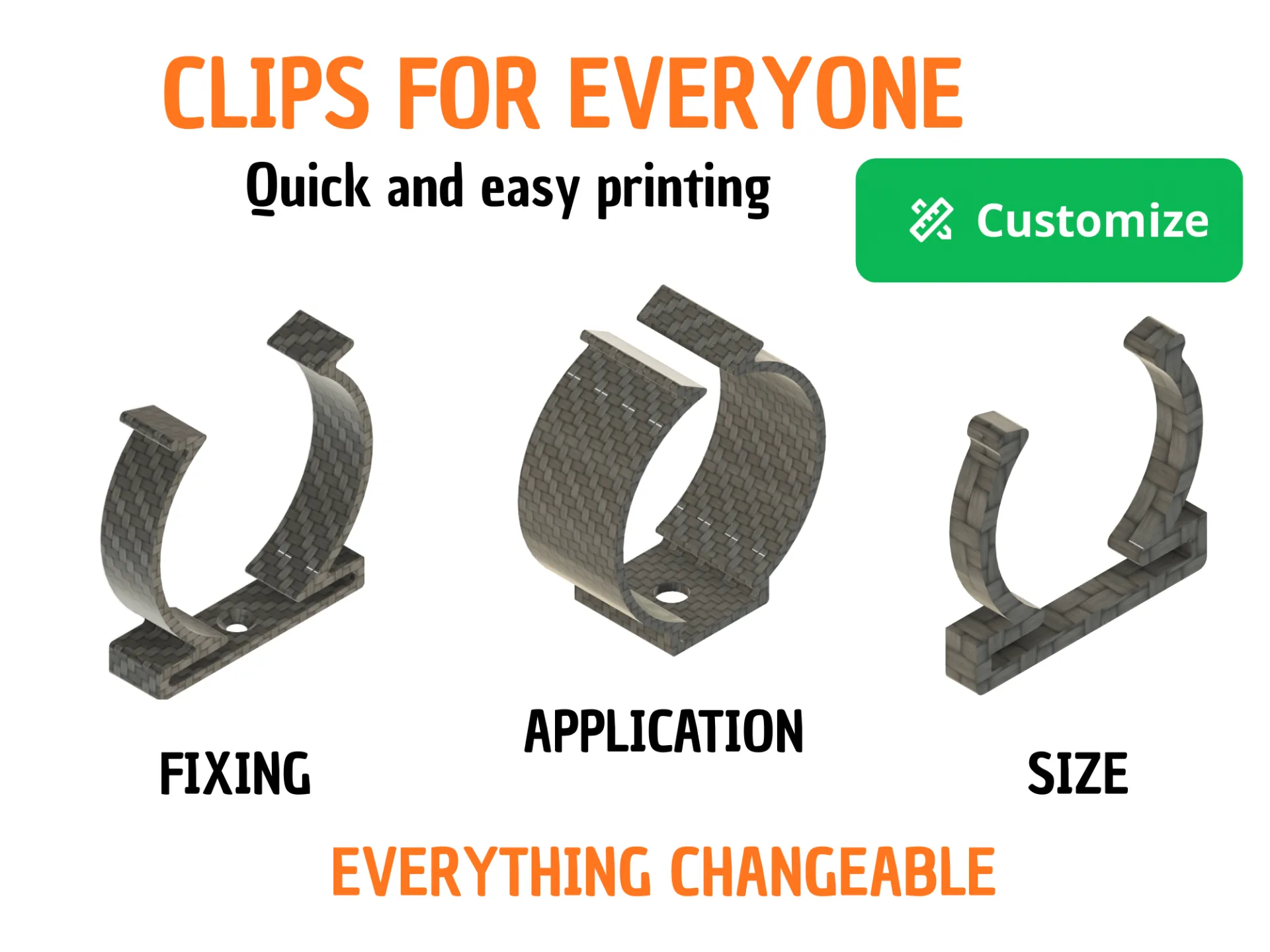
I created this model to ensure that everyone can adapt the Hueforge frame to their every need.
CUSTOMIZATION:
First Solution
Just press the button
and then modify all the measurements to your liking.
IMPORTANT: I recommend changing values in 5 mm increments (e.g., to go from 60 mm to 50 mm, adjust to 60, then 55, and finally 50). Larger changes might cause sketches to fail and the model to break.
If the model does break, simply click Reset all parameteres and try again using smaller steps.
Second Solution
Download the f3d file :
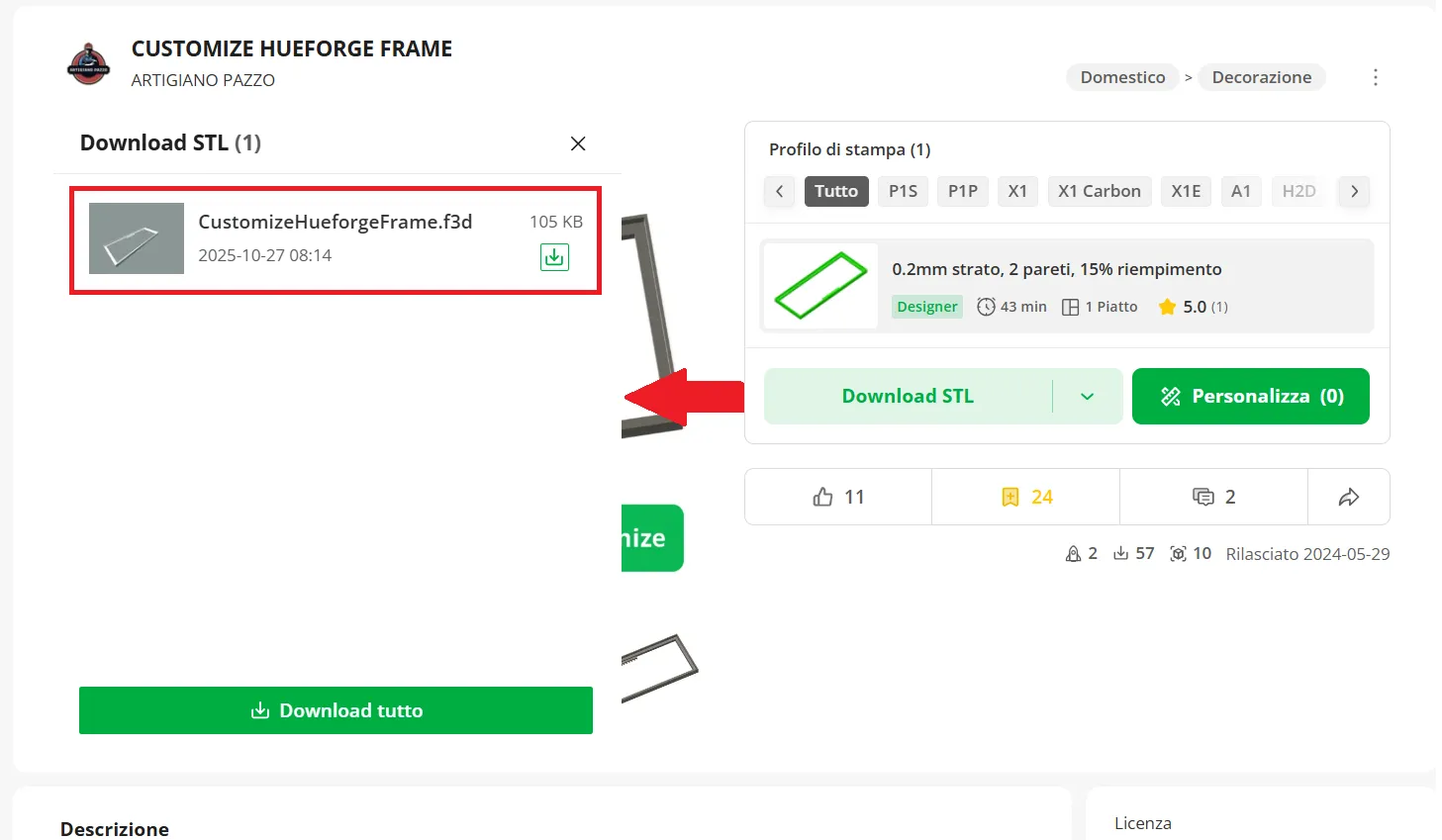
- Open the .f3d file in fusion 360
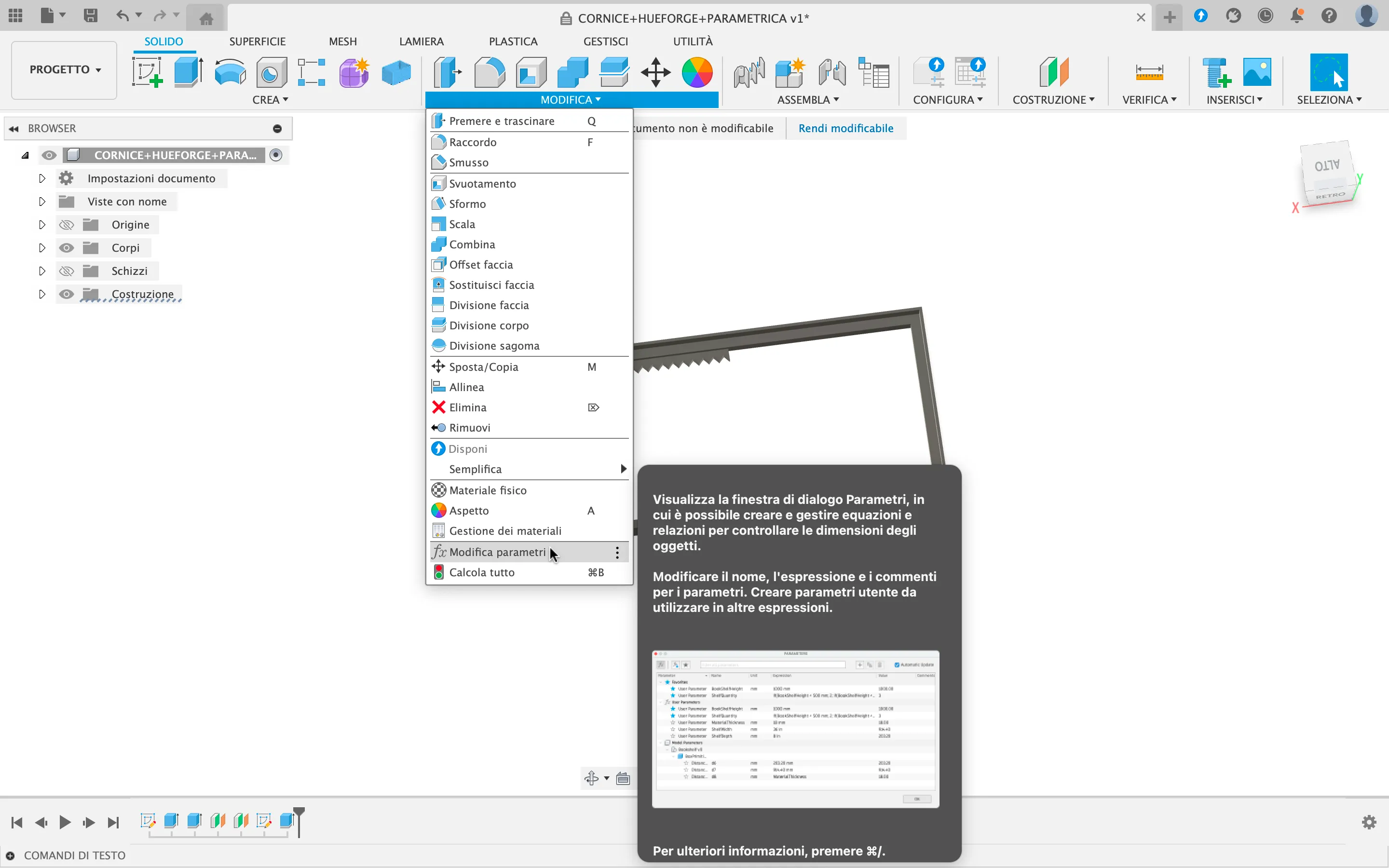
In the “MODIFY” tab, select “Change Parameters” :
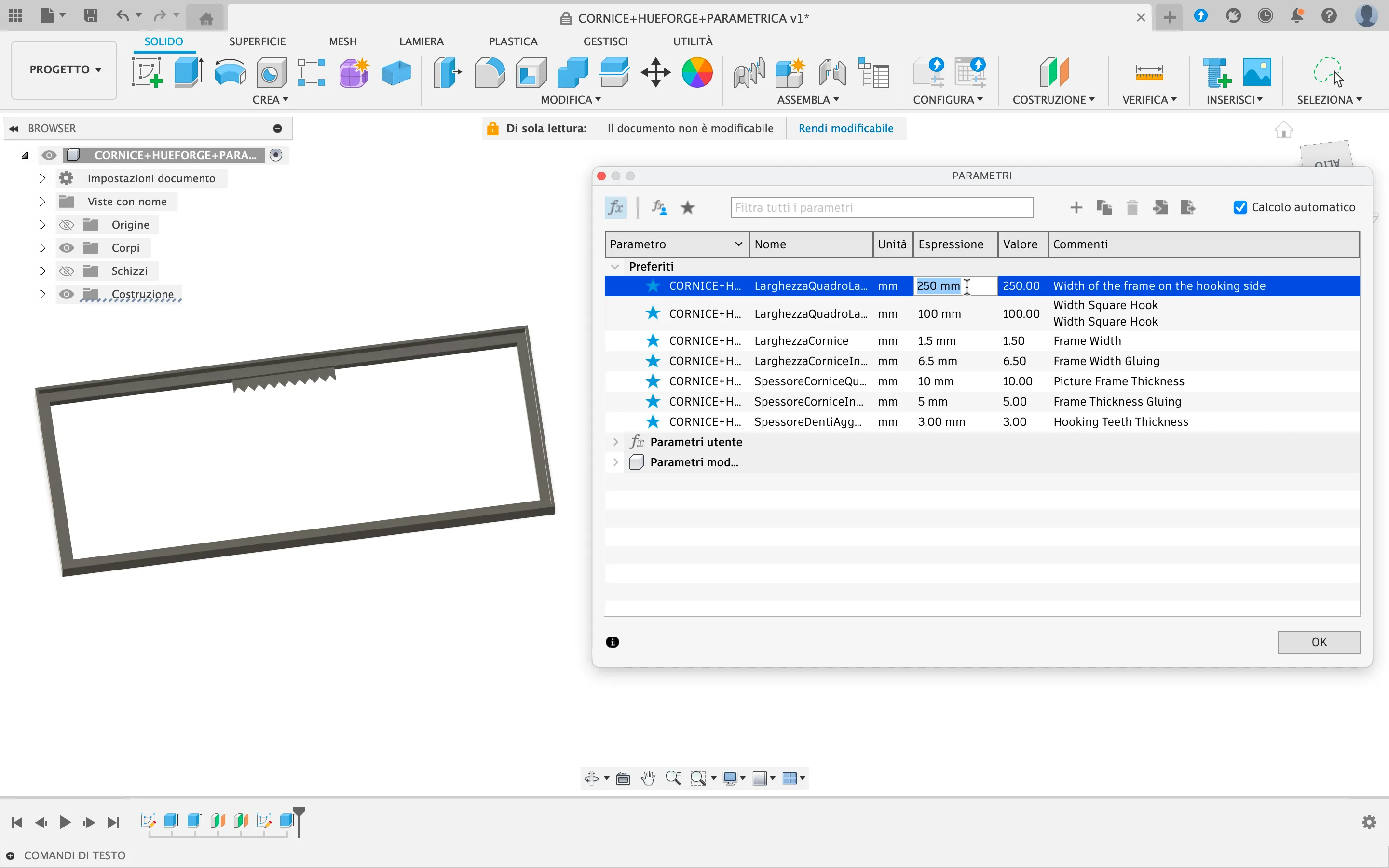
A window will appear showing the parameters. Only adjust the three parameters listed under the “Favorite” section (unless you're confident in your skills and know how to fix a broken model :)
IMPORTANT: I recommend changing values in 5 mm increments (e.g., to go from 60 mm to 50 mm, adjust to 60, then 55, and finally 50). Larger changes might cause sketches to fail and the model to break.
If the model does break, simply click Undo and try again using smaller steps.
I hope you like this model and above all that it is as useful to you as it was for me.
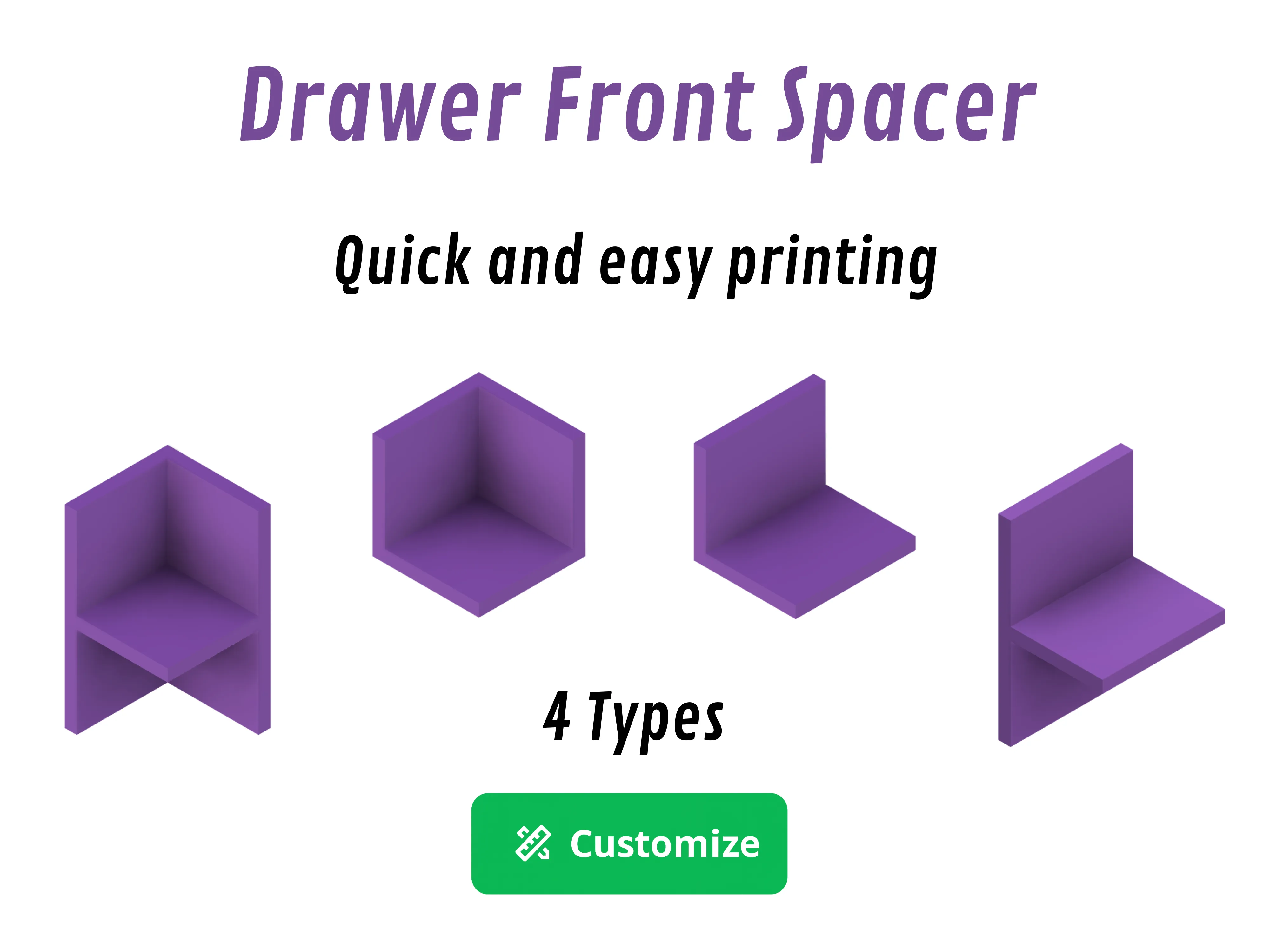
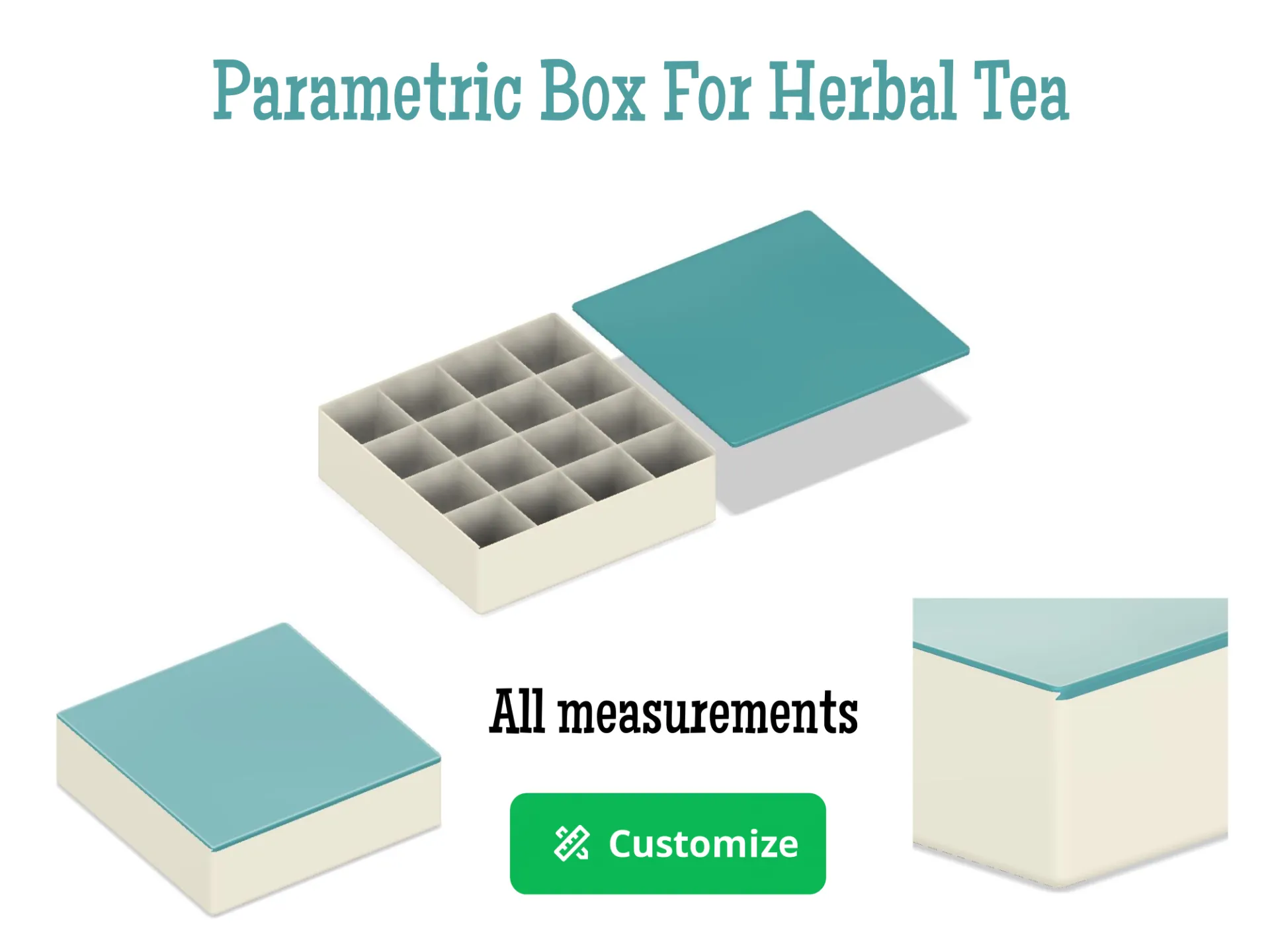
OTHER PARAMETRIC MODELS
Boost Me (for free)
Do you like my project?
Would you like to leave me a boost so I can always create new things.
Membership
If you liked my project and want to support my profile, so that I can always upload new projects. SUBSCRIBE
License

You shall not share, sub-license, sell, rent, host, transfer, or distribute in any way the digital or 3D printed versions of this object, nor any other derivative work of this object in its digital or physical format (including - but not limited to - remixes of this object, and hosting on other digital platforms). The objects may not be used without permission in any way whatsoever in which you charge money, or collect fees.


Comment & Rating (4)