Search models, users, collections, and posts

Car plate Keychain Creator [OpenSCAD]

Print Profile(3)

All
P1S
P1P
X1
X1 Carbon
X1E
A1
A1 mini
H2D
H2D Pro
H2S
P2S
H2C
X2D
A2L

0.2mm layer, 2 walls, 15% infill
Designer
27 min
1 plate
4.9(37)

Optimized time, filament usage ad strenght
23 min
1 plate

M4K3R W0RLD Number Plate
26 min
1 plate

Open in Bambu Studio
Boost
6986
13528
212
803
22.3 k
6.2 k
Released 

Description


If you like it, please press👍!

👍 gives me a lot of strength

Boost Me (for free)

If you liked this model, give me a boost!

Membership

Unlock all the benefits with a single plan! 🚀 By subscribing, you gain full commercial rights to print and sell my models, modify them, and use media for your projects. No need for extra tiers – everything you need is here, with one simple subscription! 🎉

Join


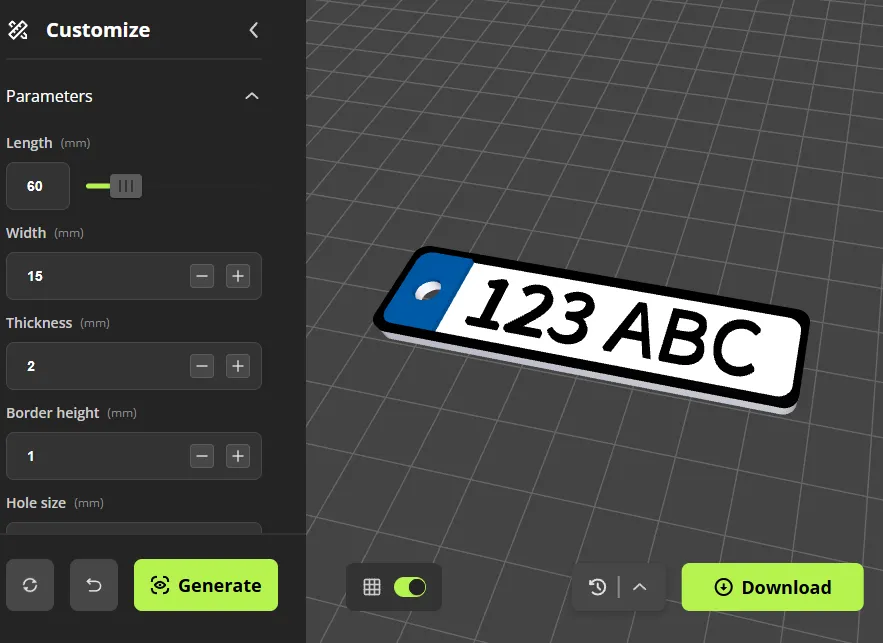
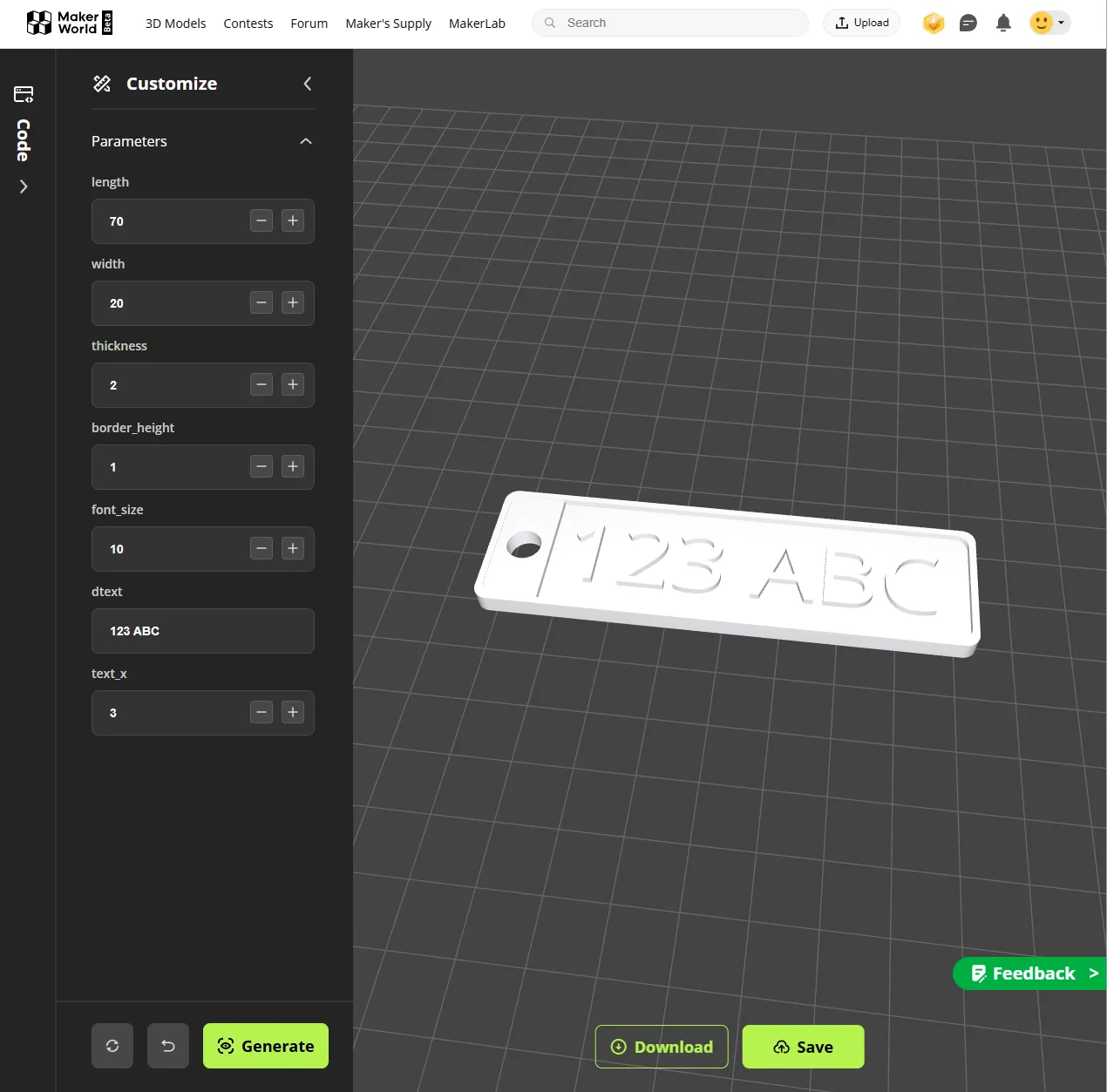
Click the Customize button on this page to create your own car license plate keychain written in openscad!

Color Update! 

11/04/24

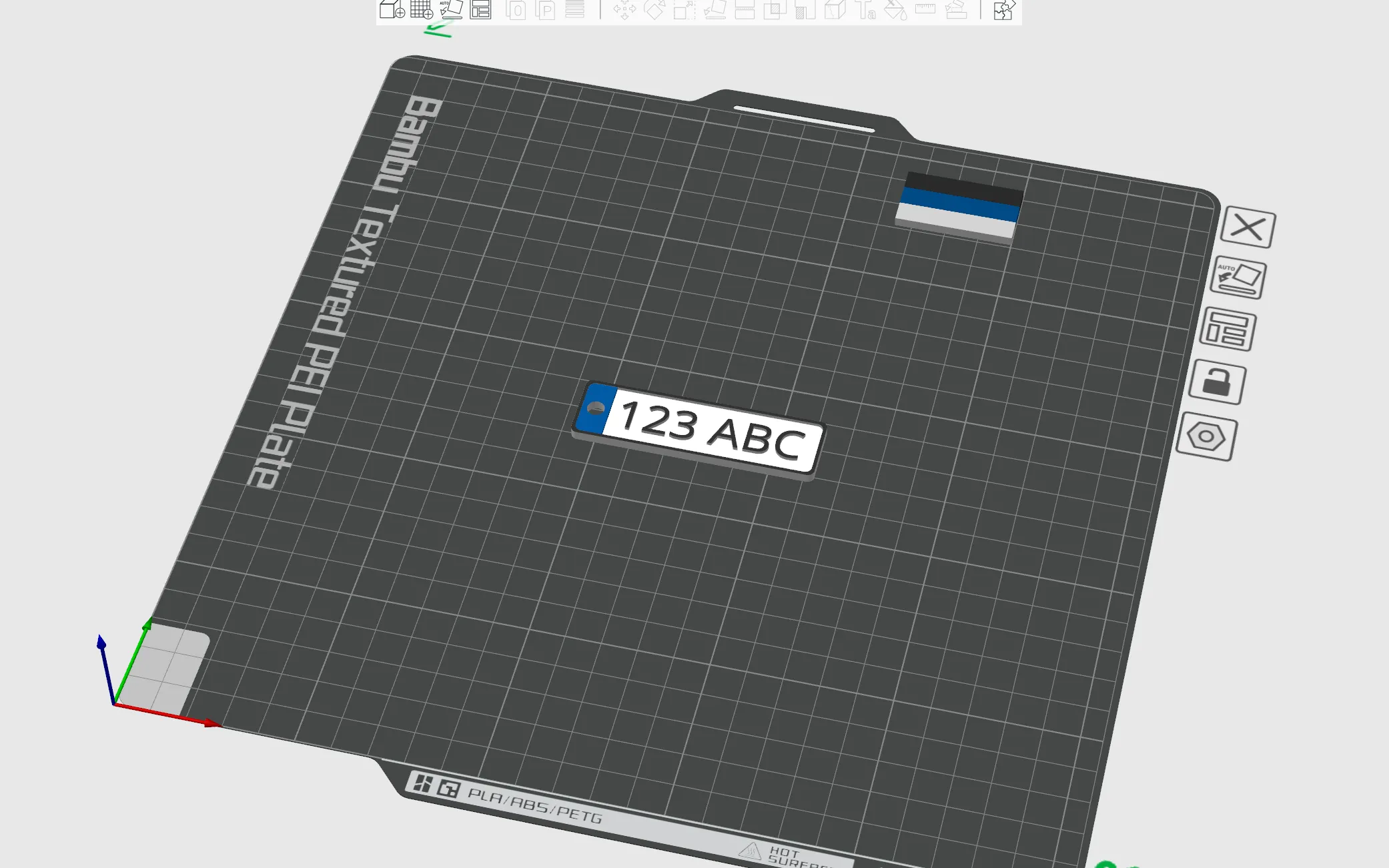
Updated the color! Now you can print out the colored model directly from the slicer (you need to download it as a 3MF file)
 

Font Update! 

05/31/24

I confirmed that the font library was added to openscad. I just updated a file Font Settings Choose from a variety of fonts!


05/29/24

-Ui change-

-Change default values-

Length = 70->60
Width = 20->15
Hole_size = 5->4
Font_size = 10->8


AMS

You can also make a cool keychain through multi-color painting!


Comment & Rating (212)

(0/1000)

awesome. From TURKEY
6
Reply
There's a Turk here
Show original
2
Reply
Well done
Show original
0
Reply
Do you arrange the plate via the silencer or which program do you use, can you provide information? Greetings from DĂźzce
Show original
0
Reply
perfekt 👌🏻
designer
3
Reply
perfect
0
Reply
Very good print. Thanks
(Edited)
3
Reply
can you help me in something? i am facing an issue: there is black shading coming in blue area, i want all the area visible in blue only. Shared Images for your reference please help me fixing it.
1
Reply
I’m facing the same issue here, any solution? for me i tried raising the black up a layer but it just bleeds white instead
0
Reply
Hi! This is a great model. Thank you in advance! I have some problems (well, maybe they are not haha) when I slice the model in OrcaSlicer. As you can see in the picture, there are some areas which are empty of black filament. Do you know why? Maybe should I change some configurations in the slicer? Thank you again!
1
Reply
use a 0.2 mm nozzle
0
Reply
If you then lose your car key, everyone will know directly which car they can steal now 😂
Show original
5
Reply
🤣🤣🤣
0
Reply
Great idea that is fun and makes sense. Thanks for the work
Show original
1
Reply
Great Design!
(Edited)
1
Reply
Even with my non calibrated printer it came out great!
1
Reply
Really super many thanks
Show original
0
Reply

License

If you want to use this model commercially, please join my membership.
Join Now
This user content is licensed under a Standard Digital File License.

You shall not share, sub-license, sell, rent, host, transfer, or distribute in any way the digital or 3D printed versions of this object, nor any other derivative work of this object in its digital or physical format (including - but not limited to - remixes of this object, and hosting on other digital platforms). The objects may not be used without permission in any way whatsoever in which you charge money, or collect fees.