
High Speed TPU Printing Profile

Print Profile(2)


Description
TPU is amazing, flexible and incredibly strong, and the high speed TPU really speeds things up. But when I tried the Overture High Speed TPU with some of the profiles I found here and on Printables, I got bad bridging and steep overhangs, worse than normal TPUs. I've done extensive tuning to improve the bridging and overhang performance, sharing the print profile as well as the reasons why I made those changes.
If my models saved you time or filament, your support is always appreciated: www.buymeacoffee.com/jimcorner

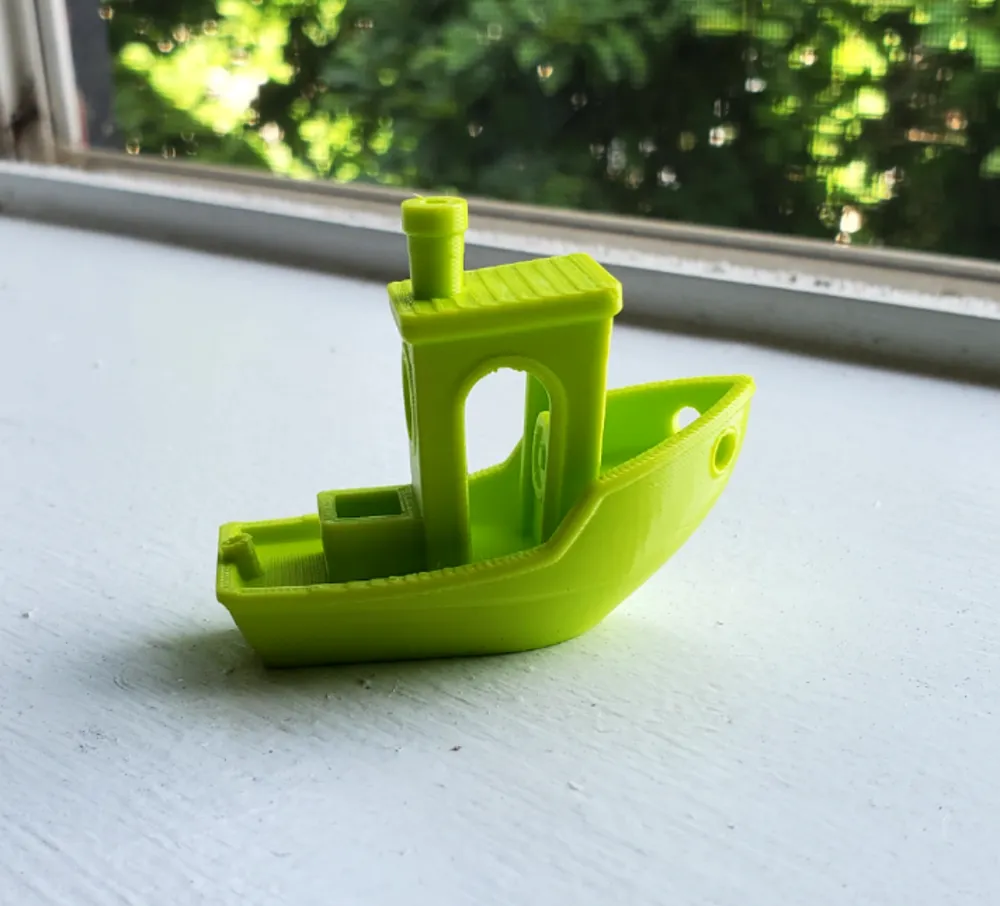
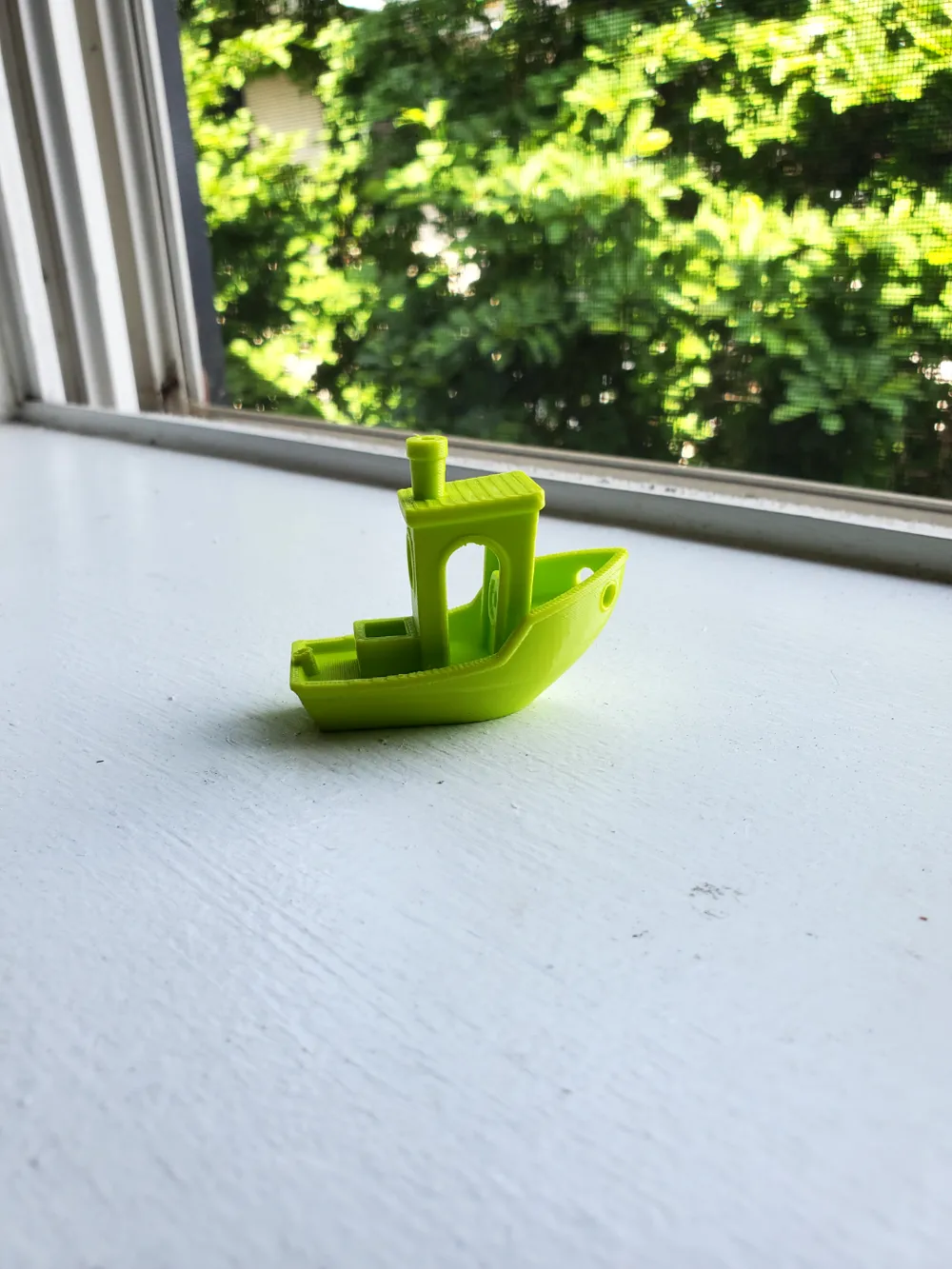
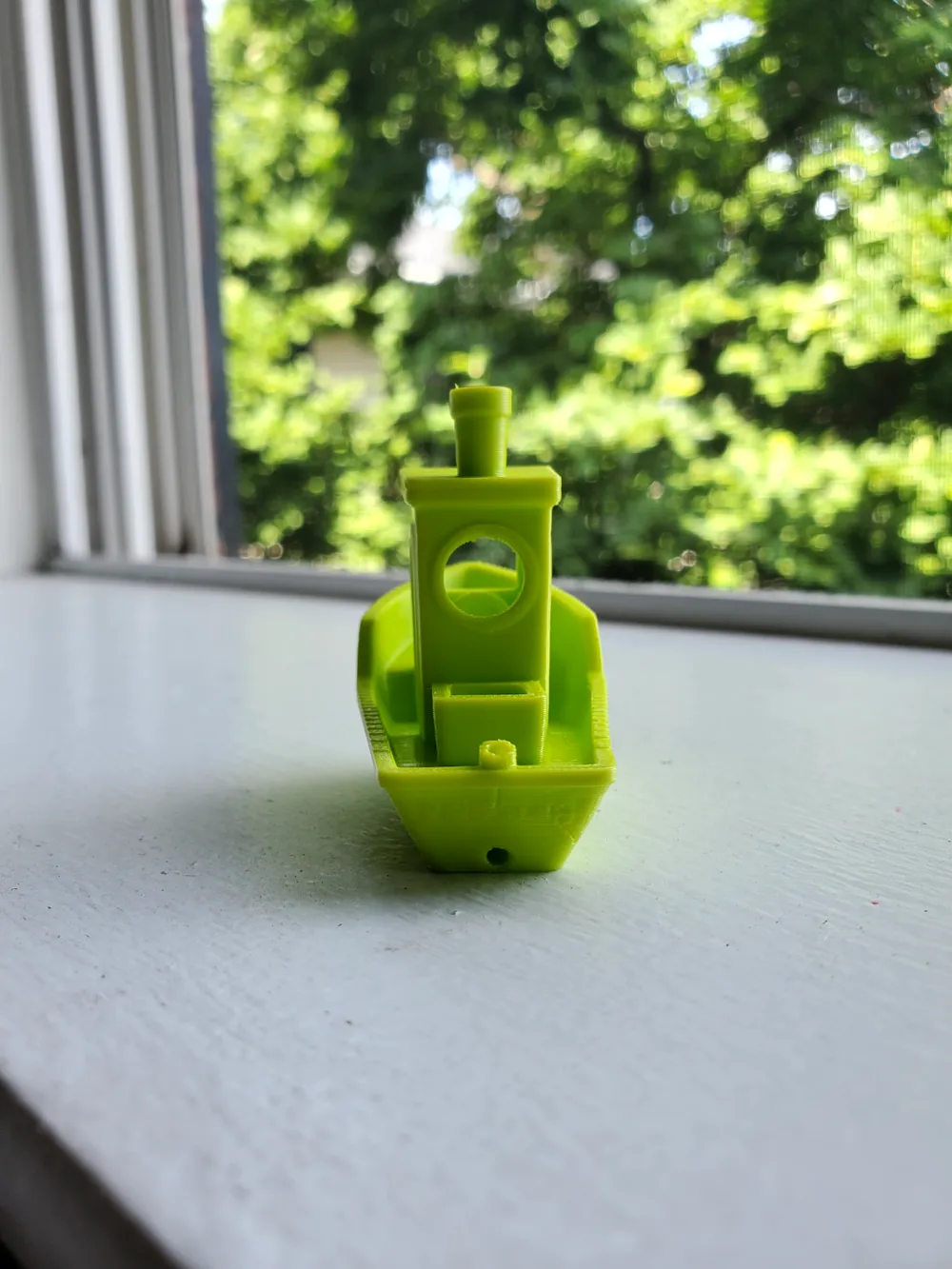
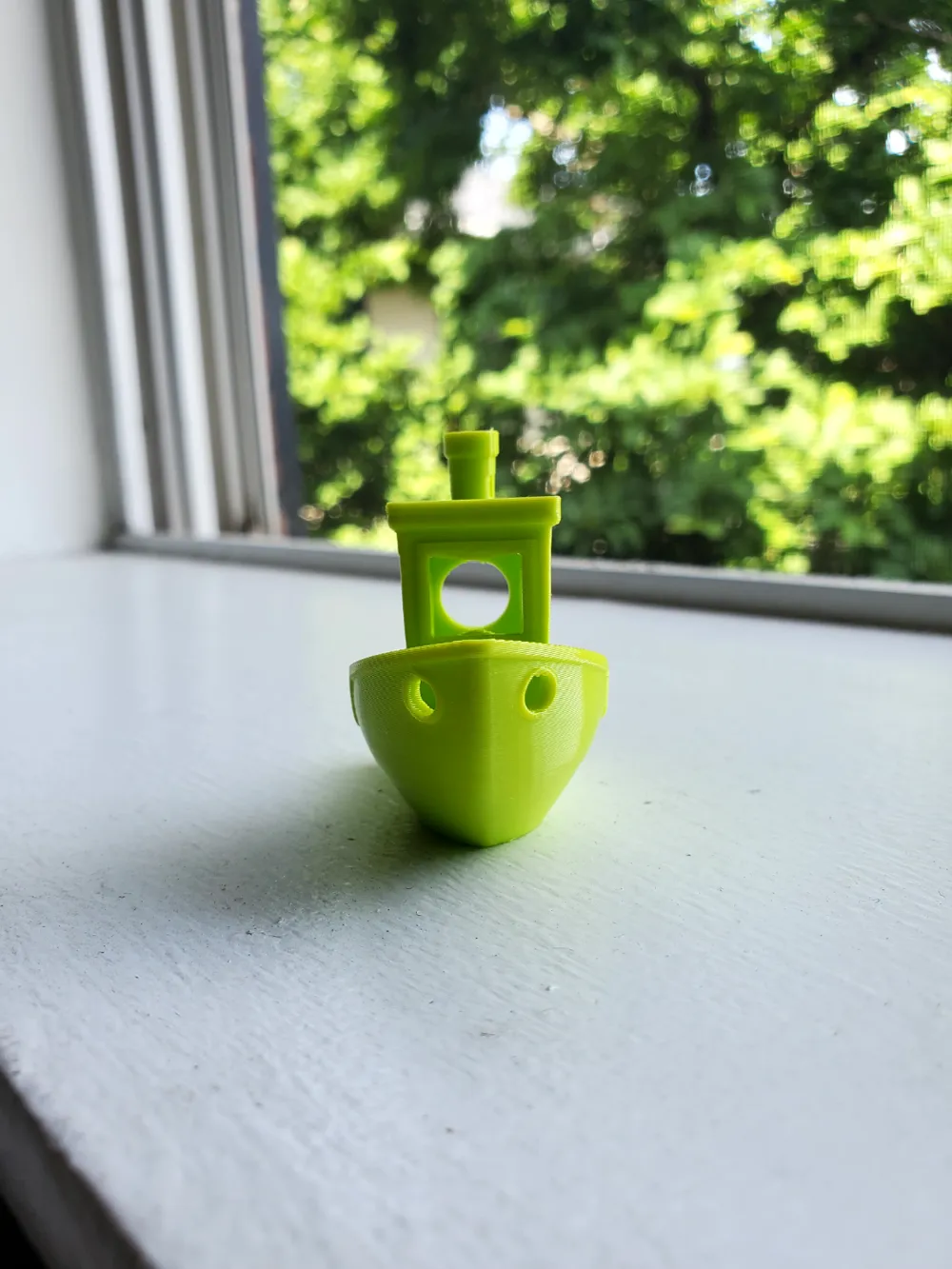
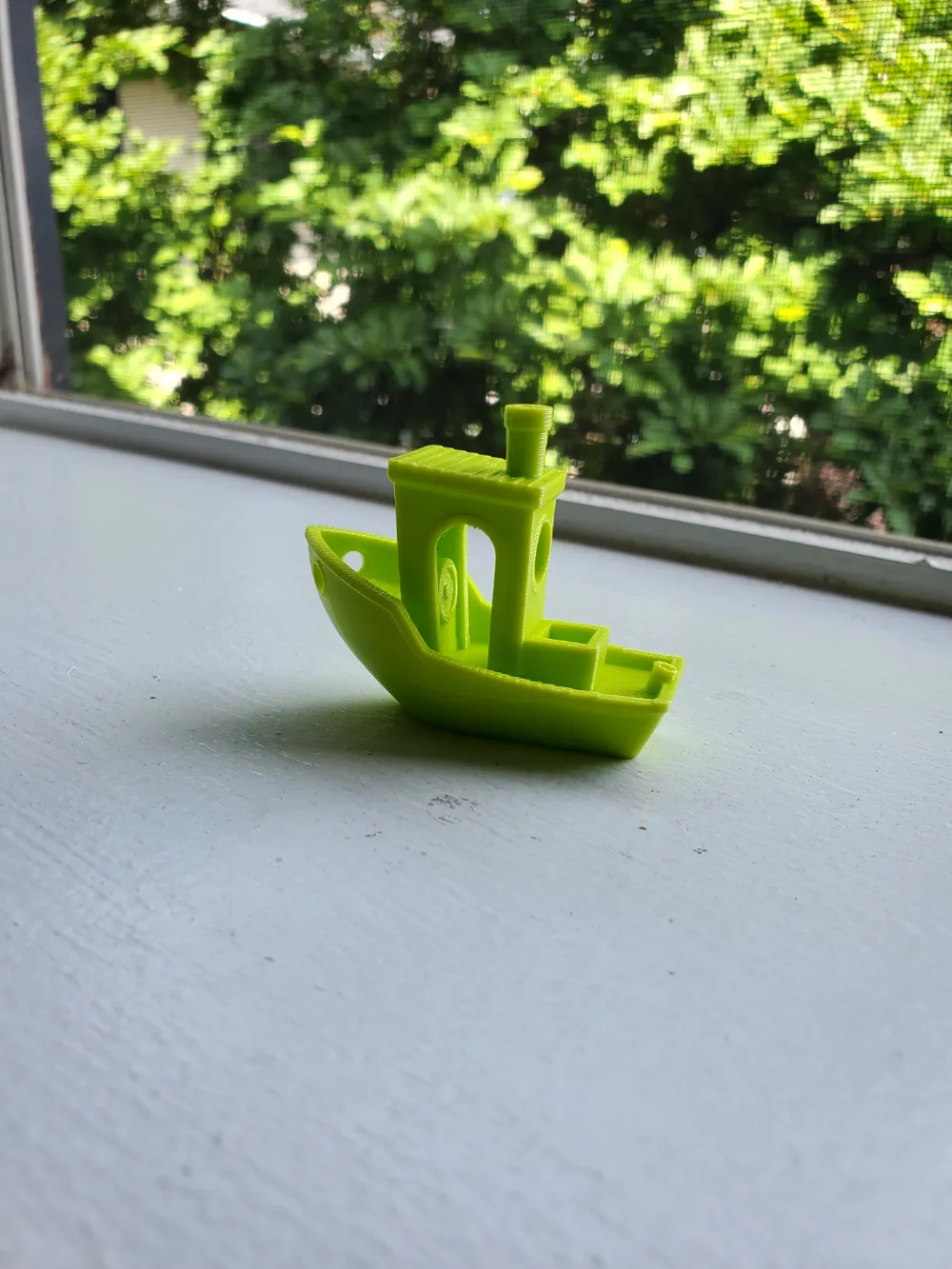
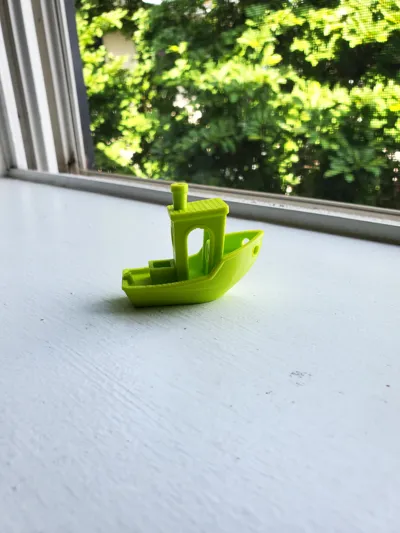
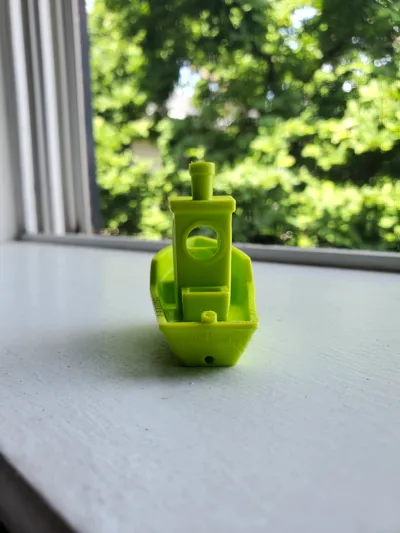
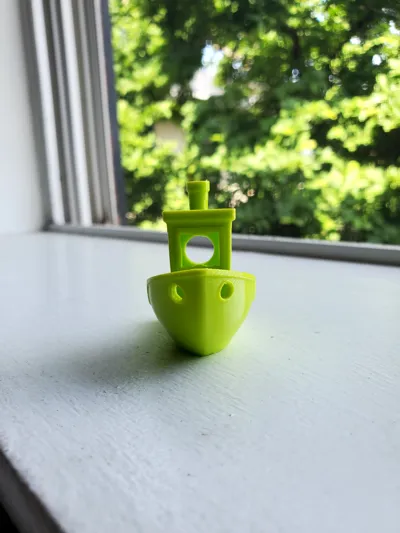
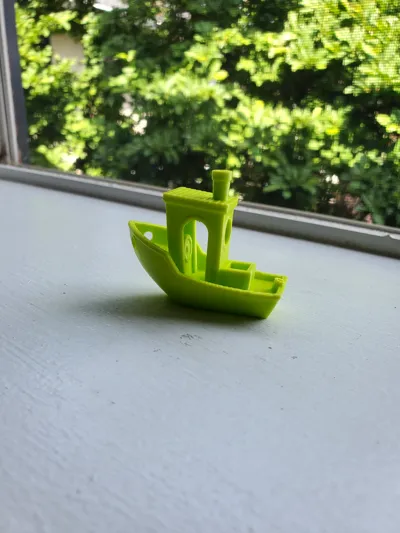
After the tuning, the TPU prints almost as well as PLA with pretty much no stringing. As you can see the benchy is near perfect (bridging slightly drooping). But this is an excellent starting point for most prints with high speed TPUs, at least for me. My goal is to share my findings, and please feel free to share your prints and comments on what improvements you've made!
Settings I changed and why:
Filament settings compared to Bambu TPU 95 HF settings
- Flow ratio: changed to 0.99, this value will depend on your calibration
- Flow dynamics K value: make sure to calibrate your K value first! Mine is around 0.26 at 220C for a starting point
- Nozzle temperature: first layer 220C, other layers 220C
- a lot of profiles used 240C - 250C, but I did a few temperature towers, the bridging performance is significantly worse in those temps compared to 220C. I also did a max volumetric flow rate test and overture high speed tpu can extrude comfortably around 8-9mm3/s at 220C, so we're not losing much on speed. Also lower temperature helps with releasing TPU from the build plate significantly. In my experience with textured PEI plate, there's no need for releasing agents like glue at this first layer temperature and still has excellent layer adhesion.
- Max volumetric speed: 7.2 mm^3/s
- Did max volumetric flow rate test and this filament an extrude comfortably around 8-9mm3/s at 220C, so setting it at 7.2mm3/s to be safe. This implies 86mm/s print speed at 0.2mm layer height, which is good enough for TPU for me
- retraction length: 1mm. Increased the retraction to help with stringing
- Z hop when retracting: 0. Here I disabled Z hop because it introduces a lot of stringing, and I'm less worried about nozzle hitting the print since the print is flexible
- retraction and detraction speed: 20mm/s. Reduced the retraction and detraction speed because TPU is flexible, high retraction/detraction speeds can compress/stretch the filament
- Wipe distance: 3mm. This is very important for reducing stringing, basically drags the nozzle above printed lines for longer to absorb any strings
Print settings compared to 0.2mm standard BBL X1C
- Avoid crossing walls: enabled. This is very important, the nozzle won't cross walls unless necessary, this significantly reduces stringing.
- Bridge flow ratio: 0.85. Slightly thinner lines bridge better in my experience
- Sparse infill pattern: gyroid. Especially important for TPU. Even strength in three dimensions.
- First layer infill: 70mm/s. Slows down first layer to get slightly better layer adhesion
- Bridge speed: 30mm/s. Works slightly better than 50mm/s when bridging
- Overhang speed at [75%, 100%): 30mm/s. This works better for steep overhangs than the default 10mm/s
- Acceleration: normal printing at 5500 mm2/s, inner and outer wall at 2000 mm2/s
- Since TPU doesn't like sudden speed changes, I've reduced the acceleration settings
Print setup
- Dried the filament for 12 hours at 55C in a filament drier before printing
- The filament is continuous dried during printing, fed from the filament drier directly to the back of the printer. Did not use the AMS. It may work occasionally, but it will eventually jam
- I have the top glass on, but the door open wide, for better cooling. This filament seems to like cooling



Comment & Rating (1018)